
Timeline for Weebly

Use a timeline widget to display events and milestones in chronological order with images and text so visitors understand your story clearly.

Create a Timeline

loved by 500K+ businesses

Weebly
plugineditor

Why Should You Use the Timeline Widget+?

Optimize Content Presentation and Clarity with Timeline for Weebly

With the Timeline app for Weebly, you can organize and present information in chronological order, making it easier for your users to understand the content on your Weebly website. The Timeline app is notably beneficial for website showcasing historical events or for websites seeking to tell a tale using a captivating timeline.

Boosted User Interaction and Involvement

Utilizing the Timeline for Weebly can create a more enthralling and user-friendly Weebly website, enticing users to navigate through the content and increase the time spent on your website.

Superior Visual Presentation with Weebly Timeline app

Incorporating the Weebly Timeline app can enrich your website's visual allure, creating a more inviting and memorable environment for guests.

Tailored Timeline Layouts: Vertical & Horizontal Options

Offering both vertical and horizontal timelines, the Weebly Timeline app enables you to adapt the design according to your Weebly website's unique requirements. By selecting between vertical and horizontal layouts, you can effectively optimize the presentation of your content for better readability and visual appeal.
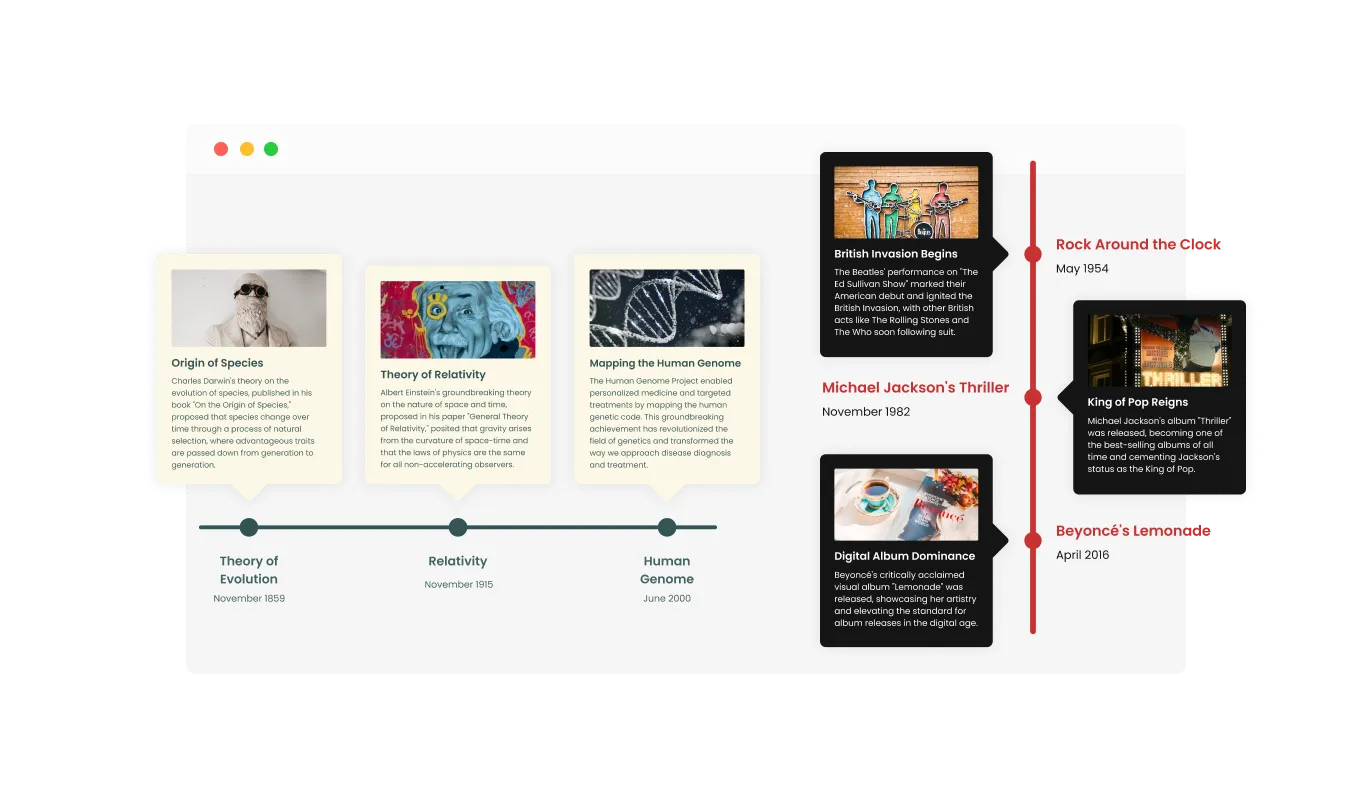
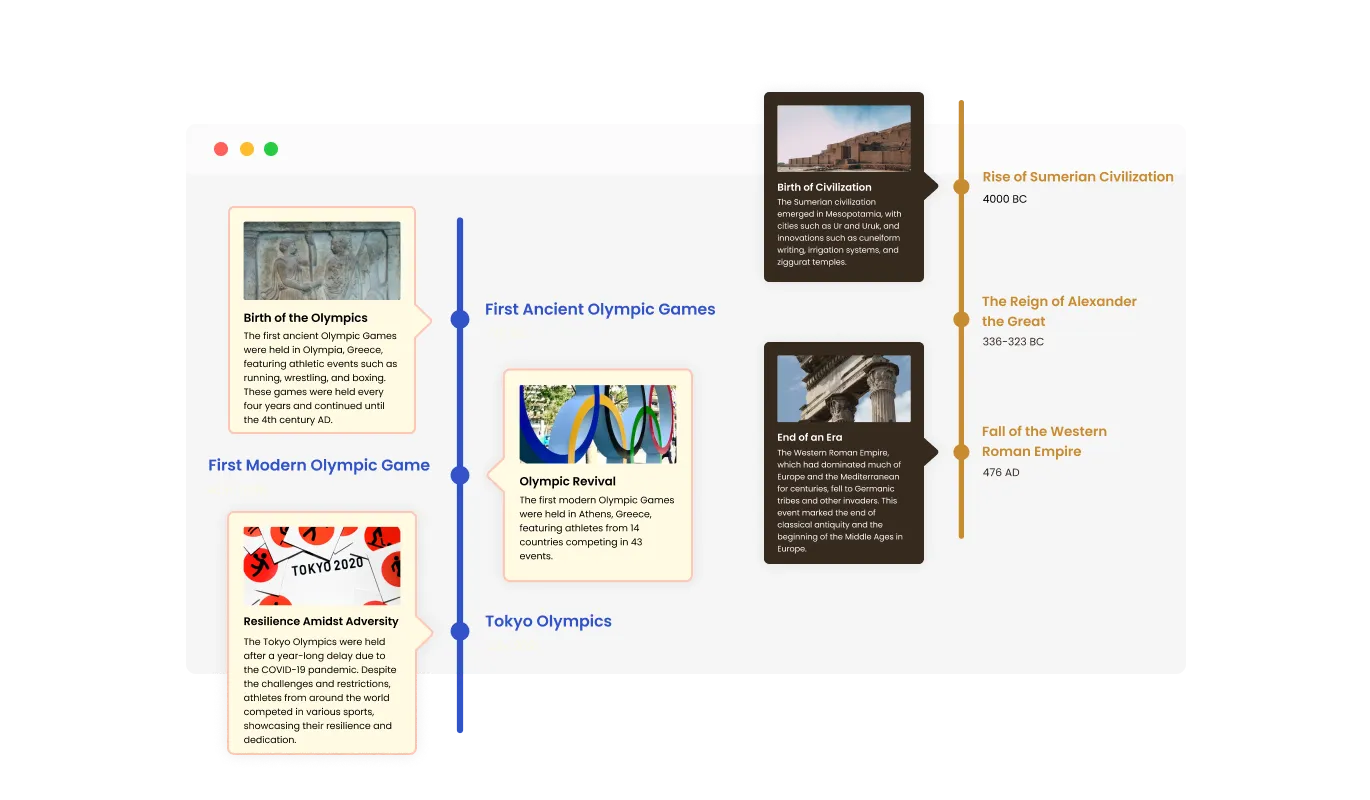
Timeline - Tailored Timeline Layouts: Vertical & Horizontal Options

Assortment of Weebly Timeline Designs

The Weebly Timeline app presents an assortment of layout alternatives, helping you achieve a cohesive look with your Weebly website's design and style. Given the diverse layout options, you can effortlessly identify the ideal choice that corresponds to your Weebly website's design and structure, ensuring a visually cohesive integration.

Timeline - Assortment of Weebly Timeline Designs

Diverse Timeline Skins Offered by Weebly Timeline app

Offering a selection of visually appealing skins, the Weebly Timeline app enables you to create a striking design with minimal customization efforts. With this collection of pre-styled skins, you can achieve a high-quality design and visual appeal while greatly reducing the necessity for extensive adjustments.

Timeline - Diverse Timeline Skins Offered by Weebly Timeline app

Fully Customizable Timeline for Weebly

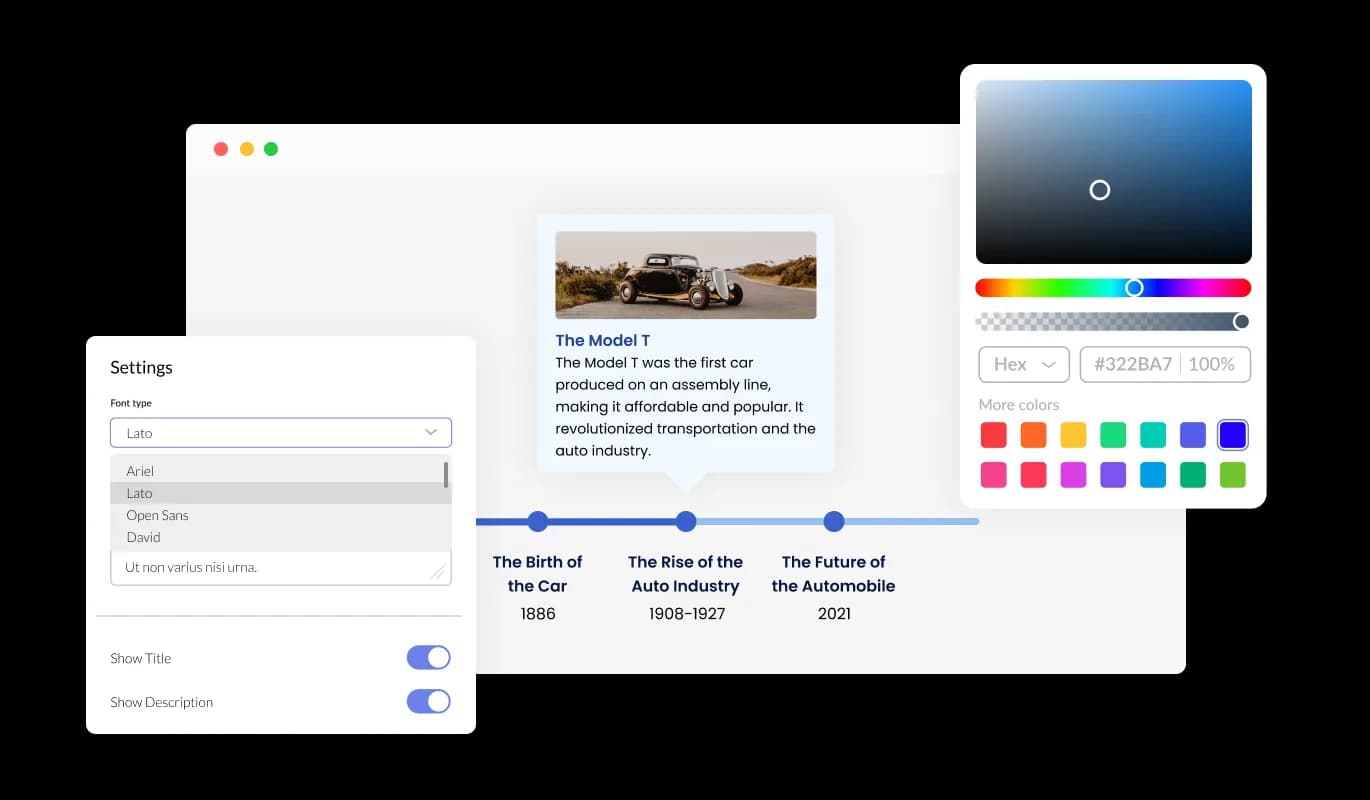
Enjoy extensive customization options with the Timeline Weebly app, ensuring the design aligns perfectly with your requirements. To create a unified and polished appearance, you may also select from a variety of font choices and modify the font's size, style, and color. You can alter the spacing in addition to these style choices to make sure it blends in with the rest of your Weebly website's design.

Timeline - Fully Customizable Timeline for Weebly
Timeline - Boosting Timeline Appeal with Image Inclusion

Boosting Timeline Appeal with Image Inclusion

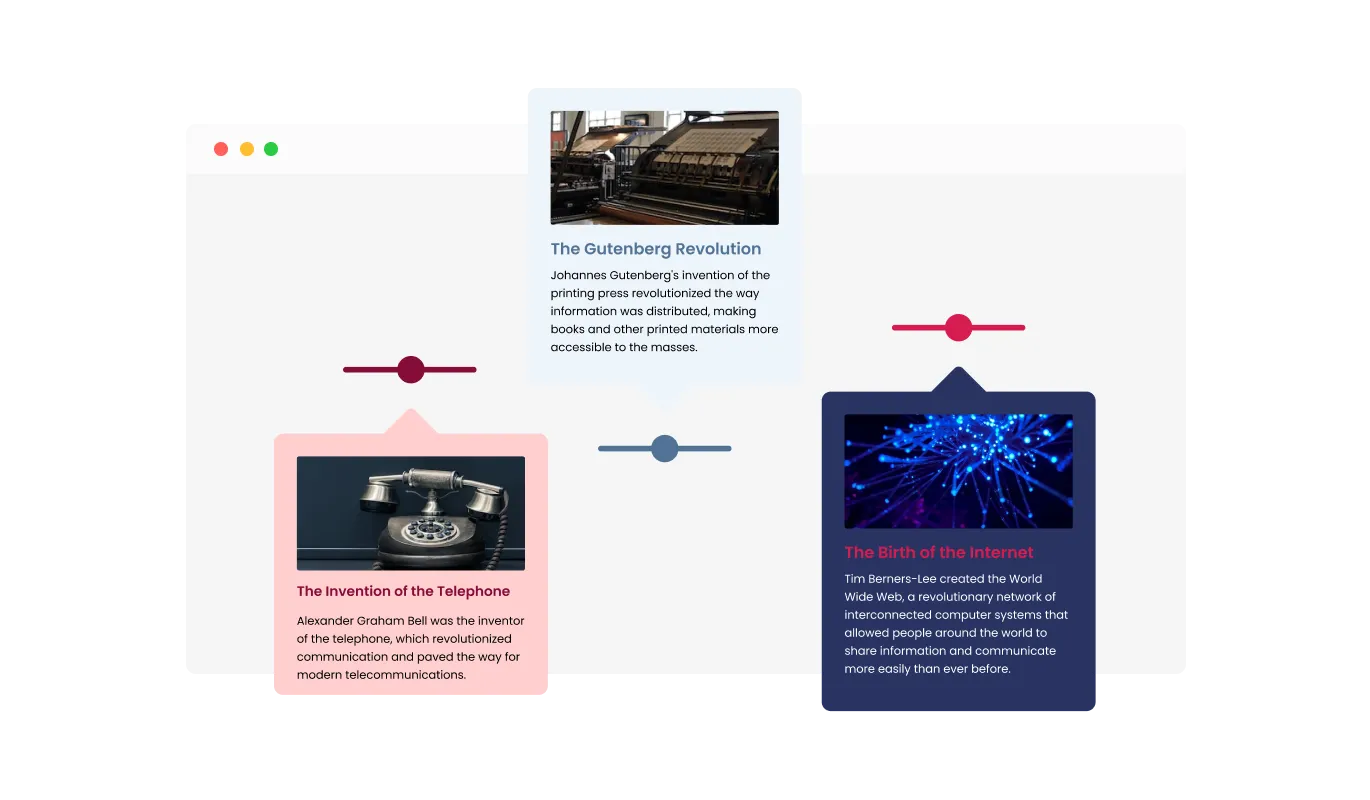
With the Weebly Timeline app, you can seamlessly integrate images into specific timeline elements, amplifying visual appeal and capturing user interest while facilitating clearer communication of intricate concepts or events.

Timeline - Item Visibility Controls

Item Visibility Controls

Equipped with a variety of trigger settings like "always," "never," "on hover," and "scroll to view," the Weebly Timeline app empowers you to devise a personalized user experience that bolsters content exposure and sustains audience engagement by governing the unveiling of details.

Timeline - No Coding Skills Required: Weebly app Timeline

No Coding Skills Required: Weebly app Timeline

The Weebly Timeline app is designed for ease of use, eliminating the need for coding expertise. Our user-friendly interface allows you to modify the timeline to your liking with only a few simple clicks. Consequently, people with no coding background can effortlessly design a high-quality Timeline that connects with their Weebly website, amplifying their digital presence and user engagement.

Perfectly Responsive Weebly Timeline app

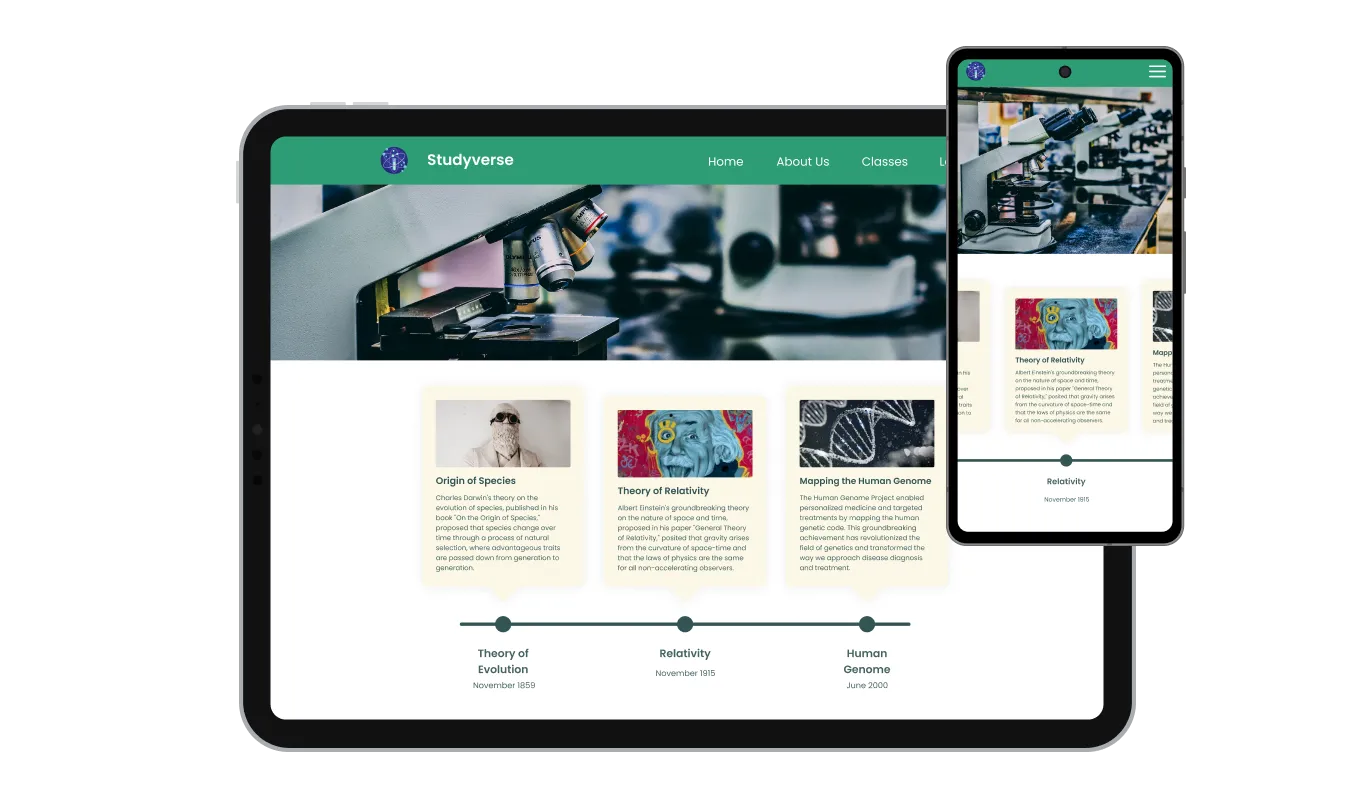
Featuring a clean and contemporary design, the Timeline app for Weebly not only improves your website's appearance but also offers complete responsiveness for optimal viewing on any screen size. Considering the rising reliance on mobile devices for internet access, it's imperative to offer a Weebly website that is finely tuned for optimal performance on phones and tablets. The Weebly Timeline app empowers you to achieve this, giving you a competitive edge in the digital landscape.

Timeline - Perfectly Responsive Weebly Timeline app

Take Full Control with Weebly Timeline app Custom CSS

You have total control over how the Timeline appears thanks to our robust advanced editor. This allows for effortless adjustments to the Timeline's appearance in every way, ranging from layout and positioning to colors and typefaces. Yet, if you're feeling extremely inventive, you can enhance your customization by making changes straight to the CSS. This enables you to further personalize the Timeline app by implementing more intricate adjustments. Whether it's simple touch-ups or more involved changes, our robust editor is designed to support your customization efforts.

Timeline - Take Full Control with Weebly Timeline app Custom CSS

Easy To Embed Weebly Timeline app

Embed the Timeline app on your Weebly website with ease by just copying and pasting a code snippet into your Weebly's webpage HTML. Any modifications made in the Timeline Editor will be automatically updated on your Weebly website due to the self-updating feature, eliminating the need for manual updates.

Timeline - Easy To Embed Weebly Timeline app

Compatible With All Site Builders, E-Commerce Platforms and Websites

webflow logoshopify logowix logowordpress logobigcommerce logosqurespace logoweebly logojoomla logoduda logojimdo logomagento logoshift4hsop logounbounce logocarrd logo
View all supported platforms

FAQ

A timeline widget is a versatile tool that allows you to display a series of events or milestones in chronological order on your website. It enhances the visual appeal and organization of your content by presenting it in an easy-to-understand format.

Using a timeline on your website offers several benefits, including better organization of your content, improved user engagement, and enhanced visual appeal. Timelines help visitors quickly grasp the sequence of events or milestones, making your website more informative and user-friendly.

Timeline widgets are commonly used in various website contexts, such as showcasing a company's history, presenting project milestones, displaying a personal portfolio or resume, outlining event schedules, or illustrating the progression of a blog or news articles. Timelines help convey information in a visually engaging and easily digestible manner.

Yes, the Timeline widget allows you to easily switch between vertical and horizontal timelines, helping you tailor the design to your specific needs.

Yes, the Timeline widget enables you to add images to individual items on the timeline, making it more visually appealing, eye-catching, and easier to understand

The Timeline widget allows you to choose various triggers for showing items, such as “always”, “never”, “on hover”, and “scroll to view”.

Yes, the Timeline widget offers multiple layouts that you can choose from to ensure it fits your overall website design and style.

Absolutely! The Timeline widget comes with a variety of beautiful skins to choose from and is fully customizable, allowing you to change the colors, fonts, spacing, and more.

Yes, the Timeline widget is fully responsive and will look great on any device, keeping you ahead of your competitors in a mobile-first world.

No, the Timeline widget is easy to use and requires no coding knowledge. The intuitive dashboard with drag-and-drop features enables you to customize the widget with just a few simple clicks.

Yes, as with all of Common Ninja's apps, you can add custom CSS to customize the Timeline widget and be even more creative.

You can easily embed the widget on your website by copying a single line of code. The Timeline widget will also be updated automatically with every change you make.

It’s simple. All you need to do is to sign up and start using the free version.

Common Ninja’s Timeline widget is free to use. It is limited to a certain amount of views, however.

Common Ninja’s Timeline widget is compatible with ALL current and future website builders.

Yes, the Timeline widget is GDPR-compliant.

No. Using our Timeline widget is very simple. The widget comes with an intuitive drag-and-drop interface and fully customizable options. Once you’ve finished editing the widget to your liking, all you need to do is copy the provided code and add it to your website.

Yes. We are eager to hear your request. Please visit our Feature Request page.