





Ticker Animation
Adding the Twitter feed widget for TeleportHQ to your TeleportHQ website will add a sense of activity by displaying an animated "ticker". Using it immediately captures the user's attention.
The Twitter feed widget allows you to compile and group different Twitter feeds into one page for easier accessibility.
Your readers will have an easier time accessing all of your Twitter feeds if you group them into one page.
The Twitter feed widget is fully customizable, so you can enhance the design of your TeleportHQ website page. The gentle "ticker" animation can also be used to enhance the design, which is sure to enhance the appeal of your site.
Adding the Twitter feed widget for TeleportHQ to your TeleportHQ website will add a sense of activity by displaying an animated "ticker". Using it immediately captures the user's attention.
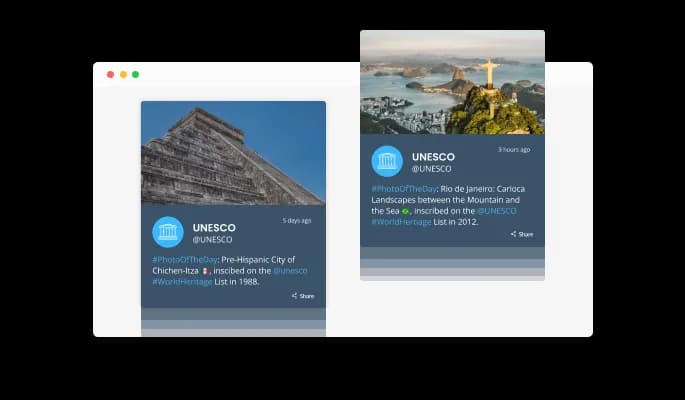
"Auto-refresh" will keep refreshing the feed over time when toggled on in Twitter feed for TeleportHQ .

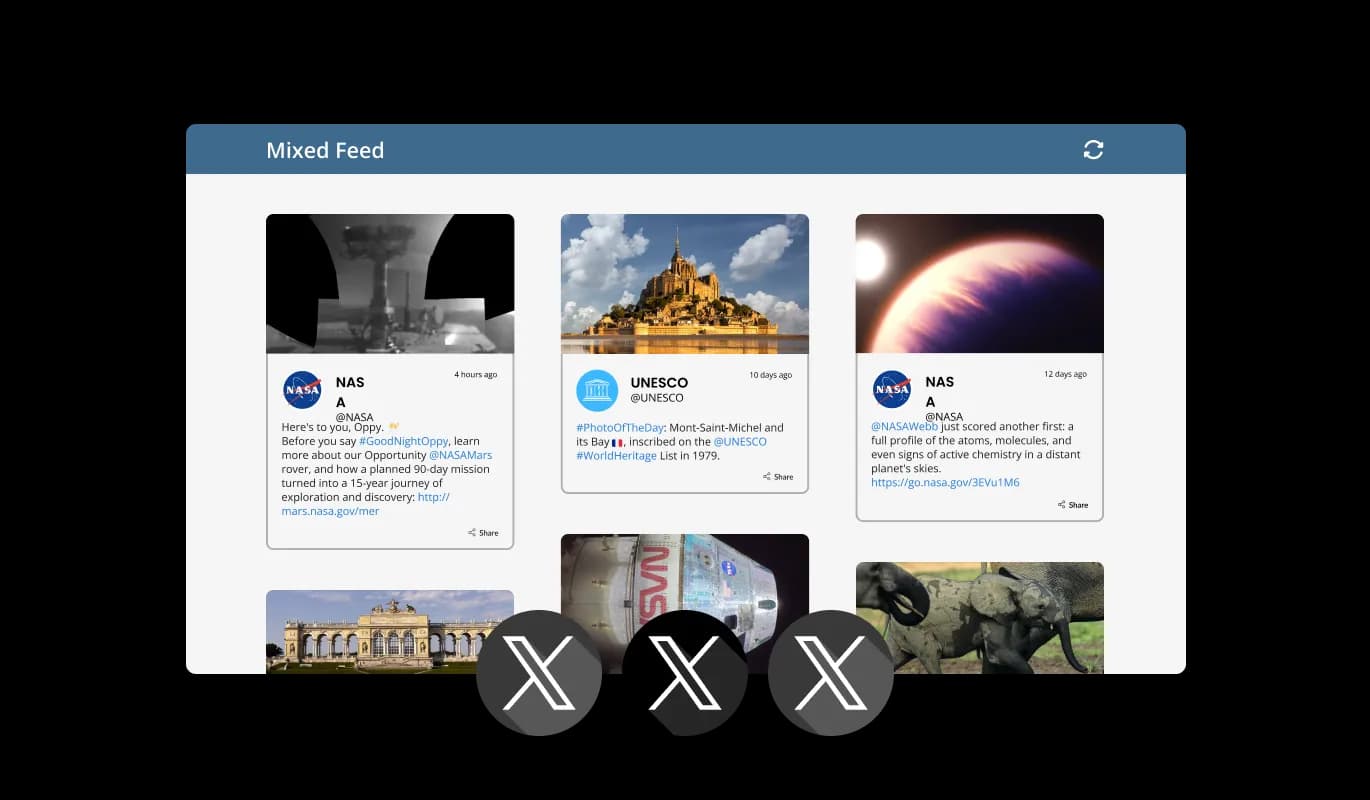
Using the Twitter feed widget for TeleportHQ , you can choose between Tabs and Mixed feeds. Tabs keeps your tabs organized by feed order, while Mixed mixes various feeds to create a diverse feed.
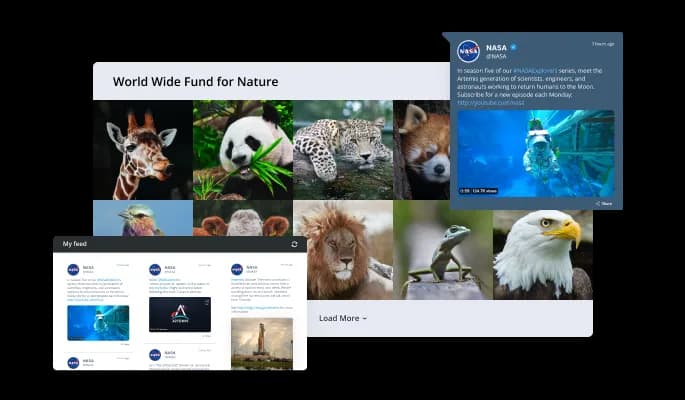
A variety of layouts are available for customizing the Twitter feed widget to fit your TeleportHQ [siteTeleportHQ _type] vision. We provide you with a variety of layout options that will allow you to choose the best design that matches your brand and users' needs.
You don't have to spend much time customizing the TeleportHQ Twitter feed widget, since it comes with several beautiful skins for your TeleportHQ website. These skins will complement most design color schemes and will enable you to quickly and effortlessly set up a beautiful Twitter feed widget for your TeleportHQ website.
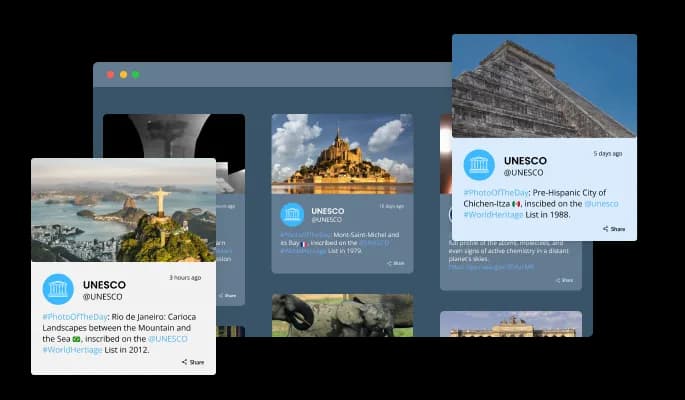

In addition, you can customize the date and time to suit your preferences and those of your TeleportHQ website visitors.

It is possible to simplify widget Twitter feed by reducing the characters length.

Right-to-left writers will find full RTL support in Twitter feed widget for TeleportHQ . Get your news out to users from all over the world on your TeleportHQ website.

It is not necessary to have any coding knowledge to use Twitter feed for TeleportHQ . In just a few clicks, you can customize widget according to your liking with our drag-and-drop dashboard.
The Twitter feed widget for TeleportHQ features full customization options so you can edit the design to fit your TeleportHQ website needs. Everything from colors to fonts to spacing can be customized!
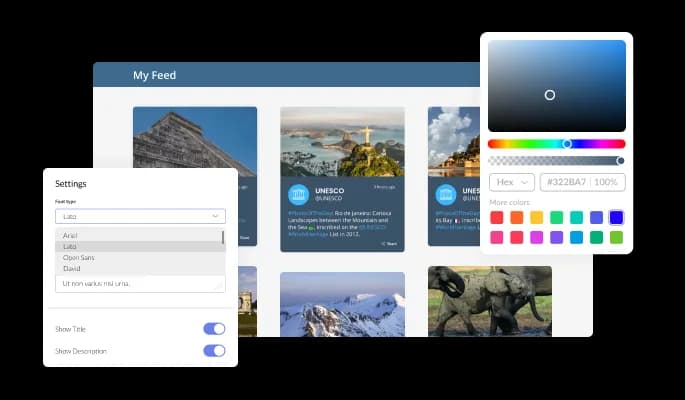
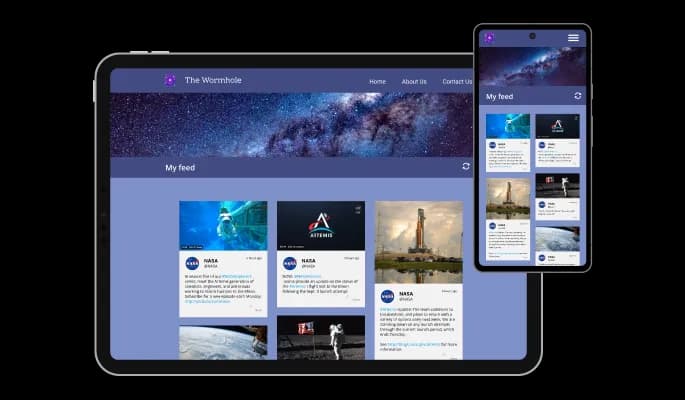
Our Twitter feed widget for TeleportHQ is designed to be fully responsive and will look fantastic on any device. With this feature, you will be able to stay ahead of your competitors in a mobile-first world.
As with the rest of Common Ninja's widgets, Twitter feed for TeleportHQ can be further customized using custom CSS.

You can embed the Twitter feed widget and add it to your TeleportHQ website easily by copying a single line of code. Every time you make a change, the TeleportHQ Twitter feed will be automatically updated on your TeleportHQ website.

It is possible to limit the number of tweets displayed per page.
You can decide where the tabs should be positioned in the settings menu.
Yes, you can switch on or off auto-refreshing.
Yes, you can add a background image, and to further customize its behavior.
Yes, you can customize the feed’s height.
Yes, you can easily do so from the “Templates” tab.
Yes, currently there’s a “ticker” animation that you can trigger.
Yes, there are lots of beautiful skins that you can choose from to save time and start using the widget as quickly as possible.
Yes, you can either upload an image or select an icon from a large selection of available icons to add to your X Feed, or, alternatively, you can leave it all blank.
Using the X Feed widget is very easy. Simply sign up and start using the free version. There's no need to worry about complicated setup or installation processes, as the X Feed widget is designed to be user-friendly and straightforward. Once you've signed up, you'll have access to all of the basic features and functions of the widget, which you can use to enhance your website and improve your online presence. From there, you can choose to upgrade to the paid version if you want to access more advanced features and capabilities. Regardless of which version you choose, you'll find that the widget is a powerful and easy-to-use tool that can help you take your online presence to the next level.
The Common Ninja X Feed widget is a free tool reach with features and options. While this widget is free to use, it does have a limit on the number of views it can handle. This means that after a certain number of views, the chat button may no longer be visible or functional on your website. It is important to note that this view limit may vary depending on your plan. Despite this limitation, Common Ninja's X Feed is still a valuable tool for businesses looking to increase customer engagement and improve the overall user experience of their website.
The Common Ninja's X Feed widget is a versatile tool for any website builder. This means that you can easily add this widget to your website or store no matter what platform you use to build your website. The X Feed widget will work seamlessly with your platform whether you are using a popular website builder or something more specialized. This means you can enjoy all the benefits of this powerful tool without having to worry about compatibility issues.
No need for coding skills. Our X Feed widget is designed to be easy to use, even for those with limited technical experience. The widget features a user-friendly interface that allows you to easily customize the widget without coding knowledge. You can fully customize the X Feed to match your branding. When you're done, simply copy the provided code and paste it into your website. It's that simple!
The X Feed widget is designed to comply with the General Data Protection Regulation (GDPR), a set of EU regulations protecting personal data and privacy. When using the X Feed widget, you can be confident that it will not collect or store personal data that could violate GDPR regulations. This ensures that your business is in compliance with these regulations and can protect your customers' data privacy. Overall, the X Feed widget is a secure and reliable tool that can be used to enhance your website without any concerns about GDPR compliance.
Yes. We are eager to hear your request. Please visit our Feature Request page.
An X Feed is a type of graphical user interface element that displays a list of recent posts from a specific X account or hashtag. An X Feed typically includes the user's profile picture, username, and the content of their tweet, as well as features such as the ability to reply, retweet, or like the tweet. X Feeds are often used on websites and blogs to provide real-time updates and engage with followers. They can also be used to showcase the latest news, events, or promotions from a business or organization.
An X Feed widget can potentially improve the user experience (UX) of a website in several ways. By displaying real-time updates from X on the website, an X Feed widget can provide dynamic, fresh content that can help to keep visitors engaged and interested. This can also provide a more personalized and social aspect to the website, as it allows visitors to see what others are saying about the organization or topic. Additionally, an X Feed widget can provide an easy way for visitors to follow the organization on X, which can help to build a community and foster engagement. Overall, a well-designed and well-placed X Feed widget can contribute to a more engaging and interactive UX for website visitors.
Including an X Feed on a website can potentially improve its search engine optimization (SEO) in a few ways. First, the regular updates and fresh content provided by an X Feed can help to keep the website active and engaging, which can signal to search engines that the website is worth ranking highly. Second, the tweets themselves may include keywords and phrases that are relevant to the website's content, which can help to improve the website's ranking for those terms. Finally, if the X Feed is set up to automatically include links to the website's content, this can increase the number of inbound links to the website, which can also improve its SEO. However, it's important to note that an X Feed alone is not a guaranteed way to improve SEO, and it should be part of a broader SEO strategy.
Displaying an X Feed on a website can provide several benefits, including:
Embedding the X Feed widget on your website is a straightforward process. Simply copy the provided code and paste it into the desired location on your website. The widget will seamlessly integrate into your site, allowing you to take advantage of its features and functions. No technical expertise or programming knowledge is required - just copy and paste the code to get started. This simple process allows you to easily add the widget to your website and enhance its functionality without any hassle.