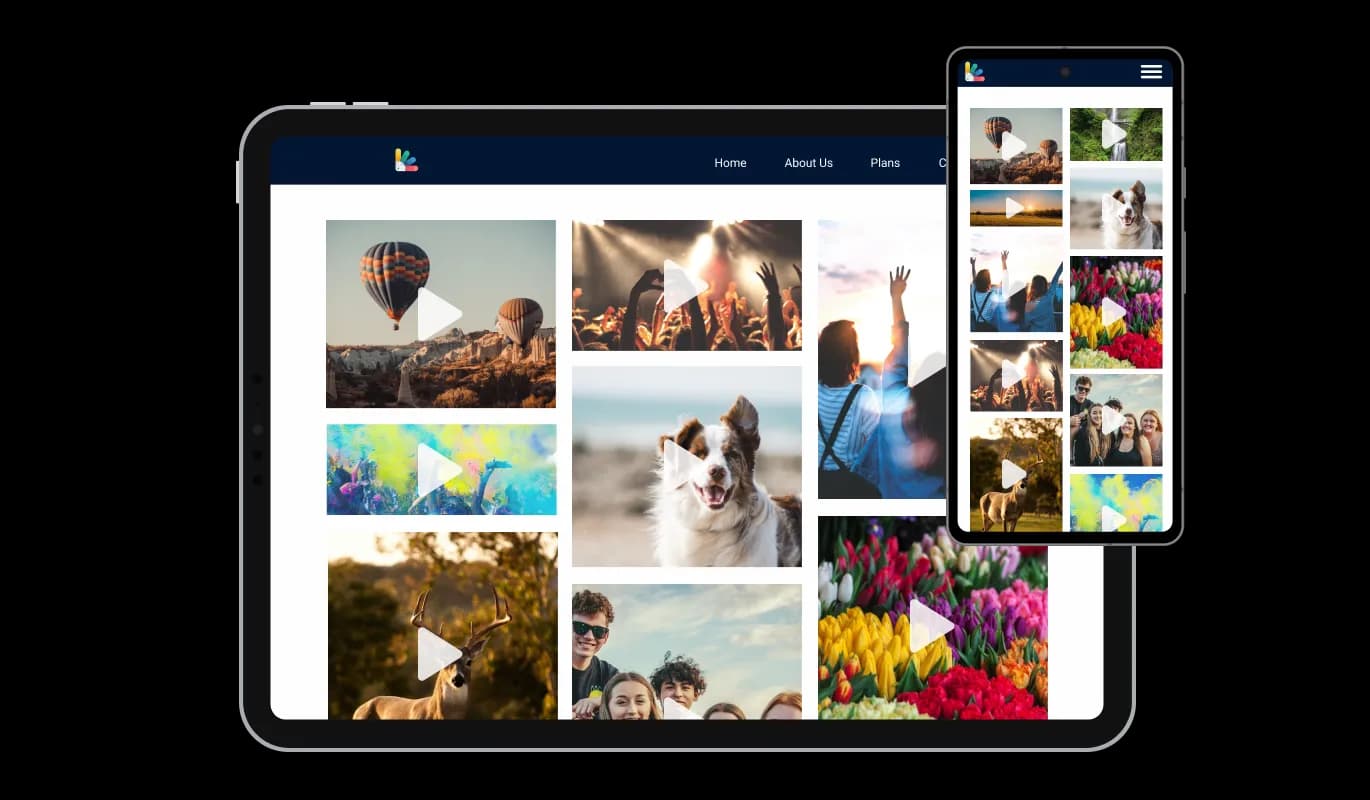

Video Gallery for Kentico Xperience

Showcase videos with a video gallery that organizes clips from multiple sources in clear visual layouts that keep visitors watching and support higher conversions.

Create a Video Gallery

loved by 500K+ businesses

Kentico Xperience
plugineditor

Why Should You Use the Video Gallery Widget+?

Use Kentico Xperience Video Gallery to Increase Conversions

You may display films of your goods or services in the Video Gallery for Kentico Xperience in a powerful manner that will aid in turning visitors into clients. As a technique to convey your message in a way that visually engages and draws the attention of your target audience, video content has been shown to be a successful marketing tool.

Increasing user experience

By adding extremely engaging video material to your website in an orderly and aesthetically pleasing manner, the Video Gallery integration for Kentico Xperience will make it simpler for your visitors to watch your movies. By changing the structure, look, and playback settings of the Video Gallery integration, you have complete control over how your movies are displayed on your Kentico Xperience website.

Boost Engagement by Using the Video Gallery

With the Kentico Xperience Video Gallery integration, you can encourage visitors to share your videos on social media, thereby increasing your reach and engagement. Also, you may offer your video content using the integration Video Gallery in an appealing and organized style, which will make it easier for users to find and watch your movies.

Descriptions & Captions

To assist viewers to understand what they are watching, the Kentico Xperience Video Gallery integration lets you put a title and explanation beneath the video. By supplying pertinent text material for search engines to index, this feature not only improves the user experience but also aids with SEO.
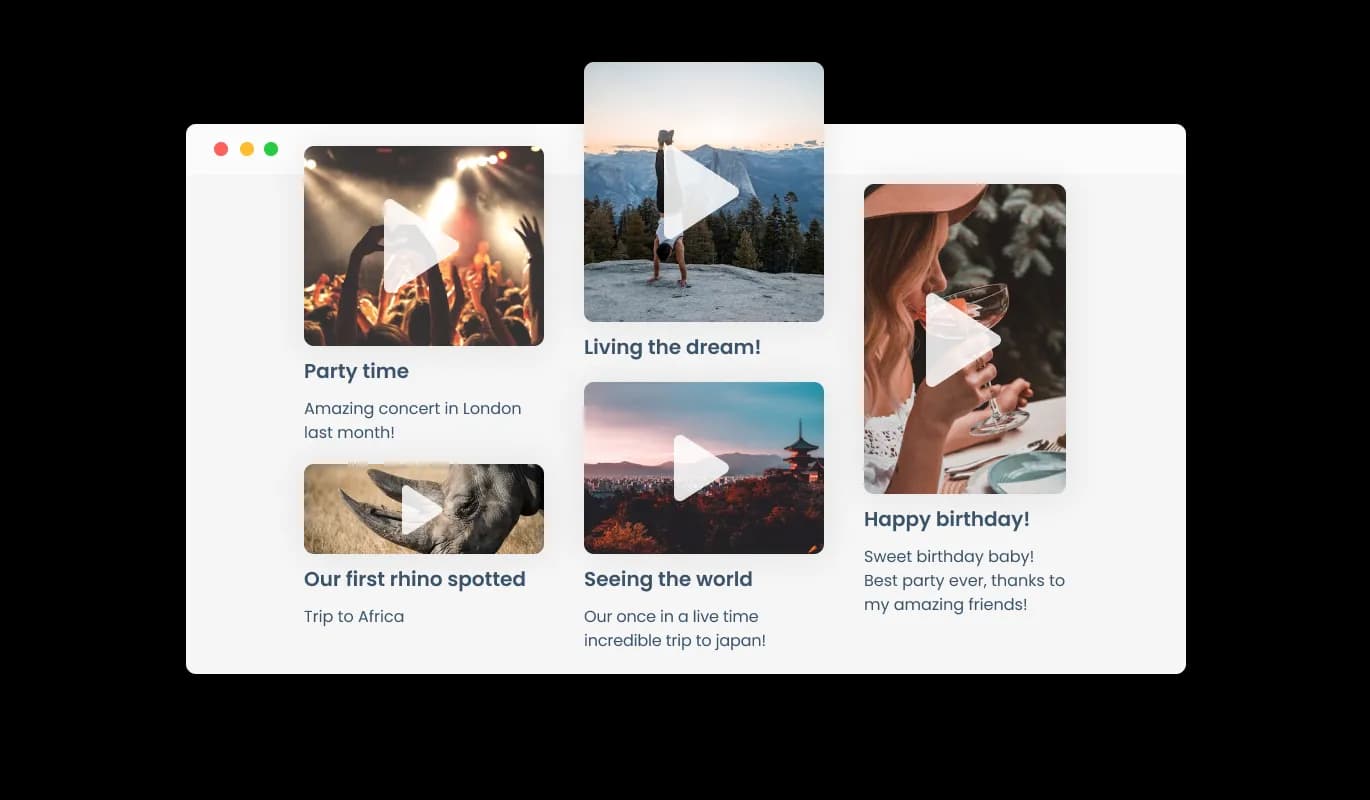
Video Gallery - Descriptions & Captions

Take Control of Your Video gallery on Kentico Xperience with Full Customization Features

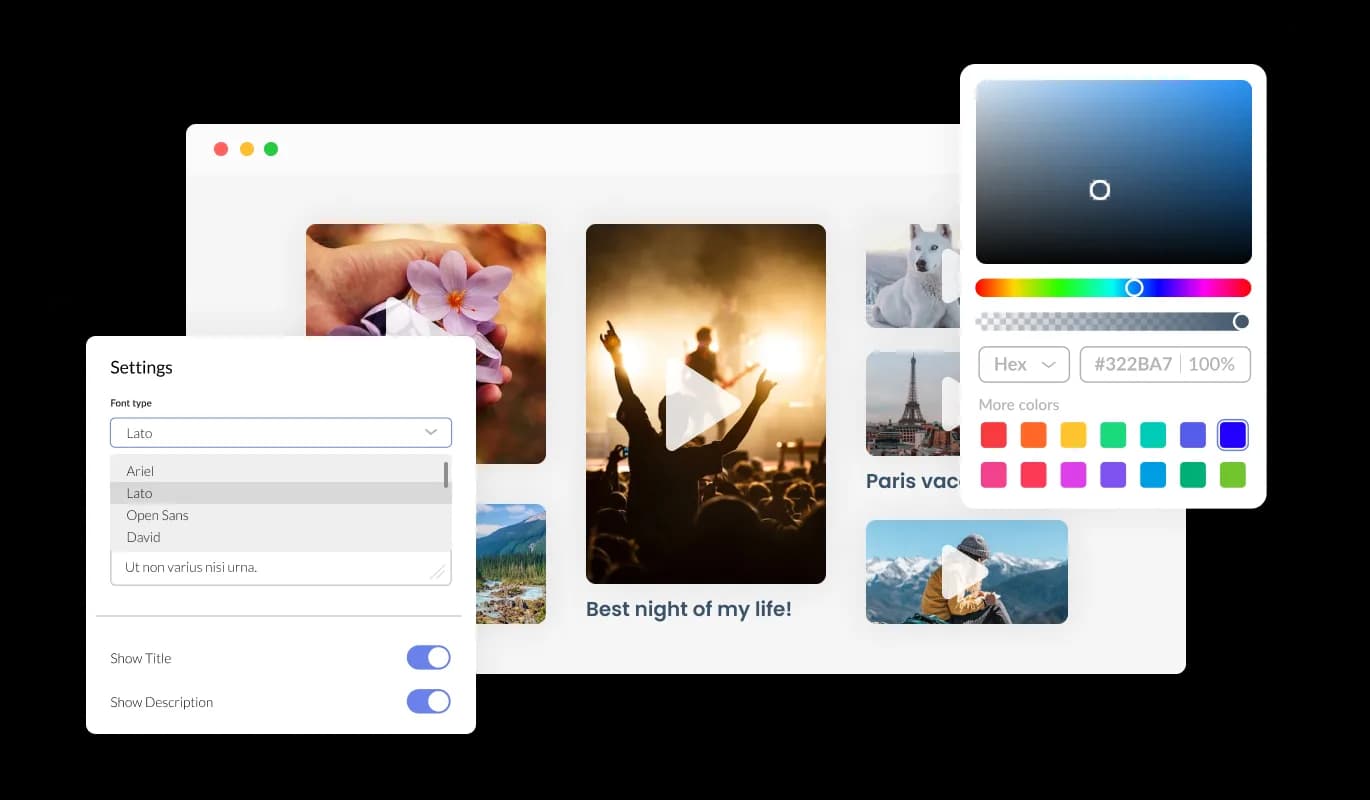
You can fully customize the Video Gallery for Kentico Xperience to alter the design to suit your needs. The Video gallery for Kentico Xperience allows you to change the colors, fonts, spacing, and various other design elements to create a tailored look and feel. You can change the background color, text color, and even the color of the hover effects to create a cohesive and visually appealing design that matches the look and feel of your website. It is also possible to change the fonts. You can create a design that stands out visually with a wide range of font options. It can be handy for businesses seeking to create a consistent brand identity online.

Video Gallery - Take Control of Your Video gallery on Kentico Xperience with Full Customization Features

Perfectly Responsive Design for your Kentico Xperience website

In today's mobile-first world, the Kentico Xperience Video gallery integration is fully responsive and will look great on any device. As more and more people access the internet through their smartphones and tablets, your website must be optimized for mobile devices. The responsive design of the Video gallery integration ensures that it will automatically adjust to the size and resolution of the device it is being viewed on, providing a seamless and consistent user experience across all devices. This means that whether your users are accessing your Kentico Xperience website on a desktop computer, a tablet, or a smartphone, they will be able to view and interact with your Video gallery for Kentico Xperience in the same way.

Video Gallery - Perfectly Responsive Design for your Kentico Xperience website
Video Gallery - Various Animations

Various Animations

Several animation choices are available in the Kentico Xperience Video Gallery to further improve your video gallery. Using the animation components of the Video Gallery integration, you can provide your viewers with an immersive and captivating experience.

Video Gallery - Multiple Video Sources

Multiple Video Sources

The Video Gallery widget supports a variety of video hosting platforms, including YouTube, SoundCloud, Facebook, Vimeo, Twitch, Streamable, Wistia, DailyMotion, Mixcloud, Vidyard, and Kaltura. With this level of flexibility, you can easily incorporate videos from multiple sources into your website, ensuring that your visitors have access to a diverse range of content

Video Gallery - Playback Display Options

Playback Display Options

The Video Gallery integration offers the option to play the video inline (on the page, as it is displayed), in an expanded popup, or both. With this versatility, you may alter both the general design of your Kentico Xperience website and the viewing experience for your audience.

Video Gallery - An Easy To Use Video gallery

An Easy To Use Video gallery

The Video gallery integration for Kentico Xperience is simple to use and doesn't require any coding experience. Our intuitive dashboard will enable you to customize the integration any way you’d like to with just a few simple clicks. This means that even those with no coding experience can quickly and easily create a professional-looking Video gallery that seamlessly integrates with their website, helping to enhance their online presence and engagement with their audience.

Using custom CSS with the Video gallery for Kentico Xperience

You can also insert custom CSS into any of Common Ninja's integrations, including Video gallery for Kentico Xperience. Custom CSS will enable you to create custom styles and design elements that are unavailable through built-in customization options. Create visually striking and unique designs with custom CSS. It is also possible to create unique and engaging animations and interactions using custom CSS.

Video Gallery - Using custom CSS with the Video gallery for Kentico Xperience

Simple embedding On Your Kentico Xperience website

Copy and paste a single line of code into your HTML to embed the Video gallery for Kentico Xperience on your website. If the integration is embedded, the Video gallery and integration will automatically update when you make changes, so there is no need to update either manually. Using this feature, you'll always have the most recent and accurate version of your Kentico Xperience Video gallery.

Video Gallery - Simple embedding On Your Kentico Xperience website

Compatible With All Site Builders, E-Commerce Platforms and Websites

View all supported platforms

FAQ

With the aid of a video gallery widget, website administrators can present a selection of videos from various sources in an aesthetically pleasing and well-organized way. The widget often works with well-known video hostings services like YouTube, Vimeo, and Facebook, among others, and allows users to edit the appearance of their video gallery without knowing any code. Website owners may encourage viewers to interact with their video content, share it on social media, and eventually broaden their online audience by using a Video Gallery Widget.

There are several benefits to adding a Video Gallery to your website:

  • Increased Engagement: Video is a highly engaging medium that can capture visitors' attention and keep them on your website longer, increasing the likelihood of conversion.
  • Improved SEO: By incorporating video content into your website, you can improve your search engine optimization (SEO) and increase your website's visibility in search engine results pages.
  • Better User Experience: Video Galleries make it easier for visitors to find and watch your videos in an organized and visually appealing manner, creating a more enjoyable and seamless user experience.
  • Expanded Reach: Sharing your video content on social media platforms through the Video Gallery Widget can help you reach a wider audience and increase your brand's online presence.
  • Increased Conversions: Video content can help build trust and credibility with your audience, leading to increased conversions and sales.

Including a video gallery on your website can improve its functionality, engage visitors, and eventually increase sales for your company.

Yes, you can. Go to the “Display Rules” tab, and choose your desired triggers. You can learn more about the different triggers & rules here: https://help.commoninja.com/hc/en-us/sections/6900365183517-Display-Rules-Triggers 

Yes, you can easily do so from the “Templates” tab.

Yes, there are lots of beautiful skins that you can choose from to save time and start using the widget as quickly as possible.

Yes, you can either upload an image, or select an icon from a large selection of available icons to add to your Notification Bar, or, alternatively, you can leave it all blank.

It’s simple. All you need to do is to sign up and start using the free version.

Common Ninja’s Video Gallery widget is free to use. It is limited to a certain amount of views, however.

Common Ninja’s Video Gallery widget is compatible with ALL current and future website builders

Yes, the Video Gallery widget is GDPR-compliant.

No. Using our Video Gallery widget is very simple. The widget comes with an intuitive drag-and-drop interface and fully customizable options. Once you’ve finished editing the widget to your liking, all you need to do is copy the provided code and add it to your website.

Yes. We are eager to hear your request. Please visit our Feature Request page.