
Try for free!

Video Slider for Shopify

Showcase clips with a video slider that plays videos from multiple sources in a smooth slideshow, improving design and keeping visitors engaged.

Create a Video Slider

loved by 500K+ businesses

Shopify
plugineditoreditor

Why Should You Use the Video Slider Widget+?

Capture Attention with Shopify Video Slider

The Shopify Video Slider app, along with its captivating animation effects, will effortlessly grab users' attention toward your content. In a world where visuals matter, this tool becomes an essential asset for cutting through the digital noise and making your Shopify store's content stand out.

Enhance Your Shopify store's Design with Video Slider

The Video Slider app for Shopify offers extensive customization options, allowing you to tailor the Video slider to your preferences and seamlessly integrate them with your Shopify store's overall design. Its user-friendly interface enables even beginners to create eye-catching Video slider with minimal effort.

Engage Users with Rich Storytelling

Leverage the power of video to tell compelling stories about your brand, products, or services, which can create a stronger emotional connection with your audience and boost customer loyalty. Moreover, such rich storytelling can stimulate curiosity, encouraging users to explore more about what you have to offer, ultimately driving higher conversion rates.

Multiple Video Hosting Platforms Support

The Shopify Video Slider supports an array of video hosting platforms, including YouTube, SoundCloud, Facebook, Vimeo, Twitch, Streamable, Wistia, DailyMotion, Mixcloud, Vidyard, and Kaltura. By displaying videos from various platforms, you can offer your Shopify store's users a diverse selection of video content that caters to different preferences, enabling you to capitalize on the unique advantages of each hosting platform.

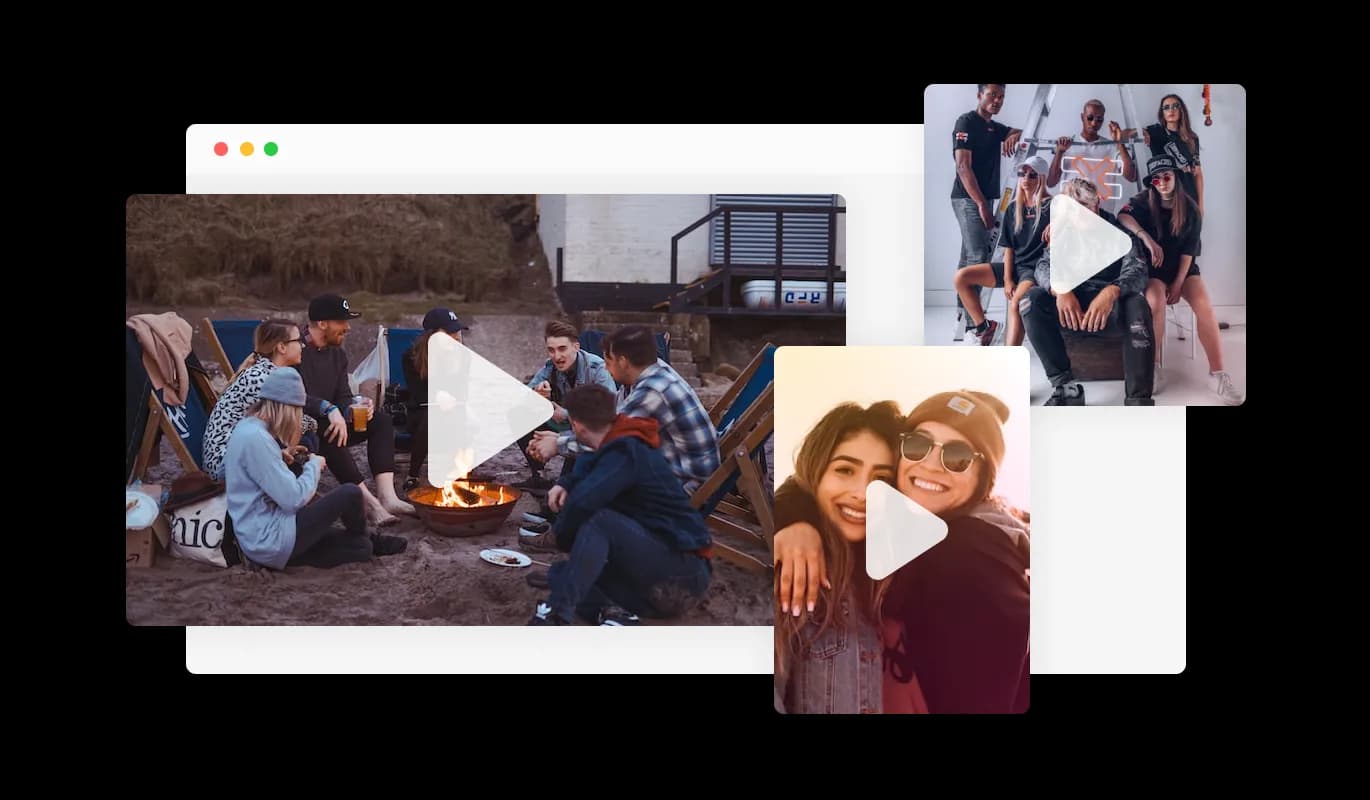
Video Slider - Multiple Video Hosting Platforms Support

Customizable Video Size

The Shopify Video Slider app offers adjustable video sizes and orientations, letting you fine-tune it to your specific needs. This customizability ensures seamless integration into your Shopify store's layout, improving visual appeal and usability. You can choose from various sizes and vertical or horizontal orientations, based on your content and layout preference.

Video Slider - Customizable Video Size

Fully Customizable Shopify Video Slider

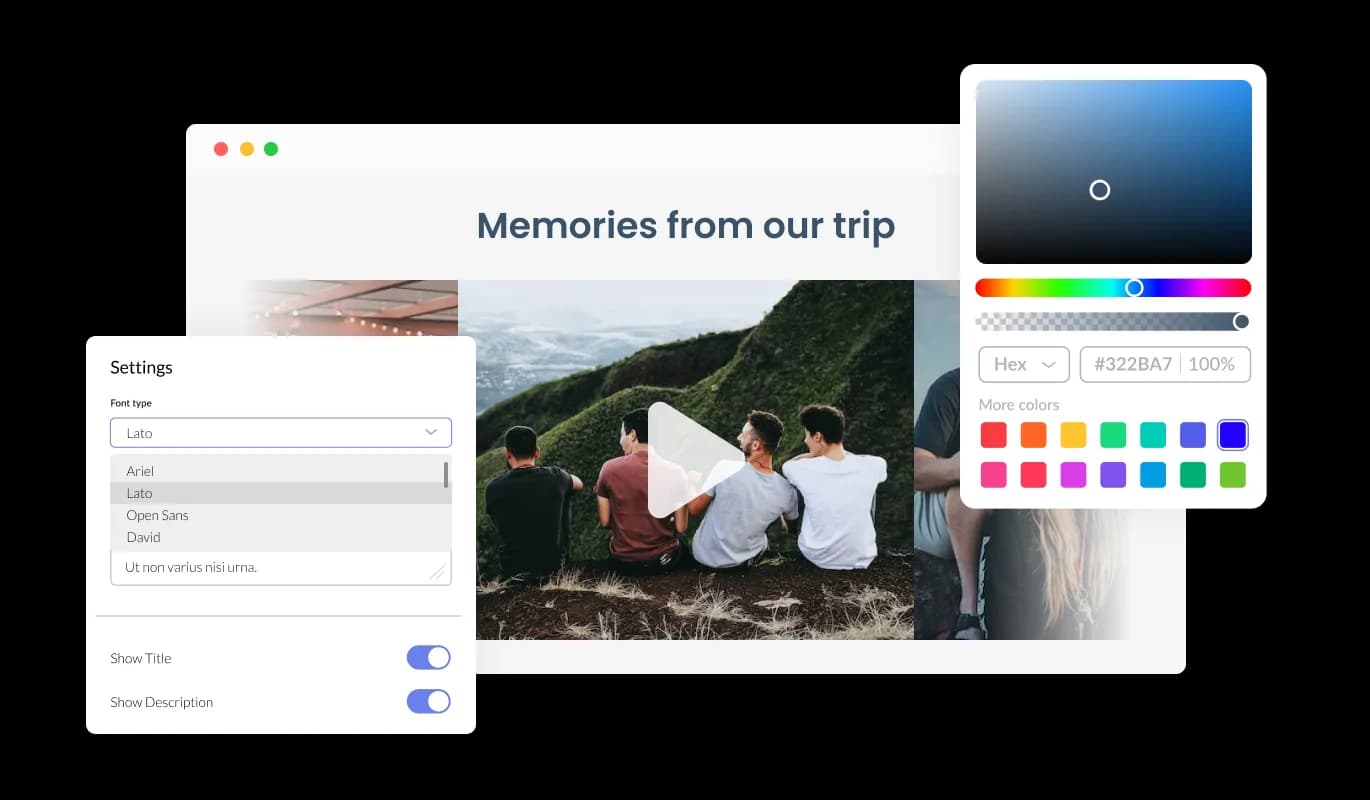
The Video Slider app for Shopify offers complete customization, letting you adapt its design to fit your Shopify store's look. You can readily tweak colors, fonts, spacing, and more, ensuring a seamless integration with your store. A real-time preview function lets you experiment until you find the ideal design combination, enhancing user experience while achieving your aesthetic goals.

Video Slider - Fully Customizable Shopify Video Slider
Video Slider - Shopify Video Slider Hover Effect

Shopify Video Slider Hover Effect

The Video Slider for Shopify incorporates hover effects, adding an extra layer of visual flair to elevate the user experience on your Shopify store pages. This interactive feature not only enhances the aesthetic appeal but also fosters a dynamic, user-centric environment that keeps visitors intrigued and engaged.

Video Slider - Shopify Video Slider app Layout Styles

Shopify Video Slider app Layout Styles

The Video Slider for Shopify features two layout styles — carousel and grid. Select from these options to tailor the widget to your Shopify store's design. Whether you need a fluid, continuous carousel for a cinematic experience or a structured grid for easy browsing, the Shopify Video Slider provides the flexibility to align with your design vision.

Video Slider - Open video in a popup

Open video in a popup

The Shopify Video Slider app introduces an immersive and elegant Lightbox feature, allowing users to open and view videos in a responsive overlay on your Shopify store. This sophisticated functionality offers an enhanced, distraction-free video-watching experience, seamlessly blending with your Shopify store's design and maintaining user engagement.

Video Slider - Easy to use Video slider for Shopify

Easy to use Video slider for Shopify

The Shopify Video Slider app is simple to use and does not require any coding expertise. Our intuitive dashboard, complete with drag-and-drop functionality, empowers you to customize the Shopify app to your liking with just a few clicks.

Perfectly Responsive Video Slider app

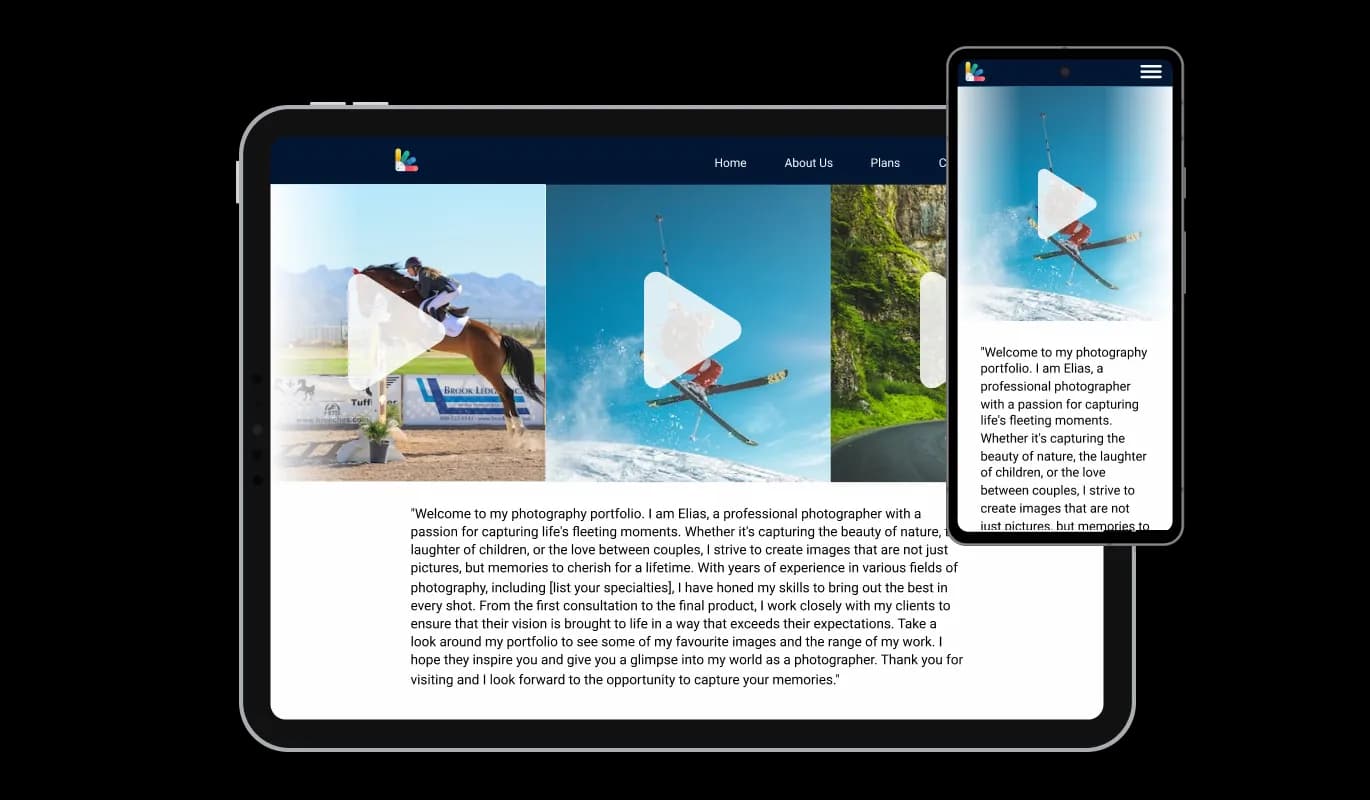
The Shopify Video Slider is designed to be fully responsive, delivering an optimized user experience across all devices, from desktops to mobiles. In today's mobile-first world, its adaptability ensures a smooth, intuitive store navigation for all visitors, giving your site a competitive edge in terms of functionality and design.

Video Slider - Perfectly Responsive Video Slider app

Shopify Video Slider Custom CSS

The Shopify Video Slider app lets you go beyond built-in options by incorporating custom CSS for a truly unique touch. This feature empowers you to adjust size, shape, and position or create new styles from scratch. This extensive customization promotes perfect alignment with your Shopify store's aesthetic and enhances the user experience.

Video Slider - Shopify Video Slider Custom CSS

Easy To Embed Video Slider on Shopify

Easily embed the Video Slider app on your Shopify store by copying a single line of code. The Video Slider app will update automatically with each modification you make. Copy the code for the Video slider app and paste it into your Shopify store's HTML code.

Video Slider - Easy To Embed Video Slider on Shopify

Compatible With All Site Builders, E-Commerce Platforms and Websites

webflow logoshopify logowix logowordpress logobigcommerce logosqurespace logoweebly logojoomla logoduda logojimdo logomagento logoshift4hsop logounbounce logocarrd logo
View all supported platforms

FAQ

The Video Slider widget is a customizable and responsive tool that allows you to showcase videos on your website. It supports multiple video hosting platforms and offers various layout styles and customization options to help you create an engaging and visually appealing video display.

Yes, the Video Slider widget is fully customizable. You can adjust colors, fonts, spacing, and other design elements to create a widget that seamlessly integrates into your website's design. You can also apply custom CSS to further refine the widget and make it truly unique.

Yes, the Video Slider widget is designed to be responsive and function smoothly across all devices, including desktop computers, laptops, tablets, and smartphones. This ensures an optimal user experience regardless of the device used to access your website.

The Video Slider widget supports a variety of video hosting platforms, including YouTube, SoundCloud, Facebook, Vimeo, Twitch, Streamable, Wistia, DailyMotion, Mixcloud, Vidyard, and Kaltura. This allows you to showcase a diverse range of video content from multiple sources.

Yes, you can transform the Video Slider into a powerful conversion tool by making the videos clickable. This enables users to easily access additional content or take specific actions after watching the video.

Absolutely! The Video Slider widget is designed to be user-friendly and requires no coding knowledge. The intuitive dashboard, complete with drag-and-drop functionality, allows you to customize the widget with just a few simple clicks.

Embedding the Video Slider widget on your website is easy. Simply copy the provided single line of code and paste it into your website's HTML code, in the appropriate section such as the footer or header. The widget will update automatically with each modification you make.