


Verified review
Common Ninja has amazing no-code widgets that would beautify a website built on any builder. It is very easy to use and customise. It has as many widgets for almost everyone willing to make their website impressive.
Try the editor, no signup
Pick a template, customize it, and watch it update live, no signup.
No credit card · Free forever plan
No credit card · Free forever plan
The Common Ninja Vimeo Carousel is a free, no-code widget that rotates Vimeo videos in one band of your website. Point it at the account, set the timing, and paste one line of embed code.
Several videos stay in view at once and playback happens in Vimeo's own player, so a showreel keeps the clean, ad-free viewing that Vimeo is chosen for.
The content updates itself, slides are clickable, carousel speed and display timing are adjustable, and custom CSS is available. Works on 200+ platforms including WordPress, Wix, Shopify, Squarespace, and Webflow.
Stacked video embeds take a whole screen each and nobody reaches the third. A carousel holds several in a single strip, so a visitor samples the work instead of scrolling past most of it.
The reason to be on Vimeo is that a video ends and nothing tries to pull the viewer away. Keeping the carousel on your own page preserves that, which matters most where the page is meant to win a commission.
Publish to Vimeo and the carousel follows. No re-embedding, no second gallery to maintain, and no reel quietly showing last year's edit.
Point a carousel at a collection and the page becomes the work you did for one client or one industry. Adding to the collection grows the page with no CMS entry to fill in.
Give the widget the Vimeo account or collection you want to show. Videos arrive with their thumbnails and titles, so nothing has to be embedded one at a time.
Choose how many videos are visible at once and set the carousel speed and display timing. Video thumbnails need a moment to register, so slower is better than faster.
Copy the snippet from the Add to Website tab and paste it where the carousel belongs. Uploading to Vimeo updates the page on its own.
Set how fast the carousel moves and how long each video holds. A thumbnail that rotates before a visitor has registered it may as well not be there.
New uploads pull in without you editing the page or re-pasting the embed code, so a reel page stays current with the work.
Each slide is interactive, and playback uses Vimeo's own player, so the viewing experience is the one you chose Vimeo for. The widget controls the gallery around it.
The visible slide count adapts to the screen width, and a custom CSS field lets the carousel sit inside a minimal portfolio design without fighting it. One embed snippet, 200+ platforms.
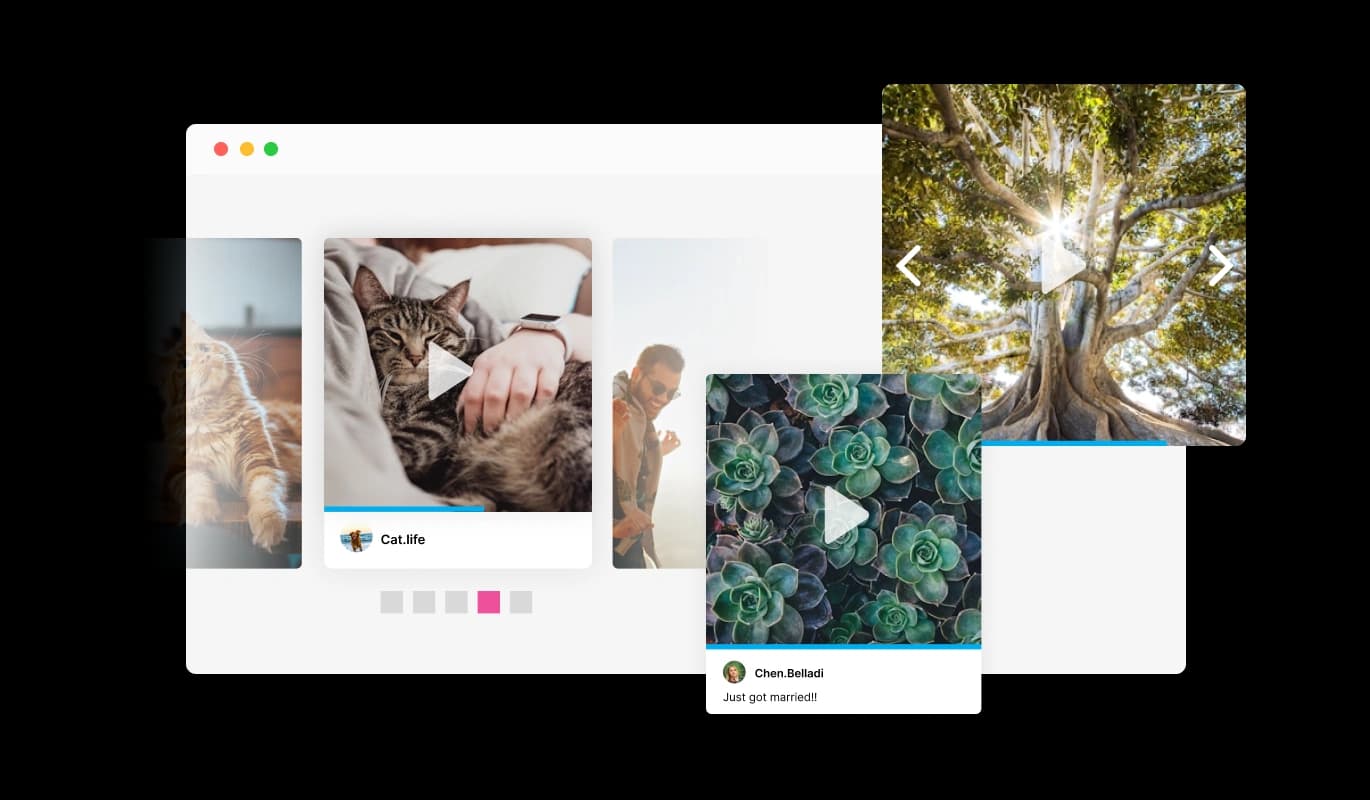
Effortlessly explore your Vimeo video collection using intuitive arrow buttons and dot indicators. These navigation tools make it simple for visitors to browse through your carousel, creating a seamless and engaging user experience.
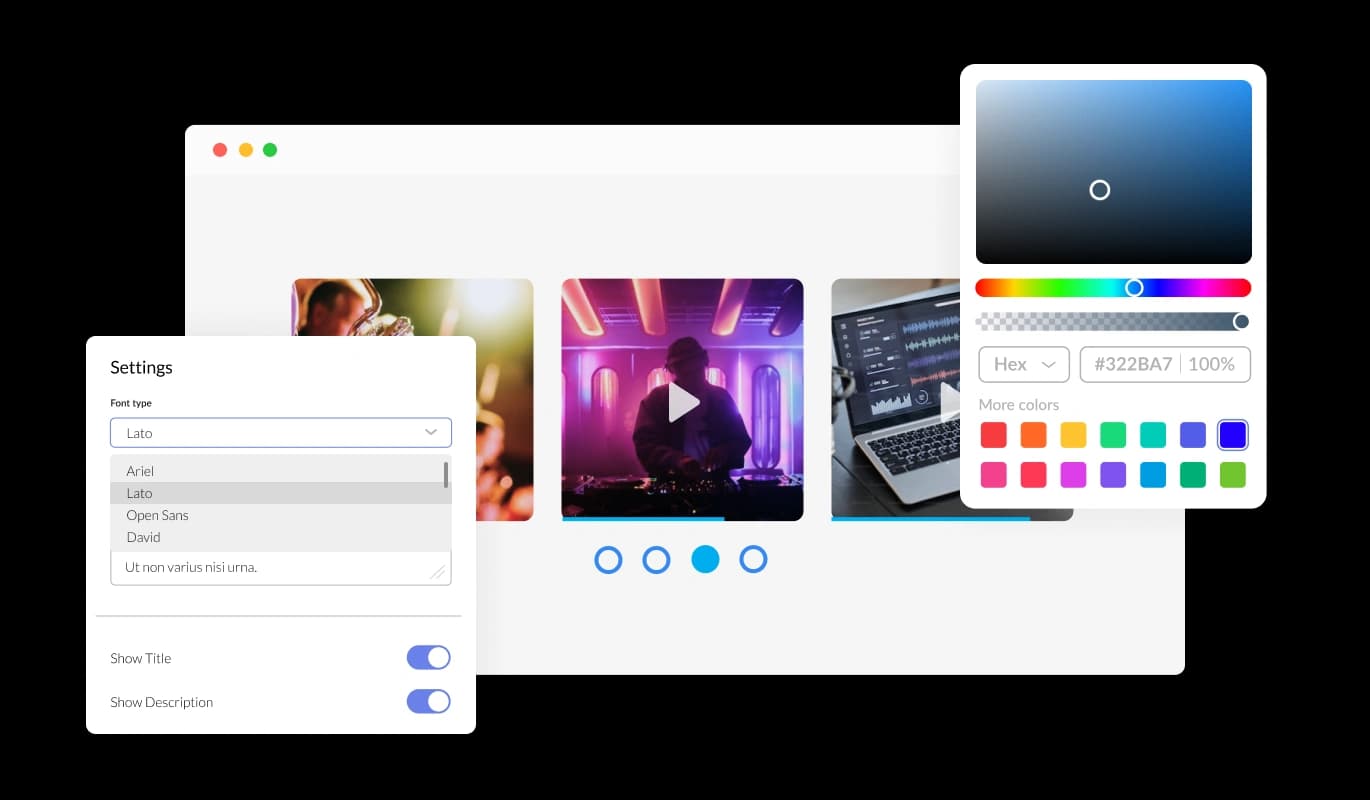
The Vimeo Carousel Widget offers extensive design flexibility, letting you fine-tune its appearance to align with your website’s branding. Modify colors, fonts, spacing, and other elements to achieve a cohesive and unique look that enhances your site.
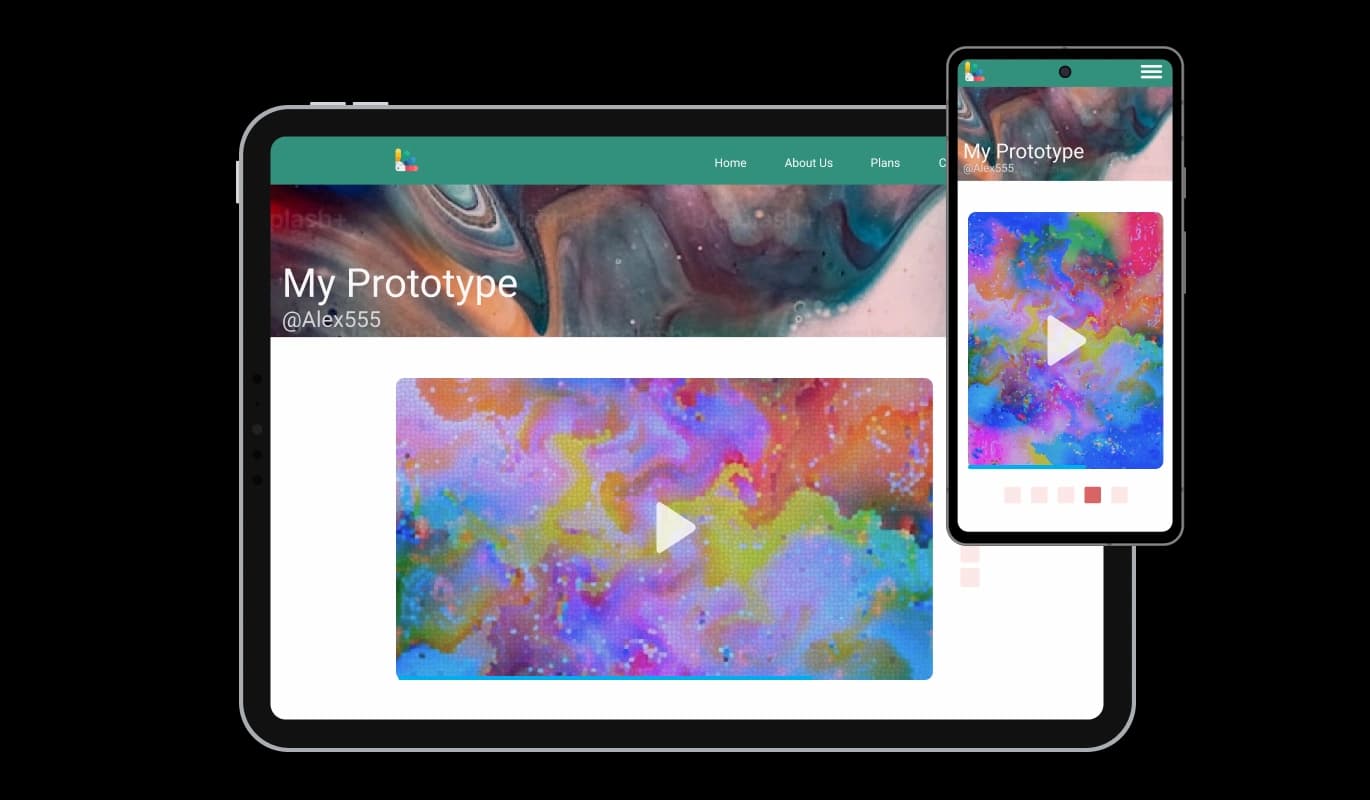
Ensure your Vimeo carousel displays flawlessly on any screen size. The widget is optimized for responsiveness, providing a consistent and attractive viewing experience on desktops, tablets, and smartphones alike.

For those seeking even more flexibility, the Vimeo Carousel widget supports custom CSS. This feature is ideal for designers and developers looking to refine the carousel’s appearance and functionality to fit specific requirements.

Embedding the Vimeo Carousel widget is quick and easy, requiring just a single line of code. Once integrated, any updates you make will automatically reflect on your website, saving time and effort
Control the flow of your Vimeo Carousel by setting the slide speed and how long each video stays on screen. This feature lets you deliver a tailored viewing experience that matches your audience’s preferences and keeps them engaged.
Keep your website dynamic with a Vimeo Carousel that refreshes automatically to showcase your newest videos. This ensures your site always displays the latest content, keeping visitors interested and encouraging repeat visits.
Make your carousel interactive by enabling clickable videos. Visitors can click on any video to view it directly, increasing engagement and helping them connect with your content on a deeper level.
Setting up and managing the Vimeo Carousel widget is straightforward, even for those with no coding experience. Its intuitive interface allows you to customize and embed the carousel with just a few simple steps.
Build your Vimeo carousel in the editor
Open the editorFree to use · No credit card · No signup to try it
Common Ninja has amazing no-code widgets that would beautify a website built on any builder. It is very easy to use and customise. It has as many widgets for almost everyone willing to make their website impressive.
Outstanding service. I use their widgets to help me with my web design business and whenever I need help they are very quick to help.
Excellent company with excellent service!!! We used it to build a survey, it was very user friendly. The service was perfect. Amit helped us with every problem and question we had, thank you very much!!!
Common Ninja saved the day when building our website and the customer service Daniel, the co-founder and CEO, provided was amazing.
Use the carousel for several videos rotating in one band, which suits a showreel strip on a homepage. Use the slider for one video at a time at full width, which suits a single hero piece. Use the Vimeo Feed for a grid, list, or ticker on a page where the gallery is the main content. All three are free.
Vimeo's own embed handles a single video, so a portfolio means pasting a new embed for every upload and editing the page each time. This shows the account as a carousel and refreshes it, so uploading is the only step. For one hero video in a specific spot, Vimeo's embed is still right.
No token or developer setup is needed: you paste the account into the editor and Common Ninja handles fetching the videos. What the carousel can show still depends on the privacy settings on those videos, which is a Vimeo account matter.
No. The widget reads what Vimeo serves publicly, so anything private, password-protected, or domain-restricted stays hidden. That does mean a portfolio of client work under NDA will not populate a public carousel.
Yes, and it is the most useful way to run it. One carousel per sector or client means each page shows the work relevant to whoever is reading it, rather than everything you have ever uploaded.
Yes. Playback happens in Vimeo's player, so the viewing experience is unchanged. The widget only controls the gallery around it: the layout, the timing, and the styling.
The carousel shows thumbnails and only loads a player when a visitor plays something, so the page does not arrive carrying several players. That is why a carousel is lighter than stacking native embeds.
Yes, and the visible slide count drops on narrow screens. Video thumbnails are wide, so check the phone view: three across on desktop should usually become one on mobile.
Pick your platform. Each takes under 4 minutes.
Showcases videos in a rotating or sliding manner

Showcases videos from various sources in a variety of visually appealing layouts and grids

Showcases images in a rotating or sliding manner

Displays a series of images in a slideshow format

Displays images and captions in diverse layouts and grids, presenting visually appealing arrangements for showcasing multiple images

Displays multiple logos in a scrolling or rotating manner
The Vimeo Carousel Widget allows you to showcase your Vimeo videos on your website in a sleek, scrolling carousel layout. It’s designed to highlight your video content in an engaging and visually appealing way.
The Vimeo Carousel Widget automatically syncs with your Vimeo account to ensure your latest videos are always displayed in the carousel.
Yes, the Vimeo Carousel Widget offers extensive customization options, including color, font, layout, and size adjustments, so it can seamlessly blend with your website's design.
Absolutely! The Vimeo Carousel Widget is fully responsive and optimized to look and function beautifully across all devices, including desktops, tablets, and smartphones.
Yes, visitors can interact with the carousel by clicking on the videos to play them directly, offering a more engaging and immersive user experience.
No coding knowledge is required! The Vimeo Carousel Widget is simple to install and customize, making it accessible for all users.
You can easily modify the carousel's speed and the time each video is displayed using the widget’s settings. This ensures the flow matches your audience’s preferences.
Yes, the Vimeo Carousel Widget supports custom CSS, allowing you to apply advanced design modifications for a fully tailored look and feel.
You can display as many Vimeo videos as you’d like, depending on your preferences and the space available on your website
Yes, the widget comes with user-friendly navigation features, including arrows and pagination, to make browsing through the carousel seamless and intuitive.
Absolutely! You have the flexibility to choose specific videos from your Vimeo library to showcase in the carousel.
No, the widget is designed to be lightweight and optimized for performance, ensuring it doesn’t negatively impact your website’s loading speed.
Yes, the Vimeo Carousel Widget is compatible with virtually all website platforms and can be embedded using a simple line of code.
Certainly! You can add the Vimeo Carousel Widget to multiple pages or websites, as needed, to maximize its visibility and impact.
If you need assistance, you can reach out to our support team through the widget’s dashboard or contact us via our website for help.
Several Vimeo videos rotating in one band, updating when you upload, playing in Vimeo's own ad-free player, with adjustable speed and timing, clickable slides, full responsiveness, and custom CSS. Embed on 200+ platforms including WordPress, Wix, Shopify, Squarespace, and Webflow.
Create your Vimeo carouselFree to use · No credit card · No coding