How to add WhatsApp Chat to a home.pl website

Learn how to embed Common Ninja’s WhatsApp Chat on your home.pl website without coding.

Create WhatsApp Chat

loved by 500K+ businesses

widget-editor

In This Guide

In this quick guide, you'll learn how to embed the WhatsApp Chat into your home.pl website by generating your embed code and adding it seamlessly to your website.

Embed WhatsApp Chat on home.pl
01
Create a WhatsApp Chat widget for home.pl on Common Ninja
First, create a home.pl WhatsApp Chat widget on Common Ninja. On the widgets catalog, find the WhatsApp Chat and enter the Editor.
Create a WhatsApp Chat widget for home.pl on Common Ninja
02
Save the WhatsApp Chat widget
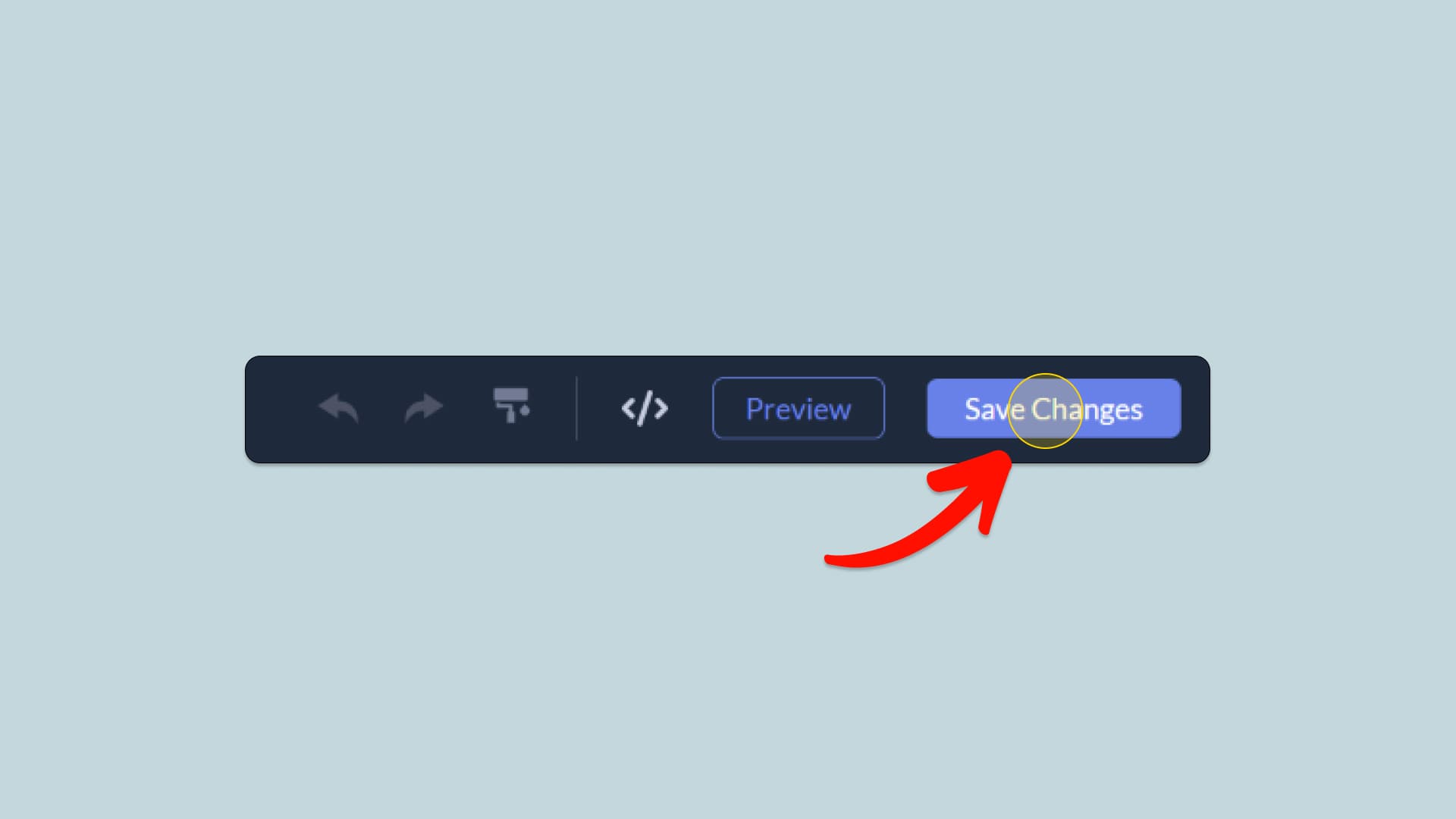
When you're done creating the WhatsApp Chat widget, click on the Save Changes button at the right top corner of the editor. If you don't have an account on Common Ninja, you'll have to register first.
Save the WhatsApp Chat widget
03
Copy the WhatsApp Chat Embed Code
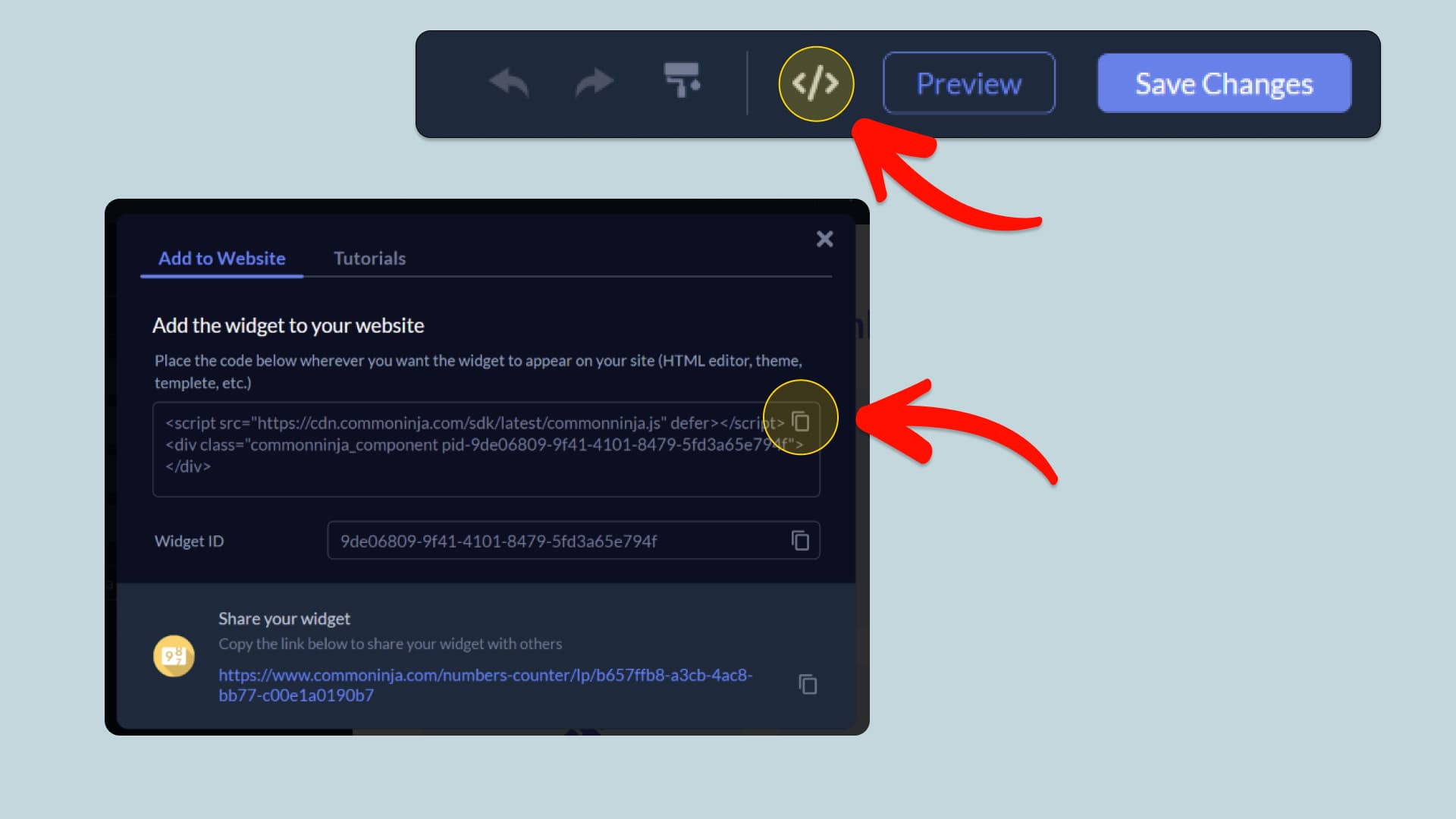
When you're ready to add the WhatsApp Chat widget to your home.pl website, click the Add To Website button at the top bar of the Editor. On the window that opens, click the Copy Icon to copy the widget embed code. In the next steps, you will paste this code into your home.pl website.
Copy the WhatsApp Chat Embed Code
04
Paste the code to your home.pl website’s HTML field.
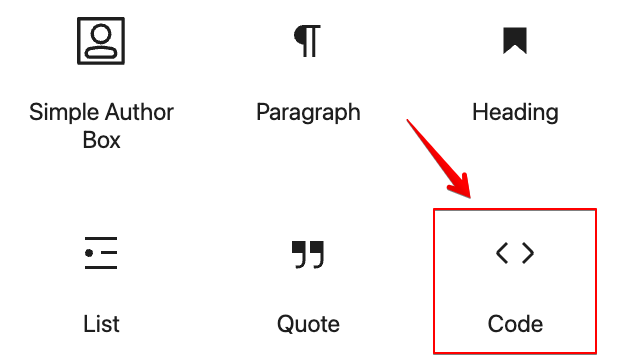
Next, go to your home.pl website editor and find the HTML field. It is most likely in the form of an HTML/Code widget or module which you can find on the home.pl’s editor. Add it to your page, and paste the WhatsApp Chat Embed Code you’ve copied before to the HTML field. Save and update, and that’s it, you should have Common Ninja’s WhatsApp Chat widget on your home.pl website.
Paste the code to your home.pl website’s HTML field.
05
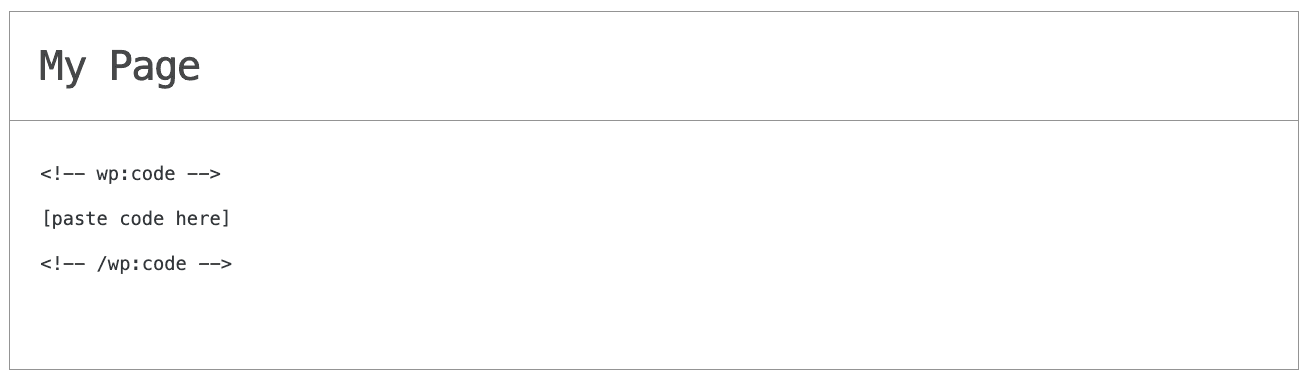
Alternative Method 1: Through the HTML option in the text’s editing area.
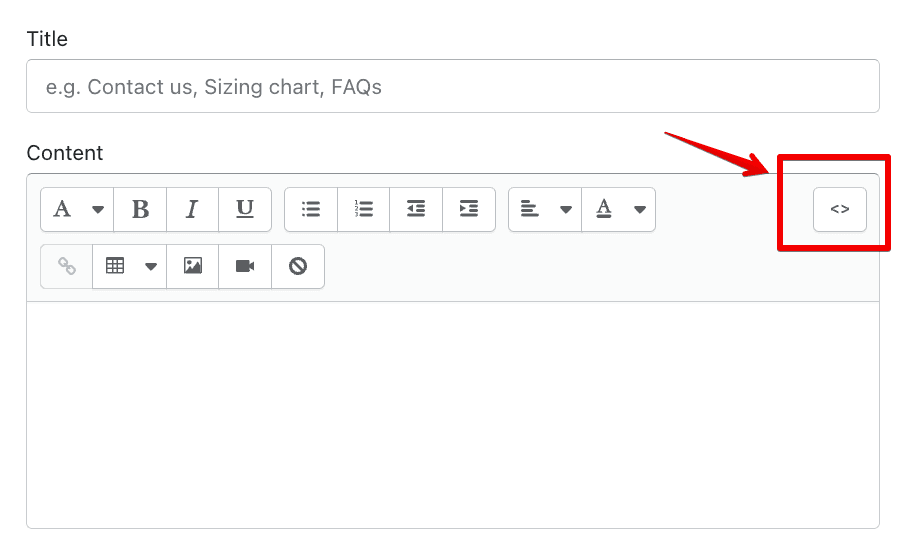
If you can't find the HTML/Code widget or module, there's another way to put Common Ninja’s WhatsApp Chat widget on your home.pl widget. You can just add the code to a special HTML section in the text editor.
Alternative Method 1: Through the HTML option in the text’s editing area.
06
Alternative Method 2: Add it directly to your home.pl website’s HTML code.
If you're having trouble finding a widget or a special part in your text editor where you can add the Embed Code, you can try a different way to add the WhatsApp Chat widget to your home.pl website. You can do this by putting it straight into your home.pl website's HTML code.
Alternative Method 2: Add it directly to your home.pl website’s HTML code.

Why Use This Widget

Use the WhatsApp Chat widget when you want visitors to contact you through a channel they trust and use every day. Many buyers prefer sending a quick WhatsApp message instead of filling forms or calling, especially on mobile. This widget places a clear entry point on your pages so they can ask about pricing, availability, or product fit with a single tap. The conversation moves to WhatsApp, where you can continue in a personal, informal style that often converts better than email. It works well for local businesses, service providers, and online stores that rely on fast replies to close deals and reassure new customers.

This tutorial was written by the Common Ninja product team, creators of interactive, no-code widgets for home.pl website. Common Ninja helps over 500,000 users build engaging online experiences without coding.