How to add WhatsApp Conversation to your website
Learn how to embed Common Ninja’s WhatsApp Conversation on your website without coding.



In This Guide
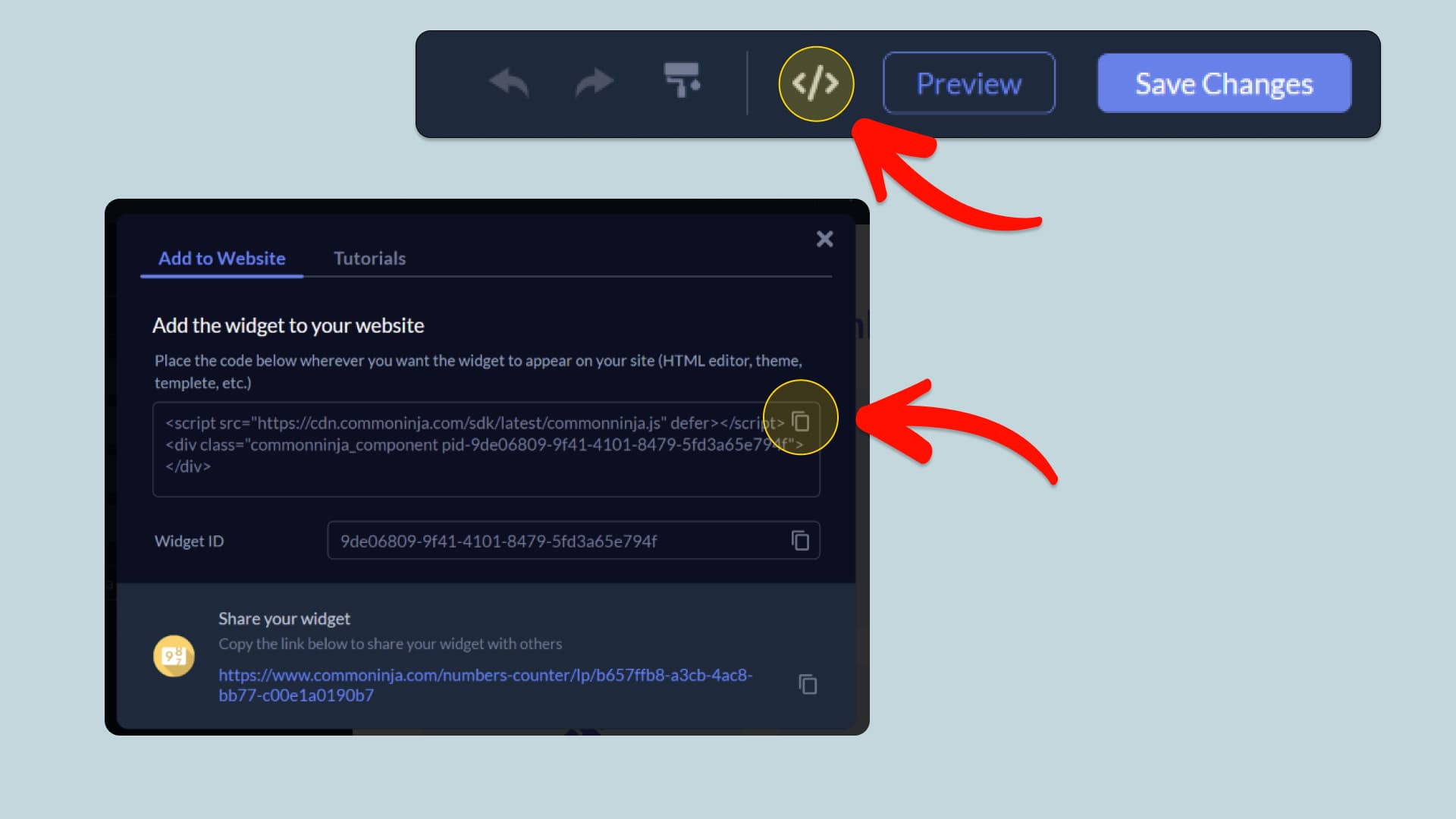
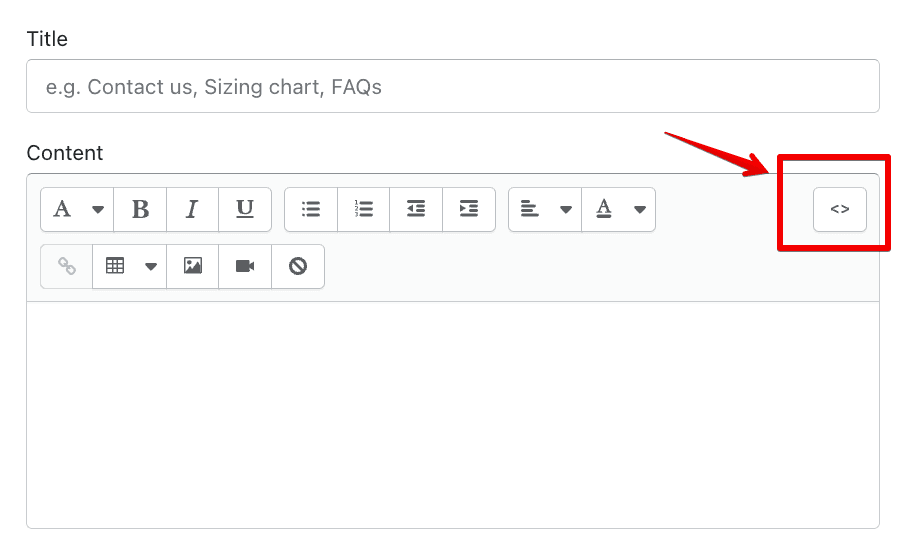
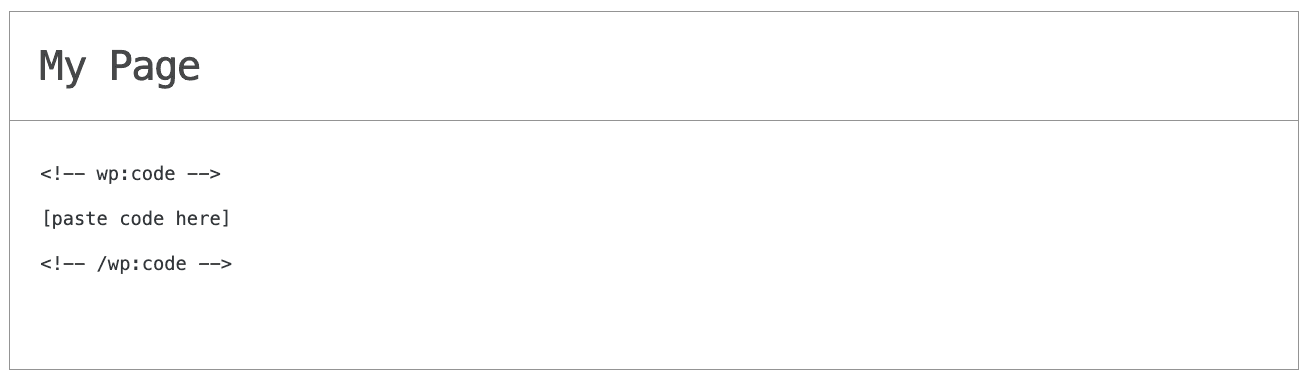
In this quick guide, you'll learn how to embed the WhatsApp Conversation into your website by generating your embed code and adding it seamlessly to your website.
How to Embed WhatsApp Conversation on Your Platform
Choose your platform to see detailed, step-by-step instructions for embedding WhatsApp Conversation seamlessly.


Embed WhatsApp Conversation on Your Website
Why Use This Widget
The WhatsApp Conversation widget lets you display customizable WhatsApp conversations directly on your website in a familiar chat format. Add contact details, avatars, incoming and outgoing messages, timestamps, delivery indicators, reactions, date dividers, and clickable message links to recreate complete conversation flows. You can also control how conversations are presented with multiple layouts, light and dark themes, different device frames, custom chat backgrounds, text scaling, alignment, and styling options. Conversations can be shown instantly or played as animated message sequences with typing indicators, delays, looping, and replay controls. The widget is responsive, remains sharp across screen sizes, and can be updated at any time without creating new screenshots.
This tutorial was written by the Common Ninja product team, creators of interactive, no-code widgets for websites. Common Ninja helps over 500,000 users build engaging online experiences without coding.