How to add Accessibility to your website
Learn how to embed Common Ninja’s Accessibility on your website without coding.



In This Guide
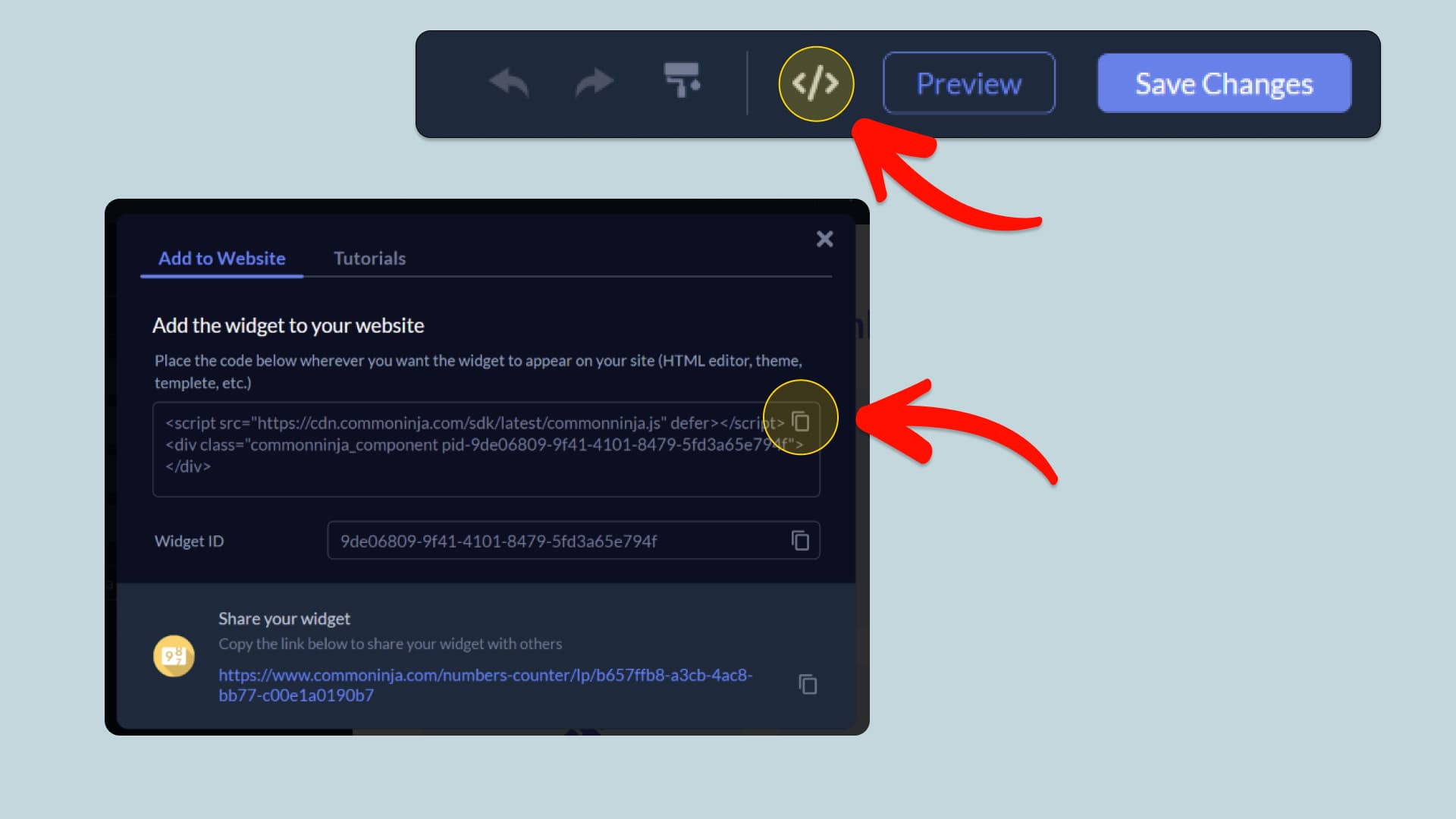
In this quick guide, you'll learn how to embed the Accessibility into your website by generating your embed code and adding it seamlessly to your website.
How to Embed Accessibility on Your Platform
Choose your platform to see detailed, step-by-step instructions for embedding Accessibility seamlessly.


Embed Accessibility on Your Website
Why Use This Widget
The Accessibility Widget adds a configurable accessibility menu to your website, allowing visitors to adjust text size, spacing, fonts, colors, contrast, animations, images, and navigation settings. It also includes ready-made profiles for different accessibility needs, a reading guide, a larger cursor, keyboard access, and saved visitor preferences. The widget can be customized to match your website’s design, positioned as needed, and displayed across desktop and mobile devices.
This tutorial was written by the Common Ninja product team, creators of interactive, no-code widgets for websites. Common Ninja helps over 500,000 users build engaging online experiences without coding.