


Verified review
Common Ninja has amazing no-code widgets that would beautify a website built on any builder. It is very easy to use and customise. It has as many widgets for almost everyone willing to make their website impressive.
Try the editor, no signup
Pick a template, customize it, and watch it update live, no signup.
No credit card · Free forever plan
No credit card · Free forever plan
The Common Ninja Bluesky Slider is a free, no-code widget that shows Bluesky posts one at a time on any website. Add the handle, style the slides, and paste one line of embed code.
Each post gets the full width of the block, which suits Bluesky because the posts are writing and one at a time is how writing gets read.
The feed updates itself, slides are clickable, and custom CSS is available. Works on 200+ platforms including WordPress, Wix, Shopify, Squarespace, and Webflow.
A grid of short posts becomes wallpaper that visitors skim past. A slider gives one post the whole block, so the writing has a chance of being read rather than merely displayed.
Instances change and accounts move. Your own website does not, so a slider there gives people a stable place to find your posts whatever happens to the server behind them.
One post at a time takes a single column, so the slider works in a sidebar or between sections where a multi-column feed would have to be dropped.
Post once and the site follows. No monthly chore to swap a featured quote, and no risk of the page suggesting the account went quiet.
Paste the Bluesky handle you want to show, default or on your own domain. Posts arrive with their text and images and new ones pull in on their own.
Set the styling and how large each slide runs. Give text room: a slide sized for a photograph will crop the sentence that was the reason to show the post at all.
Copy the snippet from the Add to Website tab and paste it where the slider belongs. Posting on Bluesky updates the section with no second step.
New posts appear on their own, so the slider reflects the account rather than the day you built the page.
Each slide links through to the post, so a reader who wants the thread or the replies gets there in one click instead of searching for your handle.
Bluesky lets you use your own domain as your handle, and either form works here. Change the handle later and the embed on your page keeps working.
Scales to the screen width so posts stay readable on a phone, and a custom CSS field for exact design matching. One embed snippet, 200+ platforms.

Enhance your Bluesky Feed Slider with interactive hover effects. As users scroll through the slider, subtle animations highlight posts under the cursor, creating a lively and engaging experience.
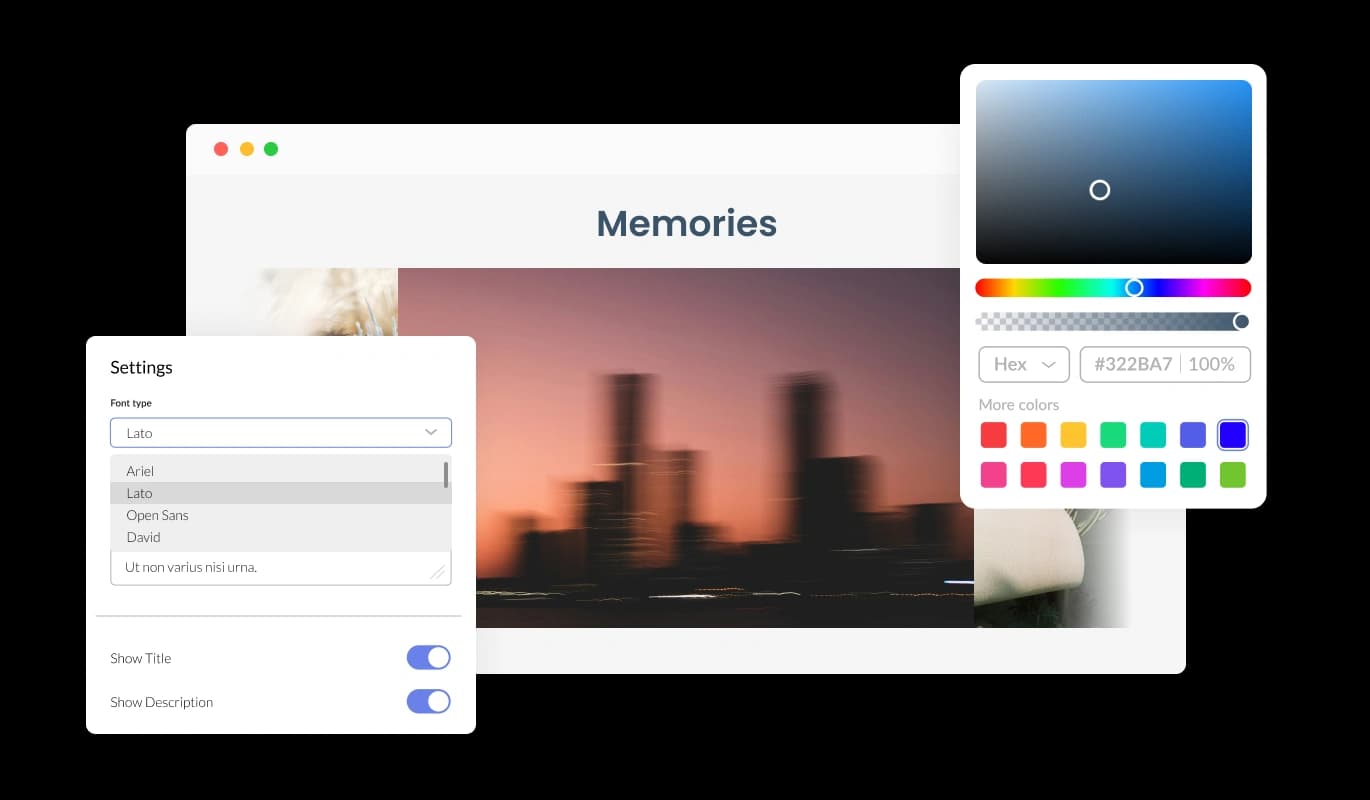
Easily adjust the Bluesky Feed Slider’s design to fit your preferences. Customize colors, fonts, layouts, and more to align with your website’s branding, ensuring your Bluesky content stands out.
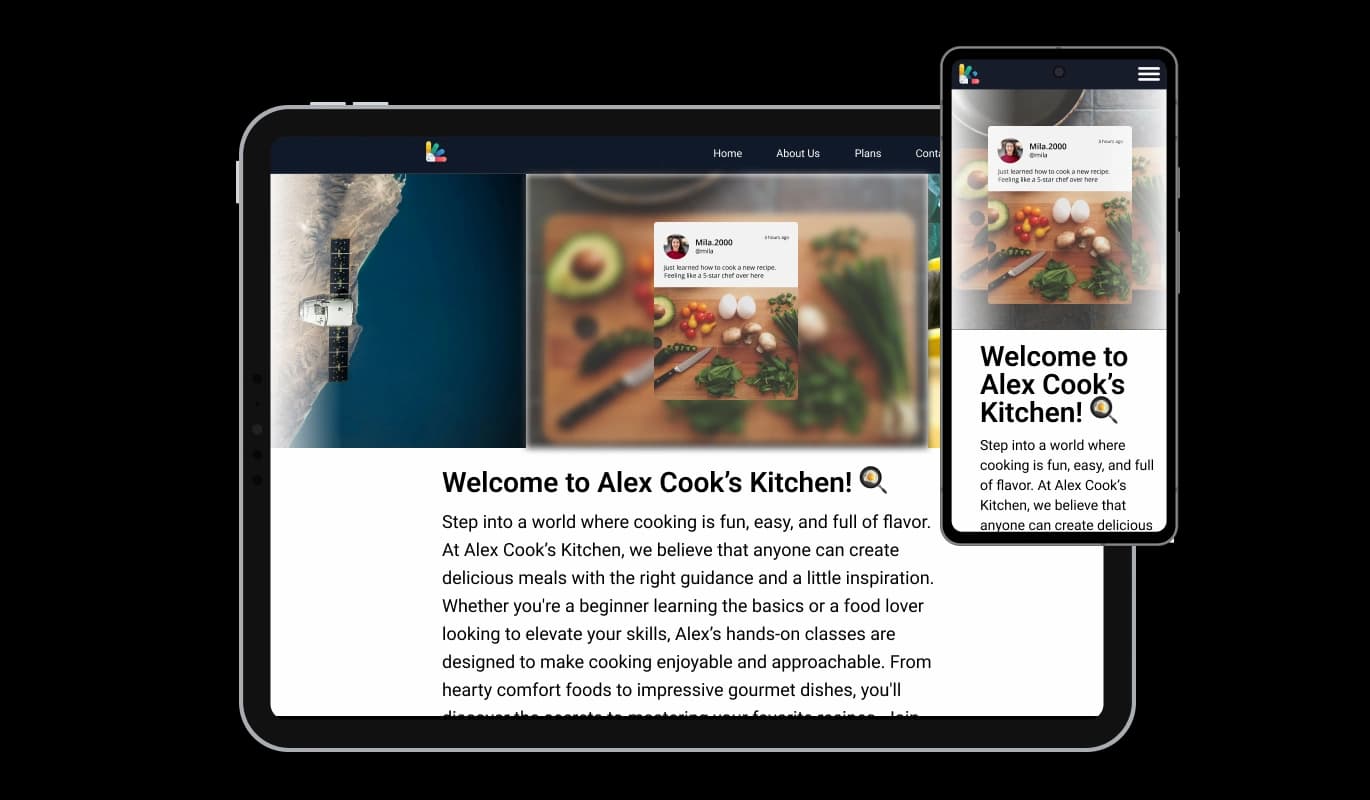
The Bluesky Feed Slider adapts seamlessly to any screen size, ensuring your content looks fantastic on desktops, tablets, and mobile devices. It offers a flawless viewing experience for all visitors.

For advanced users, the Bluesky Feed Slider supports custom CSS. This option provides full creative freedom, allowing you to fine-tune the widget’s appearance and functionality to match your website perfectly.

Embedding the Bluesky Feed Slider is simple and doesn’t require any coding knowledge. Its user-friendly design makes adding it to your website quick and effortless.
Keep your slider up-to-date effortlessly with its auto-refresh feature. The Bluesky Feed Slider syncs automatically with your feed, displaying your most recent posts without requiring manual updates.
Allow visitors to engage directly with your Bluesky posts by making them clickable. Each post in the slider can lead users to your Bluesky content, encouraging interaction and boosting engagement.
The Bluesky Feed Slider is designed for ease of use, offering a straightforward interface for customization and application. Even those without technical expertise can implement it seamlessly.
Build your Bluesky slider in the editor
Open the editorFree to use · No credit card · No signup to try it
Common Ninja has amazing no-code widgets that would beautify a website built on any builder. It is very easy to use and customise. It has as many widgets for almost everyone willing to make their website impressive.
Outstanding service. I use their widgets to help me with my web design business and whenever I need help they are very quick to help.
Excellent company with excellent service!!! We used it to build a survey, it was very user friendly. The service was perfect. Amit helped us with every problem and question we had, thank you very much!!!
Common Ninja saved the day when building our website and the customer service Daniel, the co-founder and CEO, provided was amazing.
Use the slider for one post at a time at full width, which is best when the writing deserves to be read and when the space is a narrow column. Use the carousel for several posts rotating in one band, which is better for showing that an account is active. Use the Bluesky Feed for a grid, list, or scrolling ticker on a page where the feed is the main content. All three are free.
Open the editor, paste the Bluesky handle, set the styling, then copy the snippet from the Add to Website tab into your page. It works anywhere you can add an HTML block and nothing is installed on your site.
Yes. Bluesky supports domain handles and the widget accepts either form. If you change your handle later, update it in the editor and the embed already on the page keeps working.
No. The widget reads public posts, so you paste a handle and Common Ninja handles the rest. There is no app password, no API key, and no quota to watch.
Yes, for public accounts. Private accounts and deleted posts will not appear, since the widget only reads what Bluesky serves publicly.
Treat the slider as something visitors see rather than content that will rank, since it loads in the browser. Its value is proof of activity and time on page.
The slider keeps showing the most recent posts it found, so it will not empty out, but it will visibly age. If an account is going dormant, point the widget elsewhere or take the section down.
Yes, and one post at a time suits a narrow screen naturally, which is one of the better reasons to pick a slider over a grid. Check the slide height at phone width all the same.
Pick your platform. Each takes under 4 minutes.

Display the latest tweets from your X

Display the latest posts from your Instagram page

Display a feed of the latest posts from a Facebook user or page

Display the latest posts from your LinkedIn page

Display the latest posts from any RSS feed

Display the latest posts from any platform and website's RSS feed
The Bluesky Feed Slider displays posts from your Bluesky account in a scrolling, dynamic slider format. It enhances your website by showcasing Bluesky content in an engaging and visually appealing way.
The Bluesky Feed Slider can be easily embedded into your website by copying and pasting a simple line of code, making integration quick and hassle-free.
Yes, you can fully customize the slider’s design, including colors, fonts, layouts, and more, to seamlessly match your website's branding.
Absolutely! The widget is fully responsive and optimized for all screen sizes, ensuring a consistent viewing experience on desktops, tablets, and smartphones.
Yes, the posts displayed in the slider are clickable, allowing visitors to interact directly with your Bluesky content for deeper engagement.
Yes, the widget automatically syncs with your Bluesky account, ensuring your latest posts are displayed without any manual effort.
Yes, the slider supports custom CSS, allowing advanced users to make detailed design changes and personalize the widget further.
By showcasing your Bluesky posts attractively on your website, the slider encourages visitors to interact with your content and follow your Bluesky account, increasing your social media reach.
No, the widget is lightweight and optimized for performance, ensuring it does not negatively impact your website’s loading speed.
Yes, you can manually select specific posts from your Bluesky feed to feature in the slider, giving you complete control over the displayed content.
Yes, the widget works seamlessly with all major website builders and CMS platforms, making it a versatile choice for any site.
Our dedicated support team is available to assist you with any questions or challenges you may face. You can reach out via the widget dashboard or our support page.
The widget offers both free and premium plans. While basic features are available for free, premium plans unlock advanced customization options and additional functionality.
Bluesky posts one at a time at full width, updating themselves, with clickable posts, custom-domain handle support, full responsiveness, and custom CSS. Fits a narrow column where a feed will not. Embed on 200+ platforms including WordPress, Wix, Shopify, Squarespace, and Webflow.
Create your Bluesky sliderFree to use · No credit card · No coding