How to add Community Sentiment to your website
Learn how to embed Common Ninja’s Community Sentiment on your website without coding.



In This Guide
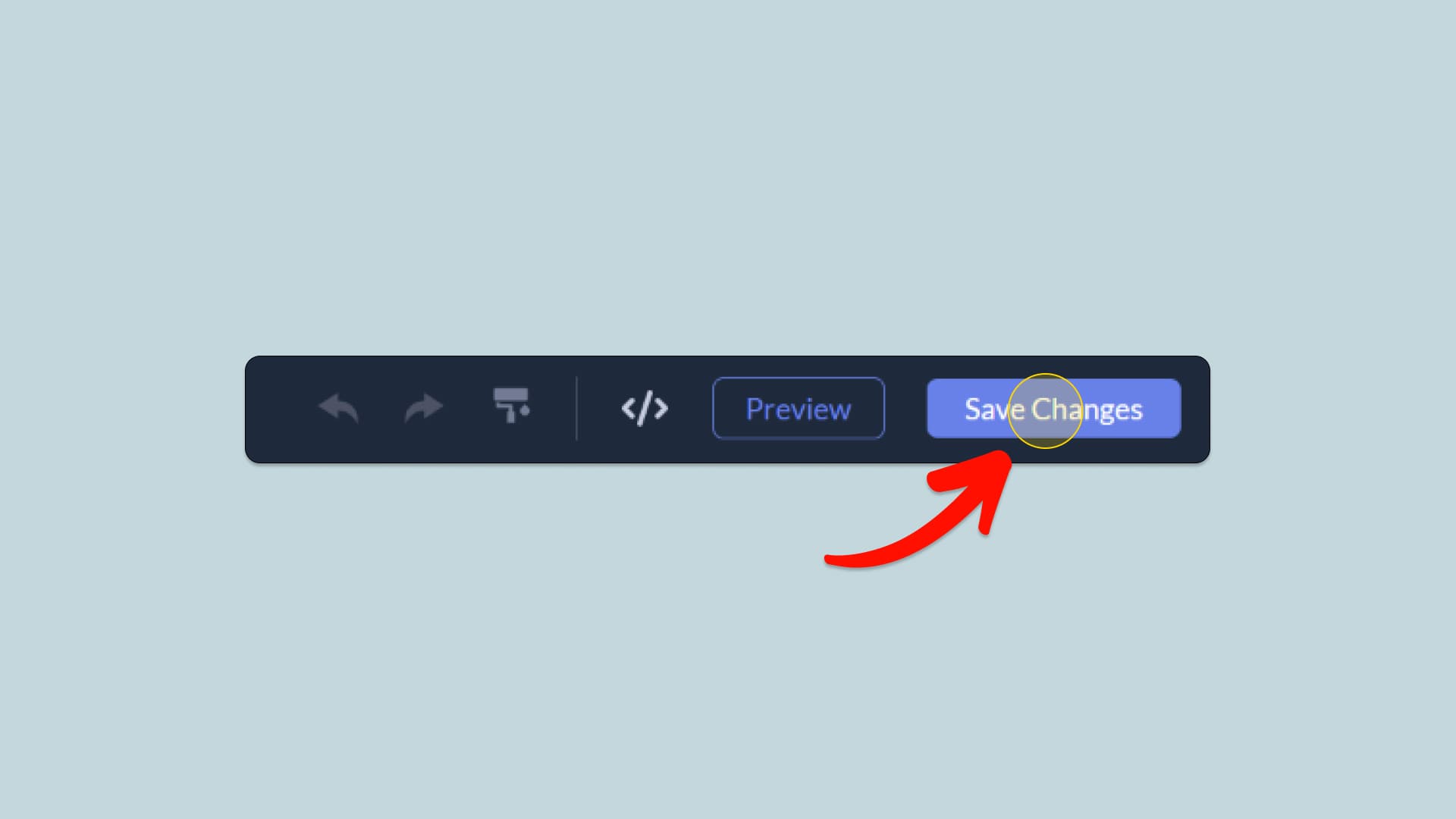
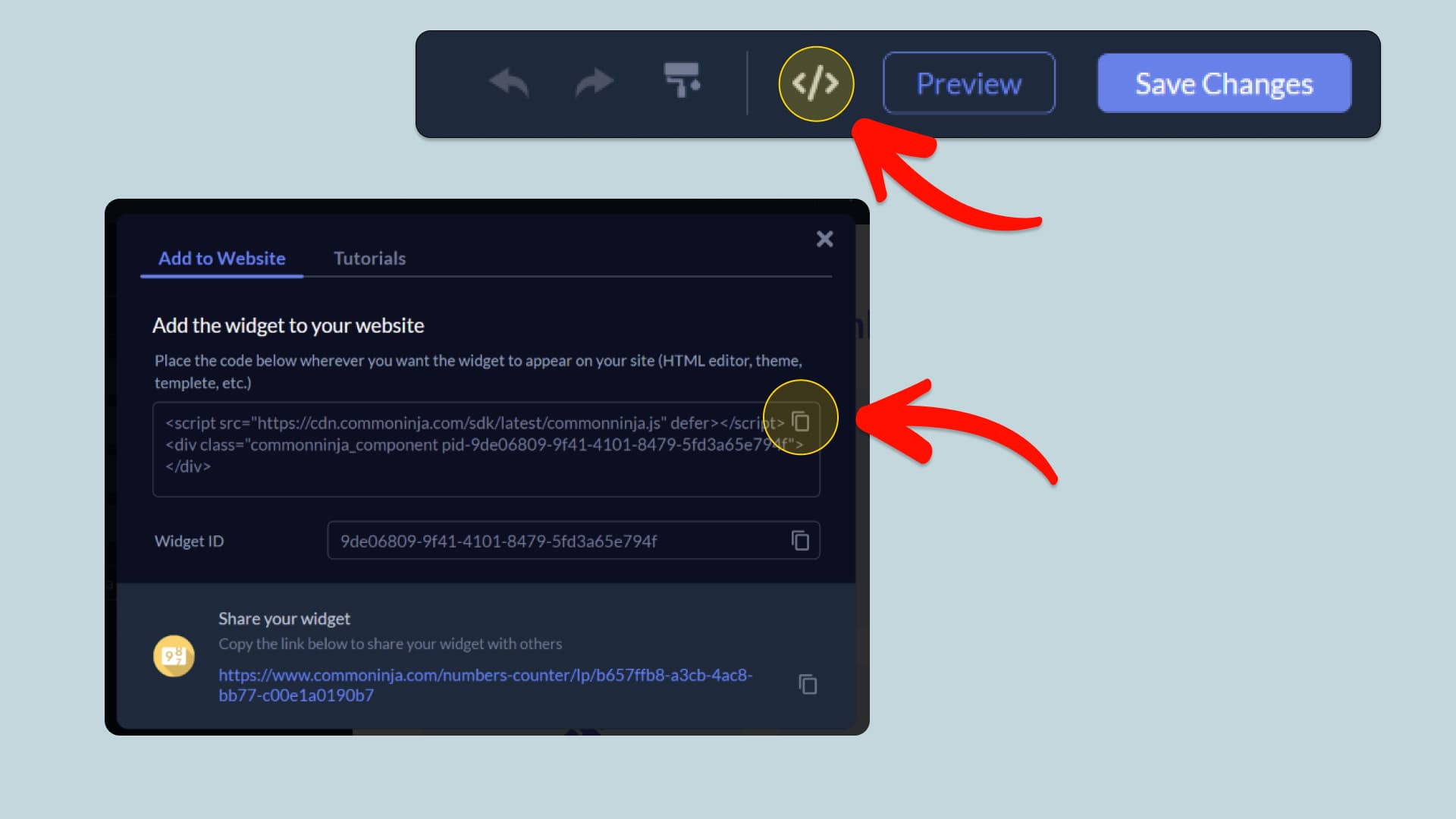
In this quick guide, you'll learn how to embed the Community Sentiment into your website by generating your embed code and adding it seamlessly to your website.
How to Embed Community Sentiment on Your Platform
Choose your platform to see detailed, step-by-step instructions for embedding Community Sentiment seamlessly.


Embed Community Sentiment on Your Website

Why Use This Widget
The Community Sentiment Widget lets you add a simple two-option voting experience to your website, making it easy for visitors to share their opinions and see how others have voted. Customize the question, choices, visuals, colors, and layout to fit your content and brand, while displaying results as percentages or vote counts. It is a simple way to increase engagement, collect audience feedback, and better understand what your visitors think.
This tutorial was written by the Common Ninja product team, creators of interactive, no-code widgets for websites. Common Ninja helps over 500,000 users build engaging online experiences without coding.