


Verified review
Common Ninja has amazing no-code widgets that would beautify a website built on any builder. It is very easy to use and customise. It has as many widgets for almost everyone willing to make their website impressive.
Try the editor, no signup
Pick a template, customize it, and watch it update live, no signup.
No credit card · Free forever plan
No credit card · Free forever plan
The Common Ninja Community Sentiment widget is a free, no-code two-option vote that shows visitors where opinion is landing. Set the two choices and paste one line of embed code.
A visitor picks a side in one click and immediately sees the split, which is the part that makes people participate rather than scroll past.
Images and icons, multiple layouts, skins and full design control, vote validation to limit repeat voting, and custom CSS are all included.
A comment box asks for a paragraph and gets nothing from most readers. Two buttons ask for a tap, which is the difference between a page people read and a page people take part in.
Showing the split immediately turns the vote into something worth looking at. People want to know whether they are with the majority, and that curiosity is what makes them click in the first place.
Publishers use a two-way vote to gauge reaction to an opinion piece, a match, a policy, or a product launch, and it works because it needs no moderation and produces no comment thread to police.
Two options and a visible tally is the lightest research you can run. It will not replace a survey, but it answers a single question from far more people than a survey ever will.
The format only works when both sides are defensible. A question where one answer is obviously correct gets a 97 to 3 split and tells you nothing, and visitors can feel that before they click.
Icons or images give the two choices context and make them recognisable at a glance. Choose the layout that fits where the vote sits, whether that is inside an article or as a standalone block.
Copy the snippet from the Add to Website tab and paste it where the vote belongs. Turn on vote validation to reduce the same visitor voting repeatedly.
A single click picks a side, which is the lowest-friction way to get a visitor to do anything at all on a page they arrived at from search.
The split appears as soon as a choice is made, so the reward for participating is immediate. Hiding the result until later removes the reason most people clicked.
Add visuals to each side so the choice is recognisable at a glance, and pick from multiple layouts so the block fits inside an article or stands on its own.
Reduces repeated participation from the same visitor, so the tally you show is closer to what your audience actually thinks than to who refreshed the page the most.
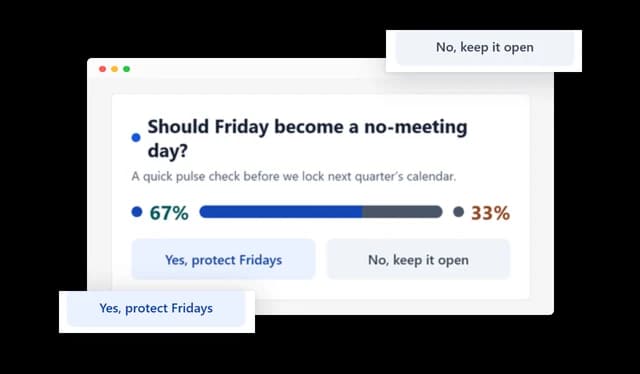
Let visitors quickly choose between two options and share their opinion with a single click. The simple voting format makes it easy to encourage participation and collect clear audience feedback.
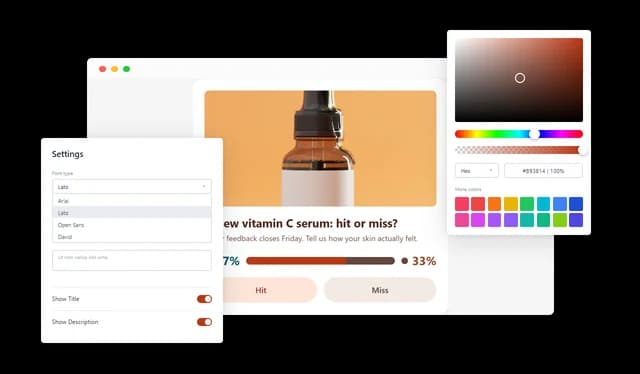
Customize the voting choices, messaging, buttons, and other content to fit your website and audience. This flexibility makes it easy to create a sentiment question for different topics, campaigns, and use cases.
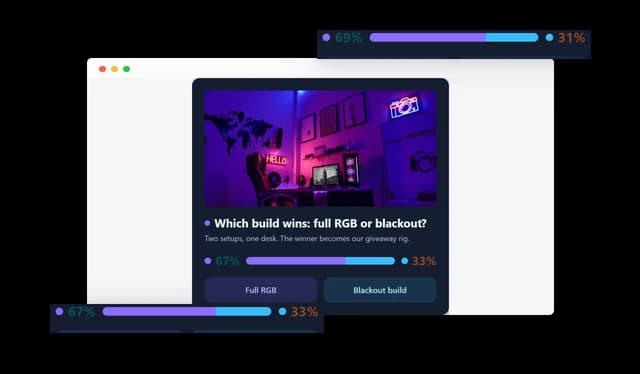
Show visitors how the community is responding with clear, visual voting results. Making the results immediately visible creates a stronger sense of participation and helps you understand audience sentiment at a glance.
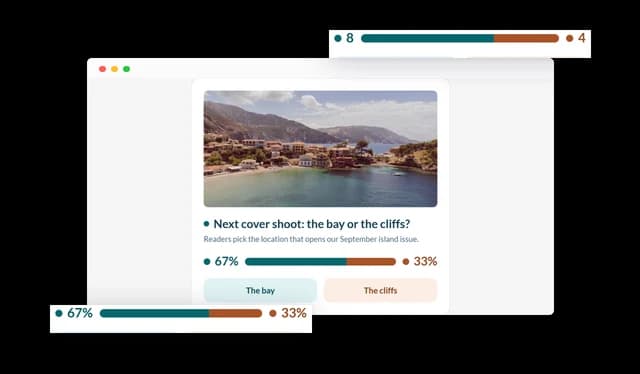
Customize the voting choices, messaging, buttons, and displayed content to fit your website and audience. Flexible controls make it easy to create a voting experience for different topics, campaigns, and use cases.
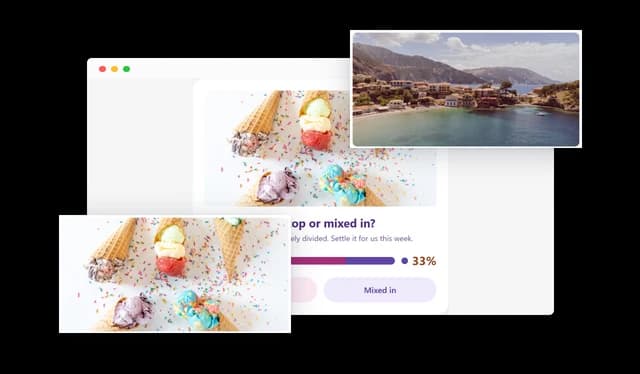
Add images, icons, and other visual elements throughout the voting experience to provide context and attract attention. Visual content can make choices easier to understand and create a more engaging experience for visitors.
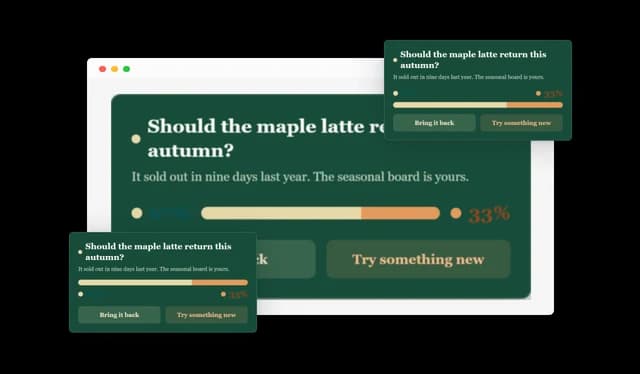
Choose from different layouts to find the presentation that best fits your website and content. Flexible layouts make it easy to place the Community Sentiment Widget across different pages and design styles.
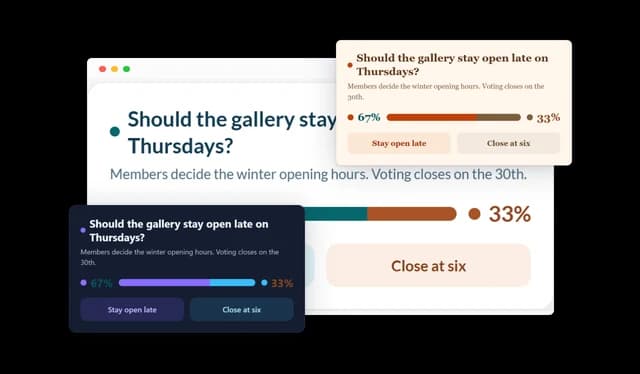
Customize colors, styles, skins, and other visual elements to match your website and brand. Flexible design controls help the widget feel like a natural part of your site.
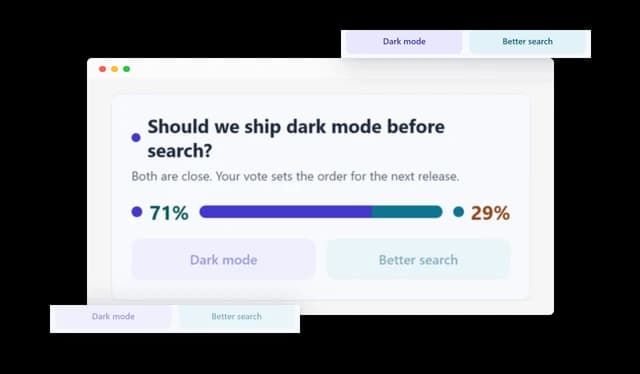
Help maintain more reliable voting results by reducing repeated participation from the same visitor. Vote validation gives you greater confidence in the audience sentiment collected through your website.
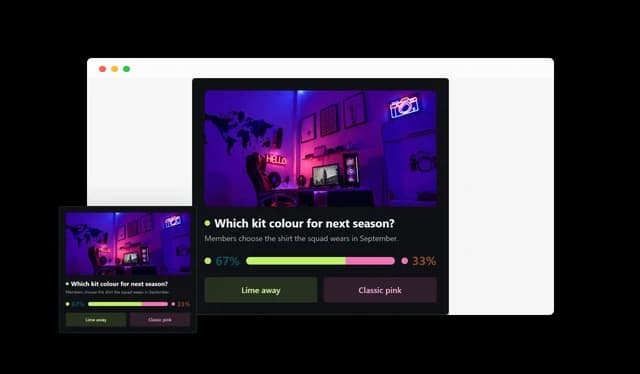
Provide a smooth voting experience across desktop, tablet, and mobile devices. Responsive controls help keep the widget clear, accessible, and easy to use on different screen sizes.
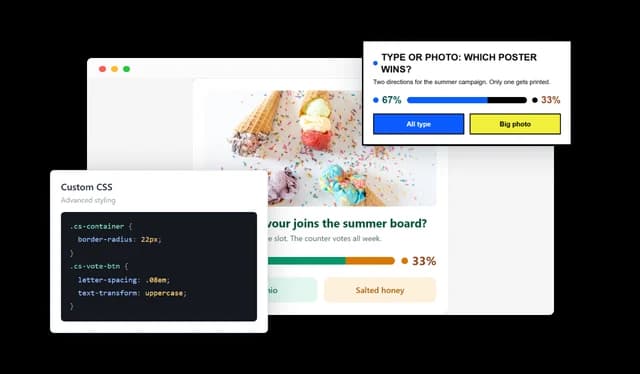
Use custom CSS for additional control over the appearance of your Community Sentiment Widget. Advanced styling options give designers and developers more flexibility when specific customization is required.
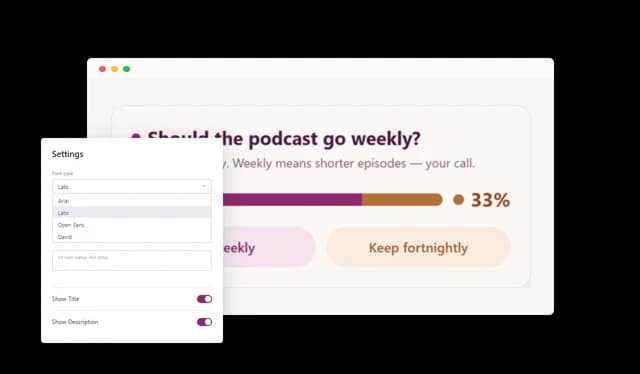
The Community Sentiment Widget is simple to set up and requires no coding knowledge. Its intuitive editor makes it easy to customize the content, design, voting options, and results in just a few clicks.
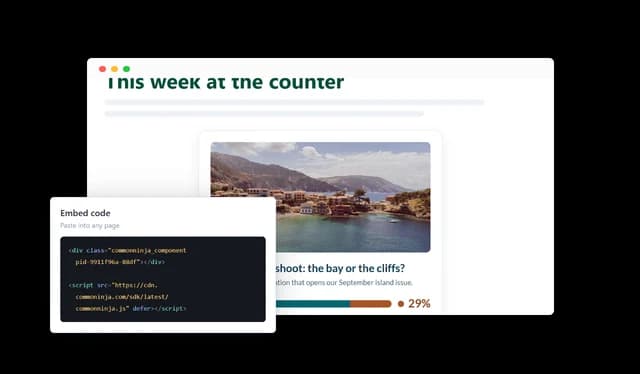
Add the Community Sentiment Widget to your website quickly with a simple embed process. It works across leading website builders and platforms, so you can start collecting visitor opinions without a complicated setup.
Common Ninja has amazing no-code widgets that would beautify a website built on any builder. It is very easy to use and customise. It has as many widgets for almost everyone willing to make their website impressive.
Outstanding service. I use their widgets to help me with my web design business and whenever I need help they are very quick to help.
Excellent company with excellent service!!! We used it to build a survey, it was very user friendly. The service was perfect. Amit helped us with every problem and question we had, thank you very much!!!
Common Ninja saved the day when building our website and the customer service Daniel, the co-founder and CEO, provided was amazing.
A poll can carry many options and is usually about collecting an answer. This is deliberately two-sided and is about showing a split. The constraint is the feature: two options fit in a sentence, need no scrolling, and produce a result a reader can absorb in a glance.
One where a reasonable person could pick either side. If you already know it will land 90 to 10, the vote confirms something nobody was wondering about. The questions that get participation are the ones your audience was already arguing over.
Percentages when the total is large, counts when it is small and you want the number to look real. A percentage on eleven votes overstates its own authority, and readers notice.
Vote validation reduces repeat participation from the same visitor. It is not identity verification, so treat the tally as directional sentiment rather than a controlled survey, and do not publish it as a statistic.
After the argument, not before it. A vote at the top asks readers to have an opinion before you have given them anything to base one on. Placed at the end of a piece it acts as a natural reaction.
Yes, images and icons both. For anything visual, two product shots or two team badges are recognised faster than their names and lift participation.
Yes, the layout adapts to desktop, tablet, and phone. Two large tap targets is a format that suits a phone better than most interactive content does.
Yes. Layouts, skins, colours, and other visual elements are all adjustable, with custom CSS for anything more specific.
Pick your platform. Each takes under 4 minutes.
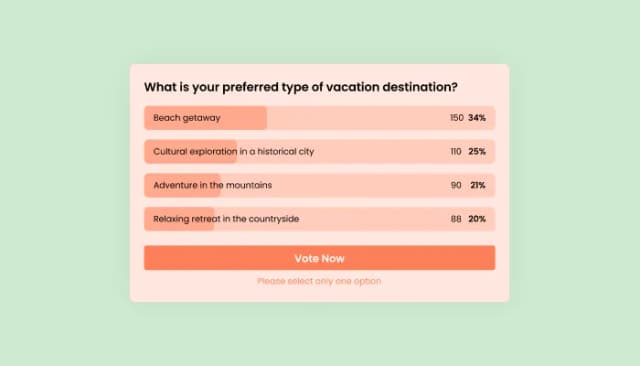
Interactive Polls Widget for Real-Time User Feedback and Engagement.
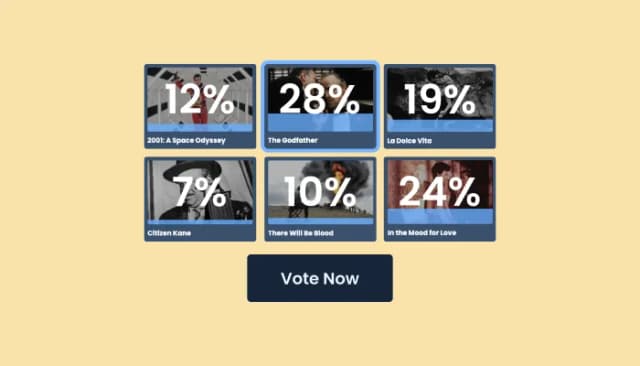
Craft interactive, image-based polls with customizable features
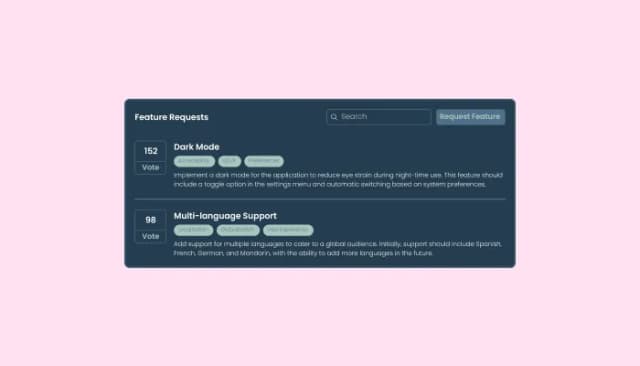
Enable users to submit and vote on feature suggestions for better development prioritization.

A Social Votes lets visitors like, upvote, and rank content to boost engagement and guide decisions.
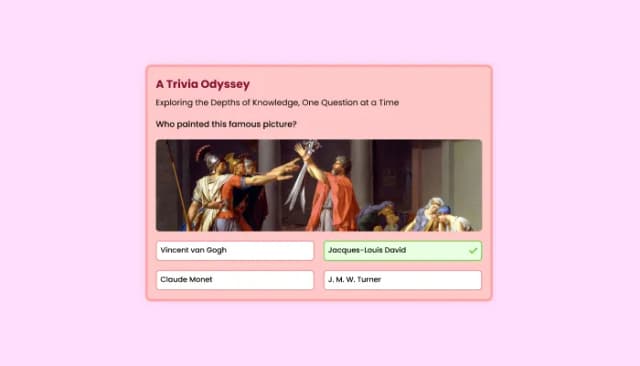
Quiz Maker for easy custom quiz creation and integration.

Allow users to add their feedback, save submissions, enable notifications, and more
A Community Sentiment Widget is an interactive website tool that lets visitors vote between two options and see how the community has responded. It helps website owners collect quick feedback, encourage participation, and display audience sentiment in a clear visual format.
You can use the widget for opinions, comparisons, preferences, reactions, product choices, content feedback, and other two-option questions. It works well on landing pages, articles, product pages, community sites, and many other types of websites.
No coding knowledge is required to create or customize the Community Sentiment Widget. You can configure the content, voting options, design, and layout directly from the editor.
Yes. The Community Sentiment Widget can display the results so visitors can immediately see how the community has voted.
Yes. You can choose whether voting results are shown as percentages or as the total number of votes for each option.
Yes. You can customize the voting choices, button text, icons, colors, and other content to fit your question and website.
Yes. You can customize the widget's colors, layout, visual elements, and other design settings to better match your website and brand.
Yes. You can use images, icons, and other visual elements to give visitors more context and make the voting experience more engaging.
The widget includes vote validation options designed to reduce repeated voting from the same visitor. This can help keep your community sentiment results more reliable.
Yes. The widget is designed to work across desktop, tablet, and mobile devices, helping visitors vote easily regardless of the device they are using.
Yes. Custom CSS gives designers and developers additional control over the appearance of the Community Sentiment Widget when more advanced styling is needed.
The Community Sentiment Widget can be embedded on a wide range of websites and website-building platforms. The simple embed process makes it easy to add interactive voting without rebuilding your existing pages.
A Community Sentiment Widget can help you increase engagement, collect audience feedback, and better understand visitor preferences. It also gives visitors an easy way to participate in your content and see how their opinions compare with the wider community.
A two-option vote that shows visitors where opinion is landing the moment they click, with images and icons on each side, multiple layouts, skins and full design control, vote validation to limit repeat voting, full responsiveness, and custom CSS. Embed on 200+ platforms including WordPress, Shopify, Wix, Webflow, and Squarespace.
Create your voteNo credit card · No coding