


Verified review
Common Ninja has amazing no-code widgets that would beautify a website built on any builder. It is very easy to use and customise. It has as many widgets for almost everyone willing to make their website impressive.
Try the editor, no signup
Pick a template, customize it, and watch it update live, no signup.
No credit card · Free forever plan
No credit card · Free forever plan
The Common Ninja Cookie Banner is a free, no-code notice that tells visitors your site uses cookies and lets them acknowledge it. Add it with one line of embed code.
The banner stays visible until a visitor acknowledges it, so the notice is seen rather than scrolled past, and the acknowledgement is remembered.
Add a link to your privacy or cookie policy, choose a button shape, add an icon or image, pick a skin, and adjust colours, fonts, and spacing to match the site.
A site that uses analytics and says nothing about it reads as careless to anyone who looks. A short notice with a link to the policy is the baseline people now assume, and its absence is what gets noticed.
Most visitors will never look for your cookie policy from the footer. A link inside the notice is the one moment they are thinking about it, which makes it the most-used route to that page you have.
A notice that disappears on scroll has not really been shown. Keeping it visible until a visitor acknowledges it is the difference between displaying a notice and being able to say it was displayed.
Placed site-wide, the banner appears wherever a visitor arrives, which matters because most people do not land on your homepage. Editing the text later changes it everywhere at once.
Keep it to one sentence a visitor can read without stopping. The banner is not the place to explain your data practices, it is the place to say cookies are in use and point at the page that does explain them.
Add the link to your privacy or cookie policy inside the text, pick a button shape and a skin, and adjust the colours so the bar reads as part of the site rather than an alert.
Copy the snippet from the Add to Website tab and paste it site-wide, usually just before the closing body tag, so the notice appears wherever a visitor lands first.
The notice remains visible until the visitor confirms they have seen it, then it is remembered, so it does not reappear on every page and become something people learn to dismiss without reading.
Point directly at your privacy policy, cookie policy, or terms from within the notice itself, which is where a visitor will actually follow it.
A one-click acknowledgement button in the shape you choose, an optional icon or image inside the bar, and ready-made skins so it fits a dark or light site without starting from scratch.
The bar and its text scale on phones so the notice stays readable and the button stays tappable, and custom CSS handles margins, animations, and hover states.

The Cookie Banner widget shows a clean, easy to understand consent notice. The text is short and direct, so visitors immediately know that your site uses cookies. This helps you present cookie information without overwhelming users or interrupting the browsing experience.

The Cookie Banner includes a simple acknowledgement button, such as “Got it,” so users can confirm they’ve seen the notice in one click. The action is obvious and fast, which keeps the consent flow smooth and avoids unnecessary steps for visitors who just want to continue browsing.

You can select from different button shapes for the Cookie Banner acknowledgement button. Pick a rounded, square, or other style that matches your site’s UI, so the banner feels consistent with your overall design.

The Cookie Banner comes with a variety of ready-made skins you can apply right away. Each skin is designed to fit different website styles and color schemes, helping the banner blend naturally into your layout while staying noticeable enough for visitors to interact with it.
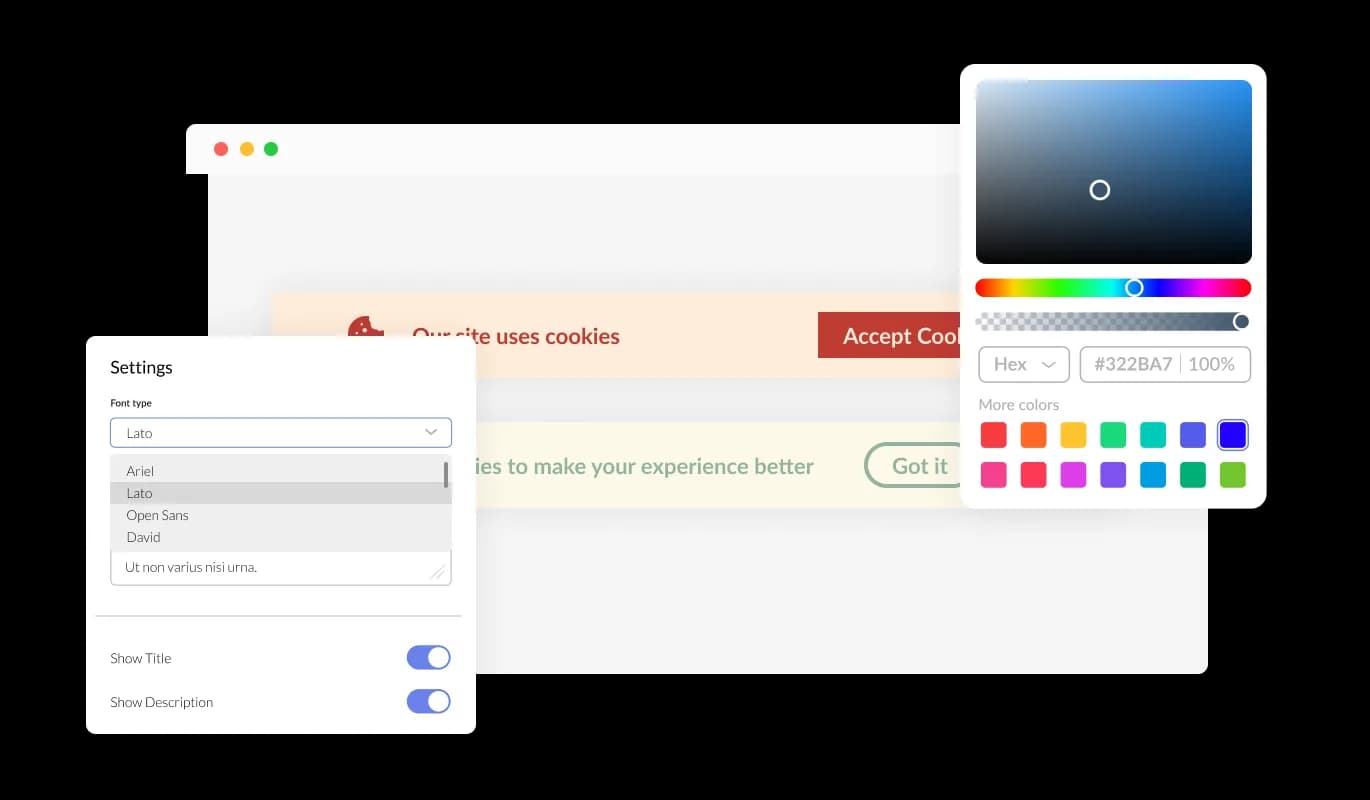
The Cookie Banner widget includes a wide range of design settings so you can make it fit your site naturally. You can adjust colors, fonts, spacing, button styles, and layout structure to match your brand and UI. The controls are simple to use, so you can fine-tune the banner until it feels like part of the page, not an external add on.
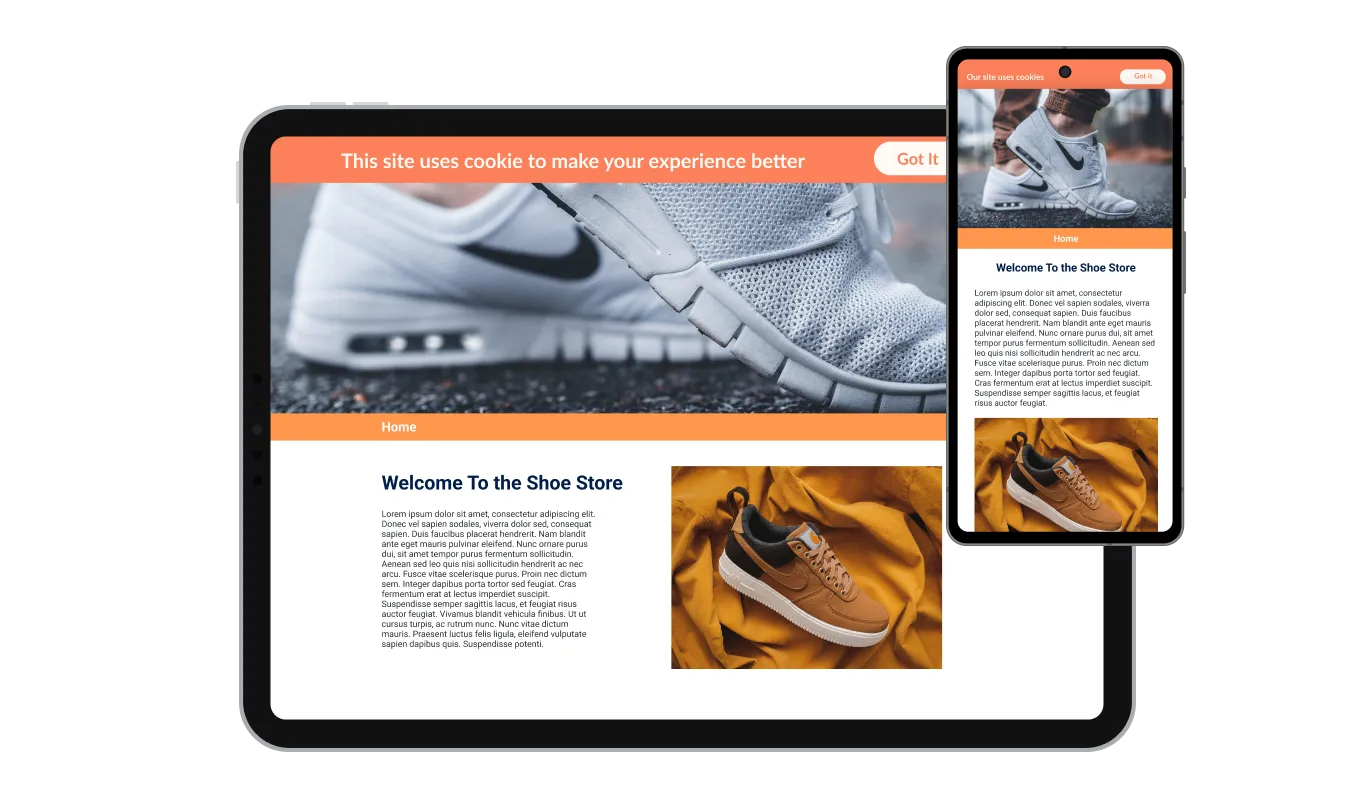
The Cookie Banner works smoothly on desktops, tablets, and phones. Its layout and text scale automatically, keeping the notice clear and the buttons easy to tap on smaller screens. This ensures visitors can review and acknowledge cookie consent comfortably, no matter which device they are using.

For advanced styling, the Cookie Banner supports custom CSS. You can use it to control precise visual details such as margins, animations, hover states, typography rules, or breakpoint behavior. This gives developers and designers full flexibility when the built in settings are not enough.

Installing the Cookie Banner takes a single line of embed code. Copy the snippet from the editor and paste it into your website’s HTML or platform embed area. After embedding, any updates you make in the Cookie Banner editor appear on your live site automatically, so there is no need to re install the widget after changes.
The Cookie Banner stays visible until a visitor acknowledges it. This ensures every user sees the cookie notice before continuing to browse, helping you present consent in a consistent and reliable way across your site.
You can include an icon or image inside the Cookie Banner to support the message visually. This lets you match the banner to your brand style or add a simple visual cue that makes the notice easier to spot without changing the layout of your page.
The Cookie Banner allows you to add a link directly in the consent text. You can point it to your privacy policy, cookie policy, terms of use, or any relevant page, giving visitors a clear path to read more details if they want.
The Cookie Banner widget is built for quick setup. You can edit the text, design, and behavior through simple controls, without writing any code. Updates take a few clicks and apply immediately, so the banner stays accurate as your site changes.
Common Ninja has amazing no-code widgets that would beautify a website built on any builder. It is very easy to use and customise. It has as many widgets for almost everyone willing to make their website impressive.
Outstanding service. I use their widgets to help me with my web design business and whenever I need help they are very quick to help.
Excellent company with excellent service!!! We used it to build a survey, it was very user friendly. The service was perfect. Amit helped us with every problem and question we had, thank you very much!!!
Common Ninja saved the day when building our website and the customer service Daniel, the co-founder and CEO, provided was amazing.
No, and it is worth being precise about why. This widget displays a notice and records that a visitor acknowledged it. Consent rules in the EU and UK require that non-essential cookies do not run until a visitor opts in, and that they can refuse as easily as they accept. That means a consent management platform that actually blocks scripts, not a notice bar. Use this where a clear notice is what you need, and a full consent platform where the law requires blocking.
One sentence stating that the site uses cookies, plus a link to the page explaining which ones and why. Anything longer gets dismissed unread, which defeats the point of showing it.
Bottom of the viewport is the convention and it interferes least. Check it against anything else anchored down there, because a cookie bar stacked on top of a chat launcher or a sticky add-to-cart is the most common way this goes wrong.
No. Once a visitor acknowledges it, that is remembered, so the notice does not reappear as they browse. A banner that returns on every page teaches people to dismiss it without reading, which is worse than not showing one.
The notice supports a link in the consent text, so point it at whichever page is the real destination, usually a cookie policy or a privacy policy that covers cookies within it.
The notice stays visible. It does not block the site, so they can keep browsing with the bar shown, and it will still be there on the next page until it is acknowledged.
Yes. There are ready-made skins for different site styles, and colours, fonts, spacing, and the button shape are all adjustable, with custom CSS for the rest.
Pick your platform. Each takes under 4 minutes.

Allow users to sign a consent form, save submissions, enable notifications, and more

Display important messages and notifications in a designed bar, at the top or bottom of the screen

Easily craft engaging, personalized popups to boost conversions.

Display important notifications with a popup
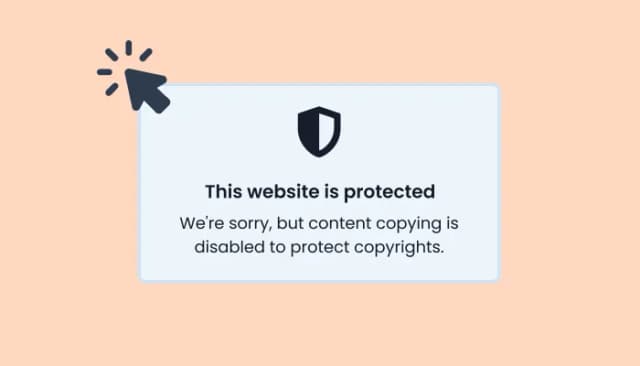
Prevent content copying by disabling right click on your website
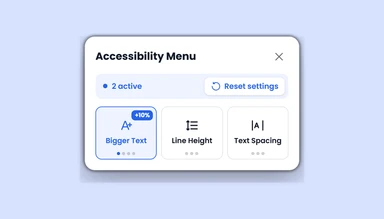
An accessibility menu that lets visitors adjust text, colors, motion, images, and navigation settings.
Website cookies are small text files saved in a visitor’s browser when they use a site. Cookies help a website remember things like login status, language, items in a cart, or browsing preferences, so the experience stays consistent between visits.
Sites use cookies to support core functions and understand how visitors interact with pages. Cookies can store preferences, keep users signed in, measure usage through analytics, and sometimes enable personalized content or advertising. Different sites use different cookie types based on their needs.
A Cookie Banner is a notice shown on a website to inform visitors that cookies are being used. It typically includes a short message and a button or options for consent, helping you communicate cookie usage clearly and support privacy requirements.
To install the Cookie Banner widget, copy the embed code from the editor and paste it into your website’s HTML or embed area. Once it’s in place, the banner appears on your site and updates automatically whenever you edit it in the widget settings.
Yes. You can adjust the Cookie Banner’s design and behavior to match your site. This includes changing colors, fonts, layout, button style or shape, adding an icon or image, and inserting a link to your privacy or cookie policy.
Yes. The Cookie Banner is responsive and adapts to different screen sizes. It stays readable and easy to interact with on phones, tablets, and desktops.
If a visitor does not acknowledge the banner, it continues to appear on future visits. The widget is designed to remain visible until the user confirms they have seen the cookie notice.
The Cookie Banner helps you present cookie information in a way that supports common privacy frameworks such as GDPR and CCPA. You should still make sure your message, consent flow, and policies match your specific legal requirements and how your site uses cookies.
A clear notice that stays visible until a visitor acknowledges it, with a one-click button in the shape you choose, a link to your privacy or cookie policy inside the text, an optional icon or image, ready-made skins, full colour and font control, responsiveness, and custom CSS. Embed on 200+ platforms including WordPress, Shopify, Wix, Webflow, and Squarespace.
Set up your bannerNo credit card · No coding