Countdown for Shorthand

Add a countdown timer to your site to highlight upcoming events or launches and encourage timely user action.

Create a Countdown

loved by 500K+ businesses

Shorthand
plugineditor

Why Should You Use the Countdown Widget+?

Amplify User Interaction and Enthusiasm with Shorthand Countdown

The Countdown widget for Shorthand instills a feeling of urgency and excitement in website visitors, prompting them to engage with your content and offerings. By incorporating a real-time countdown, users develop a more profound interest in events, promotions, or deadlines, which results in higher engagement with your Shorthand story.

Foster Visitor Retention and Recurring Visits through Countdown

With a lively Countdown timer on your Shorthand story, you add an intriguing aspect that encourages users to come back and follow the countdown's advancement. This stimulates consistent site visits and bolsters user retention, as visitors become more prone to revisit and remain current on the countdown's progress or to participate in the event or deal when it goes live.

Boost Conversions and Sales with Shorthand Countdown

Utilizing the Countdown for Shorthand can create a sense of urgency, motivating website visitors to take action before time runs out. This is especially beneficial for limited-time offers, promotions, or event registrations, ultimately driving conversions, sales, and user engagement.

Customizable Titles and Labels in Countdown

The Shorthand Countdown widget grants the ability to modify the titles or labels for days, hours, minutes, and seconds, allowing you to create a timer more suited to your particular event or campaign. Personalize the labels based on your target audience and situation, ensuring a more captivating and meaningful interaction for users.
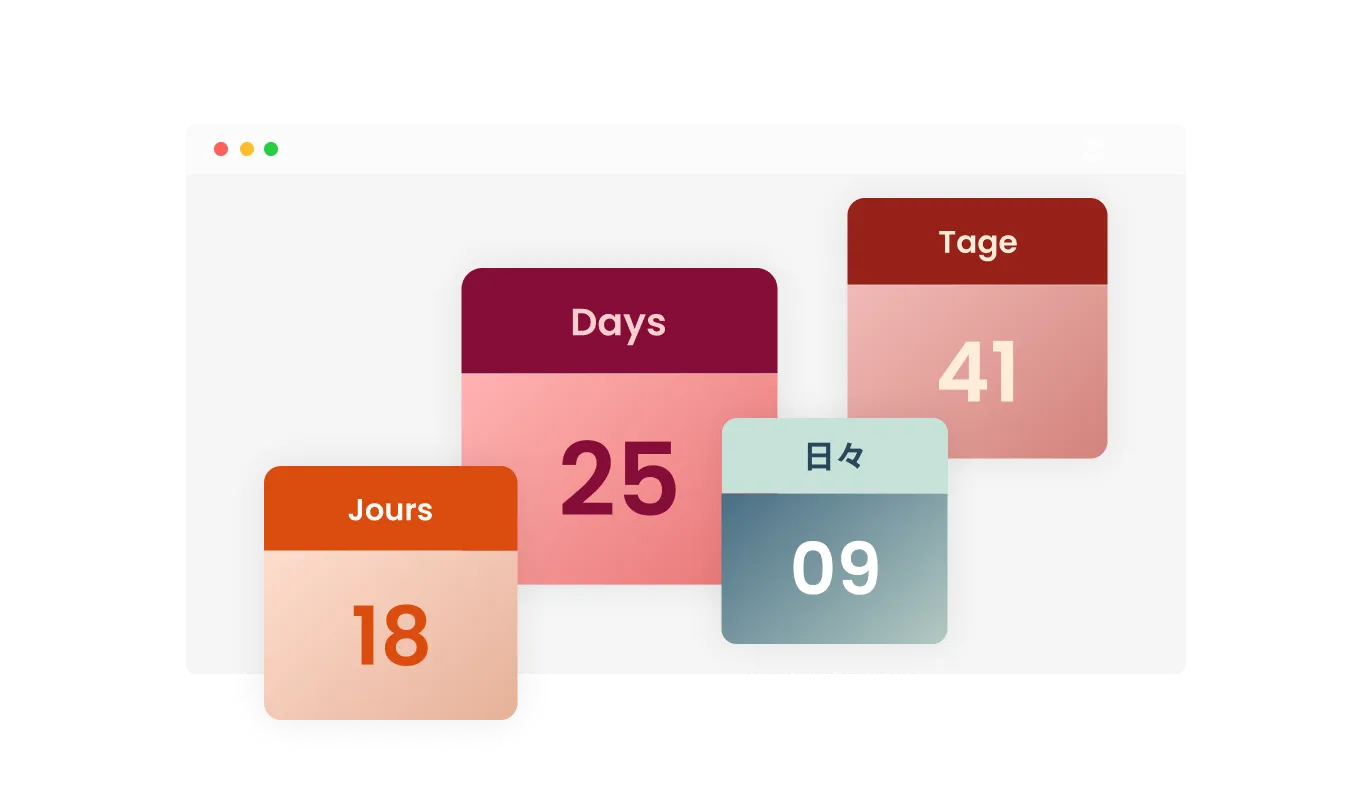
Countdown - Customizable Titles and Labels in Countdown

Joyful Confetti Animation and Bespoke Countdown Conclusion

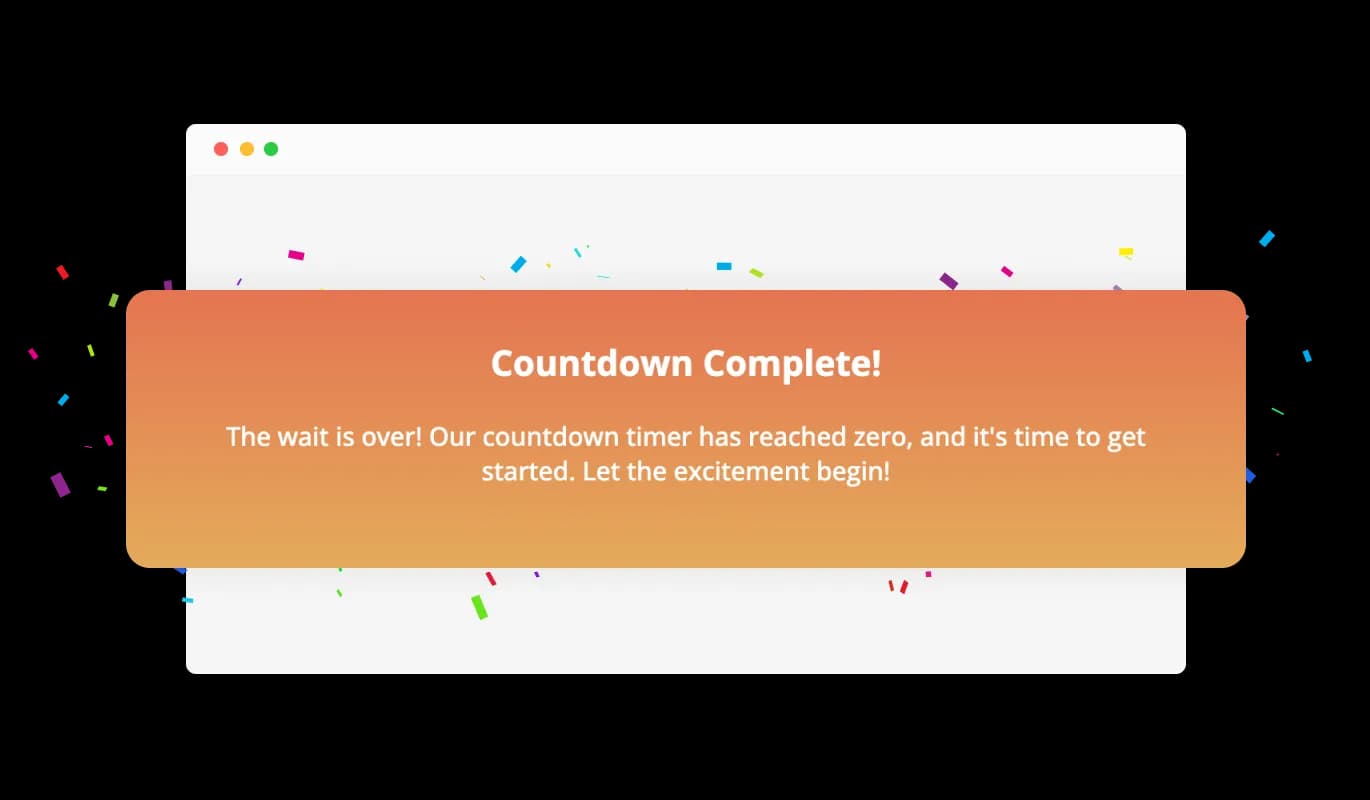
Upon the countdown's finale, the Countdown widget for Shorthand can manifest a brilliant confetti animation and showcase a bespoke message to mark the milestone. This eye-catching feature heightens the excitement and engagement, offering users a memorable experience as they participate in your event or promotion at the conclusion of the countdown.

Countdown - Joyful Confetti Animation and Bespoke Countdown Conclusion

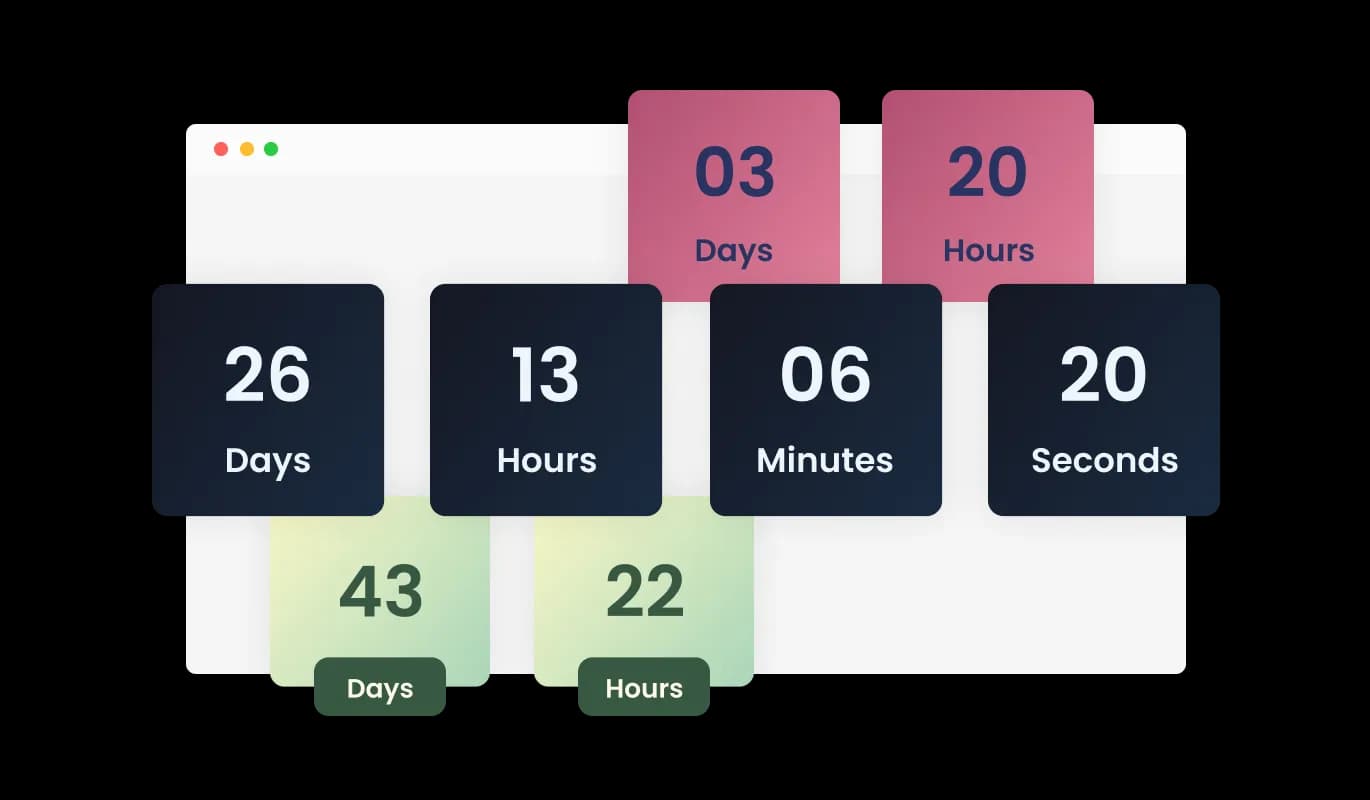
Choose from Multiple Countdown Themes for Shorthand

With an array of design skins at your disposal, the Shorthand Countdown widget can be quickly tailored to suit your Shorthand story's visual identity. Choose from different pre-built themes and effortlessly adapt the widget's appearance to blend seamlessly with your site's overall design.

Countdown - Choose from Multiple Countdown Themes for Shorthand

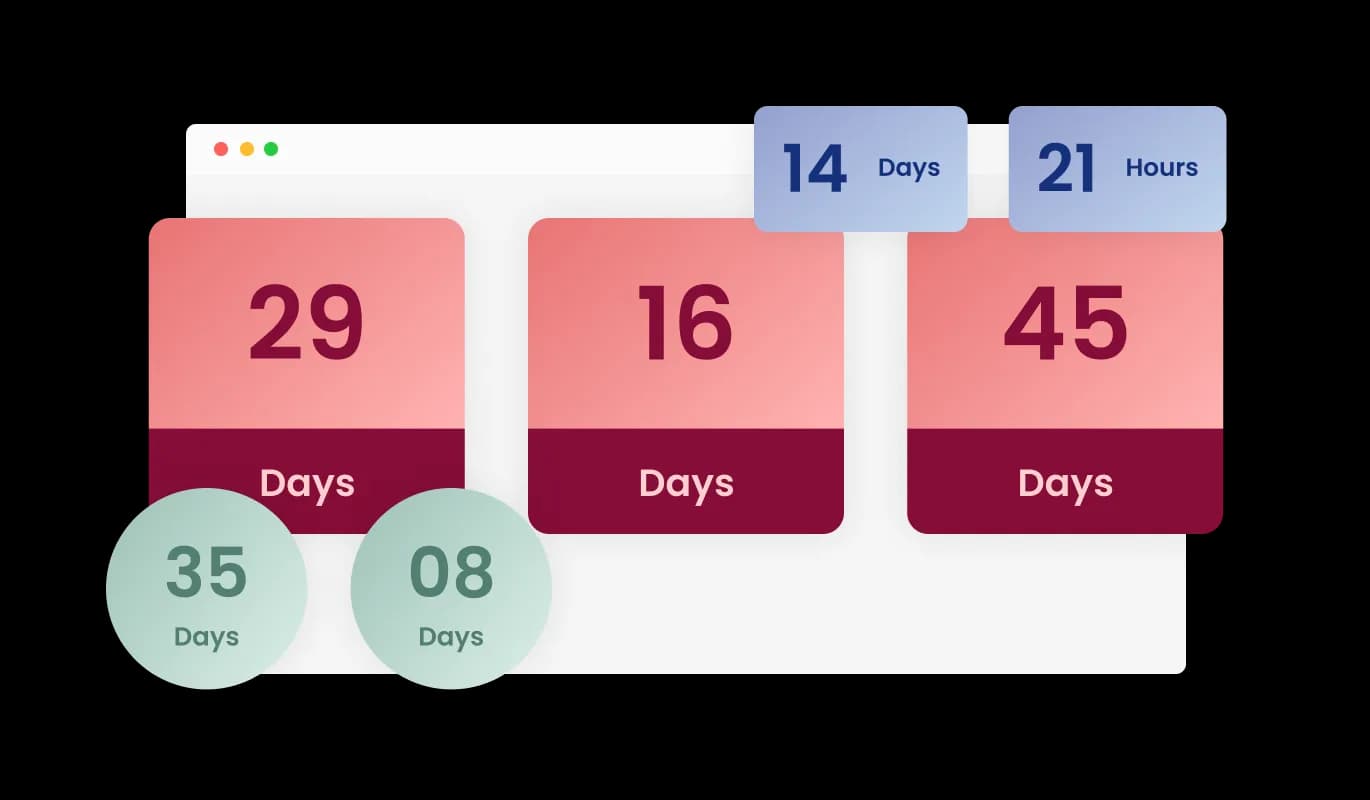
Diverse Layout Selection for Shorthand Countdown

The Countdown widget for Shorthand showcases a range of layout options, giving you the ability to choose the style that best matches your Shorthand story's aesthetic. Choose from several display formats, including horizontal, vertical, or circular timers, to construct an attractive and visually engaging countdown presentation.

Countdown - Diverse Layout Selection for Shorthand Countdown
Countdown - Animated Number Shifts for Shorthand Countdown

Animated Number Shifts for Shorthand Countdown

The Shorthand Countdown widget displays mesmerizing animations for number changes, introducing a lively and enticing component to your timer. Adapt the animation style and speed to your preferences, designing a countdown timer that appeals to your Shorthand story visitors.

Countdown - Personalized Shorthand Countdown Experience for Every Visitor

Personalized Shorthand Countdown Experience for Every Visitor

The Countdown widget for Shorthand presents the extraordinary benefit of an evergreen timer, assigning a bespoke countdown for each user as they arrive at the story. This individualized approach fosters a sense of urgency and engagement, as users experience a tailored countdown that directly corresponds to their visit, making your event or promotion even more compelling.

Countdown - Effortless Integration of Shorthand Countdown widget

Effortless Integration of Shorthand Countdown widget

The Shorthand Countdown widget presents a straightforward approach, demanding no coding expertise or technical familiarity to embed it in your Shorthand story. Boasting a comprehensible interface and an uncomplicated setup routine, users with varying experiences can smoothly generate and customize a countdown timer.

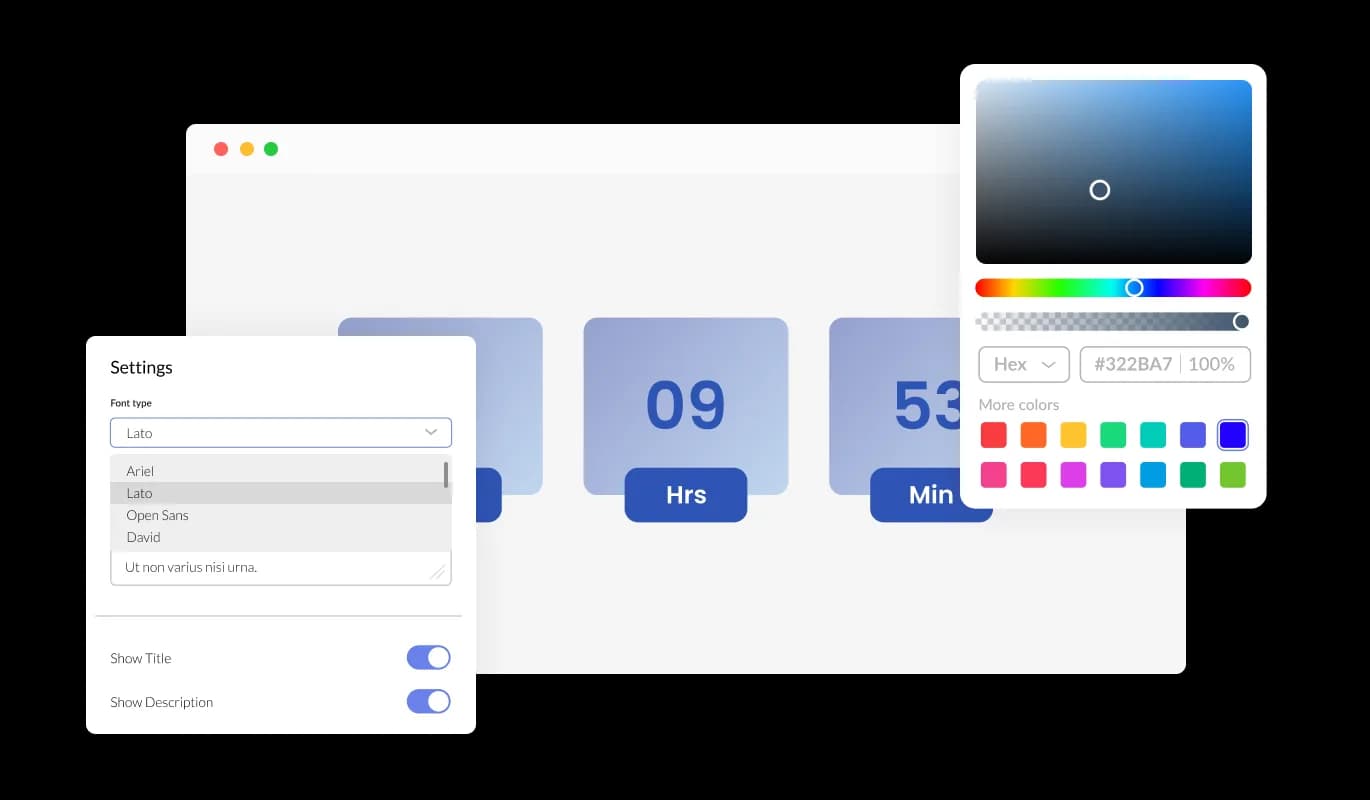
Countdown Timer Design Control on Shorthand

Control the look and feel of your Shorthand Countdown timer by adjusting colors and fonts to match your brand identity. With a wide array of color options and a vast selection of fonts, you can easily create a countdown timer that complements your Shorthand story's design language.

Countdown - Countdown Timer Design Control on Shorthand

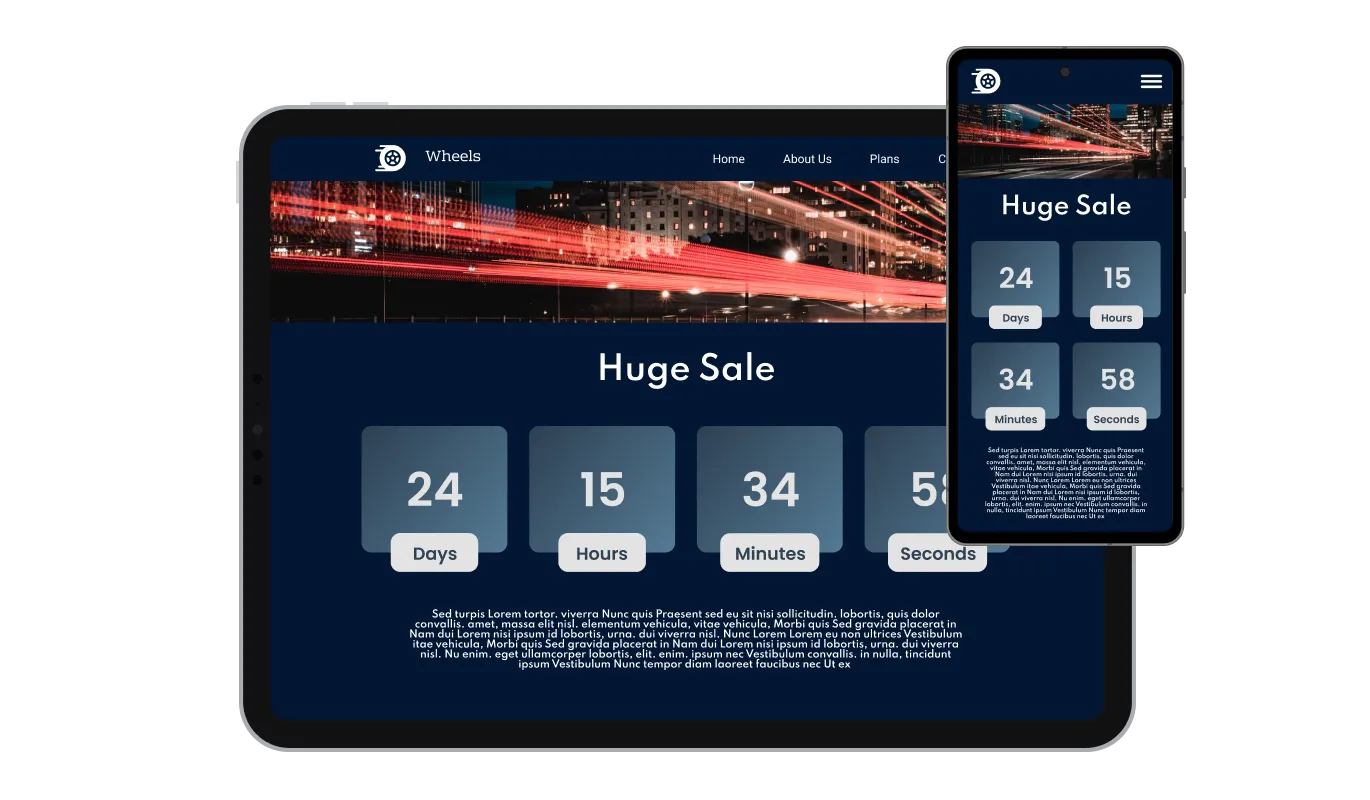
Perfectly Responsive Design

The Countdown widget for Shorthand features a responsive design that guarantees an ideal display and smooth functionality on a variety of devices and screen dimensions. Regardless of the device — be it a desktop, tablet, or smartphone, your story visitors can expect a visually captivating and smooth countdown timer experience that upholds a polished and appealing presentation.

Countdown - Perfectly Responsive Design

Fine-tune Countdown with Full CSS Control on Shorthand

The Countdown widget for Shorthand permits in-depth customization through the availability of unreserved CSS control for advanced users or web design specialists. This sophisticated option allows users or web developers to precisely tweak the timer's aesthetics and performance, harmonizing it with their exact design goals and demands.

Countdown - Fine-tune Countdown with Full CSS Control on Shorthand

Seamless Integration with Shorthand Countdown

The Countdown for Shorthand is designed to work seamlessly with your Shorthand story, ensuring smooth integration with your site. The straightforward setup process enables you to promptly add the countdown timer to your Shorthand story without any technical hurdles or compatibility obstacles.

Countdown - Seamless Integration with Shorthand Countdown

Compatible With All Site Builders, E-Commerce Platforms and Websites

webflow logoshopify logowix logowordpress logobigcommerce logosqurespace logoweebly logojoomla logoduda logojimdo logomagento logoshift4hsop logounbounce logocarrd logo
View all supported platforms

FAQ

A Countdown widget is a versatile tool that can be added to any website, allowing you to display a customizable timer that counts down to a specific date, time, or duration. It can be used to create urgency, promote events, or engage visitors with personalized experiences based on their visit duration.

Adding the Countdown widget to your website is a simple process, with no coding skills required. After customizing the widget's appearance and settings, you will be provided with a code snippet. Copy this code and paste it into the desired location within your website's HTML or use your website builder's specific widget placement method.

Yes, the Countdown widget offers extensive customization options, including multiple layouts, design skins, color schemes, and font selections. You can also adjust the animation style, and choose to display custom titles or labels for days, hours, minutes, and seconds.

The Countdown widget is designed to be compatible with a wide range of website builders and platforms. Its user-friendly setup and integration process ensure seamless implementation on most websites without any technical difficulties or compatibility issues.

Yes, the Countdown widget offers an evergreen timer feature that sets a personalized countdown for each visitor, beginning the moment they enter the website. This creates a tailored experience for each user and encourages engagement by fostering a sense of urgency.

Yes, you can create a custom message that will be displayed when the countdown reaches its end. This allows you to provide tailored information or instructions to your website visitors upon completion of the timer.

Yes, the Countdown widget includes an optional confetti animation that can be activated when the timer reaches zero. This eye-catching and festive feature adds an extra layer of excitement and interaction, creating a memorable experience for users.

Yes, the Countdown widget is designed with a responsive layout, ensuring that it functions and displays optimally across various devices and screen sizes, including desktop, tablet, and mobile.

Yes, the Countdown widget provides full CSS control, allowing advanced users or web developers to fine-tune the appearance and behavior of the timer according to their specific design vision and requirements.

There is no specific limit to the number of Countdown widgets you can add to your website. You can use multiple instances of the widget for different events, promotions, or purposes across your site.

Yes, the Countdown widget allows you to customize the titles or labels for days, hours, minutes, and seconds, making the timer more relevant and engaging for your specific event or promotion.

Yes, the Countdown widget offers a selection of pre-built design skins that you can choose from, allowing you to quickly adapt the widget's appearance to blend seamlessly with your website's design.

Absolutely! The Countdown widget is an excellent tool for promoting sales, events, product launches, or any time-sensitive offer. By creating a sense of urgency and anticipation, the timer encourages website visitors to engage with your promotion or event.

Yes, the Countdown widget allows you to customize the style of the number transition animations. You can choose from a range of animation options to make your countdown timer more visually appealing and engaging for your website visitors.


Yes, you can set the Countdown widget to reset automatically after it reaches zero, making it suitable for recurring events or promotions. By specifying the duration between resets, the timer will continue to count down to each new occurrence, keeping your website visitors informed and engaged.

Yes, the Countdown widget is designed to be GDPR compliant. It does not collect or store any personally identifiable information from your website visitors, ensuring that their privacy is protected and your website remains compliant with data protection regulations.

Yes. We are eager to hear your request. Please refer to this page.