


Verified review
Common Ninja has amazing no-code widgets that would beautify a website built on any builder. It is very easy to use and customise. It has as many widgets for almost everyone willing to make their website impressive.
The Common Ninja Currency Converter widget is a free, no-code embed that lets visitors view prices and amounts in their preferred currency on your website.
Pick the currencies you want to support, set the source of exchange-rate information, configure the layout (calculator-style input, side-by-side conversion, currency dropdown), customize the design with skins or Custom CSS, and paste a one-line embed snippet on Notion, Webflow, Shopify, WordPress, Squarespace, Payhip, and 200+ other platforms.
Use it to make pricing pages friendly for international visitors, lift conversion on cross-border e-commerce, and let personal-finance Notion templates surface real-time exchange-rate math without leaving the page.
A pricing page in USD alone forces every international shopper to mental-math (or open a second tab to Google Finance). A currency converter on the page lets them see the equivalent in their local currency immediately, which removes a key friction step and lifts conversion on cross-border e-commerce traffic.
Visitors who see a price quoted in their own currency trust the storefront more than visitors who see only a foreign number. A converter signals "we know you're not from here, and we've thought about that" — a small UX nudge with outsized impact on first-impression credibility.
Exchange rates move every day. A static rate in your copy gets stale within hours. The widget fetches live rates from its configured source on a schedule, so the displayed conversion is current without manual maintenance. Set the source once and let the widget keep the numbers honest.
Notion is the #1 platform driving traffic to this widget — personal-finance dashboards, budgeting templates, expense trackers, and travel-planning pages all benefit from live currency conversion that updates as rates move. Embed once in the template and every duplicated workspace gets the conversion math.
Select from a long list of supported currencies (USD, EUR, GBP, JPY, CAD, AUD, CHF, CNY, INR, BRL, MXN, and dozens more). Add the currencies your audience actually converts between — there's no benefit to listing 50 if your visitors come from five — and reorder them so the most common pairings surface first.
Choose a layout — calculator-style (input an amount, see the converted value), side-by-side (two currency columns showing equivalent values), or compact dropdown (currency switcher for displayed prices). Set the source of exchange-rate information, configure rounding, decimal precision, and currency-symbol display. Pick a skin from the design library or layer Custom CSS for pixel-level brand match.
Copy the one-line embed snippet and paste it on Notion, Webflow, Shopify, WordPress, Squarespace, or any of the 200+ supported platforms. Live exchange rates update automatically — your visitors see current rates without you needing to update anything in the embed. Edits in the Common Ninja editor push to every embed without re-paste.
Wide range of supported currencies (USD, EUR, GBP, JPY, CAD, AUD, CHF, CNY, INR, BRL, MXN, and many more). Add only the ones your audience actually converts between to keep the dropdown tidy and the load time tight.
Pick from a library of pre-designed skins (minimal, finance-pro, soft-pastel, dark-mode, brand-neutral) for a fast visual fit. Each skin is a fully styled starting point; tune typography, accent colors, and digit framing from there.
Layouts (calculator, side-by-side, compact dropdown) adapt across mobile, tablet, and desktop breakpoints. Tap targets stay finger-sized on mobile, currency dropdowns scale to viewport width, and rate-display digits resize for readability on narrow screens.
Layer Custom CSS over any skin to control digit typography, currency-symbol placement, button shapes, decimal precision styling, and hover-state finesse. Tight integration with your site's design system without rebuilding the widget.
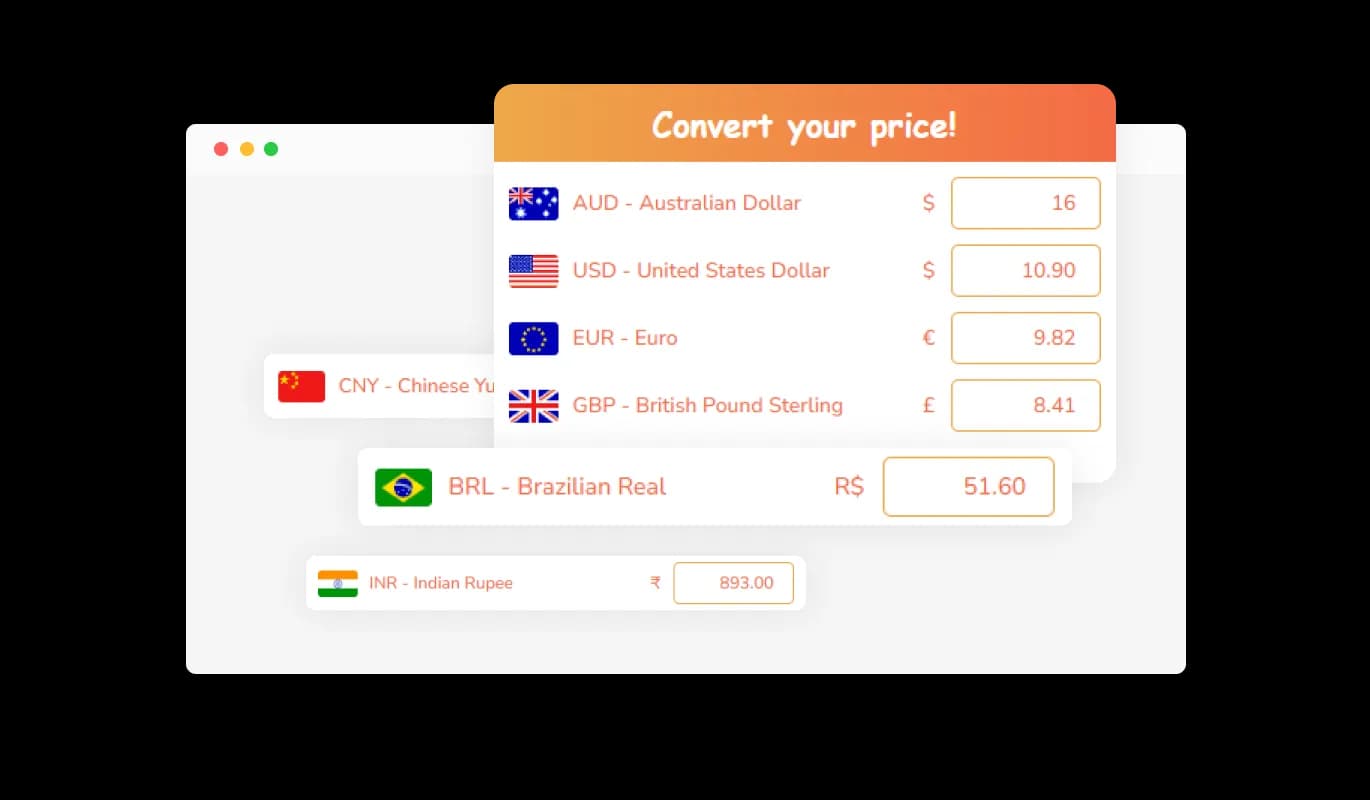
The Currency Converter widget gives you the flexibility to display prices in numerous currencies. You can add as many currencies as you want, making your website more inclusive for a global audience. This feature allows your customers from around the world to view prices in their local currency, ensuring a more personalized and user-friendly shopping experience.
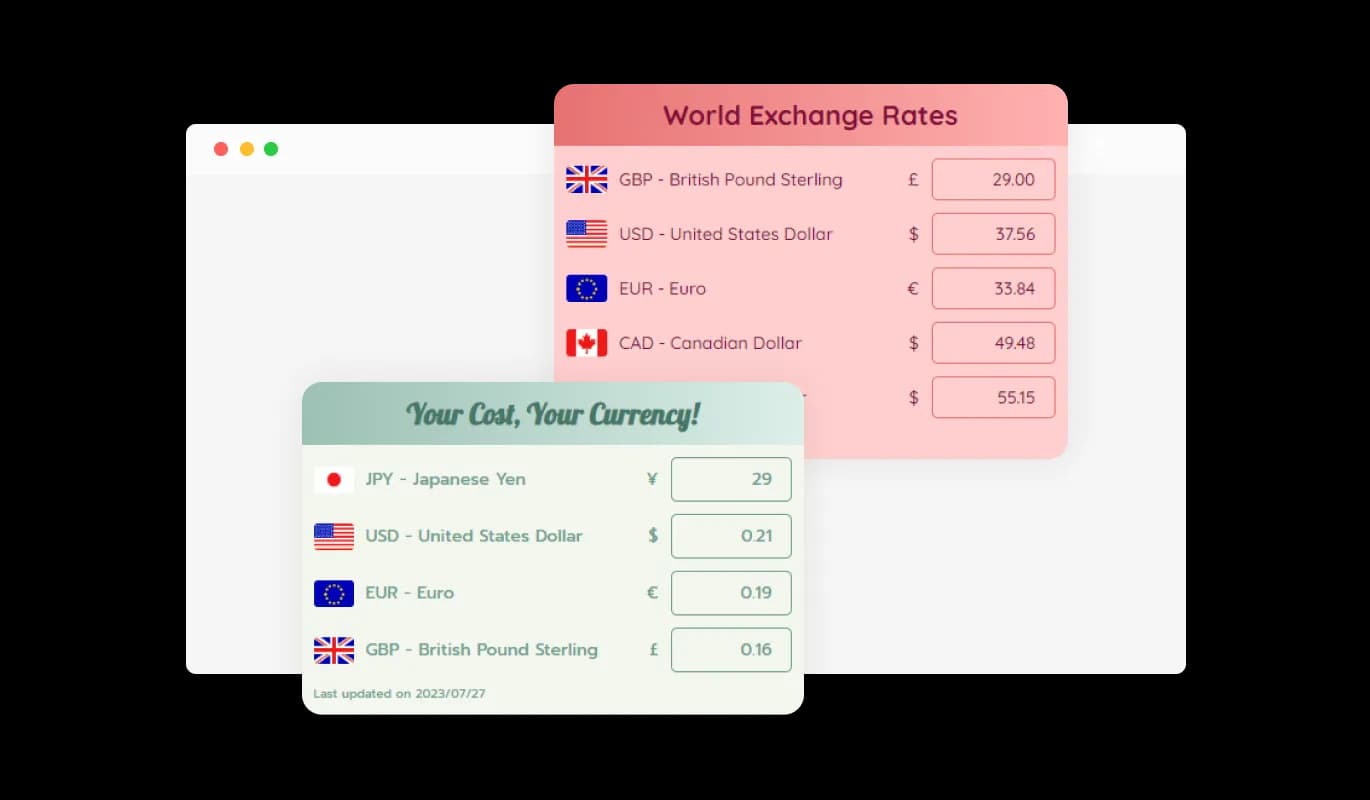
Infuse your website with visual charm using the Currency Converter widget's assortment of captivating currency styles. Opt from a range of designs that resonate with your brand, simplifying the customization process and guaranteeing a harmonious and enticing look throughout your site. This widget not only improves user experience but also does it while maintaining your brand's distinctive flair.
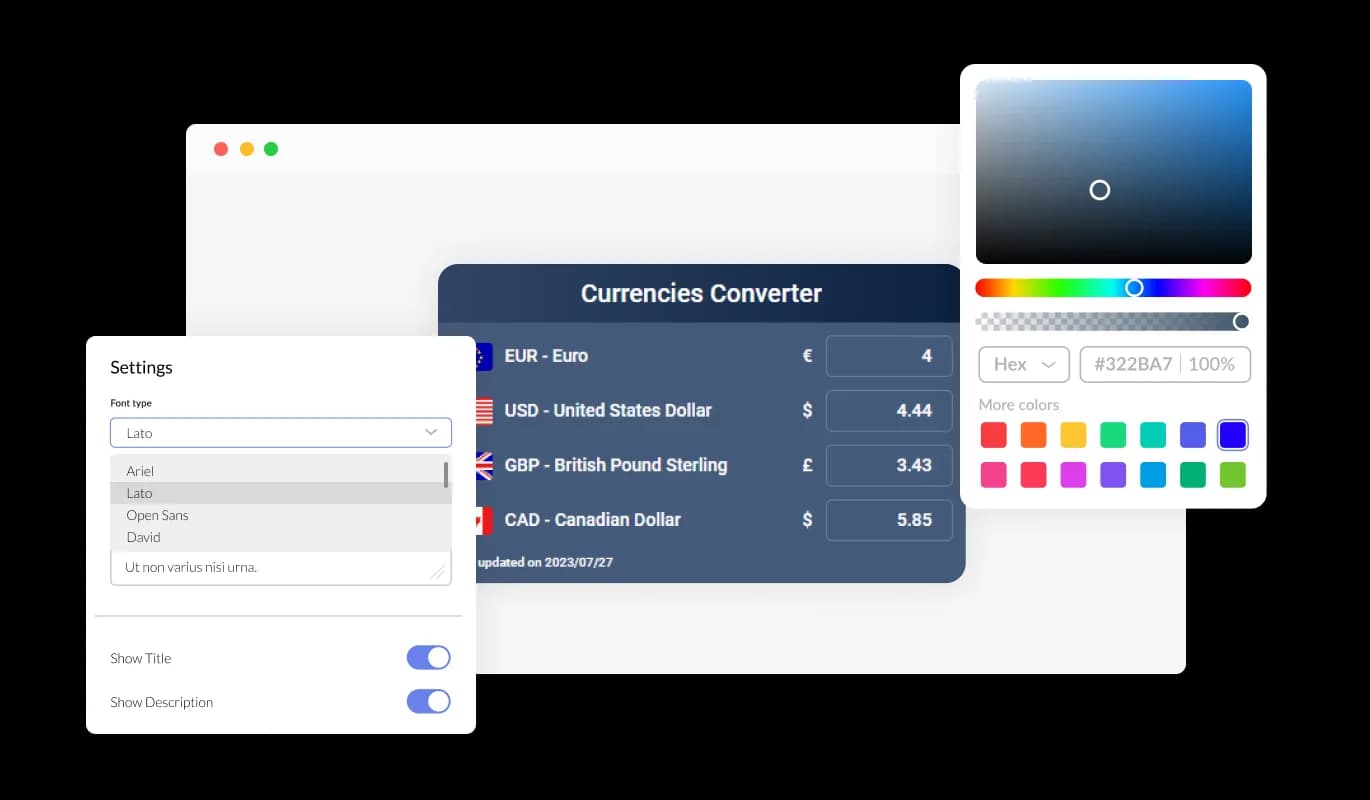
The Currency Converter widget gives you absolute authority over the look of your currency displays. Each detail - from the choice of colors and fonts to the arrangement of spaces - can be modified to ideally match your brand's visual identity. Enjoy the freedom to craft a design that not only symbolizes your brand but also enriches the overall user interaction on your website.
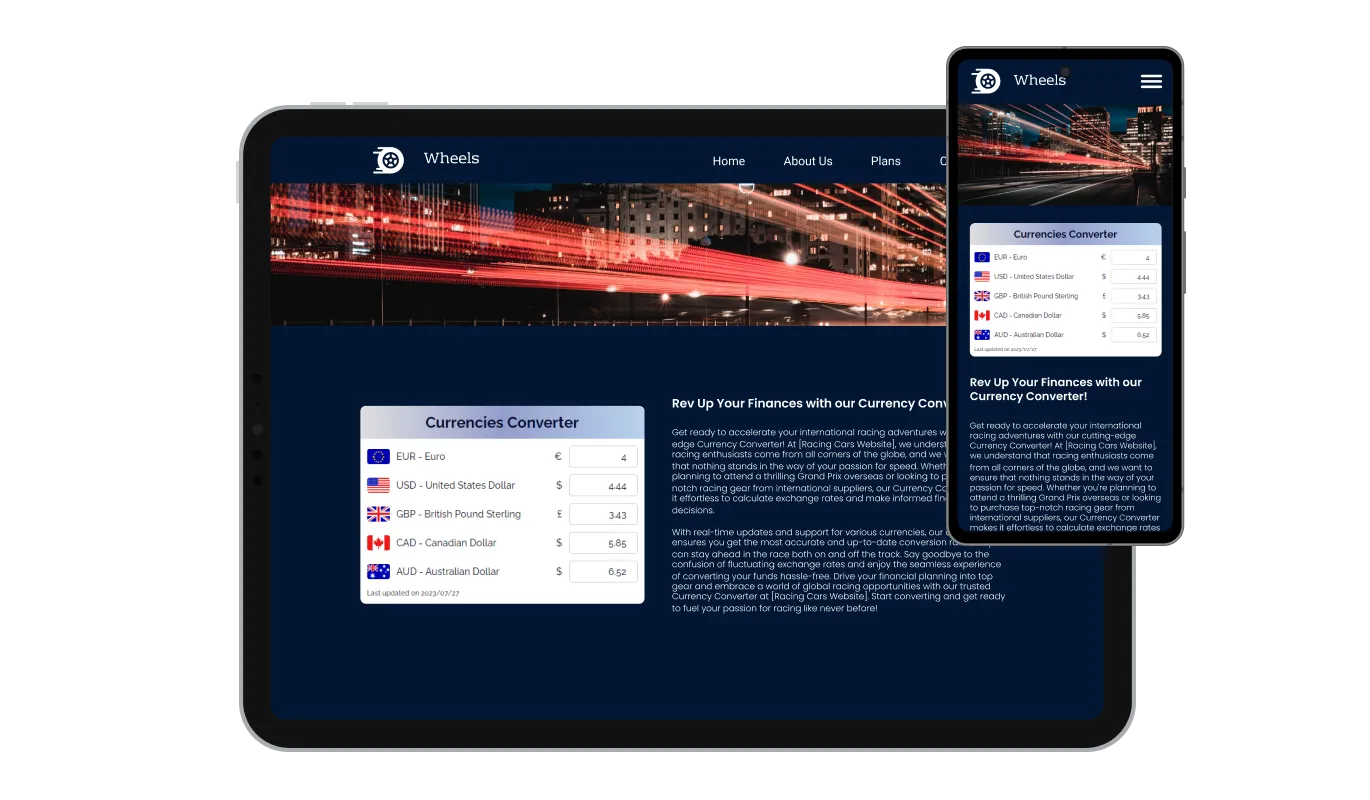
The Currency Converter widget guarantees a seamless and uniform experience across all devices. It doesn't matter whether your customers are accessing your site from a desktop, tablet, or smartphone, the widget's adaptive design modifies itself according to the device's screen size and orientation. This ensures your prices are always readable and easy to understand, irrespective of the device your customers use to shop.

Currency Converter widget isn't just user-friendly, it's also developer-friendly. If you're comfortable with code, you can use custom CSS to tailor the appearance and behavior of the currency converter to your exact specifications. This feature gives you the ultimate control to make the widget perfectly aligned with your brand and website style.

Embedding the Currency Converter you've customized with our widget into your website is as straightforward as a copy-and-paste task. What's more, any alterations you make to the widget will automatically update on your site, ensuring your currency display is always up-to-date and engaging, without necessitating any extra effort.
With the Currency Converter widget, you control the accuracy of your currency conversions. Whether you want to use a specific bank's rate or prefer an average calculated from all banks, the choice is in your hands. This flexibility allows you to tailor the currency conversions to best suit your business needs.
The Currency Converter widget offers options to customize how each currency appears on your site. Want to show the currency name, symbol, or even the country flag? You've got it! This feature allows you to tailor the look of your prices to match your website's style, making your international prices both informative and visually appealing.
Setting up your desired currency display is as simple as pie with the Currency Converter widget's intuitive interface. No need for any technical or coding skills - our easy-to-navigate, user-oriented interface enables you to tailor your currency display to your liking with just a handful of effortless clicks. Making your widget interactive and personalized has never felt more effortless and achievable.
Make pricing friendly for international shoppers
Open the editorNo credit card · Setup in under 5 minutes
Common Ninja has amazing no-code widgets that would beautify a website built on any builder. It is very easy to use and customise. It has as many widgets for almost everyone willing to make their website impressive.
Outstanding service. I use their widgets to help me with my web design business and whenever I need help they are very quick to help.
Excellent company with excellent service!!! We used it to build a survey, it was very user friendly. The service was perfect. Amit helped us with every problem and question we had, thank you very much!!!
Common Ninja saved the day when building our website and the customer service Daniel, the co-founder and CEO, provided was amazing.
Yes. The free plan covers one Currency Converter widget with no time limit and no credit card. Upgrade only when you need additional widgets, more supported currencies, faster rate-refresh intervals, premium skins, or features like historical-rate charts and per-widget analytics.
A wide range — major fiat currencies (USD, EUR, GBP, JPY, CAD, AUD, CHF, CNY, INR, BRL, MXN, SEK, NOK, DKK, SGD, HKD, KRW, ZAR, TRY, RUB, and many more). Add only the ones your audience actually converts between to keep the dropdown tidy and the page light.
The widget fetches live rates from its configured source on a schedule (refresh frequency depends on the plan — free plans poll less frequently than paid plans). Rates move every day during market hours, so the widget keeps the displayed numbers current without you needing to update anything in the embed.
Configurable in the editor — pick from supported exchange-rate sources, which vary depending on your plan. The widget surfaces the source publicly (for transparency) and refreshes rates on the configured schedule. For commercial pricing at scale, double-check the displayed rate against your own treasury-grade source before publishing critical-transaction copy.
The widget displays converted values for visitors to view on the page — useful for pre-purchase price clarity, browse-stage decisions, and informational rate displays. For actual checkout charging in a customer's local currency, your e-commerce platform (Shopify, WooCommerce, Stripe) handles the payment-side conversion at the rate they negotiate with their payment processor. Use the widget for the marketing-side display, and rely on your platform's native multi-currency checkout for the actual transaction.
Build the widget in the Common Ninja editor (pick currencies, layout, source), copy the embed snippet or URL, and paste it into your site: Notion via /embed with the embed URL; Webflow via an Embed element on the page; Shopify via a Custom HTML section in your theme editor or via a Custom Code app for sitewide injection. Edits in the editor push to every embed without re-paste.
Yes. Pick a skin from the design library for a fast brand match, then layer Custom CSS for pixel-level control — digit typography, currency-symbol placement, button shapes, accent gradients, hover states, decimal-precision styling. The widget is designed to disappear into your brand once styled.
Yes. Layouts (calculator-style input, side-by-side, compact dropdown) adapt across mobile, tablet, and desktop breakpoints. Tap targets stay finger-sized on mobile, currency dropdowns scale to viewport width, and rate-display digits resize to stay readable on narrow screens.
Pick your platform. Each takes under 4 minutes.
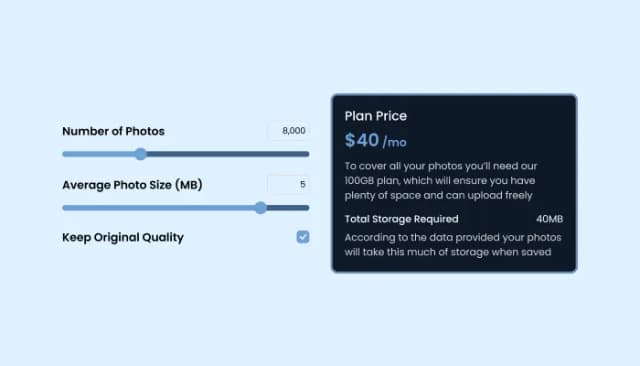
Add a TDEE Calculator to boost engagement and estimate daily calorie needs.

Displays pricing options for products or services in a clear and organized format
Showcase statistics, metrics, or countdowns in an animated visually appealing display
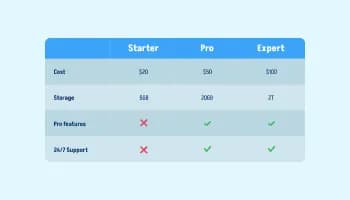
Displays data or features side-by-side, allowing users to compare and contrast the information easily

Display multiple locations with enriched details and customizable aesthetics.

Easily craft engaging, personalized popups to boost conversions.
It's simple to add the Currency Converter widget to your website. Once you've customized your converter, you'll be provided with a code snippet that you can copy and paste into your website's HTML.
Yes, you can add as many currencies as you want. This makes it easy for customers from around the world to view prices in their local currency.
The Currency Converter widget is responsive and compatible with all devices, including desktops, tablets, and smartphones.
Yes, the Currency Converter widget is fully customizable. You can adjust the colors, fonts, and spacing to perfectly match your brand's aesthetics.
No, the Currency Converter widget automatically updates the exchange rates using real-time data.
Yes, the Currency Converter widget allows you to select a specific bank's rate or an average rate calculated from multiple banks.
Yes, the widget is designed with a user-friendly interface. You don't need any coding knowledge to customize your currency display.
Yes, you have the option to display the currency name, symbol, and country flag, according to your preference.
The widget supports all globally recognized currencies. This allows you to cater to a global audience.
No, the widget is designed to be lightweight and doesn't significantly impact your website's loading speed.
If you encounter any issues or have questions, you can reach out to our support team. They're always ready to help you out.
The widget has both free and premium versions. The free version offers basic only 2 currencies, while the premium version offers to display more currencies and usinggmore advanced customization options.
Let visitors view prices and amounts in their preferred currency — wide currency coverage, live rates from a configurable source, calculator / side-by-side / dropdown layouts, decimal-precision controls, stylish skins, and Custom CSS. Embed on 200+ platforms including Notion, Webflow, Shopify, WordPress, Squarespace, and Payhip.
Create your Currency ConverterNo credit card · Setup in under 5 minutes