


Verified review
Common Ninja has amazing no-code widgets that would beautify a website built on any builder. It is very easy to use and customise. It has as many widgets for almost everyone willing to make their website impressive.
Try the editor, no signup
Pick a template, customize it, and watch it update live, no signup.
No credit card · Free forever plan
No credit card · Free forever plan
The Common Ninja Donation Form widget is a free, no-code embed that lets nonprofits and fundraisers collect secure donations through a custom form on their website.
Set your suggested donation amounts (or let donors enter a custom amount), add the fields you need (donor name, email, dedication note, gift-in-honor-of, custom questions), enable file or image upload for pledge documents, turn on spam protection, customize the design with skins or Custom CSS, set notification emails for new gifts, and paste a one-line embed snippet on WordPress, Squarespace, Wix, Webflow, Shopify, and 200+ other platforms.
Use it for charities and nonprofits, churches and faith organizations, schools and PTAs, crowdfunding and disaster relief, political and advocacy campaigns, and any moment where you need a clean donation flow with secure payment collection and donor-record export, without piping gifts through a paid fundraising platform.
Instead of sending supporters off to a third-party fundraising page, a donation form on your own site collects gifts inline through a secure payment provider. Every donation lands in one structured list in your Common Ninja dashboard, no chasing receipts across your inbox, no manual tallying, with a clean export to CSV for your records.
Suggested giving tiers make it easy for donors to give fast, and a custom-amount field lets supporters give exactly what they want. Let a single donor make multiple or recurring gifts without re-entering their details, so monthly supporters and repeat givers can keep contributing to your campaign in one flow.
A generic contact form asks for name and email. A donation form captures what your organization actually needs, gift amount, dedication or in-memory-of notes, matching-gift employer, mailing address for tax receipts, and custom campaign questions. File and image upload lets donors attach pledge forms or matching-gift paperwork in the same step.
A Contact Form (enriched at /widgets/contact-form) is for general inquiries, name, email, message. A Form Builder (enriched at /widgets/form-builder) is for any custom multi-field form. This Donation Form is pre-tuned for fundraising with the right defaults (giving tiers, custom amounts, recurring gifts, secure payment collection), so you don't build a giving flow from scratch every campaign.
Add suggested giving tiers (for example $10, $25, $50, $100) or let donors enter a custom amount. Build the form with the fields your campaign needs, donor name and email (required), dedication or gift-in-honor-of notes, address for receipts, and custom questions. Enable file or image upload for pledge forms or matching-gift documents, and mark fields required or optional.
Connect a payment provider in the editor to collect donations securely, and choose whether donors can give one time or make multiple, recurring gifts from a single donor account. Set notification email addresses so your team gets pinged when a new donation arrives. Enable spam protection (honeypot, optional CAPTCHA) so the inbox stays clean.
Copy the one-line embed snippet and paste it on WordPress, Squarespace, Wix, Webflow, Shopify, or any of the 200+ supported platforms. Donations save to your Common Ninja dashboard; export the full donor list to CSV whenever you need it for receipts, acknowledgment letters, or bookkeeping. Edits in the editor push to every embed without re-paste.
Connect a payment provider in the editor and collect donations securely inline. Donors give without leaving your page, and each gift is recorded against the donor's submission, so you have a clean, structured record of every contribution to your campaign.
Offer suggested giving tiers plus a custom-amount field so donors give what they want. Let a single donor make multiple or recurring gifts without re-entering their details, ideal for monthly supporters, sustaining members, and repeat givers.
Add the fields your campaign needs, dedication notes, in-memory-of, matching-gift employer, mailing address for receipts, custom questions, and enable file or image upload so donors can attach pledge forms or matching-gift paperwork. Reorder fields via drag-and-drop in the editor.
Honeypot fields and optional CAPTCHA keep bot submissions out of your donor list. Pick from a library of pre-designed skins for a fast visual fit, then layer Custom CSS for pixel-level control over field spacing, button styling, and header typography.
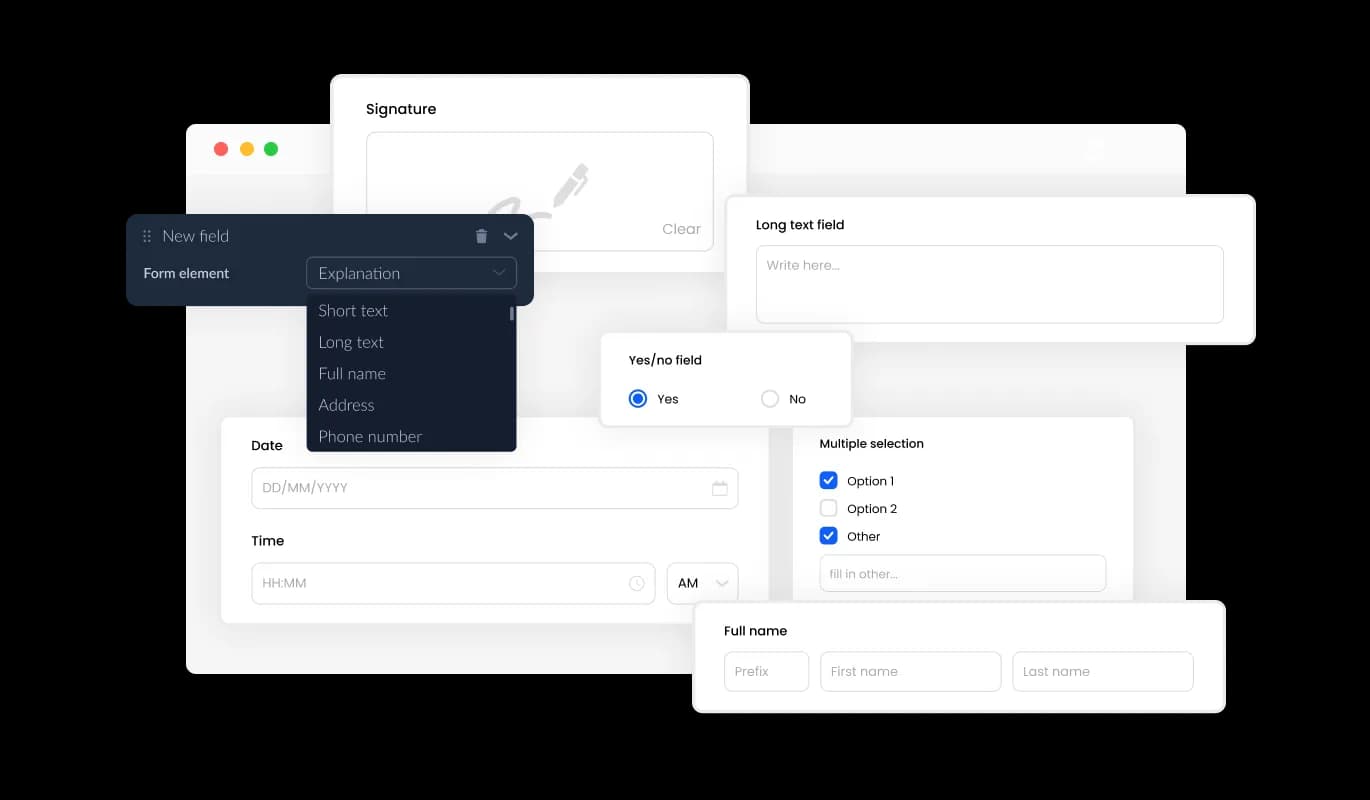
The Donation Form offers a wide range of fields to choose from, allowing you to tailor the form to your specific needs. From basic fields like name and email to specialized input options, you can build a donation experience that suits your organization. Simply click “Add Field” and arrange them easily using drag-and-drop functionality.
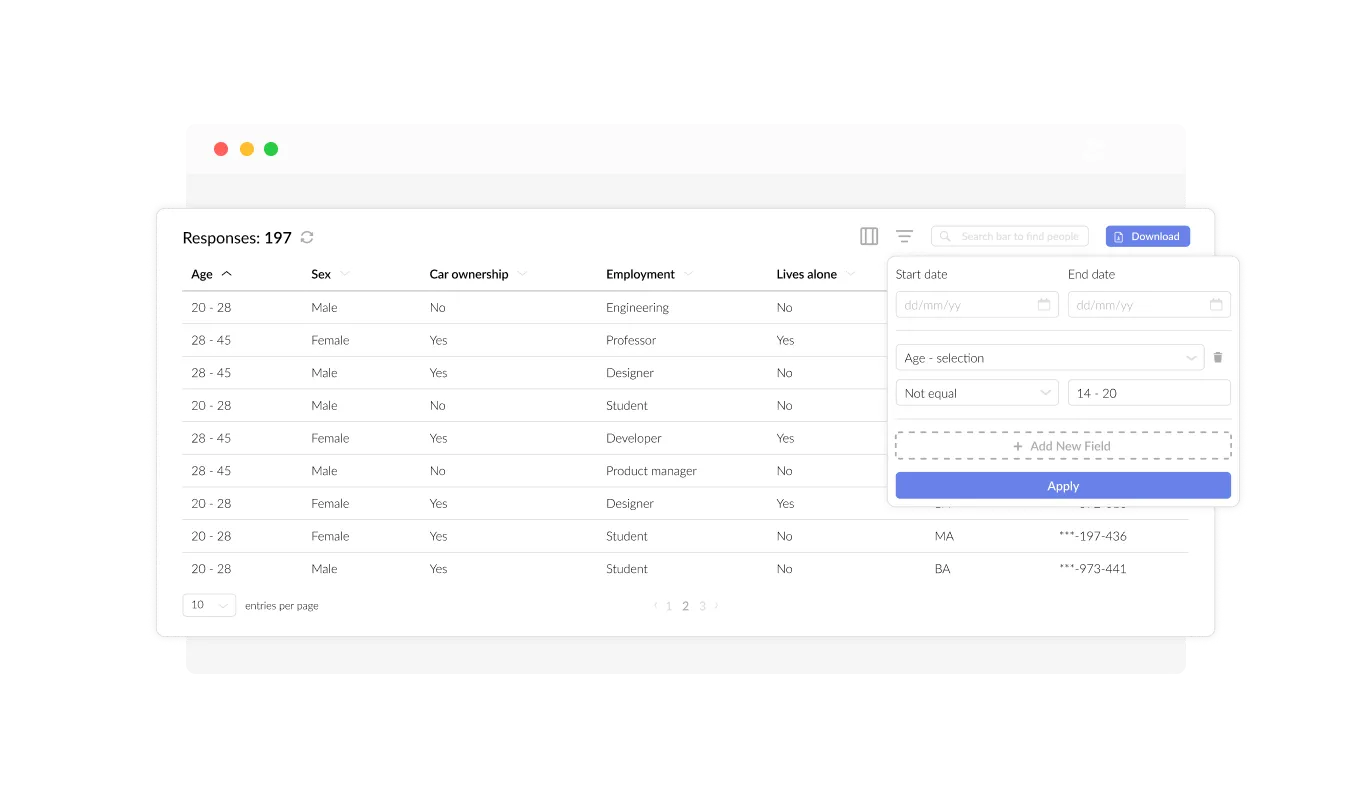
With the Online Donation Form, you can efficiently manage and view all submitted donations in an organized display. This feature allows you to track donor information and contributions with ease, making it simple to monitor fundraising progress. Having all donation records in one place helps streamline donor relations and financial reporting.
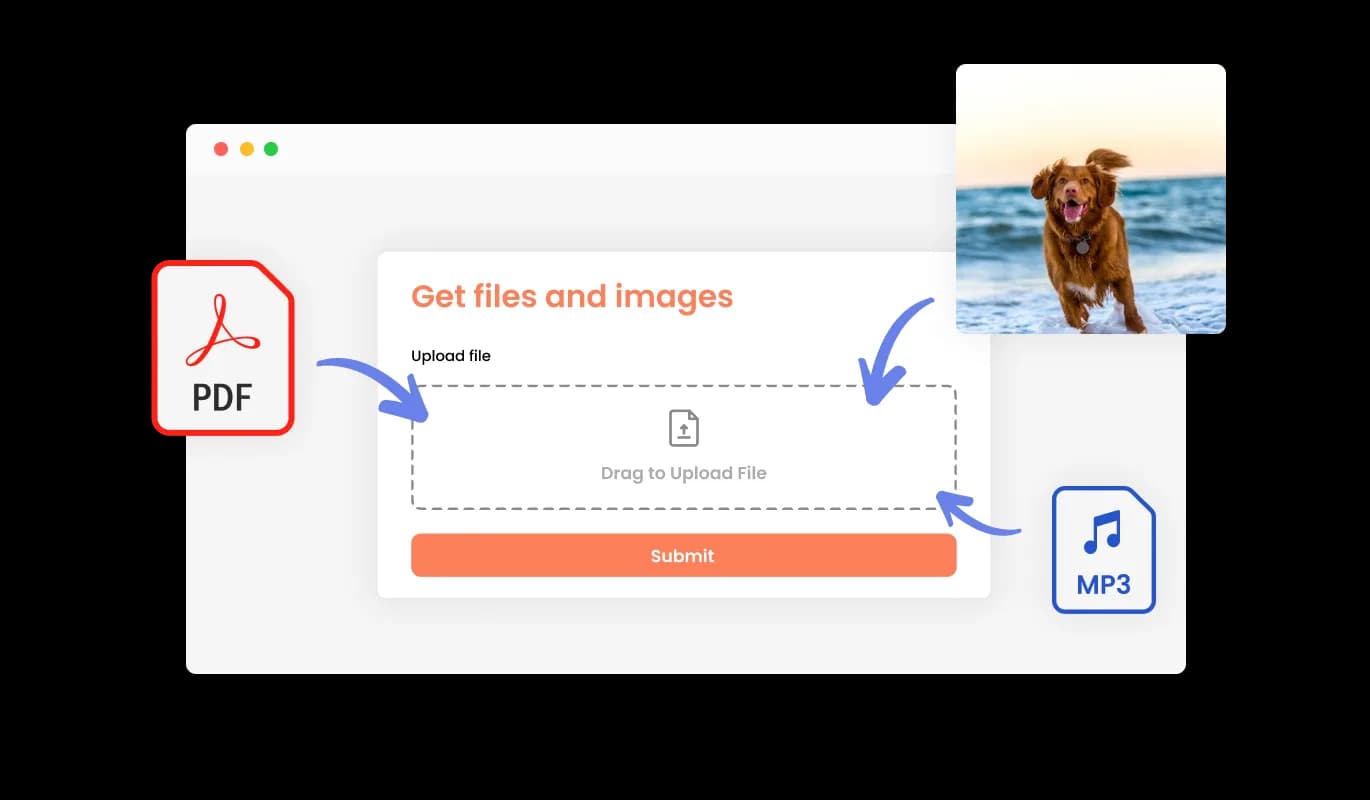
The Fundraising Form supports file and image uploads, making it easy for donors to submit additional documents when needed. Whether it's proof of payment, sponsorship details, or any supporting material, this feature adds flexibility to your donation collection process. It’s particularly useful for organizations that require extra documentation from contributors.
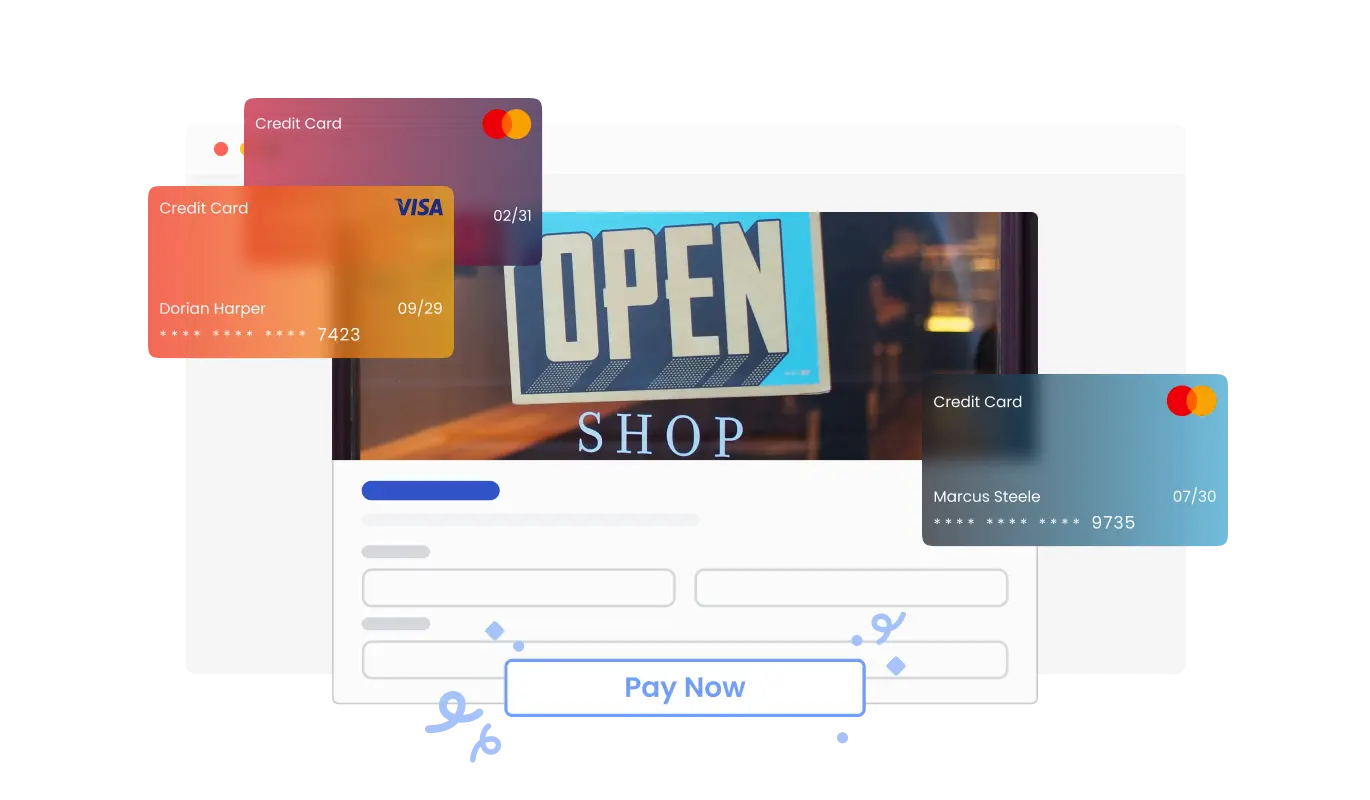
The Online Donation Form allows you to accept payments directly, providing donors with a seamless and secure contribution process. Whether you’re raising funds for a nonprofit, a personal cause, or a community project, this integration ensures smooth transactions. With secure payment processing, donors can confidently support your mission.
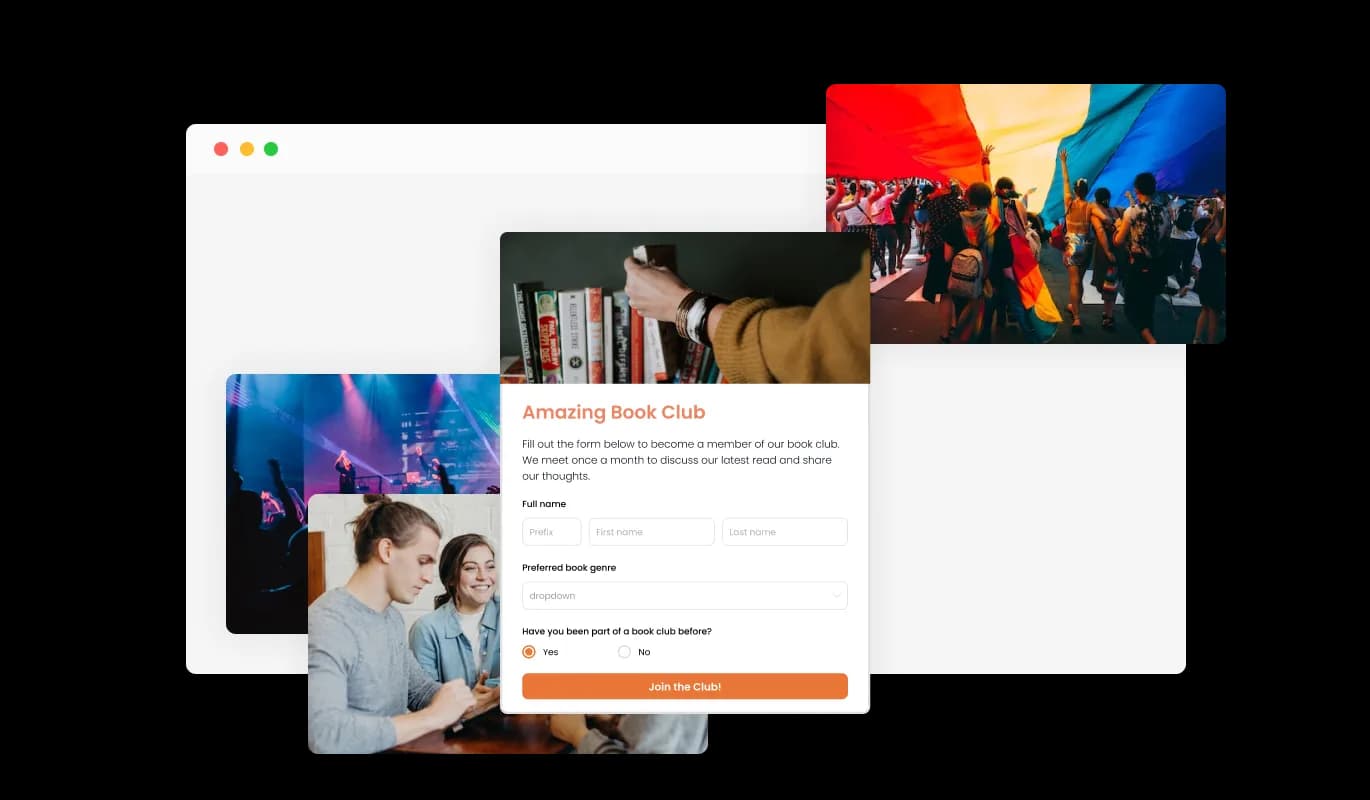
Incorporate headings, descriptions, and images into your Fundraising Form to create a more informative and engaging donation experience. Adding context to your form helps donors understand the cause and increases the likelihood of contributions. This feature allows you to communicate your message effectively while keeping the form visually appealing.
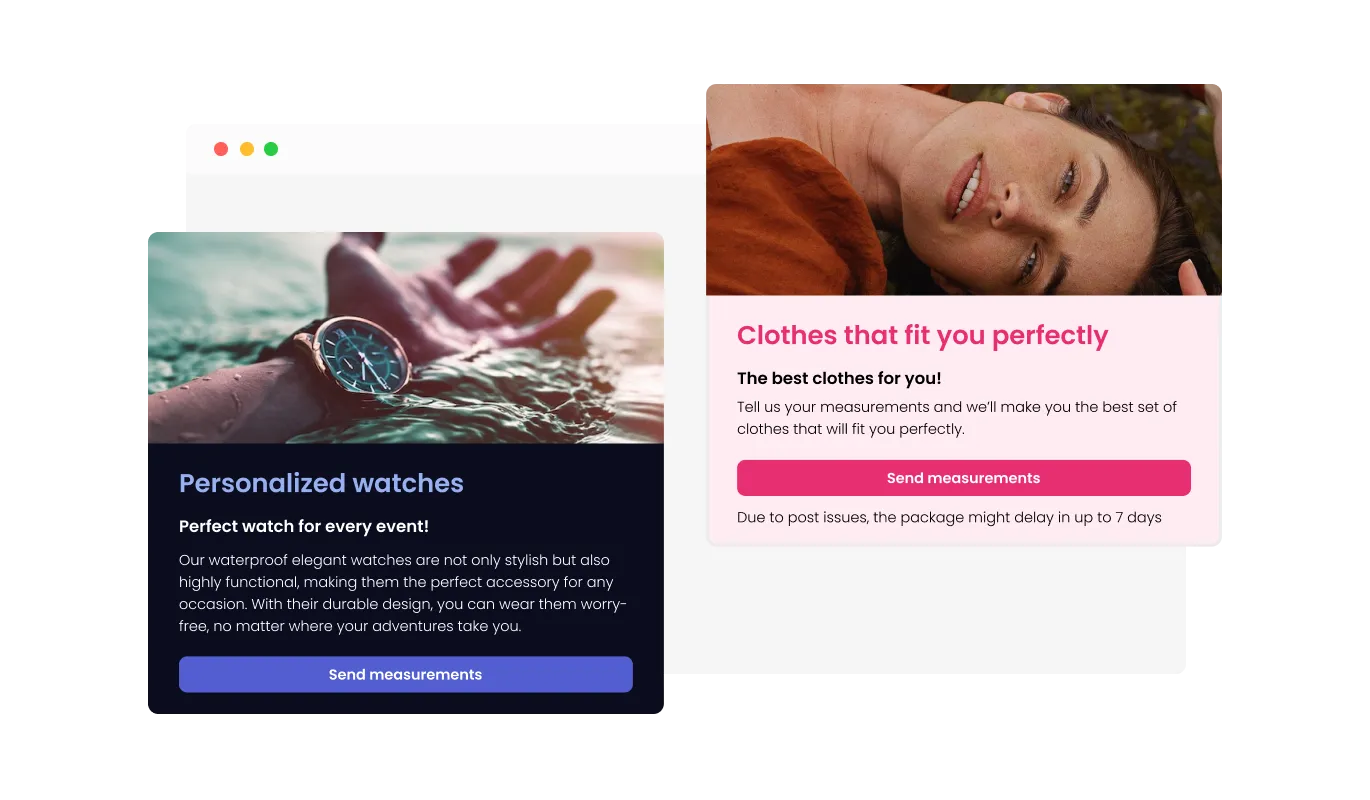
The Donation Form allows you to personalize the header and footer by adding custom text, images, or branding elements. This feature ensures that your form aligns with your website’s overall aesthetic and reinforces your organization's identity. A well-branded form builds credibility and trust with potential donors.
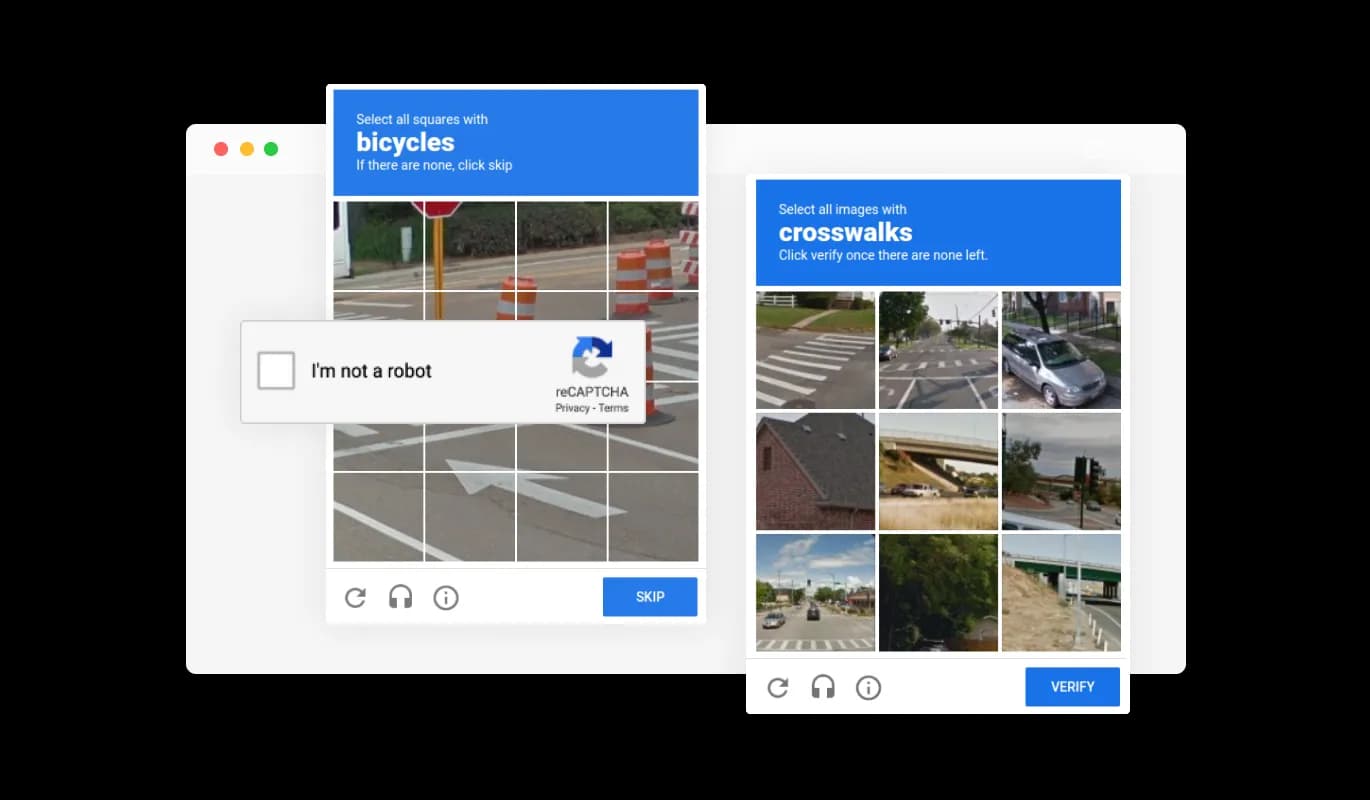
Enable CAPTCHA verification on your Online Donation Form to prevent spam and fraudulent submissions. This feature ensures that only real donors can complete the form, keeping your records clean and reliable. By blocking automated bots, you can maintain the integrity of your donation process.
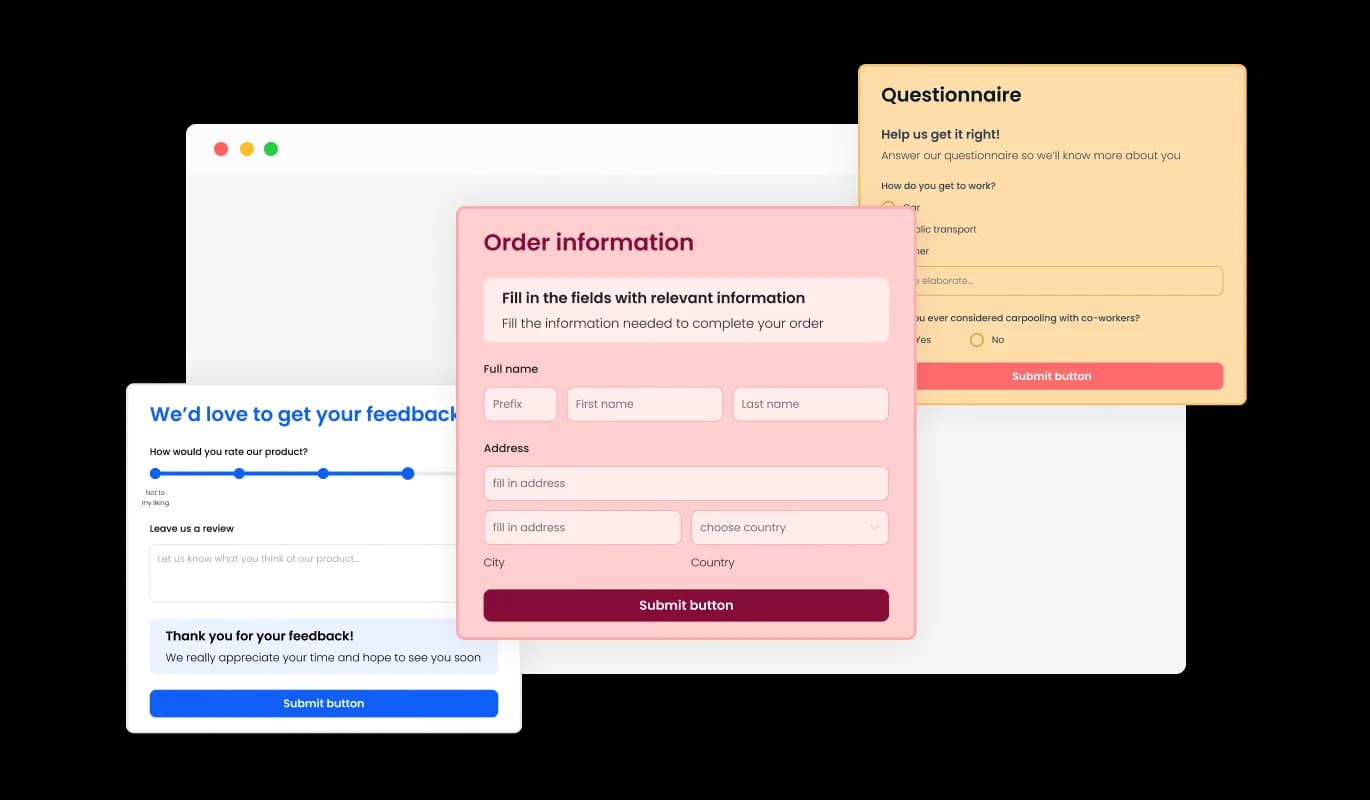
The Donation Form comes with various pre-designed skins, allowing you to instantly apply a polished look without extensive customization. Whether your website has a modern, classic, or minimalist design, there’s a skin that fits your brand. This feature helps you set up a visually appealing form in no time.
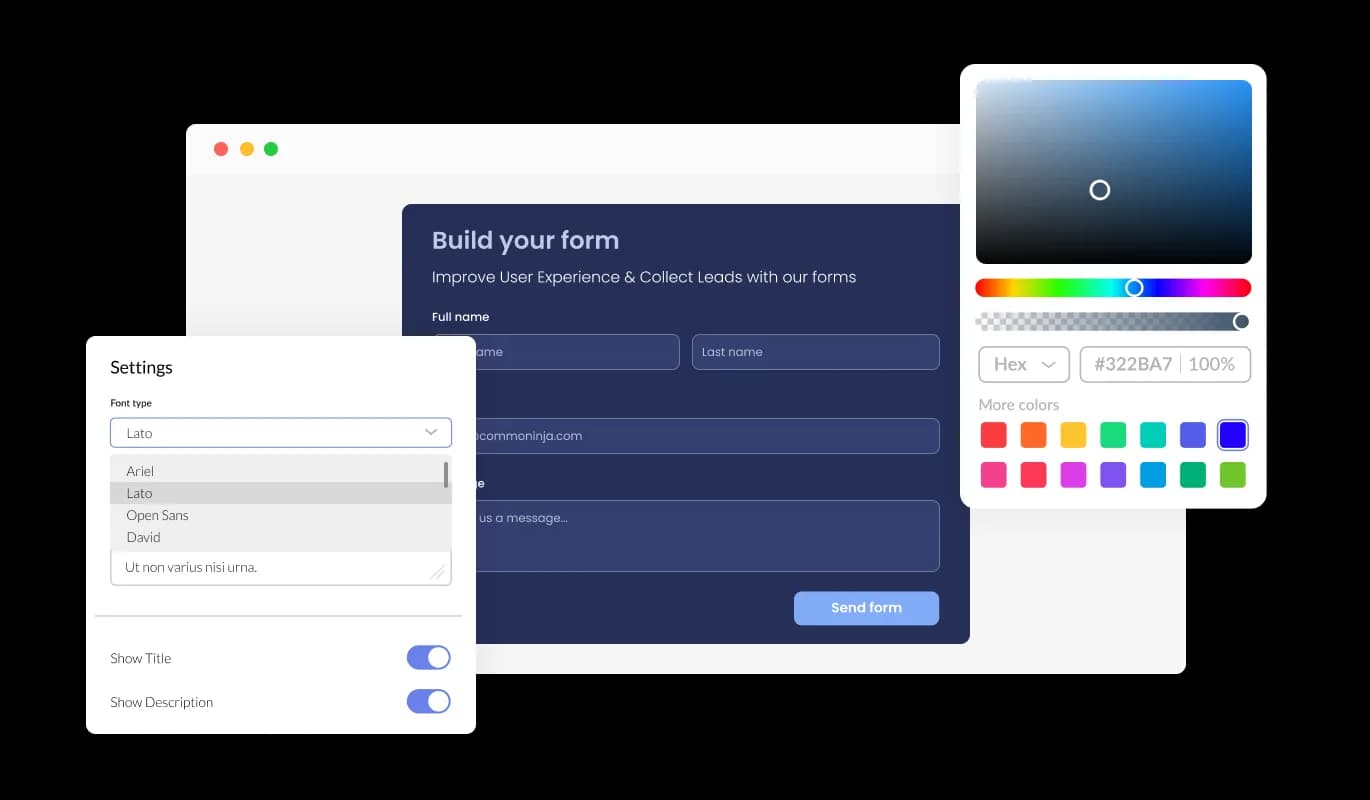
With complete customization options, the Fundraising Form allows you to modify colors, fonts, spacing, and layout. Adjust the design to align with your brand’s identity and website aesthetics. This flexibility ensures that your donation form integrates seamlessly with your site.
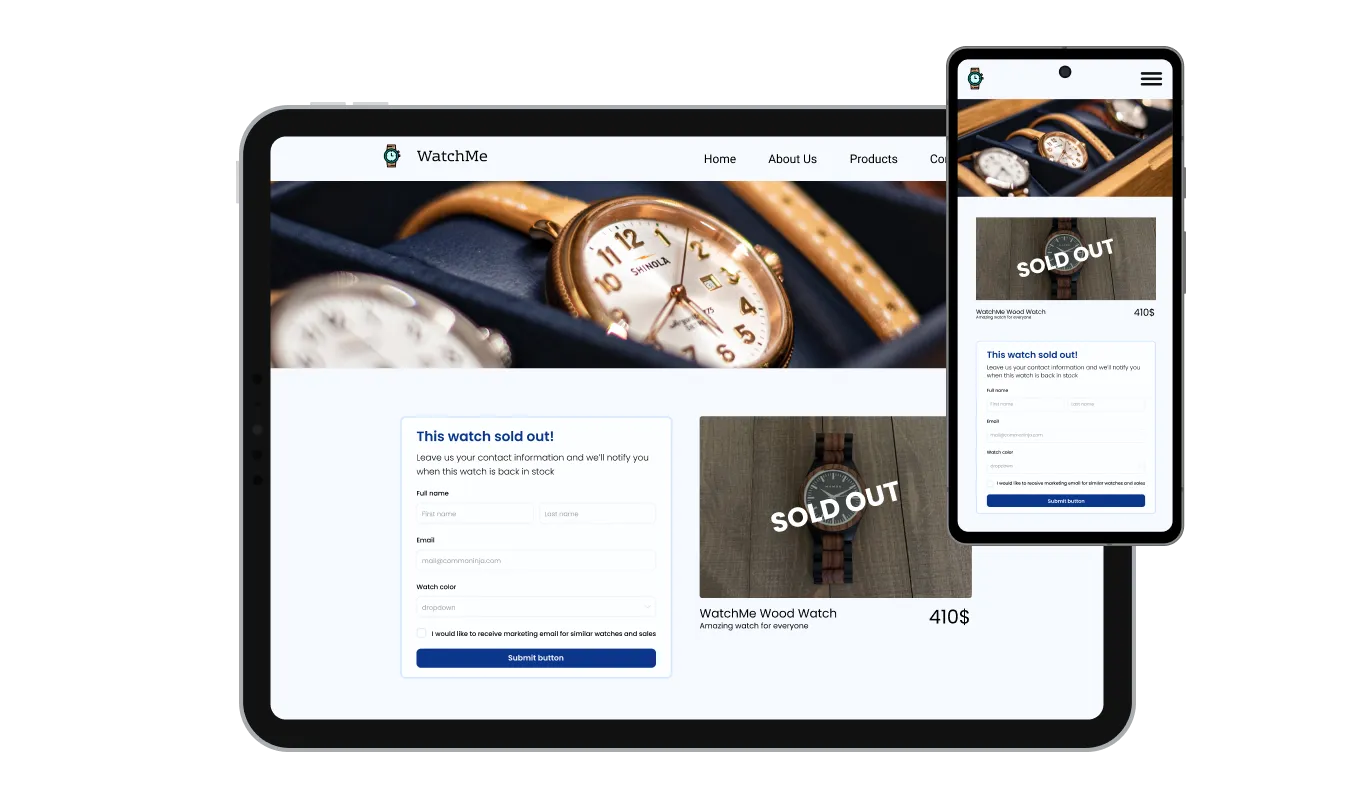
The Online Donation Form is fully responsive, ensuring a smooth donation experience across all devices. Whether accessed on a smartphone, tablet, or desktop, the form adjusts perfectly to the screen size. Mobile optimization is crucial for capturing donations from users on the go.

For those with design expertise, the Donation Form supports custom CSS, allowing for deeper styling modifications. This feature is perfect for developers and designers looking to create a unique donation experience. With full control over the form’s appearance, you can make it truly stand out.

Embedding the Fundraising Form on your website is simple. Just copy and paste a single line of code. The form updates automatically with any changes made in the editor, ensuring a hassle-free experience. This effortless integration allows you to focus on fundraising while the form takes care of itself.
The Fundraising Form allows you to export all donor submissions to a CSV file, making it easy to import data into other tools or software. This feature is perfect for nonprofits and organizations that need to analyze donation trends or integrate donor data into CRM systems. Keeping an organized record helps with reporting and future outreach efforts.
With the Fundraising Form, you have the option to enable multiple submissions, allowing donors to contribute more than once. This is useful for ongoing campaigns where donors may want to make additional contributions over time. Providing flexibility encourages continued support for your cause.
Stay updated with every contribution by enabling automated email notifications on your Donation Form. You can receive alerts for each new donation and even send confirmation emails to donors as a receipt. This feature ensures timely communication and acknowledgment of contributions.
The Online Donation Form is designed for ease of use, requiring no technical knowledge to set up and customize. With an intuitive interface, you can adjust the form’s design, fields, and settings in just a few clicks. This accessibility ensures that anyone can create a professional donation form without any coding experience.
Start collecting donations without the platform fees
Open the editorNo credit card · Setup in under 5 minutes
Common Ninja has amazing no-code widgets that would beautify a website built on any builder. It is very easy to use and customise. It has as many widgets for almost everyone willing to make their website impressive.
Outstanding service. I use their widgets to help me with my web design business and whenever I need help they are very quick to help.
Excellent company with excellent service!!! We used it to build a survey, it was very user friendly. The service was perfect. Amit helped us with every problem and question we had, thank you very much!!!
Common Ninja saved the day when building our website and the customer service Daniel, the co-founder and CEO, provided was amazing.
Yes. The free plan covers one Donation Form with no time limit and no credit card. Upgrade only when you need additional forms, more submissions per month, payment collection, premium skins, advanced field types, or features like webhook integrations and conditional logic.
A Contact Form is for general inquiries (name, email, message). A Form Builder is for any custom multi-field form. This Donation Form is pre-tuned for fundraising, suggested giving tiers, custom amounts, recurring gifts, secure payment collection, so you start from a complete donation flow instead of building every field from scratch. Same data backend; different starting point.
Yes, on plans that include payment integration. Connect a payment provider in the editor, set suggested amounts or allow a custom amount, and the form collects the donation securely alongside the donor's details. Supporters give inline on your page instead of getting redirected to a separate third-party fundraising site.
Yes. You can let a single donor make multiple donations, and on plans that support it, set up recurring gifts so monthly supporters and sustaining members keep contributing without re-entering their details each time. This is useful for churches, membership organizations, and long-running campaigns.
Yes. Enable file or image upload in the editor so donors can attach documents alongside their gift, matching-gift paperwork, pledge forms, or a photo for a dedication or tribute gift. Uploaded files are saved with the submission in your Common Ninja dashboard.
Donations save to your Common Ninja dashboard with one row per submission. Export the full donor list to CSV whenever you need it, for receipts, acknowledgment and thank-you letters, tax documentation, or bookkeeping. The CSV includes every field (donor name, amount, dedication notes, custom answers) in one file.
Yes. Set notification email addresses in the editor, your team gets an email whenever a new donation arrives, with the submission detail included. Useful for quick visibility into incoming gifts without checking the dashboard. Configure separate notification recipients per form if you run multiple campaigns.
Build the form in the Common Ninja editor (set amounts, add donor fields, connect payments, set notification emails), copy the embed snippet, and paste it into your site: WordPress via a Custom HTML block; Squarespace via a Code block; Wix via an Embed HTML / iframe element. Edits in the editor push to every embed without re-paste.
Pick your platform. Each takes under 4 minutes.
Create your form for any purpose with a friendly form builder

Allow users to send messages or inquiries, save submissions, enable notifications, and more

Allow users to register for events, save submissions, enable notifications, and more

Allow supporters to signed for petitions, save submissions, enable notifications, and more

Allow users to fill in orders, save submissions, enable notifications, and more

Easily craft engaging, personalized popups to boost conversions.
The Donation Form widget allows you to create a custom donation form for your website, enabling visitors to contribute to your cause quickly and securely. It supports various form fields, payment integrations, and customization options.
Yes! The Online Donation Form offers multiple field options, including text inputs, dropdowns, and file uploads. You can customize the form to collect all the necessary donor information.
Absolutely! The Fundraising Form is fully responsive, ensuring a seamless donation experience across all devices, including smartphones, tablets, and desktops.
The Donation Form integrates with secure payment gateways, allowing donors to contribute using credit cards, PayPal, and other popular online payment methods.
Yes! All submitted donations are stored in an easy-to-access dashboard, where you can track donor details, payment statuses, and fundraising progress.
Currently, the Online Donation Form does not support recurring payments. However, donors can manually contribute multiple times using the same form.
Embedding the Fundraising Form is simple, just copy and paste the provided code snippet into your website’s HTML. Any updates you make will automatically reflect on your site.
Yes! You can enhance your Donation Form with images, headings, and descriptions to provide context and make your fundraising campaign more engaging.
Yes, the Online Donation Form includes CAPTCHA protection to prevent spam and ensure only real donors submit contributions.
Yes! The Fundraising Form allows you to export donor information and transaction data to a CSV file for easy integration with other tools or reporting systems.
Yes, you can enable email notifications to receive alerts when a new donation is submitted. You can also set up confirmation emails for donors.
Yes! The Donation Form supports file and image uploads, making it easy for donors to submit additional information if needed.
Yes! The Online Donation Form requires no coding knowledge and comes with an intuitive editor, allowing anyone to create and customize their form effortlessly.
Absolutely! The Fundraising Form offers multiple design skins and full customization options, including fonts, colors, and layouts, to match your website’s branding.
The Donation Form uses secure payment processing and anti-spam features to protect donor information and ensure safe transactions.
Collect donations with suggested giving tiers, custom amounts, one-time and recurring gifts from a single donor, secure payment collection, file and image upload, spam protection, team notifications, CSV export, stylish skins, and Custom CSS. Embed on 200+ platforms including WordPress, Squarespace, Wix, Webflow, and Shopify.
Create your Donation FormNo credit card · Setup in under 5 minutes