


Verified review
Common Ninja has amazing no-code widgets that would beautify a website built on any builder. It is very easy to use and customise. It has as many widgets for almost everyone willing to make their website impressive.
Try the editor, no signup
Pick a template, customize it, and watch it update live, no signup.
No credit card · Free forever plan
No credit card · Free forever plan
The Common Ninja Email Subscription Form widget is a free, no-code embed that lets you collect newsletter and mailing-list signups through a custom form on any website.
Capture subscriber name, email, and any custom fields you need, connect leading email-marketing platforms to sync new signups automatically, enable spam protection, get instant alerts when someone subscribes, customize the design with skins or Custom CSS, and paste a one-line embed snippet on 200+ platforms including WordPress, Wix, Squarespace, Webflow, and Canva.
Use it for blogs, newsletters, product launches, waitlists, and lead capture, any moment where you need a clean signup flow that grows your mailing list and exports every subscriber to CSV, without piping signups through a heavier form tool.
A dedicated signup form on your blog, landing page, or footer collects every subscriber into one structured list, no scattered signups, no manual copy-paste into a spreadsheet. Subscribers live in your Common Ninja dashboard with a clean export to CSV whenever you need it.
A bare email box only gets you an address. This form asks the fields that make your list useful, first name for personalized sends, interests for segmentation, company for B2B, marketing consent for compliance. Collect the data you need at signup instead of chasing it later.
New subscribers can flow straight into the email-marketing platform you already use, so you send your newsletter or welcome sequence without exporting and re-importing lists by hand. The form handles collection; your platform handles the send.
A Contact Form (enriched at /widgets/contact-form) is for general inquiries, name, email, message. A Form Builder (enriched at /widgets/form-builder) is for any custom multi-field form. This Email Subscription Form is pre-tuned for list growth, subscriber fields, email-marketing sync, repeated-submission control, so you don't build a newsletter signup from scratch every time.
Start with name and email (email required), then add the custom fields you need, first name, last name, interests, company, referral source, marketing consent checkbox. Mark fields required or optional, set validation rules, and reorder them via drag-and-drop in the editor.
Link your email-marketing platform so every new subscriber syncs to your list automatically. Set notification email addresses so you get pinged the moment someone signs up. Enable spam protection (honeypot, optional CAPTCHA) so your list stays clean, and decide whether to allow repeated submissions from the same visitor.
Copy the one-line embed snippet and paste it on WordPress, Wix, Squarespace, Webflow, Canva, or any of the 200+ supported platforms. Signups save to your Common Ninja dashboard; export your full subscriber list to CSV whenever you need it. Edits in the editor push to every embed without re-paste.
Collect name and email plus any custom fields you need, first name, last name, interests, company, referral source, marketing consent checkbox. Add, reorder, and mark fields required or optional via drag-and-drop in the editor.
Connect leading email-marketing platforms so every new signup syncs to your list automatically. Collect subscribers on your site and let your existing platform handle the newsletter, welcome series, or drip campaign without manual list imports.
Honeypot fields and optional CAPTCHA keep bots off your list. Validation rules block obvious junk (empty emails, malformed addresses, bot patterns) at submission so your subscriber list reflects real people, not fake signups.
Pick from a library of pre-designed skins (minimal, bold, dark-mode, brand-neutral) for a fast visual fit. Layer Custom CSS for pixel-level control over field spacing, button styling, header typography, and inline-versus-stacked layout.
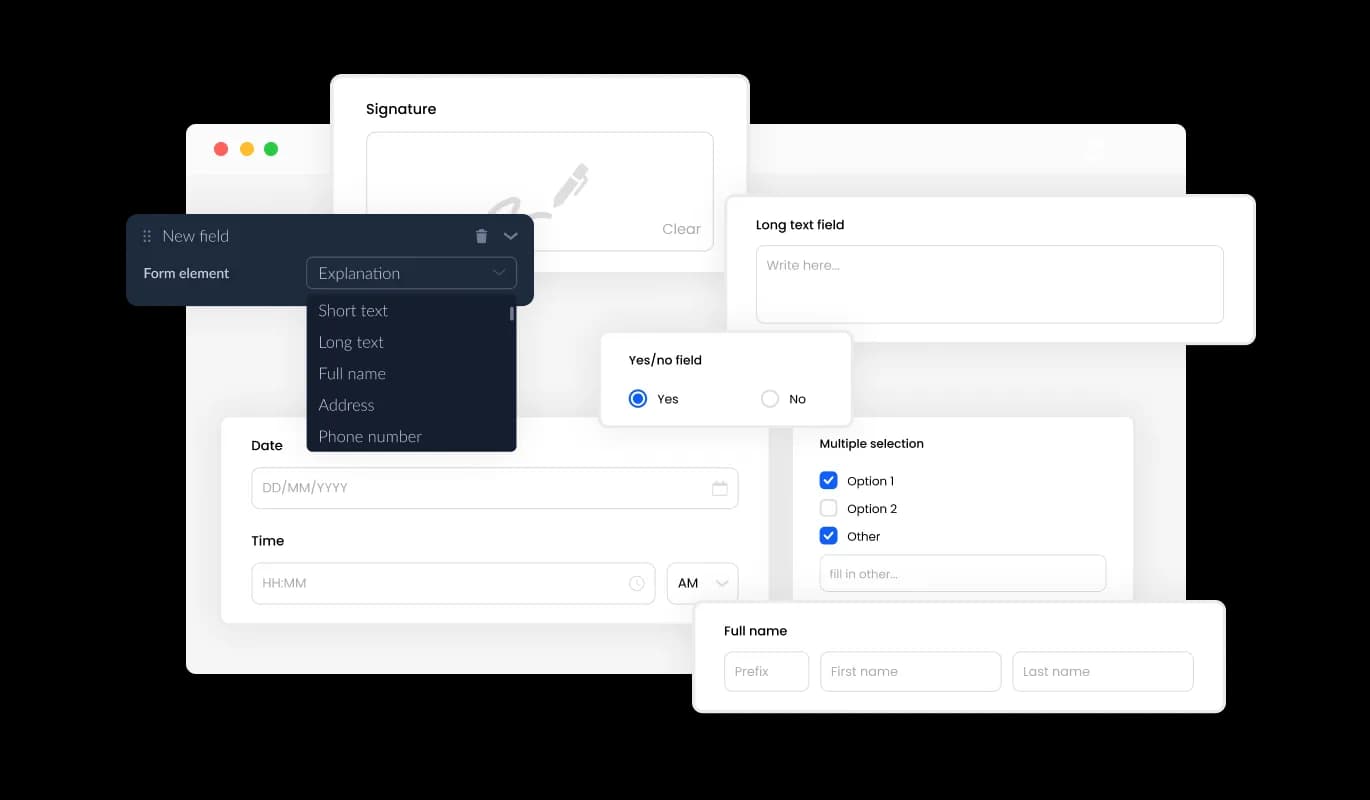
The Email Preference Form comes with a broad range of selectable fields, from standard inputs to more specialized formats, allowing you to tailor the form to meet specific needs and objectives. Using the "Add Field" option, you can access a diverse array of field types and conveniently organize them via drag-and-drop to suit the structure of your form perfectly.
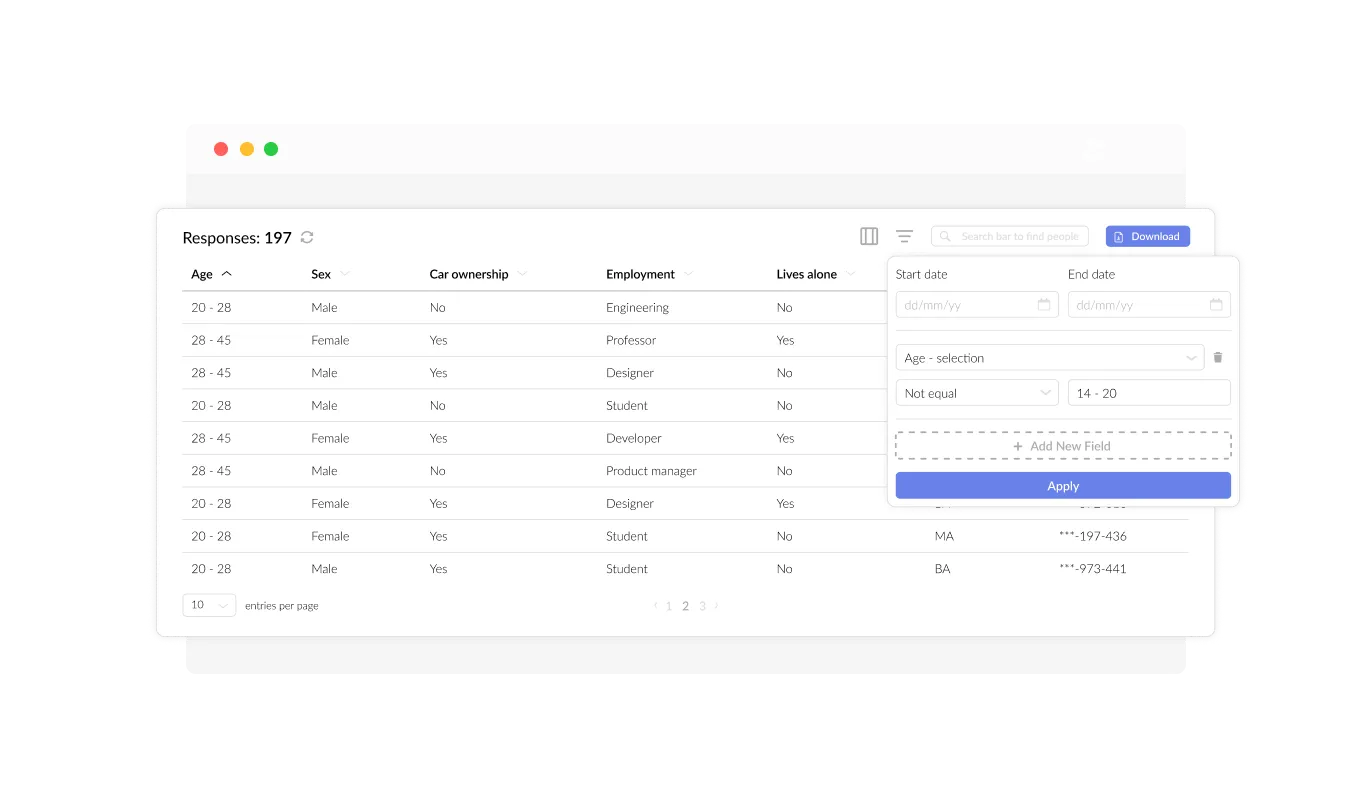
The Email Subscription Form simplifies the process of managing and viewing entries. All subscriber information is displayed in a clear, straightforward format, making it easy to monitor and respond to user inquiries promptly. This functionality ensures that you can maintain effective communication with your subscribers, enhancing responsiveness and engagement.
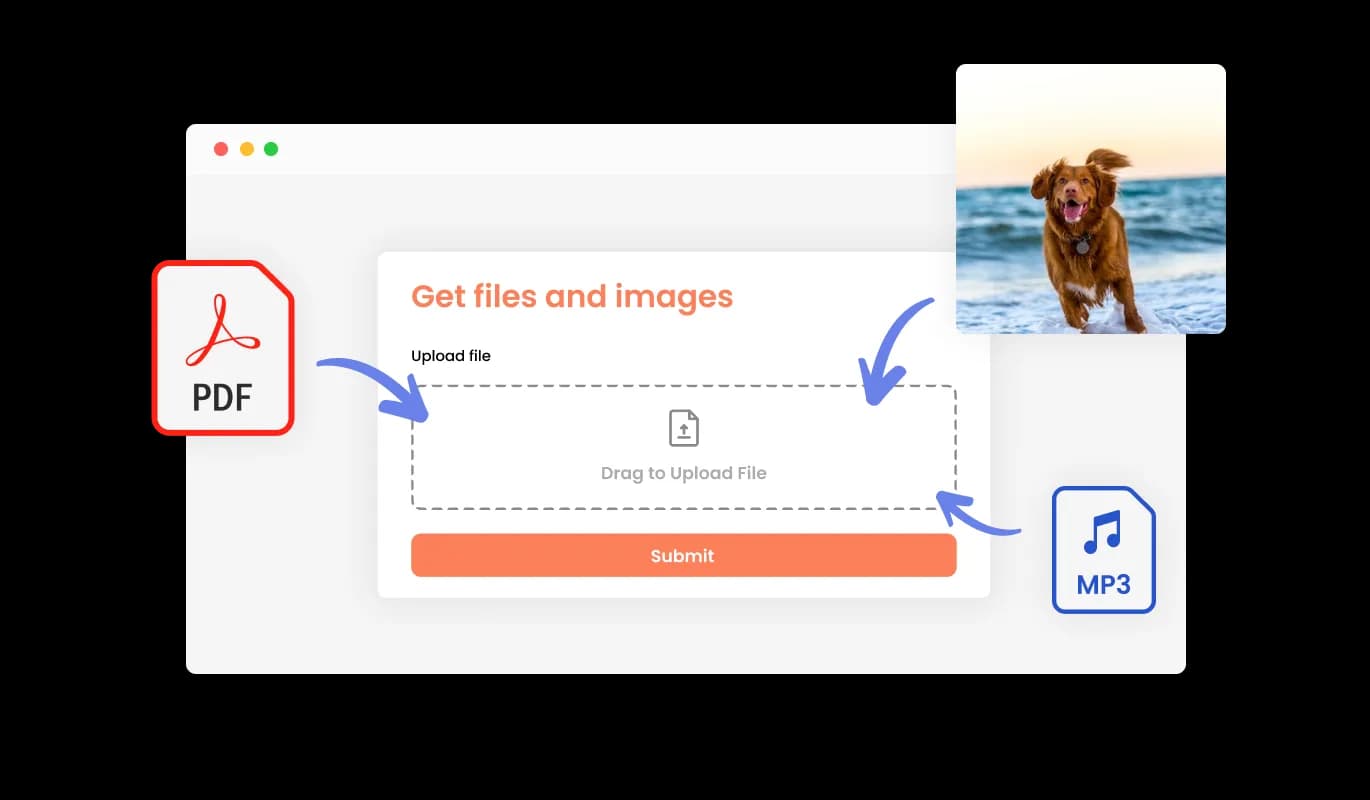
Utilize the Email Subscription Form to collect files and images from your subscribers. This capability is crucial for businesses and professionals who need to obtain documents or visual content from their clients, enhancing the versatility and utility of your subscriber interactions.
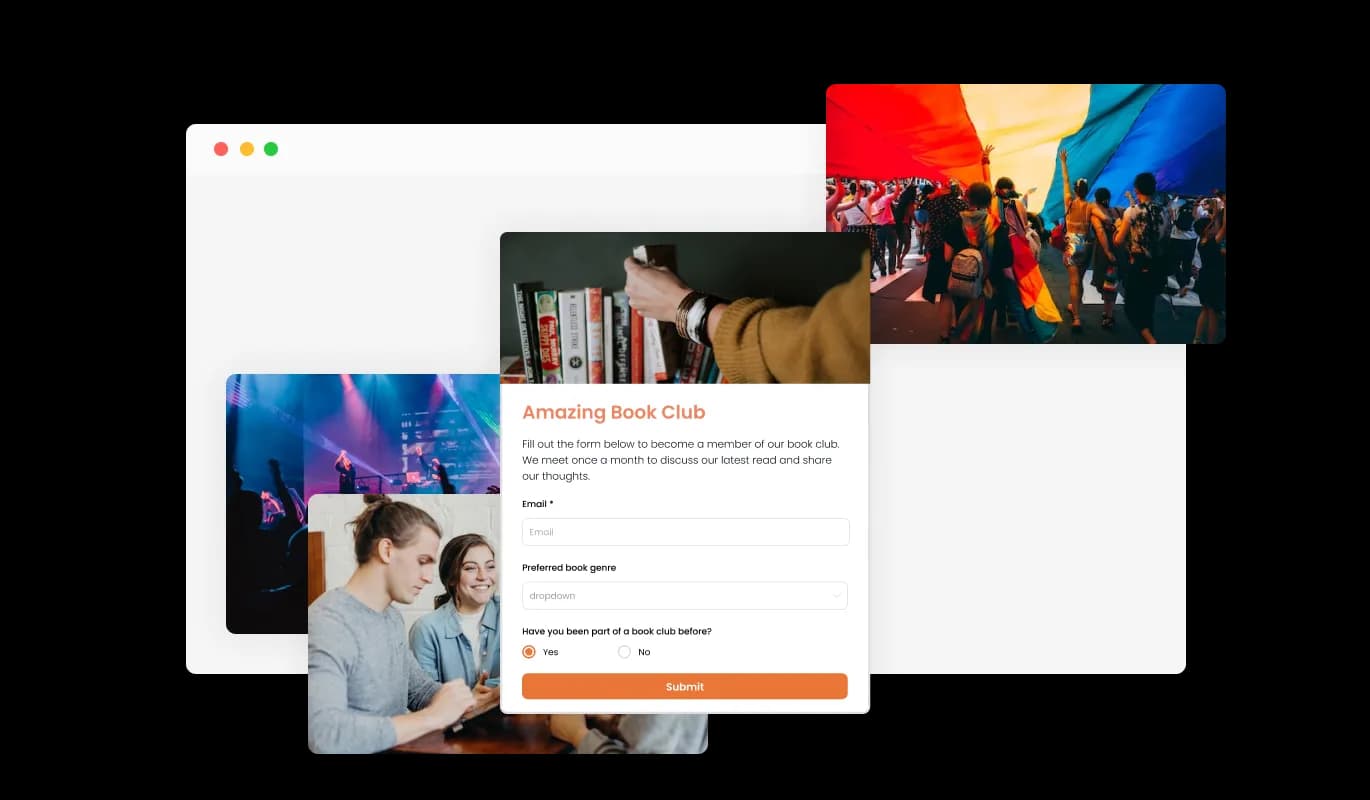
Enrich the Email Subscription Form by adding titles, descriptive texts, and images to craft a more engaging and comprehensive user experience. Incorporating these elements not only guides subscribers through the form submission process but also enhances usability, making the process smoother and boosting the chances of increasing your subscriber base.
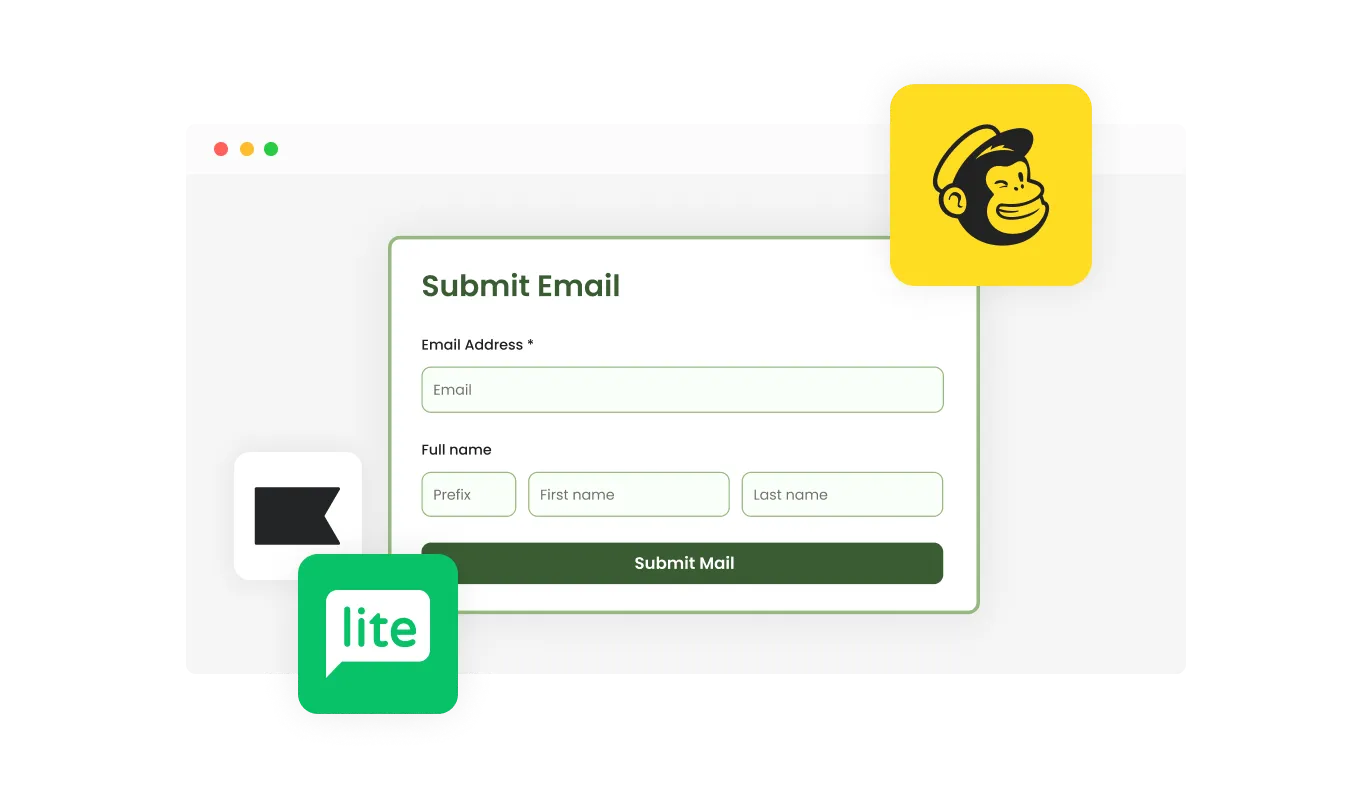
The Email Subscription Form integrates smoothly with key platforms like Zapier, Mailchimp, MailerLite, and Klaviyo. This feature enables easy synchronization with your email campaigns, streamlining workflows and enhancing subscriber engagement through automated processes and targeted communications.

The Email Subscription Form allows for detailed customization of headers and footers, including the ability to integrate images. This feature is pivotal for reinforcing your brand identity and elevating the professional appearance of your form. It ensures that the form is not only functional but also visually consistent with your website’s design and aesthetic.
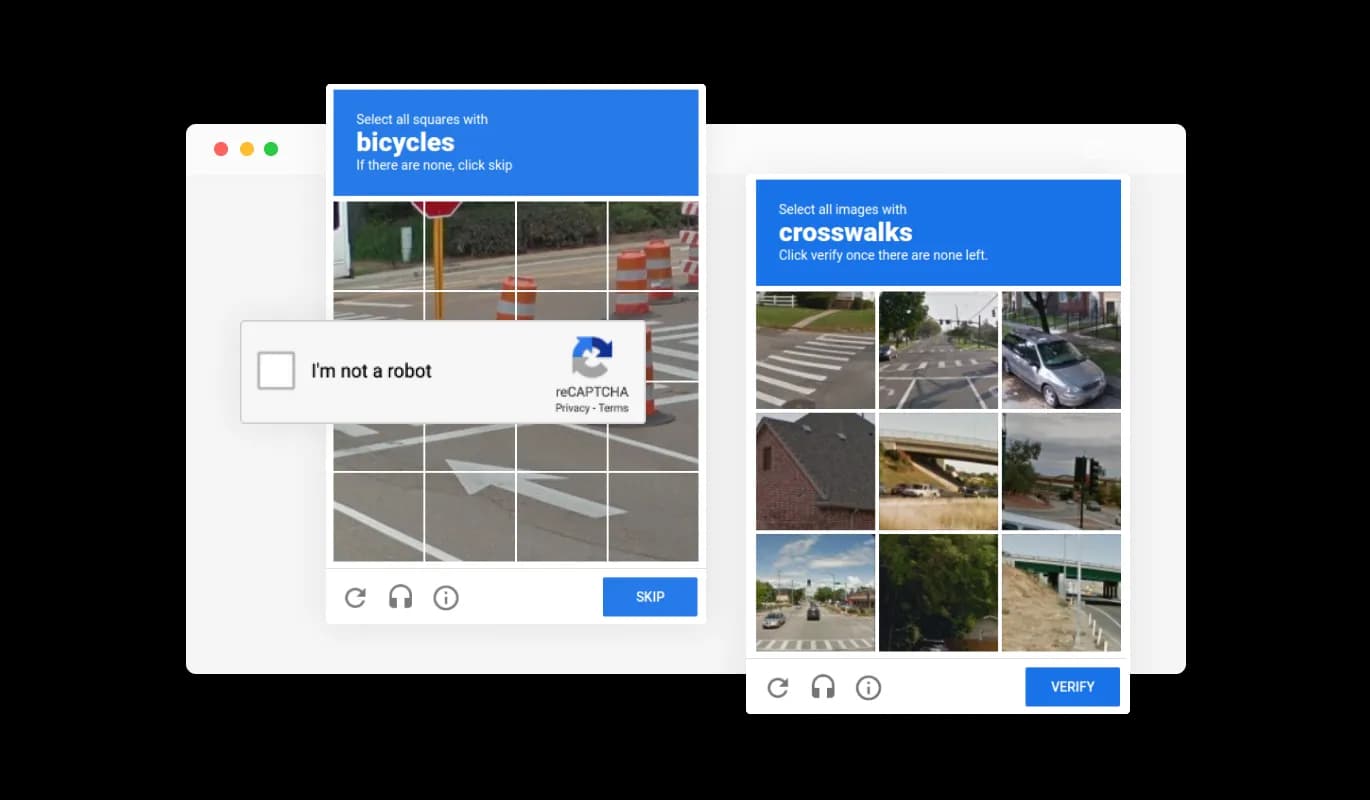
The Email Subscription Form includes a CAPTCHA feature to block spam effectively. Users must complete the CAPTCHA before they can submit the form, preventing bots and automated scripts from flooding your inbox with spam. This ensures that you receive only genuine submissions from real users.
The Email Subscription Forms ensures HIPAA compliance, offering end-to-end data encryption and role-based access management to protect sensitive information. Seamless integrations, including a HIPAA-compliant API and support for tools like Google Sheets and EMR systems, enhance functionality. Additionally, activity tracking and audit logs provide full transparency over data access.
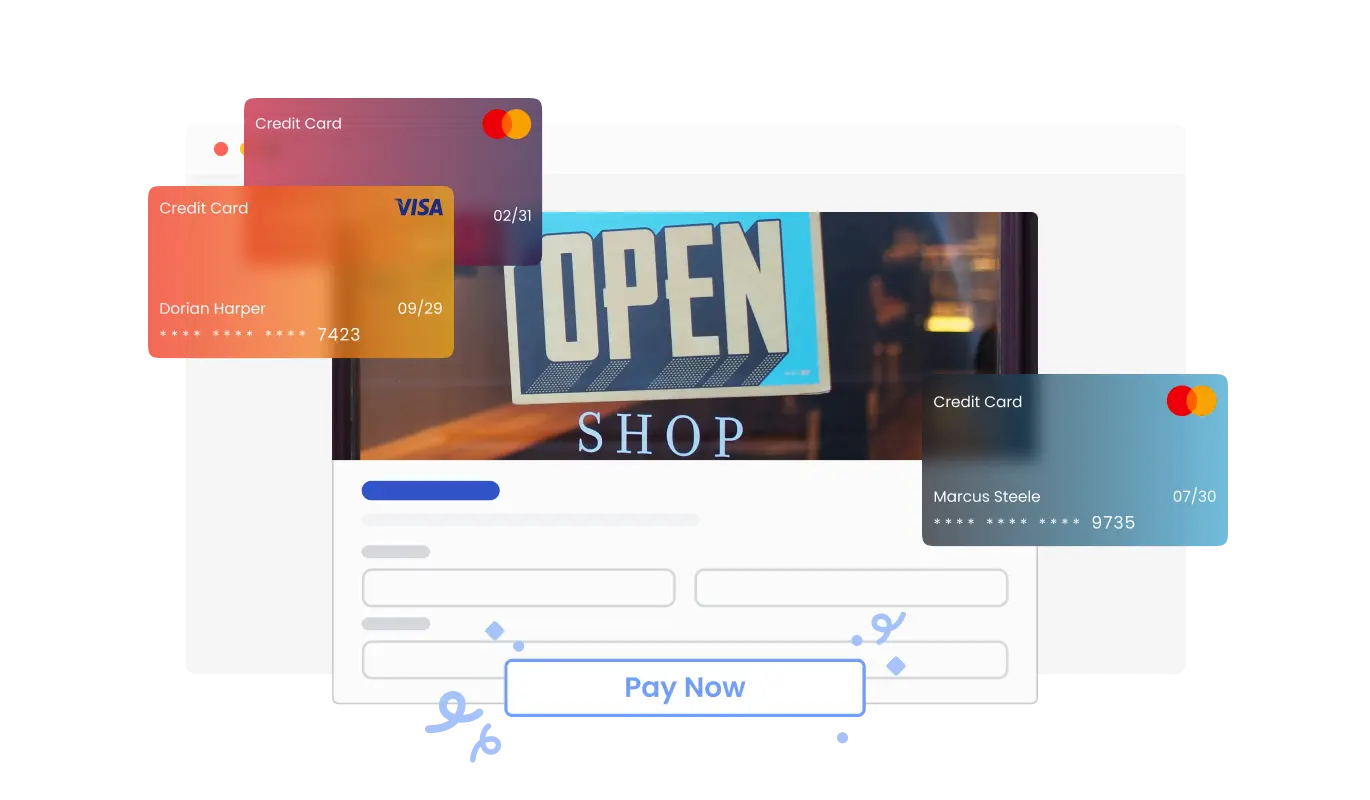
The Email Subscription Form widget now lets you collect payments from your subscribers effortlessly. Whether you’re offering premium content, exclusive newsletters, or paid subscriptions, this feature integrates secure payment options directly into your form. With an easy setup and reliable payment processing, you can enhance your subscription experience while providing convenience for your audience.
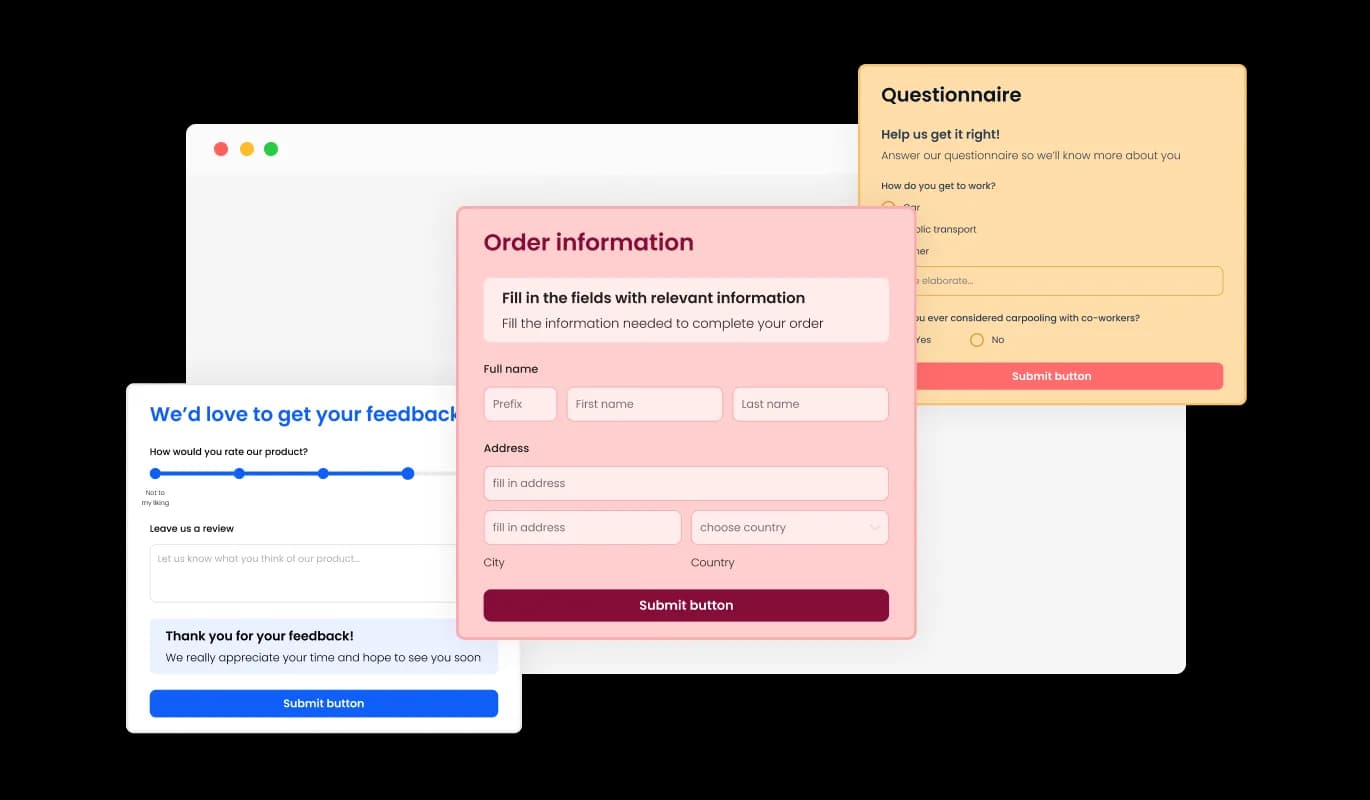
The Email Subscription Form features a selection of attractive skins, allowing you to quickly enhance its design without the need for extensive customization. Choose from various styles to align the form seamlessly with your website’s aesthetics, simplifying the setup process while maintaining a professional look.
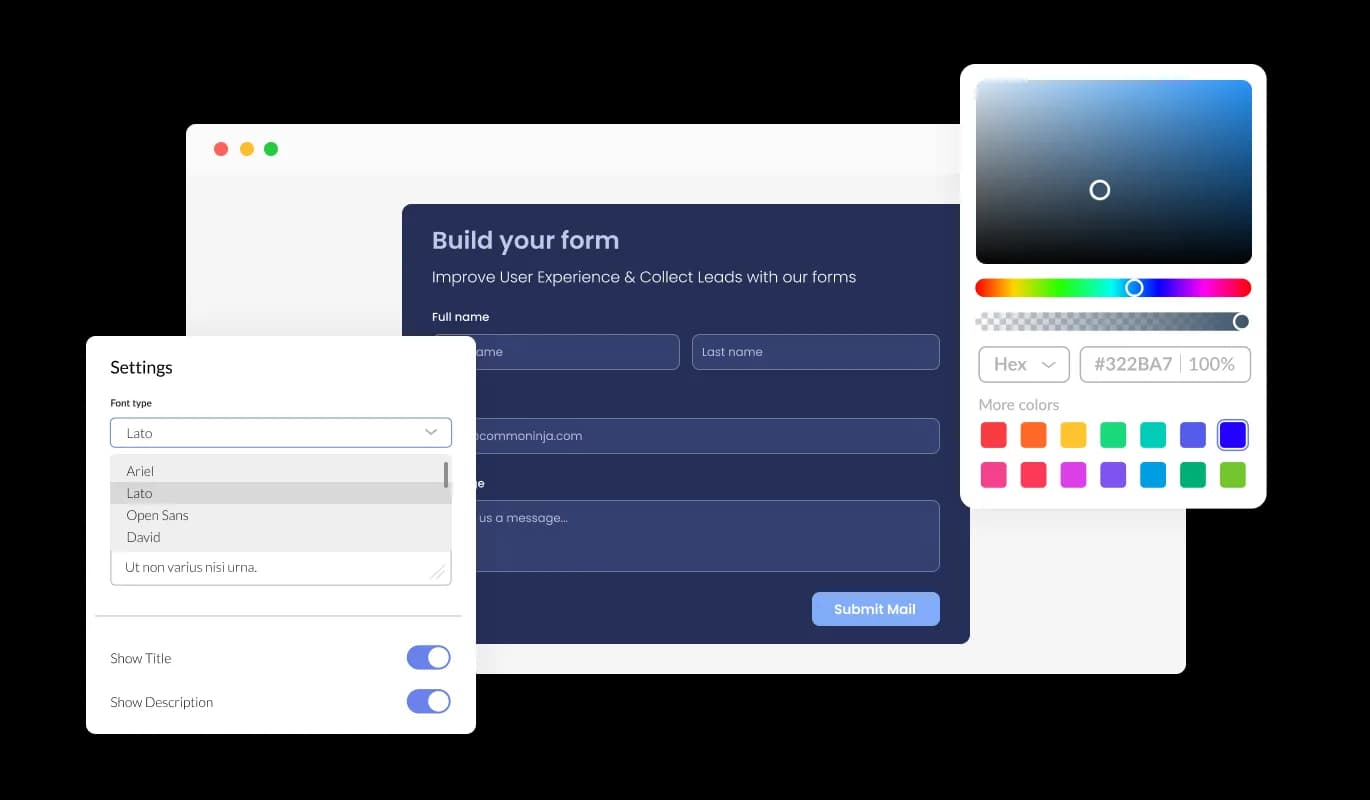
The Email Subscription Form offers extensive customization capabilities, allowing you to tailor its design to perfectly match your specific needs. Modify everything from layout to styling to ensure the form integrates seamlessly with your website's aesthetic.
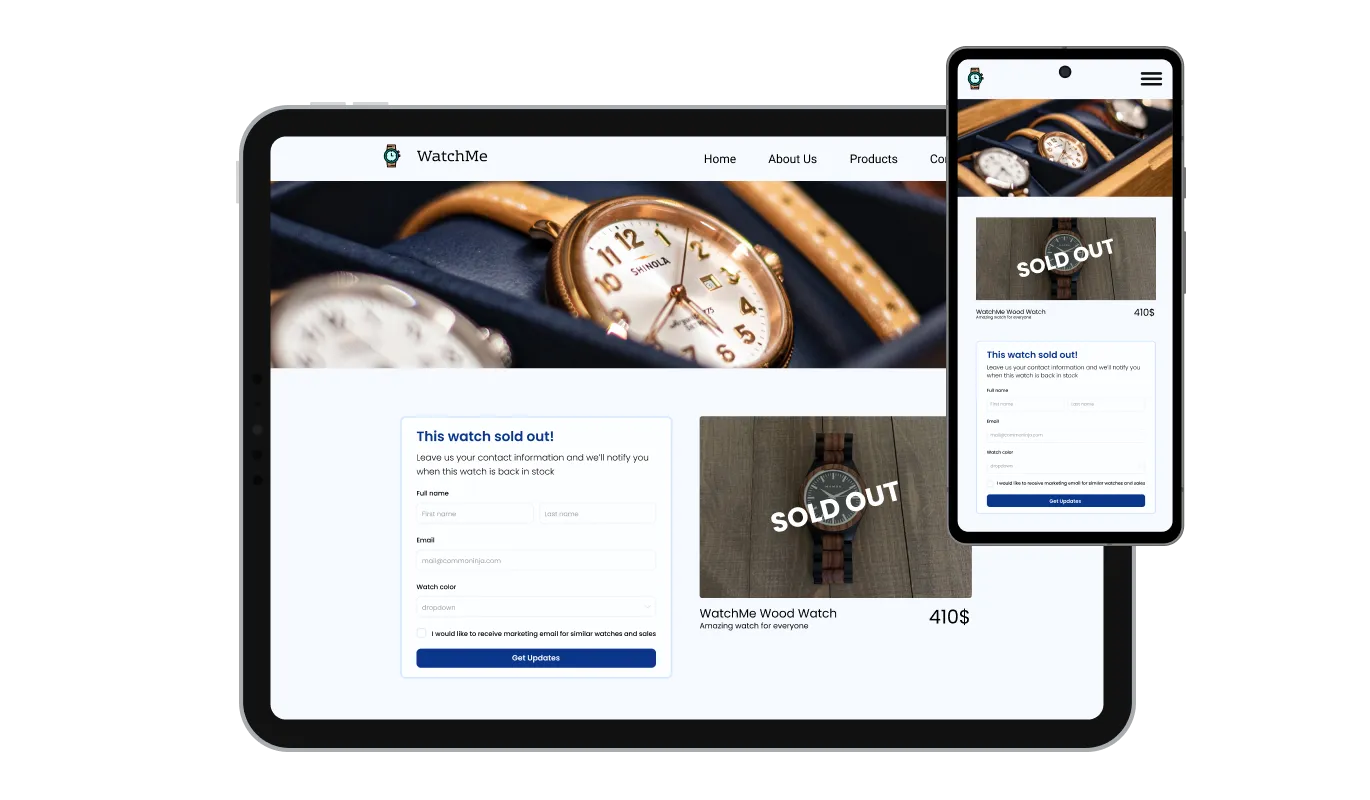
The Email Subscription Form is designed to be fully responsive, ensuring it displays beautifully across all devices. With the increasing prevalence of mobile and tablet internet access, having a form that adapts flawlessly to different screen sizes is crucial for maintaining a professional and accessible user experience.

Our sophisticated editor empowers you with full control over the aesthetics of the Email Subscription Form. Effortlessly adjust colors, fonts, layout, and positioning to match your site's style. For those who wish to delve deeper into customization, the option to edit the CSS directly allows for even more creative and precise adjustments to the form's appearance.

Embedding the Email Subscription Form on your website is straightforward. Just copy and paste the provided code snippet into your site’s HTML. The form is designed to auto-update, so any modifications you make in the editor will automatically appear on your website, keeping your form up-to-date with no extra effort.
The Email Subscription Form enables you to export submission data to a CSV file, facilitating easy importation into other software for further analysis or integration. This functionality is invaluable for businesses that require comprehensive records of subscriber interactions for data analysis, reporting, or archival purposes.
The Email Subscription Form allows you to activate notifications for both the form owner and the user submitting the form. Set up automated email alerts for each submission that can be sent to multiple recipients, and ensure submitters receive a confirmation email upon successful submission, keeping everyone informed and engaged.
The Email Subscription Form offers the flexibility to permit multiple submissions from a single user. This feature is particularly useful for situations where users might need to update information or provide additional details, enhancing the form's functionality and user convenience.
The Email Subscription Form is exceptionally easy to use and does not require any coding skills. With just a few clicks, you can customize the form to your preferences using our intuitive interface, making it accessible for anyone to tailor the form quickly and effectively.
Common Ninja has amazing no-code widgets that would beautify a website built on any builder. It is very easy to use and customise. It has as many widgets for almost everyone willing to make their website impressive.
Outstanding service. I use their widgets to help me with my web design business and whenever I need help they are very quick to help.
Excellent company with excellent service!!! We used it to build a survey, it was very user friendly. The service was perfect. Amit helped us with every problem and question we had, thank you very much!!!
Common Ninja saved the day when building our website and the customer service Daniel, the co-founder and CEO, provided was amazing.
Yes. The free plan covers one Email Subscription Form with no time limit and no credit card. Upgrade only when you need additional forms, more submissions per month, premium skins, advanced field types, or features like webhook integrations and conditional logic.
A Contact Form is for general inquiries (name, email, message). A Form Builder is for any custom multi-field form. This Email Subscription Form is pre-tuned for list growth, subscriber name and email, custom fields, email-marketing sync, repeated-submission control, so you start from a complete newsletter-signup template instead of building every field from scratch. Same data backend; different starting point.
Yes. Connect leading email-marketing platforms in the editor so every new subscriber syncs to your list automatically. The form handles collection on your site; your existing platform handles the newsletter, welcome sequence, or drip campaign without manual list imports.
Signups save to your Common Ninja dashboard with one row per subscriber. Export your full list to CSV whenever you need it, for importing into another tool, backing up your audience, or segmenting for a campaign. The CSV includes every field (name, email, and any custom fields) in one file.
Yes. Set notification email addresses in the editor and you get an instant alert whenever a new subscriber signs up, with the submission detail included. Useful for quick visibility into list growth without checking the dashboard. Configure separate notification recipients per form if you run multiple signup forms.
You control it. Enable allow-repeated-submissions if you want the same visitor to be able to submit again (for example, updating their preferences), or leave it off to keep one entry per person. The setting lives in the editor and applies to every embed of that form.
Turn on spam protection in the editor. A honeypot field and optional CAPTCHA block automated submissions, and validation rules reject empty or malformed emails at submission. Your subscriber list reflects real people, not bot signups.
The Email Subscription Form embeds on 200+ platforms with a single one-line snippet, including WordPress, Wix, Squarespace, Webflow, and Canva. Build the form in the Common Ninja editor, copy the embed code, and paste it wherever you edit your site's HTML. Edits in the editor push to every embed without re-paste.
Create your form for any purpose with a friendly form builder

Allow users to send messages or inquiries, save submissions, enable notifications, and more

Easily craft engaging, personalized popups to boost conversions.

Allow users to register for events, save submissions, enable notifications, and more

Allow users to add their feedback, save submissions, enable notifications, and more

Displays a timer counting down to a specific date or event
Simply copy the provided code snippet and paste it into the HTML of your website where you want the form to appear.
Yes, the form is fully customizable. You can change the layout, colors, fonts, and much more using our user-friendly interface.
Absolutely! The form is designed to be fully responsive and will look great on any device, from desktops to smartphones.
Yes, the form supports integration with several email marketing platforms such as Mailchimp, MailerLite, Zapier, and Klaviyo.
All submissions are stored and can be easily managed and viewed through our interface. You can also export the data to CSV for further analysis.
Yes, you can set up email notifications to alert you whenever a new submission is made.
Yes, you can enable CAPTCHA to help prevent spam and ensure submissions are from real users.
Yes, the form can be configured to accept file uploads, allowing users to submit documents and images.
Yes, the form can be set to accept multiple submissions, which is useful for users who need to update their information or provide additional details.
You can easily add or modify fields using the "Add Field" option in the editor. Fields can be dragged and dropped to rearrange their order.
Yes, the same form can be embedded on various pages or different websites by using the provided code snippet.
Yes, any changes you make in the editor will automatically update on all embedded forms without needing to change the code snippet.
Yes, for those who need more styling options, you can add custom CSS directly in the form editor.
You can utilize the customization options to ensure the form fits perfectly with your brand's visual identity, enhancing the professional appearance and user experience.
Collect newsletter and mailing-list signups with subscriber name, email, and custom fields, email-marketing integrations, spam protection, instant signup alerts, repeated-submission control, CSV export, stylish skins, and Custom CSS. Embed on 200+ platforms including WordPress, Wix, Squarespace, Webflow, and Canva.
Create your Email Subscription FormNo credit card · Setup in under 5 minutes