


Verified review
Common Ninja has amazing no-code widgets that would beautify a website built on any builder. It is very easy to use and customise. It has as many widgets for almost everyone willing to make their website impressive.
Try the editor, no signup
Pick a template, customize it, and watch it update live, no signup.
No credit card · Free forever plan
No credit card · Free forever plan
The Common Ninja Image Grid Slider is a free, no-code widget that puts images in a grid you can drag rather than a slideshow that advances on its own. Add the images, pick a grid layout, and paste one line of embed code.
Visitors drag or swipe through the grid horizontally or vertically, and clicking an image opens a larger popup view for detail.
Grid layouts, drag animation speed, custom drag icons, scroll direction, RTL support, and custom CSS are all adjustable. Works on 200+ platforms including Carrd, Wix, Shopify, Notion, and Weebly.
Thirty images down a page is a scroll nobody finishes. In a draggable grid the same set occupies one block, and the visitor decides how much of it to explore rather than being made to scroll past all of it.
A slideshow tells the visitor when to move on. A grid they can pull around puts them in control, and people who are steering tend to look at more than people who are being shown.
The popup view means a thumbnail grid does not have to compromise between fitting on the page and being big enough to see. Small in the grid, full size on click, no navigation away.
Most galleries assume a wide page. Switching the scroll to vertical lets the same grid live in a sidebar or a narrow column, which is where a horizontal slider usually breaks.
Upload the set and choose from the grid layouts. Because the grid is the layout rather than a single row, a large collection stays browsable without turning the page into an endless scroll.
Choose horizontal or vertical scrolling, set how fast the drag animation moves, and pick a drag icon so visitors can see the grid is interactive. Turn on the popup view if images need to be seen larger than the grid allows.
Copy the snippet from the Add to Website tab and paste it where the gallery belongs. Adding images later updates every page carrying the embed, with no re-pasting.
Pick the grid shape rather than being handed one, so the gallery suits the images you actually have instead of forcing them all into identical squares.
Set how the grid moves under a cursor or thumb, and choose an icon that tells visitors it can be dragged. Without that cue, most people never discover the interaction at all.
One setting decides whether the grid reads across the page or down a column, which is what makes the same widget work in a hero band and in a sidebar.
Right-to-left rendering so drag direction and layout make sense in Arabic, Hebrew, Persian, and Urdu, and a custom CSS field for exact design matching. One embed snippet, 200+ platforms.
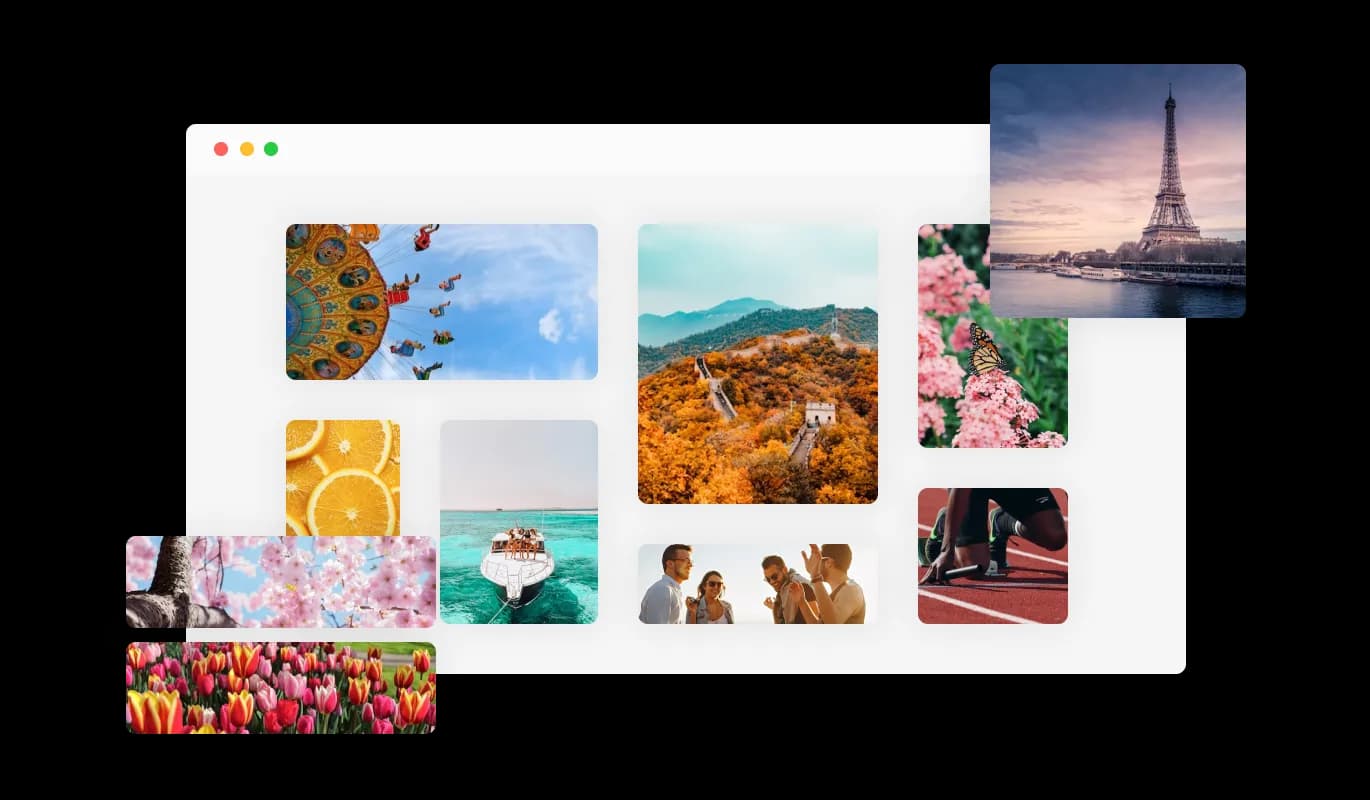
Tailor your gallery to align seamlessly with your website aesthetics. Our range of grid layouts offers you the flexibility to choose a structure that both highlights your images and fits your site's overall design.
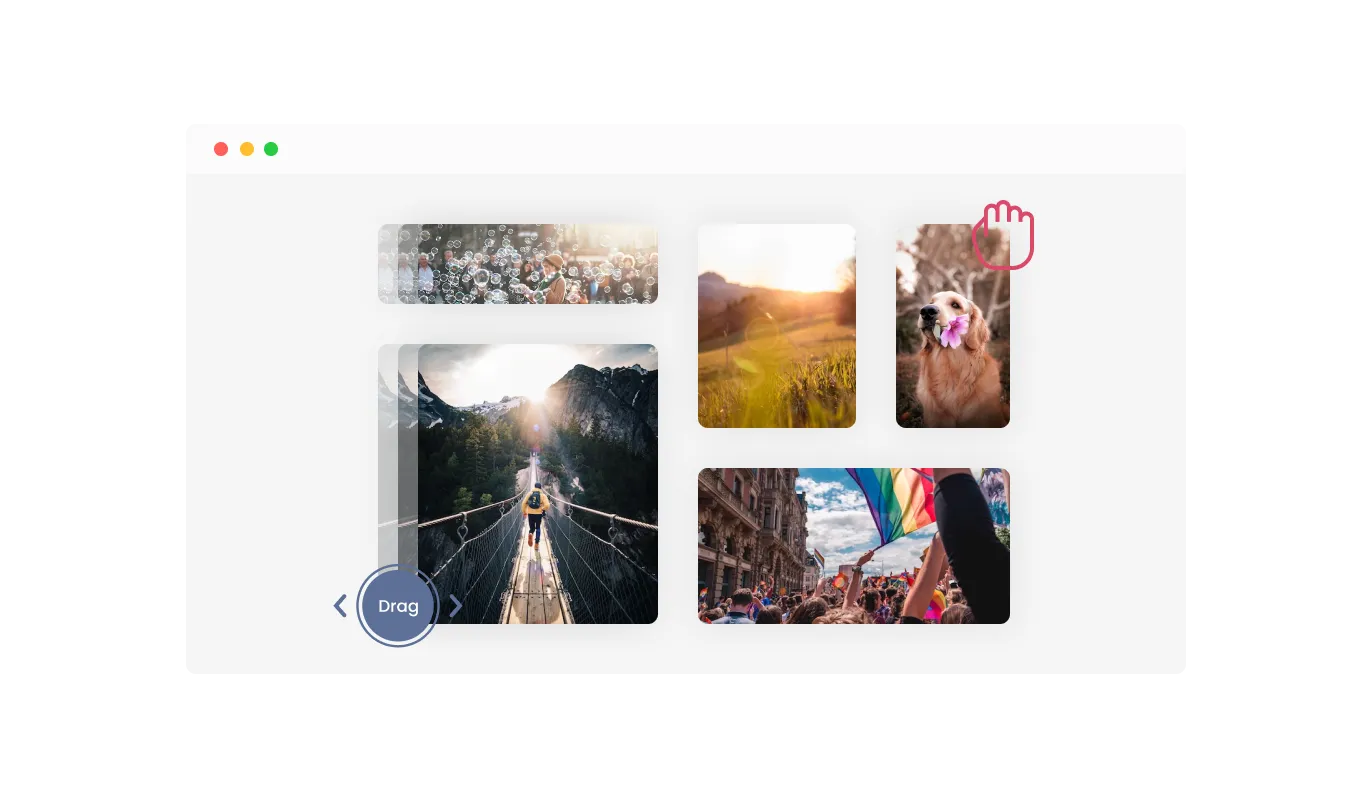
Empower your site visitors with the ability to interact directly with your image gallery through the drag-and-move option for the carousel. This feature not only enhances user engagement but also allows users to navigate your gallery at their own pace, creating a more personalized and enjoyable browsing experience.
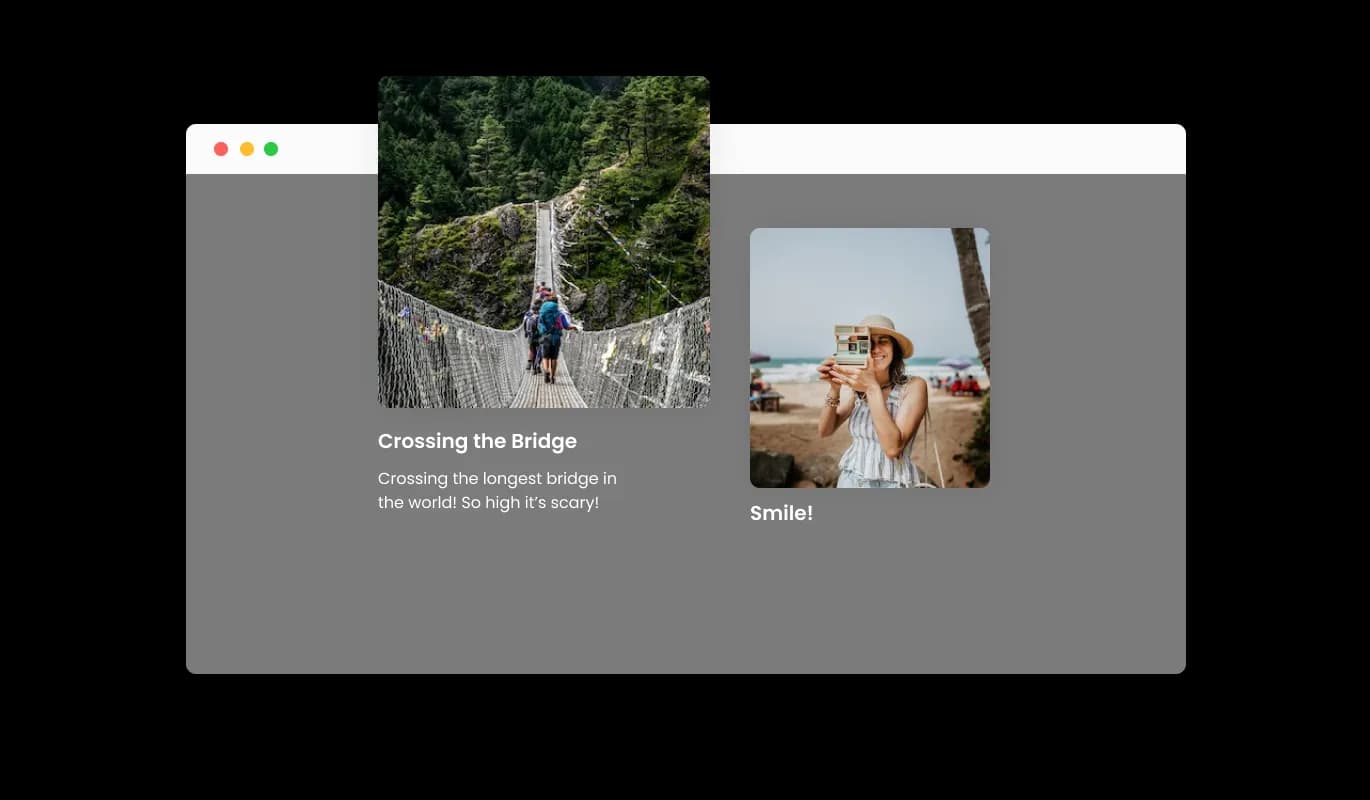
Offer your visitors a deeper look at your images with a full view in a pop-up, complete with captions and descriptions. This feature allows you to provide additional context and detail, enriching your audience's understanding and engagement with your content.
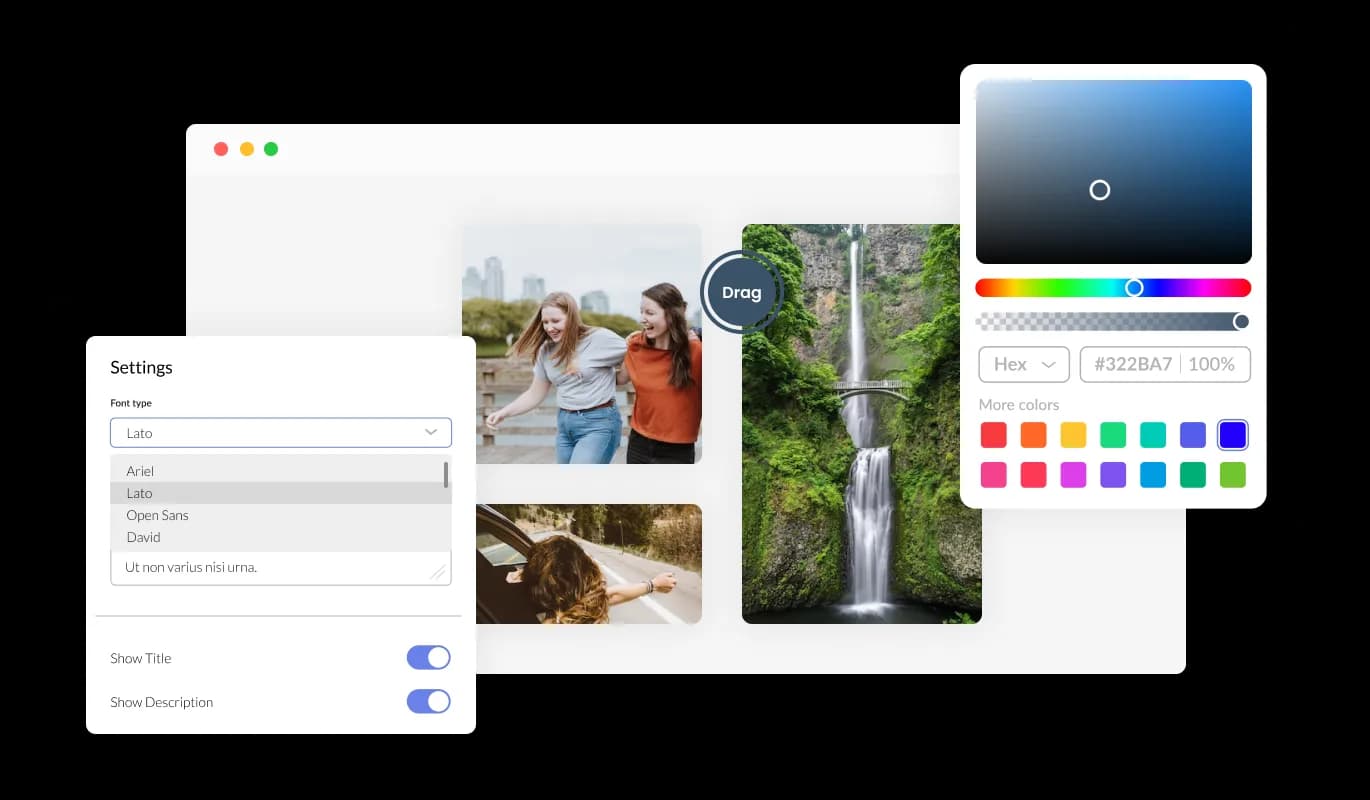
The Image Grid Slider widget boasts comprehensive customization options, allowing you to modify the design to suit your preferences. Adapt the colors, fonts, grid spacing, and more to your liking! Fine-tune these elements to craft a user experience that not only enhances your website's appeal but also reflects your unique brand identity and aesthetics.

The Image Grid Slider widget is fully responsive and provides an impressive visual experience on any device. In today's mobile-centric world, this feature gives you an edge over your competitors. Furthermore, this adaptability guarantees a consistent and engaging browsing experience for all users, irrespective of their device or screen size.

As with all of Common Ninja’s apps, you can inject custom CSS to further personalize the Image Grid Slider widget and unleash your creativity. This additional flexibility lets you refine the widget's look and operation, guaranteeing a truly unique and customized experience for your users.

You can easily integrate the Image Grid Slider widget into your website by copying just one line of code. Plus, the widget will automatically reflect every change you make, ensuring a seamless and always current experience for your users.
Introduce an element of dynamism to your image display with our unique carousel feature. This format breathes life into your grid images, creating a striking visual experience for your site visitors.
Boost the user experience on your website by adjusting the speed of the drag animation in your image carousel. This feature allows you to control the pace of image transitions, providing a smooth and enjoyable browsing experience tailored to your audience's preferences.
Further customize your image carousel with the option to select from a variety of drag icons. This feature enables you to align the carousel controls with your website's design and branding, creating a cohesive and visually appealing user interface.
Select the scrolling orientation that best fits your website design and user interaction. This feature gives you control over the flow and direction of your image display, enhancing the user experience.
Cater to a diverse global audience with our Right-to-Left (RTL) support. This essential feature ensures that your image carousel is accessible and user-friendly for those using RTL languages, demonstrating your commitment to inclusivity and a superior user experience for all.
The Image Grid Slider widget is user-friendly and requires no coding knowledge. With just a few clicks, you can tweak the carousel and grid settings using our intuitive controls. It's truly as straightforward as it gets, making stunning image displays accessible to everyone!
Build your image grid slider in the editor
Open the editorFree to use · No credit card · No signup to try it
Common Ninja has amazing no-code widgets that would beautify a website built on any builder. It is very easy to use and customise. It has as many widgets for almost everyone willing to make their website impressive.
Outstanding service. I use their widgets to help me with my web design business and whenever I need help they are very quick to help.
Excellent company with excellent service!!! We used it to build a survey, it was very user friendly. The service was perfect. Amit helped us with every problem and question we had, thank you very much!!!
Common Ninja saved the day when building our website and the customer service Daniel, the co-founder and CEO, provided was amazing.
A carousel or slider shows one image, or a row of them, and advances. This shows a grid of many images at once that the visitor drags around, so it suits a large collection where the point is browsing rather than being walked through a sequence. If you have six images and a story to tell in order, a slider is the better fit.
Only if you tell them, which is what the custom drag icon is for. A grid with no affordance looks like a static image block and most people will not try to move it, so pick a drag cue and keep it visible.
Yes. The popup detail view opens the image at a size the grid itself cannot give it, without navigating away from the page. That is what lets you use small thumbnails in the grid without losing the detail.
Yes, scroll direction is a setting. Vertical is the right choice in a sidebar or any narrow column, where a horizontal drag competes with the page's own scrolling and tends to feel awkward on a touchscreen.
Enough for a real collection, and the grid is designed for sets too large to lay out down a page. Keep an eye on total image weight rather than count: fifty large photographs will load more slowly than fifty properly sized ones, whatever widget shows them.
Yes, dragging becomes swiping on a touchscreen. Test the scroll direction at phone width, because a horizontally dragged grid on a narrow screen can fight the page's vertical scroll if the grid is very tall.
The interaction here is built around browsing and the popup view rather than navigating away. If each image needs to lead somewhere specific, a card carousel or an image slider with linked slides is the better tool.
It is one embed snippet rather than a plugin, so nothing enters your site's own code. The images themselves are the weight, so size them sensibly before uploading; that matters more than the widget.
Pick your platform. Each takes under 4 minutes.

Displays images and captions in diverse layouts and grids, presenting visually appealing arrangements for showcasing multiple images

Showcases images in a rotating or sliding manner

Displays a series of images in a slideshow format

Add interactive areas on images that reveal extra information when clicked or hovered over.

Present images and text with a variety of animated effects and transitions for an engaging visual display

A simple slider that lets visitors compare before and after images to see visual changes clearly.
The Image Grid Slider widget is a tool that combines the visual appeal of an image gallery with the dynamic movement of a carousel. It allows you to display images in a variety of grid layouts that slide across the screen, creating an engaging user experience.
Yes, the Image Grid Slider widget offers comprehensive customization options. You can adjust the colors, fonts, grid spacing, and more to suit your website's aesthetics and your personal preferences.
Absolutely. The Image Grid Slider widget is fully responsive and will look great on any device, ensuring a consistent and engaging browsing experience for all users, regardless of their device or screen size.
No, the Image Grid Slider widget is very user-friendly and requires no coding knowledge. You can adjust the carousel and grid settings with just a few clicks using our intuitive controls.
Yes, as with all of Common Ninja’s apps, you can inject custom CSS to further personalize the Image Grid Slider widget. This allows you to refine the widget's appearance and operation according to your needs.
Embedding the Image Grid Slider widget on your website is a breeze. You just need to copy one line of code and the widget will appear on your site.
Yes, the widget will automatically reflect every change you make, ensuring a seamless and always current experience for your users.
Yes, the Image Grid Slider widget supports RTL languages. This feature ensures that the widget is accessible and user-friendly for users of RTL languages.
Yes, the Image Grid Slider widget allows you to control the speed of the drag animation. This feature lets you customize the pace of image transitions to suit your users' preferences.
Absolutely. The widget offers a variety of drag icons, allowing you to align the carousel controls with your website's design and branding.
Yes, the Image Grid Slider widget offers several grid layouts. This gives you the flexibility to choose a structure that both highlights your images and fits your site's overall design.
Yes, you have the option to choose between horizontal and vertical scrolling to best suit your site's style and user experience.
Yes, the Image Grid Slider widget allows you to display images in full view with captions and descriptions in a pop-up. This provides additional context and detail, enriching your audience's understanding and engagement with your content.
Absolutely. The Image Grid Slider widget is an excellent tool for showcasing your work, products, or services in a visually appealing and dynamic format.
Yes, the dynamic movement of the image carousel and the visual appeal of the grid gallery are designed to enhance user engagement. The widget's interactive features like the drag-and-move option and customizable scrolling orientation can also boost user interaction and engagement.
A grid of images visitors drag rather than a slideshow that advances, with a choice of grid layouts, horizontal or vertical scrolling, adjustable drag speed, custom drag icons, a popup detail view, RTL support, and custom CSS. Embed on 200+ platforms including Carrd, Wix, Shopify, Notion, and Weebly.
Create your image grid sliderFree to use · No credit card · No coding