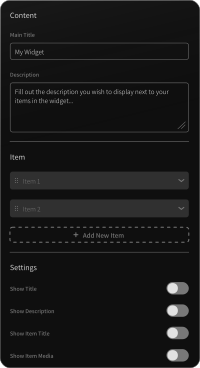
iMessage Conversation

Bring true-to-life iMessage threads to any page, rendered as real content instead of a screenshot.

Create an iMessage Conversation

loved by 500K+ businesses

plugineditoreditor

Why Should You Use the iMessage Conversation Widget+?

Let Customers Speak in Their Own Thread

A pull quote states that someone was happy. A back-and-forth shows it happening, which lands as evidence rather than marketing copy.

Walk People Through a Process, Message by Message

Onboarding steps, a booking exchange, a support hand-off, or a sales follow-up are far easier to absorb when they arrive in the order a real user would meet them.

Borrow the Credibility of a Format Everyone Knows

Blue bubbles and Read receipts need no explanation. Visitors decode an Apple Messages thread at a glance, so your examples register before anyone starts reading closely.

Threads You Build Yourself

Assemble an entire Apple Messages thread from scratch: contact name, subtitle, profile picture, date separators, and as many inbound and outbound bubbles as the story needs. Nothing is baked in, so any line can be rewritten later without going back to a screenshot tool.
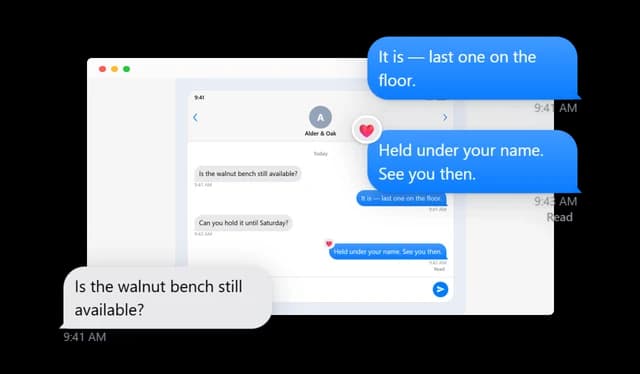
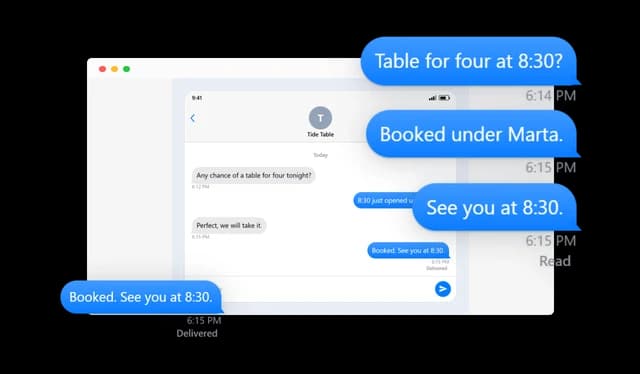
iMessage Conversation - Threads You Build Yourself

Send Times and Read Receipts

Stamp bubbles with the time they were sent and mark them Sent, Delivered, or Read. Apply one state across the whole thread, or override it on the single message where it matters.

iMessage Conversation - Send Times and Read Receipts

Tapbacks on Any Bubble

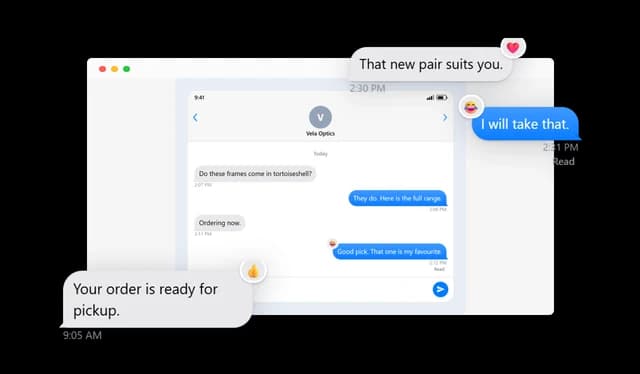
Pin any of the five Tapbacks to a bubble exactly as iOS does it: heart, thumbs up, thumbs down, Ha ha, or an exclamation. The badge can also be moved to whichever corner of the bubble suits the layout.

iMessage Conversation - Tapbacks on Any Bubble

Bubbles That Lead Somewhere

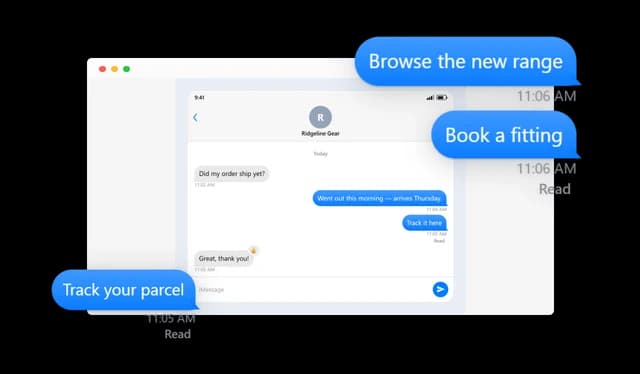
Wrap any bubble in a link so a reader can jump straight to the product, article, booking form, or download being discussed. A flat screenshot of a thread can never do that.

iMessage Conversation - Bubbles That Lead Somewhere

Watch the Thread Arrive

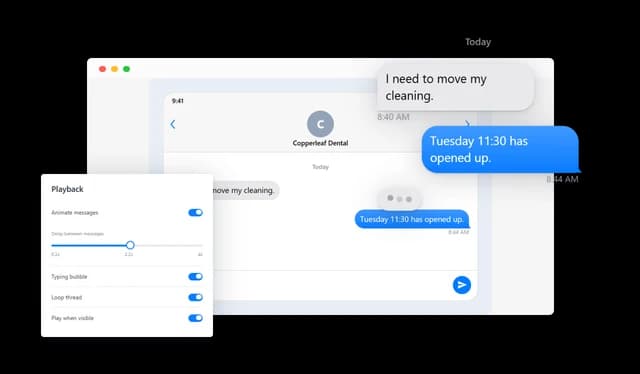
Rather than dropping the whole exchange at once, let bubbles land in sequence at a pace you choose. Loop it, offer a replay, or hold it until the widget scrolls into view.

iMessage Conversation - Watch the Thread Arrive

The Typing Bubble

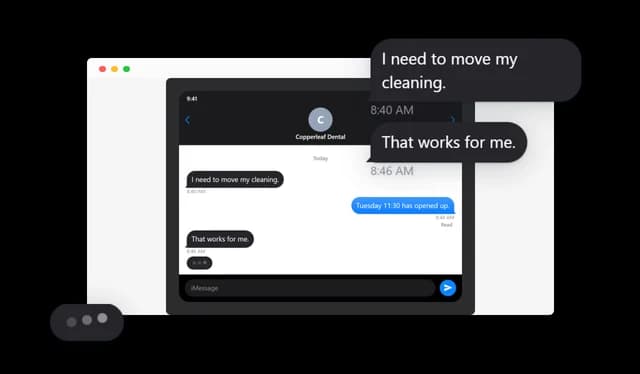
Slip the familiar three-dot bubble in ahead of an incoming reply, or leave it running at the foot of the thread. It gives an animated exchange a beat of anticipation and makes it read as live.

iMessage Conversation - The Typing Bubble

One Thread or a Whole Wall of Them

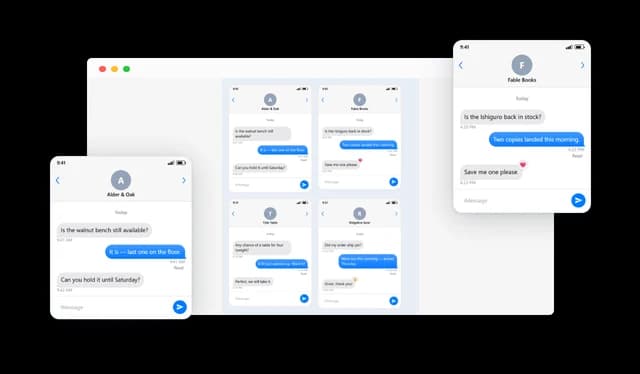
Show a single exchange, rotate through several in a carousel, slide them sideways, or tile them in a grid with the column count you pick. Useful when one page has more than one story to tell.

iMessage Conversation - One Thread or a Whole Wall of Them

Match the Look of the Messages App

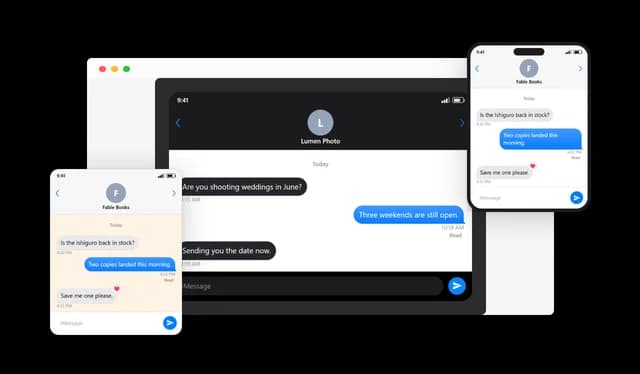
Flip between light and Dark Mode, wrap the thread in an iPhone frame or drop the frame entirely, and sit it on a solid color, a pattern, or an image of your own. Bubble color, width, alignment, and type size are all yours to set.

iMessage Conversation - Match the Look of the Messages App

Sharp at Every Width

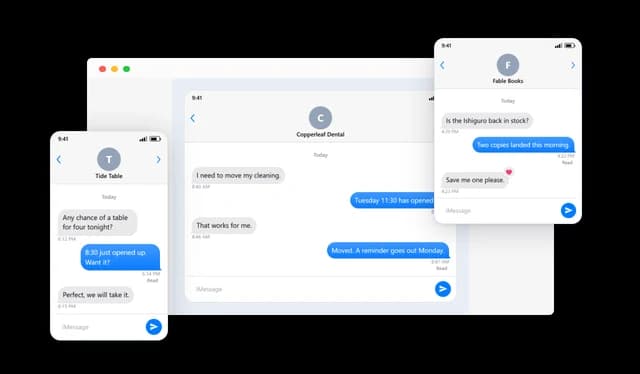
The thread reflows into whatever space it is given, from a wide desktop column down to a phone. Because it is drawn with markup instead of pixels, the type never softens on a retina display.

iMessage Conversation - Sharp at Every Width

Styling That Follows Your Brand

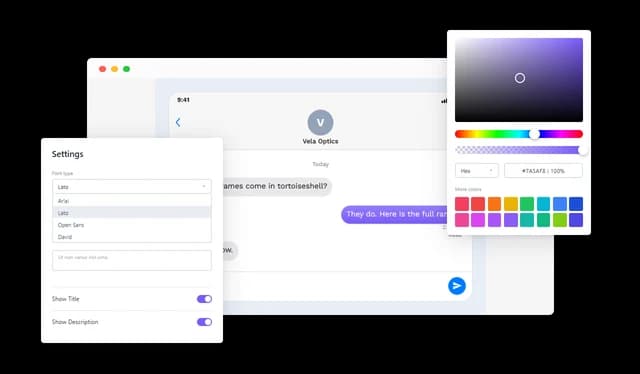
Swap the typeface, recolor the surfaces, retune the spacing, and adjust the surrounding frame until the widget belongs on your page. A custom CSS field is waiting for the cases the built-in controls do not reach.

iMessage Conversation - Styling That Follows Your Brand

Decide What Shows and What Doesn't

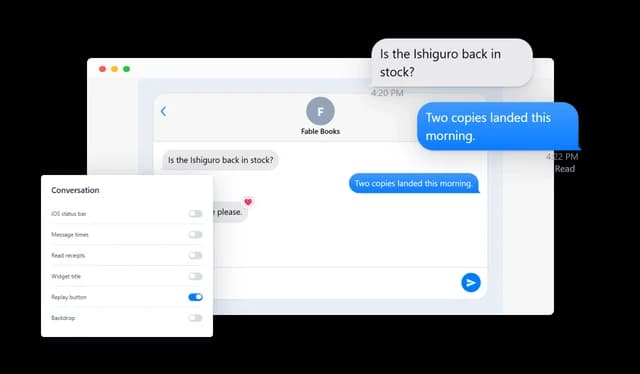
Toggle the iOS status bar, the message times, the receipts, the widget heading, the replay control, and the backdrop. Strip it back to bare bubbles or keep the full interface, whichever suits the page.

iMessage Conversation - Decide What Shows and What Doesn't

Pacing for Multi-Thread Carousels

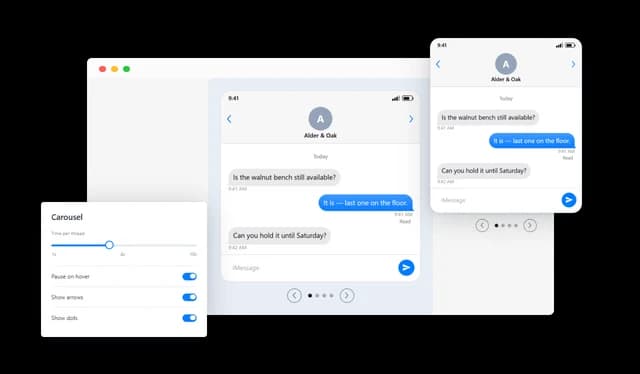
When several threads share a carousel, set how long each one holds the stage and whether the rotation halts while a cursor rests on it, so nobody loses their place mid-read.

iMessage Conversation - Pacing for Multi-Thread Carousels

Drops Into Any Site

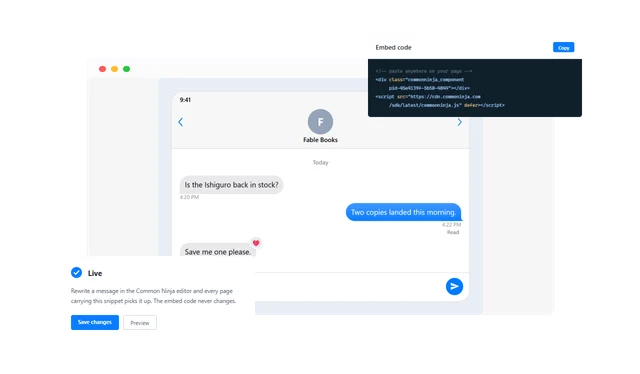
Paste it into a page and you are finished; no build step and no developer. Later edits happen in the Common Ninja editor and go live without anyone touching the embed snippet again.

iMessage Conversation - Drops Into Any Site

Compatible With All Site Builders, E-Commerce Platforms and Websites

View all supported platforms

FAQ

It renders an Apple Messages thread as ordinary page content. A thread can carry a contact name and picture, incoming and outgoing bubbles, date separators, send times, Read receipts, Tapbacks, and the other interface details people expect from iOS.

Common uses are customer quotes shown as real exchanges, walkthroughs of a support or booking flow, sales conversations on a landing page, and illustrations inside tutorials or case studies. Anywhere a dialogue explains something better than a paragraph.

You can. Several threads can run in a carousel, sit in a grid, or slide horizontally, and both the carousel timing and its hover behaviour are configurable.

No. Bubbles can arrive one after another at a rhythm you set, with optional looping, a replay button, and playback that waits until the widget enters the viewport.

Yes. The three-dot bubble can precede any incoming message during playback, and it can also be parked at the end of the thread so the exchange looks like it is still going.

Individual bubbles can carry a link to a product page, an article, a booking form, a file, or anywhere else. Readers follow it straight from the thread.

Each bubble can show Sent, Delivered, or Read. Set one state for the whole thread, or give a particular message its own.

They are. Any bubble can carry one of the five: a heart, a thumbs up, a thumbs down, Ha ha, or an exclamation. The corner the badge sits in can be changed as well.

Light or Dark Mode, an iPhone frame or no frame, bubble colours, thread width, alignment, and text scale are all adjustable. Backgrounds accept a colour, a pattern, or your own image, and fonts and custom CSS sit on top of that.

It adapts to the width it is given, so it reads correctly on desktops, tablets and phones alike. Everything is drawn as markup, which is why the text stays crisp instead of pixelating the way a screenshot would.

Yes. The iOS status bar, send times, receipts, widget heading, replay button and backdrop can each be switched off, so the thread can be as detailed or as pared back as you like.

No. Building the thread, styling it, and putting it on a site are all done through the editor. Once embedded, content and design changes take effect without anyone editing the snippet.

At any time. Contact details, message text, times, Tapbacks, links and styling can all be revised, and the published widget picks the changes up without a new screenshot or a new embed code.

It runs on the major site builders, CMS platforms and online-store systems, and works just as well dropped into a hand-coded page.