How to add iMessage Conversation to your website
Learn how to embed Common Ninja’s iMessage Conversation on your website without coding.



In This Guide
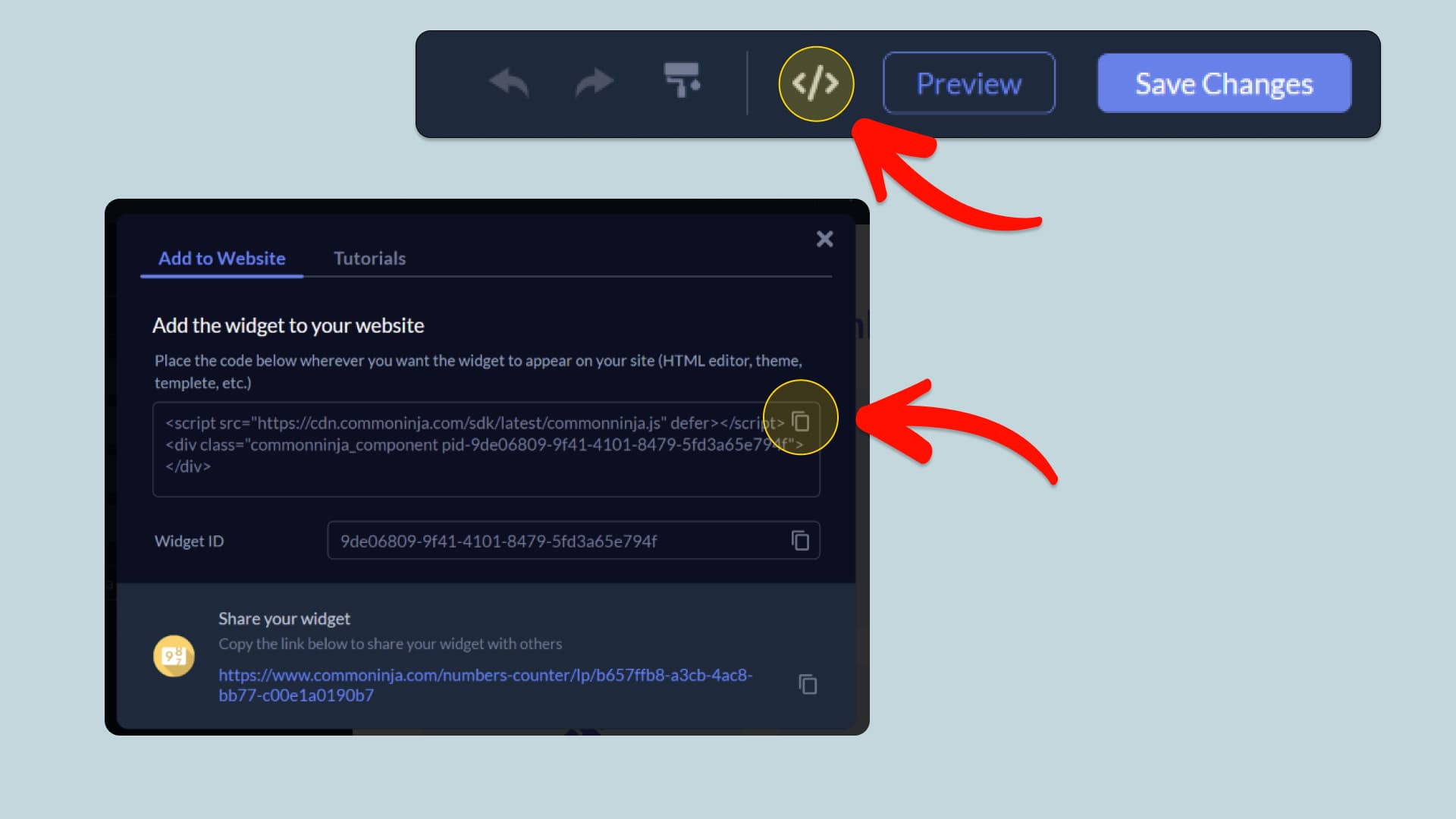
In this quick guide, you'll learn how to embed the iMessage Conversation into your website by generating your embed code and adding it seamlessly to your website.
How to Embed iMessage Conversation on Your Platform
Choose your platform to see detailed, step-by-step instructions for embedding iMessage Conversation seamlessly.


Embed iMessage Conversation on Your Website
Why Use This Widget
Recreate an Apple Messages thread on any page and keep every part of it editable. Choose who is talking, drop in a profile picture, stack up blue iMessage and green SMS bubbles, break the thread with date separators, attach send times and Read receipts, add Tapbacks, and point individual bubbles at a URL. From there the presentation is yours: one thread or several side by side, carousel or grid, light or Dark Mode, an iPhone frame or none at all, your own background, and full control over width, alignment, and text size. Threads can land fully formed or unfold message by message, complete with a typing bubble, adjustable pauses, looping, and a replay control. Because it renders as live markup rather than an image, it stays crisp on every display, and a wording change never means taking a new screenshot.
This tutorial was written by the Common Ninja product team, creators of interactive, no-code widgets for websites. Common Ninja helps over 500,000 users build engaging online experiences without coding.