


Verified review
Common Ninja has amazing no-code widgets that would beautify a website built on any builder. It is very easy to use and customise. It has as many widgets for almost everyone willing to make their website impressive.
Try the editor, no signup
Pick a template, customize it, and watch it update live, no signup.
No credit card · Free forever plan
No credit card · Free forever plan
The Common Ninja Instagram Feed Widget is a free, no-code embed that displays your Instagram posts on any website in under 4 minutes. It works on 200+ platforms, including Shopify, WordPress, Wix, Webflow, Squarespace and more, with full control over layout, colors, and refresh behavior.
Show visitors that your brand is active, trusted, and worth their attention. An embedded Instagram feed highlights real interactions, real content, and a living community. This helps new visitors feel confident about choosing you.
No more outdated pages or constant manual updates. Your latest Instagram posts appear on your site in real time, keeping your content dynamic and relevant with zero extra effort.
People love to scroll Instagram, so let them do it without leaving your website. This keeps visitors browsing longer, exploring more of your content, and increases the chances they'll take action.
Connect your website and Instagram into one powerful growth loop. Convert site visitors into followers, grow your audience organically, and create more opportunities to engage with potential customers.
Sign in once and pick which account, hashtag, or combination of feeds to display. Personal and Business accounts both supported.
Drag-and-drop layout, color, font, and animation in a live preview editor. Every visual element is editable. No developers, no CSS required.
Copy the embed snippet and drop it anywhere on your site. Future edits push automatically, with no need to re-embed each change.
Combine several Instagram feeds (personal, brand, product lines, hashtags) into a single embed. Use Tabs mode to give each its own view, or Mixed mode to blend everything into one rolling stream.
Change a color, font, layout or filter and see the feed update in real time inside the editor. No publish-and-pray cycle. What you see is exactly what visitors will see.
When the visual editor runs out, drop in custom CSS for any element. Build unique hover states, animations, or pixel-perfect spacing without touching the rest of your site.
New posts appear automatically as you publish. A built-in ticker animation catches scroll attention, and share buttons turn the feed into a two-way engagement tool.
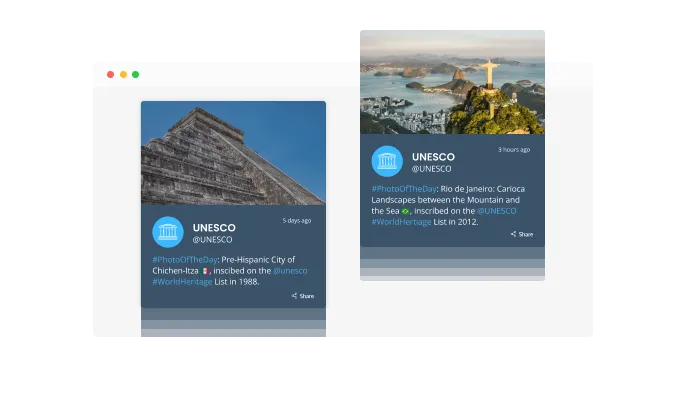
Add motion to your page with the ticker animation, a smooth news-ticker-style scroll across your latest Instagram posts. The movement grabs attention the moment a visitor lands, highlights your newest content, and invites them to explore further without feeling intrusive.

The auto-refresh option keeps your feed live. New posts appear on your site automatically whenever you publish on Instagram. No manual update needed. Perfect for sites that rely on fresh content or businesses running active campaigns. A constantly updating feed keeps visitors engaged and drives more clicks through to your latest posts.
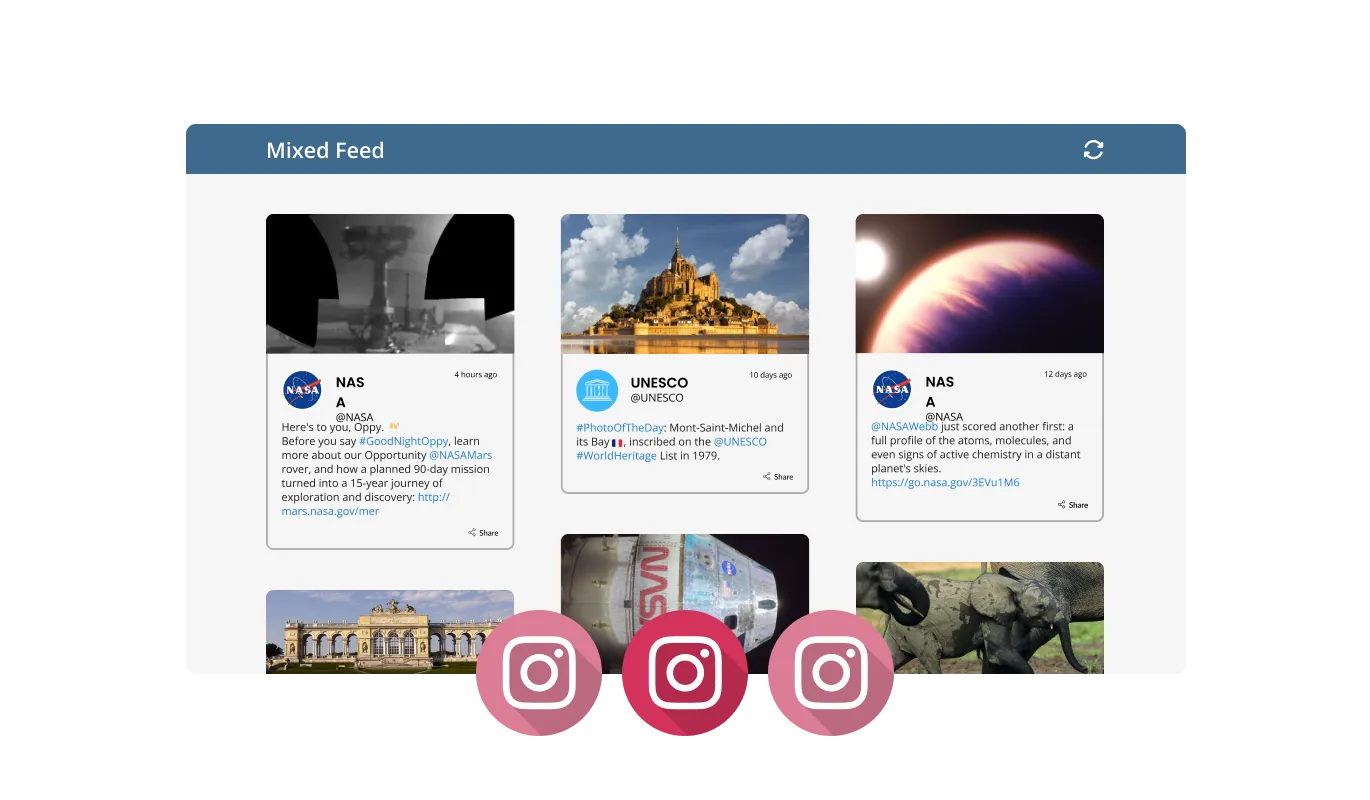
The Instagram Feed widget offers two ways to organize your feeds: Tabs and Mixed. Tabs mode keeps each account or hashtag on its own tab, so visitors can switch between feeds with a single click. Useful for separating product lines, personal vs. professional content, or campaign-specific posts. Mixed mode blends multiple accounts or hashtags into one unified feed, giving visitors a dynamic, varied stream that feels more like a real social experience.
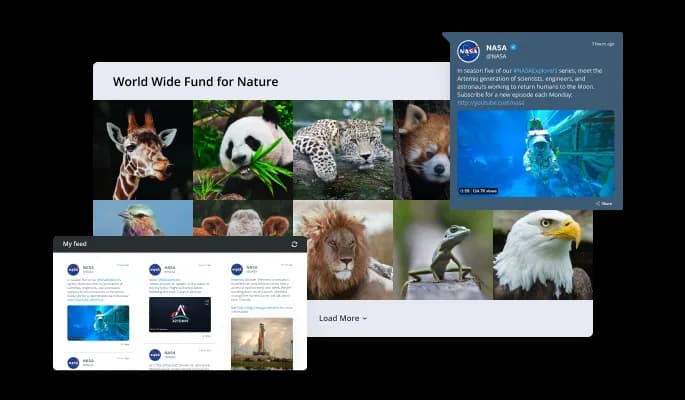
Pick from several layout options to match your site's design: grid, masonry, carousel, and ticker styles, all available out of the box. You can fine-tune spacing, sizing, and alignment for each layout so the feed blends seamlessly with the rest of your page instead of feeling like a bolted-on embed.
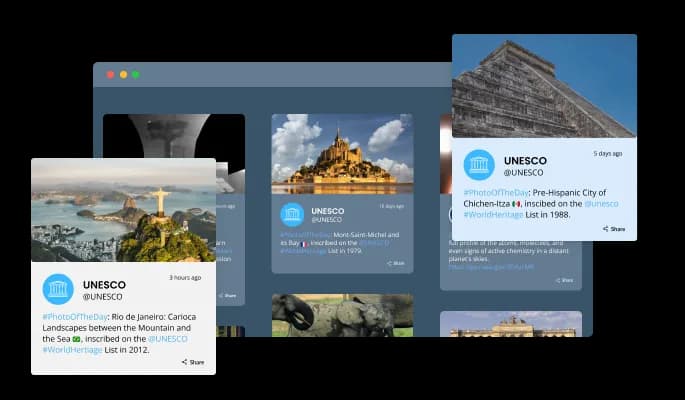
Choose from a library of pre-built skins to give your feed a polished look without any custom design work. Options range from minimal and clean to bold and modern. Each one is ready to use in a click. Every skin is fully tweakable if you want to push the style further.
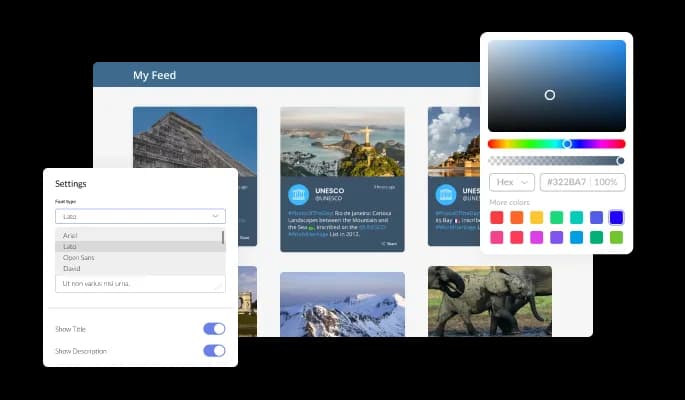
Every visual element of the widget is editable: colors, fonts, spacing, borders, and hover effects. Match the feed to your brand's exact look. Pick fonts from a wide library, set hover states that respond to your palette, and keep everything visually consistent with the rest of your site.
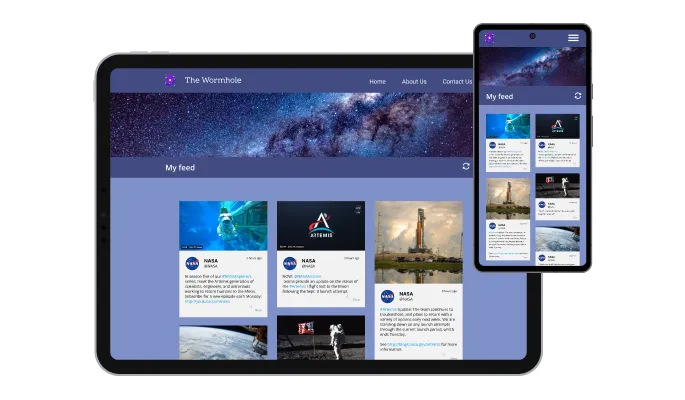
The widget adapts automatically to every screen size: desktop, tablet, or mobile. With most Instagram traffic coming from phones, this isn't optional. Your feed looks clean and stays fully functional whether it's viewed on a 27-inch monitor or a 5.5-inch screen.

Need a design tweak the editor doesn't cover? Drop in custom CSS and take control of any visual detail. Create unique hover states, custom animations, brand-specific spacing rules, or anything else you can write a selector for. No limits on what you can style.

Embedding is a single copy-paste. Grab the one-line embed code from the editor, drop it into your page's HTML, and you're live. Any change you make in the editor updates on your site automatically. No need to re-embed or touch code each time you tweak the feed.
There are various options for displaying the date and time of the feeds. This option lets you further customize the Instagram Feed widget according to your needs and the preferences of your visitors.
You can easily customize the length of the characters that are displayed to save space and make the Instagram Feed widget more compact.
The Instagram Feed widget provides full RTL (right-to-left) support, making it accessible to a wider range of users from all over the world. This feature is particularly useful for websites that cater to users who write from right to left, such as Arabic, Hebrew, or Urdu.
The Instagram Feed widget is easy to use and requires no coding knowledge. Our intuitive dashboard with the drag-and-drop feature will enable you to customize the widget any way you’d like to with just a few simple clicks.
Common Ninja has amazing no-code widgets that would beautify a website built on any builder. It is very easy to use and customise. It has as many widgets for almost everyone willing to make their website impressive.
Outstanding service. I use their widgets to help me with my web design business and whenever I need help they are very quick to help.
Excellent company with excellent service!!! We used it to build a survey, it was very user friendly. The service was perfect. Amit helped us with every problem and question we had, thank you very much!!!
Common Ninja saved the day when building our website and the customer service Daniel, the co-founder and CEO, provided was amazing.
Yes. The free plan covers a single feed with no time limit, no credit card, and no trial countdown. Upgrade only when you need more views, premium skins, or advanced features.
No. Build and customize the feed in a drag-and-drop editor, then paste one line of embed code into your site. Most users finish setup in under 4 minutes.
200+ platforms including Shopify, WordPress, Wix, Webflow, Squarespace, BigCommerce, Weebly, Joomla, Duda, and any custom HTML page.
Under 4 minutes for a basic feed. Connecting an Instagram account, picking a layout, matching your brand colors, and pasting the embed code is a 3-step flow.
Yes. Group several accounts or hashtags into a single widget using Tabs mode (separate views) or Mixed mode (a unified blended stream).
A personal account works for basic feeds. A Business or Creator account unlocks higher API limits and access to additional content types.
Pick your platform. Each takes under 4 minutes.
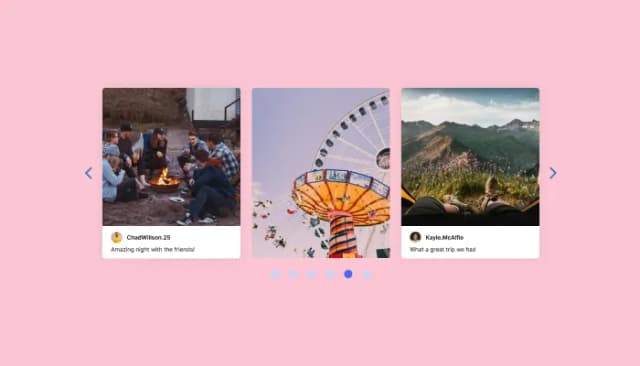
Display Instagram posts in a sleek carousel format on your site.

Merge Instagram content with a slider for dynamic website visuals

Display a feed of the latest posts from a Facebook user or page
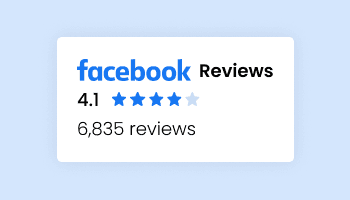
Present Facebook reviews for your business on your website

Display the latest posts from your TikTok page

Display the latest tweets from your X
Yes. The Instagram Feed widget has a free plan with no credit card required. The free plan includes a monthly view limit; beyond that, upgrading to a paid plan unlocks higher limits, premium skins, and advanced features. Most small websites fit comfortably within the free tier.
Create your widget in the Common Ninja editor, copy the embed code, then open your Shopify admin → Online Store → Themes → Customize → Add section → Custom Liquid. Paste the embed code, save, and your Instagram feed will appear on the page. Full Shopify guide is available in our help center.
Install the Common Ninja WordPress plugin from the WordPress plugin directory, or simply paste the embed code into a Custom HTML block on any page or post. Save the page and the Instagram feed will render immediately. Works with both the Classic Editor and Gutenberg.
In the Wix editor, click Add Elements → Embed Code → Embed HTML. Paste the Common Ninja embed code and resize the frame to fit your layout. The widget renders instantly inside the iframe on both the editor and the live site.
A Business or Creator account is required to connect your own Instagram feed to the widget, because Instagram's API only exposes feed data to those account types. If you have a personal account, you can convert it to a Creator account in seconds from the Instagram app's settings, and it's free and reversible.
No. The widget loads asynchronously and doesn't block your page's initial render. Images are lazy-loaded, the embed code is under 5 KB, and the feed data is cached on our CDN. Your Core Web Vitals scores stay intact.
Yes. You can filter your Instagram feed by one or more hashtags so the widget only shows posts tagged with them. This is useful for campaign-specific feeds, curating user-generated content, or highlighting product launches without displaying every post from your account.
Common Ninja monitors the Instagram API continuously and ships updates within hours whenever Instagram introduces changes. You don't need to do anything on your end. The widget keeps working. This is one of the main reasons users pick a managed widget over a DIY embed.
In the Instagram widget, you have the option to limit the number of posts that are shown per page. This allows you to control the amount of content that is displayed on your website and ensures that your visitors are not overwhelmed with too many posts at once. This feature can be handy if you have a lot of Instagram followers and want to ensure that only the most relevant content is displayed to your audience. By limiting the number of posts per page, you can ensure that your website remains organized and easy to navigate for your visitors.
Yes, the Instagram widget allows you to choose where to position the tabs from the settings menu.
Yes, the Instagram Feed allows you to add a background image and to customize its behavior further.
Yes, an auto-refresh option can be easily toggled on or off.
Yes, you can customize the Instagram Feed widget’s height.
Yes, currently there’s a “ticker” animation that you can trigger.
Yes, you can easily do so from the “Templates” tab.
Yes, there are lots of beautiful skins that you can choose from to save time and start using the widget as quickly as possible.
Yes, you can either upload an image, or select an icon from a large selection of available icons to add to your Notification Bar, or, alternatively, you can leave it all blank.
It’s simple. All you need to do is to sign up and start using the free version.
Common Ninja’s Instagram Feed widget is compatible with ALL current and future website builders.
Yes, the Instagram Feed widget is GDPR-compliant.
No. Using our Instagram Feed widget is very simple. The widget comes with an intuitive drag-and-drop interface and fully customizable options. Once you’ve finished editing the widget to your liking, all you need to do is copy the provided code and add it to your website.
Yes. We are eager to hear your request. Please visit our Feature Request page.
There are several advantages to displaying an Instagram feed on a website, including:
An Instagram Feed widget is a tool that allows you to display your Instagram content on your website or blog. It is a pre-designed and programmed code that you can add to your website or blog, and it can be customized to match the design and layout of your website or blog. The Instagram Feed widget is a great way to increase engagement with your audience and showcase your Instagram content on your website or blog. It can also help increase brand awareness, website traffic, conversions, and customer loyalty. The Instagram Feed widget is easy to install and can be used to display your Instagram posts, photos, videos, and stories. It also allows you to choose the number of posts that are displayed, set the tabs' position, and add a background image.
Works on 200+ platforms. Trusted by 500K+ businesses.
Create your Instagram Feed widgetNo credit card · Setup in under 4 minutes