


Verified review
Common Ninja has amazing no-code widgets that would beautify a website built on any builder. It is very easy to use and customise. It has as many widgets for almost everyone willing to make their website impressive.
The Common Ninja Job Listings widget is a free, no-code embed that puts a structured job board on your website — designed for HR teams, recruiters, and businesses hiring without a dedicated ATS.
Add roles with pre-set fields (title, department, location, employment type, salary, description) plus custom fields for role-specific details, pick a layout (list, card grid, table), enable filters and sorting (by department, location, type), customize the design with skins or Custom CSS, and paste a one-line embed snippet on Squarespace, Shopify, Elementor, Wix, WordPress, Avada, and 200+ other platforms.
Use it to launch a careers page without paying for an ATS, surface open roles on a recruiting landing page, embed a hiring board on a community-driven site, or run a simple jobs section on any page where candidates should browse and apply.
Full ATS platforms (Greenhouse, Lever, Workable) are powerful but priced for teams hiring constantly. For small businesses, agencies, and startups with 1-10 open roles at a time, this widget gives you a structured job board on your own site for free — without contracting for a platform you'll mostly underuse.
Candidates arrive with criteria — department they want, location they live in, employment type they need. Built-in filters narrow the list to matching roles in seconds. Sort by newest or by salary helps candidates surface roles they actually want to apply to. Better candidate experience; higher application rate per visit.
Pre-set fields handle the basics (title, department, location, salary). Custom fields handle the specifics — experience level, key technologies, hybrid/onsite split, application deadline, equity range. Different roles can use different field combinations without breaking the layout. Useful for technical hires where the standard job-board field set isn't enough.
Each role's apply-button can route to a custom destination — an email link with subject pre-filled, a Common Ninja Form Builder embed for in-page application, an external ATS like Lever or Greenhouse, or a Calendly link for screening calls. Mix routing per role; the widget handles the link, your application flow handles the rest.
Enter each role with title, department, location (city/region or remote), employment type (full-time, part-time, contract, intern), salary range, and a full job description. Add custom fields for role-specific details — experience level, technologies, hybrid/onsite, application deadline. Add as many roles as your plan supports; reorder via drag-and-drop in the editor.
Choose a layout — list (vertical reading column with full job details inline), card grid (multi-column tile grid for browse-and-pick), or table (structured rows for fast scanning across roles). Enable filters for candidates to narrow by department, location, or type, configure sorting (newest, alphabetical, salary high-to-low), and pick a skin or layer Custom CSS for pixel-level brand match.
Copy the one-line embed snippet and paste it on Squarespace, Shopify, Elementor, Wix, WordPress, Avada, or any of the 200+ supported platforms. Candidates browse, filter, and click into roles inline; the apply-link routes them to your application flow (email, Common Ninja form widget, external ATS). Edits in the editor push to every embed without re-paste.
Title, department, location (city/region or remote), employment type, salary range, application deadline. Standard job-board field set ready to fill without configuring data structures yourself.
Add role-specific fields beyond the standard set — experience level, key technologies, hybrid/onsite, equity range, time-zone overlap. Different roles can use different custom-field combinations without breaking the layout.
Candidates narrow listings by department, location, employment type, or any custom field you expose as a filter. Sort by newest, alphabetical, or salary high-to-low. Configurable per widget — show only the filters that matter for your hiring board.
Pick from a library of pre-designed skins (corporate-clean, startup-vibrant, recruiter-bold, dark-mode, brand-neutral) for a fast visual fit. Layer Custom CSS for pixel-level control over role-card sizing, badge styling for employment type, filter-control layout, and apply-button styling.
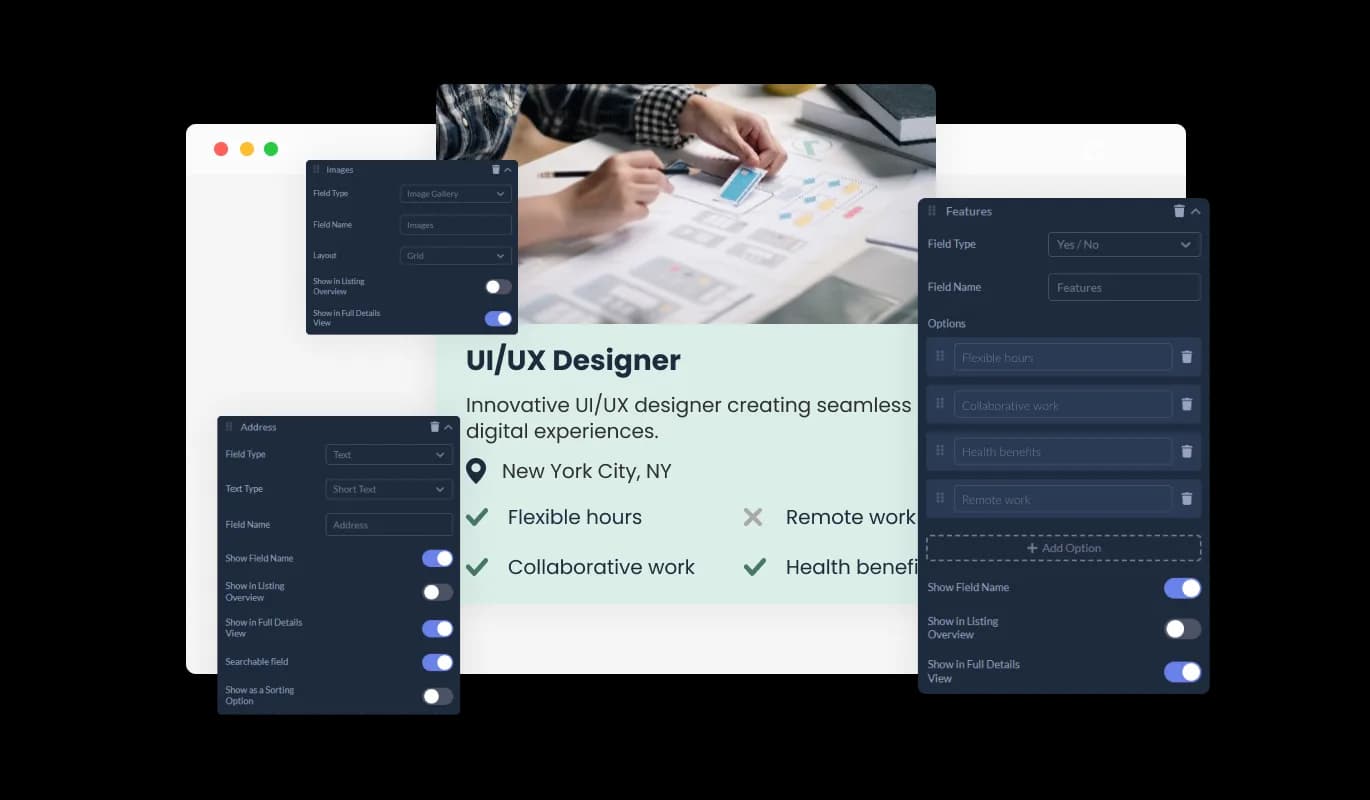
With the Jobs Board widget, you can utilize dedicated fields specifically designed to display crucial job-related information. Easily input job roles, requirements, and benefits to create detailed and informative listings that attract potential candidates.
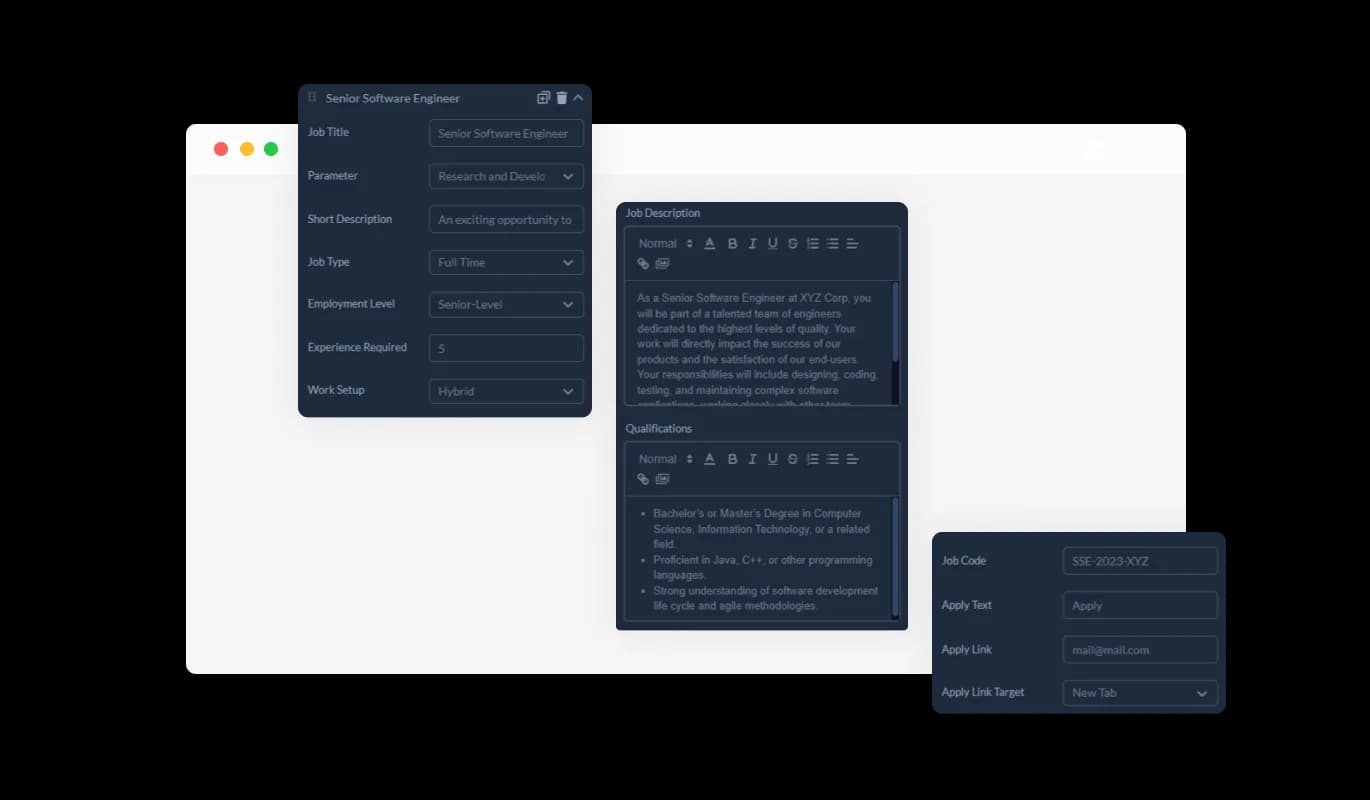
This widget offers the flexibility to add or modify job listing fields, catering to specific industry or role requirements. Include multi-selection options, yes/no fields, and detailed descriptions to ensure comprehensive job postings.
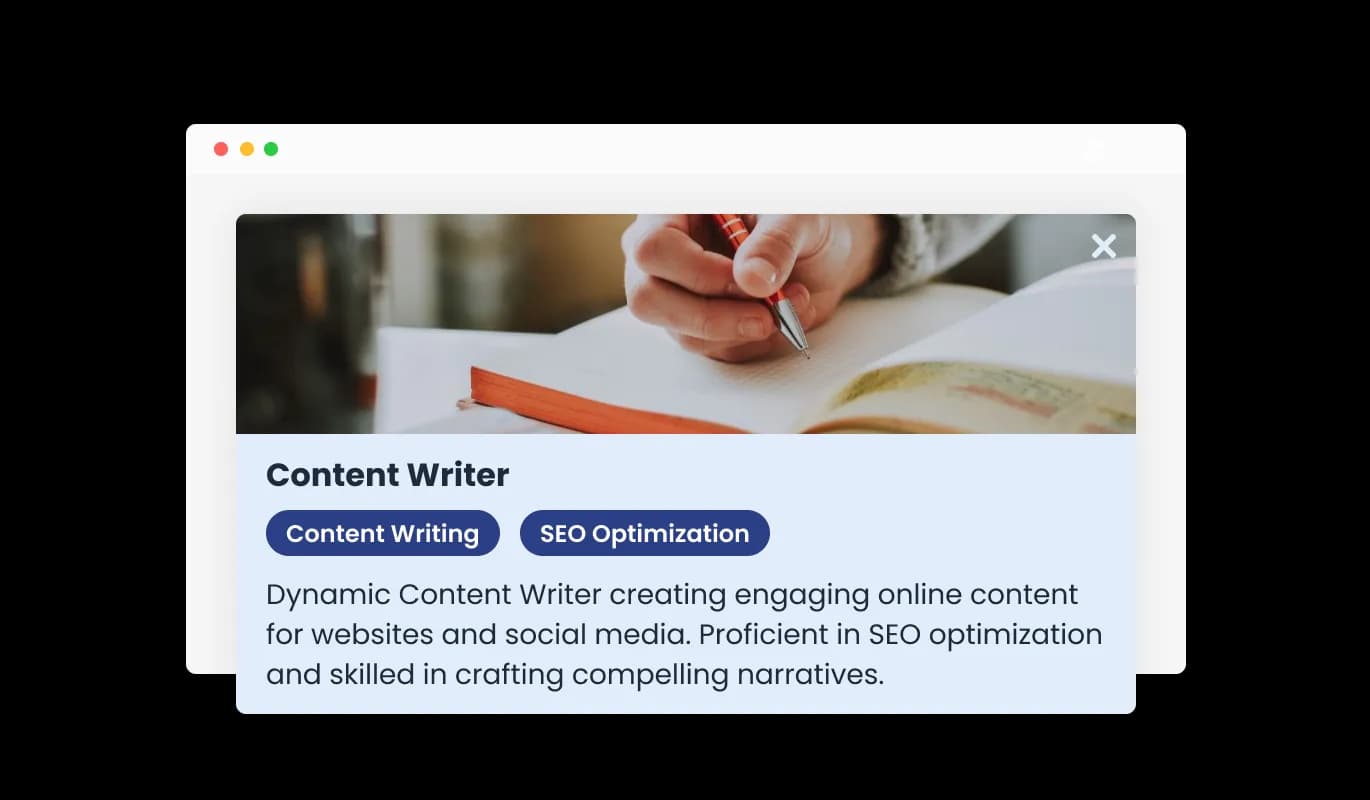
Every job listing features a Full Details Card, offering a complete overview of the job role, requirements, and company information. Candidates gain valuable insights to determine their suitability for the position and interest in applying.
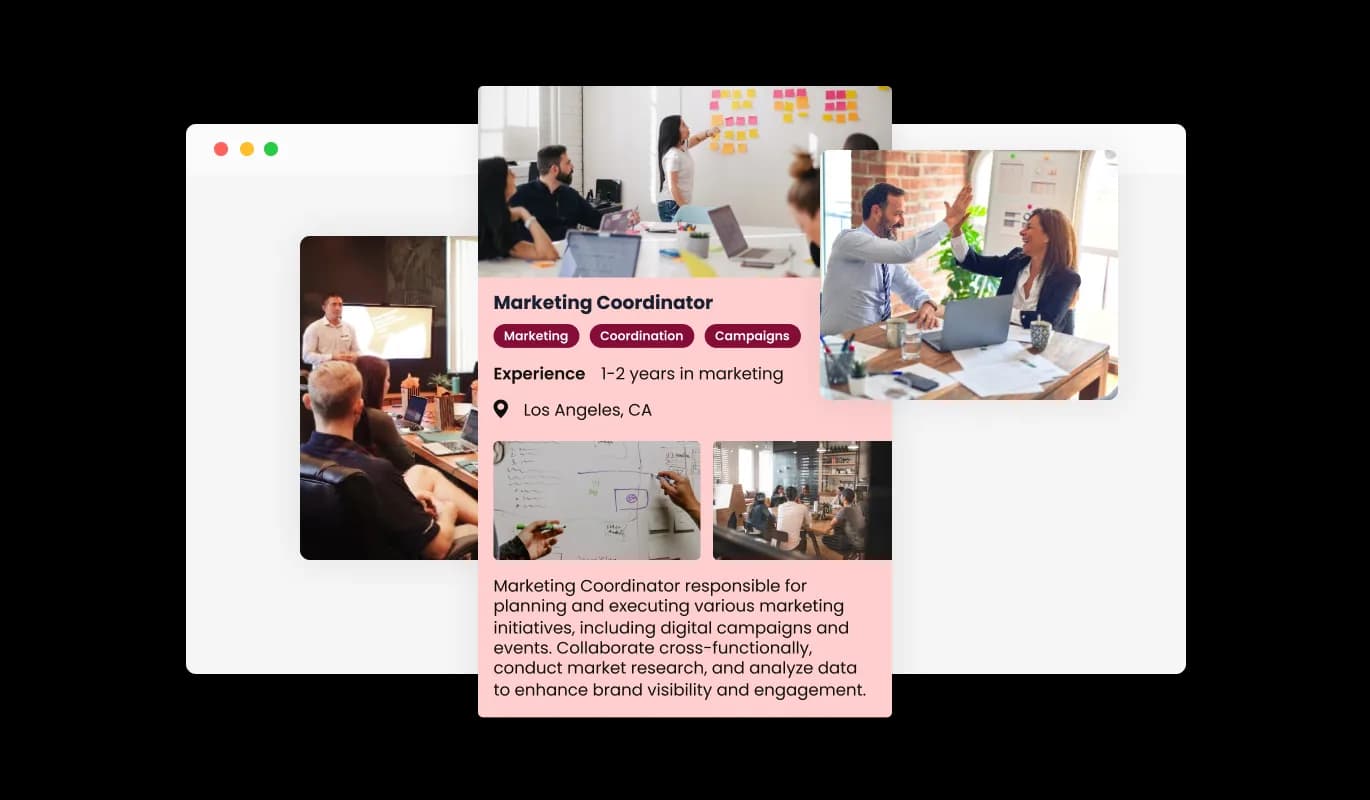
Include images or company logos to make each job listing visually appealing and recognizable. These visual elements can help to strengthen your company’s brand presence within each listing.
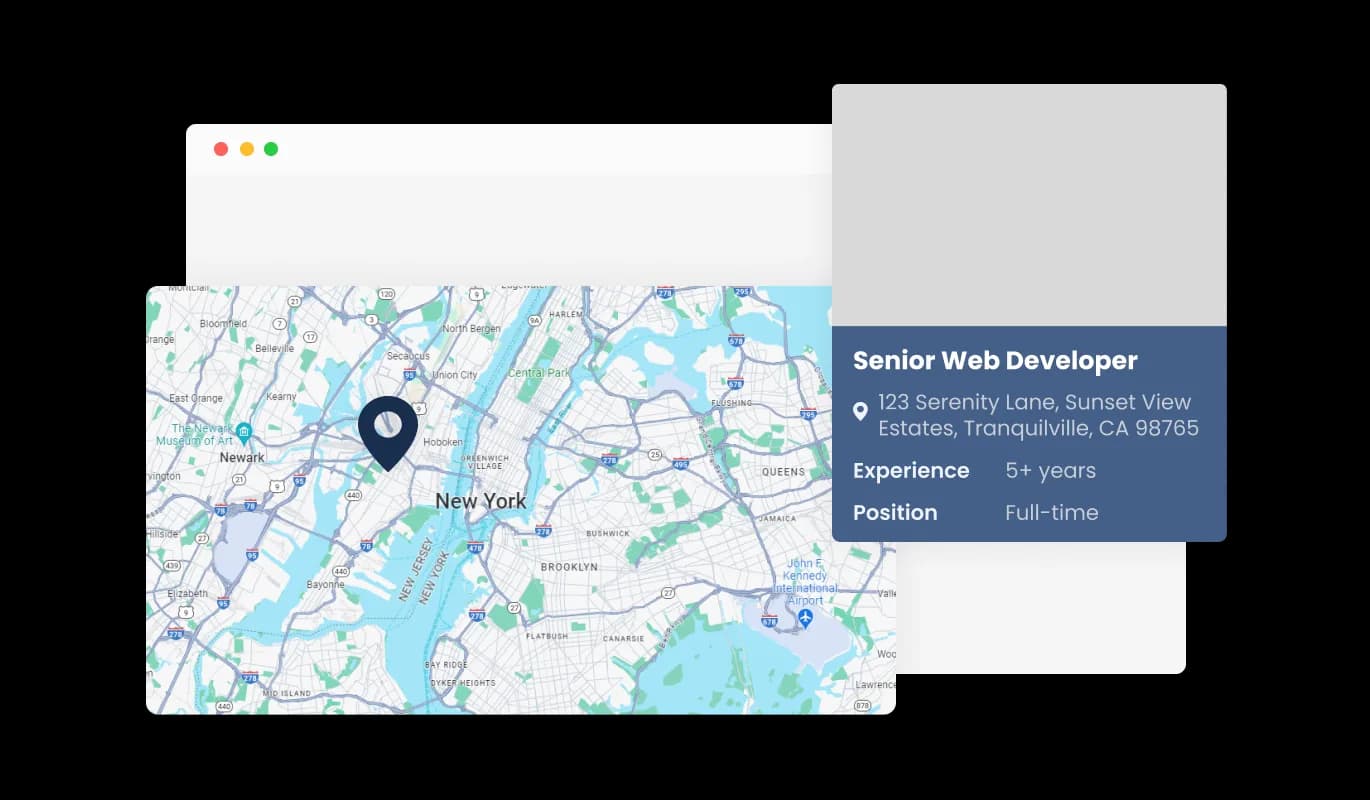
Each job listing can integrate a map to display the job’s location or the company’s headquarters. This feature helps candidates to consider the geographical aspect when applying for positions.
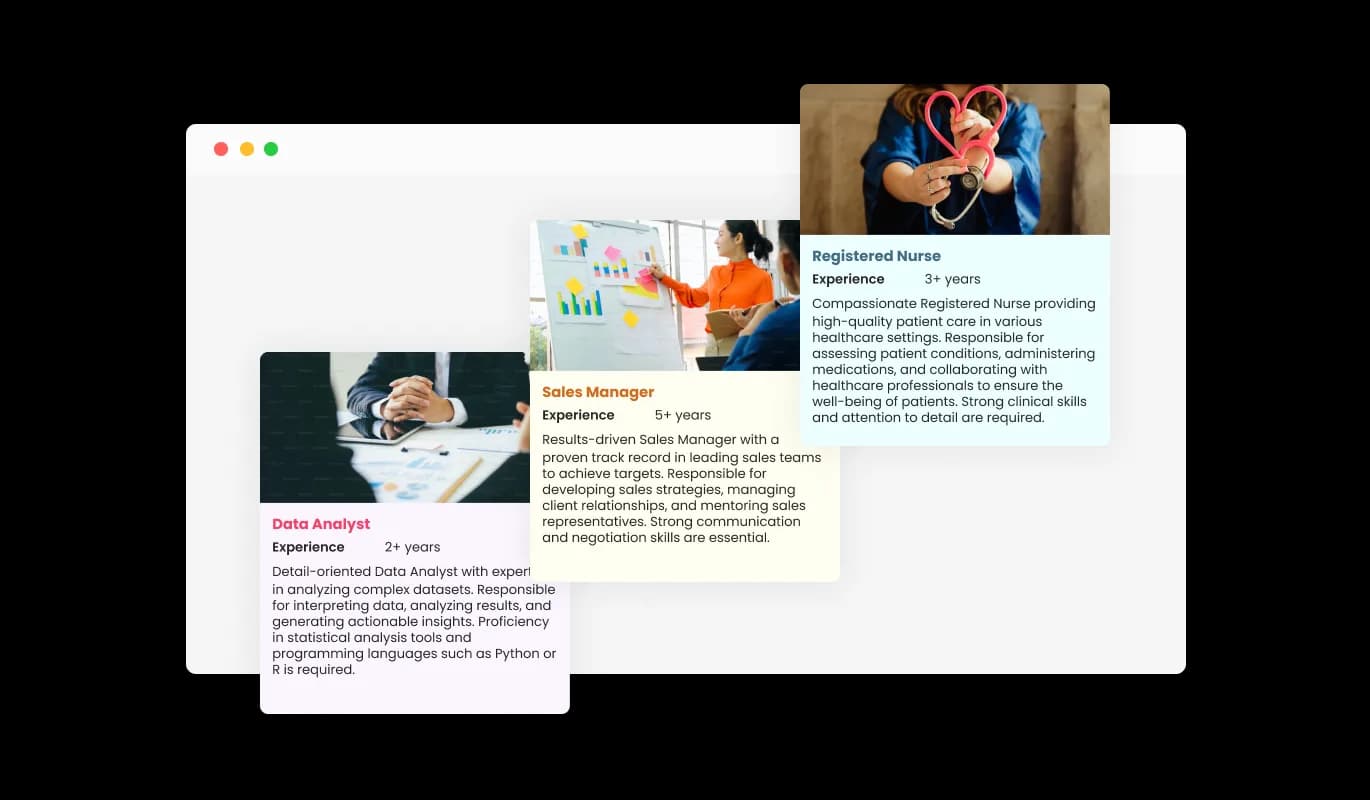
Select from a range of skins to ensure the Job Listings widget aligns with your website’s design and branding. The customization ensures a consistent and professional presentation of job openings.
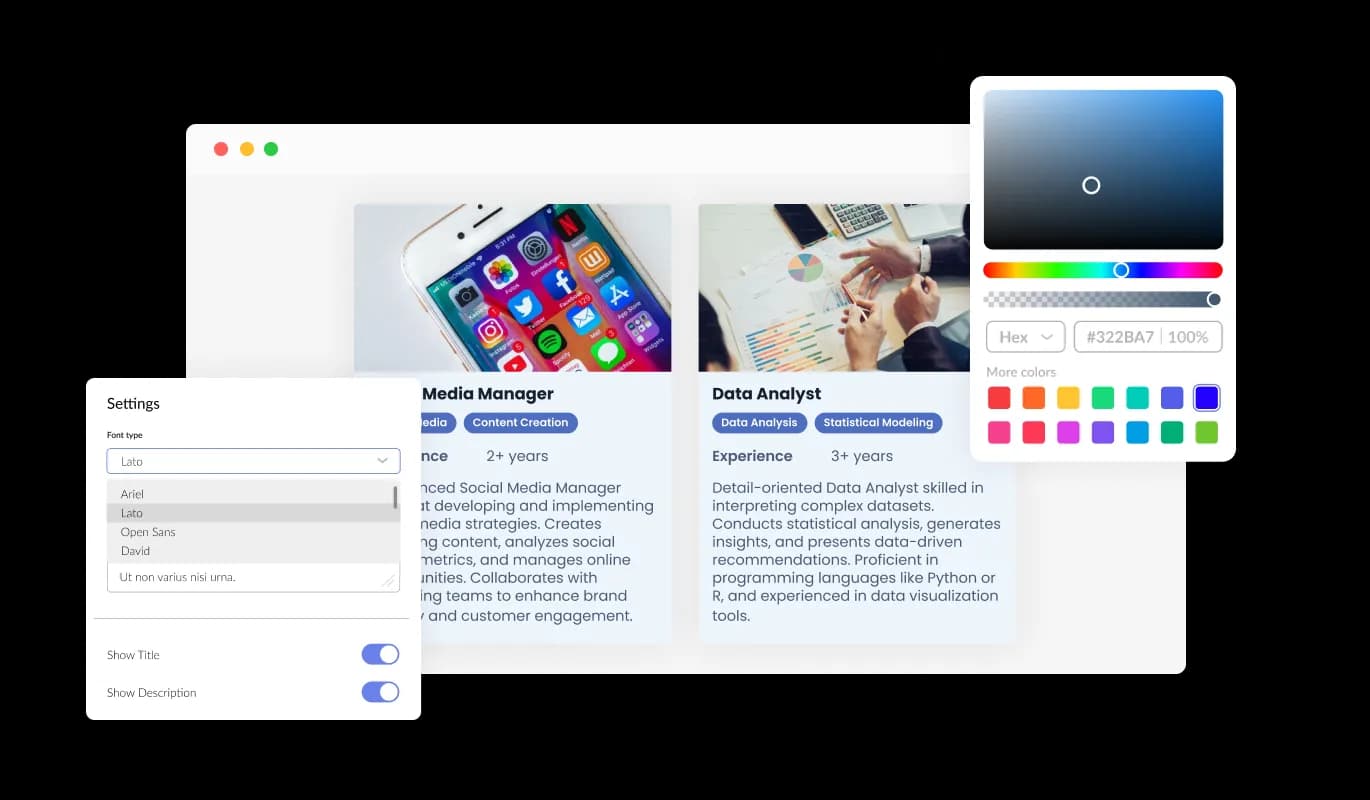
The Jobs Board Widget provides users with extensive customization options, ensuring every job listing aligns with your brand and meets the specific needs of your audience. Modify job fields, adjust display settings, and choose from a variety of design options to create a unique and engaging job search experience on your website. Every element can be tailored, guaranteeing that your job listings are not only informative but also visually consistent with your website's design.
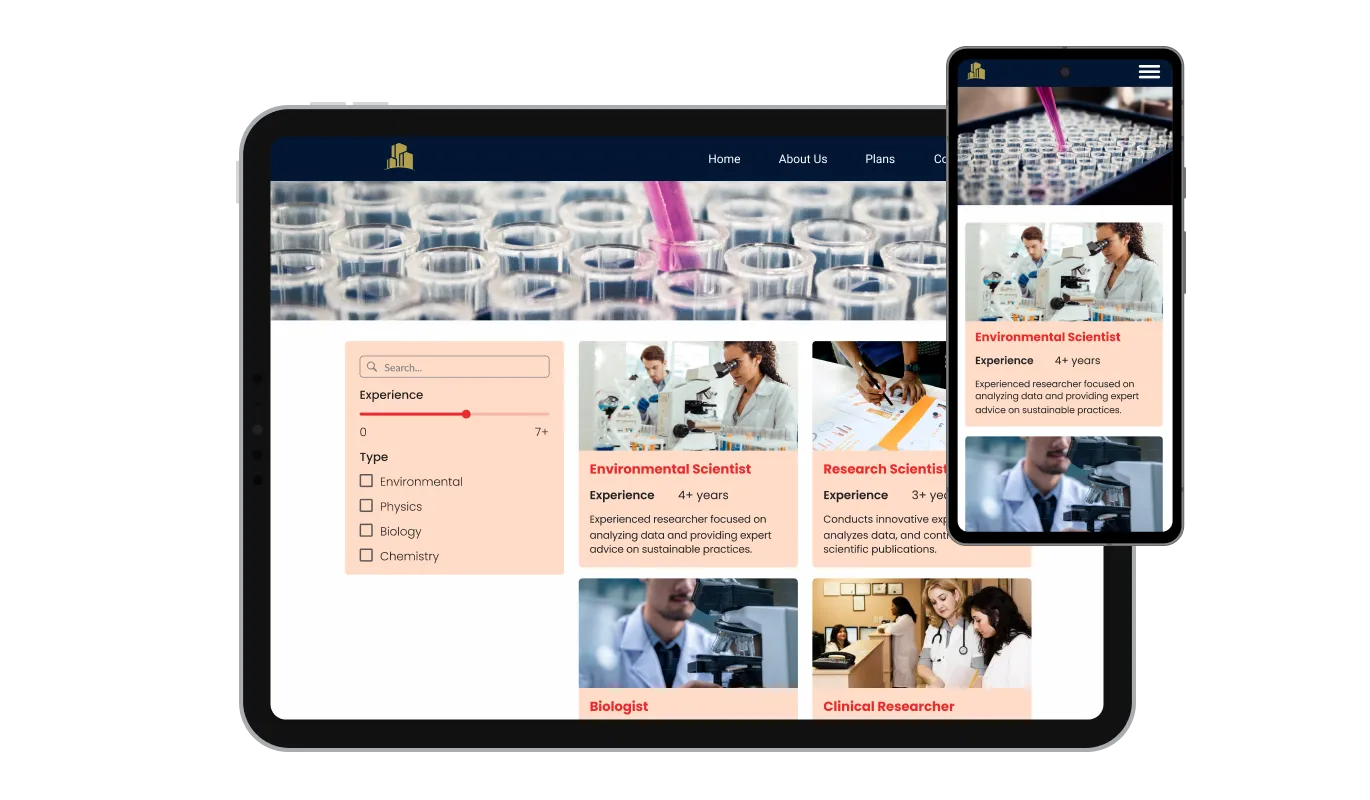
The Job Board widget is an indispensable tool for any website. Not only is it fully responsive, ensuring it adjusts seamlessly to fit the screen size of any device, but it also features a sleek and modern design that will elevate the overall aesthetics of your site. In a world where an increasing number of individuals are accessing the internet via their phones and tablets, having a website optimized for mobile viewing is essential. The Job Board widget allows you to achieve this, granting you a competitive advantage.

Gain full control over the styling of your job listings with CSS flexibility. Adjust the look and feel of the listings to ensure they seamlessly blend with your website's aesthetic and design elements.

The Job Listings widget is meticulously crafted to ensure compatibility and ease of integration with a variety of website builders and platforms. Its intuitive design facilitates a quick and hassle-free setup, enabling you to enhance your website with a comprehensive jobs board section without encountering technical or compatibility challenges.
Adapt the presentation of job openings with customizable display options. Choose which fields appear in the preview lists and detailed job cards to provide potential applicants with essential information at a glance and in-depth insights when needed.
The widget allows candidates to apply filters, streamlining the search process. By sorting listings based on various job criteria, applicants can efficiently find roles that align with their skills, experience, and career goals.
Job seekers can sort available positions based on criteria like job type, location, or company. This feature enhances user navigation, allowing candidates to quickly identify and apply for jobs that meet their preferences.
The Jobs Board Widget is engineered for ease of integration and is compatible with diverse website platforms. It ensures that adding a dynamic and organized job listing section to your site is hassle-free and efficient.
Common Ninja has amazing no-code widgets that would beautify a website built on any builder. It is very easy to use and customise. It has as many widgets for almost everyone willing to make their website impressive.
Outstanding service. I use their widgets to help me with my web design business and whenever I need help they are very quick to help.
Excellent company with excellent service!!! We used it to build a survey, it was very user friendly. The service was perfect. Amit helped us with every problem and question we had, thank you very much!!!
Common Ninja saved the day when building our website and the customer service Daniel, the co-founder and CEO, provided was amazing.
Yes. The free plan covers one Job Listings widget with no time limit and no credit card. Upgrade only when you need additional widgets, more roles per listing, advanced filter logic, premium skins, or features like application-form integration and per-role analytics.
ATS platforms manage the full hiring funnel — sourcing, application tracking, interview scheduling, offer letters, candidate communications. This widget handles the BROWSE-AND-APPLY surface: structured listing of open roles with filters, sort, and apply-routing. Best for small businesses, agencies, and startups with 1-10 open roles where a full ATS is overkill. Pair with a separate ATS for everything past the application step if hiring volume justifies it.
Each role's apply-button routes to a destination you configure — an email link with subject pre-filled ("Application: Senior Engineer"), a Common Ninja Form Builder widget embedded on the same page (for in-page applications), an external ATS or Calendly link, or any URL. Mix routing per role; the widget handles the link, your application flow handles the rest.
Yes. Built-in filter controls let candidates narrow by department, location, employment type, or any custom field you expose as a filter. Search-bar input filters by role title or description. Sort options include newest, alphabetical, salary high-to-low. Configurable per widget — show only the filters that matter for your hiring board.
Yes — and it's optional per role. Some companies show salary on every role (transparency-forward), some show only for senior roles, some don't show at all. Configure per role in the editor; the widget renders only the fields you've filled in.
Build the widget in the Common Ninja editor (add roles, pick layout, customize design), copy the embed snippet, and paste it into your site: Squarespace via a Code Block in your careers section; Shopify via a Custom HTML section in your theme editor; Elementor via the HTML widget on any page. Edits in the editor push to every embed without re-paste.
Yes. Toggle a role's status to closed/filled in the editor — the role hides from the public listing without losing its data. Useful when you fill a role and want to keep the listing as reference (or to repost later) without showing it as active to new candidates.
Yes. All layouts (list, card grid, table) adapt across mobile, tablet, and desktop breakpoints — role cards reflow to single-column on narrow screens, filter controls stack vertically for tappable interaction, and apply-buttons stay finger-sized on mobile.
Pick your platform. Each takes under 4 minutes.
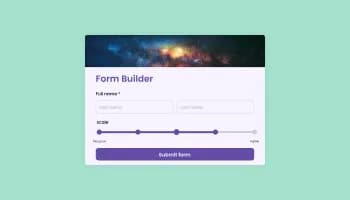
Create your form for any purpose with a friendly form builder

Allow users to send messages or inquiries, save submissions, enable notifications, and more

Allow users to register for events, save submissions, enable notifications, and more
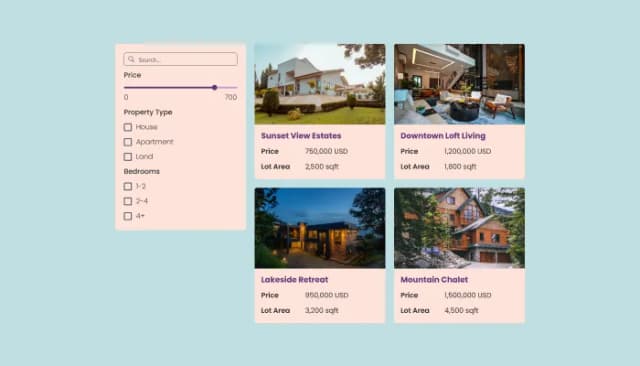
Free, customizable Real Estate Listings widget for all websites, mobile-optimized.

Easily craft engaging, personalized popups to boost conversions.

Manage Events, Engage Visitors, and Elevate Your Brand’s Image
The Job Listings Widget is a versatile tool that allows website owners to easily post, manage, and display job openings, offering an enhanced experience for job seekers.
No, the Jobs Board Widget is user-friendly and requires no coding or technical expertise for its setup or operation.
The widget provides options to customize job fields, allowing you to display specific information about each job, and you can also choose from different skins to match your website’s aesthetics.
Yes, the Jobs Board Widget is designed to be responsive, ensuring optimal display and functionality on desktops, tablets, and mobile devices.
Yes, the widget supports the addition of images, allowing you to integrate company logos or other visuals to each job listing.
Absolutely. The widget allows job seekers to apply various filters to narrow down their search according to their preferences and criteria.
Yes, users can sort job listings based on various criteria like job type, company, location, and more, making the search process more user-friendly.
Yes, you can integrate maps to show the location of the job or the company headquarters, providing geographical context for job seekers.
The widget is designed for easy integration; just follow the simple setup process to quickly incorporate it into your website without any technical difficulties.
Yes, the Job Listings Widget is designed to be SEO-friendly, helping your job listings to rank well on search engines and attract more potential candidates.
Absolutely. With CSS flexibility, you can adjust the styles, colors, and fonts to match your website’s design.
Please check with the specific provider of the Jobs Board Widget for information regarding trial periods or demo availability.
Yes, customer support is readily available to assist with any inquiries or issues you may encounter while using the widget.
The Jobs Board Widget is designed for compatibility with a variety of website builders and platforms, ensuring a smooth integration process.
The widget is continuously improved and updated to include new features and enhancements, ensuring users always have access to the best tools for their job listing needs.
Run your hiring board with pre-set + custom job fields, list / card / table layouts, filter and sort controls, configurable apply-routing, stylish skins, and Custom CSS. Embed on 200+ platforms including Squarespace, Shopify, Elementor, Wix, WordPress, and Avada.
Create your Job BoardNo credit card · Setup in under 5 minutes