


Verified review
Common Ninja has amazing no-code widgets that would beautify a website built on any builder. It is very easy to use and customise. It has as many widgets for almost everyone willing to make their website impressive.
Try the editor, no signup
Pick a template, customize it, and watch it update live, no signup.
No credit card · Free forever plan
No credit card · Free forever plan
The Common Ninja Lottie Player is a free, no-code widget that plays Lottie JSON animations on any website. Add the animation, set how and when it plays, and paste one line of embed code.
It exists for builders where you cannot install a package or add a script to the codebase: Google Sites, Weebly, Squarespace, Genially, and similar platforms that only accept an embed.
Speed and loop controls, when-to-play triggers, reverse playback, and linkable animations are all included, plus custom CSS. Works on 200+ platforms.
Google Sites, Weebly, and similar platforms will not let you install a package or add a script to the head. An embed is the one route in, which is why this is the most common reason people use it.
Lottie is vector data, so a looping animation costs a fraction of what an equivalent video file would, and it stays crisp on a high-resolution screen instead of softening the way a scaled video does.
A short animation carries a process, a mechanism, or an idea faster than a paragraph. Onboarding steps, how-it-works sections, and empty states are where it earns its place.
Because an animation can carry a link, a piece of motion can also be the call to action rather than sitting beside one, which is useful in a hero or an empty state.
Point the widget at the Lottie JSON animation you want to play. Because Lottie is vector data rather than video, the file is small and stays sharp at any size.
Choose the playback speed, whether it loops, and what triggers it. When-to-play matters more than it sounds: an animation that starts before a visitor has scrolled to it has already finished by the time they arrive.
Copy the snippet from the Add to Website tab and paste it where the animation belongs. Nothing is installed, so platforms that block scripts and packages still work.
Set the playback speed and whether the animation loops. Slowing a busy animation down often does more for a page than any styling change.
Decide what starts the animation rather than having it run on load. An animation that plays before the visitor has scrolled to it is a wasted animation.
Run the animation backwards, which is how you get an open-and-close or expand-and-collapse pair out of a single file instead of commissioning two.
Any animation can carry a link, it scales to the screen width, and a custom CSS field handles exact sizing and placement. One embed snippet, nothing to install.
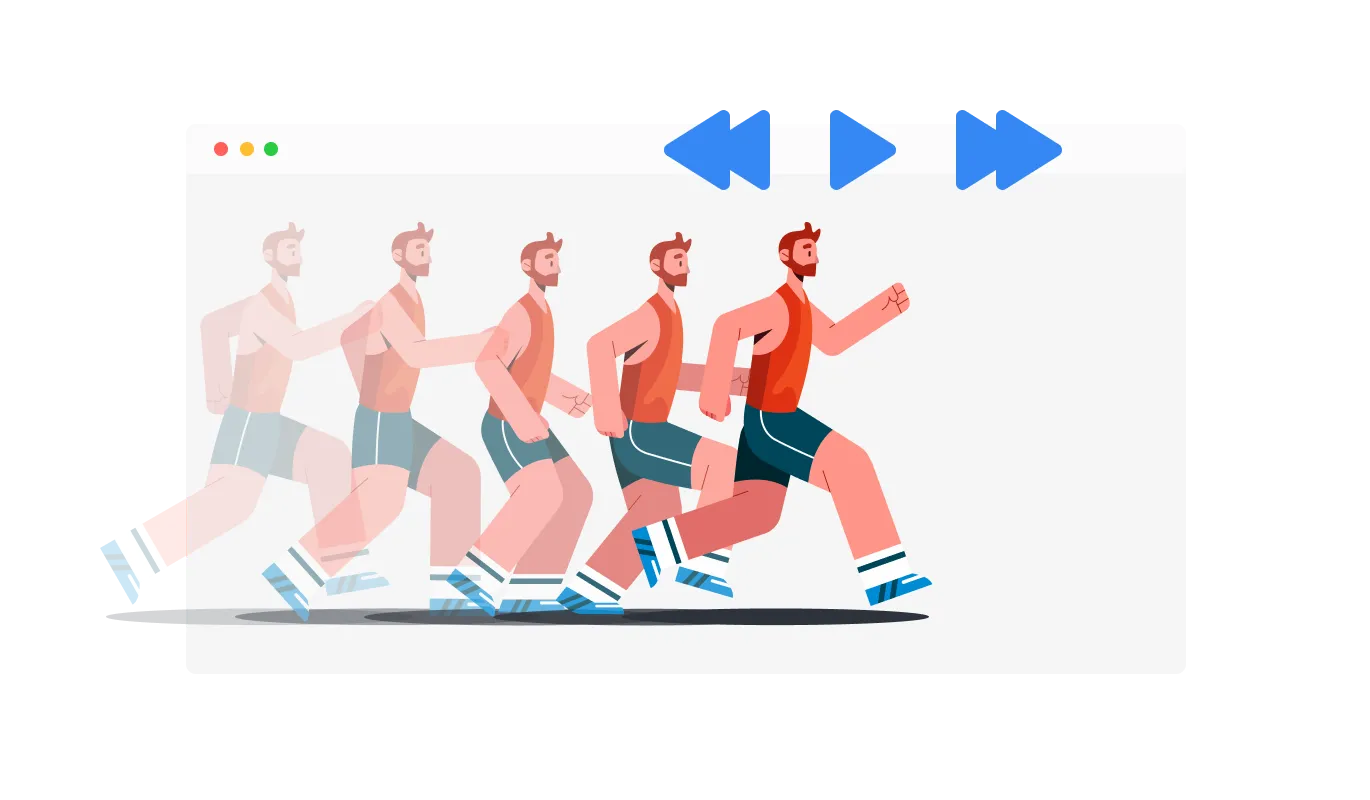
The Lottie Player comes with advanced control that enables the control of speed, and toggling the option to loop, providing further customization options to ensure your animations align with your brand and website vision.
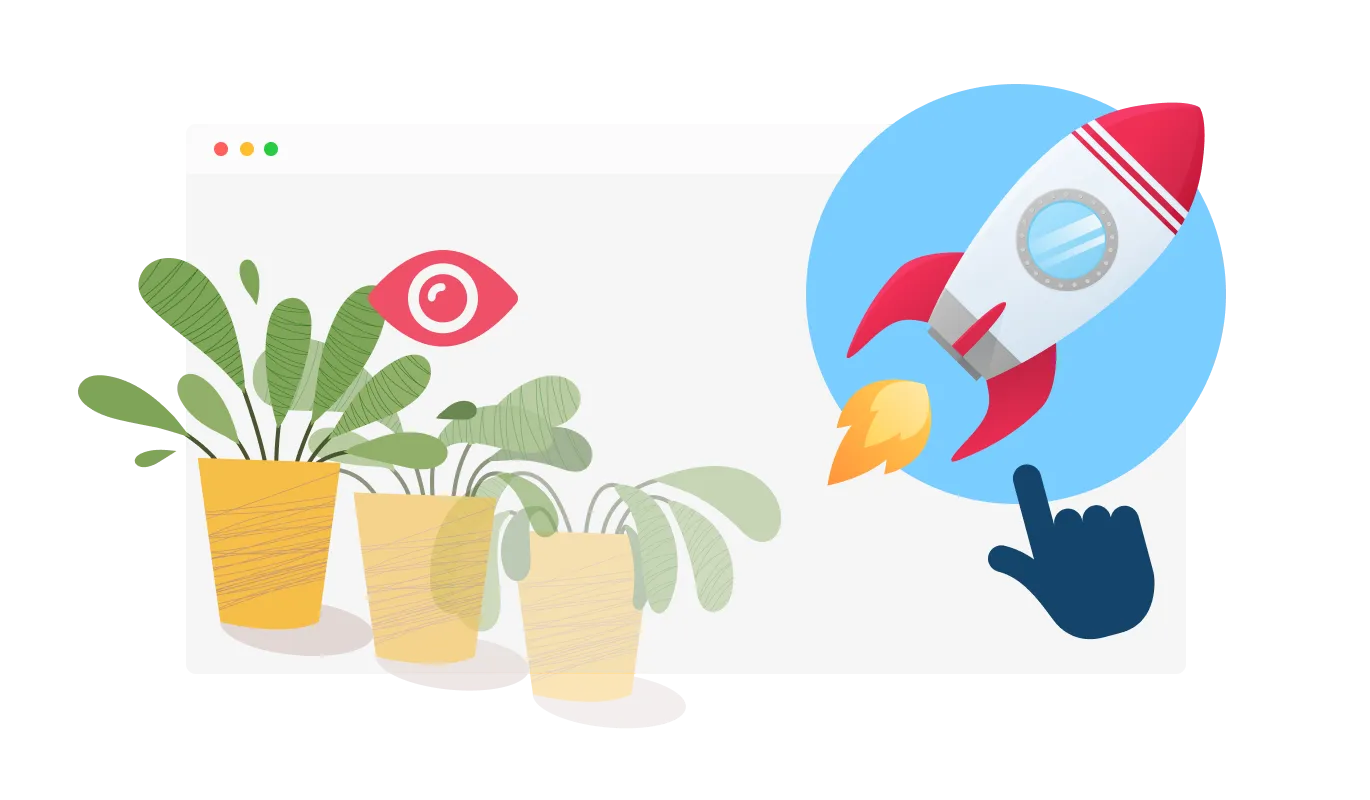
The widget features the option to choose when to play the Lottie animation, be it on hover, scroll, view, or auto-play, allowing for seamless integration into your website's user experience.
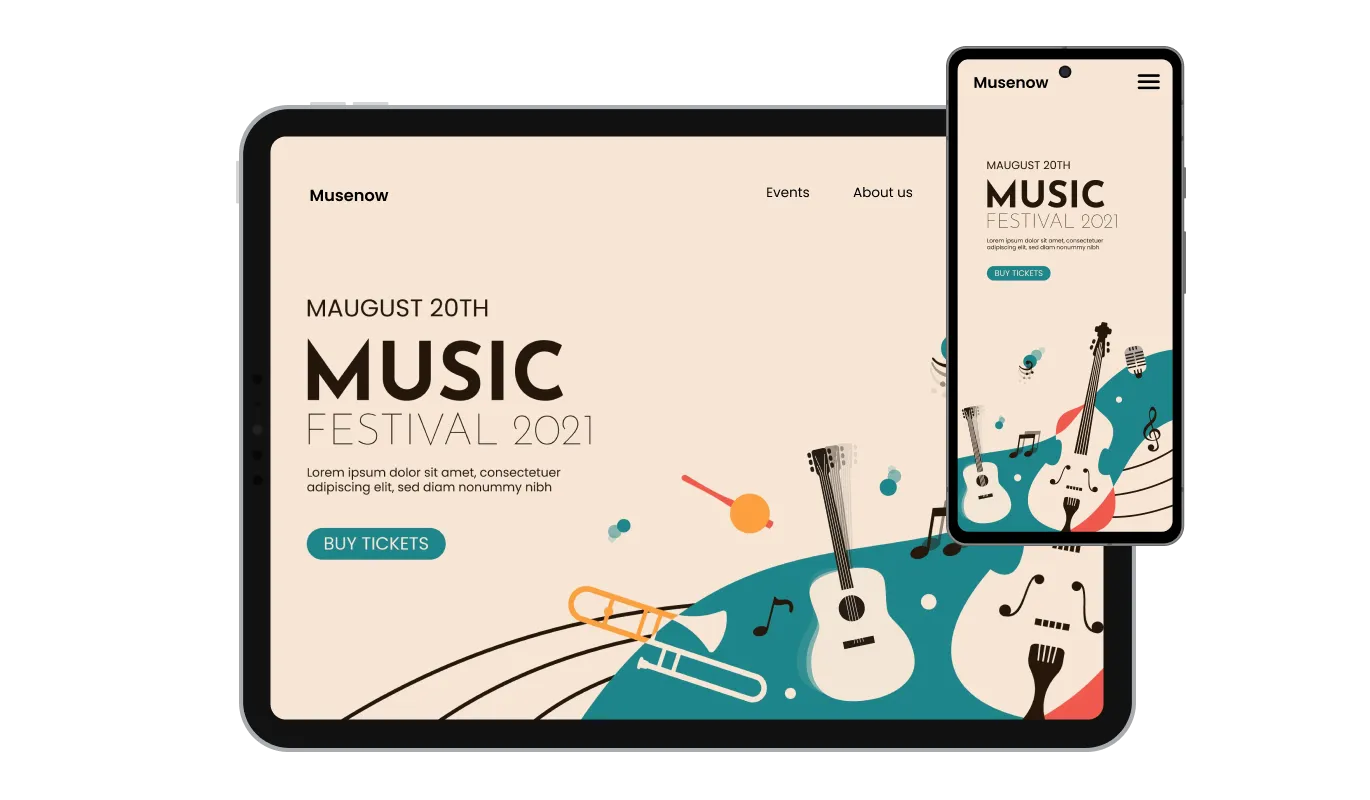
The Lottie Player widget is fully responsive and will look great on any device. In a mobile-first world, this feature will put you ahead of your competitors by ensuring your animations display flawlessly across platforms.

As with all of Common Ninja’s apps, you can add custom CSS to customize the Lottie Player widget and be even more creative, giving you full control over the appearance and style of your animations.

You can embed the Lottie Player widget on your website easily by copying a single line of code. The Lottie Player widget will also be updated automatically with every change you make, ensuring a hassle-free experience and consistently up-to-date content.
The Lottie Player widget comes with the option to add URLs to the animations and make them clickable. This functionality provides an interactive experience for users, potentially increasing user engagement and conversion rates.
The Lottie Player widget enables the toggle of a “reverse animation” option that will reverse the animation, offering additional creative possibilities and enhancing the versatility of your animations.
The Lottie Player widget is easy to use and requires no coding knowledge. Our intuitive dashboard with the drag-and-drop feature will enable you to customize the Lottie Player any way you’d like to with just a few simple clicks, making it accessible to users of all skill levels.
Build your Lottie player in the editor
Open the editorFree to use · No credit card · No signup to try it
Common Ninja has amazing no-code widgets that would beautify a website built on any builder. It is very easy to use and customise. It has as many widgets for almost everyone willing to make their website impressive.
Outstanding service. I use their widgets to help me with my web design business and whenever I need help they are very quick to help.
Excellent company with excellent service!!! We used it to build a survey, it was very user friendly. The service was perfect. Amit helped us with every problem and question we had, thank you very much!!!
Common Ninja saved the day when building our website and the customer service Daniel, the co-founder and CEO, provided was amazing.
Then this is not what you want, and it is better to say so. LottieFiles publishes its own web component and npm package for developers who can add code to a project. This is a hosted widget for the opposite situation: site builders where you cannot install a package or add a script, and an embed block is the only option. If you have a build step and a codebase, use the library.
Click Insert, pick Embed, then Embed code, paste the Common Ninja snippet, click Next and Insert, then resize the block and publish. Google Sites is by far the most common platform for this widget precisely because it accepts an embed but not a script or a package.
A Lottie is an animation exported as JSON rather than as video or as a sequence of images. Because it stores vector instructions instead of pixels, the file is small and it stays sharp at any size, which is why it is used for interface animation, icons, and illustrations.
They are exported from animation software, and there are large public libraries of ready-made ones. Whichever source you use, check the licence covers commercial use on a website before you publish it, since that is on you rather than on the widget.
Yes, and it is worth doing. The when-to-play controls mean an animation can wait rather than running the moment the page loads. An animation that has finished before the visitor scrolls to it has done nothing at all.
Usually not, if it is illustrating something. A loop that never stops competes with the text beside it for attention and gets annoying on a page someone is trying to read. Loop decorative motion, play explanatory motion once.
Lottie files are small compared to video, which is the main reason to use the format. It is a single embed snippet rather than a plugin, so nothing enters your site's own code. A very complex animation with thousands of shapes can still cost rendering work, so keep an eye on the file itself.
Yes, it scales to the screen width and vector animation stays crisp on high-resolution screens. Check the size at phone width so a hero animation is not crowding out the headline beside it.
Pick your platform. Each takes under 4 minutes.

Displays images and captions in diverse layouts and grids, presenting visually appealing arrangements for showcasing multiple images

Present images and text with a variety of animated effects and transitions for an engaging visual display

Showcases images in a rotating or sliding manner

A simple slider that lets visitors compare before and after images to see visual changes clearly.
Add interactive areas on images that reveal extra information when clicked or hovered over.

Displays a series of images in a slideshow format
A Lottie Player widget is a tool that allows you to easily integrate high-quality, lightweight, and customizable Lottie animations into your website. It offers a variety of controls and options to enhance user engagement and improve the overall user experience.
To install the Lottie Player widget, simply copy the provided embed code and paste it into your website's HTML. The widget will automatically update with any changes you make through the dashboard.
No, the Lottie Player widget is designed to be user-friendly and does not require any coding knowledge. The intuitive dashboard and drag-and-drop features allow users of all skill levels to customize and integrate the widget with ease.
Yes, the Lottie Player widget supports custom CSS, allowing you to fully control the appearance and style of your animations, making them seamlessly integrate with your website's design.
Yes, the Lottie Player widget is fully responsive and designed to look great on any device, ensuring a flawless display of your animations across platforms in a mobile-first world.
Yes, the widget offers “When To Play” controls that enable you to choose when the animation plays, such as on hover, scroll, view, or auto-play. This allows for seamless integration into your website's user experience.
The Lottie Player widget allows you to add URLs to the animations, making them clickable and interactive. This feature can help increase user engagement and potentially boost conversion rates.
Yes, the widget comes with advanced controls for speed and looping. You can customize the animation speed and choose whether to loop the animation, providing additional flexibility for your website's design and user experience.
The Lottie Player widget updates automatically with every change you make through the dashboard. There is no need for manual updates or re-embedding the code.
The Lottie Player widget is designed to be compatible with most website platforms and content management systems. However, it is recommended to test the widget on your specific platform to ensure full compatibility and seamless integration.
It’s simple. All you need to do is to sign up and start using the free version.
Common Ninja’s Lottie Player widget is free to use. It is limited to a certain amount of views, however.
Common Ninja’s Lottie Player widget is compatible with ALL current and future website builders.
Yes, the Lottie Player widget is GDPR-compliant.
No. Using our Lottie Player widget is very simple. The widget comes with an intuitive drag-and-drop interface and fully customizable options. Once you’ve finished editing the widget to your liking, all you need to do is copy the provided code and add it to your website.
Yes. We are eager to hear your request. Please visit our Feature Request page.
Lottie JSON animations on builders that will not let you install a package, with speed and loop controls, when-to-play triggers, reverse playback, linkable animations, full responsiveness, and custom CSS. Embed on 200+ platforms including Google Sites, Weebly, Squarespace, Shopify, and Genially.
Create your Lottie playerFree to use · No credit card · No coding