Try for free!

Google Maps for Shift4Shop

Show business locations clearly with a Google Maps widget that displays multiple points, detailed info, and customizable styles to help visitors find you easily.

Create a Map

loved by 500K+ businesses

Shift4Shop
plugineditoreditor

Why Should You Use the Google Maps Widget+?

Fast and Simple Location Discovery with Google Maps app

With the Shift4Shop Maps app, your visitors can discover your exact location without a hitch. There's no need to leave your site to look for an address; it's all ready and waiting, easing their user journey.

Strengthening Trust and Being Open with Google Maps app

Having a Google Maps app on your Shift4Shop store shows you have nothing to hide. It's a testament to your honesty and openness, reassuring your visitors that you're a real business with a tangible presence.

Boost Your SEO Value Using Google Maps app

Deploying a Google Maps app on your Shift4Shop store can positively impact your local SEO. When search engines link your site with a particular locale, you may rank higher in local search results, pulling in more visitors.

Illustrate Your Reach with Shift4Shop Google Maps app

With the Shift4Shop Google Maps app, you can plot multiple sites on the map at the same time. Whether it's different branches, partner spots, or other points of interest, you can present them all together, simplifying it for your visitors to grasp the full range of your presence.
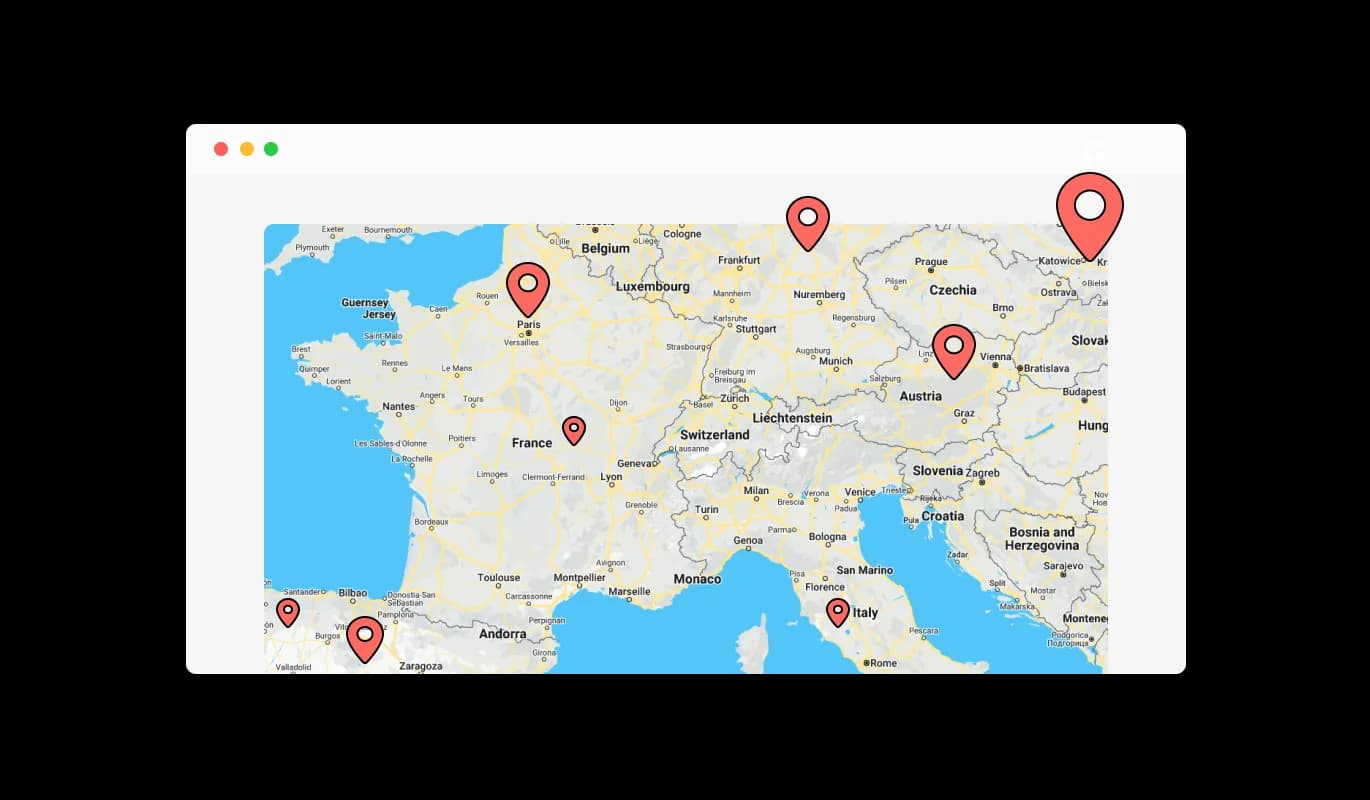
Google Maps - Illustrate Your Reach with Shift4Shop Google Maps app

Providing a Handy Location List with Google Maps app

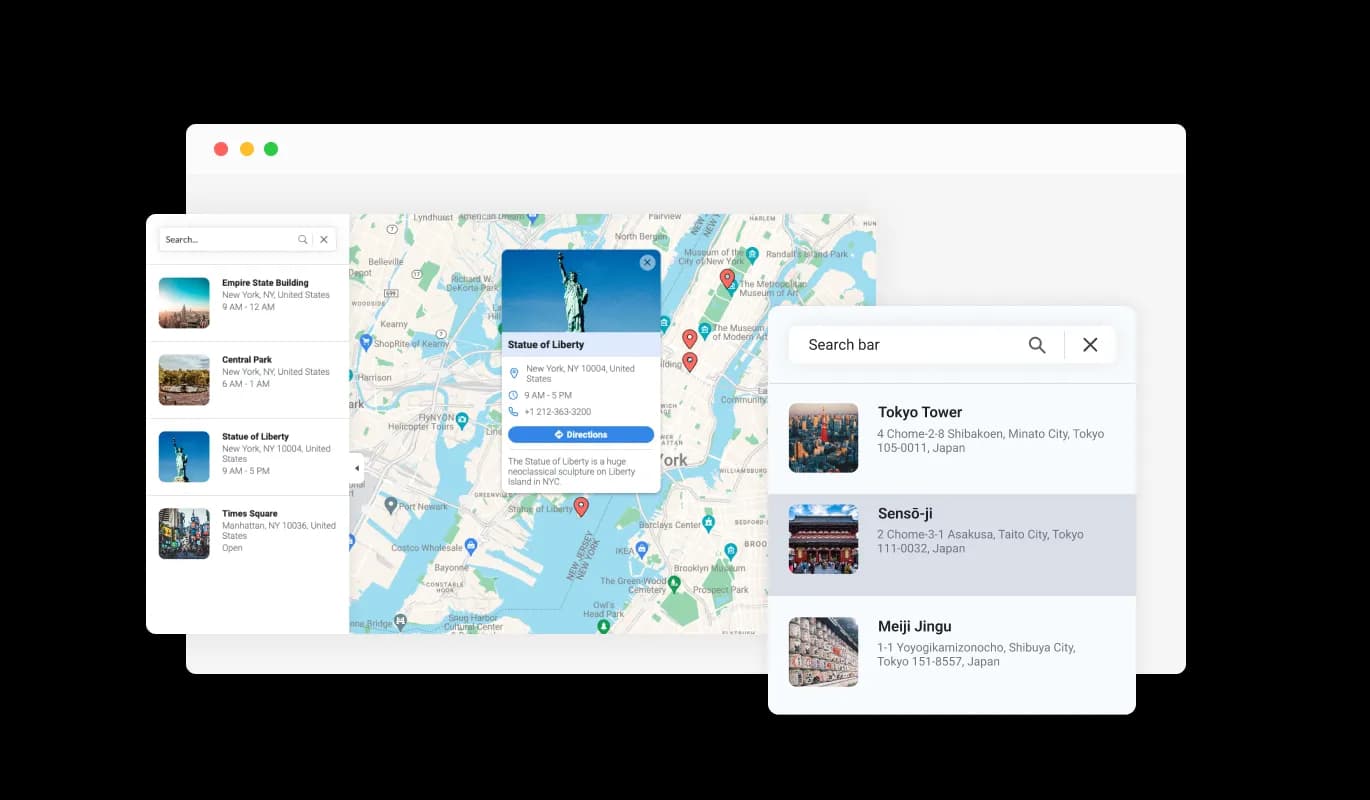
sing Google Maps app for Shift4Shop, you can present a user-friendly list of all your places of operation. This allows your Shift4Shop store visitors to swiftly view all the locations you're operating from and choose the one they're interested in, providing a speedy and easy method to get information about each site.

Google Maps - Providing a Handy Location List with Google Maps app

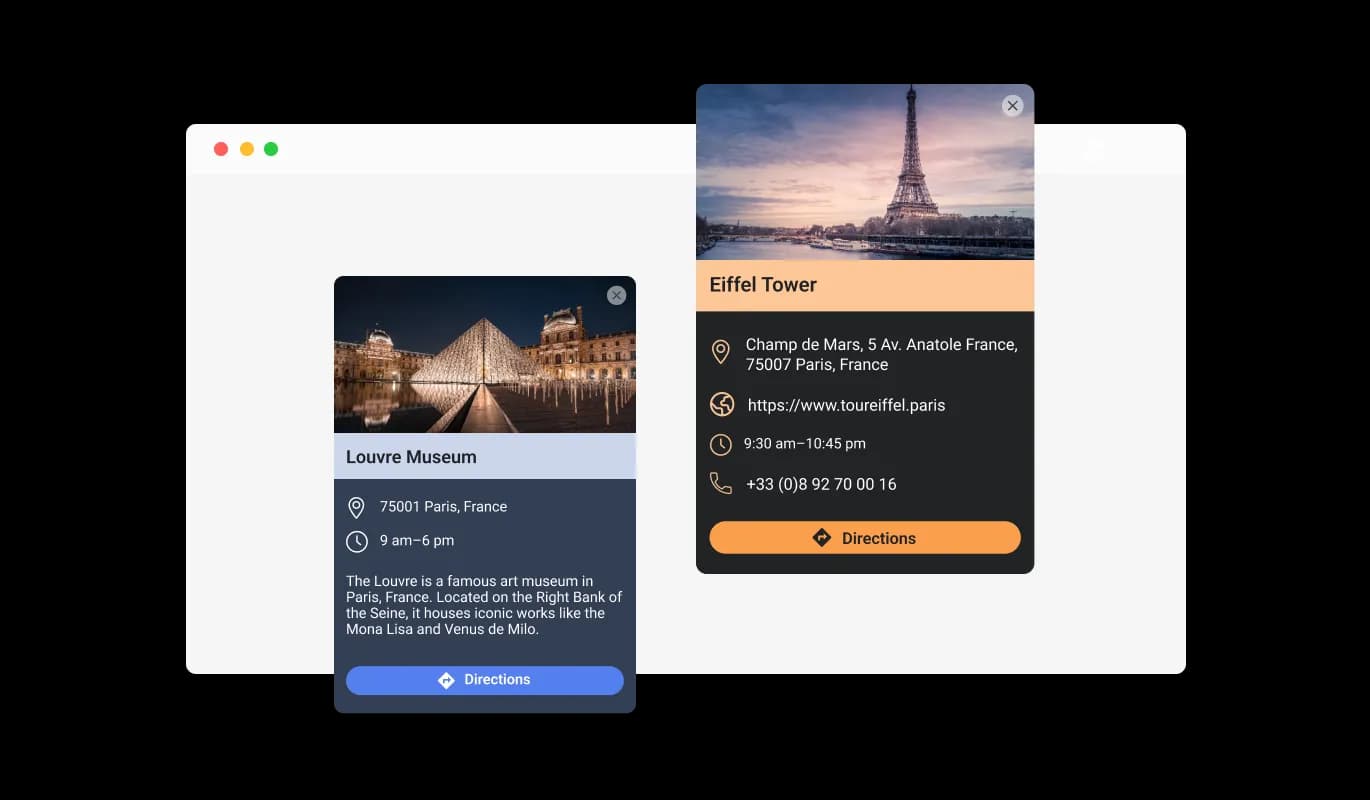
Enriched Location Display

Using the Shift4Shop Google Maps app, each location can be more than just a simple pinpoint on the map. You can enhance each spot with a descriptive card that includes an image and some text, allowing your visitors to get a better sense of what each location offers before they even set foot in the door.

Google Maps - Enriched Location Display

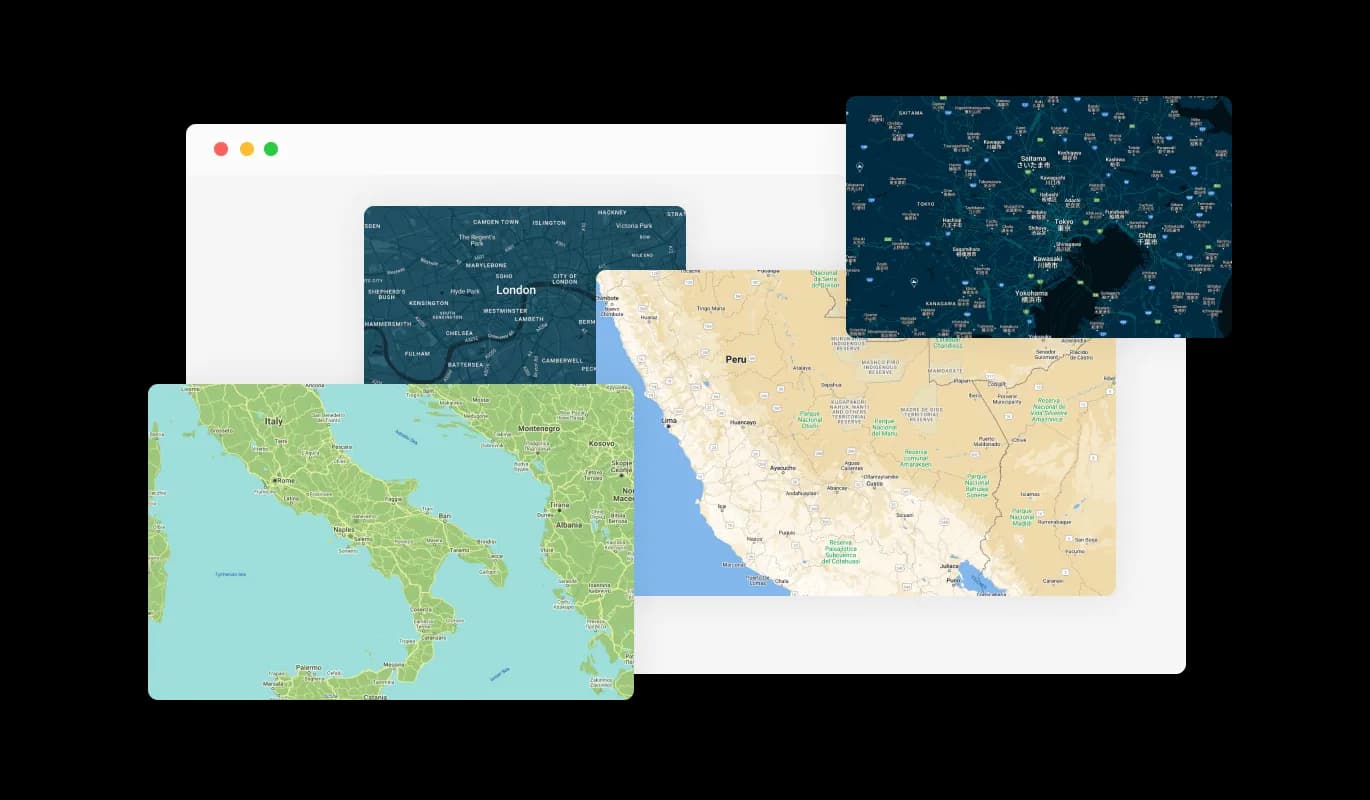
Customize Your Maps with Shift4Shop Google Maps app

The Shift4Shop Google Maps app enables you to incorporate a bit of personalization into your Shift4Shop store. You can select from a collection of attractive map skins, making sure the map not only imparts necessary details but also fits well with your Shift4Shop store's aesthetics and brand identity.

Google Maps - Customize Your Maps with Shift4Shop Google Maps app
Google Maps - Google Maps app for Shift4Shop: Your Source of Comprehensive Information

Google Maps app for Shift4Shop: Your Source of Comprehensive Information

With Google Maps app for Shift4Shop, you're giving out more than just a spot on the map; you're sharing beneficial information. For each location, you can display working hours, provide a link to a dedicated website, and even share a contact phone number. This ensures your Shift4Shop store's visitors have all they need to reach out or plan a visit.

Google Maps - Add Flair to Your Map with Diverse Pin Styles

Add Flair to Your Map with Diverse Pin Styles

With Google Maps app for Shift4Shop, you're not limited to the regular pin style. You can choose from a variety of pin styles to mark your locations, adding an extra layer of customization and visual appeal to your map. This can help your site differentiate from the rest.

Google Maps - One-Click Directions with Shift4Shop Google Maps app

One-Click Directions with Shift4Shop Google Maps app

The Shift4Shop Google Maps app includes a handy direction button feature. A single click allows your visitors to pull up directions from their current spot to any of the places on your map. This makes organizing a trip or visit to your spots as straightforward as a single click.

Google Maps - Easy to use

Easy to use

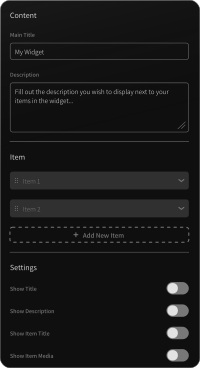
The Shift4Shop Google Maps app is created to be straightforward, eliminating the need for coding skills. The easy-to-navigate dashboard, along with the drag-and-drop features, lets you customize the Google maps app to your liking in mere clicks.

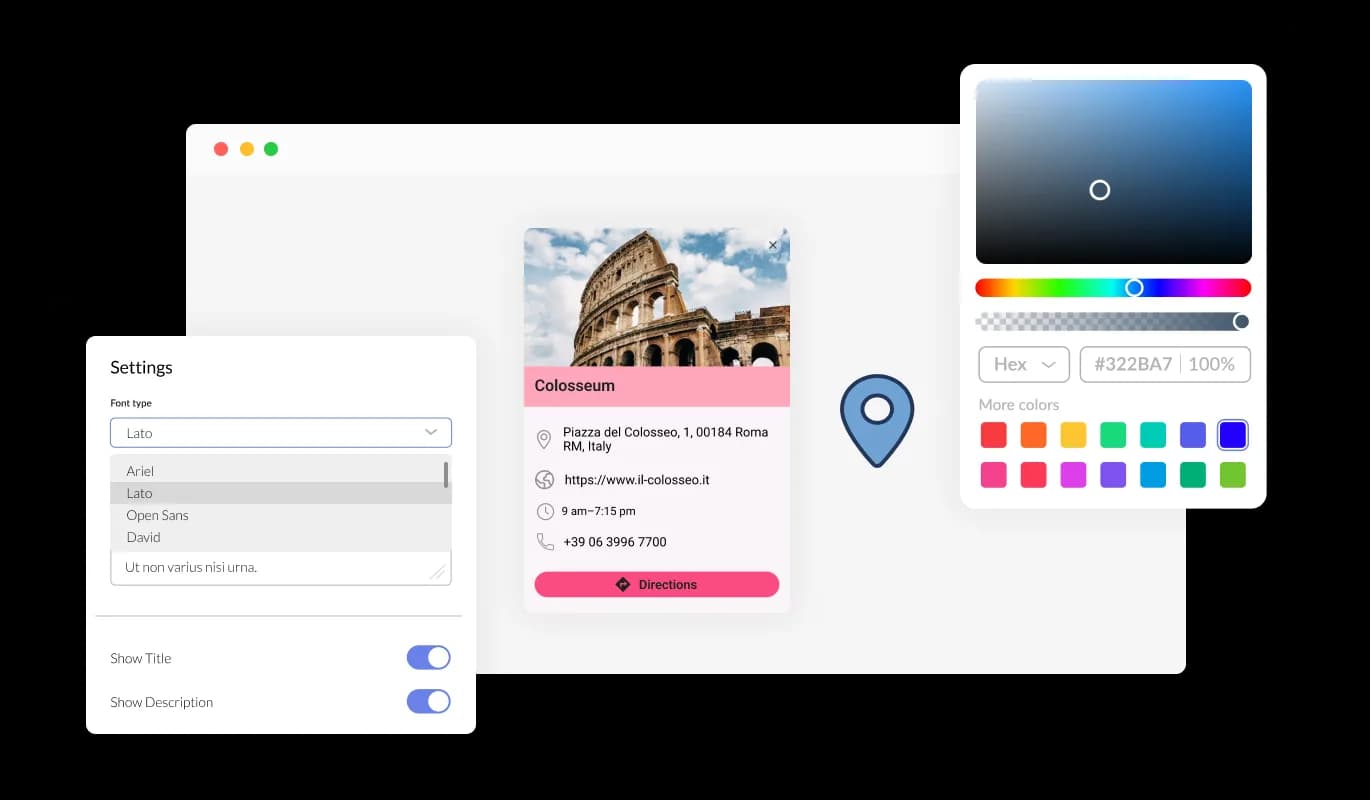
Completely Customizable: Shift4Shop Google Maps app

The Shift4Shop Google Maps app offers complete customization, empowering you to modify its design to align with your Shift4Shop store's aesthetic. It's easy to alter elements like hues, lettering styles, and spacing to craft a Shift4Shop app that meshes well with your store. The live-preview feature empowers you to experiment and adjust until you achieve the ultimate design that enhances your user experience.

Google Maps - Completely Customizable: Shift4Shop Google Maps app

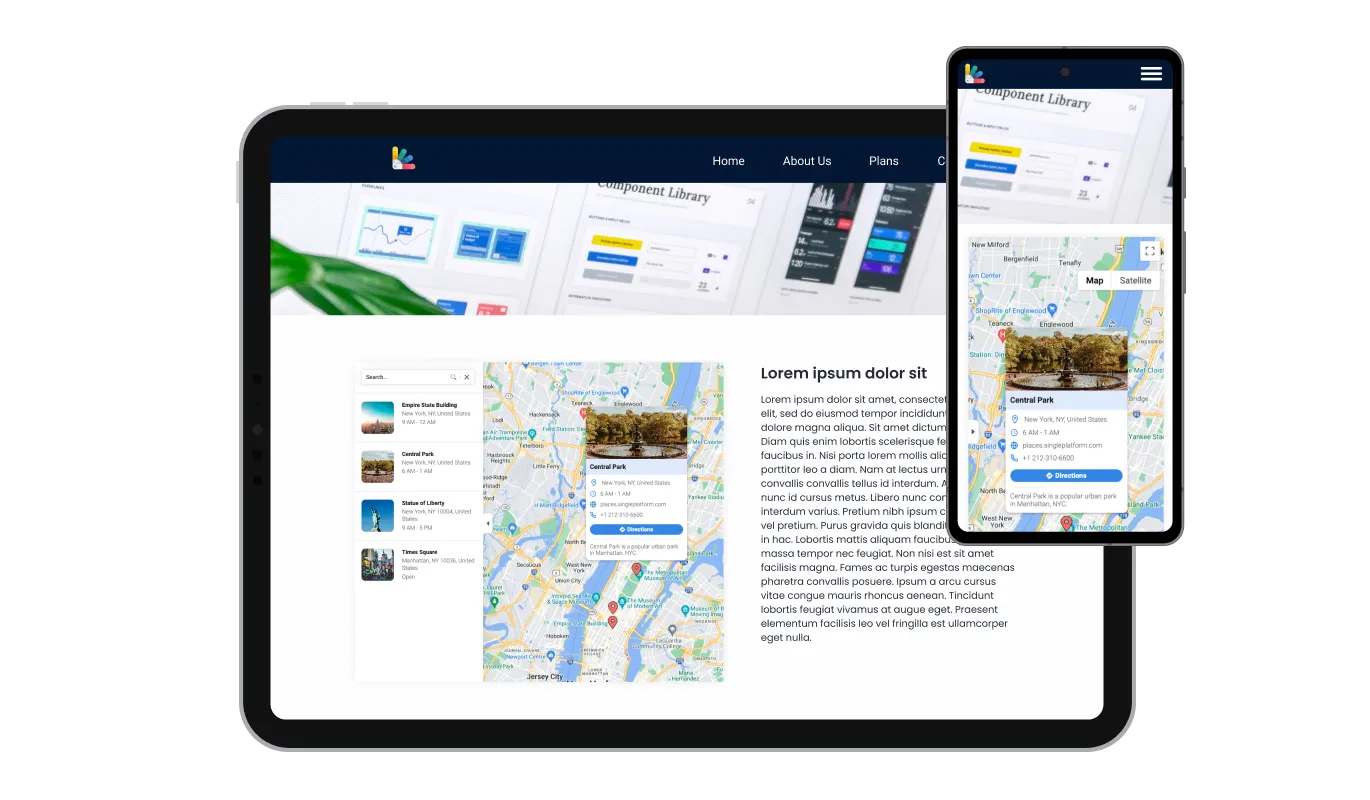
Perfectly Responsive Google Maps

The Shift4Shop Google Maps app is designed for optimal performance across all devices. Its adaptable design makes sure it operates seamlessly on desktops, laptops, tablets, and smartphones. This adaptability ensures a seamless and intuitive user experience, vital in a world dominated by mobile usage, providing your Shift4Shop store with a competitive advantage.

Google Maps - Perfectly Responsive Google Maps

Shift4Shop Google Maps app: Personalize with Your Own CSS

With the Shift4Shop Google Maps app, you can immerse yourself in customization using your personal CSS. Regardless if you're a proficient coder or a design lover, this feature permits you to adjust components like size, shape, and placement, or even originate new styles. This flexibility ensures the Shift4Shop Google maps seamlessly aligns with your Shift4Shop store's aesthetic, elevating your visitors' experience.

Google Maps - Shift4Shop Google Maps app: Personalize with Your Own CSS

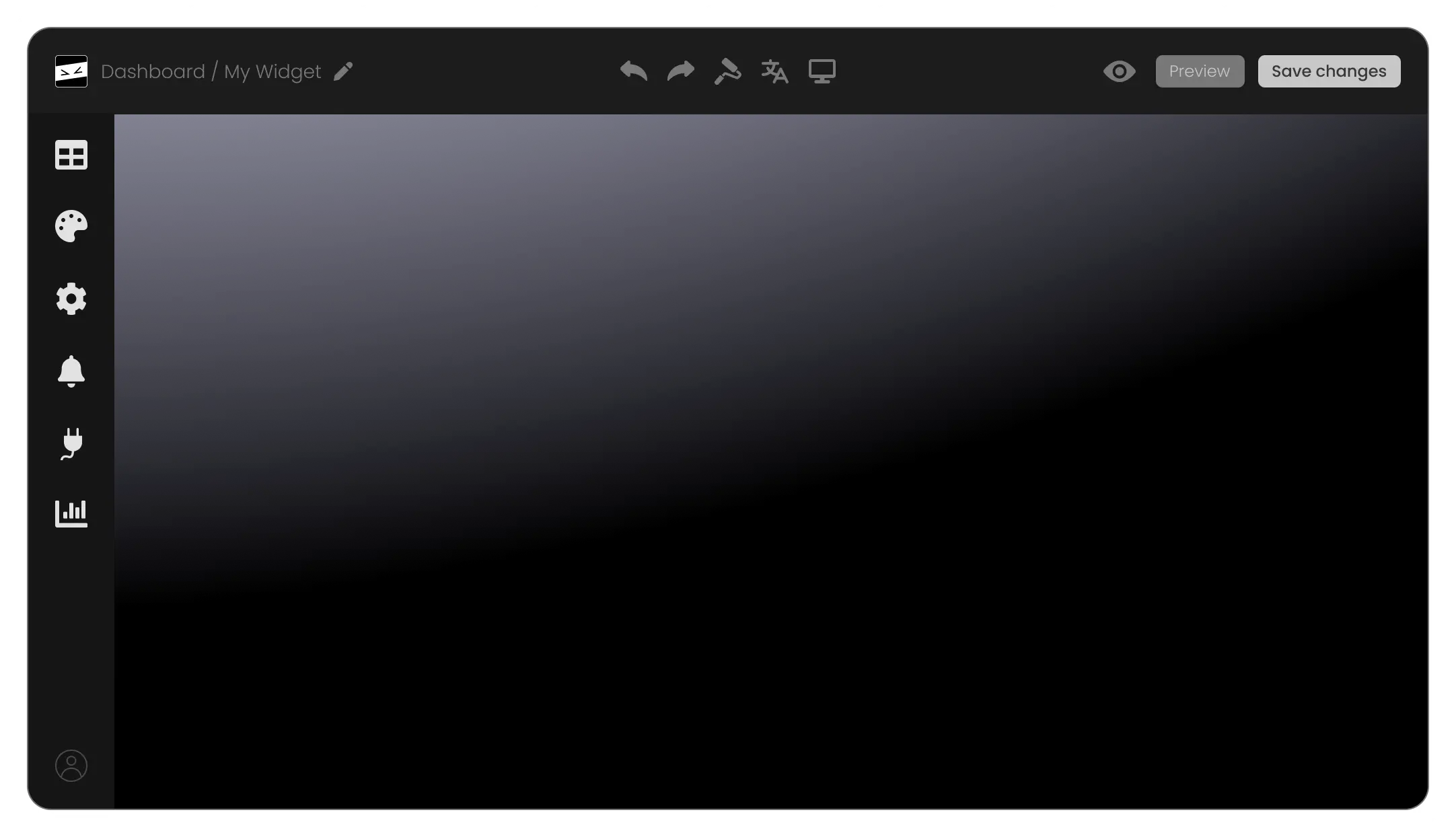
Embedding Maps app on Shift4Shop store is a Breeze

With just one line of code, you can easily incorporate the Google Maps app into your Shift4Shop store. Each tweak you apply to the app will automatically be reflected on your Shift4Shop store. Simply copy the given code for the Google Maps app and paste it into your Shift4Shop store's HTML code. You can position this code in the most suitable area of your Shift4Shop store, whether that's the footer, header, or any other section.

Google Maps - Embedding Maps app on Shift4Shop store is a Breeze

Compatible With All Site Builders, E-Commerce Platforms and Websites

webflow logoshopify logowix logowordpress logobigcommerce logosqurespace logoweebly logojoomla logoduda logojimdo logomagento logoshift4hsop logounbounce logocarrd logo
View all supported platforms

FAQ

A map widget is a small application that you can embed on your website to display geographical locations. It often includes features like interactive navigation, location details, and customizable aesthetics.

Adding a map to your website helps your visitors easily locate your business, view multiple locations, and access location-specific information like working hours and contact details. It also enhances user engagement, accessibility, and can contribute to local SEO.

The Google Maps widget allows you to pin multiple locations on the same map. This feature is useful if you have several branches or points of interest to showcase.

Yes, the Google Maps widget offers several map skins and pin styles, allowing you to align the map with your website's design and branding.

With each location, you can display working hours, a link to a specific website, a contact phone number, and even a descriptive card with an image.

The direction button is a user-friendly feature that opens up directions from the visitor's current location to any location on your map. This makes planning a visit or journey to your locations as easy as a simple click.

Yes, the Google Maps widget allows for CSS customization. This means you can tweak its design to align with your website's look and feel, ensuring a consistent user experience.


Absolutely, the Google Maps widget is designed with a user-friendly interface, making it easy to set up and manage, even for those without extensive technical knowledge.

Embedding the Google Maps widget is a breeze. It can be added to your website with a single line of code, making it a quick and simple addition to any webpage.

Absolutely, the Google Maps widget includes a feature that allows you to display a comprehensive list of all your locations. This makes it easier for visitors to quickly view and select the location they're interested in.

Yes, the visual and interactive nature of the Google Maps widget can enhance the accessibility of your website for users with visual needs or cognitive difficulties. It provides a clear, visual context of your location.

The Google Maps widget is designed to be lightweight and efficient, so it should not significantly impact your website's loading speed. However, like any widget, its impact can vary based on your overall website design and other factors.

Yes, in the enriched location display feature, you can include your own images in the descriptive card for each location. This allows you to give visitors a more personalized view of each of your locations.

Yes, the Google Maps widget is completely customizable. From the choice of map skins and pin styles to the information displayed for each location, you can tailor the widget to meet your specific needs and preferences.

No, the Google Maps widget is designed to be as user-friendly as possible. You don't need any special skills or knowledge to use it. Its interface is straightforward and intuitive, and if you ever need help, there are plenty of resources available.