


Verified review
Common Ninja has amazing no-code widgets that would beautify a website built on any builder. It is very easy to use and customise. It has as many widgets for almost everyone willing to make their website impressive.
Try the editor, no signup
Pick a template, customize it, and watch it update live, no signup.
No credit card · Free forever plan
No credit card · Free forever plan
The Common Ninja Medium Feed is a free, no-code widget that displays a live feed of Medium posts on any website. Paste the profile or publication, pick a layout, and add one line of embed code.
It keeps the posts where they are. Nothing is copied or republished, so your Medium story stays the single original and your site shows a linked summary of it.
The feed refreshes on its own, with layouts, ready-made skins, ticker animation, excerpt length control, RTL support, and custom CSS included. Works on 200+ platforms including Webflow, Shopify, WordPress, Weebly, and MyBB.
Writing on Medium and maintaining a site blog are two jobs. A feed makes it one: publish on Medium, and the site gets a blog section that is always current, with no CMS to keep updated and no posts to migrate.
If your writing is the reason people trust you, it should not live only on another company's domain. A feed beside your services or pricing puts the thinking next to the decision, and every card is a route into the full piece.
Medium sends readers you would not otherwise get, so leaving is costly. A feed lets you keep publishing there for the distribution while your own site still shows the work, rather than choosing between the two.
No copying, no second draft to keep in sync, and no risk of the two versions drifting apart. Write once, and the site follows on its own.
Point the widget at a Medium profile or a publication. It pulls the recent stories with their titles, cover images, and opening text, so nothing has to be pasted in by hand.
Pick a layout and one of the ready-made skins, then set the timestamp format and cap how much of each story shows. Medium posts are long-form, so the excerpt length is the setting that decides whether cards read cleanly or sprawl.
Copy the snippet from the Add to Website tab and paste it where the feed belongs. Auto-refresh keeps pulling new stories, so publishing on Medium updates your site with no second step.
Point it at a personal profile or at a publication, so a company blog on Medium and an author's own stories can each get their own feed on the relevant page.
Long-form posts need trimming to work as cards. Cap the visible characters so every card is the same height, and set the timestamp format instead of inheriting one.
Grid, list, and slider style layouts with ready-made skins, plus an optional ticker so a reading list can take a single strip instead of a whole section.
Comprehensive right-to-left rendering for Arabic, Hebrew, Persian, and Urdu layouts, and a custom CSS field for exact design matching. One embed snippet, 200+ platforms, nothing to install.
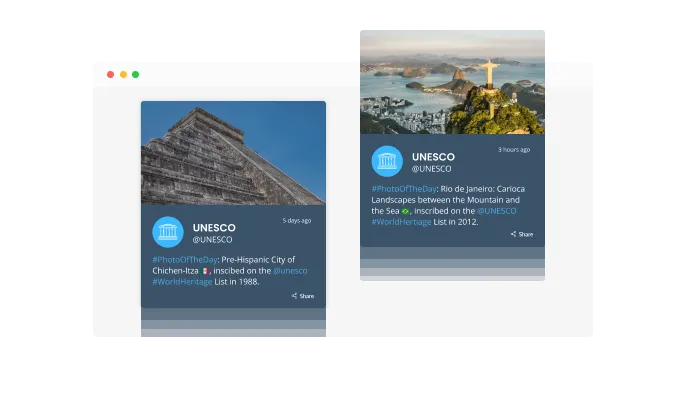
The Medium Feed widget features a smooth scrolling animation, reminiscent of a news ticker, bringing a dynamic flair to your webpage. This aesthetic element ensures that your Medium articles are not only read but are also visually engaging. It’s an effective way to captivate visitors right from their first glance.

Medium Feed ensures your website’s content is always current, thanks to its auto-update feature. Your embedded Medium blog posts will refresh automatically, eliminating the need for manual updates. Visitors are greeted with your latest insights and stories every time they visit your site, ensuring a continuously fresh and engaging experience.
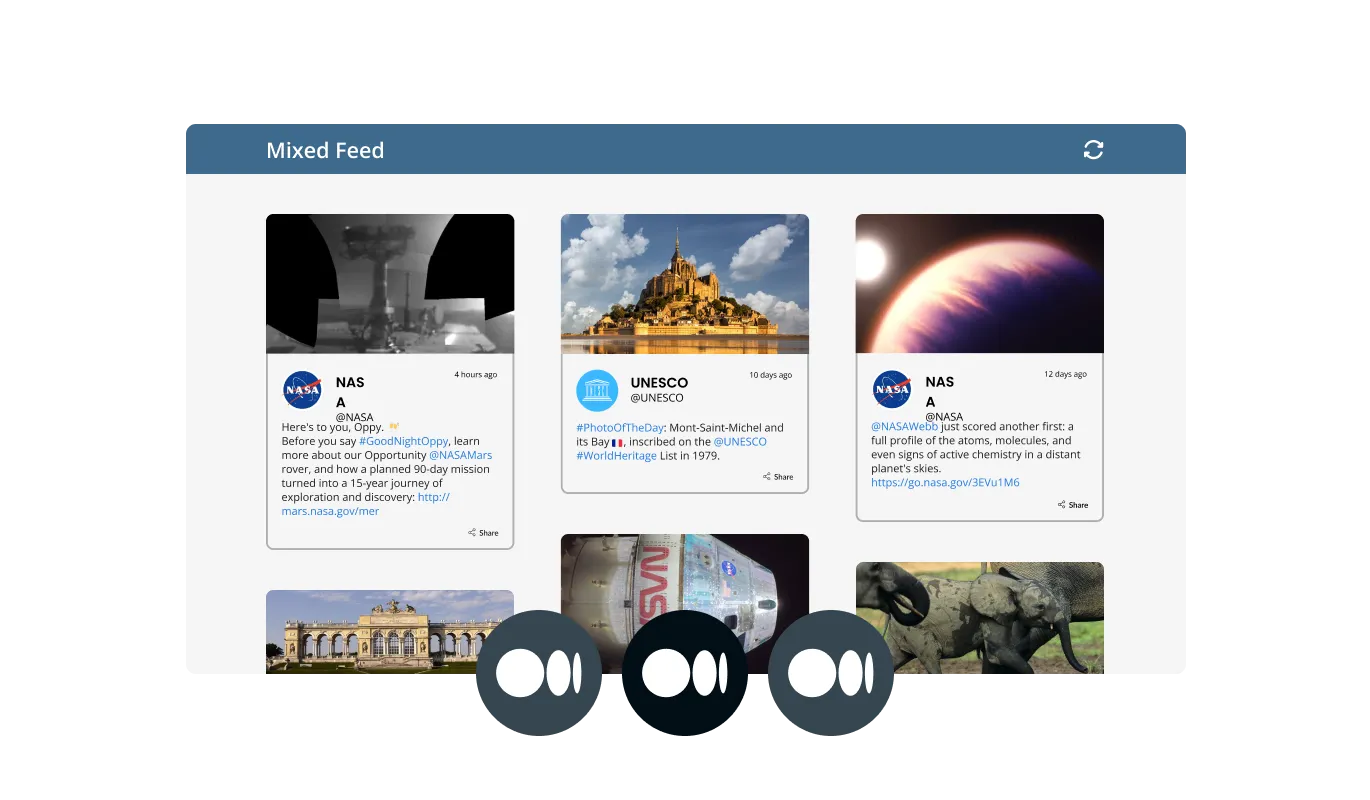
Medium Feed offers two distinct content presentation styles: Categorized and Integrated. In the Categorized style, articles are sorted based on specific topics or themes, while the Integrated style blends all your posts, offering a rich and diverse content mix to your visitors. This adaptability ensures your feed aligns with your content strategy and audience preferences.
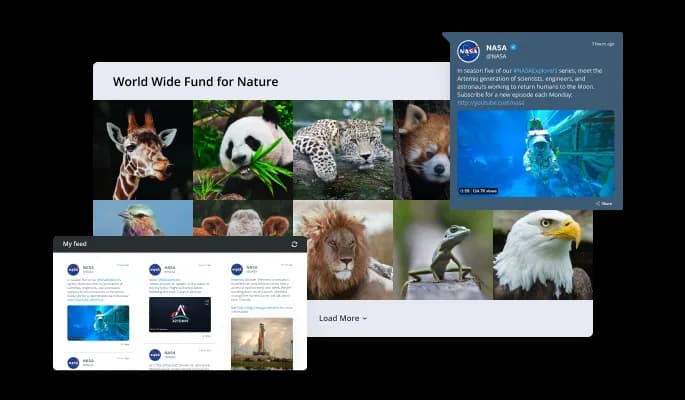
Elegance meets ease with Medium Feed's assortment of pre-designed themes. Bypass the hassle of color coordination and font selection by opting for one of our professionally crafted skins. Each theme is designed to cater to different aesthetics, whether you're inclined towards a modern, vibrant, or minimalist style, ensuring your Medium articles are displayed in a manner that resonates with your brand identity.
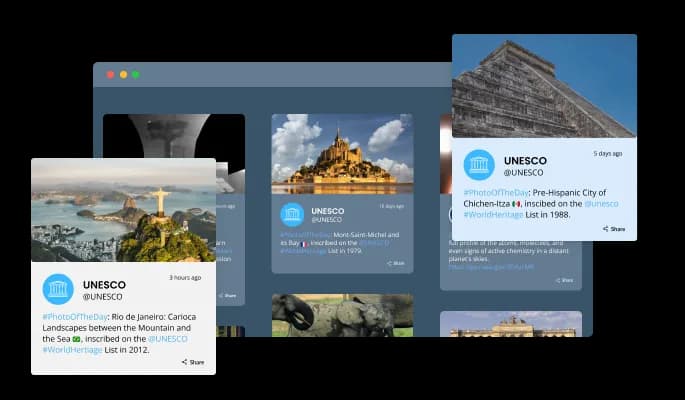
Medium Feed doesn't just showcase your content; it amplifies the aesthetic appeal of your website. Choose from an array of skins, each meticulously designed to offer both visual allure and functional elegance. It’s about effortlessly merging your insightful Medium posts with the distinct character and style of your website, creating a harmonious and engaging user experience.
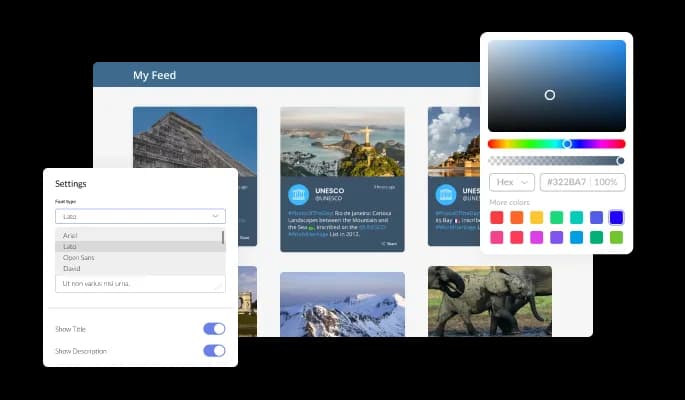
Customization is at the core of the Medium Feed widget. Tailor every element, from colors and fonts to slider aesthetics and button styles, ensuring perfect harmony with your website’s design. Achieve a professional and cohesive look that elevates your Medium content, enhancing both visual appeal and user engagement, with an easy-to-navigate interface.
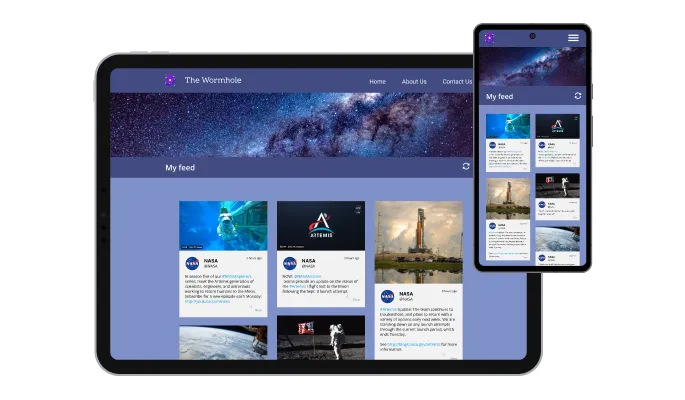
Medium Feed stands out with its fully responsive design, ensuring your embedded Medium articles are accessible and visually optimized on any device. Whether your audience is viewing your content on a desktop, tablet, or smartphone, the widget adjusts gracefully, offering a seamless reading experience. In a mobile-dominated world, Medium Feed ensures your website and content are always at their best, catering to every screen size with ease and elegance.

Medium Feed takes customization to new heights with its advanced editor. Beyond the intuitive design options, users with a knack for styling can directly edit the CSS, achieving a truly personalized look. Whether it’s a subtle refinement or a complete aesthetic overhaul, Medium Feed's flexibility caters to every creative impulse, making each integration unique.

Integrating Medium Feed into your website is a breeze. A single line of code is all it takes to have your Medium articles elegantly displayed. Quick and straightforward, the embedding process is designed for efficiency. As you update your Medium blog, the widget automatically syncs, ensuring your website always features your latest insights without requiring manual updates.
Personalize your Medium Feed with customizable date and time stamps for each post. This feature allows for a tailored presentation, ensuring your feed aligns with the aesthetic and informational needs of your site. Your audience will appreciate the clear, chronological organization of your insightful articles.
Adjusting the display length of your Medium articles is a breeze with Medium Feed. This feature allows for a concise and clean presentation, ensuring your webpage remains visually appealing and easy to navigate. Visitors can quickly scan through your content, with the option to delve deeper into the articles that pique their interest.
Medium Feed embraces global content creators, offering comprehensive RTL support for languages written from right to left. This inclusive feature ensures that your Medium articles are accessible and visually appealing to a broader audience, breaking down language and orientation barriers to connect diverse readers.
Medium Feed is engineered for simplicity and ease of use, requiring no coding skills. Its intuitive drag-and-drop interface empowers you to personalize the widget to your liking, ensuring a perfect fit for your website and an enhanced experience for your audience.
Build your Medium feed in the editor
Open the editorFree to use · No credit card · No signup to try it
Common Ninja has amazing no-code widgets that would beautify a website built on any builder. It is very easy to use and customise. It has as many widgets for almost everyone willing to make their website impressive.
Outstanding service. I use their widgets to help me with my web design business and whenever I need help they are very quick to help.
Excellent company with excellent service!!! We used it to build a survey, it was very user friendly. The service was perfect. Amit helped us with every problem and question we had, thank you very much!!!
Common Ninja saved the day when building our website and the customer service Daniel, the co-founder and CEO, provided was amazing.
Open the editor, paste your Medium profile or publication, choose a layout and skin, then copy the snippet from the Add to Website tab into your page. It works anywhere you can add an HTML block, and nothing is installed on your site.
No, because nothing is republished. The feed shows titles, images, and short excerpts that link back to the story on Medium, so there is only ever one full copy of the article. That is the difference between embedding a feed and importing posts into your own CMS, which is where duplicate-content problems actually come from.
A member-only story will appear in the feed as its title, image, and opening excerpt, because that is what Medium makes publicly available. Readers who click through will hit Medium's paywall as usual. The widget does not bypass it, and it cannot show the full text of a paywalled piece.
Yes. Point the widget at a publication and it shows that publication's stories, which suits a company blog hosted on Medium. You can run one widget for a publication on your main site and a second one for an author's personal profile on a team page.
It shows the recent posts Medium publishes in its public feed, and you control how many appear per page in the editor. It is designed as a current-writing section rather than a complete archive, so do not expect it to list every story you have ever published.
Yes, for public profiles and publications, which covers curating a reading list, featuring a partner's writing, or showing what your team publishes elsewhere. Anything Medium does not serve publicly, such as drafts, will not appear.
The widget stops being the right tool at that point, and the fix is to swap the embed for whatever your new blog provides, or to point the same widget at an RSS feed instead. Because the feed never held your content, moving away costs you nothing but the embed itself.
It is one embed snippet rather than a plugin, so nothing enters your site's own code and there is nothing to keep updated. The feed loads after the page itself, so your page does not wait on it to become readable.
Pick your platform. Each takes under 4 minutes.

Display the latest posts from your Instagram page

Display a feed of the latest posts from a Facebook user or page

Display the latest tweets from your X
Display the latest posts from your Linkedin page

Display the latest posts from any RSS feed

Display the latest posts from any platform and website's RSS feed
Medium Feed Widget is a dynamic tool that allows website owners to embed and display their latest Medium blog posts directly on their web pages. It automatically updates to feature new content, ensuring the website remains fresh and engaging. The widget is customizable, offering various layout options, styles, and themes to seamlessly blend with the site’s design. It enhances the user experience by providing easy access to insightful articles, ensuring readers always have something new and engaging to explore without leaving the website.
Installation is straightforward. Simply copy and paste the provided line of code into your website's HTML where you want the feed to appear. No advanced coding knowledge is required.
Absolutely! The Medium Feed widget automatically adjusts to fit any screen size, ensuring a seamless and engaging reading experience on desktops, tablets, and smartphones alike.
Yes, the widget is highly customizable. You can adjust the colors, fonts, layout, and other elements to match your website’s design aesthetic perfectly.
Yes, we offer comprehensive RTL language support to ensure that your content is accessible to readers worldwide, regardless of their language orientation.
The auto-update feature automatically refreshes the content on your Medium Feed widget. Whenever you publish a new post on Medium, it will instantly appear on the embedded feed on your website.
The widget settings allow you to easily adjust the character count for displayed content, ensuring your feed remains concise and visually appealing.
Indeed, the Medium Feed widget comes with a variety of grid and list layouts. You can choose the one that best suits your website’s design and content presentation style.
Yes, visual content embedded in your Medium articles, including infographics, will be displayed within the Medium Feed widget on your website.
Absolutely, users with CSS knowledge can directly edit the stylesheet to achieve advanced customizations, ensuring the feed aligns perfectly with your brand and website design.
Our support team is always ready to assist. Reach out to us through our contact form or support email, and we'll address your concerns promptly.
The widget is optimized for performance, ensuring minimal impact on your website’s loading speed while offering a dynamic and engaging content display.
The widget allows for flexibility in content display; you can choose which posts from your Medium blog are showcased on your website. This feature gives you control over the content that is presented to your audience, ensuring relevance and alignment with your website’s theme and objectives.
Currently, the widget is designed to display articles from a single Medium account. We're exploring options to integrate multiple feeds and will update users as new features roll out.
Data privacy is paramount. The widget only displays public content from your Medium blog, and no personal or sensitive data is accessed or stored.
A live Medium feed from a profile or a publication, refreshing itself, with multiple layouts, ready-made skins, ticker animation, excerpt length control, custom timestamps, RTL support, and custom CSS. Nothing is republished, so there is no duplicate content. Embed on 200+ platforms including Webflow, Shopify, WordPress, Weebly, and MyBB.
Create your Medium feedFree to use · No credit card · No coding