


Verified review
Common Ninja has amazing no-code widgets that would beautify a website built on any builder. It is very easy to use and customise. It has as many widgets for almost everyone willing to make their website impressive.
Try the editor, no signup
Pick a template, customize it, and watch it update live, no signup.
No credit card · Free forever plan
No credit card · Free forever plan
The Common Ninja News Ticker widget is a free, no-code scrolling text bar that displays headlines, breaking news, stock prices, scores, announcements, or any rotating updates on your website.
Add items manually or pull from any RSS feed, pick horizontal scroll or vertical fade animations, set font, color, and speed, then paste one line of embed code on 200+ platforms including Slides Site Generator, Canva, WordPress, Blogger, and Wix.
A horizontal ticker sits at the top or bottom of the page in a single line, so adding a real-time news strip costs you zero layout reshuffle. Visitors see fresh headlines the moment they land, and the rest of the page stays exactly where it was.
Pull an RSS feed of live sports scores, market data, or weather updates and the ticker auto-refreshes as the feed changes. Sports sites, finance dashboards, and local-news pages get a Bloomberg-style strip without writing a single line of JavaScript.
Promotions, holiday hours, shipping deadlines, sale countdowns, every announcement that would normally need a banner or popup can ride on the ticker instead. Update the message in the dashboard and it goes live across every page the embed sits on.
A static page tells visitors you set it up once and walked away. A ticker scrolling fresh items tells them the site is alive and worth coming back to. Even sites that update weekly read daily-fresh once a ticker is pulling RSS into them.
Type each headline manually, or paste an RSS feed URL and the ticker pulls items automatically and refreshes when the feed updates. Link individual items to articles, set per-item icons or labels, and reorder by drag-and-drop.
Choose horizontal scrolling (left or right), vertical fade-in, or a slot-machine flip. Pick from prebuilt skins or fully customize fonts, colors, label styles, and scroll speed so the ticker reads on-brand instead of looking like a generic widget.
Copy the embed snippet and paste it where you want the ticker to render. Future edits to items, RSS source, or styling push live automatically, so updating the ticker is one change in the dashboard, not a code commit.
Drop in any RSS feed URL and the ticker imports the latest items automatically. Mix RSS items with manually-typed headlines so editorial picks ride alongside auto-pulled news in the same scroll, with no developer in the loop.
Horizontal continuous scroll, vertical fade, slot-machine flip, or paused-on-hover slideshow. Pick the rhythm that matches the page: fast scroll for sports scores, slow fade for newsroom headlines, flip for stock-ticker style.
Add a colored label in front of each item (Breaking, Live, Hot, Sale), pick from prebuilt skins, or fully customize font, color, background, and speed. The ticker reads as your brand, not as a generic third-party widget.
Each ticker item links to a URL of your choice (article, product, or anchor on the same page). Open in a new tab or current tab, track clicks per item, and route visitors deeper into your content instead of letting them scroll past.
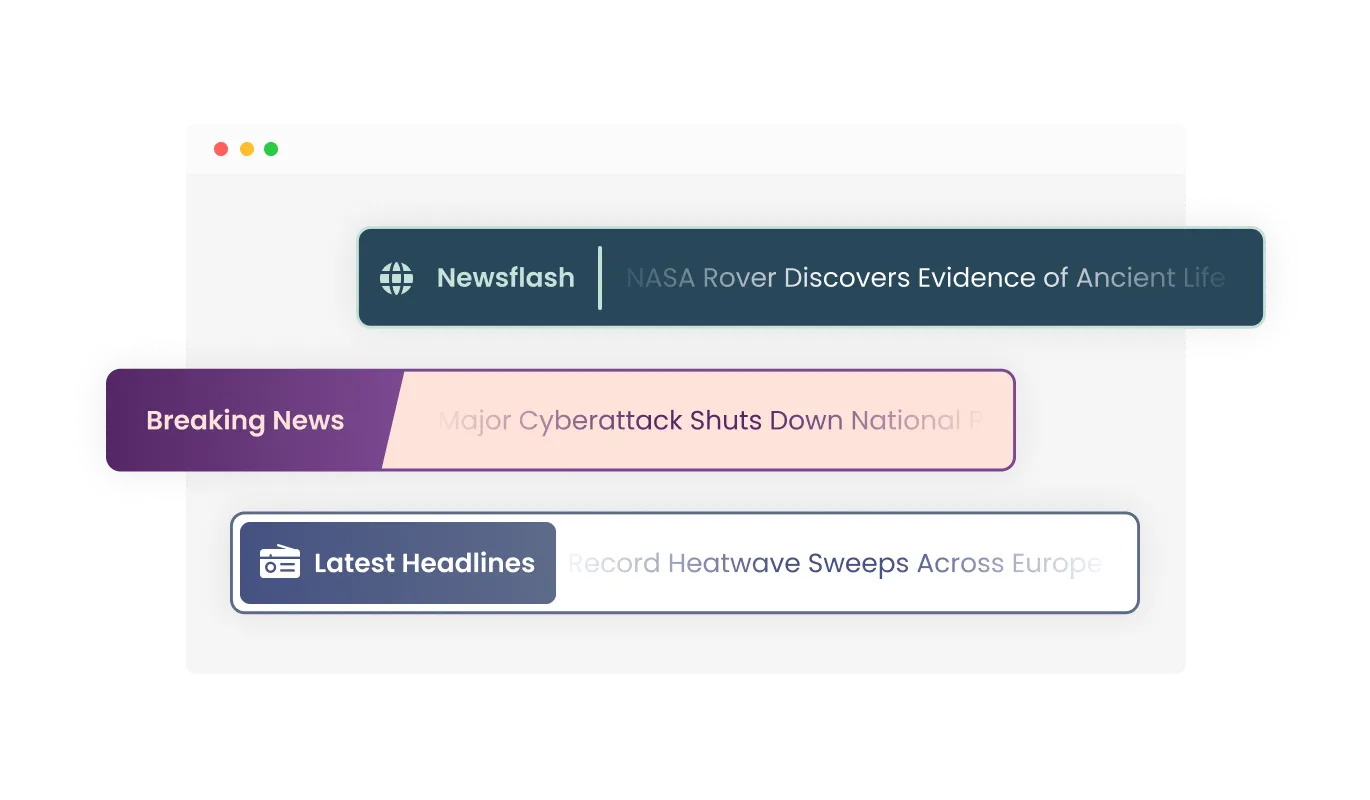
The News Ticker widget comes available with different types of label styles that enhance the widget’s visuals and allow you to further fit its design to your needs. Choose from various font styles and sizes to ensure your news ticker perfectly complements your site's aesthetics.
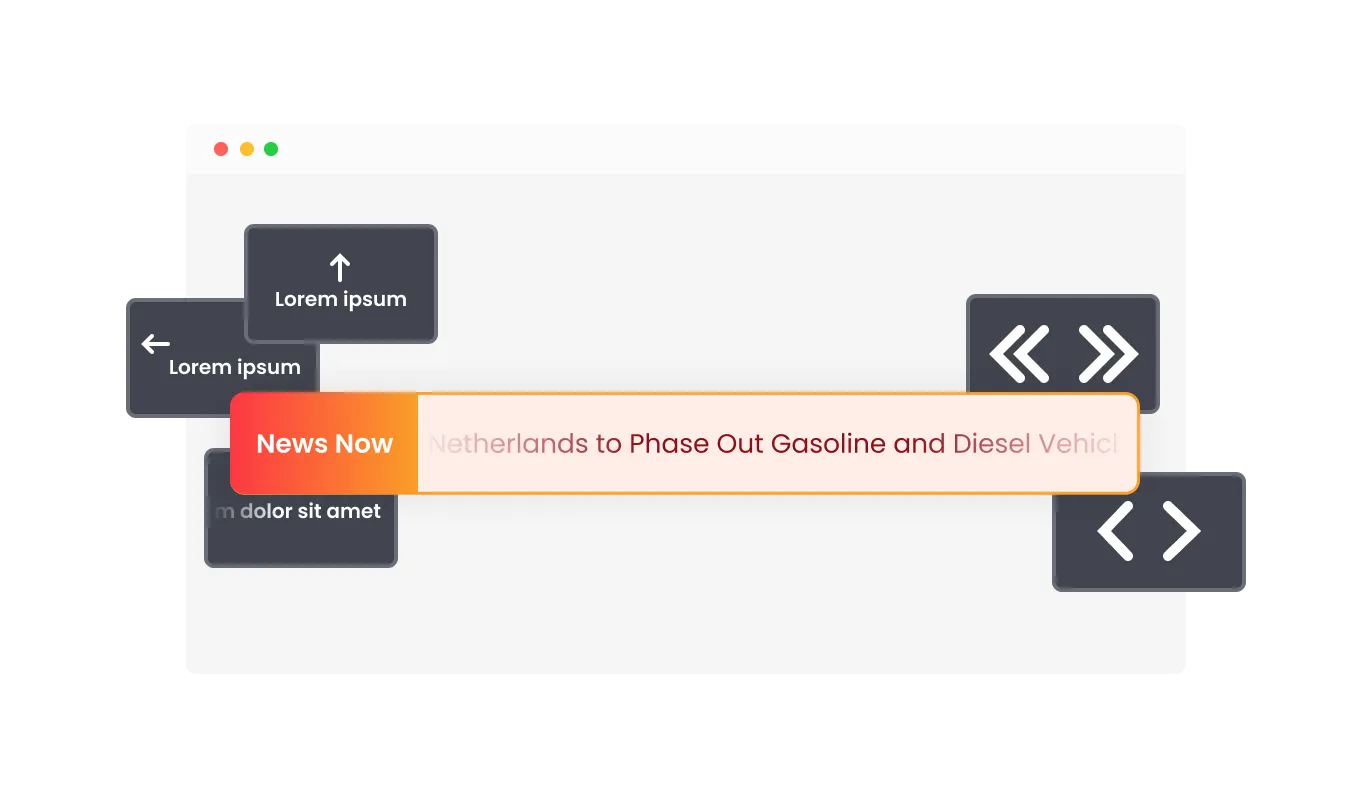
The News Ticker widget features a wide array of options for controlling the ticker, from the Ticker’s speed, to enabling and disabling the looping feature, and more! This granular control enables you to optimize the user experience and cater to the preferences of your audience.

The News Ticker widget comes with a variety of beautiful skins that you can choose from so you don’t have to spend much time on extensive customization. These pre-designed themes provide an easy way to quickly make your news ticker visually appealing and consistent with your brand identity.
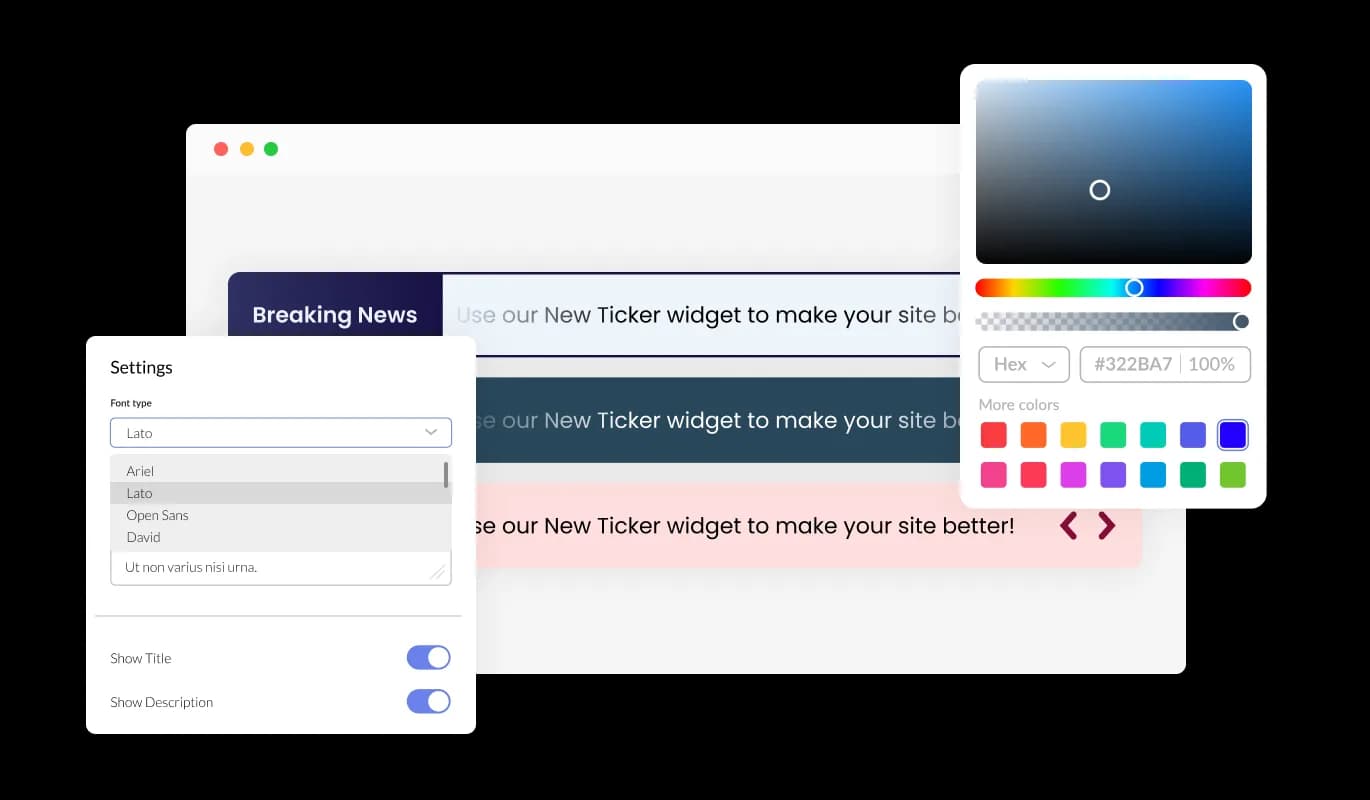
The News Ticker widget features full customization options so you can edit the design to fit your needs. Change the colors, the fonts, the spacing, and anything else! This unmatched flexibility allows you to create a truly unique and personalized news ticker for your website.
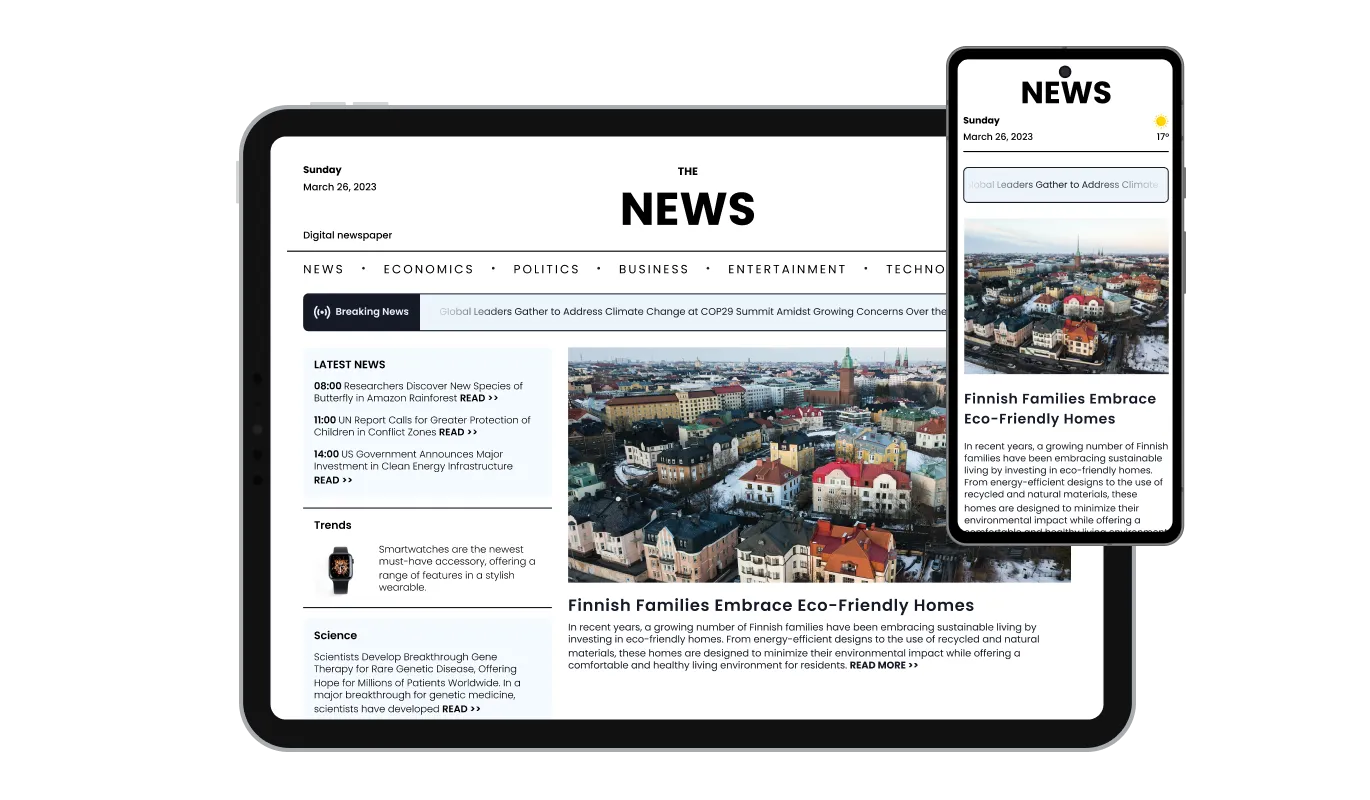
The News Ticker widget is fully responsive and will look great on any device. In a mobile-first world, this feature will put you ahead of your competitors.

As with all of Common Ninja’s widgets, you can add custom CSS to customize the News Ticker widget and be even more creative. This advanced option enables developers and designers to add their unique touch and refine the widget's appearance and functionality.

You can embed the News Ticker on your website easily by copying a single line of code. The News Ticker widget will also be updated automatically with every change you make, ensuring a hassle-free integration and maintenance process for your site.
The News Ticker widget features several types of animations that you can choose for your news ticker, enabling you to customize the widget to your liking. Select from a range of smooth transitions to create a unique and engaging experience for your audience.
The text in the Ticker can be linked to any URL, making it not only a powerful visual tool but a functional, information and promotion-driven tool. This feature allows you to turn your news ticker into a dynamic source of traffic for your website or targeted content.
The News Ticker widget has a selection of beautiful icons that you can use to add to it and enrich its visual appearance. Use these eye-catching icons to highlight specific news items, categories, or to convey additional information.
The News Ticker widget is easy to use and requires no coding knowledge. Our intuitive dashboard with the drag-and-drop feature will enable you to customize the widget any way you’d like to with just a few simple clicks.
Common Ninja has amazing no-code widgets that would beautify a website built on any builder. It is very easy to use and customise. It has as many widgets for almost everyone willing to make their website impressive.
Outstanding service. I use their widgets to help me with my web design business and whenever I need help they are very quick to help.
Excellent company with excellent service!!! We used it to build a survey, it was very user friendly. The service was perfect. Amit helped us with every problem and question we had, thank you very much!!!
Common Ninja saved the day when building our website and the customer service Daniel, the co-founder and CEO, provided was amazing.
Yes. The free plan covers one News Ticker widget with no time limit, no credit card, and no trial countdown. Upgrade only when you need additional widgets, premium skins, or higher monthly view limits.
Yes. Paste any RSS feed URL into the editor and the ticker imports the latest items automatically. The feed re-checks at a configurable interval, so new articles appear in the scroll the moment they publish.
No. Build and customize the entire ticker in a drag-and-drop editor, then paste one line of embed code into your page. Most users finish setup in under 3 minutes.
Yes. Embed as many News Ticker widgets as you need on a single page, each with its own RSS source, animation, and styling. Common setups pair a top scrolling-news strip with a bottom stock-ticker style strip.
Yes. Switch between horizontal continuous scroll, vertical fade-in, slot-machine flip, and paused-on-hover slideshow in one dropdown. Vertical animations work well for sidebar placements, horizontal for top-of-page strips.
Yes. Open your Canva design, click Apps in the left sidebar, search for Embed, and paste the Common Ninja embed link. The ticker scrolls live inside Canva websites, shareable presentations, and link-in-bio templates.
Yes. The ticker is fully responsive. Text size, padding, and scroll speed all adapt to mobile breakpoints automatically. On phones the bar still scrolls smoothly and each item stays tappable for visitors who want to follow the link.
200+ platforms including Slides Site Generator, Canva, WordPress, Blogger, Wix, Squarespace, Google Sites, Shopify, Webflow, Joomla, Notion, and any custom HTML page that accepts an embed snippet.
Pick your platform. Each takes under 4 minutes.

Display the latest posts from any RSS feed

Display important messages and notifications in a designed bar, at the top or bottom of the screen

Display the latest tweets from your X

Display a feed of the latest posts from a Facebook user or page

Displays a timer counting down to a specific date or event

Display the latest posts from your Instagram page
A news ticker is a dynamic, scrolling or sliding element that displays a continuous stream of headlines, updates, or other types of text-based content. It is commonly used on websites, television broadcasts, and digital signage to showcase the latest news, announcements, or promotional content in an engaging and visually appealing manner.
There are several benefits to using a news ticker on your website, including:
To get the most out of a news ticker on your website, follow these best practices:
Yes, the News Ticker widget is fully customizable. You can change the colors, fonts, spacing, and more to match your website's design. Additionally, you can choose from a variety of skins and icons to enhance the widget's visual appearance.
Yes, the News Ticker widget is fully responsive and will automatically adapt to any device, screen size, or resolution, ensuring a seamless user experience across all platforms.
Yes, the News Ticker widget offers advanced control options that allow you to adjust the speed, enable or disable looping, and more, giving you complete control over the user experience.
You can add links to any text in the News Ticker by simply adding a URL in the news item settings. This turns the text into a clickable element that directs users to the specified web page.
Yes, you can add custom CSS to the News Ticker widget for further customization and to achieve a unique design that perfectly suits your needs.
The News Ticker widget offers a variety of animation styles, including smooth transitions and scrolling effects. You can choose the animation type that best suits your website's design and user experience preferences.
Updating the content in your News Ticker widget is simple. Just access the widget's settings in your dashboard and make the desired changes. The widget will automatically update on your website with the new content.
To install the News Ticker widget, simply copy the provided embed code and paste it into your website's HTML where you want the widget to appear. The widget will automatically update with any changes you make in the configuration settings.
No coding knowledge is required to use the News Ticker widget. The user-friendly dashboard and drag-and-drop features make it easy for users of all skill levels to customize and manage the widget.
Yes, you can easily do so from the “Templates” tab.
Yes, there are lots of beautiful skins that you can choose from to save time and start using the widget as quickly as possible.
It’s simple. All you need to do is to sign up and start using the free version.
Common Ninja’s News Ticker widget is free to use. It is limited to a certain amount of views, however.
Common Ninja’s News Ticker widget is compatible with ALL current and future website builders.
Yes, the News Ticker widget is GDPR-compliant.
Yes. We are eager to hear your request. Please visit our Feature Request page.
Pull from RSS, customize the look, and embed on 200+ platforms including Slides Site Generator, Canva, WordPress, Blogger, and Wix.
Create your news tickerNo credit card · Setup in under 3 minutes