


Verified review
Common Ninja has amazing no-code widgets that would beautify a website built on any builder. It is very easy to use and customise. It has as many widgets for almost everyone willing to make their website impressive.
Try the editor, no signup
Pick a template, customize it, and watch it update live, no signup.
No credit card · Free forever plan
No credit card · Free forever plan
The Common Ninja PayPal Donate Button is a free, no-code way to accept donations on any website. Connect your account, set the amount, and paste one line of embed code.
Clicking it opens a secure checkout hosted by PayPal or Stripe, so supporters give without leaving for a third-party fundraising page and card details never touch your site.
Donations appear in a list you can export, email alerts and webhooks fire when one arrives, and a custom thank-you message greets the donor straight after.
Sending a supporter to a separate fundraising page breaks the moment that persuaded them. A button on the page where the case is made keeps the decision and the action in the same place.
Most organisations taking donations are not big enough to justify a fundraising platform's setup and its cut. A button on an existing page is the whole apparatus they actually need.
Newsletters, open-source projects, blogs, and podcasts all get offered support they have no way to accept. One button on an about page is the difference between the offer and the transfer.
Donation activity in one exportable list is what makes thanking people, reporting to a committee, or reconciling a year possible without piecing it together from email receipts.
PayPal and Stripe are both supported, so use the account your organisation already holds. Donations settle there directly rather than passing through an intermediary that holds funds before releasing them.
Configure what a donor gives and add any additional charges where they apply. Write the thank-you message properly, because the moment right after someone gives is the one time they are certain to read it.
Copy the snippet from the Add to Website tab and paste it on the page where you make the ask. Keeping it on your own page rather than linking out is most of the reason this converts.
Connect the account your organisation already uses. Funds settle there directly, and the checkout screen is handled by the provider rather than by your page.
Show a custom confirmation message the moment a donation completes, which is where you say what the money does and what happens next rather than leaving a blank success page.
Email notifications tell you when a donation arrives, and webhooks let another system act on it, which is how a thank-you email or a supporter list stays current without manual work.
Every donation taken through the button is listed in your dashboard and can be exported, so a committee report or a year-end reconciliation is a download rather than an afternoon.
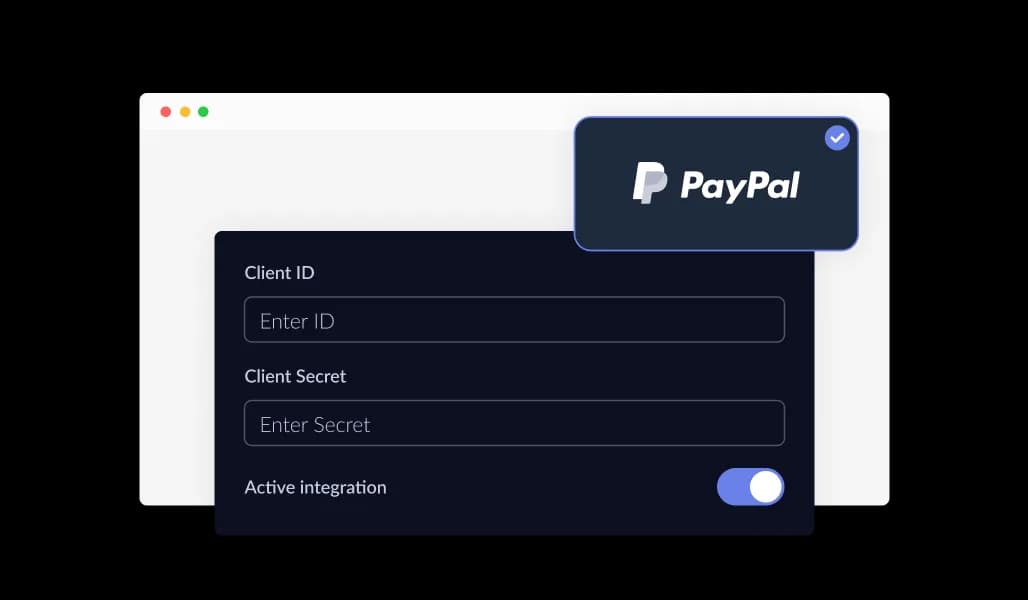
The PayPal Donate Button connects your website with reliable payment processing options, allowing you to accept donations through PayPal and supported gateways. This flexibility helps you align online giving with your existing payment setup while offering donors a familiar and secure checkout experience.
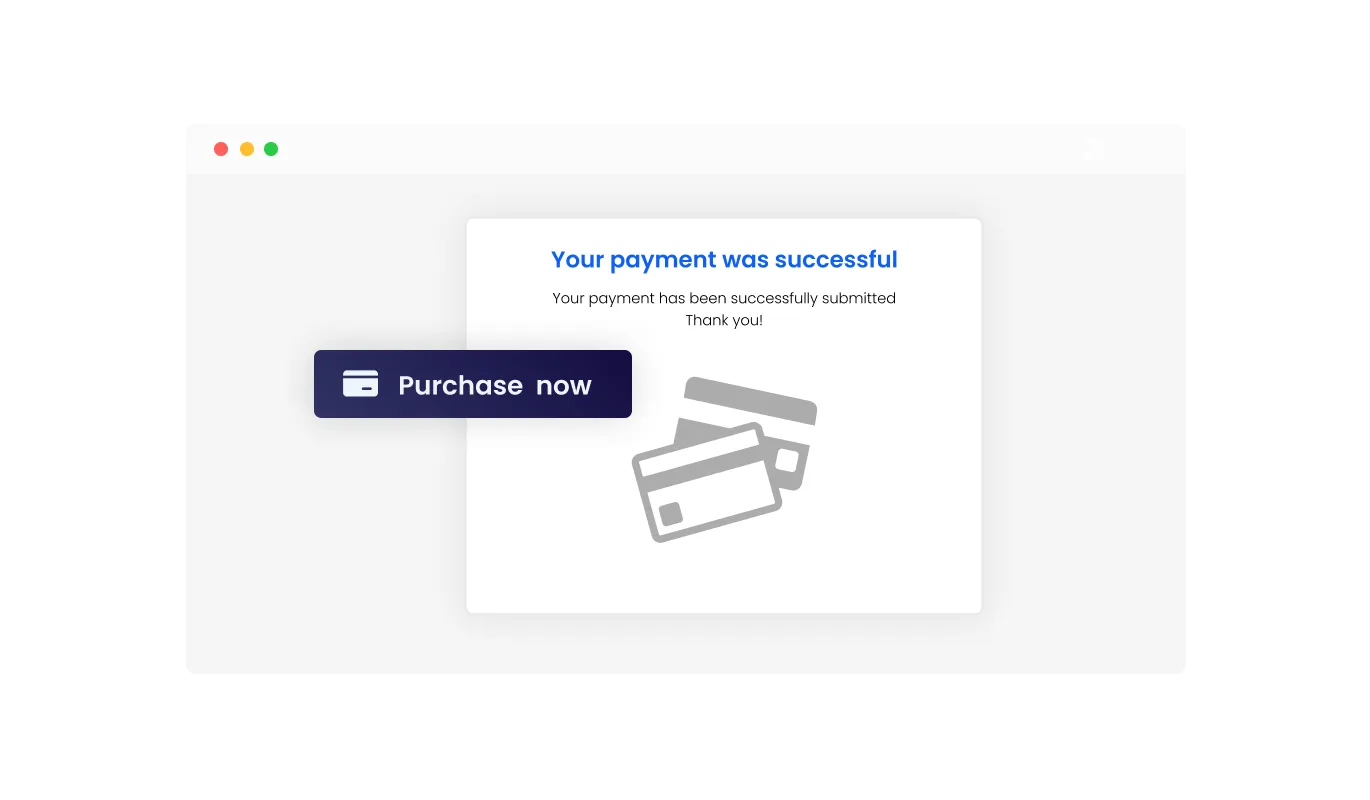
The PayPal Donate Button lets you display custom messages once a donation is completed. You can confirm that the payment was successful, thank supporters for their contribution, or share next steps. Clear post-payment messaging adds transparency to the process and helps reinforce trust, while also strengthening the relationship between your organization and its supporters.
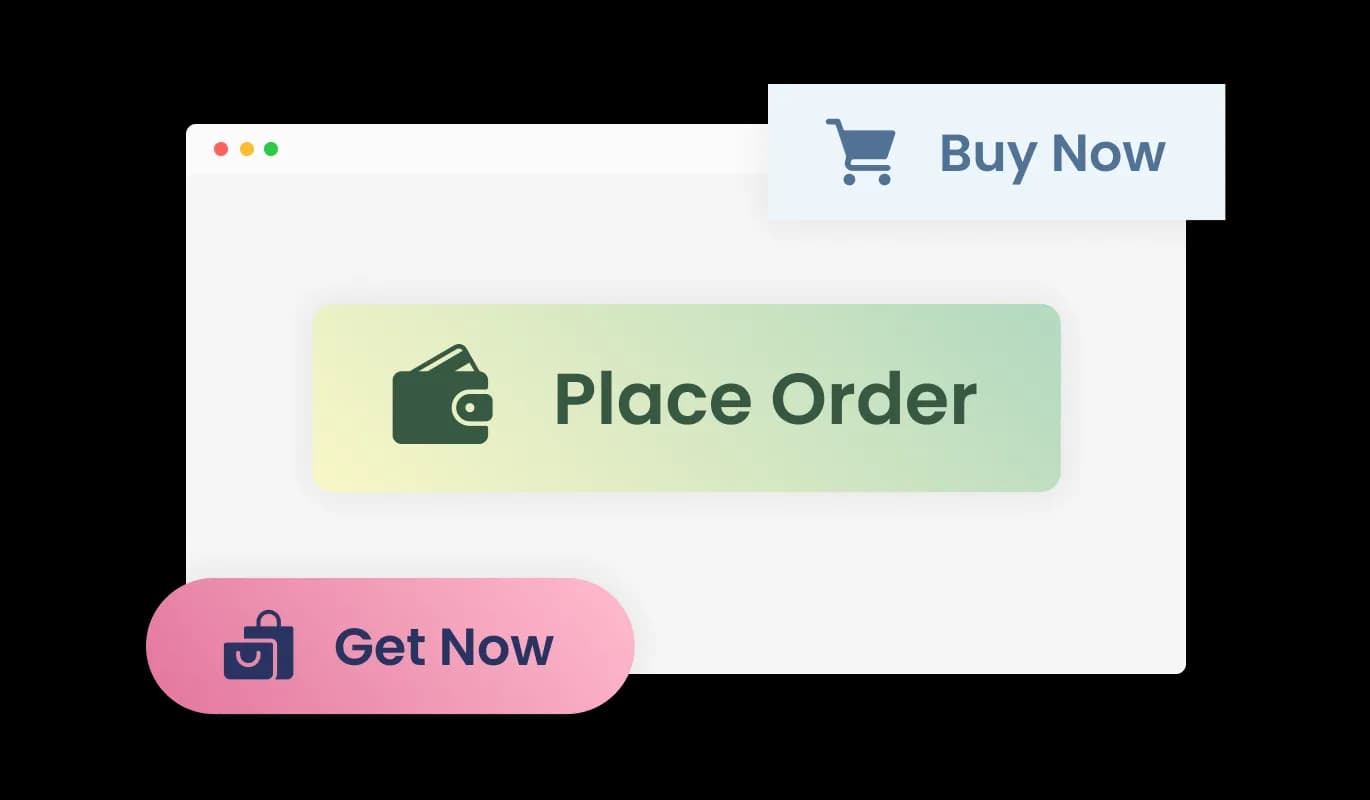
The PayPal Donate Button includes multiple pre-designed styles, allowing you to choose a look that fits your website without spending time on manual design work. A visually appealing button draws attention, feels trustworthy, and can encourage more visitors to complete their donation. These built in styles make it easy to create a polished and inviting donation experience.
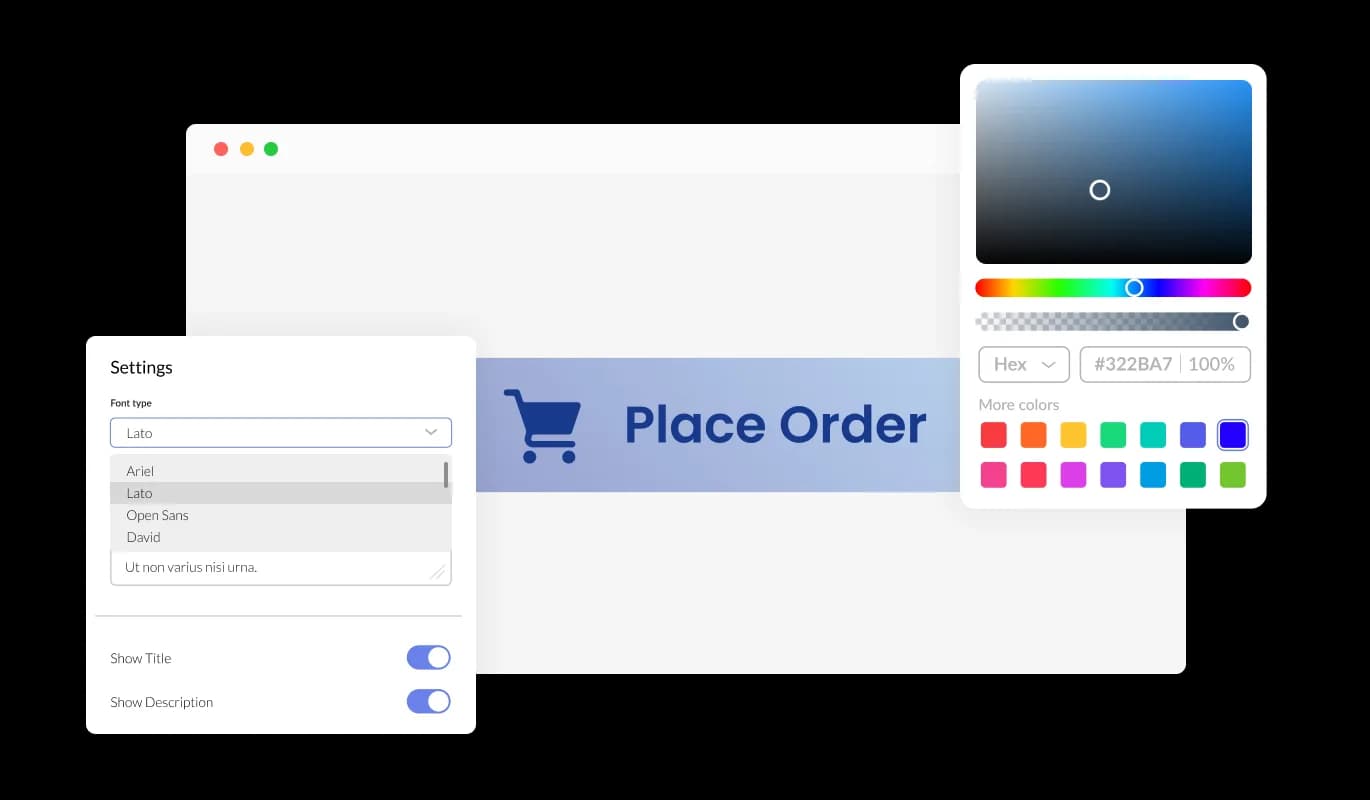
The PayPal Donate Button gives you full control over its appearance so it fits naturally into your website. You can adjust colors, fonts, spacing, and layout details to align with your brand identity. A consistent and recognizable design helps donors feel confident and familiar with your organization, which can lead to higher trust and increased support.
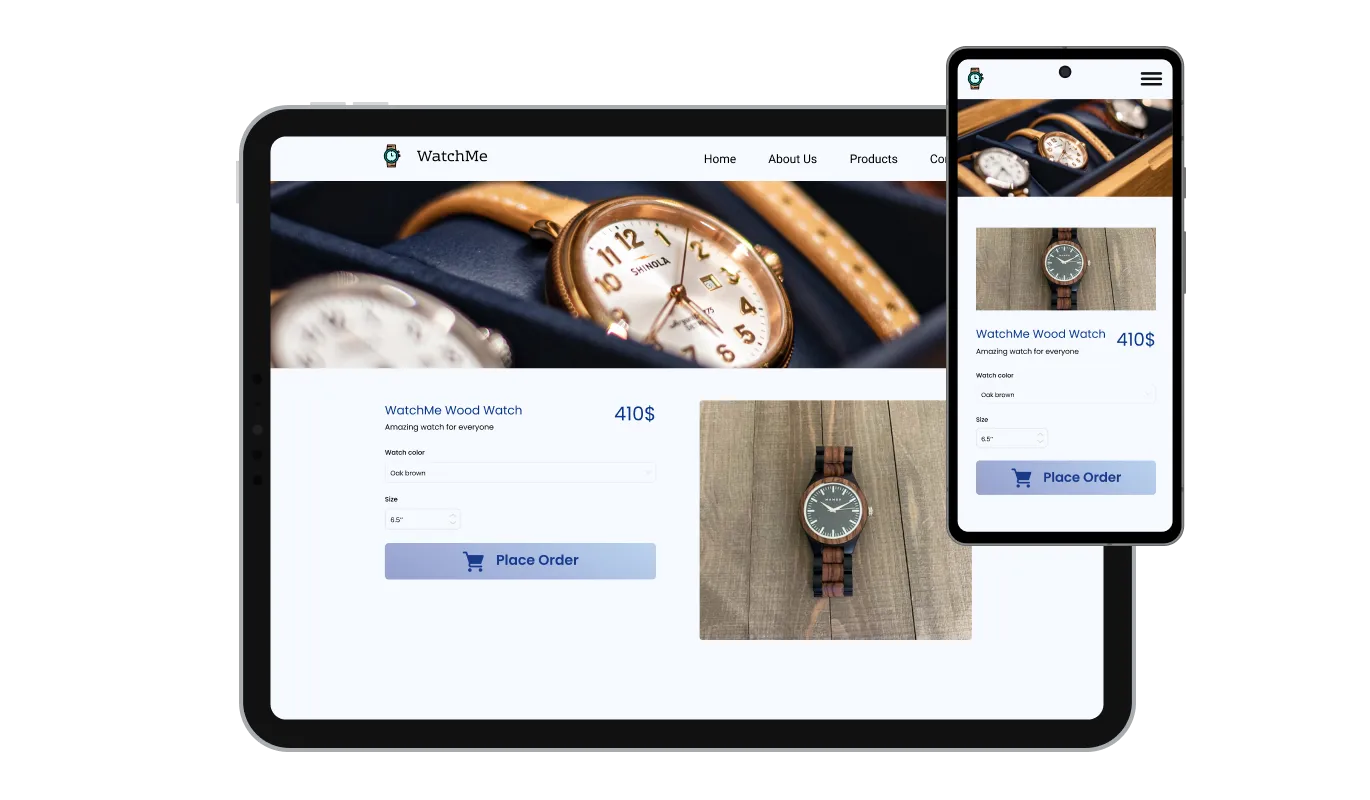
The PayPal Donate Button is designed to adapt seamlessly across desktop, tablet, and mobile screens. This responsive behavior ensures that donors can complete contributions comfortably from any device. In a mobile focused browsing environment, this consistency helps reduce friction and increases the chances of successful donations.

For advanced customization, the PayPal Donate Button supports custom CSS. This allows designers and developers to fine-tune visual details such as spacing, typography, animations, and layout behavior. With custom styling, you can ensure the donate button integrates perfectly with your website’s design system and overall aesthetic.

Adding the PayPal Donate Button to your website is quick and straightforward. Simply copy a single embed code and paste it into your site. Any updates you make through the dashboard are applied automatically, so your donation button always stays up to date without requiring manual changes or redeployment.
The PayPal Donate Button includes configurable email alerts and webhook support to keep you updated on donation activity. Notifications can be enabled for both site owners and donors, making it easy to track contributions, confirm successful payments, and stay informed without manual monitoring.
The PayPal Donate Button lets you view all donation transactions directly from your dashboard in one organized list. You can also export donation records as a CSV file, making it easy to analyze contributions, reconcile payments, or share data with accounting and reporting tools. This visibility helps you manage donor activity efficiently and make informed decisions based on real data.
The PayPal Donate Button allows you to include taxes and shipping related charges as part of the donation flow when needed. This option is useful for organizations that offer physical rewards, merchandise, or region specific tax requirements. By defining these values manually, you ensure that the final amount presented to donors is clear and accurate. This added transparency helps avoid confusion at checkout while giving you better control over pricing and compliance.
Using the PayPal Donate Button does not require coding or technical experience. An intuitive dashboard allows you to customize the button, manage settings, and apply changes with just a few clicks. This simple setup process makes it easy to launch and maintain a professional donation flow without development effort.
Common Ninja has amazing no-code widgets that would beautify a website built on any builder. It is very easy to use and customise. It has as many widgets for almost everyone willing to make their website impressive.
Outstanding service. I use their widgets to help me with my web design business and whenever I need help they are very quick to help.
Excellent company with excellent service!!! We used it to build a survey, it was very user friendly. The service was perfect. Amit helped us with every problem and question we had, thank you very much!!!
Common Ninja saved the day when building our website and the customer service Daniel, the co-founder and CEO, provided was amazing.
Not to use the button. Whether you can describe a payment as a donation, and what that means for tax and reporting, depends on your organisation's status and your country's rules. Clubs, projects, and individuals all use buttons like this to accept support, but the label you put on it is a question for your own situation.
Straight into your connected PayPal or Stripe account. Nothing is held by Common Ninja in between, which is the main structural difference from a fundraising platform that collects on your behalf and pays out later.
Your payment provider's. PayPal and Stripe both set their own rates, and PayPal has reduced rates for eligible registered charities in several countries that are worth applying for. Check their current published terms for your market rather than assuming.
Set what the button charges in the editor. If you want to offer several levels, the usual approach is several buttons with different amounts, which also lets you label what each one funds.
Yes, and more than one. A blank field asks a donor to decide what they are worth to you, which is an uncomfortable question. Two or three suggested levels with a plain description of what each covers consistently does better than an open box.
The confirmation message appears immediately after a donation completes, and webhooks let another system act on the event, which is how a thank-you email or a supporter list gets updated without someone doing it by hand.
This button handles a single donation. Regular giving needs subscription billing, which has to deal with failed cards, expiry, and cancellation, so a subscription tool is the right shape for it.
Donation activity appears in your dashboard as a list and can be exported, which covers reporting and reconciliation. What donor detail is captured is governed by the payment provider's checkout.
Pick your platform. Each takes under 4 minutes.

Collect and manage donations securely with a customizable, easy-to-integrate online donation form

Allow supporters to signed for petitions, save submissions, enable notifications, and more

Showcase progress and completion using animated fill-up bars

A payment button that triggers a recurring payment form linked to PayPal or Stripe for easy subscription setup

Allow users to fill in orders, save submissions, enable notifications, and more

Allow users to send messages or inquiries, save submissions, enable notifications, and more
You can begin by creating an account and setting up the PayPal Donate Button using the free plan. Once created, you can customize the button and add it to your website in just a few steps.
Yes. The PayPal Donate Button is available on a free plan that includes core features. Usage limits apply, and higher plans are available if you need additional capacity or advanced options.
The PayPal Donate Button can be embedded on any website that supports custom code. This includes all major website builders and platforms, as well as custom built sites.
You can embed the button by copying a single code snippet from your dashboard and pasting it into your site. Any future changes you make are applied automatically without needing to update the code.
No. The PayPal Donate Button is managed through a visual editor, allowing you to customize and publish the button without writing any code.
The PayPal Donate Button supports both PayPal and Stripe, allowing you to choose the payment provider that best fits your organization and audience.
Yes. All donation activity is visible in your dashboard, and you can export transaction data as a CSV file for reporting, accounting, or analysis purposes.
Yes. You can manually include taxes or shipping related charges when needed. This helps ensure transparency and accurate totals, especially when donations are tied to physical items or regional requirements.
Yes. The PayPal Donate Button includes a selection of pre-designed styles that help you get started quickly without needing to design the button from scratch.
Yes. You can adjust colors, fonts, spacing, and layout settings to match your website’s design. Custom CSS is also supported for advanced styling needs.
Yes. The button is fully responsive and adapts automatically to desktop, tablet, and mobile screens, ensuring a smooth donation experience on any device.
Yes. You can display custom confirmation or thank you messages after a donation is processed. This helps reassure donors and strengthens the connection with your supporters.
Yes. You can enable or disable email notifications and webhooks for both site owners and donors. These settings are managed directly from the dashboard.
Yes. The PayPal Donate Button is built with privacy in mind and follows GDPR requirements, helping you protect donor data.
A donate button that opens a secure checkout hosted by PayPal or Stripe, so supporters give without leaving your page and card details never touch your site. Custom thank-you messages, email alerts and webhooks on every donation, exportable donation records, ready-made styles, full responsiveness, and custom CSS. Embed on 200+ platforms including WordPress, Shopify, Wix, Webflow, and Squarespace.
Create your donate buttonNo credit card · No coding