


Verified review
Common Ninja has amazing no-code widgets that would beautify a website built on any builder. It is very easy to use and customise. It has as many widgets for almost everyone willing to make their website impressive.
The Common Ninja Popup Builder is a free, no-code embed that adds customizable popups, modals, and overlays to your website to capture attention, deliver messages, and drive actions like signups, discount-code redemptions, or conversions.
Pick a popup layout (modal, banner, slide-in, fullscreen, lightbox), customize the design with stylish skins or Custom CSS, set trigger conditions (on load, on scroll, on exit-intent, on time delay, on click), add CTA buttons that link anywhere, and paste a one-line embed snippet on Canva, Pixieset, Hostinger, Google Sites, Webflow, WordPress, Shopify, Squarespace, and 200+ other platforms.
Embed other Common Ninja widgets inside the popup: a contact form, a video, an Instagram feed, a countdown, so a single popup can do far more than display static text.
Exit-intent popups fire when a visitor's cursor heads for the browser close, the moment with the highest abandonment risk and the highest signup willingness. Offer a discount code, a lead magnet, or a newsletter signup, and convert visitors who would otherwise have left without trace.
Flash sales, holiday promos, new-product launches, restocked items, event registrations. Schedule a popup to fire for a specific window, target a specific page, or run a sitewide takeover for a few hours. Update the offer in the editor and every embed reflects the change in real time.
A popup doesn't have to be plain text and a button. Drop a contact form, a video, an Instagram feed, a countdown timer, or a chat widget inside the popup so a single interaction does multiple jobs. Collect a lead, show social proof, and create urgency in one frame.
Frequency caps (once per session, once per visitor, every N days), page-level targeting (homepage only, product pages, specific URLs), trigger conditions (load, scroll, exit-intent, click). Different popups for different audiences, fired at the right moment instead of the same overlay on every page.
Choose modal (centered overlay with backdrop), banner (top or bottom strip), slide-in (corner panel), fullscreen takeover, or lightbox (inline modal anchored to a trigger). Each layout has its own default behavior and dismiss interaction. Pick the one that matches your section's tone. Modal for high-priority offers, slide-in for less interruptive nudges.
Add a headline, body copy, image or video, and one or two CTA buttons. Set trigger conditions: on page load (with optional delay), on scroll percentage (e.g. after 50% read), on exit-intent (mouse leaves the page), or on click of a specific element. Configure per-visitor frequency caps (show once per session, once per visitor, every N days).
Copy the one-line embed snippet and paste it on Canva, Pixieset, Hostinger, Google Sites, WordPress, or any of the 200+ supported platforms. The popup loads with the page and fires based on your trigger rules. Edits in the Common Ninja editor push to every embed: change the offer, the timing, or the design without re-pasting the snippet.
Modal (centered overlay with backdrop), banner (top or bottom strip), slide-in (corner panel), fullscreen takeover, lightbox (inline modal). Switch layouts in the editor without re-building the content; each layout has its own default dismiss interaction.
Fire on page load with a configurable delay, on scroll depth, on exit-intent, on time on page, or on click of a specific element. Cap frequency per visitor (once per session, once per device, every N days) so visitors don't see the same popup repeatedly.
Drop a contact form, video, Instagram feed, countdown, chat widget, or any other Common Ninja widget inside the popup. The popup becomes a flexible container instead of a static text panel.
Pick from a library of pre-designed skins (minimal, brutalist, soft, holiday, neon) for a fast brand match. Layer Custom CSS for pixel-level control over backdrop blur, animation easing, border radius, button hover states, and close-button placement.
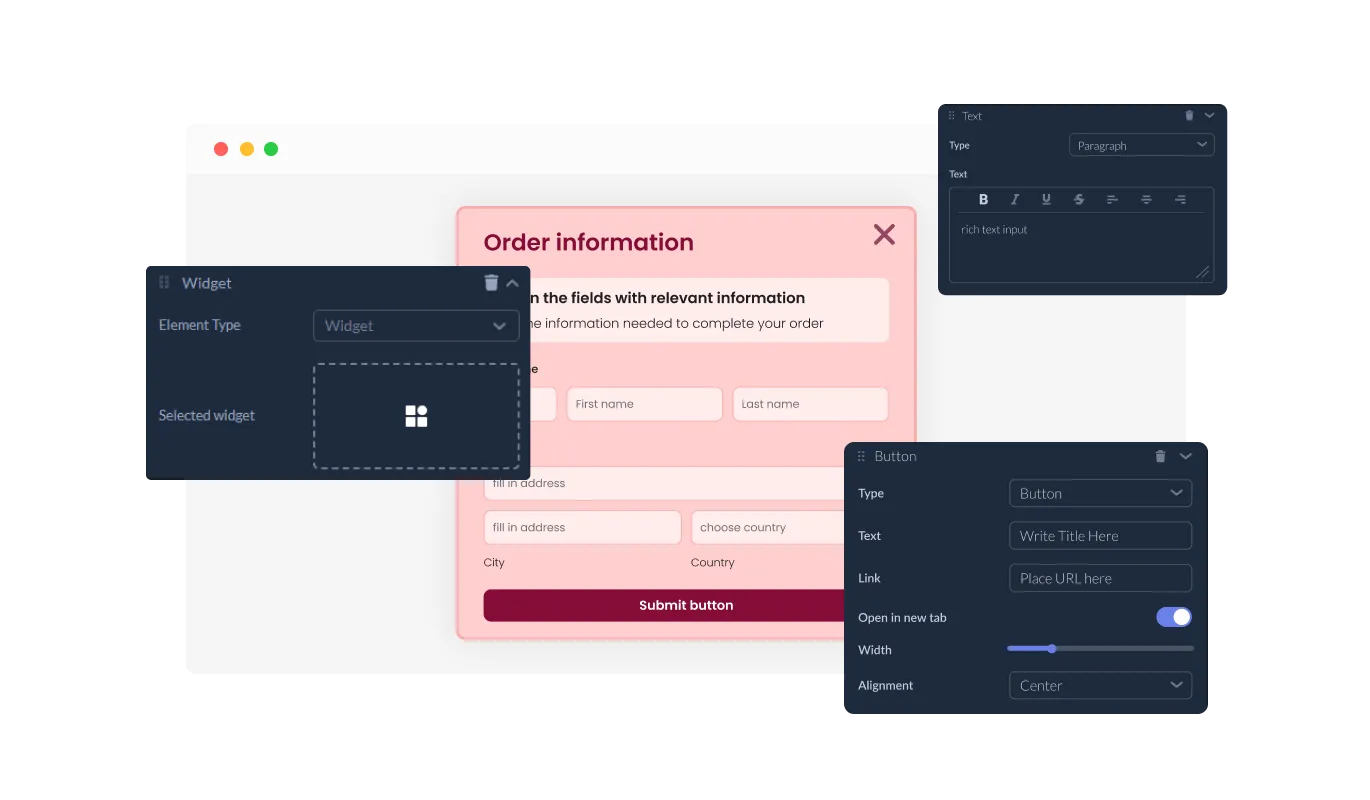
With the Popup Builder widget, you have the freedom to design your popup exactly how you envision it. Add various elements including titles, sub-titles, paragraphs, and images, and arrange them in the order that best suits your communication needs.
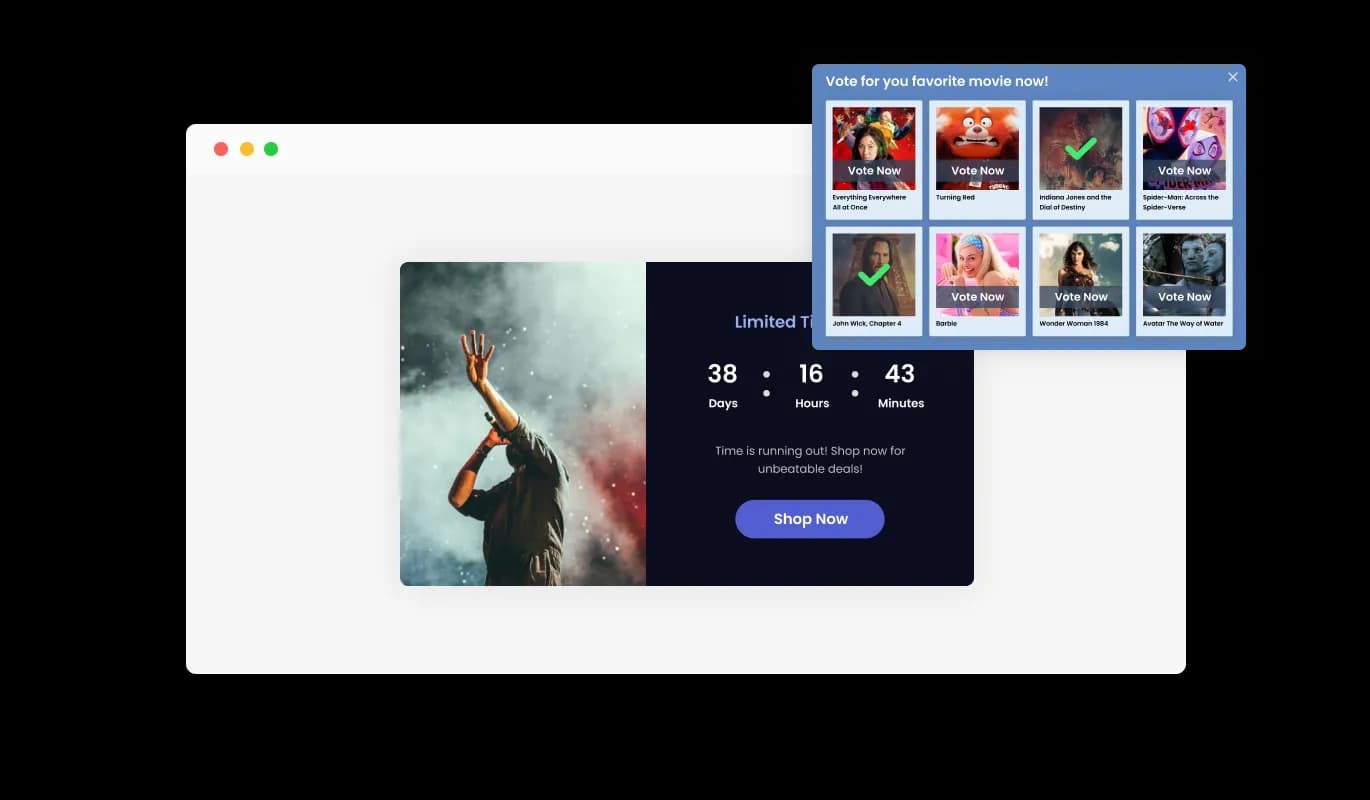
With the Popup Builder widget, you're not just limited to text and images. It allows you to embed other widgets such as forums, countdown timers, sliders, or any other widget you've created on Common Ninja. This enables you to create multi-dimensional popups that serve varied functions, making your website even more dynamic and interactive.
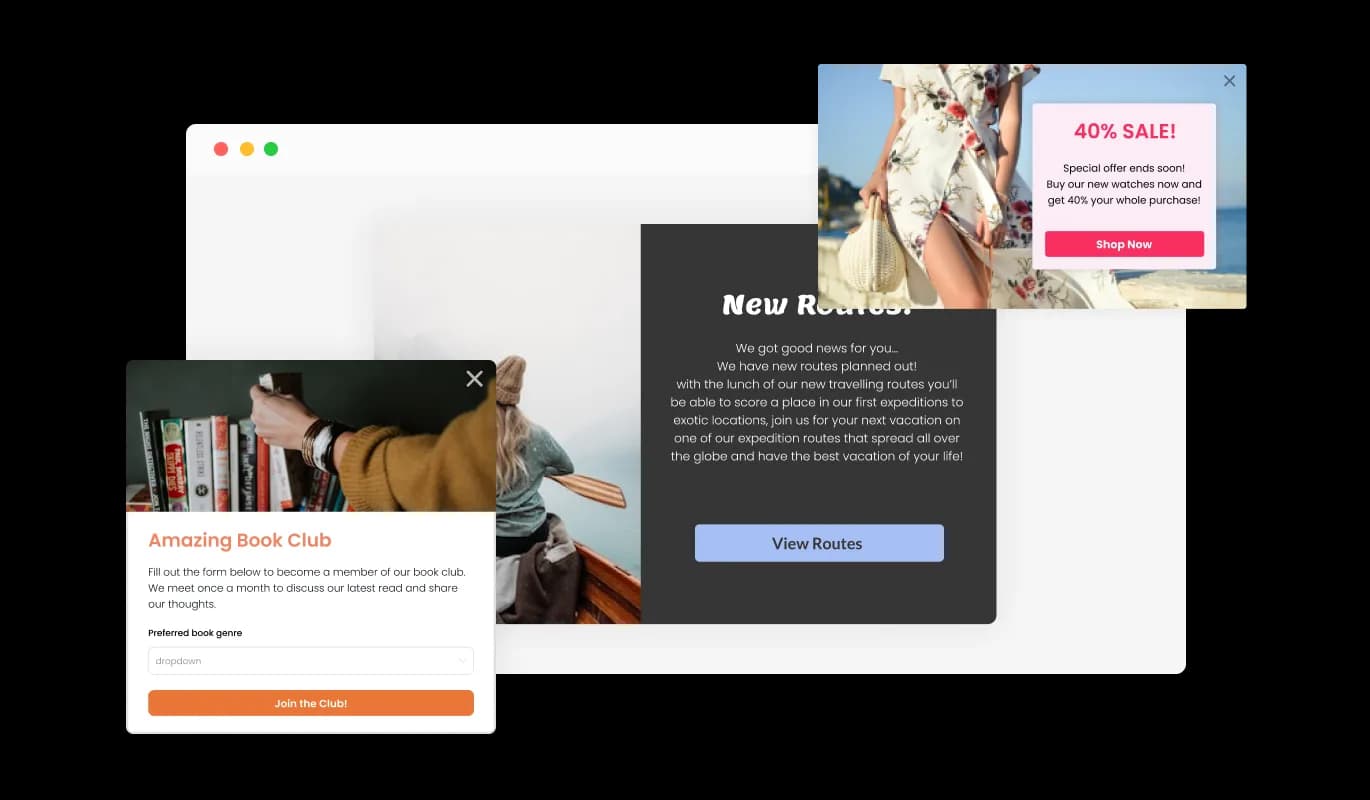
The Popup Builder widget comes with a variety of layout options. You can pick the one that best aligns with your website's design and style, ensuring a cohesive and appealing look.
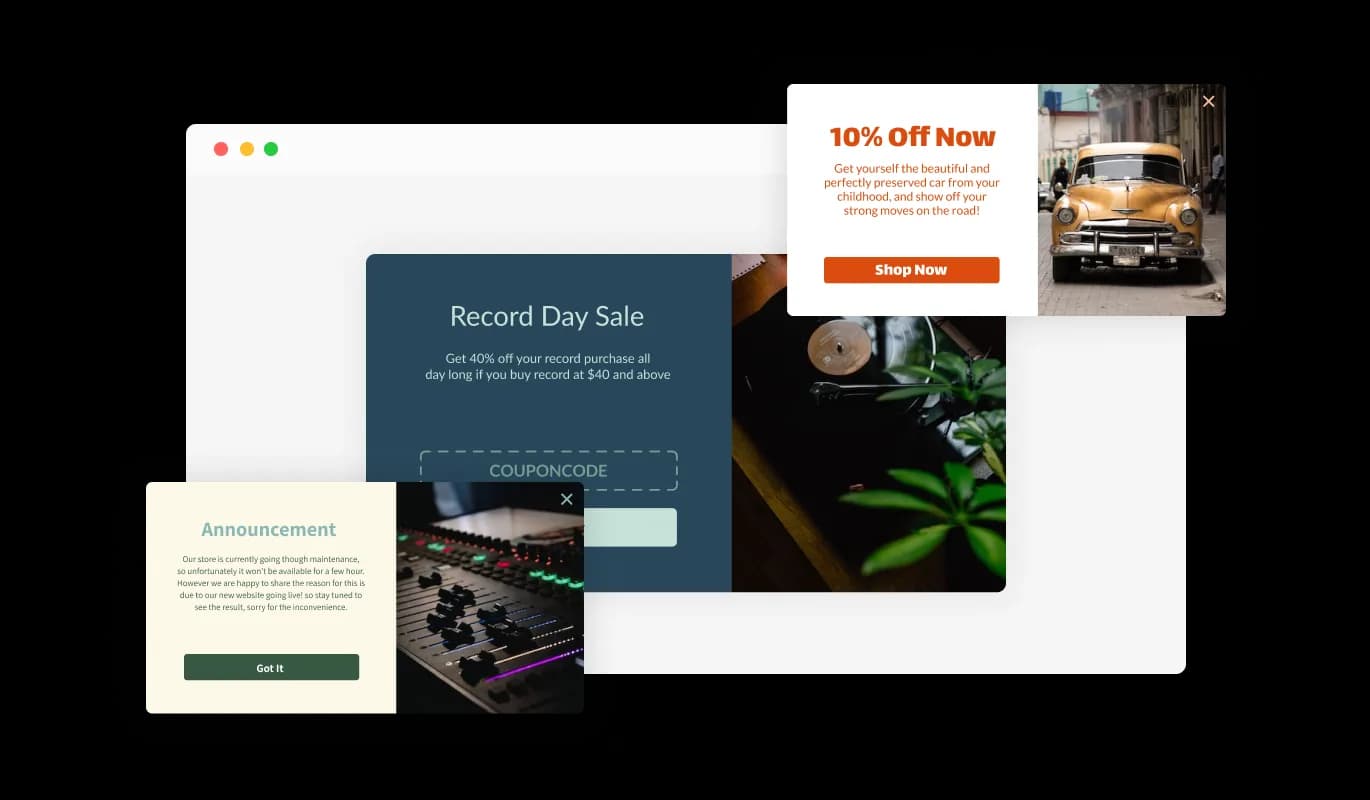
The Popup Builder widget offers a range of pre-designed skins, allowing you to add a touch of style to your popups without investing extra time in customization. Simply choose a skin that suits your aesthetic, and you're good to go.
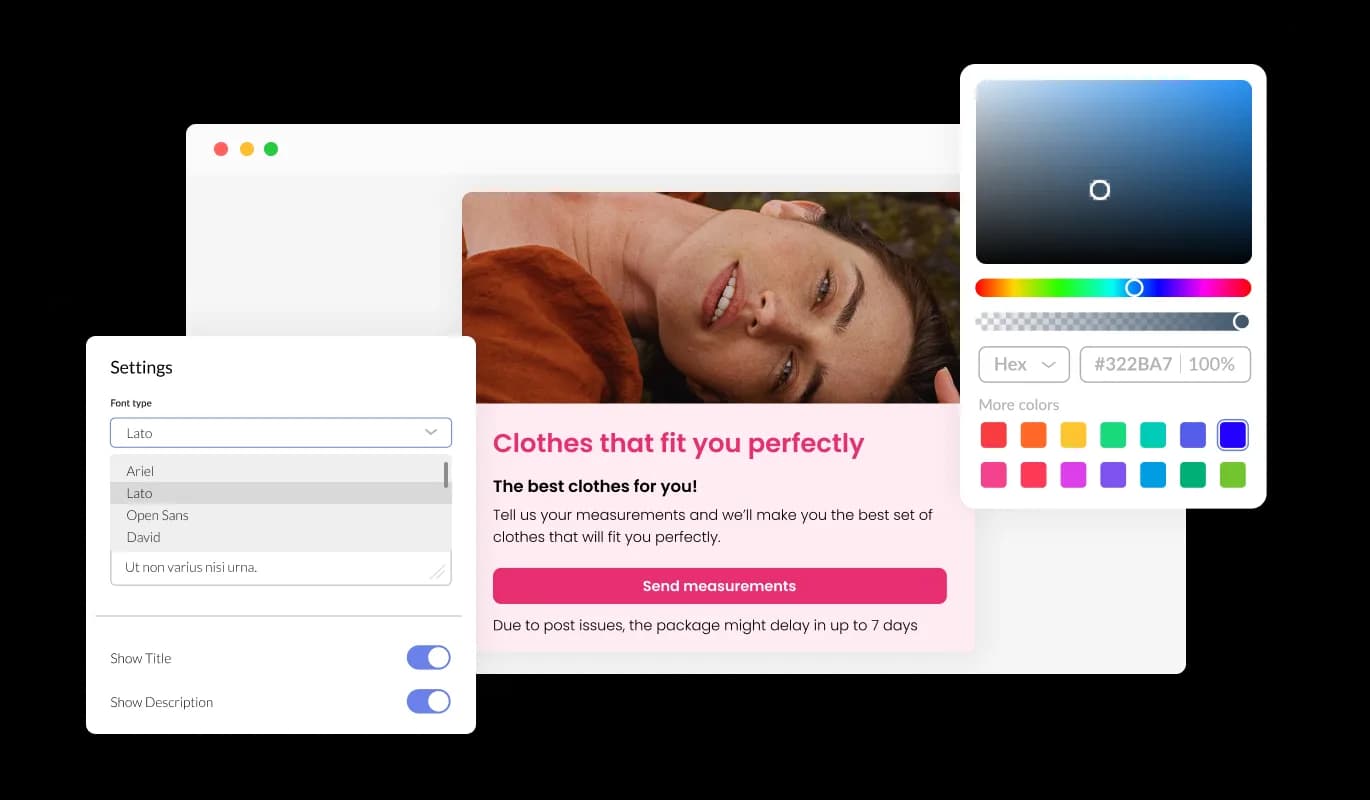
With the Popup Builder widget, your popups are fully customizable, letting you tailor each aspect to your preference. Feel free to modify the colors, fonts, spacing, and more, creating a design that truly reflects your brand and resonates with your audience.
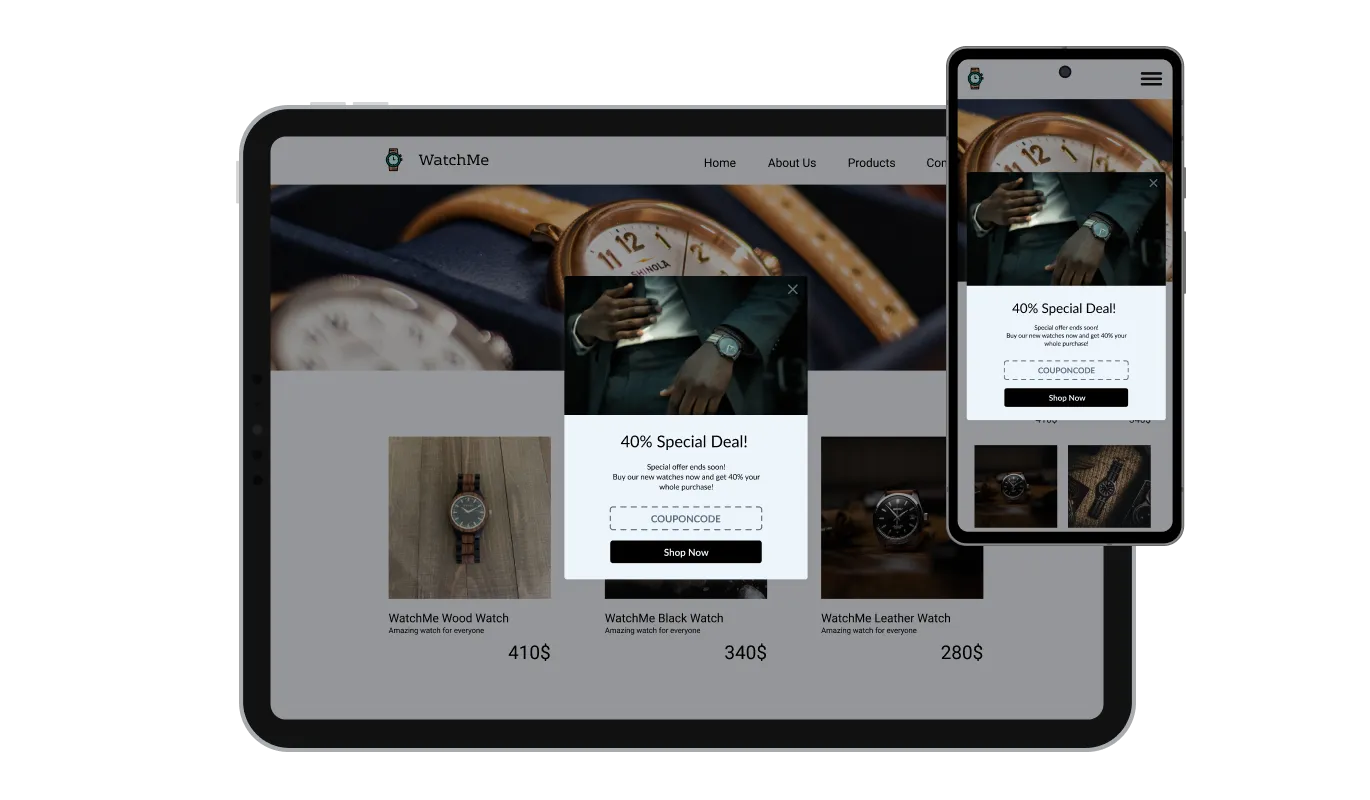
The Popup Builder widget is designed to be fully responsive, ensuring your popups look fantastic on all devices. In a world that prioritizes mobile-friendly design, this feature helps you stand out and provide a seamless user experience, no matter the device used.

Like all Common Ninja widgets, the Popup Builder offers the ability to add custom CSS. This feature gives you the freedom to add a personal touch and get even more creative with your popup design.

Embedding the Popup you've created with the popup builder on your website is as simple as copying and pasting a single line of code. Plus, every change you make in the widget gets automatically updated on your site, keeping your popups fresh and up-to-date without any extra effort.
With the Popup Builder widget, you can set your popup content to dynamically adjust based on visitor behavior or predefined rules. This adds an element of personalization to your popups, enhancing user experience and boosting engagement.
Make your popups more interactive by adding clickable buttons. This feature lets you guide your visitors towards desired actions, whether it's subscribing to a newsletter, making a purchase, or visiting a particular page.
Control when your popups appear with the widget's customizable timing feature. You can set the popup to appear immediately as the page loads, after a certain amount of time, or when a visitor is about to exit, giving you strategic control over user interaction.
Creating your ideal popup is a breeze with our easy-to-use Popup Builder widget. You don't need any coding knowledge - our intuitive, drag-and-drop interface lets you customize your popups just how you want them with just a few clicks.
Stop letting visitors leave without converting
Open the editorNo credit card · Setup in under 5 minutes
Common Ninja has amazing no-code widgets that would beautify a website built on any builder. It is very easy to use and customise. It has as many widgets for almost everyone willing to make their website impressive.
Outstanding service. I use their widgets to help me with my web design business and whenever I need help they are very quick to help.
Excellent company with excellent service!!! We used it to build a survey, it was very user friendly. The service was perfect. Amit helped us with every problem and question we had, thank you very much!!!
Common Ninja saved the day when building our website and the customer service Daniel, the co-founder and CEO, provided was amazing.
Yes. The free plan covers one popup widget with no time limit and no credit card. Upgrade only when you need additional popups, advanced trigger rules (e.g. scroll-depth percentage thresholds), premium skins, A/B testing, advanced analytics, or features like webhook integrations.
Yes. The popup is a flexible container. You can embed any other Common Ninja widget inside it. Drop a contact form (to capture leads on exit-intent), a video (to deliver a welcome message), an Instagram feed (to show social proof), a countdown timer (to add urgency to a sale), or a chat widget (to start a conversation). A single popup interaction can do multiple jobs in one frame.
Five primary trigger types: on page load (with configurable delay 0-60s), on scroll depth (fire when visitor scrolls past a percentage), on exit-intent (cursor heads for the browser close on desktop, time-based fallback on mobile), on time on page (fire after N seconds), and on click of a specific element (click trigger). Combine triggers with frequency caps so visitors see the popup only as often as you want.
Use the frequency cap setting. Choose once per session (won't show again until the visitor closes the tab), once per visitor (won't show again on this device, period), or every N days (won't show again for the configured cooldown). Frequency tracking uses localStorage so it survives page reloads but respects the visitor's privacy clearing tools.
No. The widget script loads asynchronously, so it doesn't block first paint or interactivity. The popup itself doesn't render until its trigger fires (load delay, scroll, exit-intent, etc.), so the initial page render measures against your real content, not the popup overlay. For Google's interstitial penalty: avoid using fullscreen popups that block content on mobile load. Pick banner or slide-in for mobile-heavy traffic instead.
Build the widget in the Common Ninja editor (pick layout, customize content, set triggers), copy the embed snippet, and paste it into your site: Canva via the Embed app in the Apps panel; Pixieset via the Custom HTML block in your gallery settings or page editor; Hostinger via Add Element → Embed Code in the Website Builder. Edits in the editor push to every embed without re-paste.
Yes. Page-level targeting limits which URLs trigger the popup (homepage only, all product pages, specific URL patterns). Visitor-level targeting respects frequency caps (don't show twice to the same person). On paid plans, you can also target by traffic source (e.g. show a different popup to Facebook ad visitors), by device type, and by geolocation.
Yes. Each layout adapts across mobile, tablet, and desktop breakpoints. Modal sizing scales to viewport width, banners switch to bottom-anchored strips on small screens, and close-button hit targets stay tappable. Exit-intent on mobile uses a time-based fallback (mobile browsers don't fire mouse-leave events), so the popup still fires at high-abandonment moments.
Pick your platform. Each takes under 4 minutes.

Allow users to send messages or inquiries, save submissions, enable notifications, and more
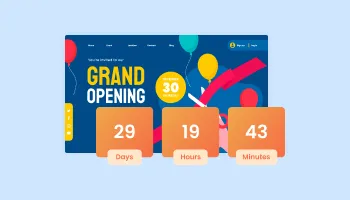
Displays a timer counting down to a specific date or event

Asks users to confirm their age before accessing restricted content
Showcases videos in a rotating or sliding manner

Display the latest posts from your Instagram page
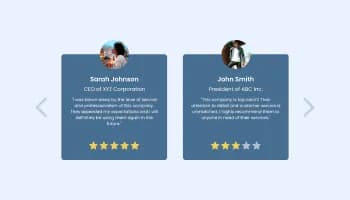
Showcase customer testimonials using a rotating slider
A Popup Builder is a tool or widget that allows you to create and customize popups for your website. It lets you add different elements, design your popups as per your preference, and control when and where these popups should appear on your site.
The benefits of using a Popup Builder include enhanced user engagement, increased conversion rates, improved communication, personalized messaging, and efficient lead generation. It also offers easy customization and a variety of layout options to suit your website's style. Furthermore, it's user-friendly, responsive, and easily embeddable on your site. With a Popup Builder, you can create more interactive, attractive, and functional popups that boost the overall user experience on your site.
No, you do not need any coding knowledge to use the Popup Builder widget. Our intuitive, user-friendly interface with a drag-and-drop feature allows you to customize your popups easily.
Absolutely! The Popup Builder widget allows you full customization of your popups. You can edit the design to fit your needs, changing the colors, fonts, spacing, and more.
Embedding the Popup Builder widget on your website is simple. All you need to do is copy a single line of code and paste it into your website's backend.
Yes, the Popup Builder widget is fully responsive, ensuring that your popups will look great on any device. This includes desktops, laptops, tablets, and mobile phones.
Yes, you can. The Popup Builder widget allows you to embed other widgets such as forums, countdown timers, sliders, or any other widget you've created on Common Ninja.
Any changes you make in the Popup Builder widget are automatically updated on your website's popups. This saves you the effort of manually updating each popup whenever you make a change.
Yes, you can add custom CSS to your popups. This feature allows you to be more creative and add a personal touch to your popup design.
Yes, the Popup Builder widget offers multiple layout options. You can choose the one that best fits your website's design and style.
The Popup Builder comes with a variety of pre-designed skins that you can use. You can choose from these beautiful skins so you don’t have to spend much time on extensive customization
Add customizable popups with modal, banner, slide-in, fullscreen, and lightbox layouts, trigger rules (load, scroll, exit-intent, time, click), per-visitor frequency caps, embedded widgets inside the popup, stylish skins, and Custom CSS. Embed on 200+ platforms including Canva, Pixieset, Hostinger, Google Sites, Webflow, WordPress, and Shopify.
Create your PopupNo credit card · Setup in under 5 minutes