
Try for free!

Pricing Slider for Shopify

Use a pricing slider to show dynamic prices by quantity, help visitors compare options, and support confident purchases.

Create a Pricing Slider

loved by 500K+ businesses

Shopify
plugineditoreditor

Why Should You Use the Pricing Slider Widget+?

Clear Price Visualization

The Pricing Slider app for Shopify offers a straightforward view of various price points. This clarity helps your Shopify store visitors understand cost structures quickly. Making informed choices becomes easier with a clear presentation of prices.

Enhanced Site Interaction

Interactive Shopify apps like the Pricing Slider can engage users more effectively. By offering a hands-on pricing tool, visitors are likely to spend more time exploring your offerings.

Improved Conversion Potential

Interactivity can impact decision-making. The Shopify Pricing Slider app's simple design can lead visitors to make quicker purchase decisions. With such clarity, enhancing your Shopify store's conversion rate becomes more feasible.

Dynamic Contextual Descriptions

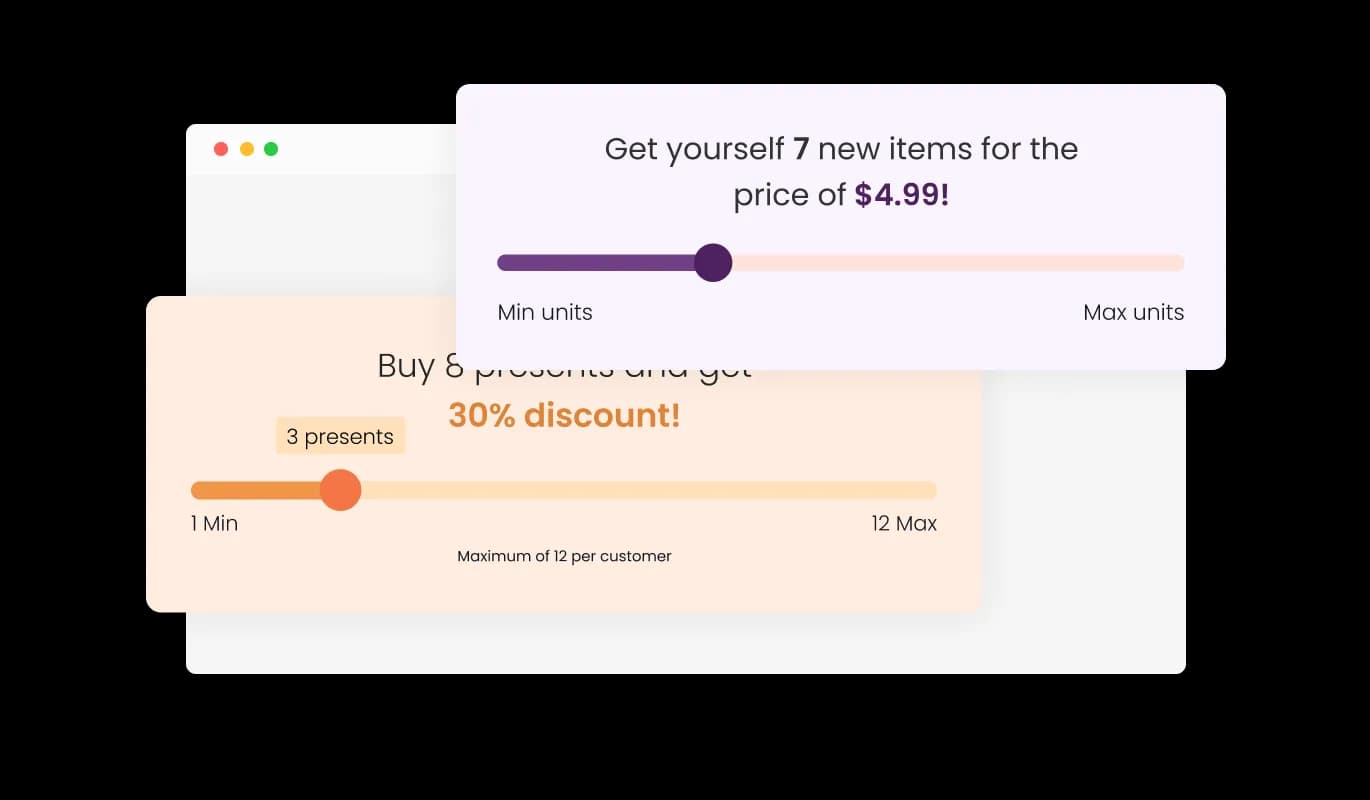
The Shopify Pricing Slider app goes beyond mere numbers; it offers a narrative. Utilize variables to generate a description that adjusts in real time based on the slider's position. As users modify the quantity, the description seamlessly updates, providing them with a comprehensive understanding of the price, discount, and items involved. This enhances clarity and ensures you Shopify store visitors are always informed of their selections.
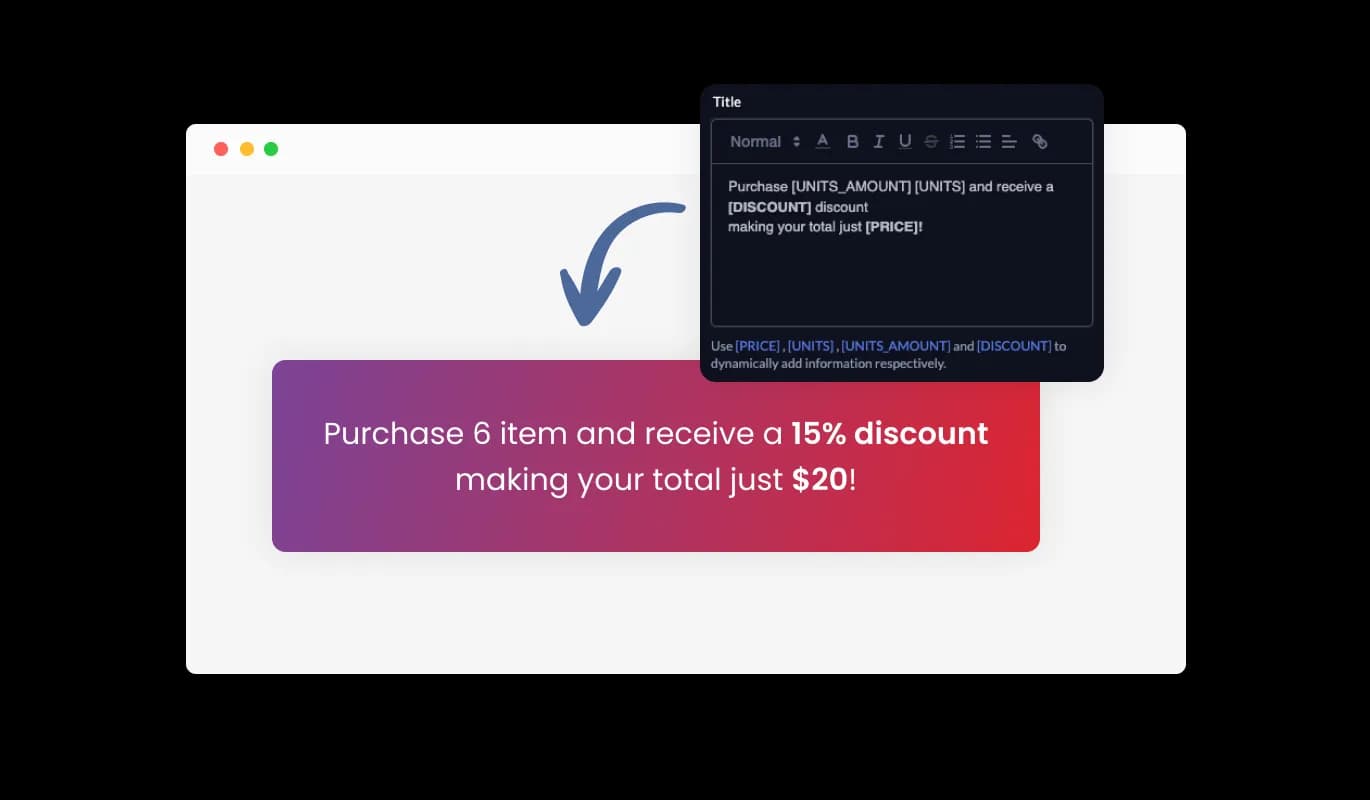
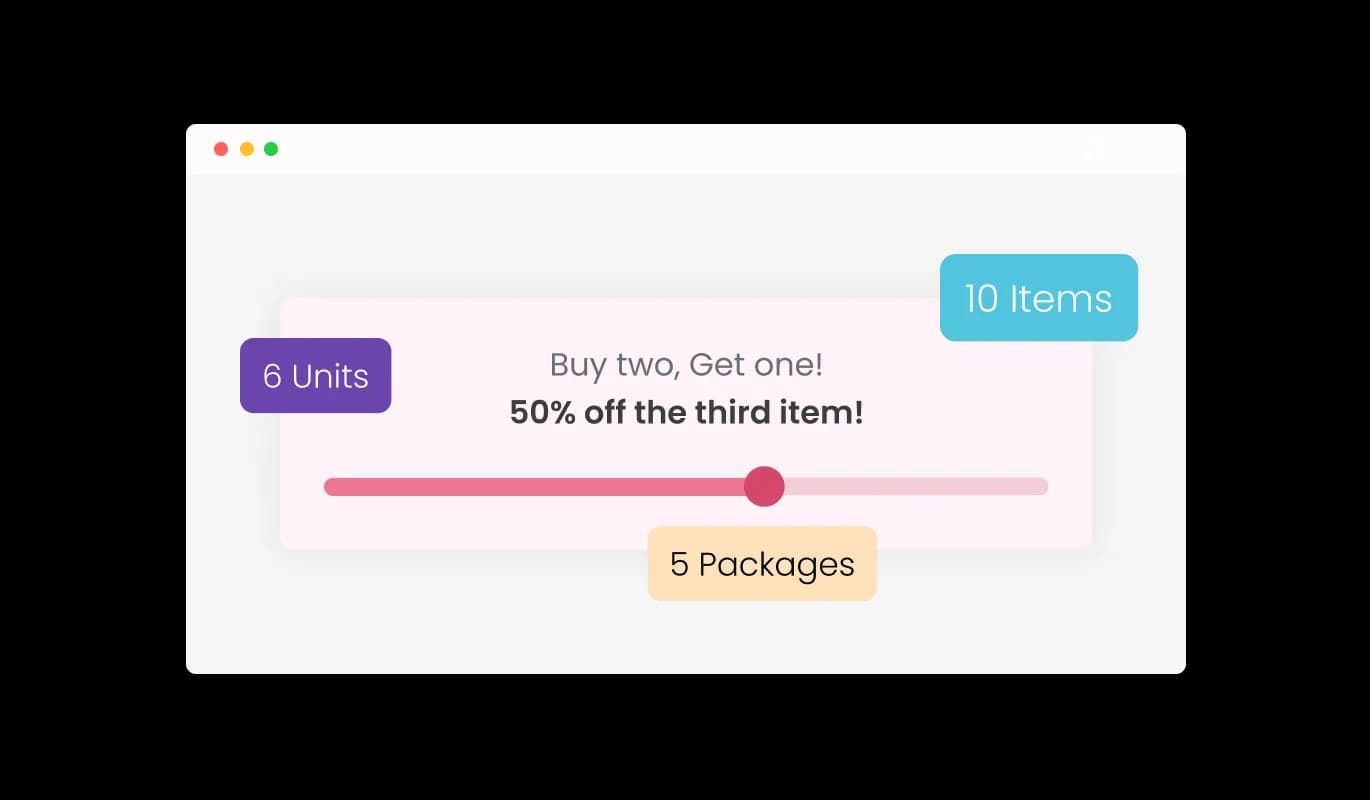
Pricing Slider - Dynamic Contextual Descriptions

Interactive Slider Tooltip

The Pricing Slider app for Shopify enhances user clarity with a tooltip that appears above the slider, detailing the precise item count. Integrate a prefix or suffix to this tooltip, providing context and clarity to the displayed number, ensuring users always grasp the quantity's significance.

Pricing Slider - Interactive Slider Tooltip

Elegant Skins Selection

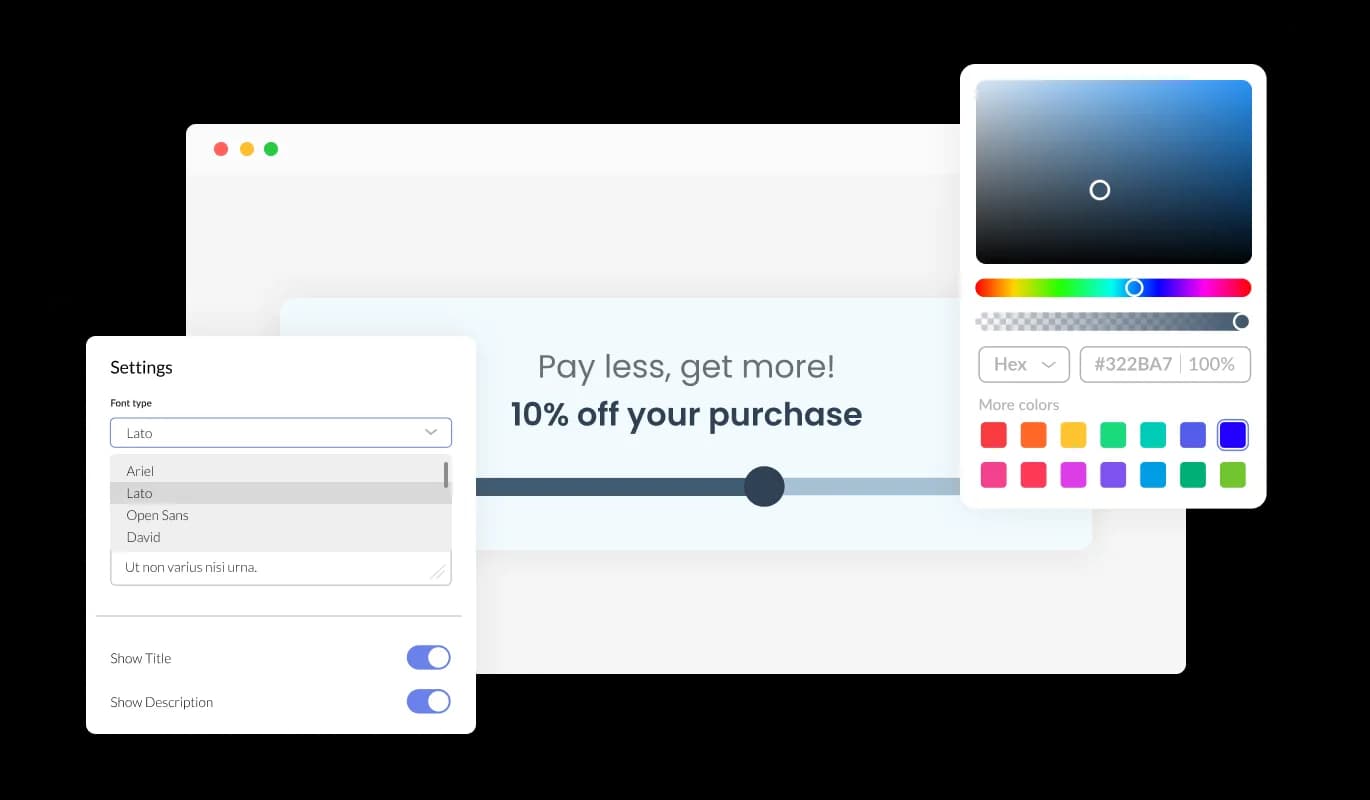
Explore the array of skins with the Pricing Slider app for Shopify. A variety of styles are at your fingertips, allowing swift customization. Seamlessly align the Pricing Slider's aesthetic with your Shopify store for a harmonious look and feel.

Pricing Slider - Elegant Skins Selection

Shopify Pricing Slider Full Customization

Dive deep into customization with the Shopify Pricing Slider app. Whether it's adjusting color tones, fonts, or spacing, the app is crafted to blend with your Shopify store. Ensure the Pricing Slider perfectly mirrors your Shopify store ambiance.

Pricing Slider - Shopify Pricing Slider Full Customization
Pricing Slider - Adjustable Pricing Information

Adjustable Pricing Information

With the Shopify Pricing Slider app, you can effortlessly input specific details tailored to your offerings. Easily define the item names, set the cost per unit, and select the appropriate currency, ensuring the app aligns with your business's exact requirements.

Pricing Slider - Use Linear Discount

Use Linear Discount

The Shopify Pricing Slider app allows for a straightforward discounting approach. Simply input a fixed percentage off, and designate the minimum quantity required for the discount to activate. This ensures customers are rewarded when purchasing in larger quantities.

Pricing Slider - Set Intervals Discount

Set Intervals Discount

Diversify your discounting strategy with the Pricing Slider app for Shopify. You can establish multiple discount tiers, assigning specific percentages to particular quantity ranges. This provides flexibility in incentivizing bulk purchases and can cater to varied purchasing behaviors.

Pricing Slider - Easy to use Shopify Pricing slider

Easy to use Shopify Pricing slider

The Pricing Slider app for Shopify prioritizes ease of use. No coding knowledge? No problem. Its intuitive drag-and-drop feature ensures any user can customize the Shopify Pricing Slider effortlessly.

Optimal Responsive Design

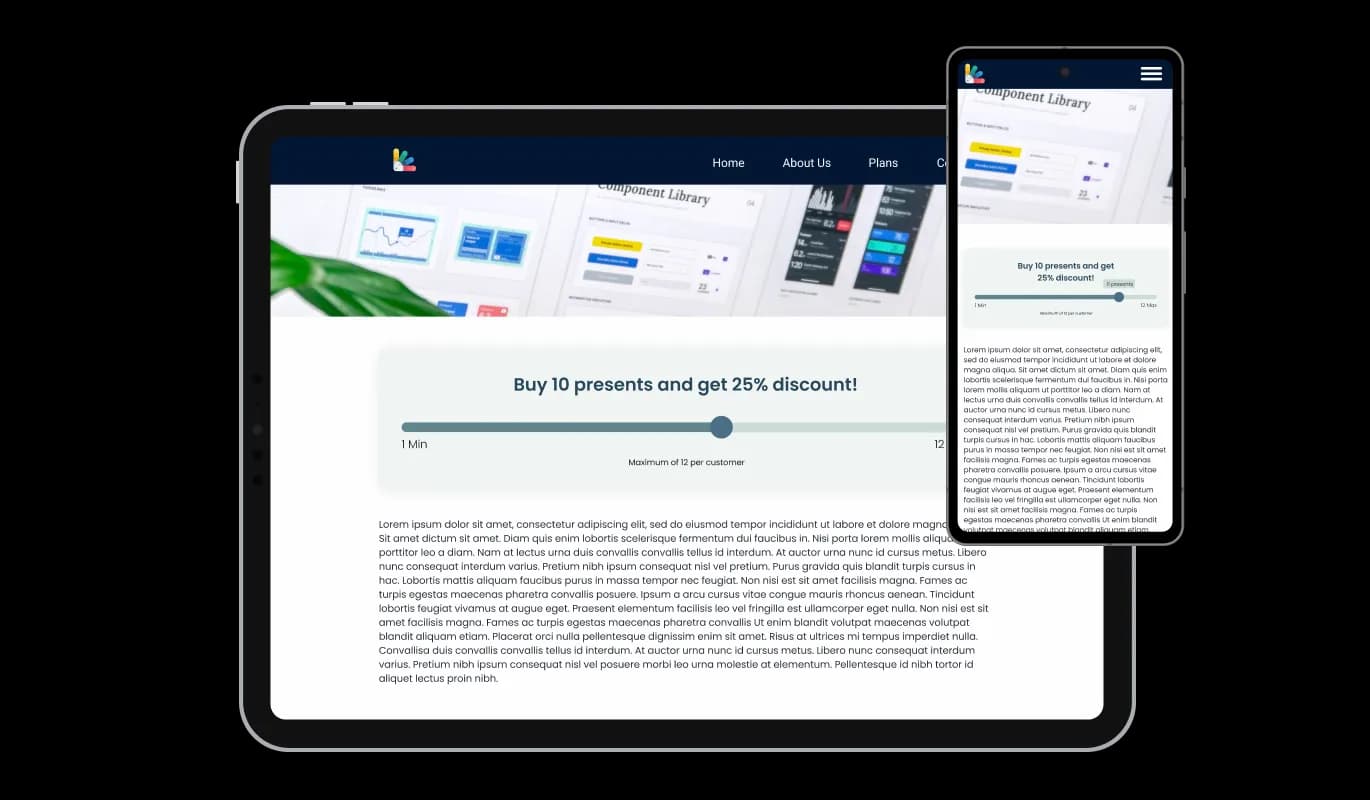
The Shopify Pricing Slider app is crafted for today's diverse device landscape. It adapts gracefully from desktop to mobile, promising a stellar viewing experience. With the Pricing Slider app, your Shopify store remains modern and user-centric across all devices.

Pricing Slider - Optimal Responsive Design

Enhanced with Custom CSS

The Shopify Pricing Slider app supports custom CSS, enhancing its adaptability. Harness this feature to further mold its appearance. Let your creativity flow and make the Pricing Slider uniquely yours.

Pricing Slider - Enhanced with Custom CSS

Easy To Embed Pricing slider on Shopify stores

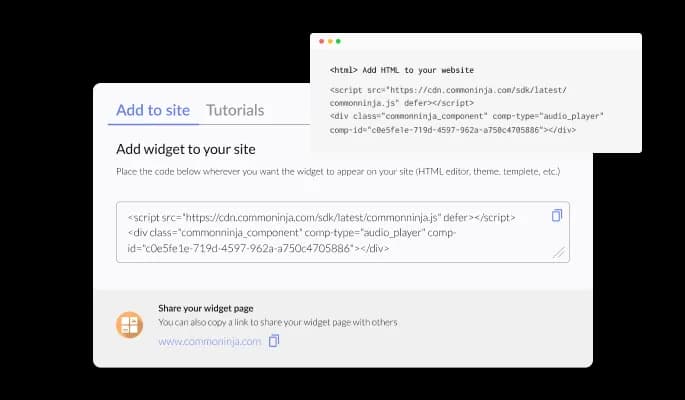
Integrating the Pricing Slider app into your Shopify store is straightforward. Simply use the provided code for swift incorporation. As you tweak the Pricing Slider app, your Shopify store will automatically reflect those changes, ensuring visitors always see the most updated version.

Pricing Slider - Easy To Embed Pricing slider on Shopify stores

Compatible With All Site Builders, E-Commerce Platforms and Websites

webflow logoshopify logowix logowordpress logobigcommerce logosqurespace logoweebly logojoomla logoduda logojimdo logomagento logoshift4hsop logounbounce logocarrd logo
View all supported platforms

FAQ

The Pricing Slider Widget allows website owners to display varying prices for different quantities of items, offering a dynamic and interactive pricing solution for users.

Absolutely! The Pricing Slider Widget offers a variety of skins and extensive customization options, including colors, fonts, and spacing, to seamlessly blend with your website's design.

Yes, the Pricing Slider Widget is fully responsive and is designed to provide an optimal viewing experience on all devices, be it desktop, tablet, or mobile.

Embedding is simple. You'll be provided with a code that you can copy and paste into your website's desired location. Any updates to the widget will automatically reflect on your site.

Not at all. The Pricing Slider Widget is designed to be user-friendly, with intuitive drag-and-drop features. Even without coding expertise, customization is a breeze.

Yes, the Pricing Slider Widget allows for the addition of custom CSS, giving users greater flexibility and creative freedom in tailoring its appearance.

The widget provides features like linear and interval discounts. You can set a fixed percentage or establish tiered discounts based on item quantities through the widget's dashboard.

There's no strict limit, but for optimal user experience, it's recommended to keep the number of price points manageable and clear for your website visitors.

The Pricing Slider is designed to be compatible with most modern website platforms. However, to ensure compatibility with a specific platform, it's best to consult our technical documentation or contact our support team.

The dynamic description adjusts in real-time based on the slider's position. As users change the quantity, the description updates to provide clarity on the price, discount, and items involved.

Any updates made via the widget dashboard will automatically reflect on your website. If there are major version updates, we'll provide clear instructions for a seamless transition.

Yes, the Pricing Slider supports multi-language functionality. You can adjust language settings in the widget dashboard to cater to diverse audiences.

We offer dedicated support for the Pricing Slider Widget. If you face any challenges, you can reach out to our support team for prompt assistance.

The Pricing Slider Widget comes with a clear pricing structure. While we offer different packages to cater to varying needs, there are no hidden charges. Always review the package details or contact our sales team for specific pricing information.