How to add QR Code to your website
Learn how to embed Common Ninja’s QR Code on your website without coding.



In This Guide
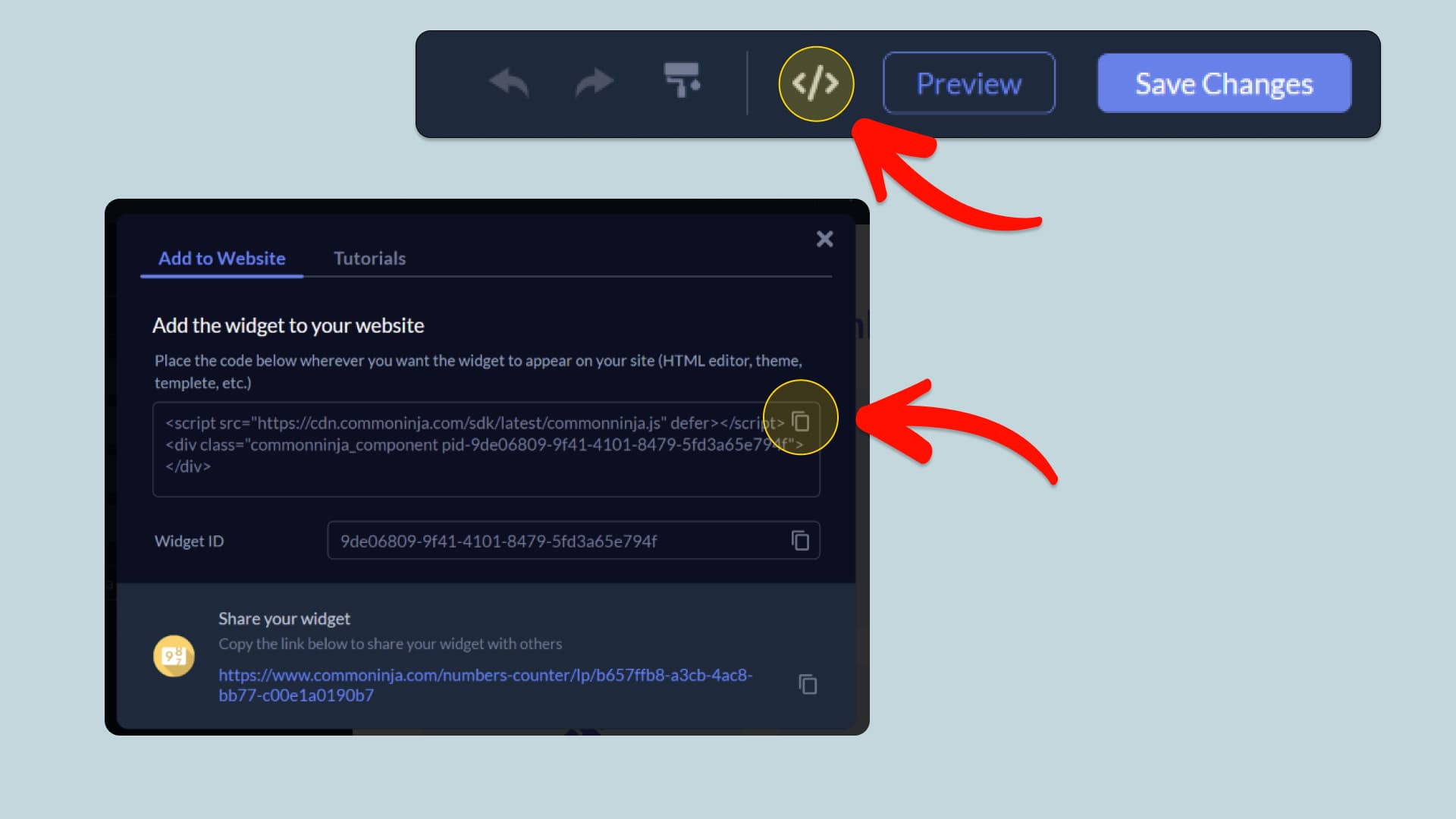
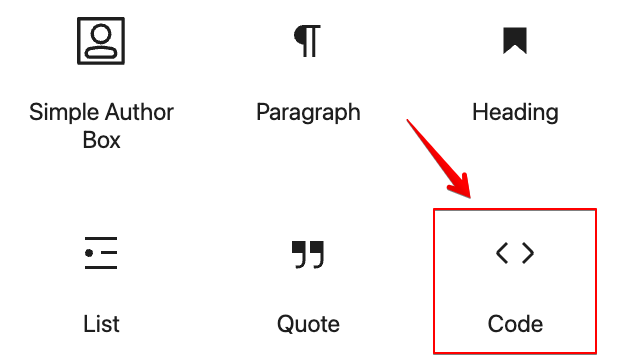
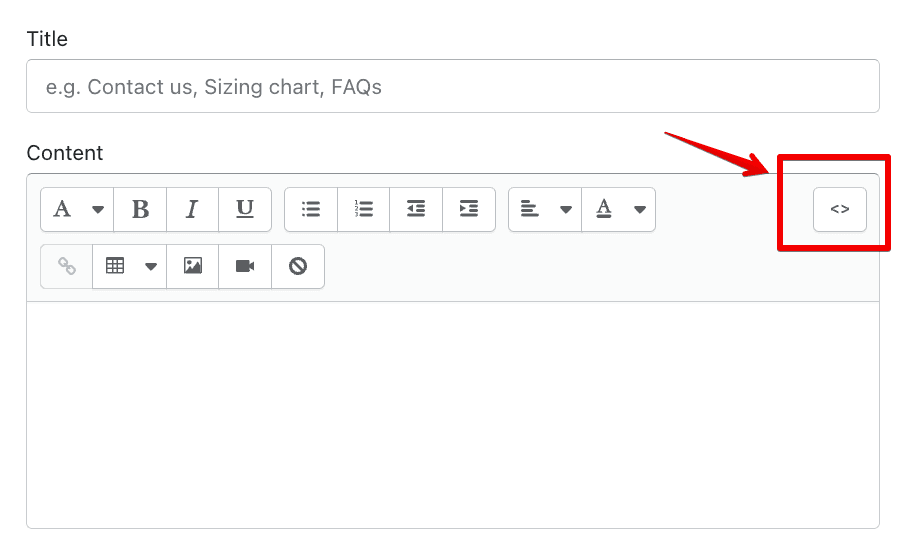
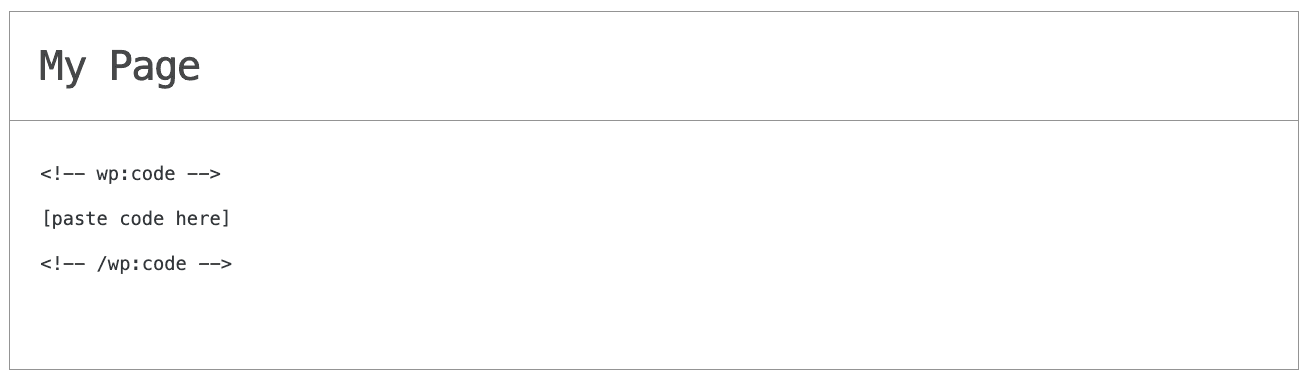
In this quick guide, you'll learn how to embed the QR Code into your website by generating your embed code and adding it seamlessly to your website.
How to Embed QR Code on Your Platform
Choose your platform to see detailed, step-by-step instructions for embedding QR Code seamlessly.


Embed QR Code on Your Website


Why Use This Widget
Use the QR Code widget when you want visitors to reach a page, download, or contact option instantly from their phone. It turns a scan into a direct action, so people do not need to type a URL or search for the right page. This helps keep high intent visitors moving without friction. The widget includes 9 layouts that combine the QR code image with a title and description, so visitors know exactly what they are scanning. You can create different QR types depending on what you want to share, like a URL, WiFi access, phone call, email, file, location, or social link. This makes it easy to place a clear, branded Website QR Code anywhere you want on your site.
This tutorial was written by the Common Ninja product team, creators of interactive, no-code widgets for websites. Common Ninja helps over 500,000 users build engaging online experiences without coding.