Telegram Conversation

Recreate a Telegram chat on your site and keep every message under your own control.

Create a Telegram Conversation

loved by 500K+ businesses

plugineditoreditor

Why Should You Use the Telegram Conversation Widget+?

Evidence, Not Assertion

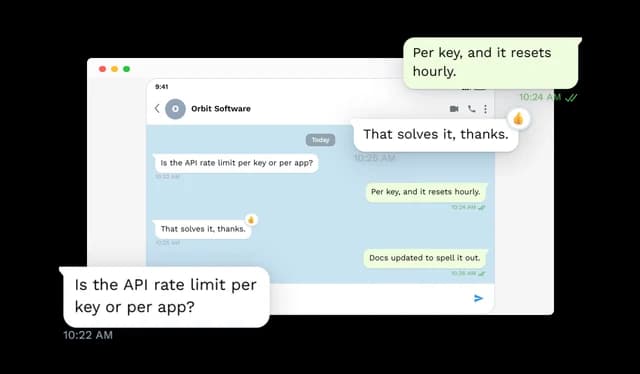
Claiming that support is quick is marketing. Printing the exchange where it was quick is a record, and readers treat the two very differently.

Make a Multi-Step Process Sit Still

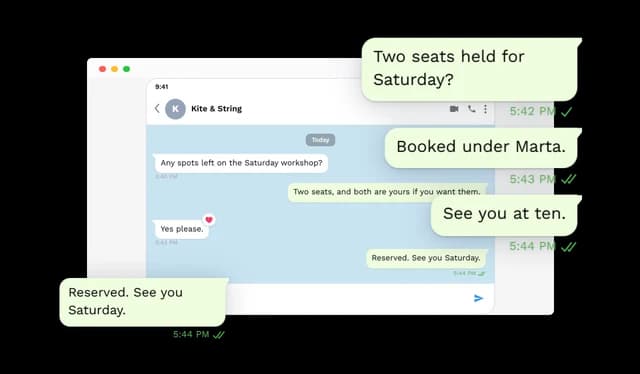
Sign-ups, transfers and troubleshooting are sequences. Laid out as a chat they can be followed at the reader's own pace, and re-read.

Instant Recognition, Zero Instruction

A chat thread is one of the few interfaces that needs no legend. Meaning arrives with the shape, before a single word is parsed.

Compose the Thread From Scratch

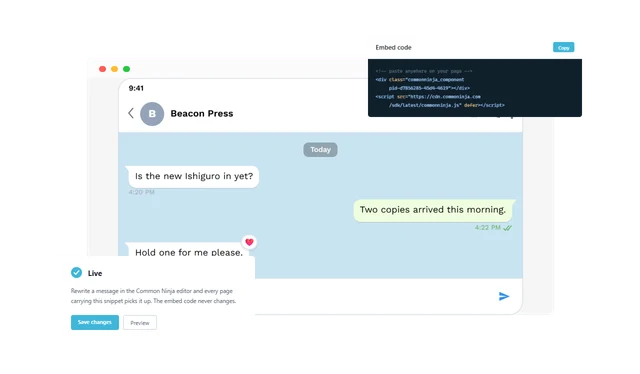
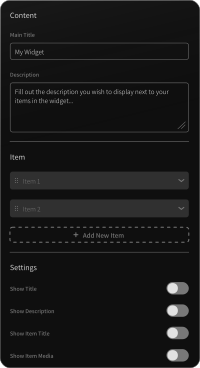
Contact name, the status line under it, an avatar, date chips and any number of incoming and outgoing messages: all of it is data you enter, and all of it stays editable long after the widget is live.

Send Times and Ticks

Attach a time to a message and set it to sent, delivered or read. Apply one state across a thread, or override a single message so the tail of the chat behaves the way real chats do.

Reactions Pinned to a Message

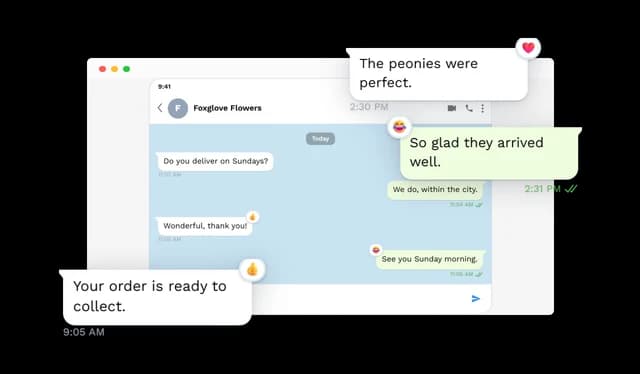
Five reactions are available (heart, thumbs up, thumbs down, laugh and exclamation), and the badge can be anchored to whichever corner of the bubble reads best.

Messages That Open Something

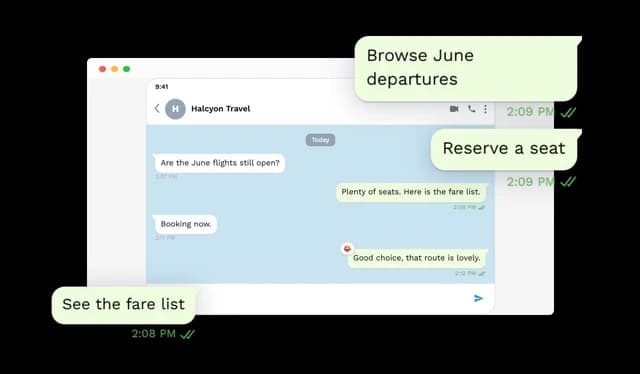
Attach a URL to a bubble and it becomes a way through to a product page, a form, a document or a download. A picture of a chat is a dead end; this is not.

Reveal the Thread in Sequence

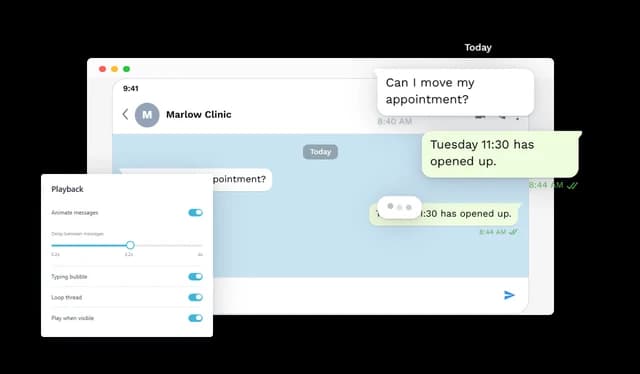
Rather than showing everything at once, the chat can deal itself out at a pace you define, with looping, a replay control, and the option to wait until the reader has scrolled to it.

A Typing Indicator Where It Helps

The indicator can appear in the pause before an incoming message, or remain at the foot of the thread. It carries the sense that the conversation has not finished.

Four Ways to Arrange Them

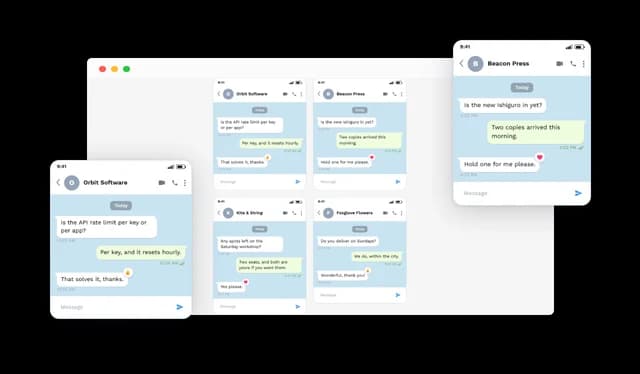
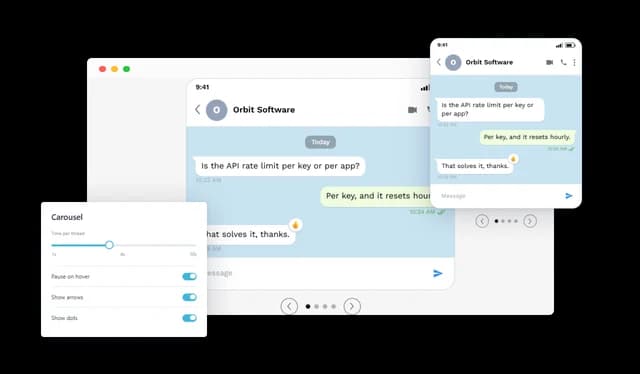
One thread, a horizontal slider, an auto-advancing carousel, or a grid with a column count you specify. Pick whichever suits the amount of material you have.

Skinned to Suit the Page

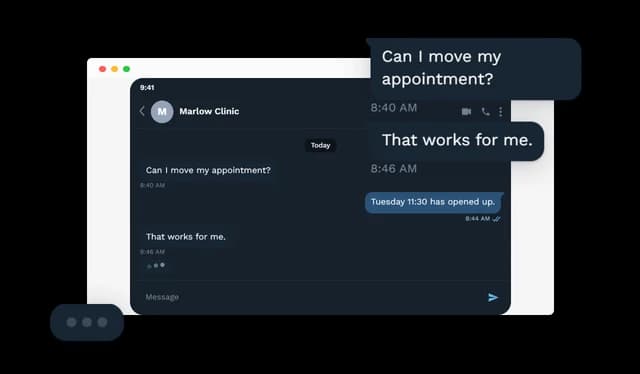
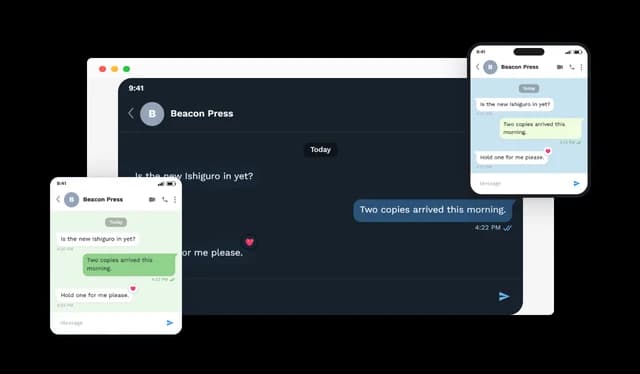
Choose light or dark, add a device frame or leave it off, set the outgoing bubble colour, and place the chat on a pattern, a flat colour or an image of your own. Width, alignment and text scale follow.

Correct at Every Screen Size

The thread takes the width available and reorganises accordingly, desktop through mobile. It is rendered, not photographed, so nothing blurs when the display gets sharper.

Deeper Styling When Needed

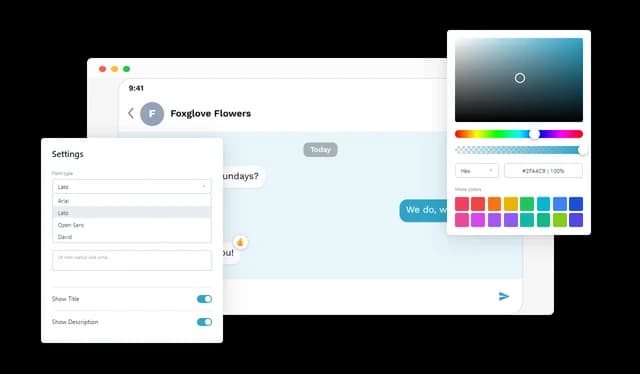
Typeface, colours, spacing and surrounding treatment are all adjustable, and a custom CSS field is there for the details the standard controls do not reach.

Trim the Interface to Taste

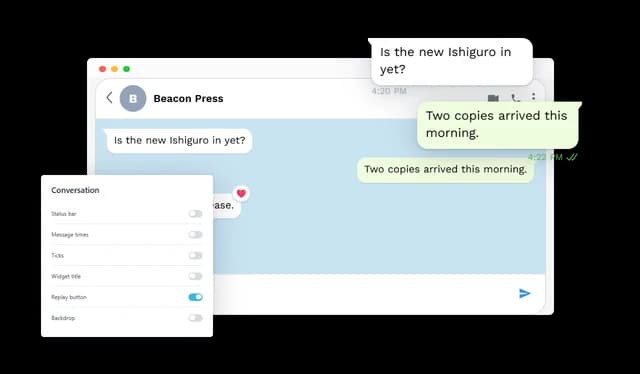
Status bar, message times, ticks, widget heading, replay button and backdrop can each be turned off independently, taking the chat from fully dressed down to nothing but the bubbles.

Carousel Timing You Control

When a carousel is holding several threads, set the dwell time for each and decide whether hovering pauses the rotation. Readers get to finish the one they are on.

Embed and Forget the Code

Add the snippet once and the chat appears. From then on the content and the styling are edited in the Common Ninja editor, and the embedded snippet stays exactly as it was.

Compatible With All Site Builders, E-Commerce Platforms and Websites

View all supported platforms

FAQ

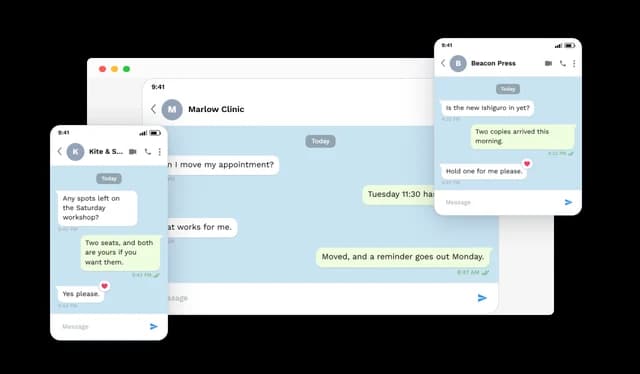
It renders a Telegram-style chat as part of a web page. The thread carries a contact name and avatar, incoming and outgoing messages, date chips, times, delivery ticks, reactions and the surrounding interface detail.

Whenever a dialogue explains something better than prose: a support exchange, an onboarding sequence, a customer saying something worth quoting, or a step in a guide.

Yes. Several threads can run as a slider, an auto-advancing carousel or a grid, and the grid's column count is yours to choose.

Not at all. Messages can arrive in sequence at a chosen tempo, loop when they finish, offer a replay control, and hold until the widget comes into view.

There is. It can occupy the gap ahead of an incoming message while the thread plays, and it can also stay pinned at the bottom of a finished thread.

Yes. Give a message a URL and it becomes clickable, taking the reader to a page, a form or a file directly from the conversation.

Messages can be marked sent, delivered or read. A state can apply to a whole thread, or a specific message can be set on its own.

Heart, thumbs up, thumbs down, laugh and exclamation. Each attaches to a single bubble, and the badge position on that bubble is configurable.

A great deal of it: light or dark, a device frame or none, a custom outgoing bubble colour, and a background that can be a pattern, a solid colour or your own image. Width, alignment, text scale, fonts and custom CSS are all in reach.

It reorganises to the width available and works from desktop down to mobile. Since the chat is rendered rather than photographed, its text stays crisp on any display.

Each element is independent. Status bar, times, ticks, widget heading, replay control and backdrop can all be switched off, leaving as much or as little as you want.

No. The chat is assembled and styled in the editor, then added to a page with a snippet. Everything afterwards is edited without touching the code.

Yes. Contact details, message text, times, reactions, links and design settings can all be revised, and the live widget reflects the change immediately.

The major website builders, content management systems and e-commerce platforms, plus custom-built sites.