How to add Telegram Conversation to your website
Learn how to embed Common Ninja’s Telegram Conversation on your website without coding.



In This Guide
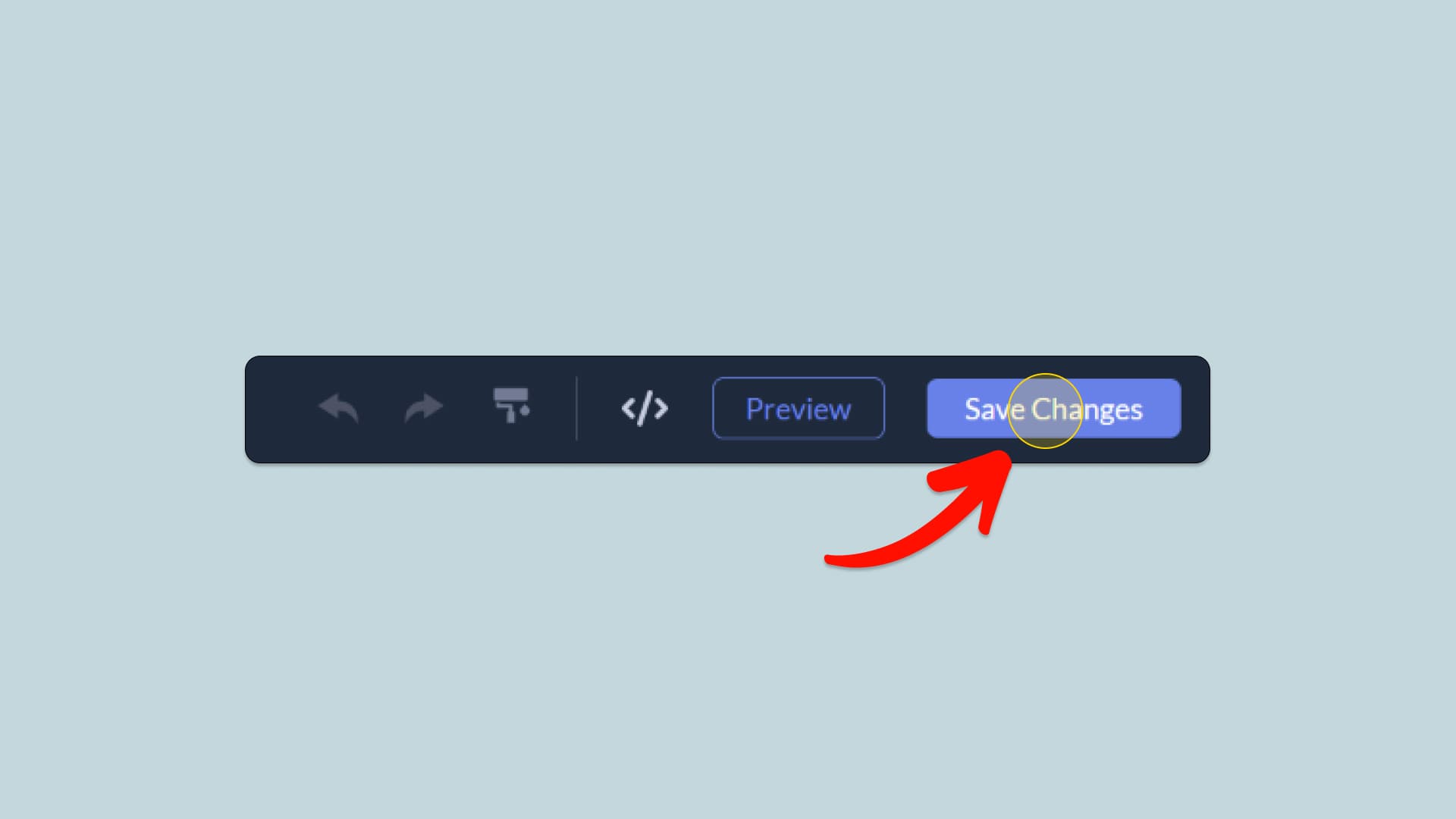
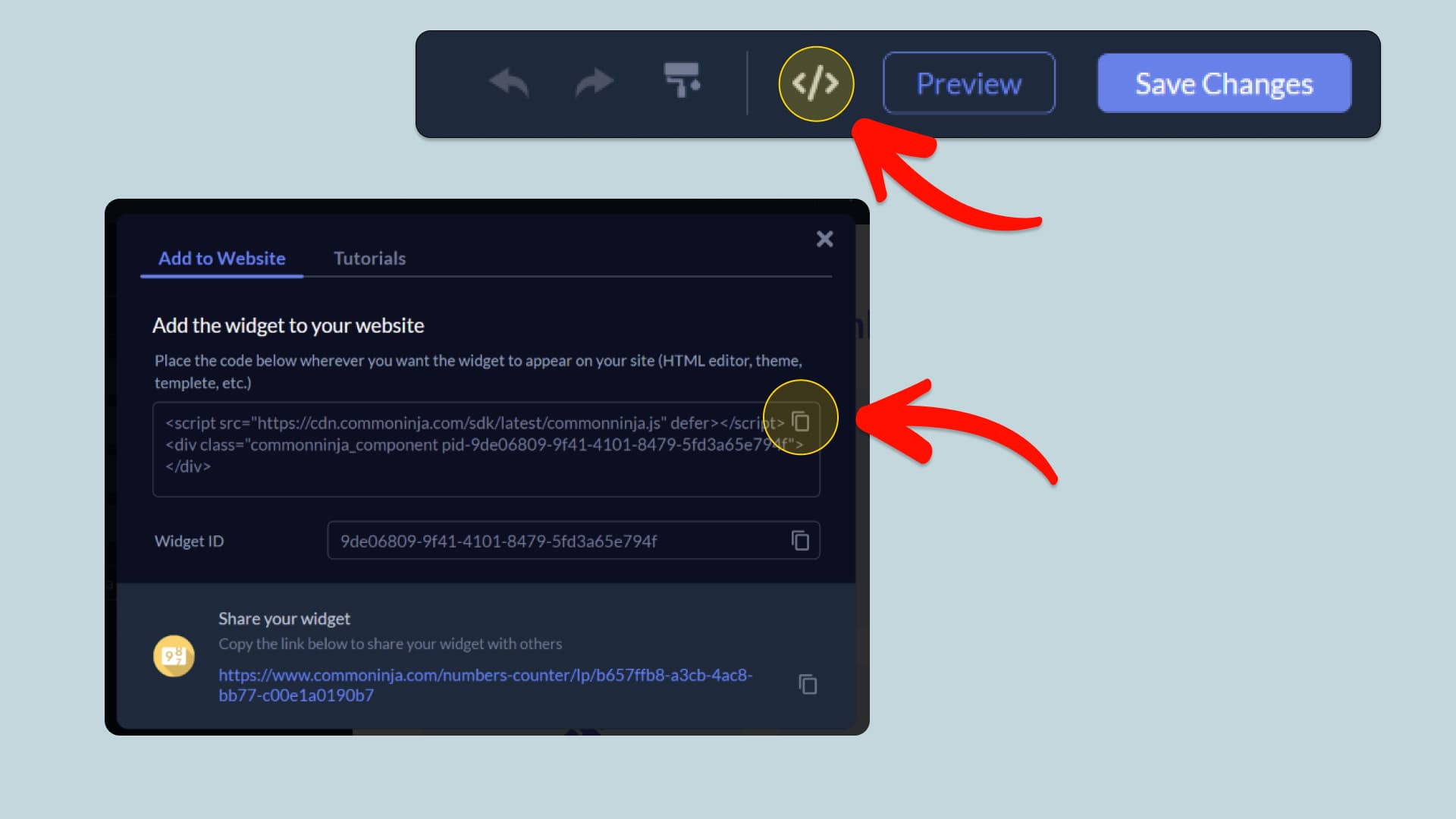
In this quick guide, you'll learn how to embed the Telegram Conversation into your website by generating your embed code and adding it seamlessly to your website.
How to Embed Telegram Conversation on Your Platform
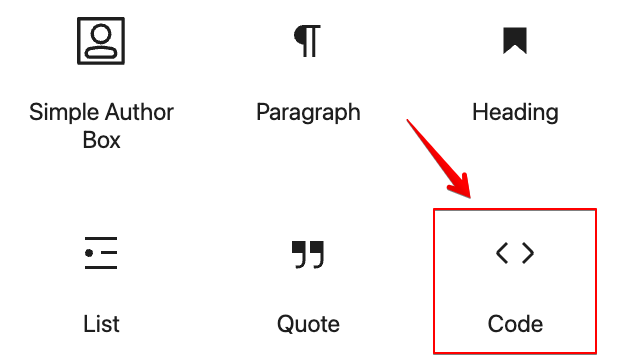
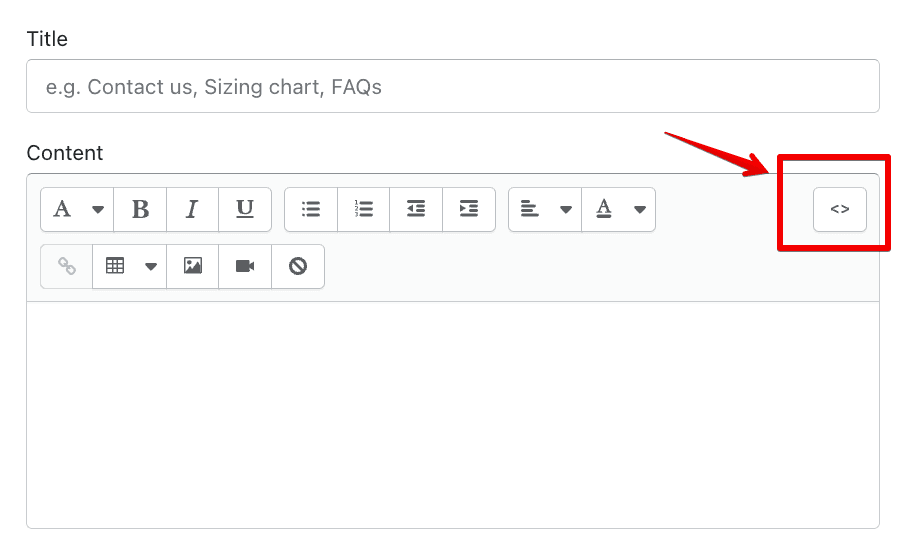
Choose your platform to see detailed, step-by-step instructions for embedding Telegram Conversation seamlessly.


Embed Telegram Conversation on Your Website

Why Use This Widget
A Telegram chat, rebuilt as page content and editable down to the last message. Give the thread a contact name, a status line and an avatar; add incoming and outgoing messages in any number; break them up with date chips; attach times and delivery ticks; pin a reaction to a bubble; and turn a bubble into a link when it ought to lead somewhere. Presentation is a separate decision: a single chat, a slider, a carousel or a multi-column grid, light or dark, framed in a device or left bare, sitting on a pattern, a flat color or an image you supply, at whatever width, alignment and text size suits the page. Play a thread instantly, or let it build message by message with a typing indicator, adjustable gaps, looping and a replay control. Because this is markup rather than a screenshot, it scales cleanly and updates without a redraw.
This tutorial was written by the Common Ninja product team, creators of interactive, no-code widgets for websites. Common Ninja helps over 500,000 users build engaging online experiences without coding.