


Verified review
Common Ninja has amazing no-code widgets that would beautify a website built on any builder. It is very easy to use and customise. It has as many widgets for almost everyone willing to make their website impressive.
Try the editor, no signup
Pick a template, customize it, and watch it update live, no signup.
No credit card · Free forever plan
No credit card · Free forever plan
The Common Ninja Tilted Image is a free, no-code widget that displays an image at an angle on any website. Upload the picture, set the rotation, and paste one line of embed code.
A few degrees of tilt with a soft shadow reads as a physical print rather than a web image, which is the whole point: it breaks the grid deliberately.
Rotation, shadow depth, size and shape, and decorative elements are all adjustable, plus custom CSS. Works on 200+ platforms including WordPress, Wix, Shopify, Squarespace, and Webflow.
Most page builders produce perfectly square blocks, and a page of them reads as a template. One image at a slight angle interrupts that and signals a human made deliberate choices here.
A tilt with a shadow reads as a print resting on a surface. For studios, cafes, makers, and editorial pages, that tactile quality does work a flat rectangle cannot, and it costs nothing to try.
An angled element attracts attention because it differs from everything around it, and it does so quietly. That is often what you want beside a testimonial or a founder photo, where an animation would be too much.
Rotation and shadow are usually a developer task in most builders, and often impossible in the more locked-down ones. Here they are settings, so a designer can get the effect without asking anyone.
Add the picture and choose the rotation. A small angle, roughly two to five degrees, reads as deliberate. Anything past about fifteen looks like a mistake rather than a design decision.
Adjust the shadow so the image appears to sit above the page rather than floating with no weight, then add decorative elements if the design calls for them. Shadow depth is what makes a tilt convincing.
Copy the snippet from the Add to Website tab and paste it where the image belongs. Swapping the picture later updates every page carrying the embed.
Set the exact angle rather than choosing from presets, in either direction. Small differences matter here: three degrees and eight degrees read as two completely different design intentions.
Shadow depth decides whether the image looks like it is resting on the page or hovering unconvincingly above it. It is the setting most people skip and the one that makes the effect work.
Control the dimensions and shape of the frame, and add decorative elements around it, so the image reads as part of a designed composition rather than a rotated rectangle.
Scales to the screen width so a tilted image does not push past the edge of a phone screen, and a custom CSS field for anything else. One embed snippet, 200+ platforms, nothing to install.
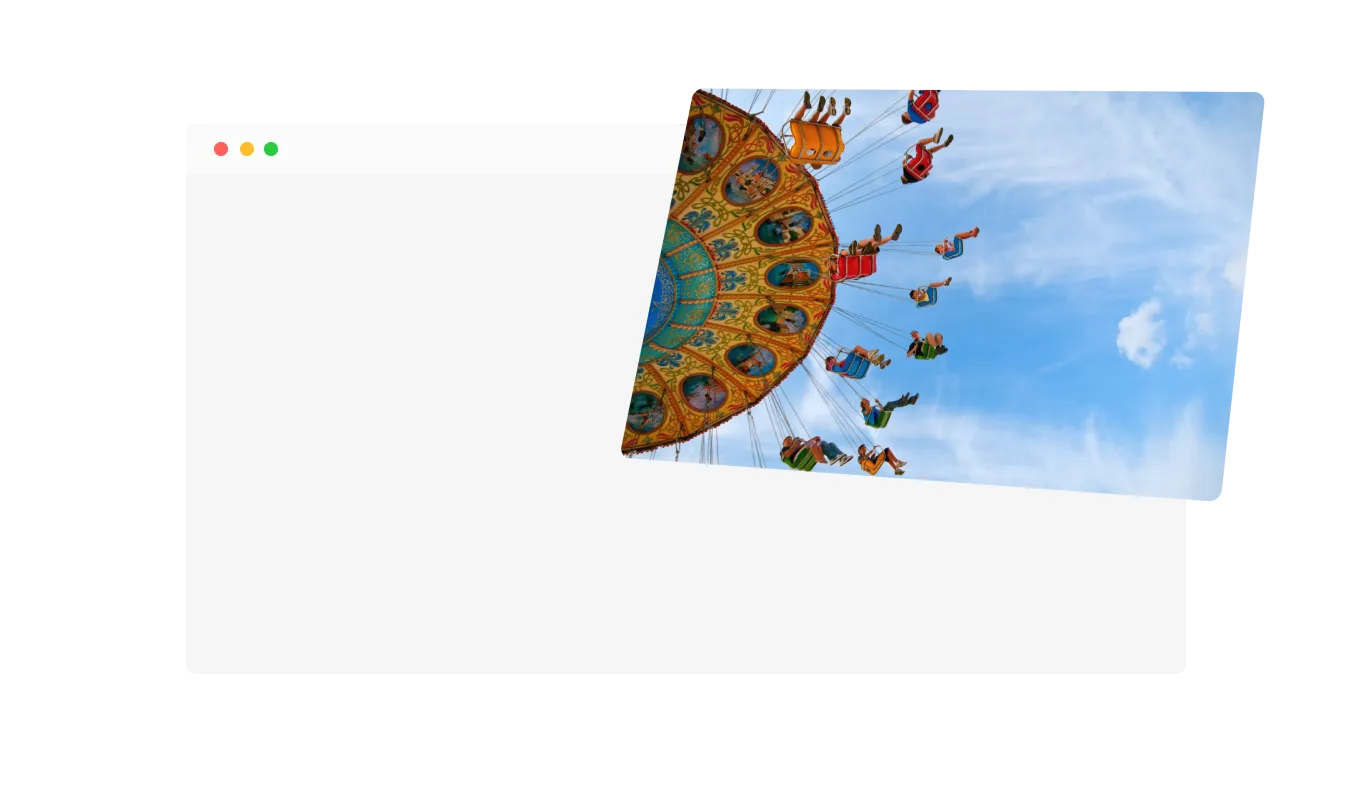
Add a unique spin to your images with our Set Rotation feature. This lets you control the direction and degree of rotation on the X, Y, and Z axes, giving you the flexibility to adjust how your images move and captivate your audience.
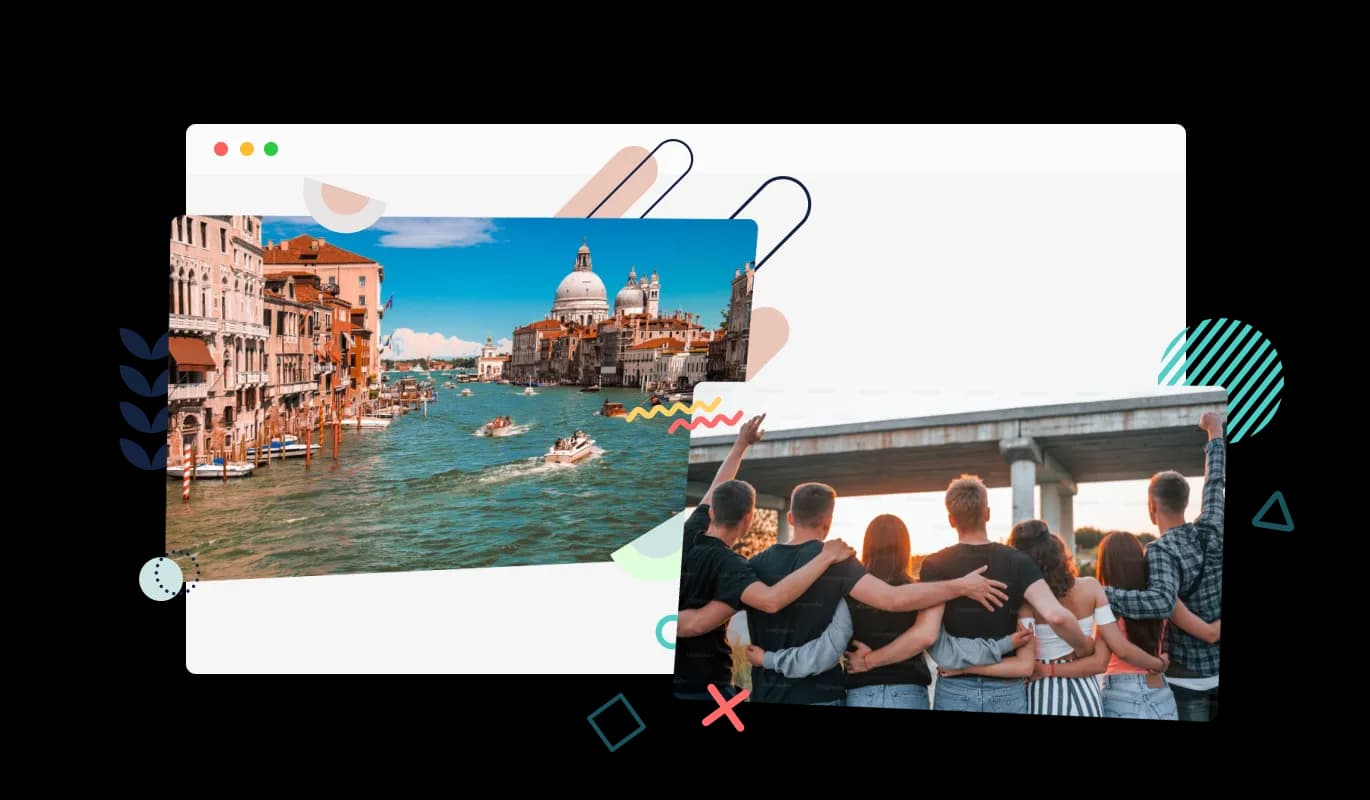
Elevate the aesthetics of your images with our Decorations feature. Choose from a variety of enhancements that can be layered over or under your image, allowing you to add that extra flare and make your images even more eye-catching.
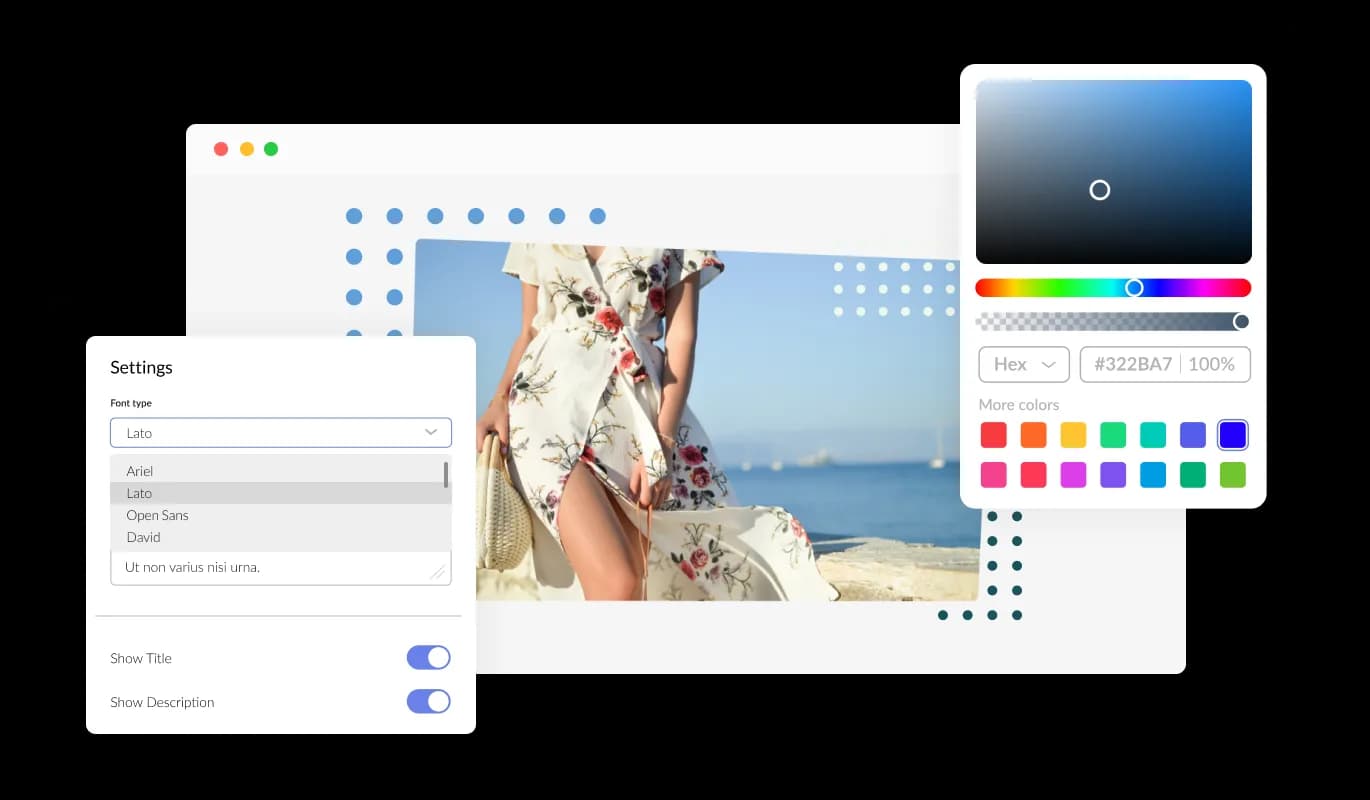
The Tilted Image widget is highly customizable to meet your aesthetic needs. You have the flexibility to adjust rotation angles, choose from pre-made decoration sets, and modify image shadowing. This ensures the widget enhances your website's look and feel, perfectly blending with your design theme.
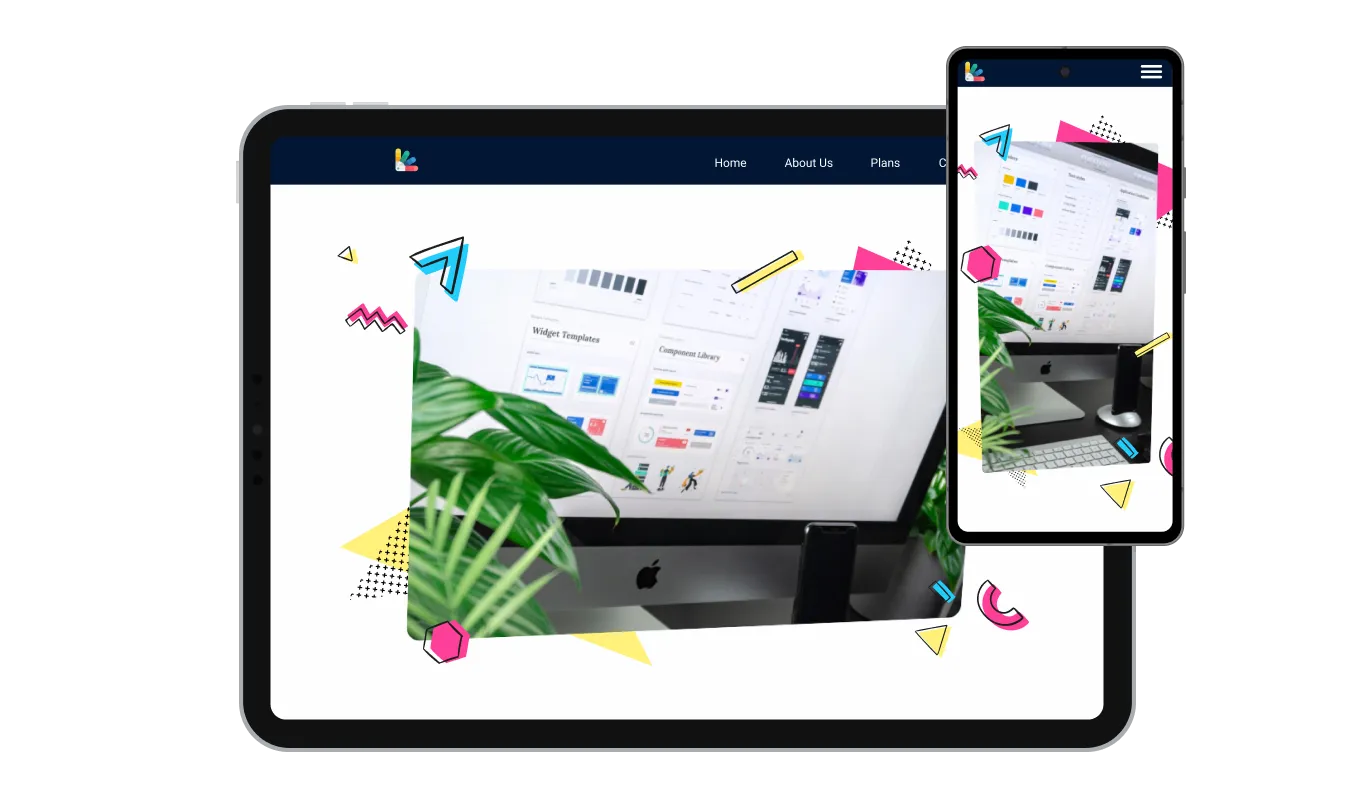
Our Tilted Image widget is designed to be fully responsive, providing an excellent visual experience on any device. In today's mobile-first era, this ensures your website remains attractive and user-friendly across various platforms.

Like all our widgets, the Tilted Image widget supports custom CSS. This gives you even more control over customization, allowing you to refine the look and behavior of the widget to match your creative vision.

Embedding the Tilted Image widget on your website couldn't be easier. Just copy and paste the provided code to incorporate the widget into your site. Any adjustments you make to the widget's settings will automatically reflect on your website, ensuring a smooth user experience.
Create a more immersive, 3D look with our Set Shadow feature. It lets you modify the shadowing of your image including its direction, magnitude, and color. This not only enhances the tilted effect but also adds depth and dimension to your image, making it pop off the page.
Adjust to your heart's content with our Size and Border Radius feature. This allows you to define the dimensions of your image and round its corners to the desired degree. It's an easy yet impactful way to ensure your visuals fit perfectly with your site's layout and design.
The Tilted Image widget is user-friendly and requires no coding skills. It features a straightforward dashboard and intuitive controls, enabling you to customize the widget's settings effortlessly and make your images more interactive.
Build your tilted image in the editor
Open the editorFree to use · No credit card · No signup to try it
Common Ninja has amazing no-code widgets that would beautify a website built on any builder. It is very easy to use and customise. It has as many widgets for almost everyone willing to make their website impressive.
Outstanding service. I use their widgets to help me with my web design business and whenever I need help they are very quick to help.
Excellent company with excellent service!!! We used it to build a survey, it was very user friendly. The service was perfect. Amit helped us with every problem and question we had, thank you very much!!!
Common Ninja saved the day when building our website and the customer service Daniel, the co-founder and CEO, provided was amazing.
Less than you think. Two to five degrees reads as deliberate and gives the image a physical quality. Somewhere past ten it starts to look like a mistake, and past twenty it looks broken. If the angle is the first thing a visitor notices, it is too much.
Because a tilt without a shadow reads as an error rather than an effect. The shadow is what tells the eye the image is a physical object resting at an angle, and adjusting it takes seconds. It is the single setting most worth spending time on here.
If you can edit your site's CSS, yes, and that is a perfectly good answer. This widget exists for the many builders where you cannot reach the stylesheet, or where doing so for one image is more trouble than it is worth. If you have CSS access and one image to tilt, use CSS.
Beside a testimonial, on an about page, in a menu or product feature, or anywhere a page of square blocks needs interrupting. Use it once or twice on a page. A page where everything is tilted reads as chaos rather than character.
It scales to the screen width, but tilt is the effect most likely to cause trouble on a narrow screen, because a rotated rectangle is wider than an upright one and its corners can push past the edge. Preview at phone width and reduce the angle if a corner is clipping.
The widget is built around presenting the image rather than as a navigation element. If the picture needs to lead somewhere, a card carousel or an image slider with linked slides gives you that behaviour more directly.
Yes, and you can set the size and shape of the frame. Bear in mind a tall portrait image at an angle takes noticeably more horizontal space than an upright one, so leave room around it in the layout.
It is one embed snippet rather than a plugin, so nothing enters your site's own code. The image is the weight, so size it for how large it actually appears rather than uploading the original photograph.
Pick your platform. Each takes under 4 minutes.

Displays images and captions in diverse layouts and grids, presenting visually appealing arrangements for showcasing multiple images

Present images and text with a variety of animated effects and transitions for an engaging visual display

Showcases images in a rotating or sliding manner
A simple slider that lets visitors compare before and after images to see visual changes clearly.
Add interactive areas on images that reveal extra information when clicked or hovered over.

Displays a series of images in a slideshow format
The Tilted Image widget is an interactive tool that allows website owners to display images with a unique tilted effect. When a site visitor hovers over the image, it rotates back to its original orientation, providing a dynamic, interactive user experience.
The Tilted Image widget offers several key benefits. It enhances your website's visual appeal by adding an interactive and unique display to your images. It also helps to engage your visitors, increasing their interest and time spent on your site. Plus, it's fully customizable, allowing you to match the look and feel of your website perfectly.
Yes, the Tilted Image widget is designed to be fully responsive. This means it adjusts to provide an optimal viewing experience on any device, whether it's a desktop, tablet, or smartphone.
Not at all. The Tilted Image widget is designed to be user-friendly and requires no coding knowledge. It comes with an intuitive dashboard and controls, enabling you to customize the settings effortlessly.
Absolutely. The Tilted Image widget is highly customizable. You can adjust the rotation angles, select from pre-made decoration sets, and modify image shadowing to ensure the widget aligns with your website's aesthetics.
It's simple. You just need to copy and paste the provided code into your website's code. Any adjustments you make to the widget's settings will automatically update on your website.
Yes, the Tilted Image widget supports custom CSS. This gives you even more control over customization, allowing you to refine the look and behavior of the widget to match your creative vision.
When a site visitor hovers over the tilted image, it rotates back to its original orientation. This interactive feature adds a unique and dynamic element to the browsing experience, catching visitors' attention.
Yes, you can use multiple instances of the Tilted Image widget on the same webpage. Each widget can be customized individually, allowing for different settings and effects on each image.
The Tilted Image widget supports the most commonly used image file formats, including JPEG, PNG, GIF, and more. This makes it easy to use the widget with virtually any image you wish to display.
The Tilted Image widget is designed to be lightweight and efficient, minimizing its impact on your website's loading speed. However, like any other widget, the loading speed can be affected by the size and quality of the images you choose to display.
Yes, the Tilted Image widget allows you to customize the speed and direction of the image rotation, providing you with control over how your images interact with site visitors.
Yes, the Tilted Image widget is platform-agnostic and can be added to any website regardless of the content management system you use, including WordPress, Wix, Shopify, Squarespace, and more.
If you encounter any issues while using the Tilted Image widget, please contact our support team. We're committed to providing you with the best experience and will work to resolve your issue as quickly as possible.
The Tilted Image widget is primarily designed for individual images. However, you can use multiple widgets to create a gallery-like display with each image having its unique tilt and hover effects.
An image at exactly the angle you choose, with adjustable shadow depth, size and shape control, decorative elements, full responsiveness, and custom CSS. Breaks a grid of square blocks without touching your stylesheet. Embed on 200+ platforms including WordPress, Wix, Shopify, Squarespace, and Webflow.
Create your tilted imageFree to use · No credit card · No coding