Verified review
Common Ninja has amazing no-code widgets that would beautify a website built on any builder. It is very easy to use and customise. It has as many widgets for almost everyone willing to make their website impressive.


Try the editor, no signup
Pick a template, customize it, and watch it update live, no signup.
No credit card · Free forever plan
No credit card · Free forever plan
The Common Ninja Video Poll is a free, no-code poll widget where every option is a video. Visitors watch the clips, vote for their favorite, and see the results, all on your website. Add the videos, set the voting rules, and paste one line of embed code.
It suits talent and short film contests, product and concept comparisons, and fan votes. Set one or multiple choices per voter, a one-vote-per-user limit, a start and end date, and a randomized option order.
A winner screen shows each option's votes as a count and a percentage. Works on 200+ platforms including Base44, Jigsy, Lovable, MyBB, and Shopify.
Talent shows, short film contests, and performance competitions are decided by watching, not reading. Putting the entries side by side as clips lets voters judge the actual work, then vote in the same place.
Asking which ad, trailer, or product concept people prefer works better when they have watched each one moments before answering. The vote is tied to the clip, so the result reflects a real reaction.
Favorite music video, best match highlight, clip of the month. A poll with a start and end date gives fans a reason to share it while it is open and to return for the result.
Educators can show two or three approaches on video and ask which one the class would use. The results screen then gives the group something concrete to discuss.
Add a video for each option and a participant card with the extra detail voters need: who made it, what it shows, why it is in the running. Set a fixed order or let the poll randomize it.
Choose one or multiple selections per voter, turn on the one-vote-per-user limit, and set the start and end dates. Then decide what voters see after they submit: the live results or a custom message and a link onward.
Copy the snippet from the Add to Website tab and paste it where the poll belongs. Pick a layout and skin first so the poll matches the page it sits on.
Limit each participant to a single pick or let them choose a set number of options, depending on whether you want a clear winner or a ranking of favorites.
A one-vote-per-user limit based on browser or IP identification, a randomized option order so position does not tilt the result, and a scheduled start and end date.
Announce the winner with a breakdown of every option's votes as a number and a percentage. After voting, show people the current results or send them to another page with your own message.
Give each option a card with extra detail, then choose from multiple layouts and skins, adjust the design, and add custom CSS. Fully responsive on desktop, tablet, and phone.
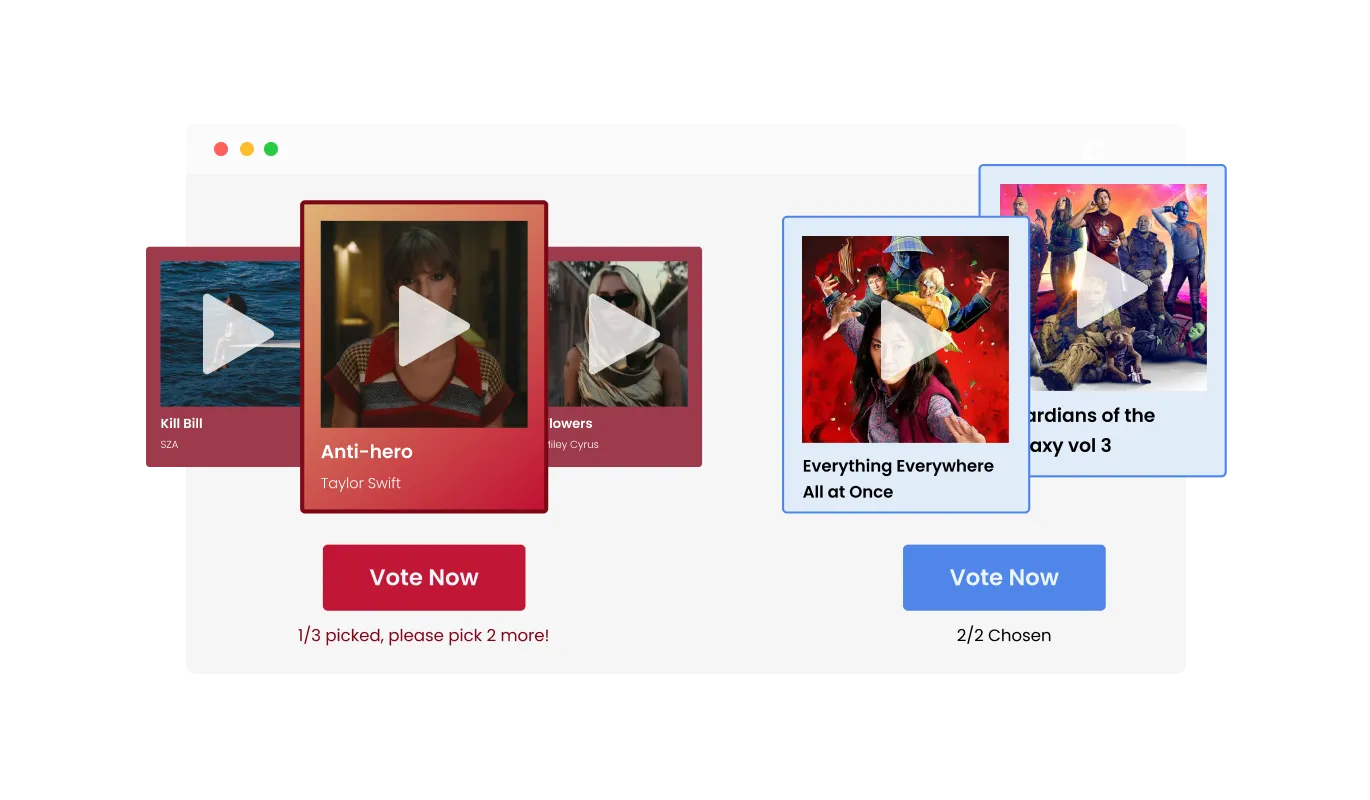
With our Video Poll widget, you can tailor the voting method to fit your requirements. This feature lets you decide how many choices each participant can pick, giving you more adaptability and involvement in your polls.
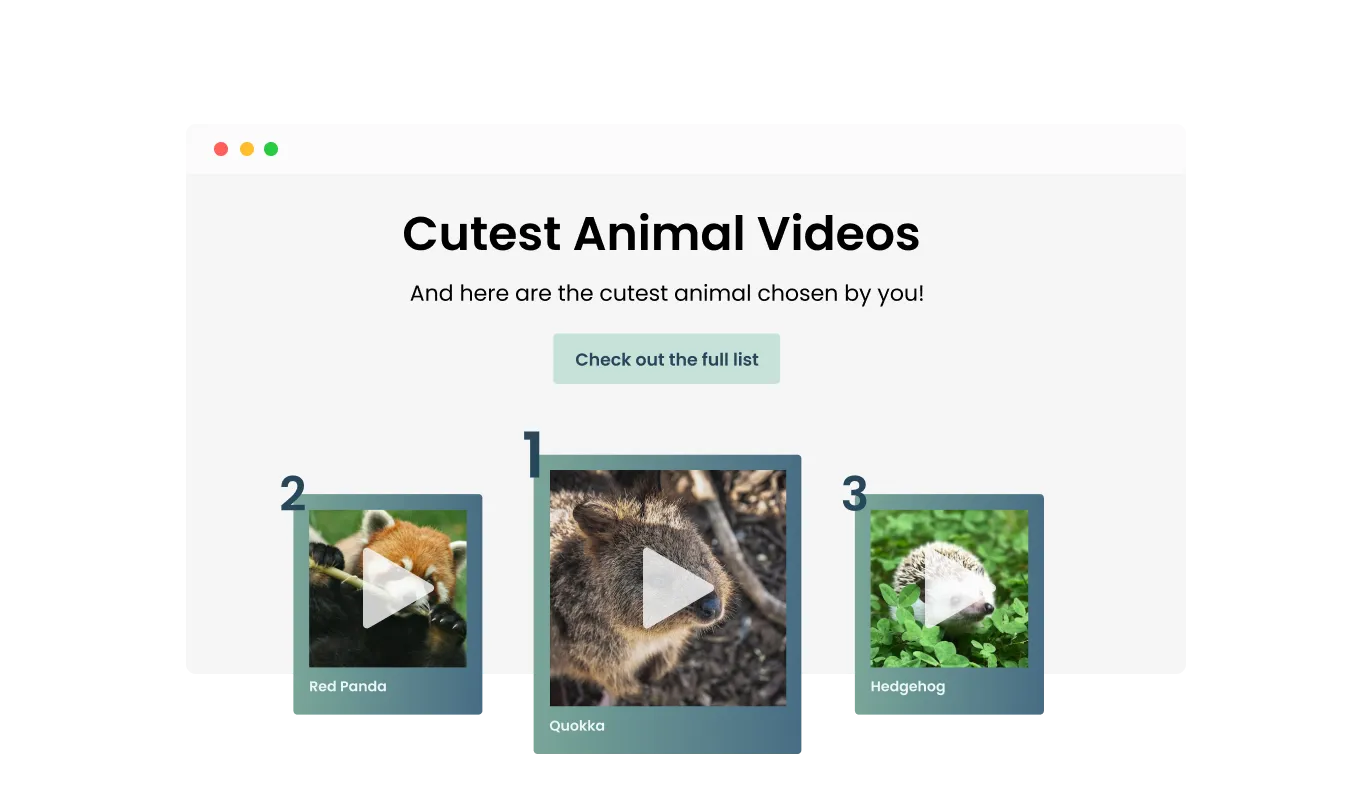
Elevate how you show your results with our Improved Winner Announcement Screen feature. This not only reveals the winners but also gives a detailed breakdown of the votes each participant got, both as a number and as a percentage. This openness builds trust, increases engagement, and lets everyone see exactly how the final results came out.
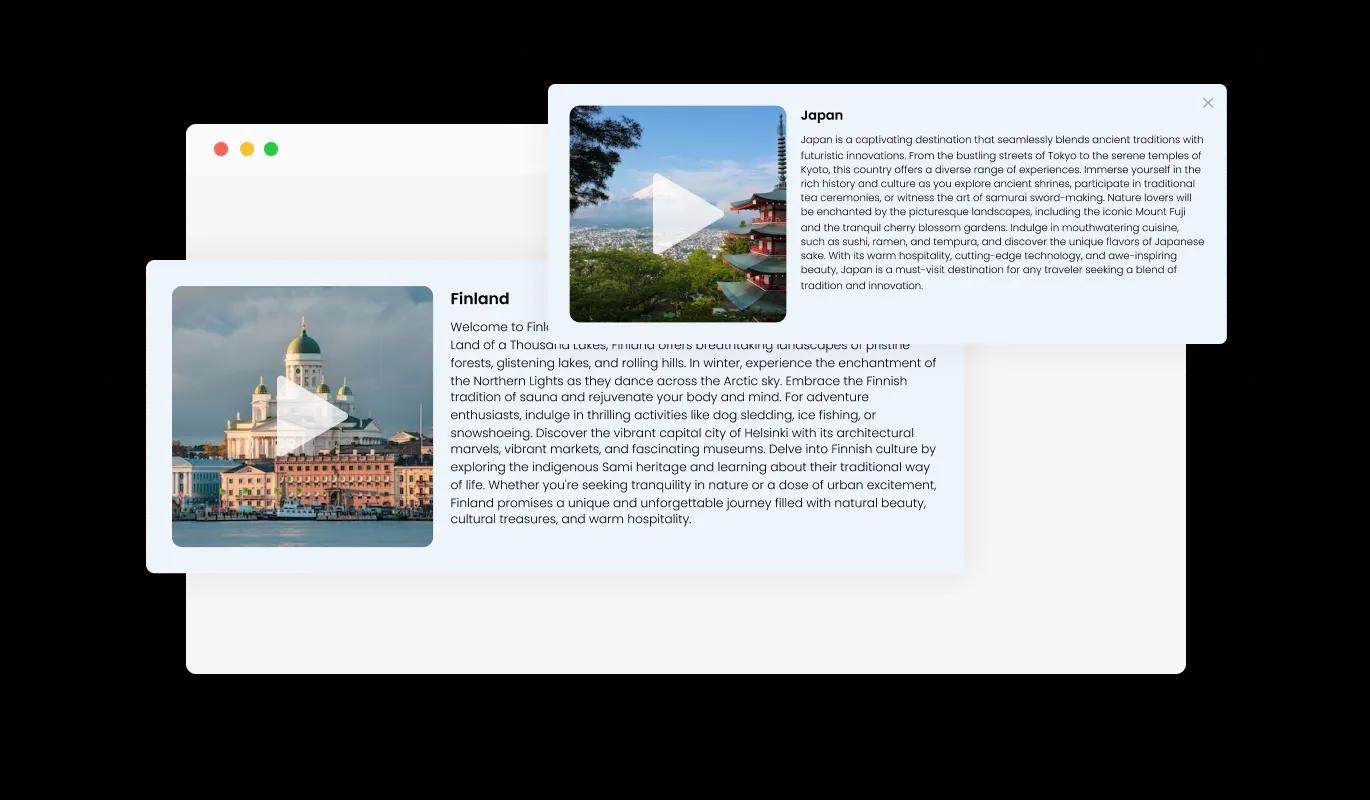
Enhance your visitor understanding of your poll choices with our Comprehensive Participant Card feature. This lets you add more details to each option, giving participants a wider view. This feature promotes careful decision-making and improves the polling experience by offering clearness and insight.
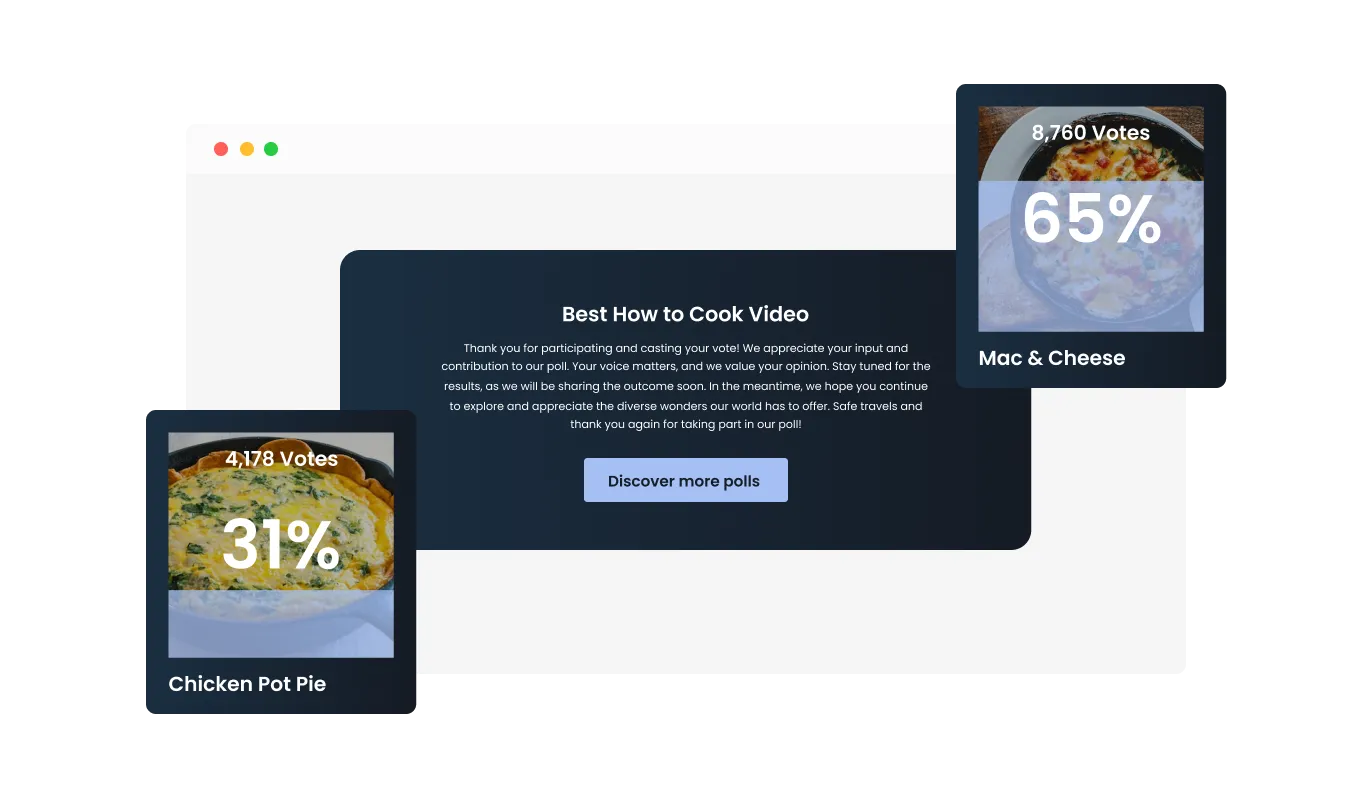
Manage the experience after voting with our After-Submission Personalization feature. Once a vote is cast, you can decide to show the current results, showing the vote numbers and percentages for each participant, or direct the voter to another page with a personalized message. This feature provides adaptability in engagement and lets you improve the user journey according to your strategic needs.
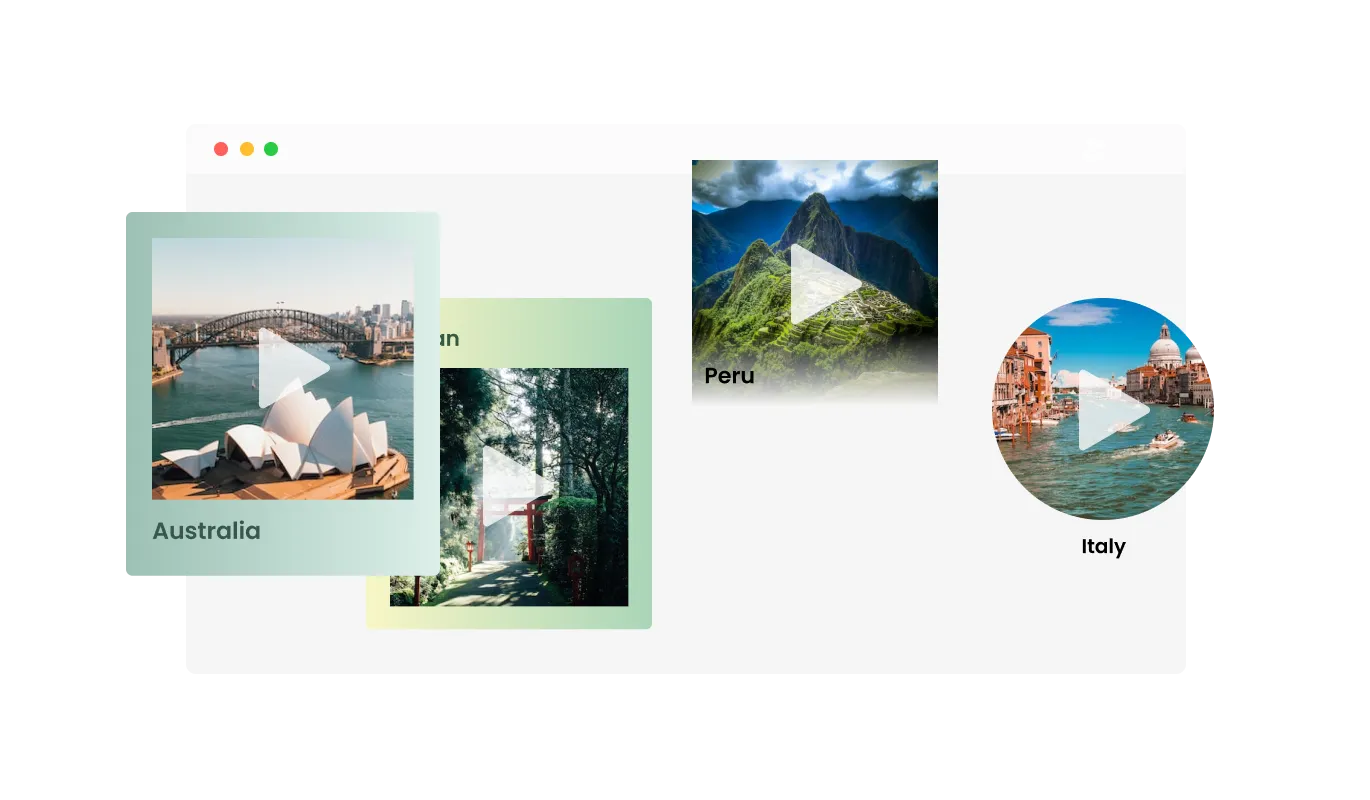
The Video Poll widget allows you to select how you want to present your poll choices. You can choose various layouts to make your choices look great and match what your viewers prefer. This helps make participating in your poll simple and enjoyable for everyone.
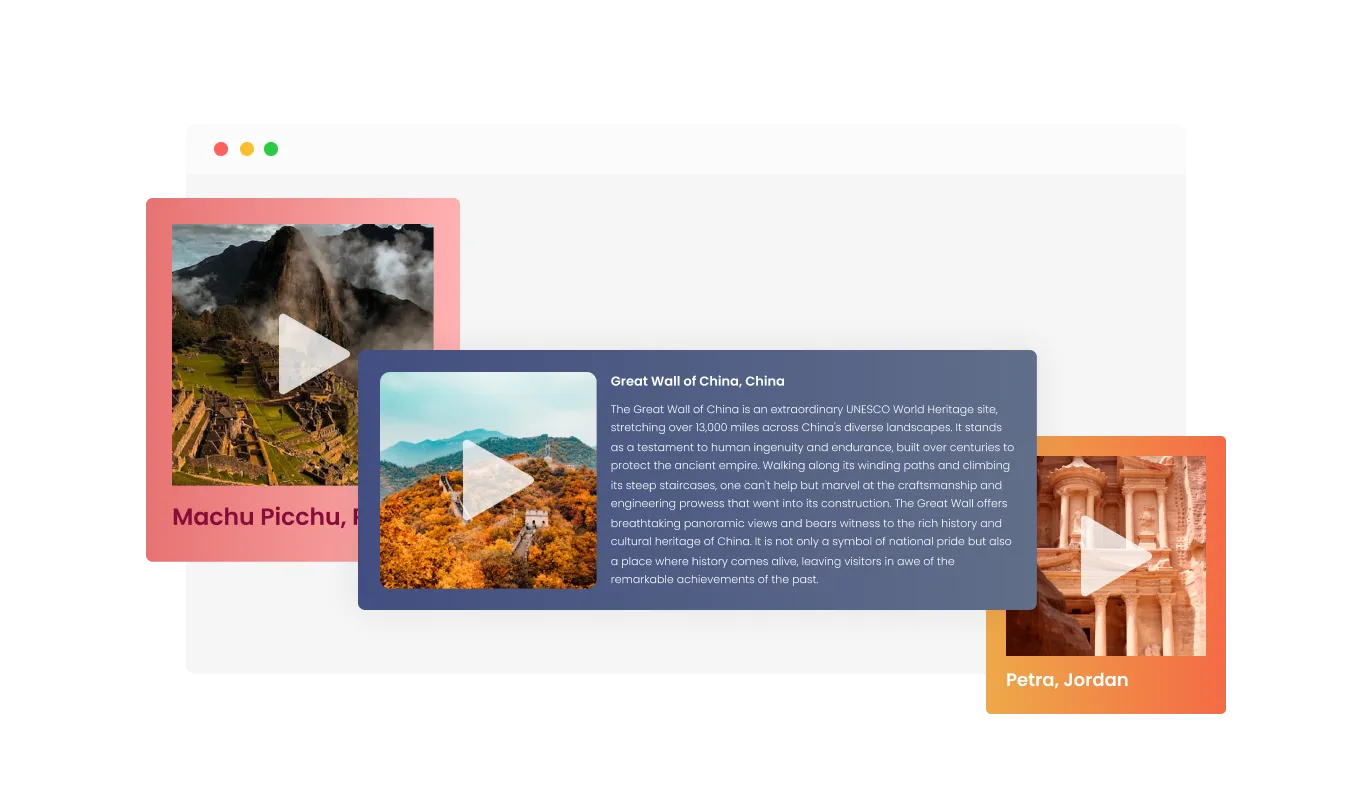
The Video Poll widget provides a variety of different skins, letting you choose the ideal appearance to fit your website's style or your poll's theme. These skins vary from simple and contemporary designs to more colorful and imaginative options. This choice from a range of skins adds a bit of personal touch and creativity to your polls, making them a distinctive representation of your style or brand.
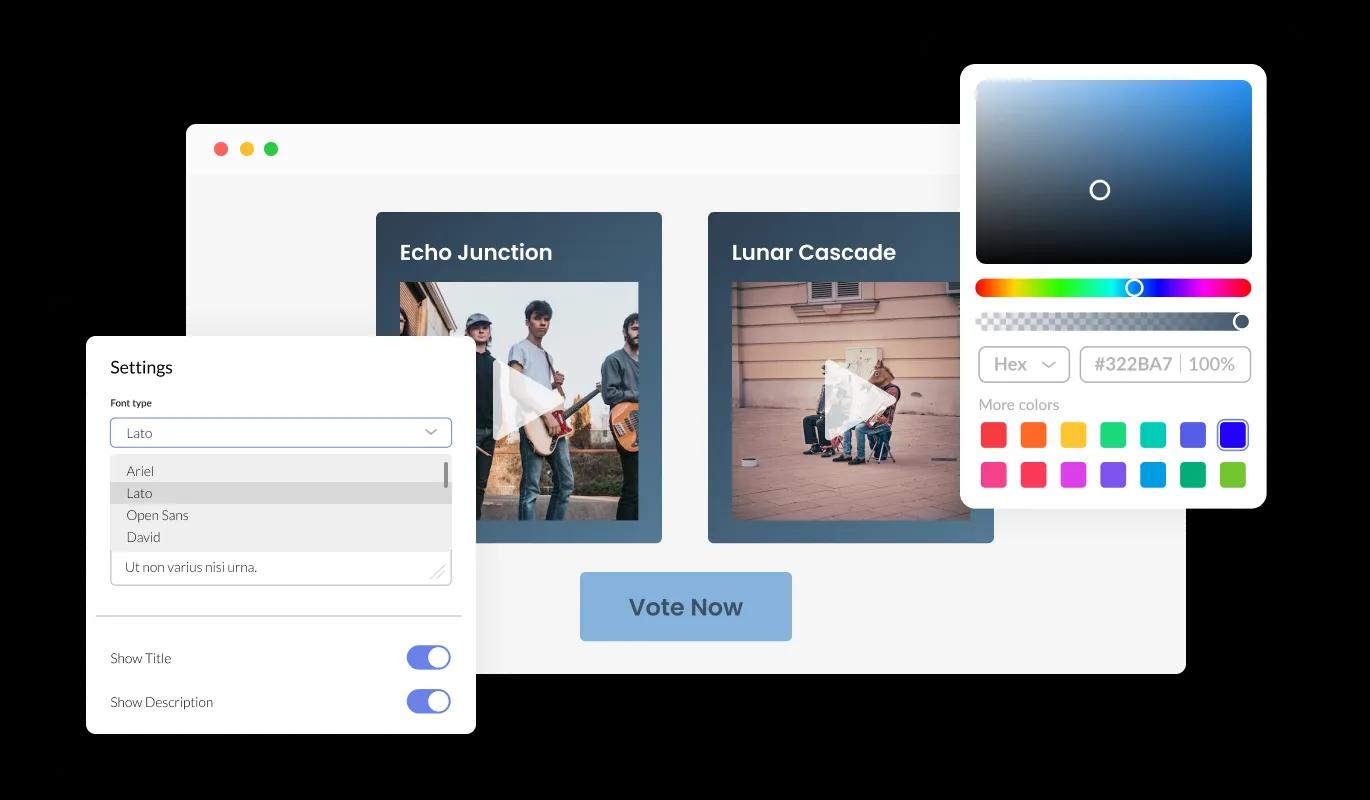
The Video Poll widget gives you a world of personalization options right at your hands. It lets you adjust every part of your polls to suit your requirements and style. Whether it's selecting from various layouts and skins, arranging the sequence of choices, or including detailed explanations for each option, you can mold your polls the way you like.
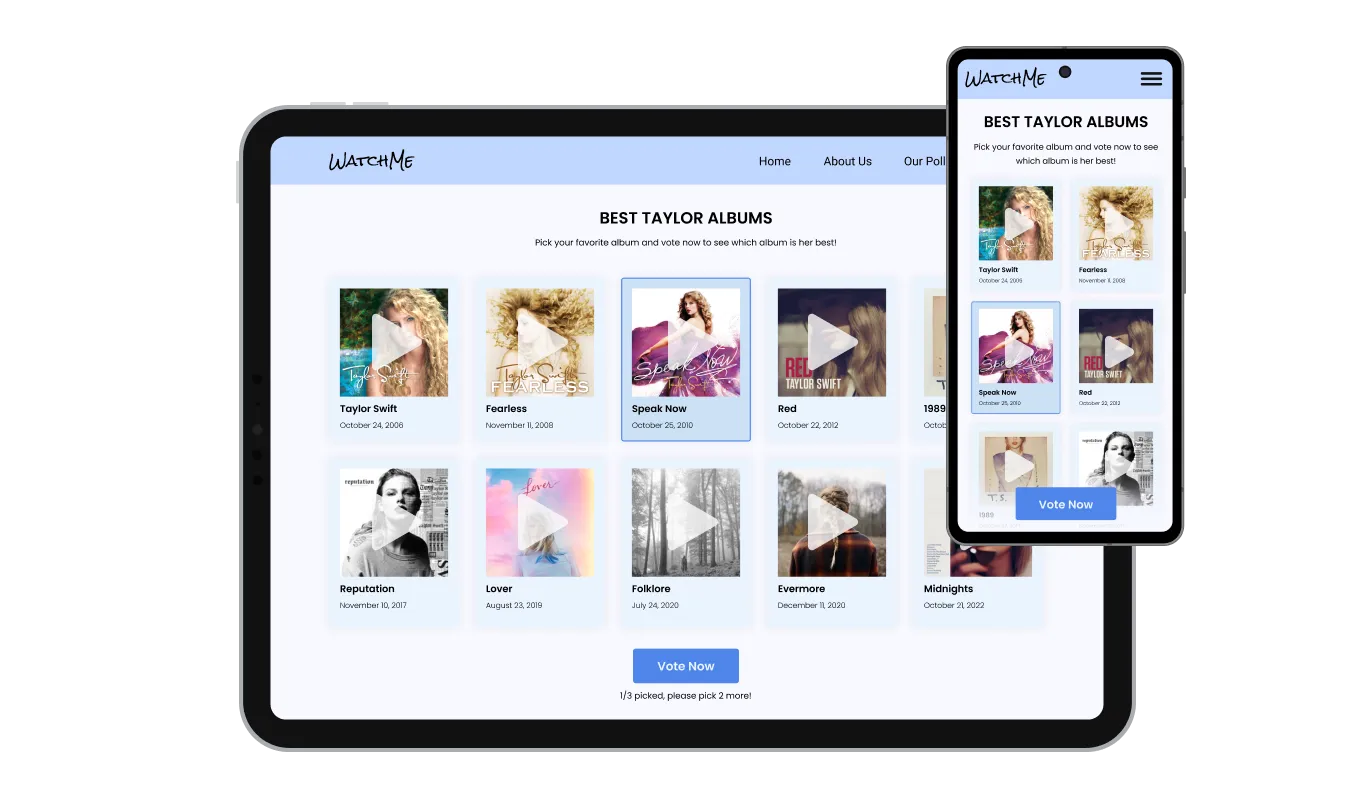
The Video Poll widget is designed to function properly on any device. It adapts itself to fit perfectly on screens of all sizes, whether it's desktops, tablets, or smartphones. This guarantees a seamless and uniform experience for all users, regardless of the device they are using.
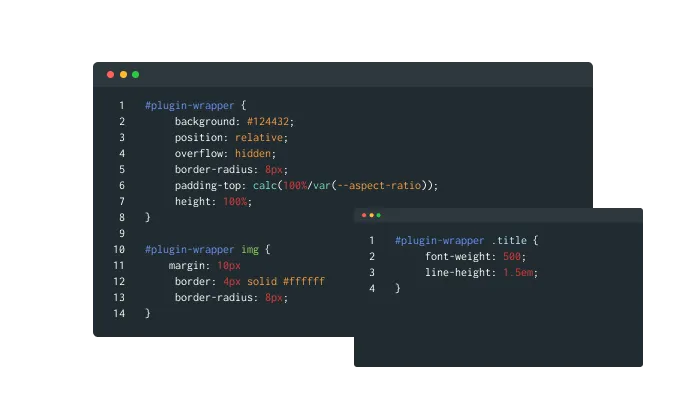
Just like all our widgets, the Video Poll widget gives the chance to incorporate custom CSS for a truly personalized appearance. Users with coding skills can boost the widget's visual attractiveness, achieving their desired design style by adding their own custom CSS.
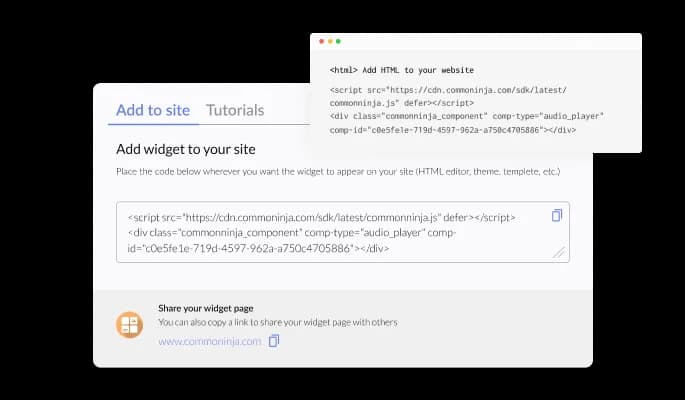
The Video Poll widget is made for easy integration into your current website code, requiring only basic technical abilities for installation. This ease allows site owners to quickly embed the widget without needing considerable development resources or specialized expertise.
Timing plays a crucial role in engagement and the video poll widget understands this. The Scheduled Polling feature lets you set a beginning and ending date for your poll, making sure it matches perfectly with your event schedule or campaign plan.
Maintain your polls honest and trustworthy with our One-Vote-Per-User limit feature. You can choose to recognize the user by their browser or by IP address, making sure that each vote matters and that duplicate voting is avoided.
Manage or mix up the sequence of choices in your poll with our Adjustable Items Order feature. This allows for a more organized display or a fair, shuffled presentation, guaranteeing impartial results and an accurate representation of popular views.
The Video Poll widget is designed to highlight user comfort, making sure the access and understanding of the presented poll data is easy. This user-focused design encourages interaction and guarantees that visitors can quickly get the information they need without any obstacles, enhancing the overall website experience.
Common Ninja has amazing no-code widgets that would beautify a website built on any builder. It is very easy to use and customise. It has as many widgets for almost everyone willing to make their website impressive.
Outstanding service. I use their widgets to help me with my web design business and whenever I need help they are very quick to help.
Excellent company with excellent service!!! We used it to build a survey, it was very user friendly. The service was perfect. Amit helped us with every problem and question we had, thank you very much!!!
Common Ninja saved the day when building our website and the customer service Daniel, the co-founder and CEO, provided was amazing.
A video poll is a poll where each option is a video. Visitors watch the clips and vote for the one they prefer, which makes it a natural fit for video contests, trailer or ad comparisons, and fan votes.
Not with this widget. The Video Poll shows several videos as the options and asks visitors to pick one; it does not overlay a question on top of a single playing video. If you want choices that appear inside a video, look at the Interactive Video widget instead.
Turn on the one-vote-per-user limit, which identifies voters by browser or IP address. No method is airtight against someone determined to switch devices, but it stops casual repeat voting.
Yes. Timed polling lets you set an exact start and end date, so a contest can open on launch day and close at the deadline without you having to be there.
Your choice. After someone votes you can show the current results with counts and percentages, or show a custom message and send them to another page. When the poll ends, the winner screen shows the full breakdown.
It can, because the first option often gets more attention. Randomizing the item order shows the options in a different sequence for different visitors, which keeps position from tilting the result.
Copy the embed snippet from the Add to Website tab and paste it into an HTML or embed block. It works on 200+ platforms, and changes you make in the editor show up on the live poll automatically.
Keep the clips short and use a layout that suits the number of options. A poll of three to six short videos is easier to watch to the end, and to vote on, than one with a dozen long ones.
Pick your platform. Each takes under 4 minutes.
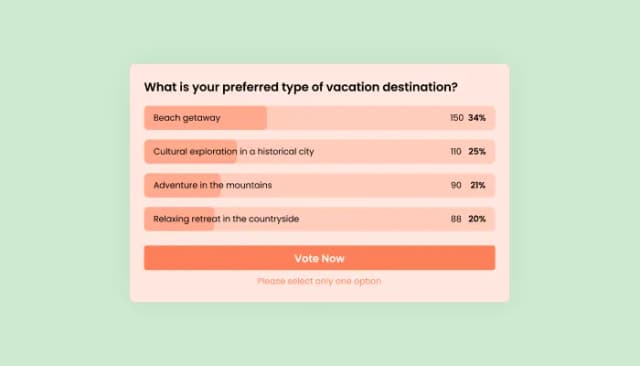
Interactive Polls Widget for Real-Time User Feedback and Engagement.
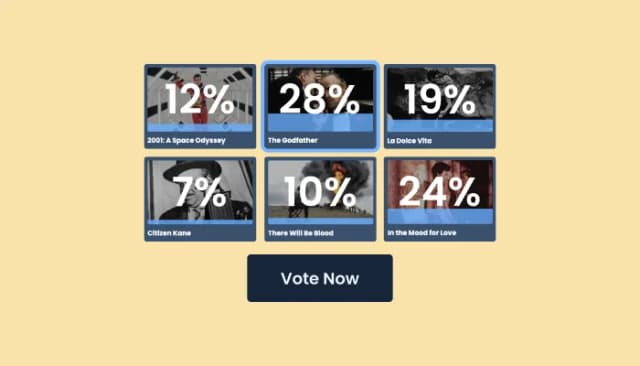
Craft interactive, image-based polls with customizable features
Add interactive links, product cards, and buttons to your videos with ease.

A Social Votes lets visitors like, upvote, and rank content to boost engagement and guide decisions.
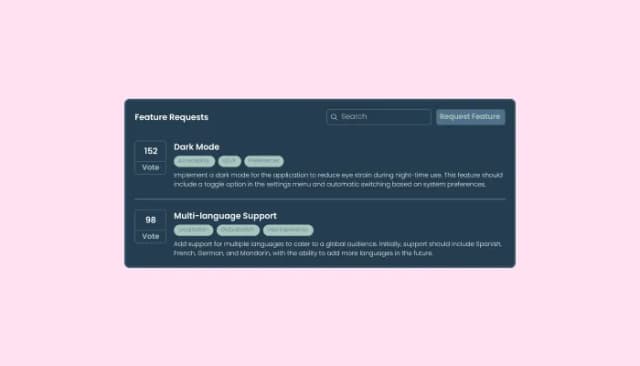
Enable users to submit and vote on feature suggestions for better development prioritization.
Quiz Maker for easy custom quiz creation and integration.
A Video Poll is an interactive tool that enables users to share their preferences by voting among different video options. Each option is presented as a video, enhancing the poll's engagement and visual attractiveness.
Video Polls provide an interactive platform for participants to showcase their talents, skills, and creativity, while viewers can engage with the content and vote for their favorites. It adds an exciting and visual element to online contests, enhancing user engagement and interactivity.
These are just a few examples of how Video Polls can be utilized, but the possibilities are vast. Video Polls provide a dynamic and engaging way to gather opinions, preferences, and feedback in various contexts.
A Video Poll can greatly enhance user engagement in several ways:
Overall, Video Polls offer a more immersive and engaging experience for users, making them more likely to participate, interact, and share the poll with others.
The Video Poll widget provides a variety of layouts and skins, allowing you to customize it to align with your brand aesthetics or specific requirements. You can select the look and feel that best complements your website design, ensuring a seamless integration of the widget.
Indeed, the Video Poll widget includes a Multiple Selections option that enables you to specify the number of options each participant can choose. This feature provides increased flexibility and can enhance engagement in your polls by allowing users to select multiple options that resonate with them.
We offer a One-Vote-Per-User restriction feature that prevents voters from casting multiple votes. This feature employs browser or IP address identification to maintain the integrity of your poll results. By ensuring that each user can only vote once, you can achieve fair and accurate outcomes in your polls.
Absolutely! With our Scheduled Polling feature, you can define a precise start and end date for your poll. This ensures that your poll is perfectly aligned with your event timeline or campaign schedule. By setting specific dates, you can control when your poll goes live and when it concludes, providing a seamless integration with your overall schedule.
Our Improved Winner Announcement Screen showcases the poll winners and provides a comprehensive breakdown of the votes received by each participant, including both the count and percentage. This feature promotes a sense of accomplishment and engagement among users, as they can see the detailed results and understand the level of participation from each option.
Certainly! With our Comprehensive Participant Card feature, you can offer additional information and context for each option in your poll. This helps users make more informed decisions by providing them with clarity and a deeper understanding of each choice. By offering detailed descriptions or explanations for the options, you can enhance the polling experience and encourage thoughtful decision-making among participants.
With our Post-Submission Personalization feature, you have the flexibility to customize the post-voting experience. You can choose to display the current poll results to the voter, showcasing the outcome of the poll. Alternatively, you can redirect the voter to a different page with a custom message tailored to your preferences. This feature empowers you to guide the user journey after the submission, providing a personalized and strategic touch to the overall polling experience.
Absolutely! The Video Poll widget is designed with a responsive layout, making it compatible and visually appealing across different devices such as mobile phones and tablets. It automatically adjusts its display to ensure optimal user experience and engagement, regardless of the device used to access the poll. This responsive design ensures that users can participate in the poll smoothly and enjoyably, no matter which device they prefer to use.
The Video Poll widget can be seamlessly embedded on any website using just a single line of code. Its design allows for easy integration, ensuring a user-friendly experience for both website owners and visitors. By following a simple process, you can effortlessly incorporate the Video Poll widget into your website, enhancing user engagement and interaction with minimal effort.
Certainly! With our Adjustable Items Order feature, you have the flexibility to customize the order of your poll options. You can either set a specific order for the options to follow or choose to randomize their sequence. This feature ensures fairness and prevents any potential bias that may arise from the order in which the options are presented. By allowing you to control or randomize the order of the options, you can obtain unbiased and more accurate poll results.
Indeed! Our Improved Winner Announcement Screen not only announces the winners but also offers a comprehensive breakdown of the votes received by each participant. This breakdown includes both the raw count of votes and the percentage of total votes garnered by each participant. By presenting this detailed tally, you foster transparency, enhance engagement, and allow everyone to see how the final results unfolded. It provides a clear and comprehensive view of the voting outcomes for a more inclusive and informative winner celebration.
With our After-Submission Personalization feature, you can choose how to engage voters after they submit their votes. You have the option to display the current poll results, including the number of votes and percentages for each participant. This allows voters to see the progress and outcome of the poll so far. Alternatively, you can customize a message to be shown to voters, which can redirect them to another page or provide additional information. This feature provides you with the flexibility to design the post-submission experience according to your preferences and strategic goals.
With the Comprehensive Participant Card feature, you can enhance each option by adding extra information, offering more context and clarity to your audience. By providing additional details, descriptions, or images for each option, you promote informed decision-making among participants. This feature enriches the polling experience by ensuring that voters have a comprehensive understanding of each choice, enabling them to make more informed and thoughtful decisions when casting their votes.
Absolutely! The Video Poll widget offers complete customization options. You can select from a variety of layouts and skins that align with your brand aesthetics or specific requirements. Whether you prefer a minimalistic design or a vibrant and creative look, the widget can be tailored to match your desired style. Furthermore, the widget is designed to seamlessly integrate with your website, ensuring a cohesive and visually appealing user experience.
Absolutely! The Video Poll widget is designed to be mobile-friendly. It features a responsive design that allows it to adapt and function seamlessly on various devices, such as smartphones and tablets. This ensures that users can engage with the poll and vote conveniently, regardless of the device they are using. The mobile-friendly design enhances the user experience, making it accessible and visually appealing on smaller screens, thereby maximizing engagement and participation.
Indeed! Embedding the Video Poll widget on your website is a breeze. With just a single line of code, you can easily integrate the widget into your web pages. The user-friendly design of the widget ensures a smooth and hassle-free integration process, allowing you to quickly incorporate the Video Poll into your website and start engaging your audience with interactive polls.
A poll where every option is a video, with one or multiple choices per voter, a one-vote-per-user limit, timed start and end dates, randomized order, participant cards, a winner screen with counts and percentages, layouts, skins, and custom CSS. Embed on 200+ platforms including Base44, Jigsy, Lovable, MyBB, and Shopify.
Create your video pollNo credit card · No coding