


Verified review
Common Ninja has amazing no-code widgets that would beautify a website built on any builder. It is very easy to use and customise. It has as many widgets for almost everyone willing to make their website impressive.
The Common Ninja Visitor Counter is a free, no-code widget that displays total visits, today's hits, online users right now, or any custom time frame on your website.
Pick from multiple counter layouts and skins, animate the digits as they tick up, and paste one line of embed code on 200+ platforms including Google Sites, Canva, Blogger, Carrd, and Neocities.
A modern take on the classic hit counter, with full design control and no exposed visitor data.
A visible "12,847 visits" or "23 online right now" tells new visitors the site is active and trusted. Social proof reduces bounce, increases time on page, and helps conversion on pages where credibility matters most: pricing, sign-up, checkout, hero.
Personal sites, blogs, and portfolios benefit from a public reach number more than commercial pages. A visit count next to your work signals momentum to recruiters, clients, and editors who land cold and need a fast credibility cue.
Old-web nostalgia drives entire communities on Neocities, Blogger, Tumblr, and personal homepages. A retro odometer or LCD-style counter ties a modern site to that aesthetic without dropping in a brittle 1998 GeoCities script.
Founders, indie hackers, newsletter writers, and creators build trust by sharing their numbers publicly. A visible total-visits counter on the homepage tells visitors the project is real, growing, and worth their attention.
Choose between an animated digit reel, classic LCD hit-counter, minimal inline text, or social-proof badge layout. Set what to display: total visitors, today's hits, online users right now, or any combination across three configurable time-frame slots.
Match your brand with prebuilt skins or fine-tune colors, fonts, digit shape, background, border, padding, and animation speed. Add custom CSS for anything else. The counter reads as part of the page instead of looking like a third-party badge.
Copy the embed snippet and paste it where you want the counter to render. Visit tracking starts immediately, updates in real time, and never needs a code change to refresh the display.
Switch between an animated digit reel, classic LCD hit-counter, minimal inline text, or social-proof badge in one dropdown. Pick a prebuilt skin or customize each element so the counter blends with your page instead of looking like a third-party widget.
The counter updates live as visitors arrive. Show "online now" for the current session window, "today" for the rolling 24 hours, or "total" for the lifetime count. Three configurable time-frame slots on every widget.
Colors, fonts, digit shape, background, border, padding, animation speed, and custom CSS for anything else. The counter inherits your brand and never sits as a foreign block on the page.
Mobile-first sizing and fluid layout means the counter reads the same on a phone, a tablet, and a 27-inch desktop. No clipped digits, no broken alignment, no "view desktop site" fallback.
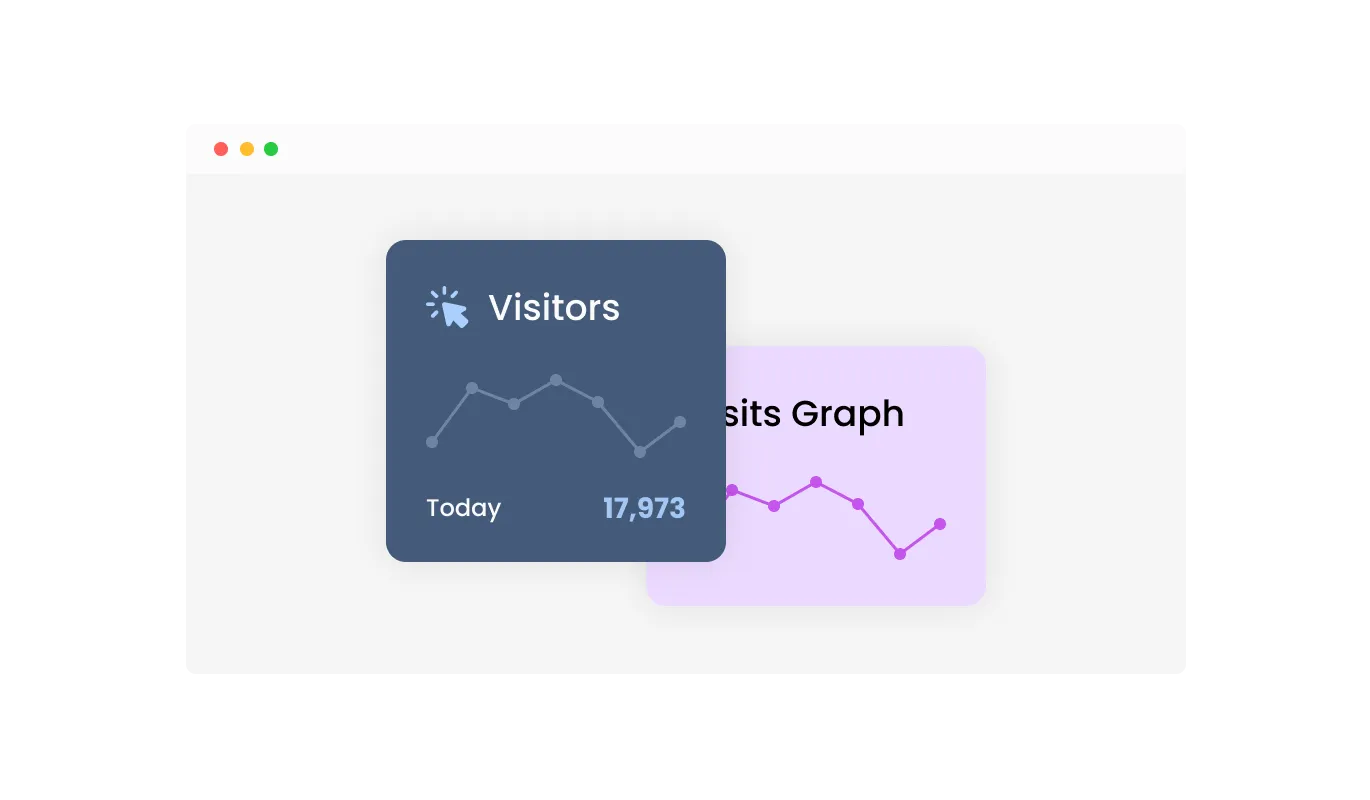
Visualize your visitor data with an interactive graph provided by the Visitor Counter widget. This feature allows you to see trends and patterns in your site traffic at a glance, making it easier to understand visitor behavior and track your site's performance over time. The interactive graph provides a clear and intuitive way to analyze your data.
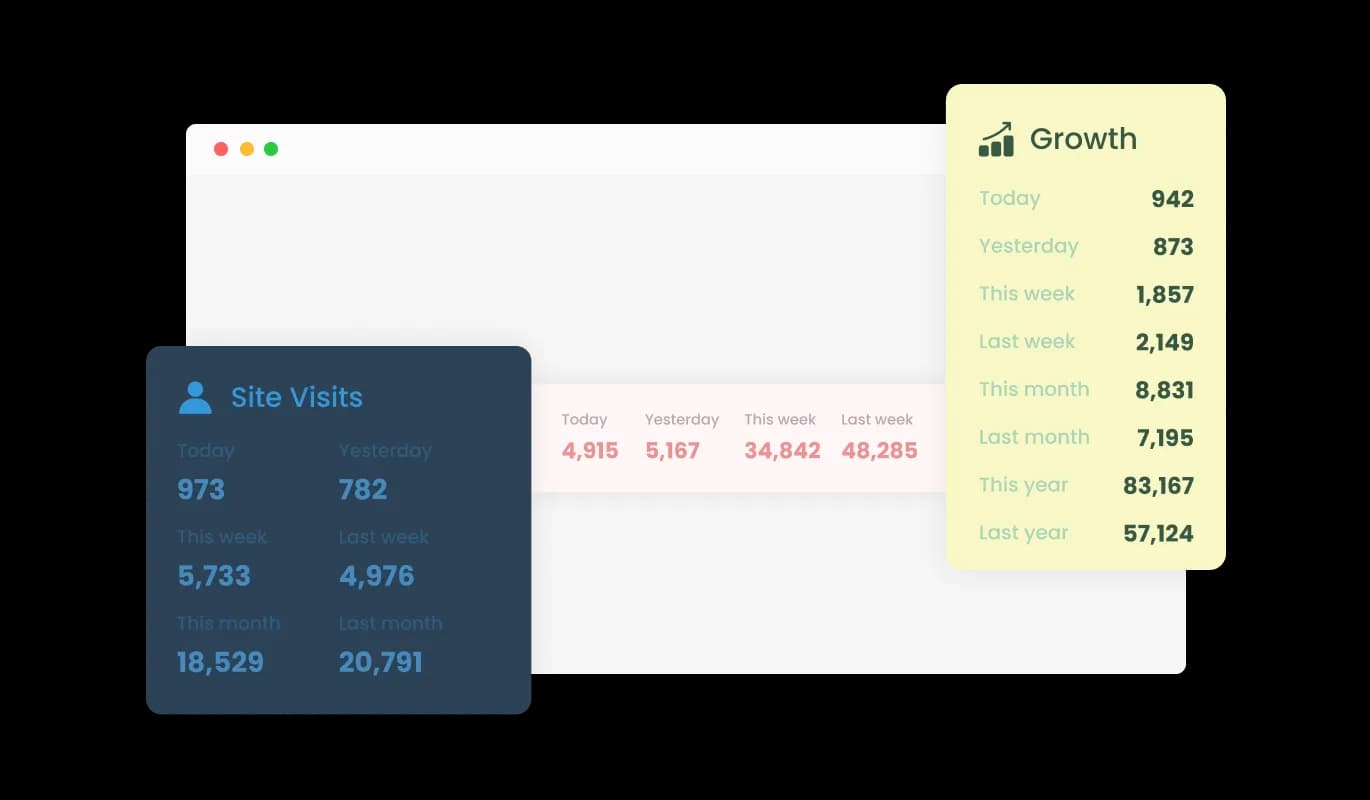
The Visitor Counter widget offers three different layouts, including minimalist options, to ensure it fits seamlessly with your website's design and content. This variety allows you to choose a layout that best complements the aesthetic and functional needs of your site, enhancing its overall appearance and user experience.
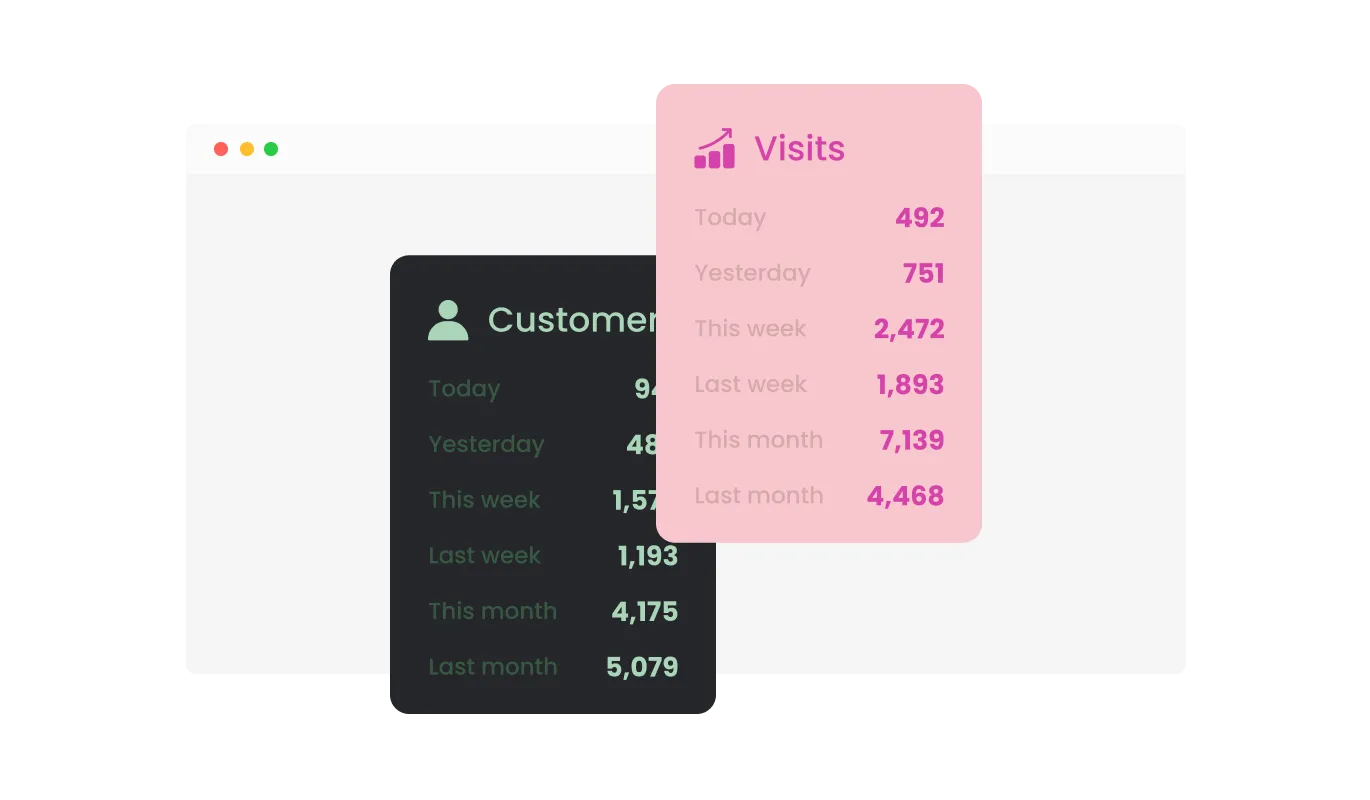
Choose from a variety of beautiful skins with the Visitor Counter widget, enabling you to align its design perfectly with your brand and website aesthetics. This feature not only enhances the visual appeal of your site but also significantly reduces the time and effort needed for customization. Whether your site has a modern, minimalist, or traditional design, you'll find a skin that fits perfectly.
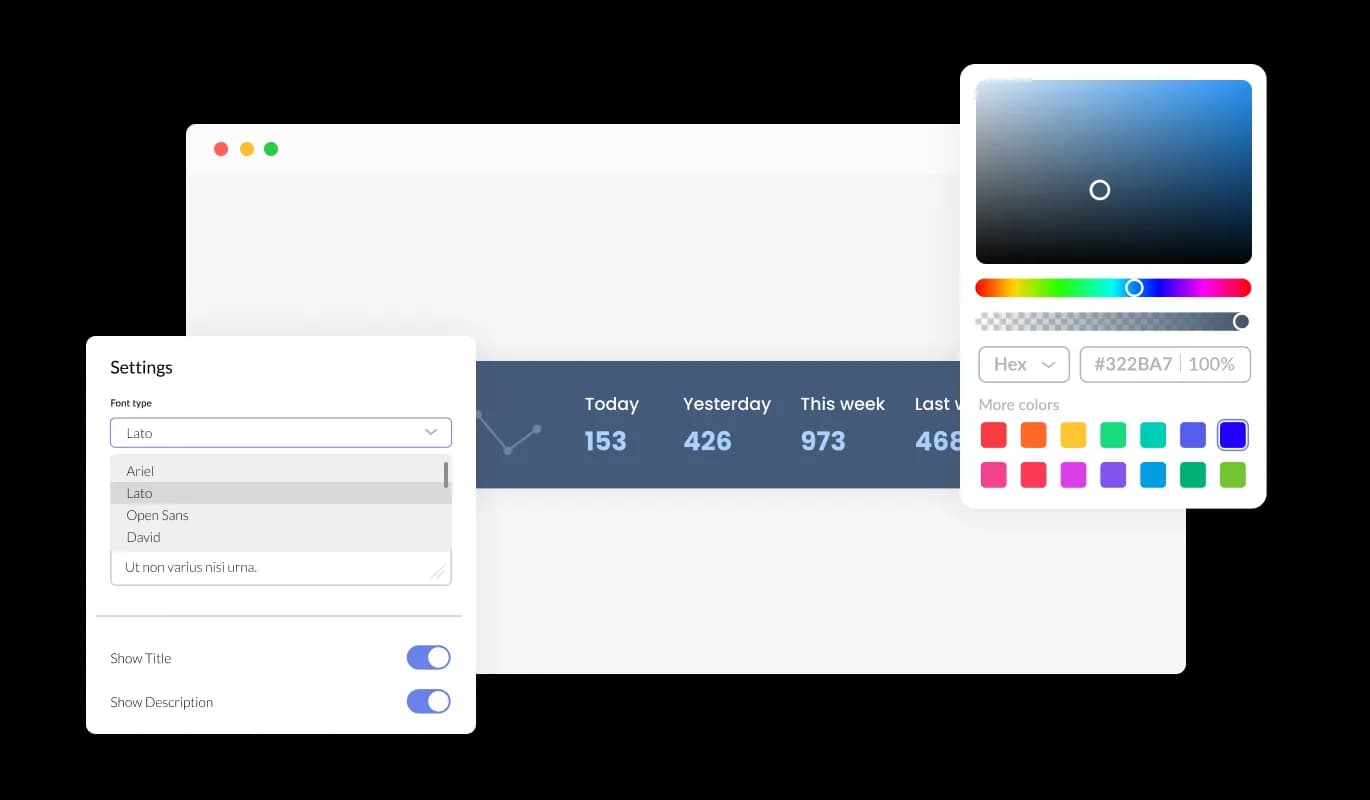
The Visitor Counter widget offers extensive customization capabilities, allowing you to modify its design to meet your specific requirements. You have the freedom to alter colors, fonts, spacing, and various other elements. This level of customization provides unparalleled flexibility, ensuring the widget is both functional and uniquely tailored to your website's aesthetic.
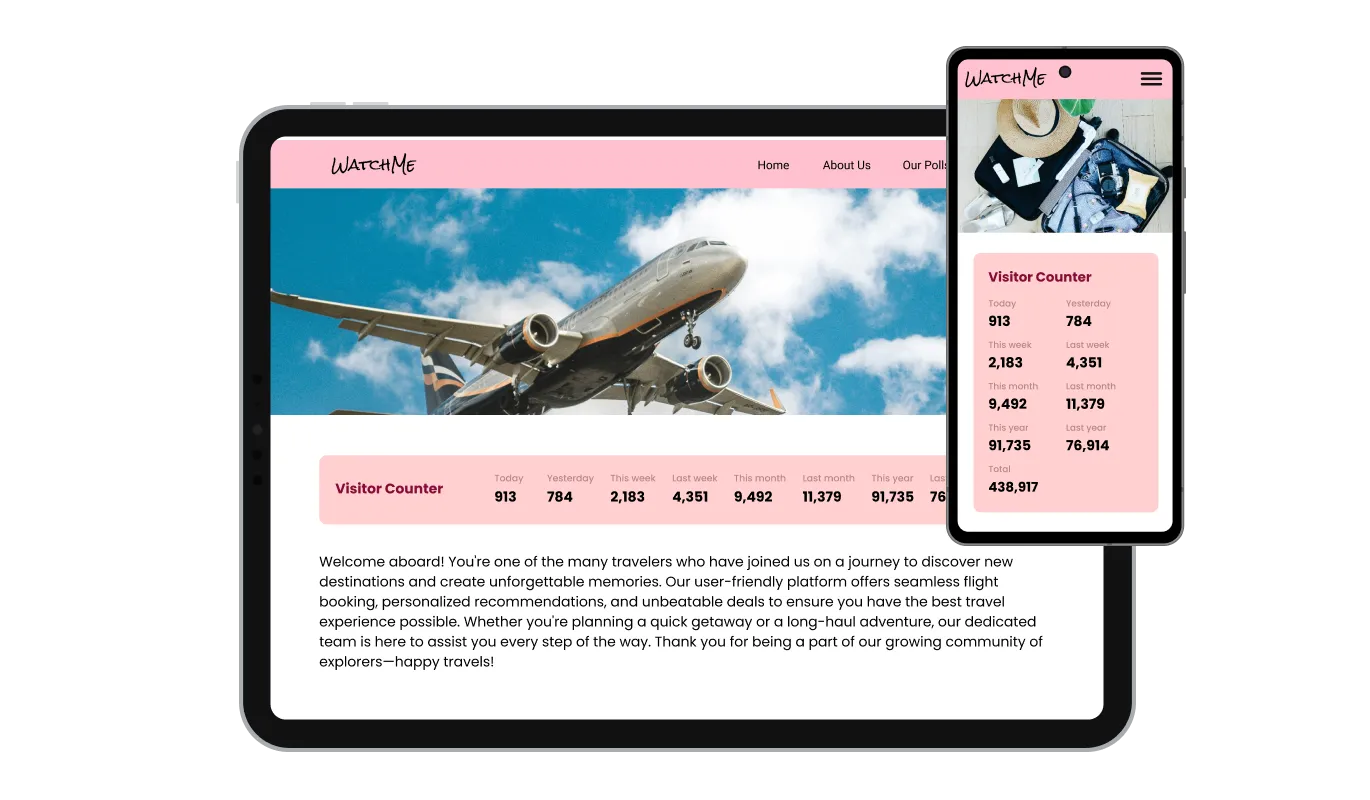
The Visitor Counter widget is designed to be fully responsive, ensuring it displays elegantly on any device. In a time where mobile optimization is crucial, this feature is key to delivering a consistent user experience regardless of the device being used.

The Visitor Counter widget supports custom CSS for added flexibility, ideal for developers and designers. This feature allows for deeper customization, ensuring the widget matches your website's unique style and functionality needs.

Embedding the Visitor Counter requires just a single line of code, simplifying setup for all users. The widget updates automatically with each change, ensuring your site always displays the most current version without extra effort.
Enhance the visual appeal of your site with the Visitor Counter widget's animated counting feature. You can select to show a smooth, animated counting up effect in the counter, making the visitor count display more engaging and eye-catching for your audience. This playful animation adds a dynamic touch to your website.
The Visitor Counter widget allows you to display visitor counts across various time frames, such as daily, weekly, monthly, and yearly periods. This flexibility helps you analyze traffic patterns over different durations, providing valuable insights into your website’s performance and helping you make informed decisions.
The Visitor Counter widget is user-friendly, requiring no coding expertise. Its intuitive dashboard allows for easy customization with just a few clicks, making it accessible for anyone to integrate and modify, regardless of their technical background.
Ready to put a visitor counter on your site?
Open the editorNo credit card · Setup in under 3 minutes
Common Ninja has amazing no-code widgets that would beautify a website built on any builder. It is very easy to use and customise. It has as many widgets for almost everyone willing to make their website impressive.
Outstanding service. I use their widgets to help me with my web design business and whenever I need help they are very quick to help.
Excellent company with excellent service!!! We used it to build a survey, it was very user friendly. The service was perfect. Amit helped us with every problem and question we had, thank you very much!!!
Common Ninja saved the day when building our website and the customer service Daniel, the co-founder and CEO, provided was amazing.
Yes. The free plan covers one Visitor Counter widget with no time limit, no credit card, and no trial countdown. Upgrade only when you need additional widgets, premium skins, or higher monthly view limits.
Classic hit-counter scripts work on bare HTML but break on most modern site builders, expose raw visitor data, lack mobile responsiveness, and rarely update in real time. The Common Ninja Visitor Counter embeds with one snippet, works on 200+ platforms, supports live updates, multiple time frames, full design control, and never exposes individual visitor IPs.
Open Google Sites in edit mode and click Insert in the right sidebar. Select Embed, switch to the Embed code tab, paste the Common Ninja snippet, and click Insert. Publish the site. The counter renders inline and starts tracking visits immediately.
Yes. Configure the counter to show "online now" (current active sessions), "today" (rolling 24-hour count), or "total" (lifetime visits) in any combination. The display updates live as visitors arrive.
Yes. Blogger accepts the embed in any HTML/JavaScript gadget. Neocities lets you paste the snippet directly into your page HTML. Tumblr supports it through the Custom HTML block. The counter reads as part of the page on all three, with no extra setup or scripting.
Yes. The widget exposes three time-frame slots: total visits, today's visits, and online right now. Show all three, any two, or pick the single number that matters most for the page.
No. Build and customize the counter in a drag-and-drop editor, then paste one line of embed code into your page. Most users finish setup in under 3 minutes.
200+ platforms including Google Sites, Canva, Blogger, Carrd, Neocities, Notion, Tumblr, WordPress, Shopify, Wix, Webflow, Squarespace, Framer, and any custom HTML page that accepts an embed snippet.
Pick your platform. Each takes under 4 minutes.
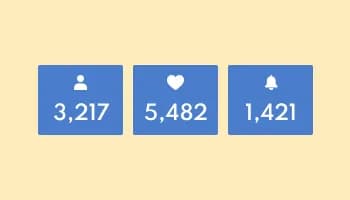
Showcase statistics, metrics, or countdowns in an animated visually appealing display
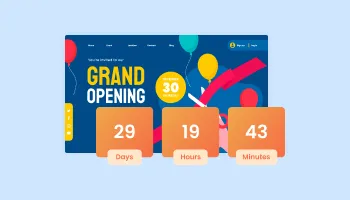
Displays a timer counting down to a specific date or event

Display important messages and notifications in a designed bar, at the top or bottom of the screen

Showcase customer testimonials using a rotating slider

Present Google reviews for your business on your website

Display the latest posts from your Instagram page
The Visitor Counter widget is a tool that tracks and displays the number of visitors to your website. It helps you monitor traffic patterns, engage users, and gain insights into your site's performance.
Installing the Visitor Counter widget is simple. Just copy the provided code snippet and paste it into your website's HTML. The widget will automatically integrate and start tracking visitors.
Yes, the Visitor Counter widget is fully customizable. You can modify colors, fonts, spacing, and other design elements to match your website's aesthetic. It also supports custom CSS for deeper customization.
Absolutely. The Visitor Counter widget is fully responsive, ensuring it looks great and functions well on any device, including desktops, tablets, and smartphones.
Yes, the Visitor Counter widget allows you to display visitor counts for various time frames such as daily, weekly, monthly, and yearly periods. This helps you analyze traffic patterns over different durations.
Yes, you can enable an animated counting effect in the Visitor Counter widget. This feature adds a dynamic and engaging visual element to your visitor count display.
The Visitor Counter widget includes an interactive graph feature that visualizes your visitor data. This graph helps you see trends and patterns in your site traffic, making it easier to understand visitor behavior.
No coding skills are required to use the Visitor Counter widget. Its intuitive dashboard makes customization easy, allowing anyone to tailor the widget to their preferences with just a few clicks.
The Visitor Counter widget updates automatically with every change you make. This ensures your website always displays the most current version of the widget without any extra effort on your part.
Please check our pricing page for detailed information on the plans and pricing for the Visitor Counter widget. We offer various options to suit different needs and budgets.
Yes, the Visitor Counter widget allows you to view visitor counts for specific periods such as today, this week, this month, and more. This helps you analyze your site's performance over different time frames.
No, the Visitor Counter widget is optimized to ensure it does not affect your website's loading speed. It is designed to be lightweight and efficient.
We offer comprehensive support for the Visitor Counter widget. You can access our help center, detailed documentation, and contact our support team for any assistance you need.
Yes, the Visitor Counter widget is compatible with most website builders, including WordPress, Wix, Shopify, and more. You can easily integrate it into your website regardless of the platform you use.
Pick a layout, customize colors and animation, and embed on 200+ platforms including Google Sites, Canva, Blogger, Carrd, and Neocities.
Create your visitor counterNo credit card · Setup in under 3 minutes