


Verified review
Common Ninja has amazing no-code widgets that would beautify a website built on any builder. It is very easy to use and customise. It has as many widgets for almost everyone willing to make their website impressive.
Try the editor, no signup
Pick a template, customize it, and watch it update live, no signup.
No credit card · Free forever plan
No credit card · Free forever plan
The Common Ninja World Clock is a free, no-code widget that displays multiple time zones, analog or digital clocks, and current local times for any city on your website.
Pick from multiple clock layouts and skins, add custom titles per city, let daylight saving switch automatically, and paste one line of embed code on 200+ platforms including Canva, Notion, Google Sites, Elementor, and Carrd.
A Notion dashboard, intranet, or team page benefits from a row of clocks showing the local time at each office or remote-team hub. Removes the "what time is it for them?" question from every meeting scheduler and Slack thread.
Service businesses with global clients, consultancies, agencies, SaaS support, and freelance studios signal availability by showing the current time at each major market. Visitors immediately know if they're catching you inside working hours.
A product launch, livestream, conference, or virtual event drawing an international audience needs the start time in multiple time zones at once. One widget answers "when is this for me?" so every visitor doesn't have to do timezone math.
Designer portfolios, travel blogs, and personal homepages use a row of city clocks as a visual signature of an international or remote lifestyle. Reads as design rather than utility, but the clocks are still live and accurate.
Pick cities and time zones from a searchable list. Add as many as you need: company offices, remote-team hubs, key clients, event venues. Title each clock with the city, team, or context that makes sense for your visitors.
Choose between analog clocks with classic markers, digital readouts, or a hybrid layout. Customize colors, fonts, marker style, hand shape, background, and clock face so the widget reads as part of your page instead of a generic clock embed.
Copy the embed snippet and paste it where you want the clocks to render. Daylight saving switches and time updates happen live in the visitor's browser, with no rebuilds and no manual maintenance.
Add as many cities as you need: company offices, client locations, friends abroad, event venues. Each clock has its own title and time zone. The widget lays them out in a row, grid, or stack depending on the layout you pick.
Display classic analog clocks with marker formats you control, digital LCD readouts, or a mix of both in the same widget. Match the analog face style to your brand or pick a minimal digital block that disappears into the page.
Every clock automatically adjusts when its zone enters or exits DST. No manual edits when clocks change, no stale times after the November or March shifts. Each city follows its own DST rules without any extra configuration.
Pick the format that fits your audience. Use 24-hour for international or technical readers, 12-hour for North American visitors, or mix formats across clocks when your team spans both conventions.
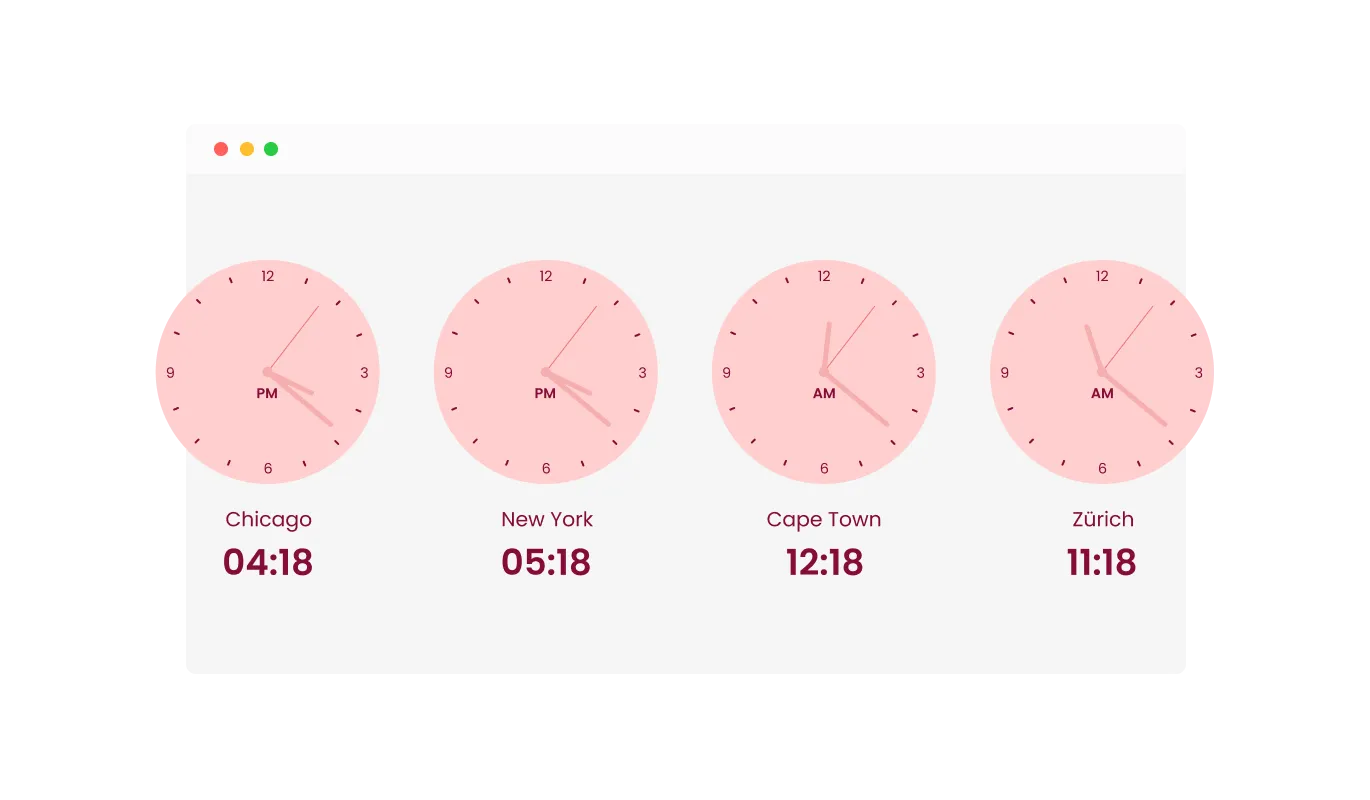
The World Clock Widget offers the ability to display several clocks, each representing a different time zone. This feature is crucial for websites that cater to an international audience, as it allows for easy display of multiple time zones at once. It's particularly beneficial for websites involved in global business, communication, or events, ensuring users from various regions can easily find their local time.
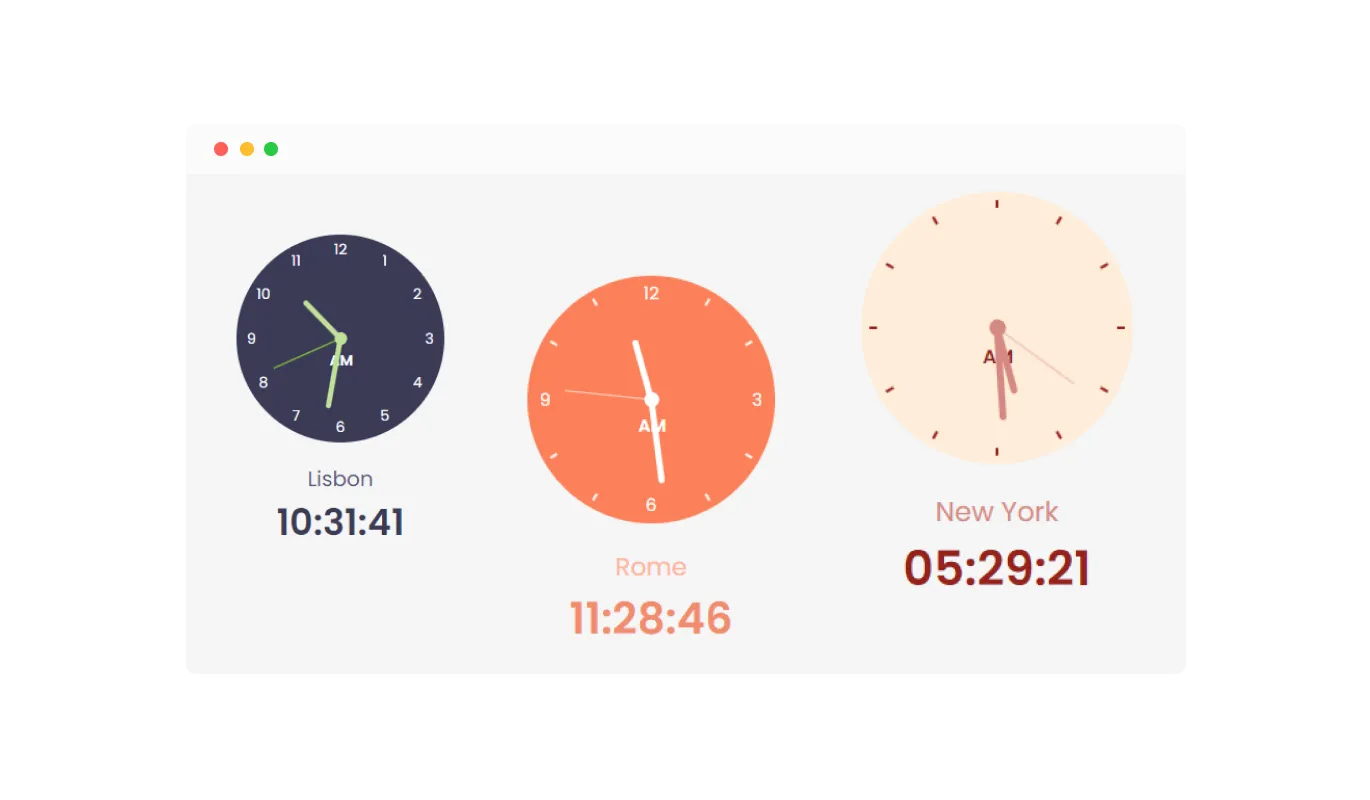
With the World Clock Widget, you have the flexibility to select the format of the marker for classic clock displays. You can choose to show numbers, only markers, or a combination of both. This feature allows for a high degree of customization, ensuring that the clock not only provides accurate time information but also aligns with the visual design of your website. It's perfect for tailoring the look of your clocks to match your site's theme, enhancing the overall aesthetic and functionality.
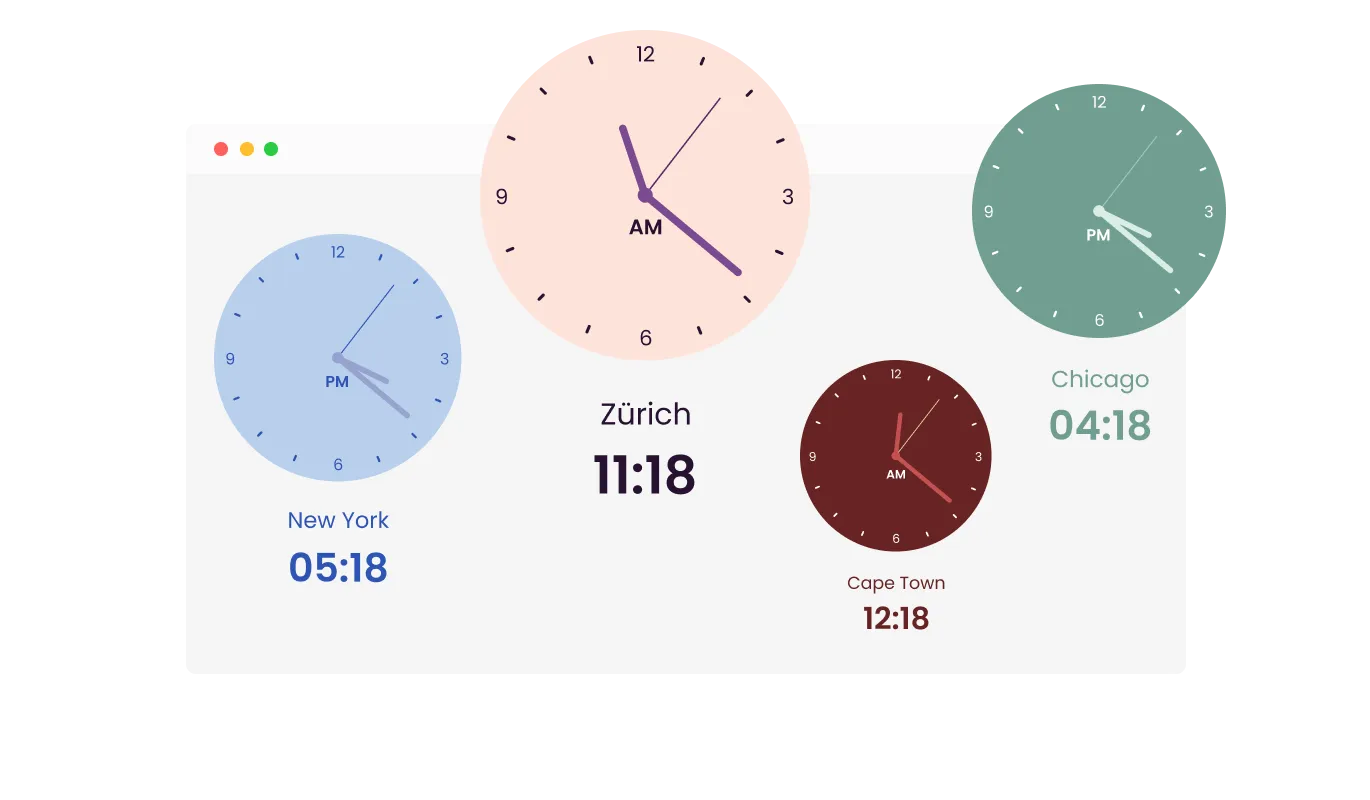
The World Clock Widget offers a variety of beautiful skins, enabling you to choose a design that aligns seamlessly with your brand and website aesthetics. This feature is designed to not only enhance the visual appeal of your site but also to significantly reduce the time and effort involved in customizing the widget. Whether your site has a modern, minimalist, or more traditional design, you'll find a skin that complements it perfectly, ensuring a cohesive and attractive user interface.
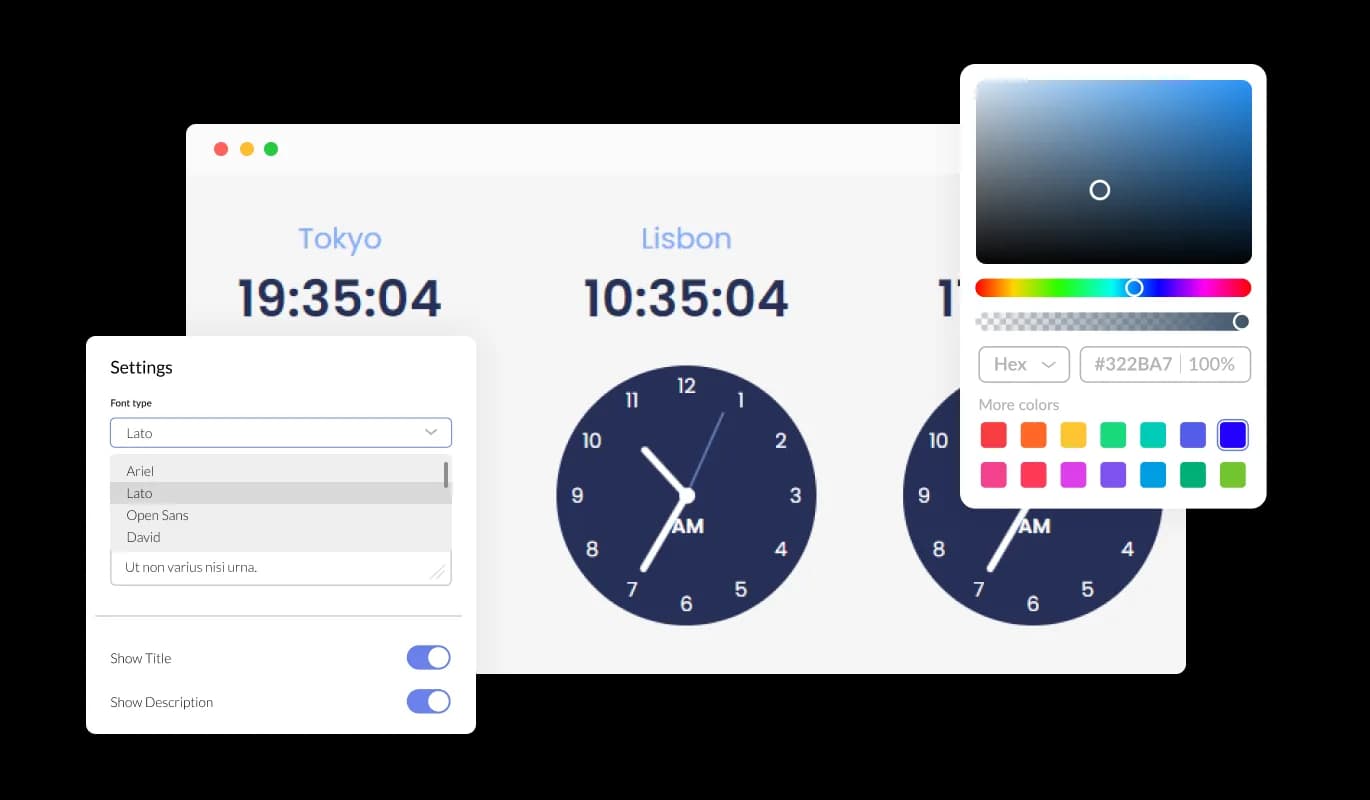
The World Clock Widget comes with extensive customization capabilities, enabling you to modify its design to suit your specific requirements. You have the freedom to alter colors, fonts, spacing, and various other elements. This level of customization offers unparalleled flexibility, allowing you to craft a World Clock that is not only functional but also uniquely tailored to the aesthetic of your website.
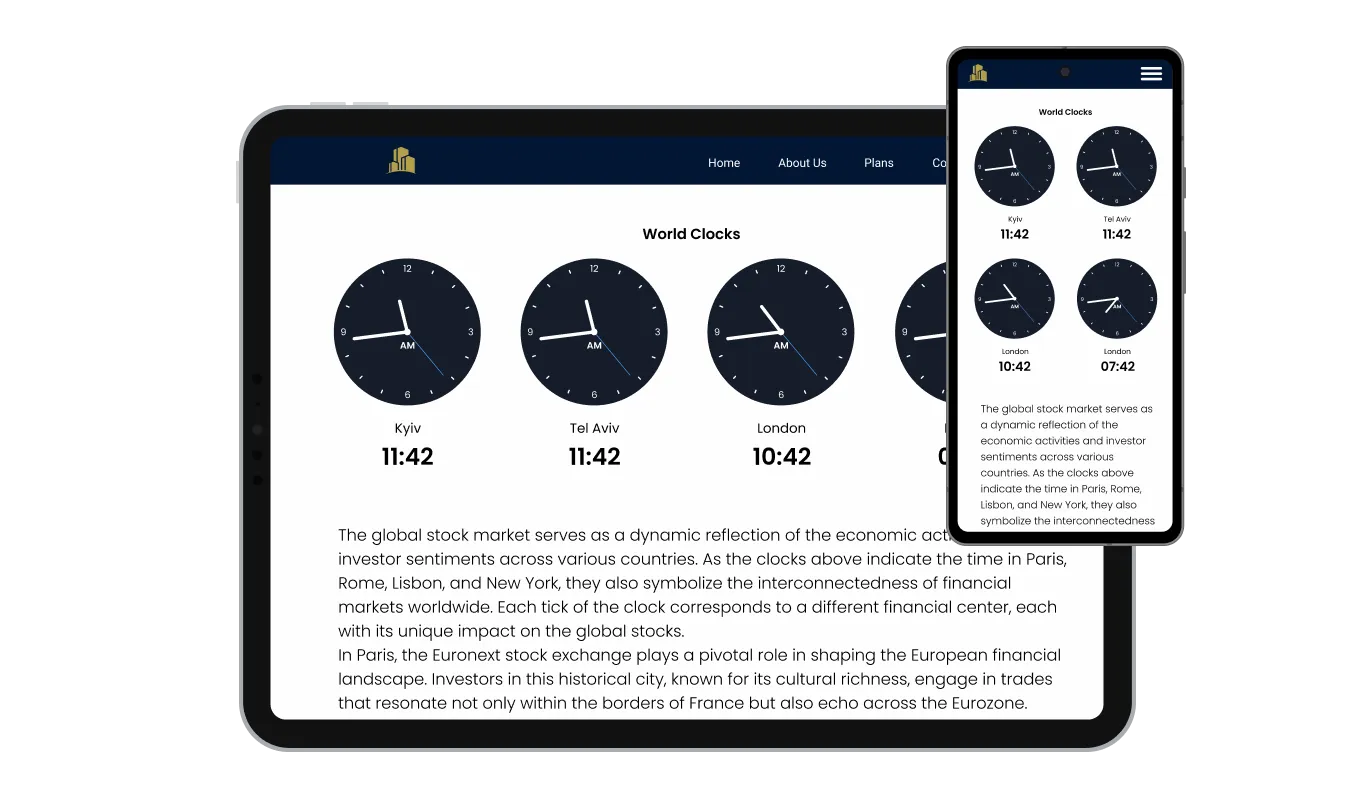
The World Clock Widget is designed to be fully responsive, ensuring it displays elegantly on any device. In today's mobile-first environment, this adaptability is crucial, as it guarantees that your website's time display is accessible and visually appealing on smartphones, tablets, and desktops alike. This responsiveness not only enhances user experience but also gives your site a competitive edge in accessibility and design.

The World Clock Widget offers the option to add custom CSS, aligning with Common Ninja’s commitment to flexibility. This feature is ideal for developers and designers seeking to apply their unique touch, allowing for deeper customization of the widget's look and functionality. It provides an avenue for creative expression, ensuring the widget can be finely tuned to match the specific style and interaction needs of your website.

Embedding the World Clock Widget on your website is a straightforward process, requiring just a single line of code. This ease of integration simplifies the setup, making it accessible for users of all technical levels. Additionally, the widget updates automatically with every change you make, ensuring that the maintenance and updating process is hassle-free. This feature guarantees that your website always displays the most current version of the widget without any extra effort.
This feature of the World Clock Widget allows you to not only set the specific time for each clock but also to label each with a custom title. This customization enhances the clarity and usability of your website, making it easy for visitors to identify the time zone represented by each clock. It's an invaluable tool for sites that need to reference multiple global locations, ensuring that each clock is easily distinguishable and accurately labeled.
The World Clock Widget provides a selection of different display styles, ranging from classic analog clocks with hands to modern digital and list displays. This variety allows you to choose a layout that best fits the aesthetic and functional needs of your website. Whether your site has a traditional feel or a more contemporary vibe, you can align the clock display accordingly, enhancing the visual appeal and user experience of your site.
The World Clock Widget empowers you to tailor the time display according to your preferences and audience needs. You can select between the 24-hour or the more traditional 12-hour clock format. Moreover, for the 12-hour format, there's an option to include or exclude the AM/PM indicator. This adaptability ensures that the widget's time presentation aligns.
The World Clock Widget is designed with user-friendliness in mind, requiring no coding expertise for customization. Its intuitive dashboard simplifies the customization process, allowing you to tailor the widget to your preferences with just a few clicks. This ease of use makes it accessible for anyone to integrate and modify the widget, regardless of their technical background, enhancing the functionality of your website without the need for specialized knowledge.
Common Ninja has amazing no-code widgets that would beautify a website built on any builder. It is very easy to use and customise. It has as many widgets for almost everyone willing to make their website impressive.
Outstanding service. I use their widgets to help me with my web design business and whenever I need help they are very quick to help.
Excellent company with excellent service!!! We used it to build a survey, it was very user friendly. The service was perfect. Amit helped us with every problem and question we had, thank you very much!!!
Common Ninja saved the day when building our website and the customer service Daniel, the co-founder and CEO, provided was amazing.
Yes. The free plan covers one World Clock widget with no time limit, no credit card, and no trial countdown. Upgrade only when you need additional widgets, premium skins, or higher monthly view limits.
Bare HTML clock scripts work on plain HTML pages but break on most modern site builders, rarely handle daylight saving correctly, lack mobile responsiveness, and force you to hand-code each time zone. The Common Ninja World Clock embeds with one snippet on 200+ platforms, handles DST per city automatically, supports analog and digital styles in the same widget, and gives full design control without touching code.
Copy the Common Ninja embed link from the dashboard. In Notion, paste the link on the page where you want the clocks, then choose Create Embed from the menu that appears. The clocks render inline and update live whenever you change time zones or styles in the dashboard.
Open your Canva website design and click Apps in the left sidebar, then search for Embed. Paste the Common Ninja embed link into the Embed app and click the resulting block. Position the widget in your design and publish the site. The clocks run live on the published Canva URL.
Yes. Add as many cities as you need: head office, satellite offices, client locations, friends abroad, event venues. Each clock has its own title and time zone. Lay them out in a row, grid, or stack depending on space and the look you want.
Yes. Every clock auto-adjusts when its zone enters or exits daylight saving. No manual edits when clocks change in March or November, no stale times after the shift. Each city follows its own DST rules independently.
Yes. Display classic analog clocks with marker formats you customize, digital LCD readouts, or a hybrid layout that mixes both in the same widget. Match the analog face style to your brand or pick a minimal digital block that fits a clean page.
200+ platforms including Canva, Notion, Google Sites, Elementor, Carrd, WordPress, Wix, Squarespace, Webflow, Shopify, Framer, Blogger, Genially, and any custom HTML page that accepts an embed snippet.
Pick your platform. Each takes under 4 minutes.
Display a business's hours and your opening hours
Displays a timer counting down to a specific date or event
Manage Events, Engage Visitors, and Elevate Your Brand’s Image
Show the current weather and forecast
Show events or important moments in the order they occurred, using pictures and text
Showcase statistics, metrics, or countdowns in an animated visually appealing display
To install the widget, copy the provided line of code and paste it into the HTML of your website where you'd like the clocks to be displayed.
Yes, the widget allows for the display of multiple clocks, each set to a different time zone.
Absolutely! You can customize colors, fonts, spacing, and more to ensure the widget matches your website's design.
Yes, it's fully responsive and designed to look great on devices ranging from desktops to smartphones.
No, the widget is user-friendly with an intuitive dashboard, requiring no coding knowledge for customization.
Yes, custom CSS can be added for advanced customization and to give the widget a unique touch.
Embedding the widget is straightforward, involving just copying and pasting a single line of code.
Any modifications you make to the widget will update automatically on your site, eliminating the need for additional code adjustments.
You can choose from various layouts, including classic, digital, and list displays.
In the settings, you have the option to select between 24-hour and 12-hour formats and decide whether to display the AM/PM indicator.
The widget is compatible with modern browsers, but for specific details, please refer to the documentation or support.
You can set a title for each clock to clearly identify the city or time zone it represents.
It enhances user experience by providing convenient time zone information, increases engagement for a global audience, and adds a professional touch to your site.
Common Ninja offers customer support for the widget. For support options and contact information, please visit their website.
Add unlimited time zones, pick analog or digital styles, and embed on 200+ platforms including Canva, Notion, Google Sites, Elementor, and Carrd.
Create your world clockNo credit card · Setup in under 3 minutes