


Verified review
Common Ninja has amazing no-code widgets that would beautify a website built on any builder. It is very easy to use and customise. It has as many widgets for almost everyone willing to make their website impressive.
Try the editor, no signup
Pick a template, customize it, and watch it update live, no signup.
No credit card · Free forever plan
No credit card · Free forever plan
The Common Ninja Image Accordion is a free, no-code widget that shows images as collapsible panels on any website. Upload the set, choose a direction, and paste one line of embed code.
Panels sit side by side as narrow slices and expand when a visitor interacts, so several images share the space one would normally take.
Each panel can carry a heading, extra information, and a call to action, and the direction, styling, and CSS are all adjustable. Works on 200+ platforms including Webflow, WordPress, Squarespace, Elementor, and Wix.
Collapsed panels are narrow slices, so a set that would need a full gallery section fits into a single band. The visitor expands what interests them rather than scrolling past all of it.
Anything that divides into a handful of visual options suits this: service lines, product categories, rooms in a venue, courses on offer. Each panel is a door, and the call to action makes it a working one.
A collapsed panel visibly hides something, which is a stronger prompt than a static grid where everything is already on show. Expanding is a small reward, and people who interact stay longer.
Because each panel can carry a button and its own text, the accordion is not just decoration: expanding a panel can lead straight to the relevant page rather than making the visitor go and look for it.
Upload each image and give it a heading, any extra information, and a link if the panel should lead somewhere. Four to six panels is the usual range: more than that and each slice becomes too narrow to recognise.
Set whether the accordion runs horizontally or vertically, then style the panels and the focus behaviour. Horizontal suits a wide section; vertical works where the space is a narrow column.
Copy the snippet from the Add to Website tab and paste it where the accordion belongs. Panel edits later push to every page carrying the embed.
One setting decides whether the panels run across the page or down a column, which is what lets the same widget work in a wide hero band and in a narrow sidebar.
Control which panel is open by default and how the accordion behaves as attention moves, so the section has a deliberate resting state rather than looking closed and empty.
Each panel carries a heading, supporting text, and a call to action, so an expanded panel explains itself and offers a next step in the same movement.
Panels reflow to the screen width so a horizontal accordion stays usable on a phone, and a custom CSS field handles exact sizing and transitions. One embed snippet, 200+ platforms.
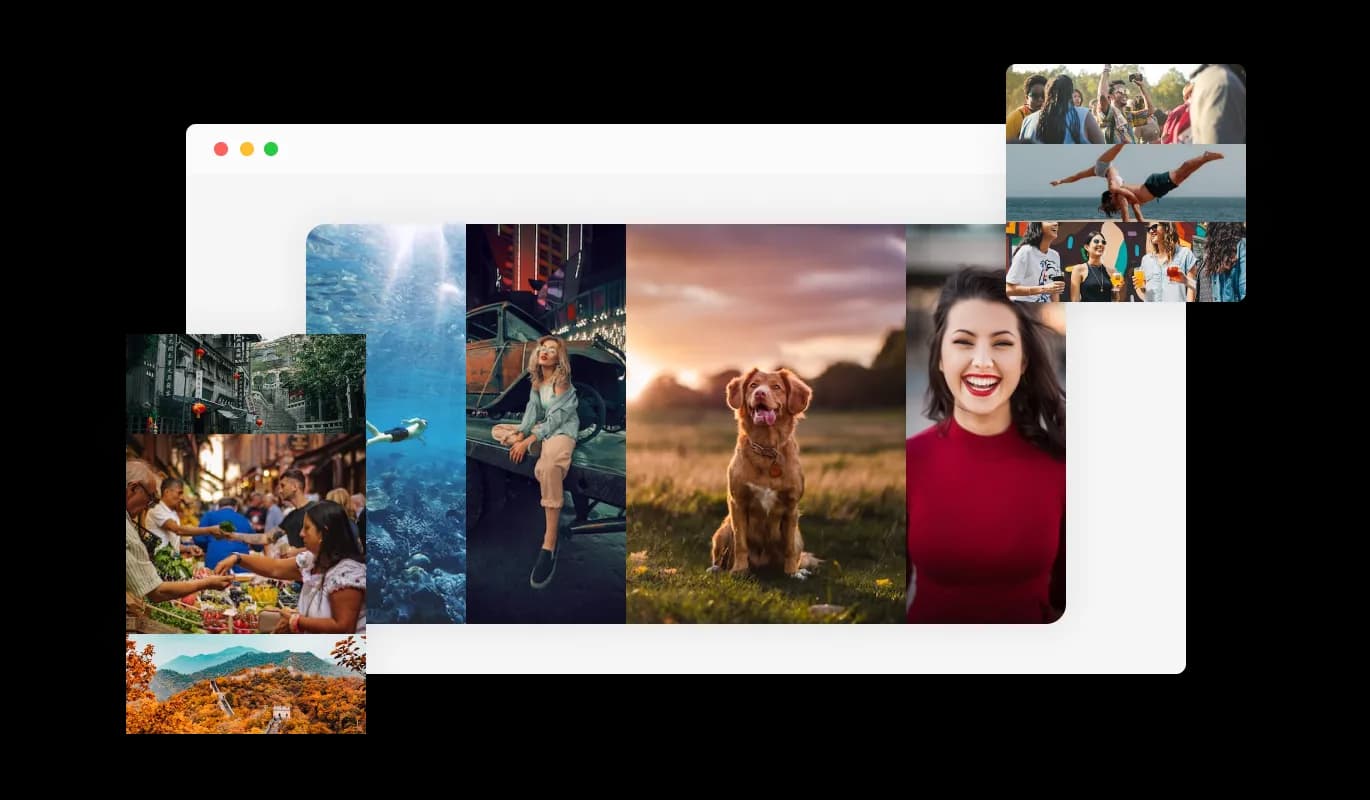
The Image Accordion comes with the option to choose the accordion’s direction, vertical or horizontal, enabling you to customize it to fit your design needs. The Image accordion widget also gives you the option to add several images and captions, providing you the freedom to present your content in a captivating manner.
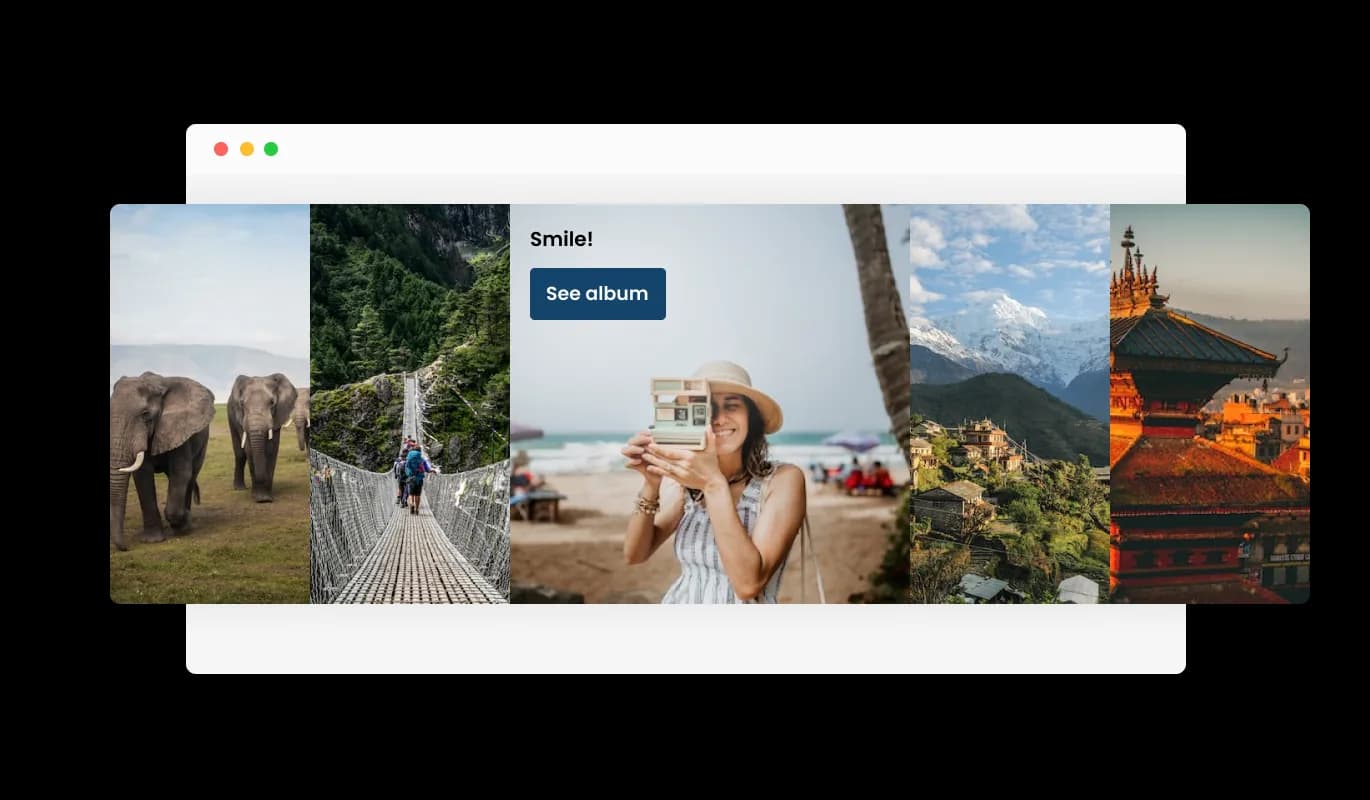
When links are added to photos in an image accordion widget, users can click on a button to be redirected to another website or resource. By offering more information or relevant content in a visually beautiful and engaging manner, can enhance user experience.

Adding a title and description to each image in an Image Accordion widget can provide users with additional context and information about the image. This feature can enhance the user experience by making it easier for them to understand the content of the images and the overall purpose of the widget.
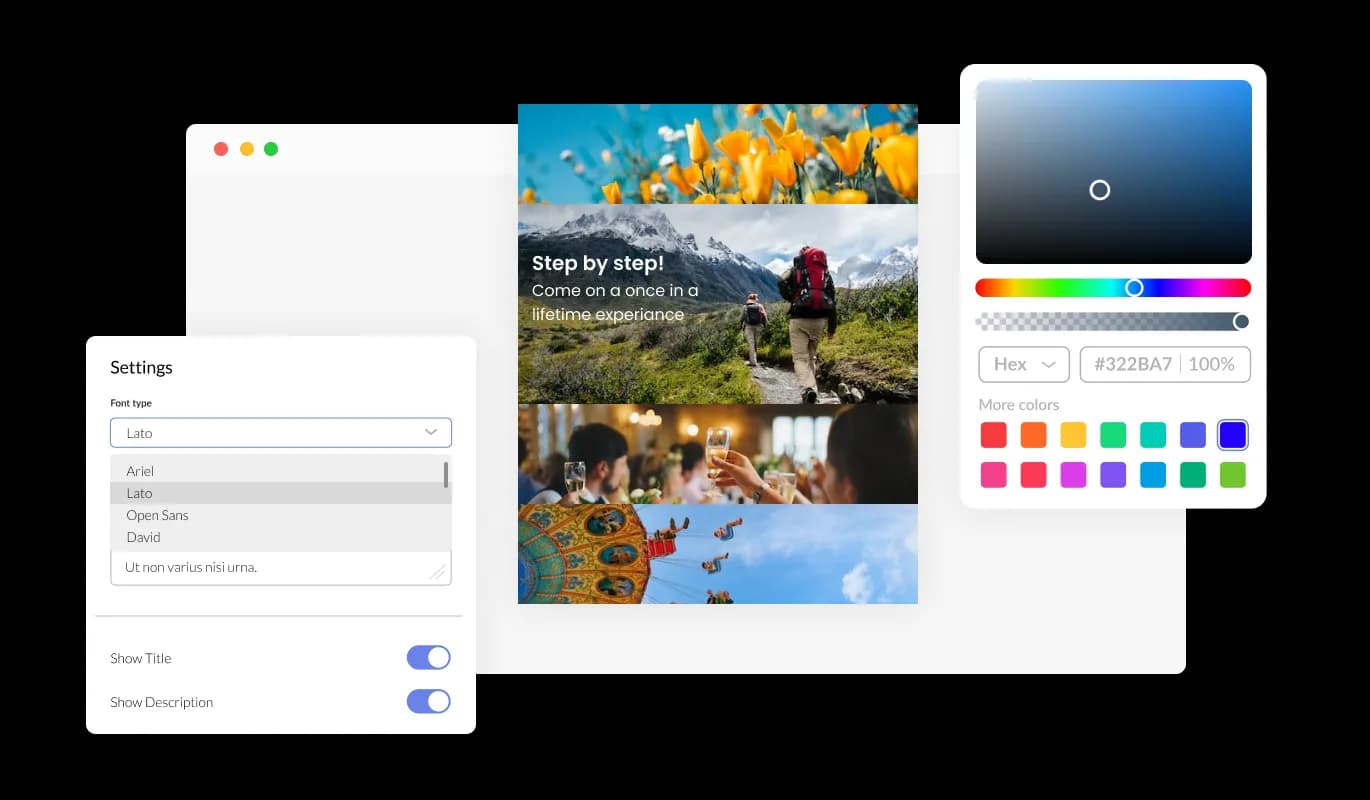
You may fully customize the Image Accordion widget to change the style to suit your needs. Customize anything you want, including the fonts, spacing, and colors! In order to create a unified and polished appearance, you may also select from a variety of font choices and modify the font's size, style, and color. You can alter the spacing in addition to these style choices to make sure it blends in with the rest of your website's design.
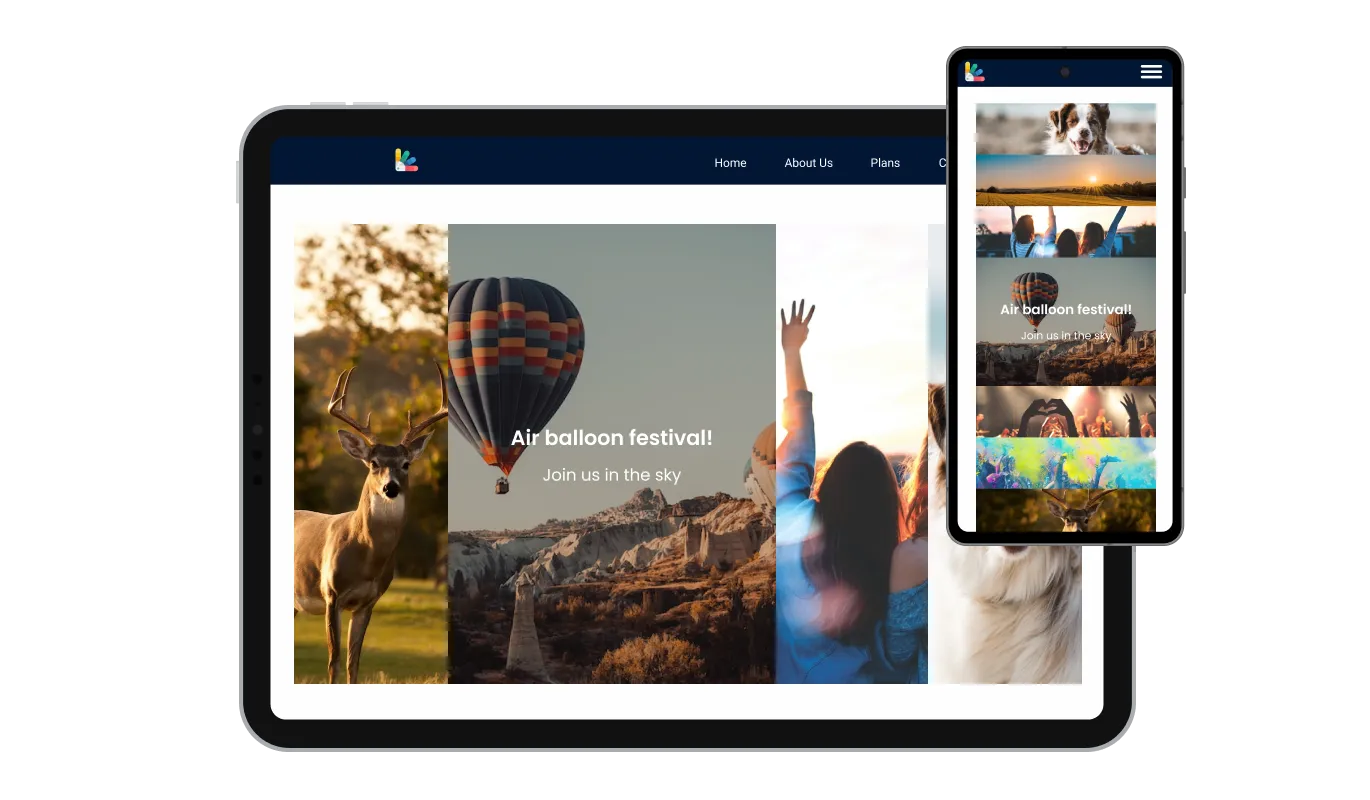
Any website would benefit from the widget Image Accordion widget. It has a clean and contemporary style that will improve the overall appearance of your site in addition to being fully responsive, which means it will shift fluidly to fit the screen size of any device. Having a website that is optimized for mobile viewing is essential in a world where more and more people are accessing the internet through their phones and tablets. You may use the widget to accomplish just that, providing you an advantage over rivals.

Our advanced editor is a powerful tool that gives you complete control over the appearance of the Image Accordion widget. With this feature, you can easily customize every aspect of the widget's look and feel, from the colors and fonts to the layout and positioning. But if you're feeling particularly creative, you can take your customization to the next level by editing the CSS directly. This gives you the ability to make even more advanced changes to the widget, allowing you to make it your own. Whether you want to make a few simple tweaks or go all out with advanced customizations, our advanced editor has you covered.

To embed the Image Accordion widget on your website, simply copy and paste the provided code snippet into the HTML of your webpage. Additionally, the widget is designed to be self-updating, meaning that any changes you make to the Image Accordion editor will be reflected automatically on your website without the need for any additional manual updates.
The Image Accordion allows you to choose an image to focus on which will be put forward, making it the centerpiece of your visual presentation. You can show your content in an engaging way by using the image accordion widget, which also provides you the opportunity to add multiple images and subtitles.
The use of the Image Accordion widget is simple and doesn't require any coding expertise. With only a few mouse clicks, you can modify the widget however you wish using our user-friendly interface. As a result, even people without coding knowledge can quickly and easily develop designed elements with a professional appearance that interact with their website and increase their online visibility and audience engagement.
Build your image accordion in the editor
Open the editorFree to use · No credit card · No signup to try it
Common Ninja has amazing no-code widgets that would beautify a website built on any builder. It is very easy to use and customise. It has as many widgets for almost everyone willing to make their website impressive.
Outstanding service. I use their widgets to help me with my web design business and whenever I need help they are very quick to help.
Excellent company with excellent service!!! We used it to build a survey, it was very user friendly. The service was perfect. Amit helped us with every problem and question we had, thank you very much!!!
Common Ninja saved the day when building our website and the customer service Daniel, the co-founder and CEO, provided was amazing.
No. A text accordion is the collapsible list you see on FAQ pages, where a heading expands to reveal a paragraph, and Common Ninja has a separate widget for that. This one is built around images: the panels are pictures that expand, with text and a call to action as supporting detail rather than the main content.
No. It is a hosted widget: you build the accordion in an editor and paste one embed line into your page, so there is no markup or CSS for you to maintain. If you want image accordion source code to own and modify, a component library is the right place rather than a widget.
Four to six. Collapsed panels are narrow slices, and past six each one becomes too thin for the image to be recognisable, which defeats the point of using images at all. If you have ten categories, a grid or a card carousel will serve them better.
The interaction and the resting state are controlled in the editor through the focus settings. Whichever you choose, check it on a touchscreen too, because hover does not exist there and a panel that only responds to hover will be unusable on a phone.
Yes. Each panel carries its own heading, supporting text, and call to action, so expanding a panel can lead straight to the relevant page. That is what makes it a navigation element rather than decoration.
Horizontal for a wide section where the panels have room to be recognisable slices, vertical for a narrow column or a sidebar. It is one setting, so it is worth trying both against your actual layout before deciding.
Panels reflow to the screen width. A horizontal accordion with six panels is the case to check most carefully, because six narrow slices on a phone can become unusable and vertical is often the better mobile answer.
It is one embed snippet rather than a plugin, so nothing enters your site's own code. The images are the weight, so size them for the panel rather than uploading full-resolution photographs.
Pick your platform. Each takes under 4 minutes.

Displays images and captions in diverse layouts and grids, presenting visually appealing arrangements for showcasing multiple images

Showcases images in a rotating or sliding manner
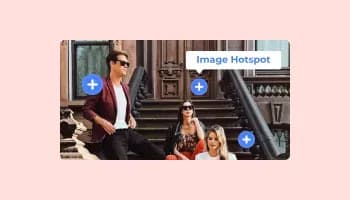
Add interactive areas on images that reveal extra information when clicked or hovered over.
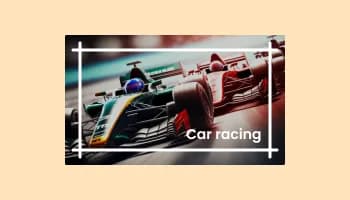
Present images and text with a variety of animated effects and transitions for an engaging visual display

A simple slider that lets visitors compare before and after images to see visual changes clearly.

Displays a series of images in a slideshow format
A graphical user interface (GUI) widget called an image accordion is used in web design and development to enable the presentation of several images or visual elements in one space, generally in a stacked or layered fashion. The accordion creates a sliding impression when it is engaged by expanding or collapsing the images and showing them one at a time. The Picture Accordion widget may be tailored to meet a broad range of design requirements and is frequently used for visually appealingly showing various items, services, or features. The Picture Accordion has been a popular option for websites wishing to add a dynamic visual element to their content because of its interactive and captivating display.
Including an Image Accordion on your website has a number of advantages:
Yes, you can either upload an image, or select an icon from a large selection of available icons to add to your Image Accordion, or, alternatively, you can leave it all blank.
It’s simple. All you need to do is to sign up and start using the free version.
Common Ninja’s Image Accordion widget is free to use. It is limited to a certain amount of views, however.
Common Ninja’s Image Accordion widget is compatible with ALL current and future website builders
Yes, the Image Accordion widget is GDPR-compliant.
No. Using our Image Accordion widget is very simple. The widget comes with an intuitive drag-and-drop interface and fully customizable options. Once you’ve finished editing the widget to your liking, all you need to do is copy the provided code and add it to your website.
Yes. We are eager to hear your request. Please visit our Feature Request page.
Images as collapsible panels that expand on interaction, with horizontal or vertical direction, focus controls, a heading, extra information and a call to action per panel, full responsiveness, and custom CSS. Embed on 200+ platforms including Webflow, WordPress, Squarespace, Elementor, and Wix.
Create your image accordionFree to use · No credit card · No coding