


Verified review
Common Ninja has amazing no-code widgets that would beautify a website built on any builder. It is very easy to use and customise. It has as many widgets for almost everyone willing to make their website impressive.
Try the editor, no signup
Pick a template, customize it, and watch it update live, no signup.
No credit card · Free forever plan
No credit card · Free forever plan
The Common Ninja Job Application Form widget is a free, no-code embed that lets employers collect candidate applications through a custom form on their careers page or job posting.
Add the job-specific fields you need (name, email, phone, resume/CV file upload, cover letter, work experience, availability, custom screening questions), request each candidate's available start date, configure optional payments if a role requires a paid assessment, enable spam protection, customize the design with skins or Custom CSS, set notification emails for new applications, and paste a one-line embed snippet on WordPress, Squarespace, Wix, Webflow, Shopify, and 200+ other platforms.
Use it for company careers pages, small-business hiring, recruiting agencies, restaurant and retail hiring, and seasonal hiring pushes, and any moment where you need a clean application flow with resume upload and candidate data export, without piping applications through email threads, Google Forms, or a paid applicant-tracking system.
Email-based applications scatter candidate details and attachments across your inbox. A dedicated job application form on your careers page collects every application into one structured list, no replying-to-each-email guesswork, no lost resumes, no manual sorting. The applicant list lives in your Common Ninja dashboard with a clean export to CSV.
Generic contact forms ask for name and email. A job application form gathers the applicant data hiring needs, resume/CV file upload, cover letter, work experience, availability, and custom screening questions per role. The hiring manager gets a complete application without a second round of follow-up emails asking for a resume.
Beyond the resume, the form can ask each candidate for their available start date, so you know upfront who can begin immediately and who has a notice period. Useful for seasonal hiring, restaurant and retail roles, and any position where timing shapes who you shortlist first.
A Contact Form (enriched at /widgets/contact-form) is for general inquiries, name, email, message. A Form Builder (enriched at /widgets/form-builder) is for any custom multi-field form. This Job Application Form is pre-tuned for hiring with the right defaults (resume upload, work experience, availability, screening questions), so you don't build from scratch every time you post a new role.
Build the form with fields that match the role, name, email, and phone (required), resume/CV file upload, cover letter, work experience, availability, salary expectations, and custom screening questions per position. Request each candidate's available start date, mark fields required or optional, set validation rules, and group related fields with section headers.
If a role requires a paid assessment or application fee, enable optional payment collection via the widget's payment integration. Set notification email addresses so the hiring manager gets pinged when a new application arrives. Enable spam protection (honeypot, optional CAPTCHA) so the applicant list stays clean.
Copy the one-line embed snippet and paste it on WordPress, Squarespace, Wix, Webflow, Shopify, or any of the 200+ supported platforms. Applications save to your Common Ninja dashboard; export the full applicant list to CSV whenever you need it for screening, shortlisting, or interview scheduling. Edits in the editor push to every embed without re-paste.
Pre-tuned field types for hiring, resume/CV file upload, cover letter, work experience, availability, salary expectations, and available start date. Add custom screening questions per role and reorder via drag-and-drop in the editor, so each posting collects exactly the applicant data you need.
Collect payment alongside the application for roles that require a paid assessment or application fee. The form integrates payment in the same submission step, so candidates don't bounce between an application form and a separate checkout page.
Honeypot fields and optional CAPTCHA keep the applicant list clean. Validation rules block obvious junk (empty emails, malformed addresses, bot patterns) at submission so your list reflects real candidates, not fake applications.
Pick from a library of pre-designed skins (corporate-clean, brand-neutral, dark-mode, vibrant) for a fast visual fit on your careers page. Layer Custom CSS for pixel-level control over field spacing, button styling, header typography, and per-section dividers.
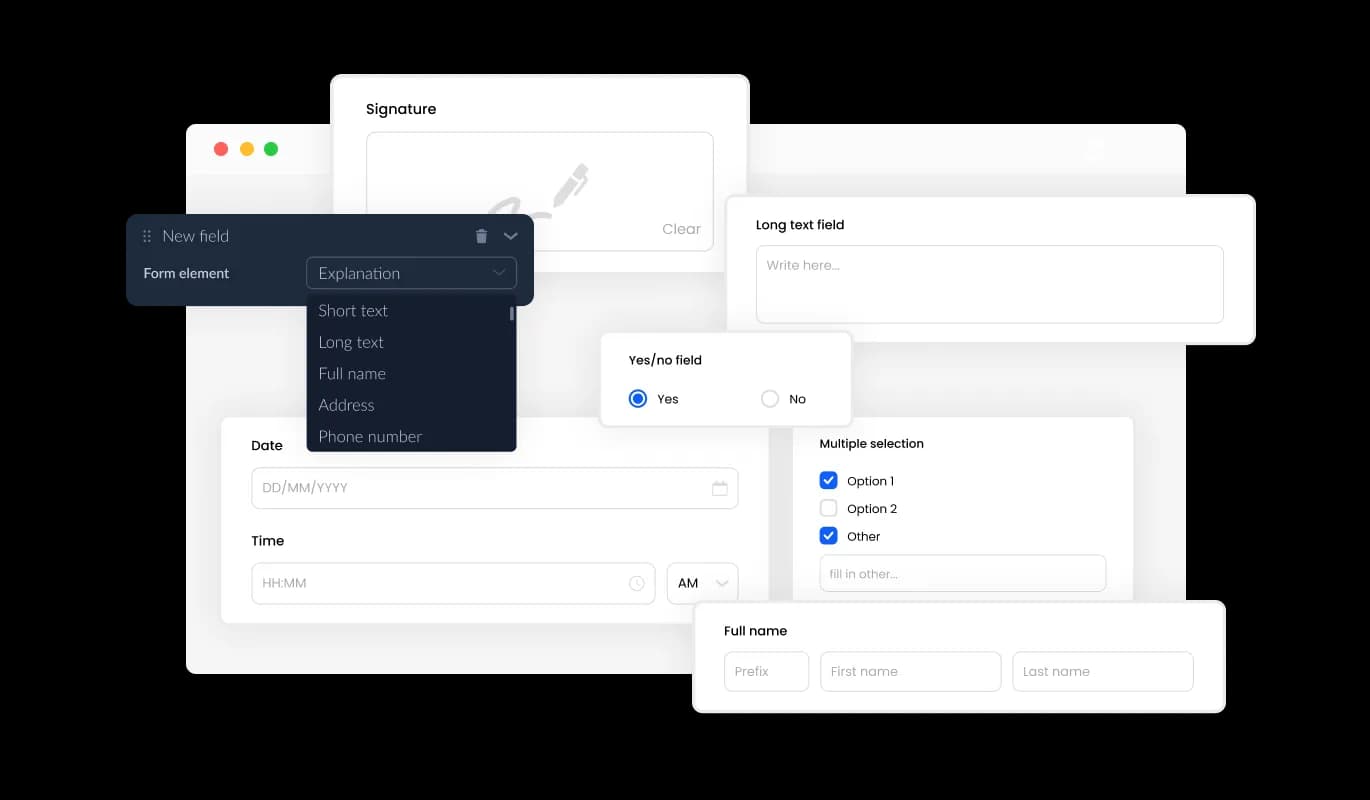
The Job Application Form offers an array of fields, ranging from standard to specialized formats, allowing you to craft application forms tailored to your requirements and objectives. To add a field, click on the "Add Field" option and select from a wide variety of field types. Additionally, effortlessly adjust the field order by using drag-and-drop functionality.
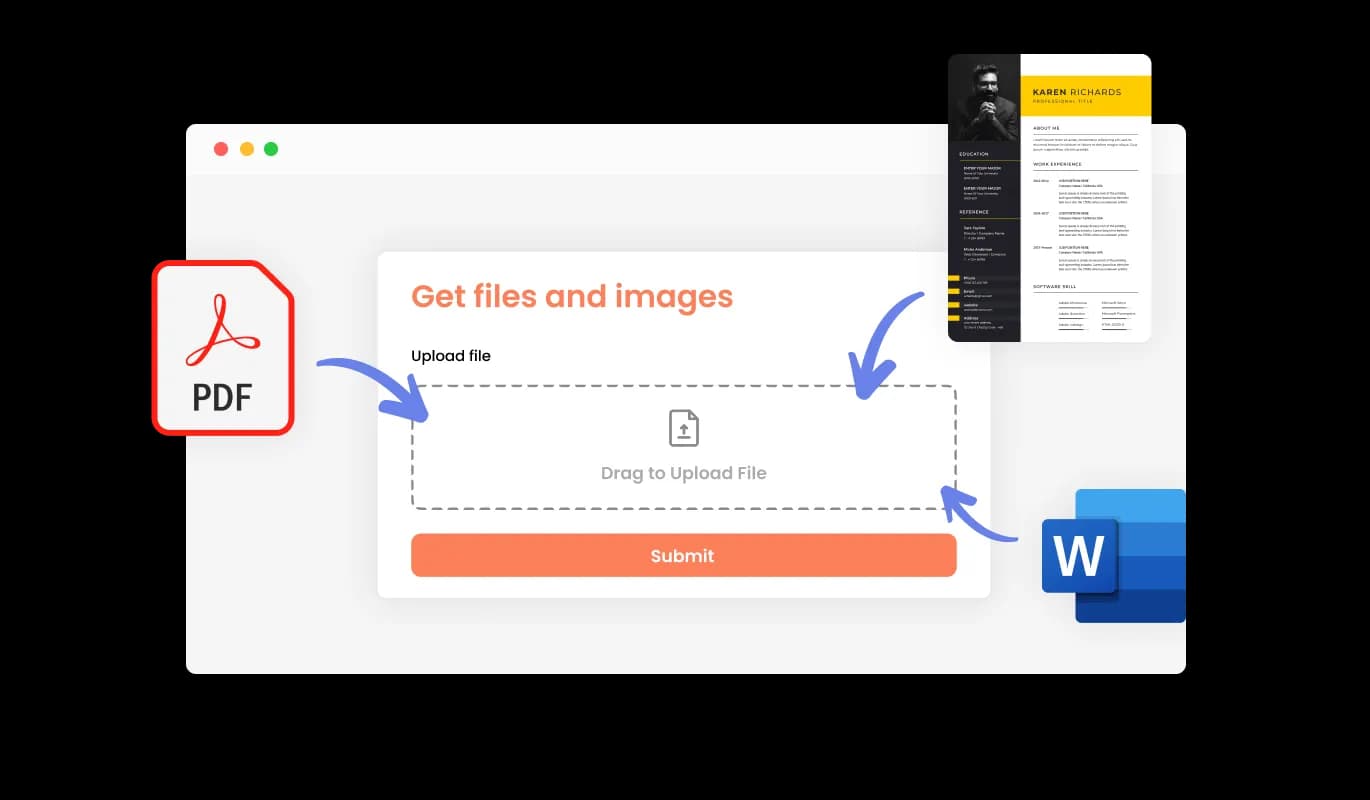
You can employ the Job Application Form to receive CV or resume files from candidates. This feature is particularly advantageous for recruiters and HR professionals who need to collect comprehensive employment histories and qualifications from prospective applicants.
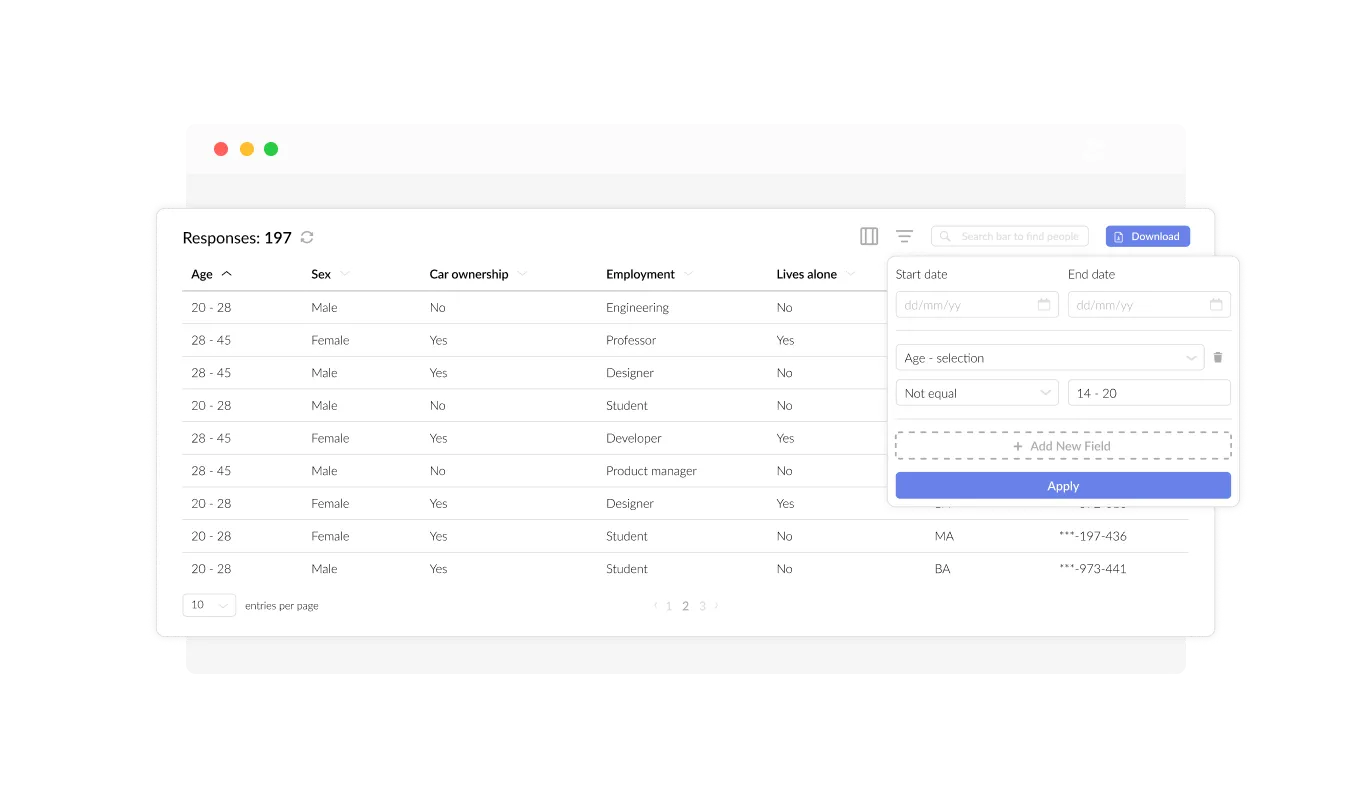
The Job Application Form facilitates the organization and presentation of all applicant data (information submitted in the forms) in a clear and accessible format. This feature streamlines the tracking of candidate submissions, ensuring that you can review and respond to applicants more quickly and effectively.
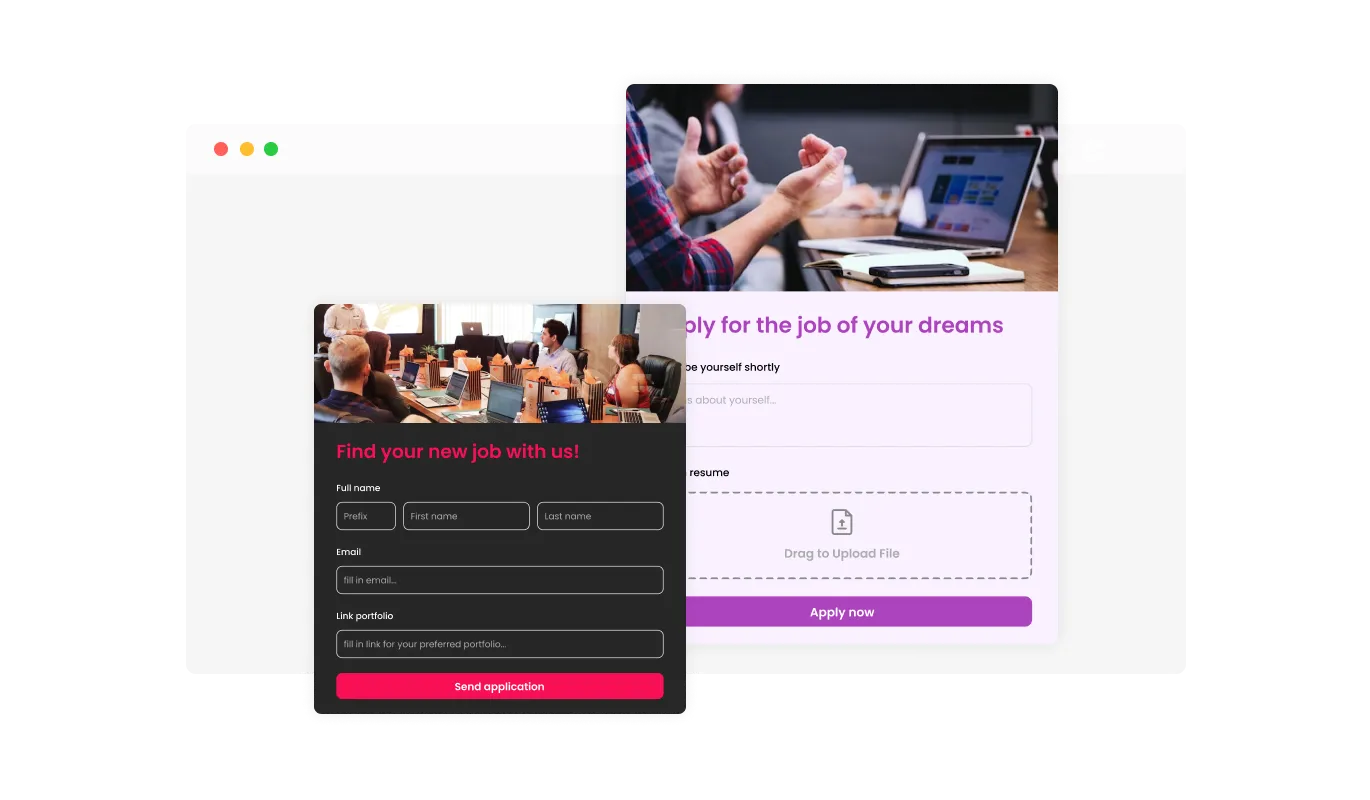
By integrating designated job application fields such as the LinkedIn Profile URL and Current Employment Status selection, you can gather additional information that can help you evaluate candidates more effectively. incorporating other fields such as a portfolio link, professional certifications, or language proficiency can offer further insight into the candidate's skills and experience, providing a more comprehensive picture of their qualifications and suitability for the role.
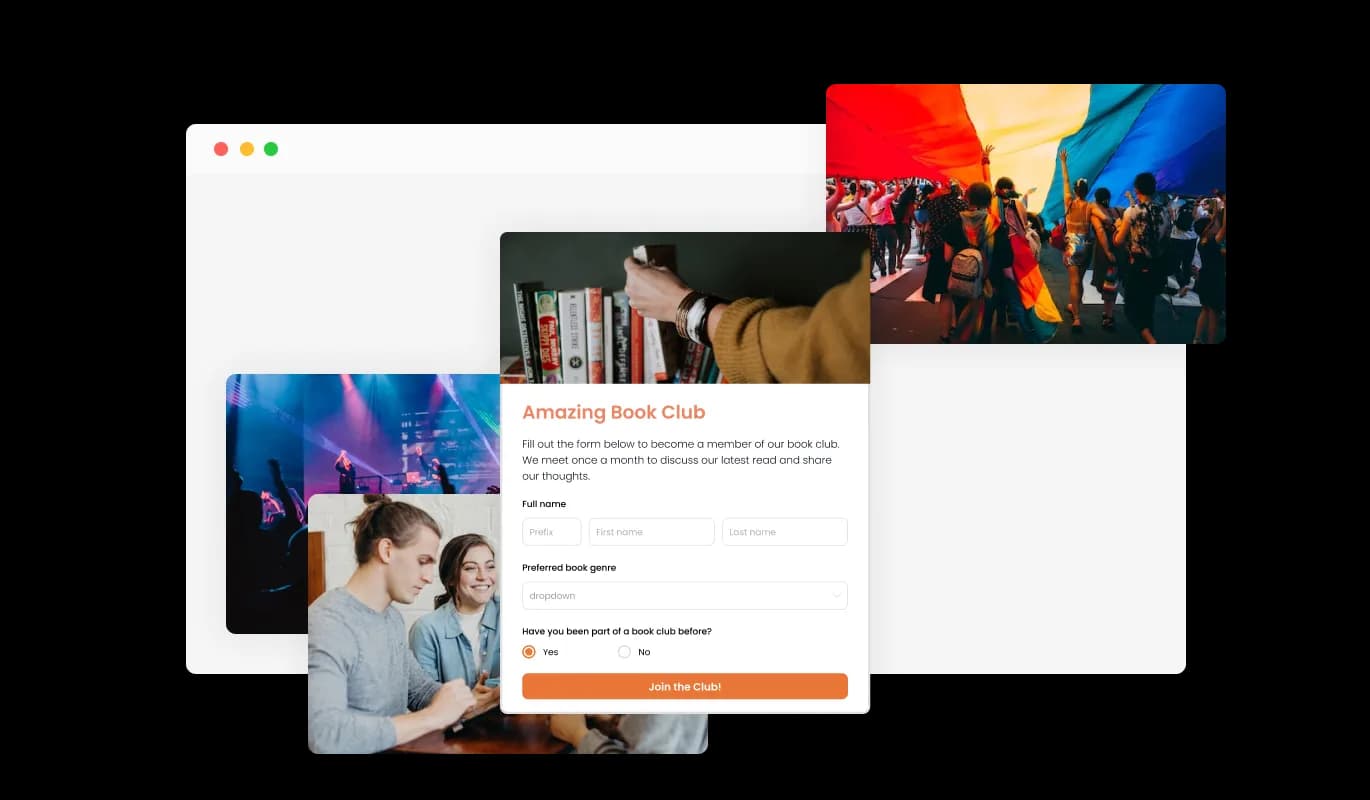
Incorporating headings, descriptive text, and visuals into your job application form enables a more engaging and intuitive submission experience for applicants. Including informative form elements can guide candidates through the application process, promoting a seamless experience and increasing the chances of successful submissions.
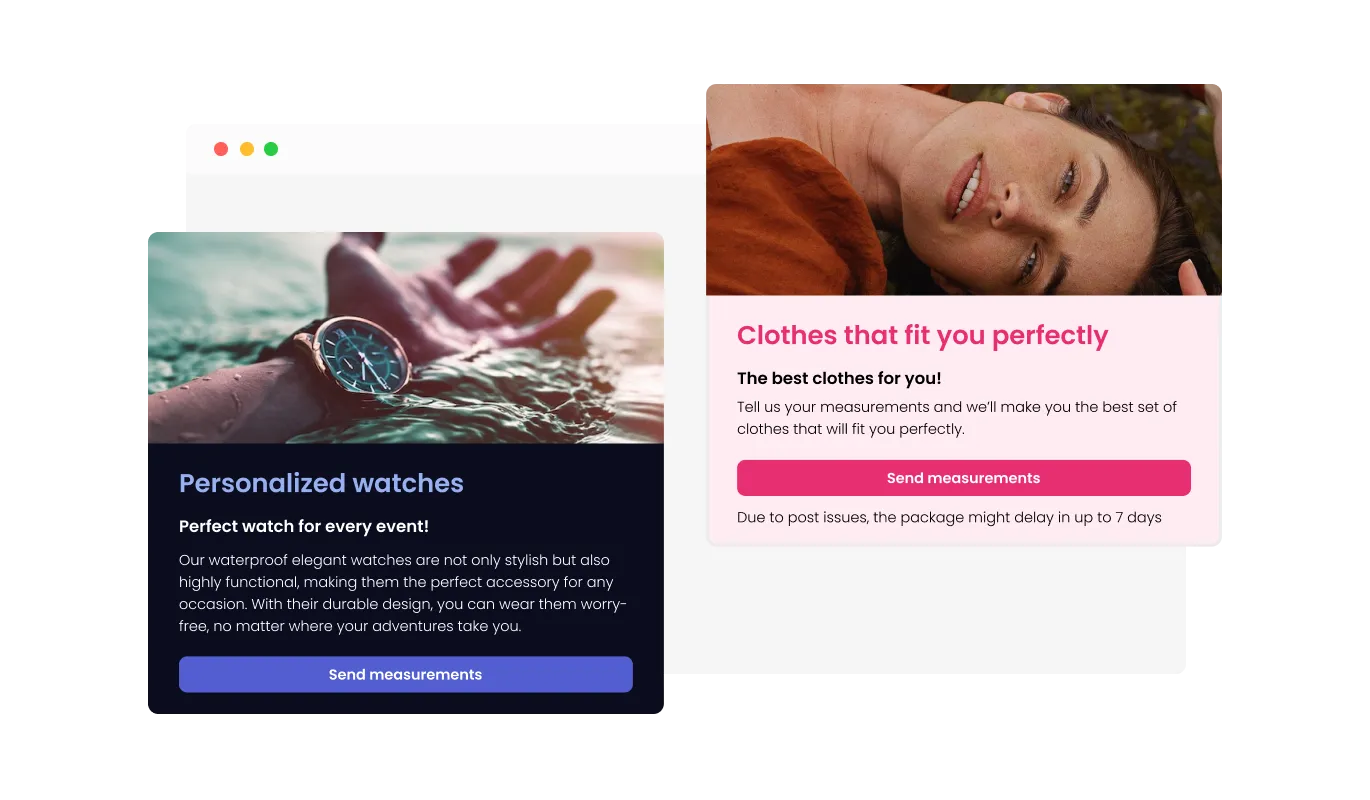
The Job Application Form creator offers header and footer customization options, including the ability to add images. This feature presents an excellent opportunity to strengthen your brand presence and design a professional, visually appealing form that seamlessly integrates with your website's overall look and feel.
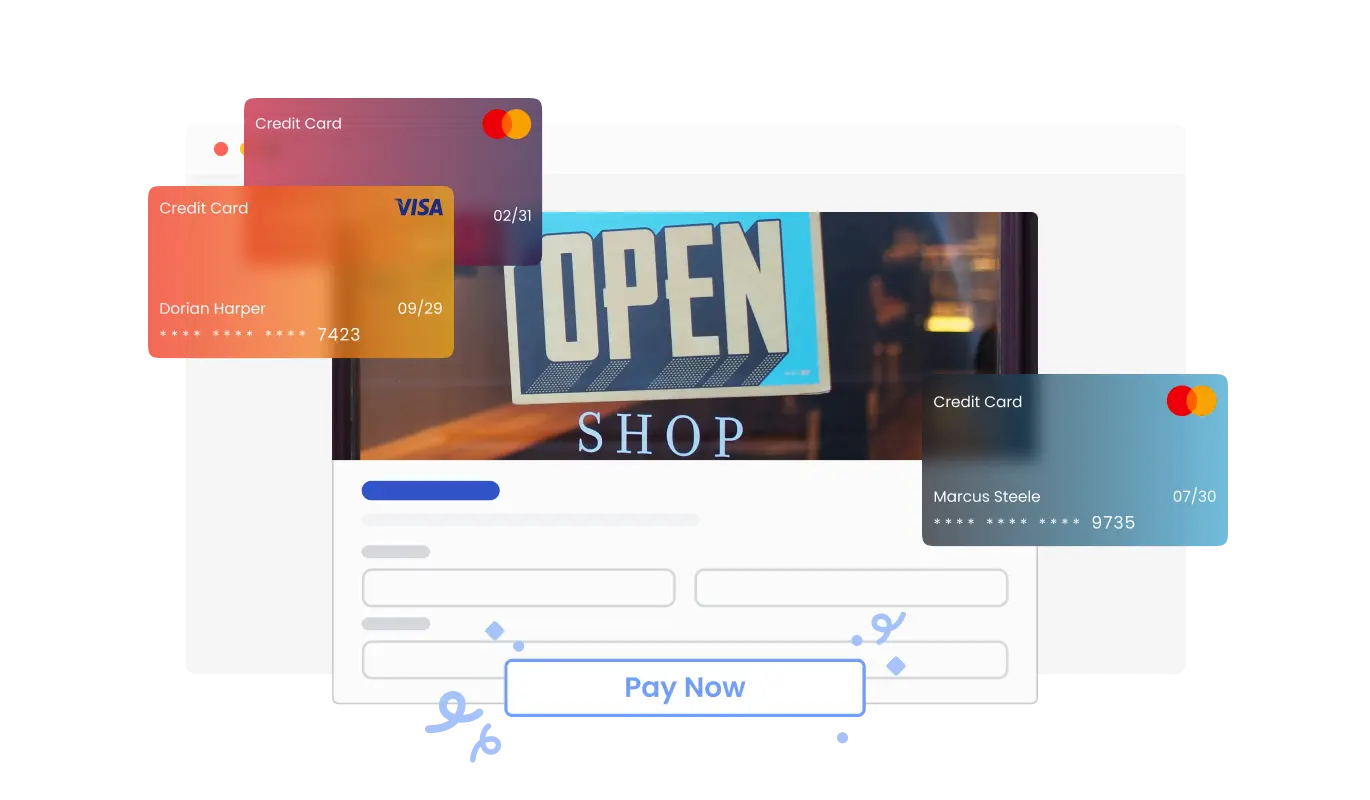
The Job Application Form widget enables you to accept payments directly from applicants with ease. Whether you’re charging for application processing, portfolio reviews, or other recruitment services, this feature integrates secure payment options seamlessly into your form. With a straightforward setup and dependable payment processing, you can enhance your application process while ensuring a smooth experience for your users.
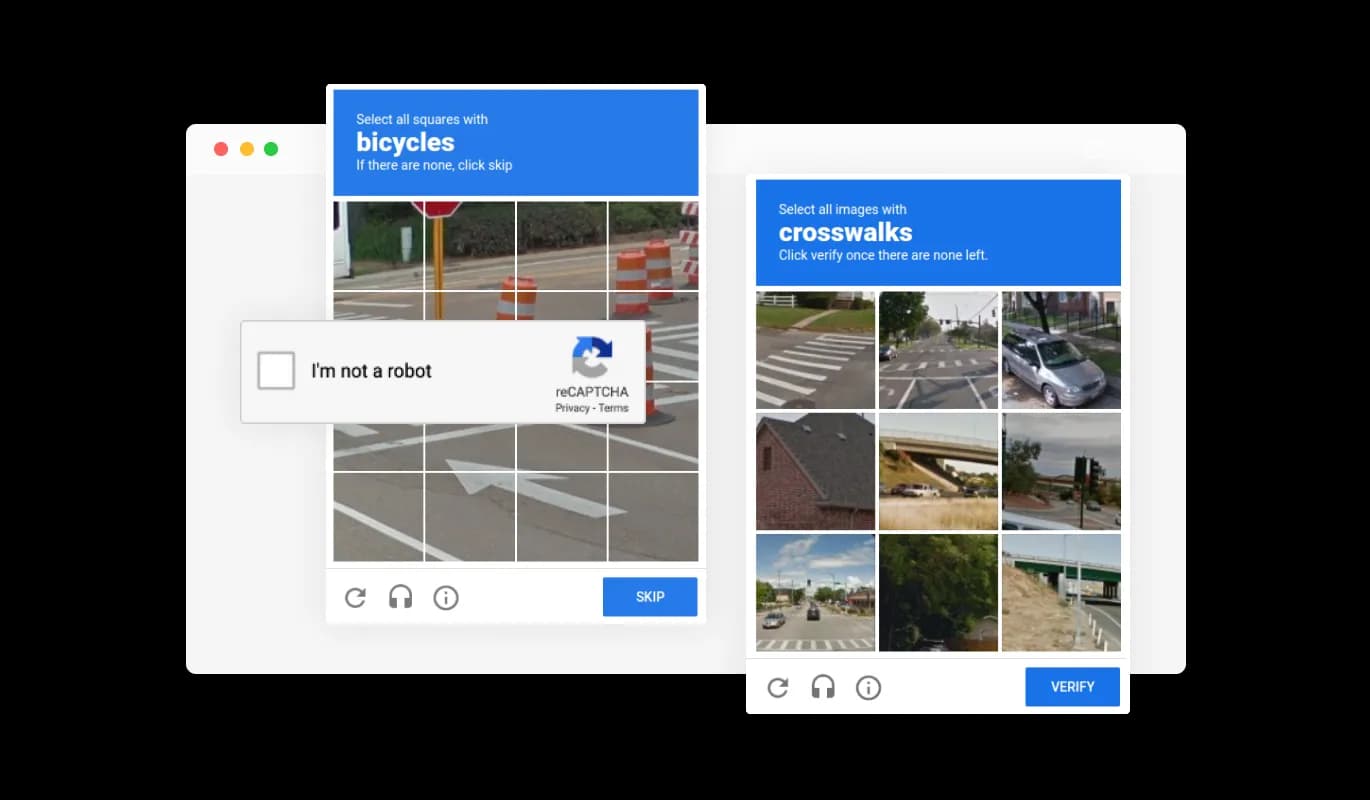
The Job Application Form builder allows you to enable the CAPTCHA anti-spam feature, which applicants must complete before submitting their application. This functionality helps prevent bots and automated scripts from submitting spam entries through your job application form, ensuring that you receive authentic submissions from genuine candidates.
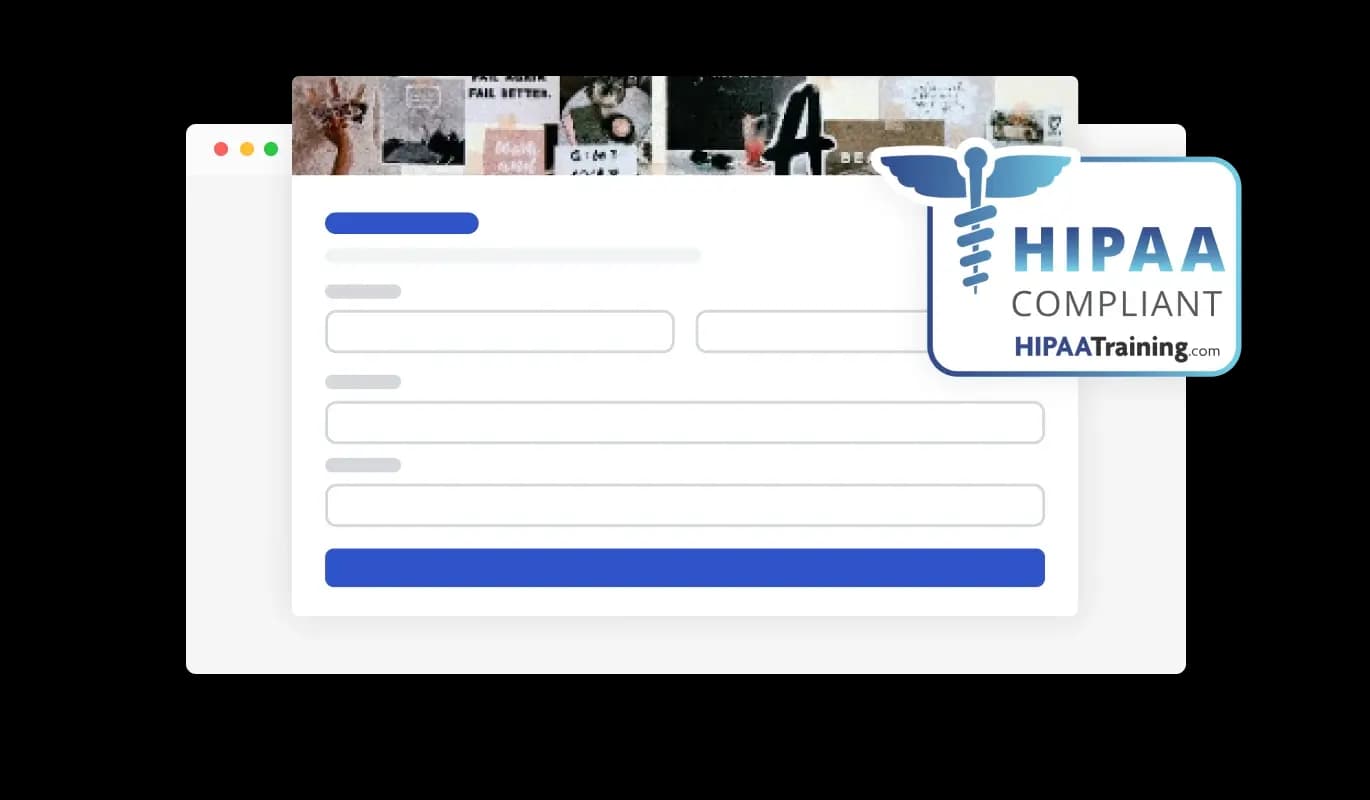
The Job Application Forms ensures HIPAA compliance, offering end-to-end data encryption and role-based access management to protect sensitive information. Seamless integrations, including a HIPAA-compliant API and support for tools like Google Sheets and EMR systems, enhance functionality. Additionally, activity tracking and audit logs provide full transparency over data access.
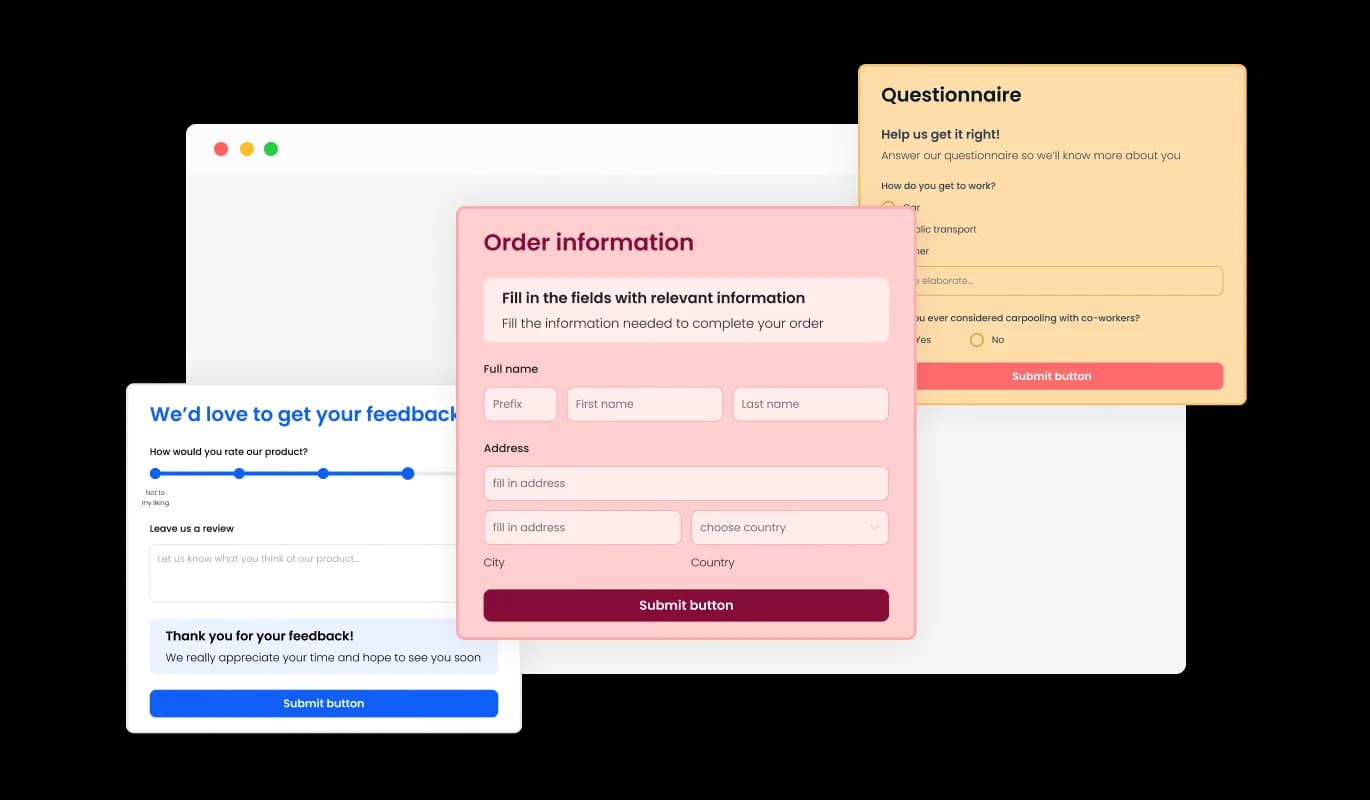
The Job Application Form creator comes with a variety of beautiful skins that you can choose from, to quickstart the design process and not spend much time on extensive customization. These pre-designed skins cater to different aesthetics, allowing you to easily match your form with your website's look and feel.
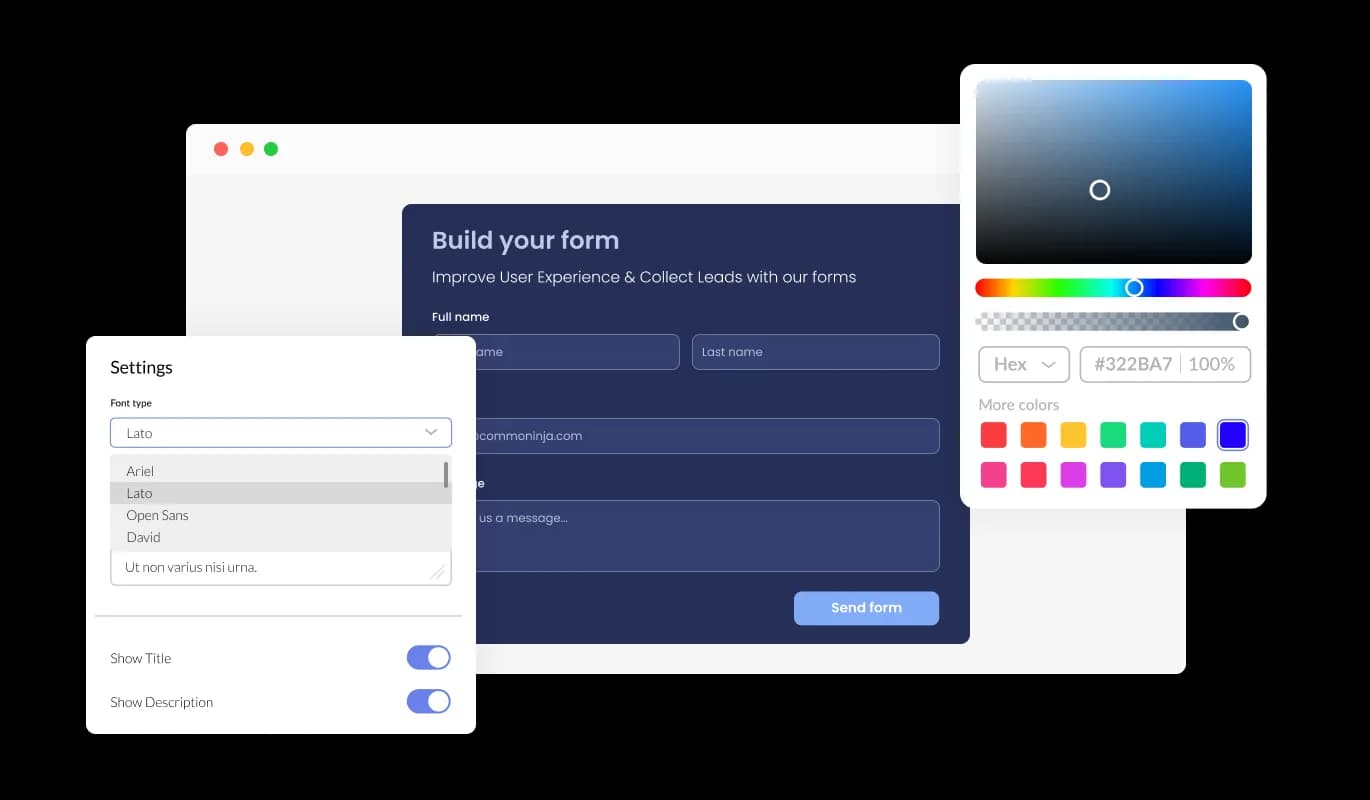
The Job Application Form Builder provides comprehensive customization choices, enabling you to tailor the design to meet your specific requirements. From adjusting colors and fonts to modifying field layouts, you have complete control over the form's appearance and functionality.
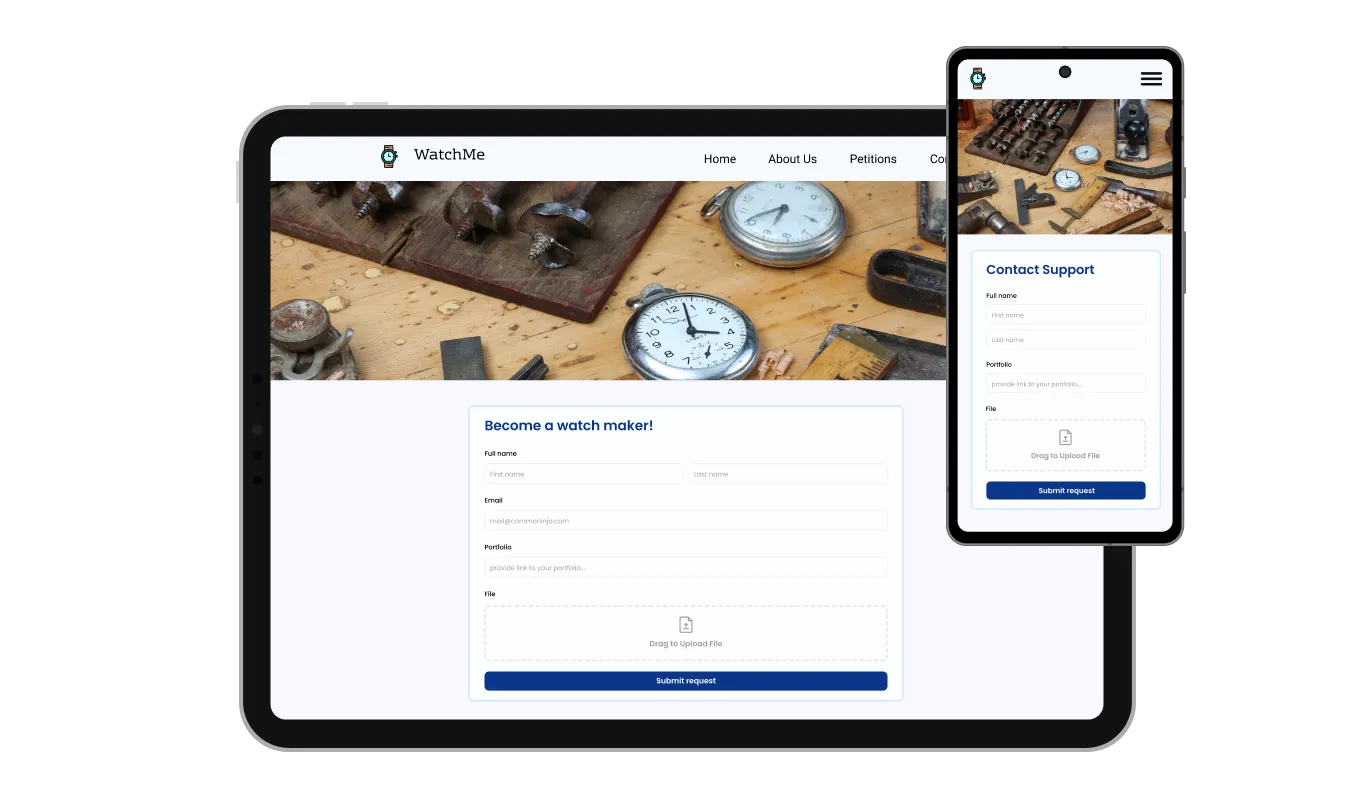
The Job Application Form is fully responsive and will look great on any device. Having a form that is optimized for mobile viewing is essential in a world where more and more people are accessing the internet through their phones and tablets.

Our advanced editor is a robust tool that grants you full control over the Job Application Form's appearance. With this feature, you can effortlessly personalize every aspect of the form's design, from colors and fonts to layout and positioning. For those looking to exercise their creativity further, direct CSS editing allows for even more extensive customization options.

To integrate the Job Application Form into your website, copy and paste the provided code snippet into your page's HTML code. The form is designed to auto-update, which means any modifications you make in the Job Application Form editor will be automatically reflected on your website. This feature streamlines the integration process and ensures that your application form is always up-to-date.
The Job Application Form's submission data can be exported to a CSV file, enabling you to transfer it to other applications or tools for in-depth analysis or integration. This functionality is especially valuable for organizations seeking to maintain a comprehensive record of applicant information for data analysis, reporting, and HR management purposes.
The Job Application Form builder includes a date field, which enables you to request the candidate's available date to start. This feature can be particularly beneficial for businesses that have specific start dates in mind or that require new employees to start work within a certain timeframe. By including a date field, you can gather the necessary information upfront and ensure that you only consider candidates who are available to start on or before the desired date.
The Job Application Form includes the option to enable notifications for both the form owner and the applicant. You can activate automated email notifications for each form submission, send them to multiple recipients, and also dispatch a confirmation email to the candidate upon successful submission.
The Job Application Form Builder is simple to use and doesn't require any coding expertise. Within a few clicks, you can customize the form to your liking using our intuitive interface, making it an effortless experience.
Start collecting job applications without the inbox chaos
Open the editorNo credit card · Setup in under 5 minutes
Common Ninja has amazing no-code widgets that would beautify a website built on any builder. It is very easy to use and customise. It has as many widgets for almost everyone willing to make their website impressive.
Outstanding service. I use their widgets to help me with my web design business and whenever I need help they are very quick to help.
Excellent company with excellent service!!! We used it to build a survey, it was very user friendly. The service was perfect. Amit helped us with every problem and question we had, thank you very much!!!
Common Ninja saved the day when building our website and the customer service Daniel, the co-founder and CEO, provided was amazing.
Yes. The free plan covers one Job Application Form with no time limit and no credit card. Upgrade only when you need additional forms, more submissions per month, payment collection, premium skins, advanced field types, or features like webhook integrations and conditional logic.
A Contact Form is for general inquiries (name, email, message). A Form Builder is for any custom multi-field form. This Job Application Form is pre-tuned for hiring, resume/CV upload, work experience, availability, available start date, and screening questions, so you start from a complete application template instead of building every field from scratch. Same data backend; different starting point.
Yes. Add a file-upload field to the form and candidates attach their resume or CV directly with the application. The file arrives alongside the rest of their answers in your Common Ninja dashboard, so you review the full application in one place instead of chasing attachments across email threads.
Applications save to your Common Ninja dashboard with one row per submission. Export the full applicant list to CSV whenever you need it, for screening, shortlisting, interview scheduling, or sharing with a hiring panel. The CSV includes every field (name, contact details, availability, custom answers) in one file.
Yes. Set notification email addresses in the editor, the hiring manager (and recruiters) get an email whenever a new application arrives, with the submission detail included. Useful for quick visibility into new applicants without checking the dashboard. Configure separate notification recipients per form if you hire for multiple roles.
Yes. Add a date field for the candidate's available start date so you know upfront who can begin immediately and who has a notice period. This is especially useful for seasonal hiring, restaurant and retail roles, and any position where start timing shapes who you shortlist first.
Build the form in the Common Ninja editor (add hiring fields, enable resume upload, set notification emails), copy the embed snippet, and paste it into your site: WordPress via a Custom HTML block; Squarespace via a Code block; Wix via an Embed HTML / iFrame element. Edits in the editor push to every embed without re-paste.
Yes. Field layouts adapt across mobile, tablet, and desktop breakpoints, inputs reflow to single-column on narrow screens, dropdowns and radios stay tappable, the submit button stays finger-sized, and the form uses the correct mobile keyboard for each field type (numeric keyboard for phone, email keyboard for email field).
Pick your platform. Each takes under 4 minutes.
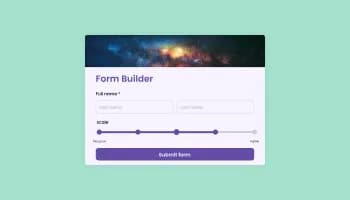
Create your form for any purpose with a friendly form builder

Allow users to send messages or inquiries, save submissions, enable notifications, and more

Allow users to add their feedback, save submissions, enable notifications, and more

Allow users to submit support tickets, save submissions, enable notifications, and more
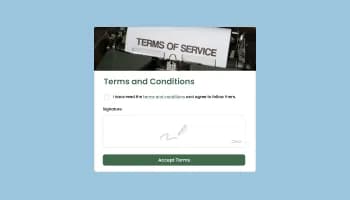
Allow users to sign a consent form, save submissions, enable notifications, and more

Easily craft engaging, personalized popups to boost conversions.
A Job Application Form builder is an interactive web form that enables businesses and organizations to collect and manage employment applications from prospective candidates. This FormApplication Creator provides a user-friendly and efficient method for applicants to submit their personal information, work experience, and qualifications, and for employers to review and manage these applications. The Job Application Form builder is highly customizable, allowing you to tailor the design and functionality to meet your specific requirements.
Yes, you can enable notifications to alert you when a new application has been submitted, allowing for prompt review and follow-up.
Yes, the Job Application Form is highly customizable, allowing you to tailor the design and functionality to meet your specific requirements.
You can implement anti-spam measures, such as CAPTCHA, to prevent spam submissions and ensure that you receive only genuine applications.
Yes, you can easily do so from the “Templates” tab.
Yes, there are lots of beautiful skins that you can choose from to save time and start using the Job Application Builder as quickly as possible.
Yes, you can either upload an image, or select an icon from a large selection of available icons to add to your Job Application Form, or, alternatively, you can leave it all blank.
It’s simple. All you need to do is to sign up and start using the free version.
Common Ninja’s Job Application Form widget is free to use. It is limited to a certain amount of views, however.
Common Ninja’s Job Application Form builder is compatible with ALL current and future website builders.
Yes, the Job Application Form is GDPR-compliant.
No. Using our Job Application Form builder is very simple. The builder comes with an intuitive drag-and-drop interface and fully customizable options. Once you’ve finished editing the Job Application Form to your liking, all you need to do is copy the provided code and add it to your website.
Yes. We are eager to hear your request. Please visit our Feature Request page.
Collect candidate applications with pre-tuned fields for resume/CV upload, work experience, availability, and available start date, optional payment collection, spam protection, hiring-manager notifications, CSV export, stylish skins, and Custom CSS. Embed on 200+ platforms including WordPress, Squarespace, Wix, Webflow, and Shopify.
Create your Job Application FormNo credit card · Setup in under 5 minutes