


Verified review
Common Ninja has amazing no-code widgets that would beautify a website built on any builder. It is very easy to use and customise. It has as many widgets for almost everyone willing to make their website impressive.
Try the editor, no signup
Pick a template, customize it, and watch it update live, no signup.
No credit card · Free forever plan
No credit card · Free forever plan
The Common Ninja Link In Bio is a free, no-code widget that collects your links, social profiles, media, and contact options into one branded page. Build it in the editor and paste one line of embed code.
Unlike a hosted link page on someone else's domain, this one lives on your own site, so the traffic, the branding, and the analytics stay yours.
Six header layouts, link cards with icons and badges, images and video, ready-made templates, click tracking, translations, and display rules are all included.
A hosted link page sends every click through someone else's domain and keeps the visit. Running the same page on your own site means the audience you built on social arrives somewhere you own.
One profile link has to serve the newsletter, the shop, the latest video, and the booking form. A link page is the only honest answer to that, and it can be reordered the day a priority changes.
Restaurants, salons, and studios mostly need a menu, a map, a phone number, and a booking link. Those are four taps on a phone, and a link page puts all four above the fold.
Click tracking on links, cards, images, and videos tells you what the audience came for. Usually it is not the entry you put first, and knowing that is the point of measuring it.
Start from Wave, Classic, Hero, Gradient, Split, or Minimal, or open one of the ready-made templates for creators, restaurants, musicians, shops, and consultants. The header is the part people judge in the first second, so it is worth more than a moment.
Links to sites, email, phone, SMS, and WhatsApp, plus social profiles, images, videos, text, and promo cards. Order matters more than quantity here, because the first two or three entries take most of the clicks.
Copy the snippet from the Add to Website tab and paste it on the page you want to be your link hub. Updating a link later changes it everywhere the embed appears.
Wave, Classic, Hero, Gradient, Split, and Minimal each present the profile image, branding, description, and social icons differently, so the first impression is a choice rather than a default.
Point an entry at a website, an email address, a phone number, SMS, or WhatsApp, and dress it with a label, a description, an icon, and a badge so the important one stands out.
Add images, videos, and content cards to highlight a product, an event, a release, or an announcement, so the page can sell something instead of only listing destinations.
Translate the page for different languages, and use display rules to control when and where it shows, so a campaign page can run for a date range or a region without a second build.
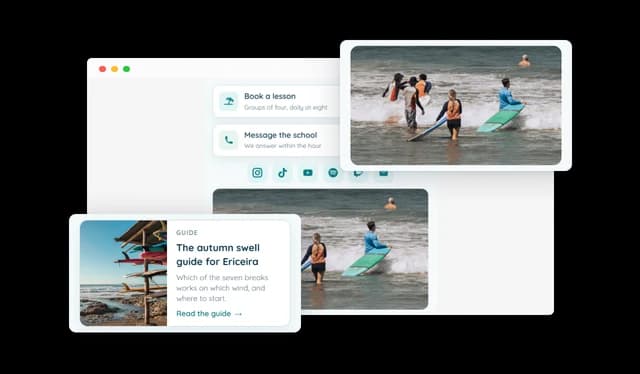
Build your page from different content types, including links, social profiles, images, videos, text sections, and promotional cards. Arrange everything in any order to create a Link In Bio page that fits your specific goals and content.
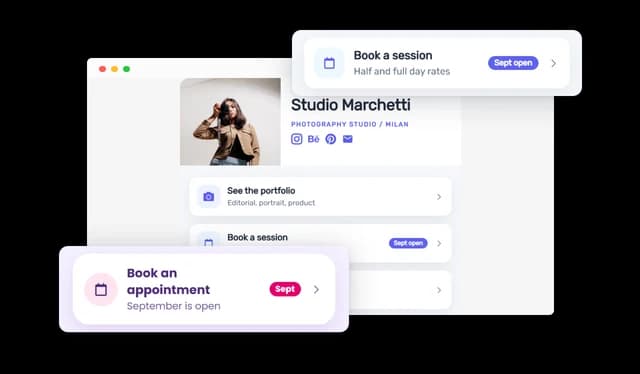
Add links to websites, email addresses, phone numbers, SMS, and WhatsApp. Customize each link with labels, descriptions, icons, badges, and different presentation styles to make important actions stand out.
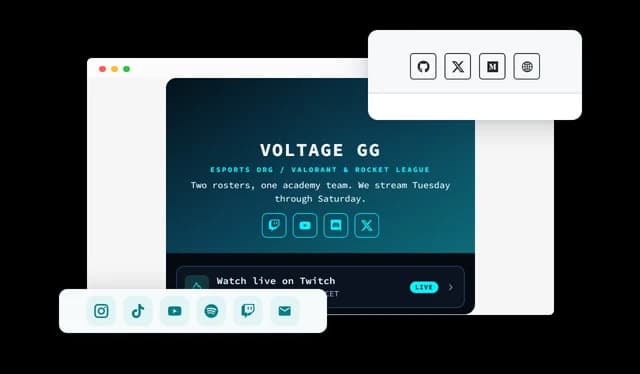
Connect visitors to your social profiles across popular platforms such as Instagram, TikTok, YouTube, Facebook, LinkedIn, Spotify, Twitch, and more. Display social icons in the header, within the page, or in both locations.
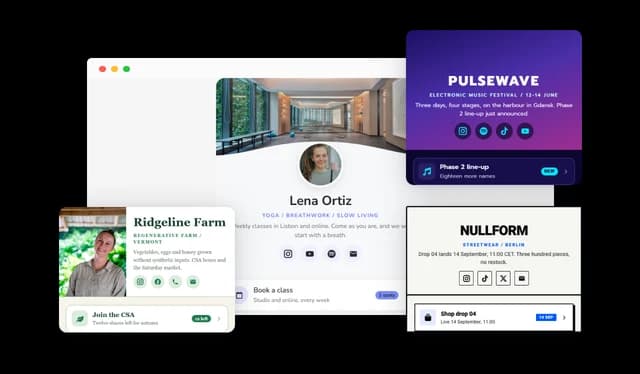
Choose from six different header styles, including Wave, Classic, Hero, Gradient, Split, and Minimal. Each layout presents your profile image, branding, description, and social links in a different way, giving you more control over the first impression your page creates.
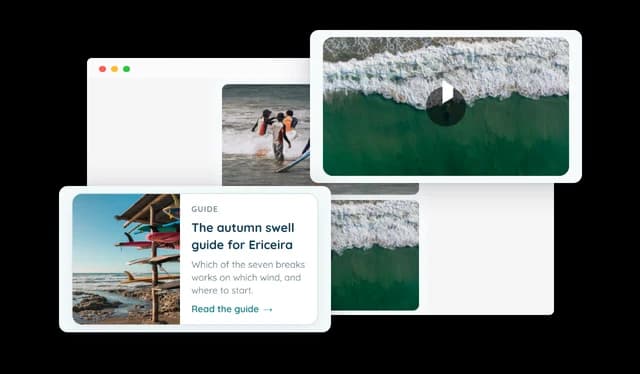
Go beyond basic links by adding images, videos, and content cards. Highlight products, events, articles, releases, services, announcements, and other important content directly on your Link In Bio page.
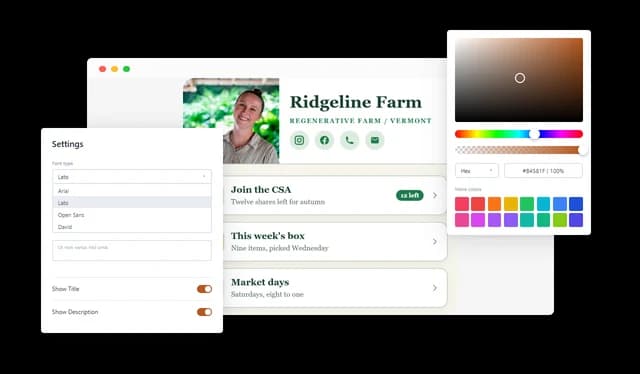
Customize the colors, fonts, backgrounds, spacing, borders, buttons, images, social icons, cards, and other visual elements throughout your page. Create a design that matches your website, personal style, or brand identity.
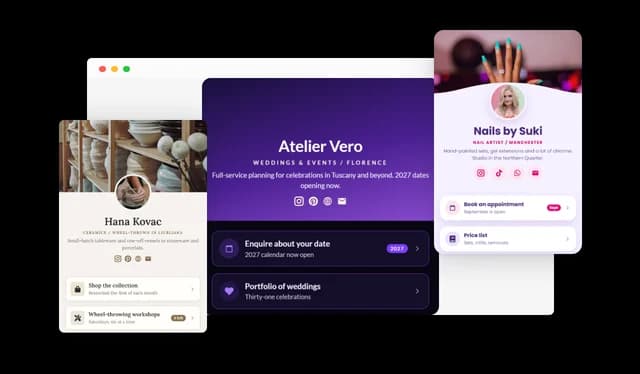
Start quickly with professionally designed templates for creators, businesses, restaurants, musicians, consultants, shops, events, and other use cases. Each template comes with a complete layout and sample content that you can customize.
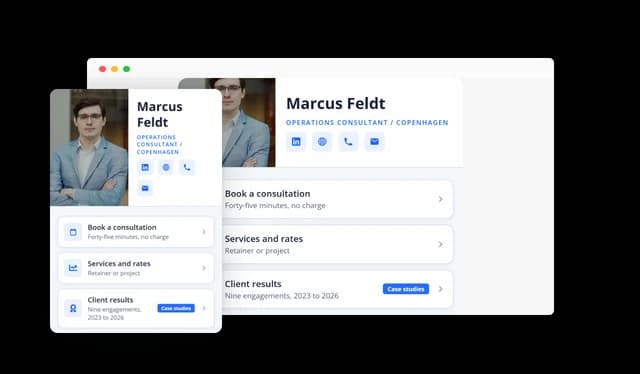
Create a Link In Bio page that looks and works well across mobile phones, tablets, and desktops. Layouts and content automatically adapt to different screen sizes, with additional control over how the page appears on each device.
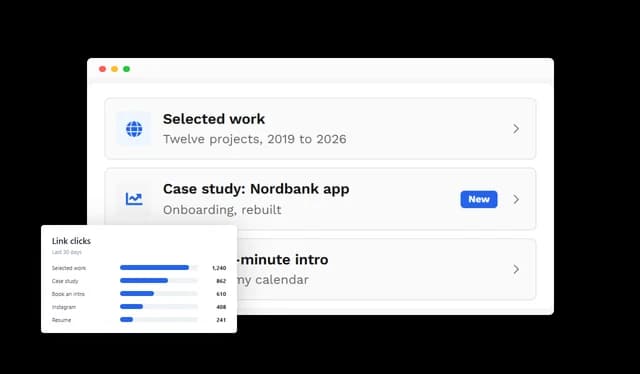
Track interactions with links, social profiles, cards, images, and videos to understand which content gets the most engagement. Use these insights to improve your page and prioritize the destinations your audience cares about most.
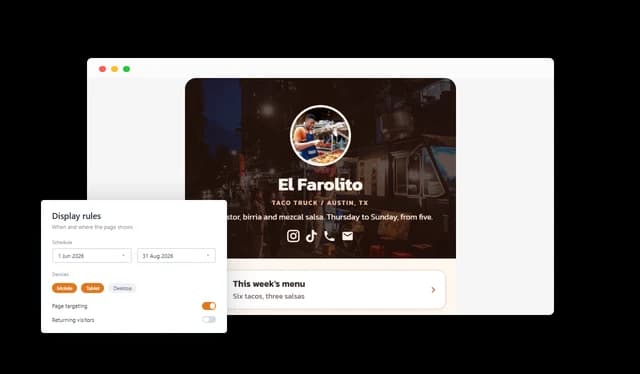
Translate your Link In Bio content for different languages and use display rules to control when and where the page is shown. Create more relevant experiences for different audiences, locations, campaigns, or time periods.
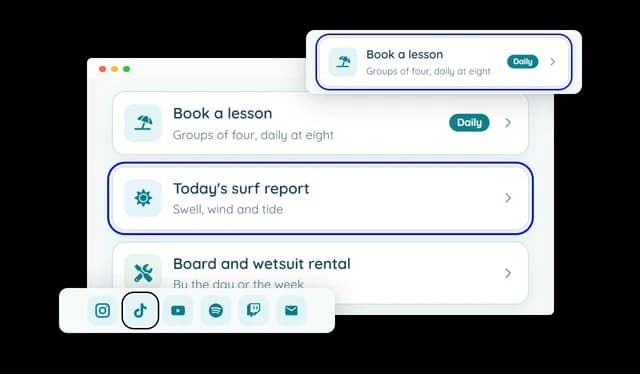
Provide a smooth browsing experience with keyboard-friendly navigation, accessible social links, reduced-motion support, responsive interactions, and optional entrance animations. The page is designed to remain easy to use across different devices and browsing preferences.
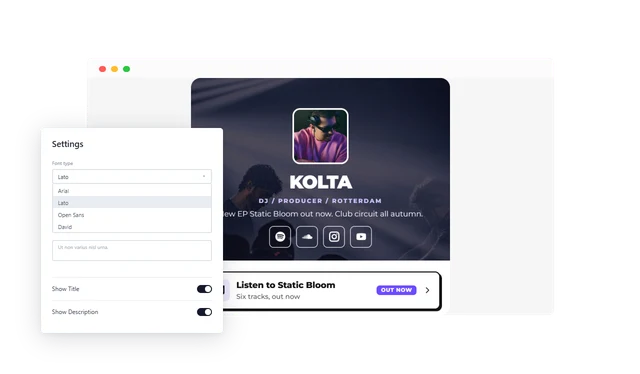
The Link In Bio page is easy to create and customize, with no coding knowledge required. Use the intuitive editor to add content, change the design, and update your page whenever you need.
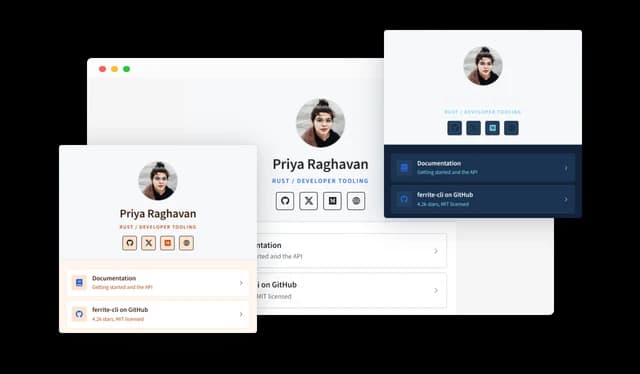
Customize the colors, fonts, spacing, backgrounds, buttons, images, and other design elements to create a Link In Bio page that matches your brand and style.
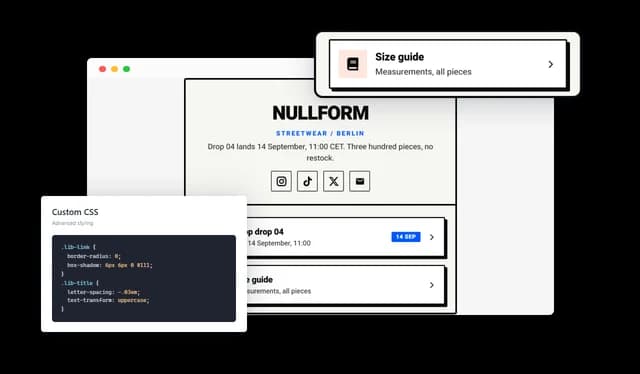
Use custom CSS for additional design control and advanced styling beyond the built-in customization options.
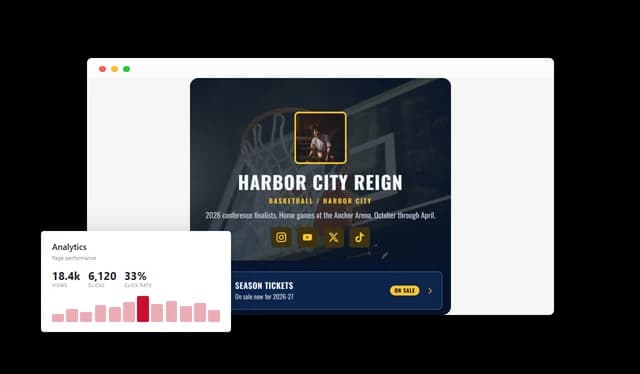
Track page interactions and clicks to understand how visitors engage with your Link In Bio content and which destinations perform best.
Common Ninja has amazing no-code widgets that would beautify a website built on any builder. It is very easy to use and customise. It has as many widgets for almost everyone willing to make their website impressive.
Outstanding service. I use their widgets to help me with my web design business and whenever I need help they are very quick to help.
Excellent company with excellent service!!! We used it to build a survey, it was very user friendly. The service was perfect. Amit helped us with every problem and question we had, thank you very much!!!
Common Ninja saved the day when building our website and the customer service Daniel, the co-founder and CEO, provided was amazing.
The page runs on your own domain instead of theirs. That means the click from your social profile lands on your site, the branding is yours end to end, and the visit is visible in your own analytics rather than sitting in a third-party dashboard. The trade is that you need a site to put it on.
Fewer than feels comfortable. The first two or three entries take most of the clicks on almost every link page, and every extra row pushes the thing you actually want people to do further down. If a link has not been clicked in a month, it is costing you attention rather than earning it.
Yes. An entry can point at a website, an email address, a phone number, an SMS, or a WhatsApp conversation, which is usually what a local business needs more than another web page.
Yes. Clicks on links, social profiles, cards, images, and videos are tracked, so you can see which destination the audience actually came for and reorder the page around it.
No. There are ready-made templates for creators, businesses, restaurants, musicians, consultants, shops, and events, each with a complete layout and sample content you replace. Starting from one and editing is faster than starting from an empty page.
Yes, and that is the screen that matters, because nearly all of this traffic arrives from a social app. Layouts adapt to phone, tablet, and desktop, and you can adjust how the page appears on each.
Yes. The content can be translated, and display rules let you control when and where a version is shown, so a page can differ by language, region, or campaign period.
Yes. Edits in the editor appear wherever the embed already sits, so swapping the featured link is a change in one place rather than a redeploy.
Pick your platform. Each takes under 4 minutes.
Sticky buttons with links to social media accounts
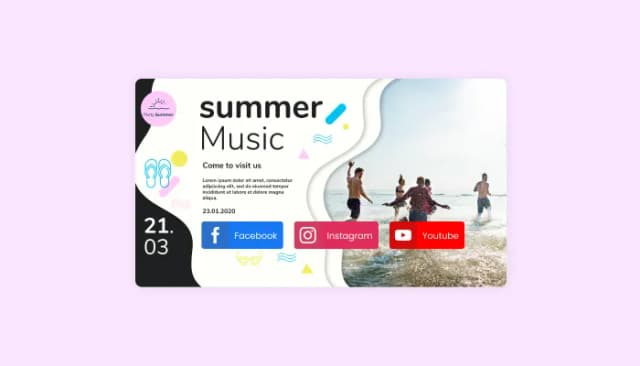
Seamlessly integrate social sharing buttons into your website to enhance content visibility.
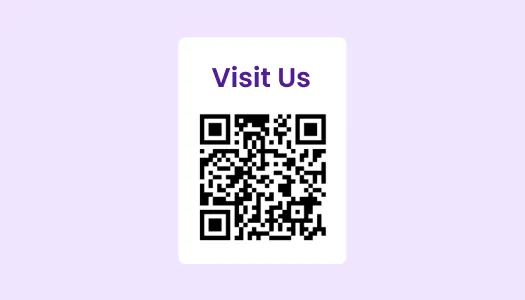
The QR Code widget lets you generate a QR code image and embed it on your website. Choose from 9 layouts that include the code, a title, and a description. Create different QR types (like URL, WiFi, phone, email, files, and more) based on the information you need.
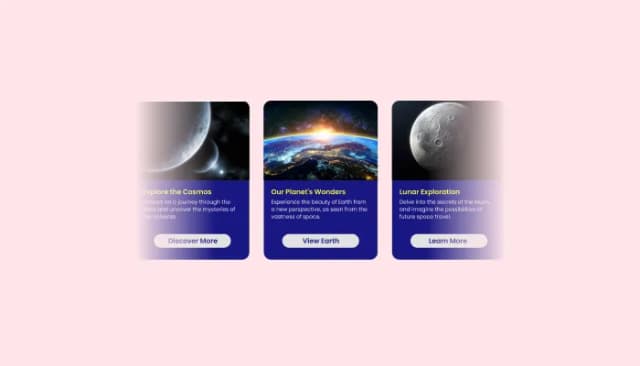
Create interactive content sliders to showcase images, text, and buttons with customizable options.
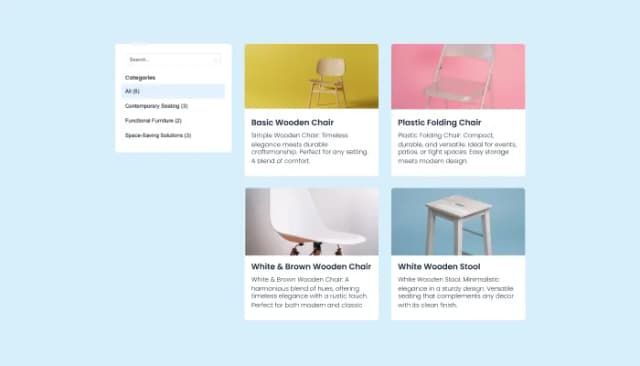
Create, customize, and display product catalogs seamlessly on any website.

Organize links, display logos, and integrate social media on your website footer.
A Link In Bio page is a single destination that brings together your most important links, social profiles, content, contact options, and promotions. It is especially useful for social media profiles that allow only one clickable link.
A Link In Bio page can be useful for creators, influencers, musicians, restaurants, shops, consultants, freelancers, businesses, events, clubs, and anyone who wants to direct visitors to multiple destinations from one link.
You can add links, social media profiles, images, videos, text sections, promotional cards, contact options, and footer links. These elements can be arranged in any order to match your needs.
Yes. You can customize colors, fonts, backgrounds, spacing, buttons, images, social icons, cards, and many other design elements. You can also choose from several header layouts and ready-made templates.
Yes. The page is designed for mobile use and automatically adapts to different screen sizes, including phones, tablets, and desktops.
Yes. In addition to regular website URLs, you can add direct actions for email, phone calls, SMS, and WhatsApp.
Yes. You can add links to popular social networks and platforms, including Instagram, TikTok, YouTube, Facebook, LinkedIn, Spotify, Twitch, and more.
Yes. You can add full-width images and videos directly to your Link In Bio page, alongside links, text, and other content.
Yes. You can track interactions with links, social icons, cards, images, and videos to understand what your visitors engage with most.
Yes. You can translate your page content for different languages and provide localized versions for different audiences.
No. You can create, edit, and customize the page using the visual editor without writing code. Custom CSS is also available if you want more advanced styling control.
Yes. You can choose from ready-made Link In Bio templates designed for different industries, styles, and use cases, then replace the sample content with your own.
One branded page for every link, on your own domain. Six header layouts, link cards for websites, email, phone, SMS, and WhatsApp, social profiles, images, video, featured cards, ready-made templates, click tracking, translations, and display rules. Embed on 200+ platforms including WordPress, Shopify, Wix, Webflow, and Squarespace.
Create your pageNo credit card · No coding