Try for free!

March Madness Bracket Maker

Create interactive March Madness brackets where users can make predictions, track tournament progress, and compete with others throughout every round.

Create a March Madness Bracket

loved by 500K+ businesses

plugineditoreditor

Why Should You Use the March Madness Bracket Maker Widget+?

Perfect for Office Pools and Fan Competitions

Run exciting March Madness prediction contests for your office, school, or online community and bring people together around the tournament. Participants can submit their brackets, compete with friends or coworkers, and follow the excitement of every game as their predictions play out.

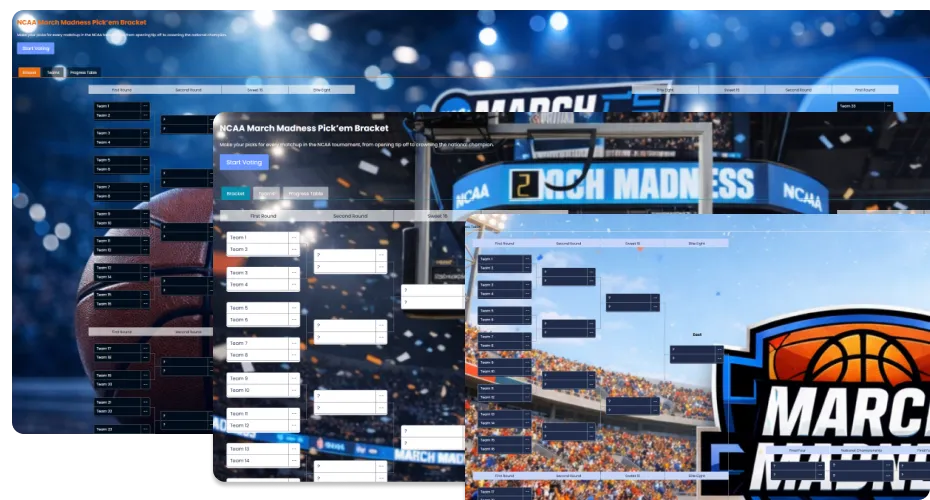
Visualize Every Round of the Tournament

Help users clearly see how the tournament unfolds from the Round of 64 all the way to the Championship game. A structured bracket makes it easy to follow matchups, understand each path to the Final Four, and keep track of predictions throughout the entire tournament.

Keep Fans Engaged Throughout the Tournament

Turn March Madness into an interactive experience that keeps visitors coming back as the tournament progresses. Following their predictions and seeing how their bracket performs adds excitement to every round and every upset.

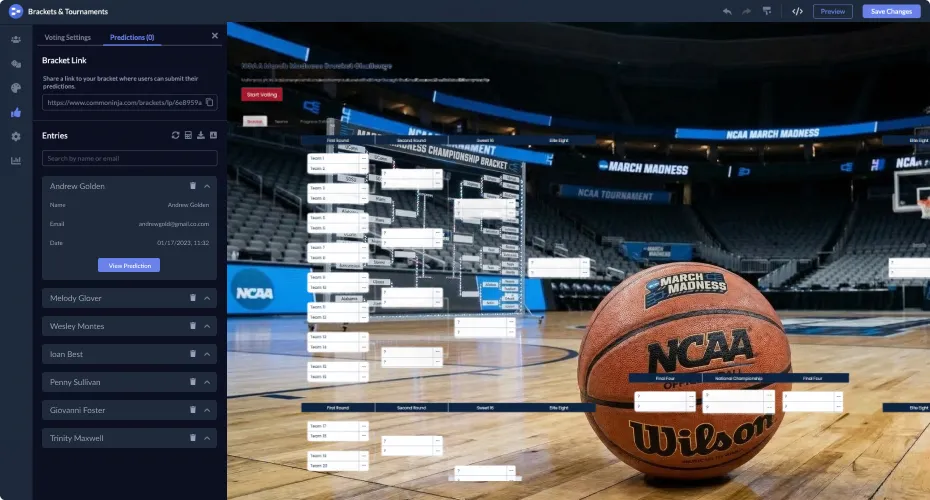
Participant Signup Page

Allow users to sign up before submitting their March Madness bracket predictions and joining the competition. This helps you manage participants while also collecting contact information for future updates, contests, or marketing communication.
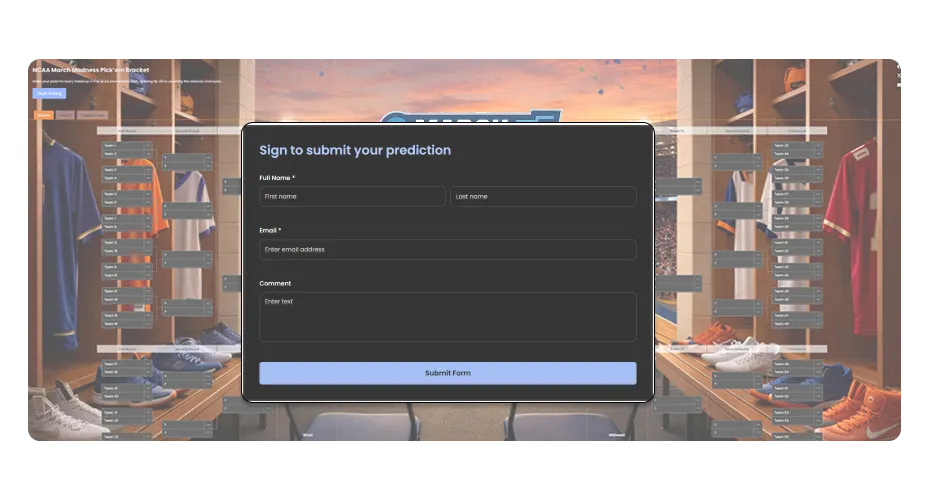
March Madness Bracket Maker - Participant Signup Page

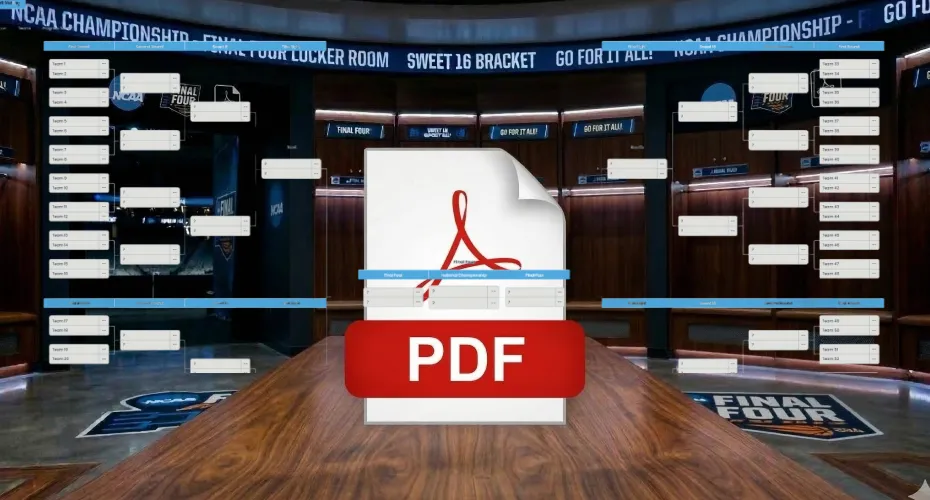
Export the Bracket as an Image or PDF

Download the completed March Madness bracket as an image or PDF so it can be easily shared with others. This makes it simple to post predictions on social media, send them to friends, or publish the bracket on a website.

March Madness Bracket Maker - Export the Bracket as an Image or PDF

Ready-Made Bracket Styles

Pick from a selection of pre-designed styles to give your March Madness bracket a polished look in just a few clicks. This helps you launch faster and create a more engaging experience without spending time on manual design adjustments.

March Madness Bracket Maker - Ready-Made Bracket Styles

Flexible Bracket Design Customization

Customize the look of your March Madness bracket so it fits perfectly with your website or brand. Adjust colors, fonts, spacing, and other visual elements to create a consistent and polished experience for your visitors.

March Madness Bracket Maker - Flexible Bracket Design Customization
March Madness Bracket Maker - Prediction Scoring System

Prediction Scoring System

Set up a scoring system that awards points for correct picks in each round of the tournament. This makes it easy to run March Madness competitions, track performance, and identify the winning bracket.

March Madness Bracket Maker - Simple and User Friendly Bracket Builder

Simple and User Friendly Bracket Builder

Create and customize your March Madness bracket quickly with an intuitive builder that requires no technical knowledge. The straightforward interface makes it easy to set up the bracket and adjust it in just a few clicks.

March Madness Bracket Maker - Participant Leaderboard

Participant Leaderboard

Show a live leaderboard that ranks participants based on how accurate their March Madness predictions are. This adds a competitive element to the experience and gives users a reason to return after each round to see how they compare.

March Madness Bracket Maker - Shareable Brackets

Shareable Brackets

Let participants share their March Madness bracket predictions with friends, coworkers, or followers on social media. This helps increase engagement, attract more participants, and spread awareness of the bracket challenge.

March Madness Bracket Maker - Automatic Round Advancement

Automatic Round Advancement

Automatically move winning teams to the next round as results are updated. This keeps the bracket accurate, saves time for organizers, and helps participants follow the tournament with ease.

March Madness Bracket Maker - Multiple Bracket Layouts

Multiple Bracket Layouts

Choose from several bracket layouts to match the style and structure that works best for your website. Flexible layout options allow you to present your March Madness bracket in a clear and visually appealing way that fits naturally with your site’s design.

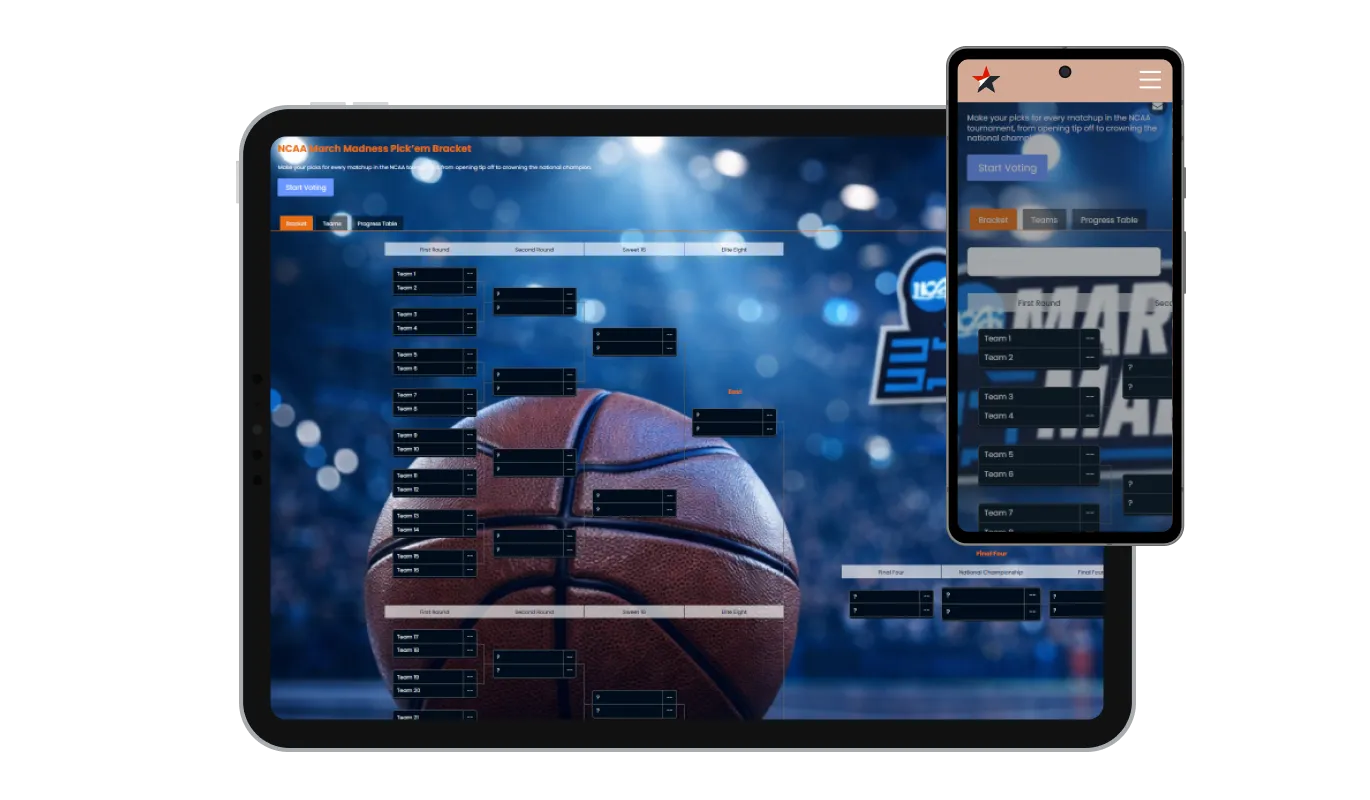
Fully Responsive March Madness Bracket Maker

The March Madness Bracket Maker is fully responsive and works smoothly on any device, including desktops, tablets, and smartphones. This ensures that users can create, view, and follow their bracket predictions easily wherever they are.

March Madness Bracket Maker - Fully Responsive March Madness Bracket Maker

Advanced Styling with Custom CSS

The March Madness Bracket Maker allows you to add custom CSS for deeper design control. This gives you the freedom to tailor the bracket’s appearance and create a look that perfectly matches your website and brand.

March Madness Bracket Maker - Advanced Styling with Custom CSS

Easy Bracket Embedding

Add the March Madness Bracket Maker to your website in seconds by copying a simple embed code. Any updates you make are applied automatically, so your bracket always stays current for your visitors.

March Madness Bracket Maker - Easy Bracket Embedding

Compatible With All Site Builders, E-Commerce Platforms and Websites

webflow logoshopify logowix logowordpress logobigcommerce logosqurespace logoweebly logojoomla logoduda logojimdo logomagento logoshift4hsop logounbounce logocarrd logo
View all supported platforms

FAQ

Yes. The March Madness Bracket Maker allows participants to submit their predictions directly in the bracket. Once the Predictions option is enabled, users can choose winners for each matchup and follow how their bracket performs throughout the tournament.

Yes. You can add a prize section to your March Madness bracket challenge to highlight rewards for winners or top participants. This is a great way to motivate users to join the competition and stay engaged during the tournament.

Yes. The bracket can automatically highlight the tournament champion once the final matchup is completed. This makes it easy for participants to see the winning team and celebrate the final result of the March Madness bracket.

Yes. The March Madness Bracket Maker includes an optional participant signup page that allows users to register before submitting their predictions. This helps you manage participants and collect contact information for updates or future events.

Getting started is simple. Sign up for the platform, create your March Madness bracket, customize the layout and prediction settings, and embed the bracket on your website using the provided code.

Yes. A free version of the March Madness Bracket Maker is available and includes core features for creating and displaying brackets. Premium plans provide additional customization options and advanced features.

The March Madness Bracket Maker works with virtually any website platform. You can embed it on websites built with WordPress, Wix, Shopify, Webflow, Squarespace, and many other builders.

Embedding the bracket is simple. Copy the embed code generated in the dashboard and paste it into your website where you want the bracket to appear.

Yes. The March Madness Bracket Maker is designed with privacy and data protection in mind and can be used in a GDPR compliant environment.

No coding skills are required. The bracket builder provides a simple interface that allows you to create and customize your March Madness bracket without writing any code.

Not at all. Simply copy the embed code and paste it into your website. The bracket will appear instantly and update automatically whenever you make changes.

A March Madness bracket is a tournament prediction chart used during the NCAA Division I Men’s Basketball Tournament. Fans predict the winners of each matchup across all rounds, from the Round of 64 to the Championship, and compete to see whose predictions are the most accurate.

A prediction bracket allows participants to forecast the winners of each matchup in a tournament. In March Madness contests, users fill out their brackets before the tournament begins and earn points based on how accurate their predictions are.

A Pick’em bracket is a type of prediction competition where participants choose the winners of each game in the tournament. The participant with the most accurate predictions across all rounds typically wins the bracket challenge.

Yes. The March Madness Bracket Maker allows you to create prediction contests where participants compete to see whose bracket performs best. Users can submit their picks and compare results throughout the tournament.

Yes. A leaderboard can display the current rankings of participants based on how accurate their predictions are. This helps create a competitive atmosphere and encourages users to return after each round to see their position.

Points can be awarded for each correct prediction in the bracket. You can define a scoring system that gives different point values to different rounds, making later games more valuable and increasing the excitement as the tournament progresses.

Yes. Participants can share their bracket predictions with friends, coworkers, or on social media. Sharing predictions helps bring more people into the competition and increases engagement around the tournament.

Yes. You can create private bracket competitions for offices, communities, or groups of friends. This makes the March Madness Bracket Maker perfect for office pools or internal events.

Yes. As game results are updated, participants can see how their predictions are performing. This allows them to follow each round and see whether their bracket is still on track.

Yes. The March Madness Bracket Maker offers design customization options so you can match the bracket to your website or brand. You can adjust colors, fonts, layouts, and other visual elements.

Yes. The bracket can be embedded on almost any website using a simple embed code. This allows you to easily add a March Madness bracket contest to your site without complex setup.