Verified review
Common Ninja has amazing no-code widgets that would beautify a website built on any builder. It is very easy to use and customise. It has as many widgets for almost everyone willing to make their website impressive.


Try the editor, no signup
Pick a template, customize it, and watch it update live, no signup.
No credit card · Free forever plan
No credit card · Free forever plan
The Common Ninja Podcast Player is a free, no-code podcast widget that puts your whole show on your website: an episode library listeners can browse, filter, and play without leaving the page. Add episodes, pick a layout, and paste one line of embed code.
Tag each episode by topic so listeners can filter the archive, show it as a list or a grid, and put the newest episode first. Listeners get playback speed, 10 second skip, and saved progress.
Skins, colors, fonts, spacing, and custom CSS are all adjustable. Works on 200+ platforms including Hostinger, Elementor, Webflow, Squarespace, and Wix.
When the only place to listen is an app, your website becomes a list of outbound links. A podcast player makes the site itself a place to listen, so every episode page keeps the visitor and your calls to action.
Someone arriving from search wants the episode about their topic, not episode one. Tags and filtering let them narrow a long back catalog to the three episodes that matter to them.
Listeners who read the notes, check the guest's links, and listen at the same time stay longer than ones bounced to an app. Putting the player next to the notes keeps the whole episode in one place.
Educators, media brands, and companies running interview or storytelling series all need the same thing: an organized archive people can work through. A list or grid of tagged episodes does that without a custom build.
Upload episode audio or link the files where your show is already hosted. Give each one a title and tag it by topic, guest type, or season so the archive is easy to filter later.
Choose a list or a grid, pick a skin, and decide whether the newest episode sits first. Turn on the listener controls you want: playback speed, skip forward and back, and autoplay.
Copy the snippet from the Add to Website tab and paste it on your podcast page. Each new episode you add appears on the site without touching the embed again.
Create your own tags and assign them to each episode, and listeners can filter the archive by topic or theme. The bigger the back catalog, the more this matters.
Show episodes as a simple list or a visual grid, choose from several player layouts, and reverse the order so the latest episode is the first thing a visitor sees.
Playback speed, 10 second skip forward and back, and saved progress so a listener can pick up where they left off. Autoplay can be switched on or off.
Ready-made design skins, control over colors, fonts, and spacing, and a custom CSS field for anything further. Fully responsive across desktop, tablet, and phone.
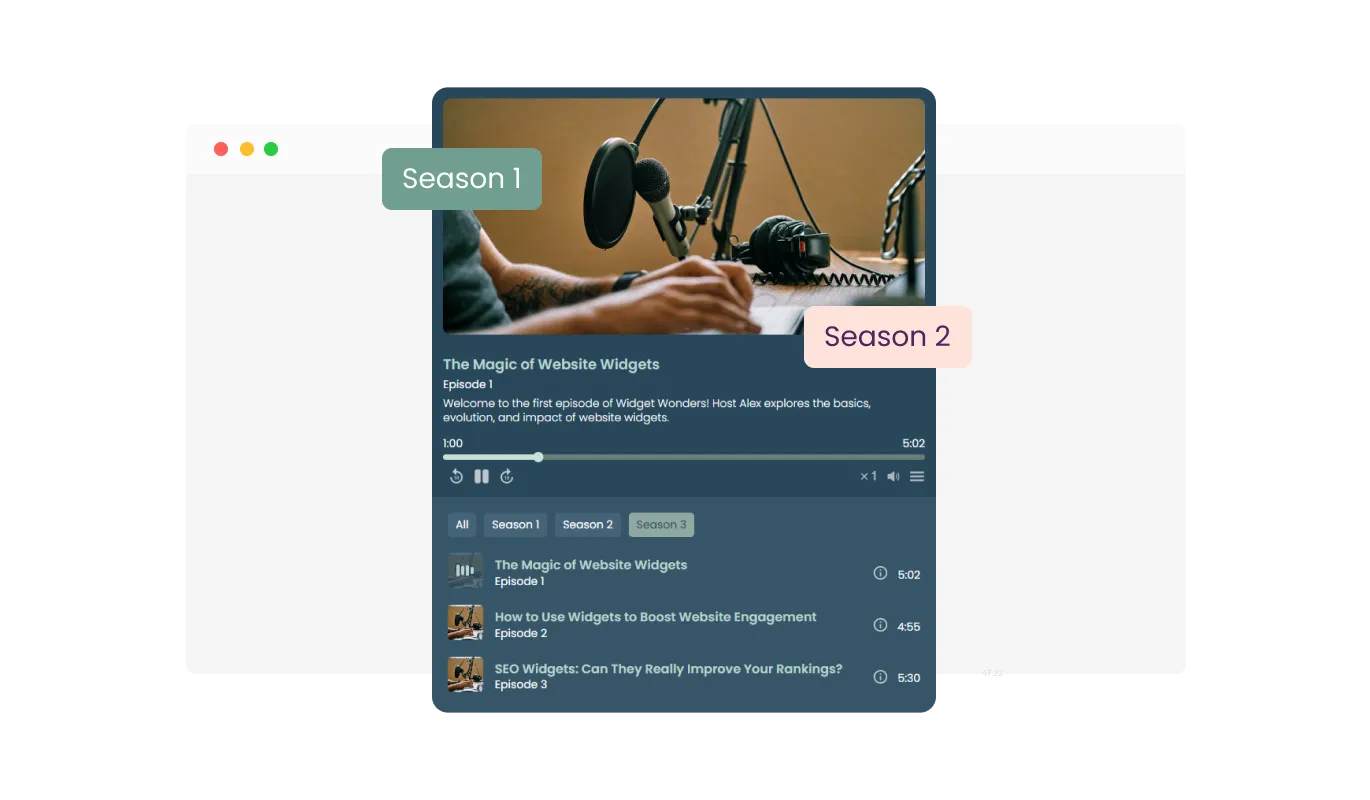
The Podcast Player widget allows you to create custom tags and assign them to each episode. Users can then filter episodes by these tags, enabling them to quickly find content related to specific topics or themes. This feature enhances the organization of your podcast library and improves the user experience by making navigation and discovery of relevant episodes more intuitive.
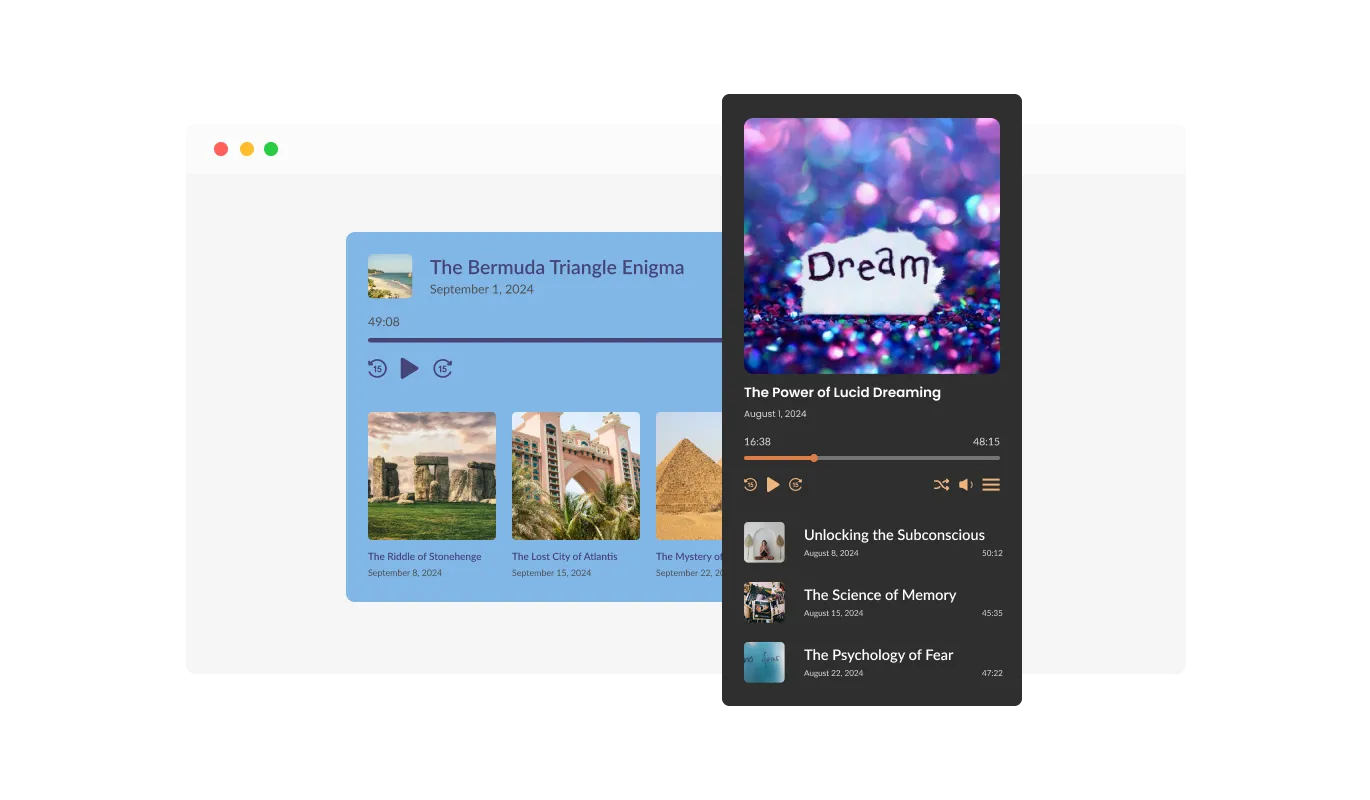
The Podcast Player widget offers versatile display options with both list and grid layouts. This flexibility allows you to choose a layout that best fits your website’s design and user experience preferences. Whether you prefer a linear list format for simplicity or a grid layout for a more visually engaging presentation, the Podcast Player widget can accommodate your needs.
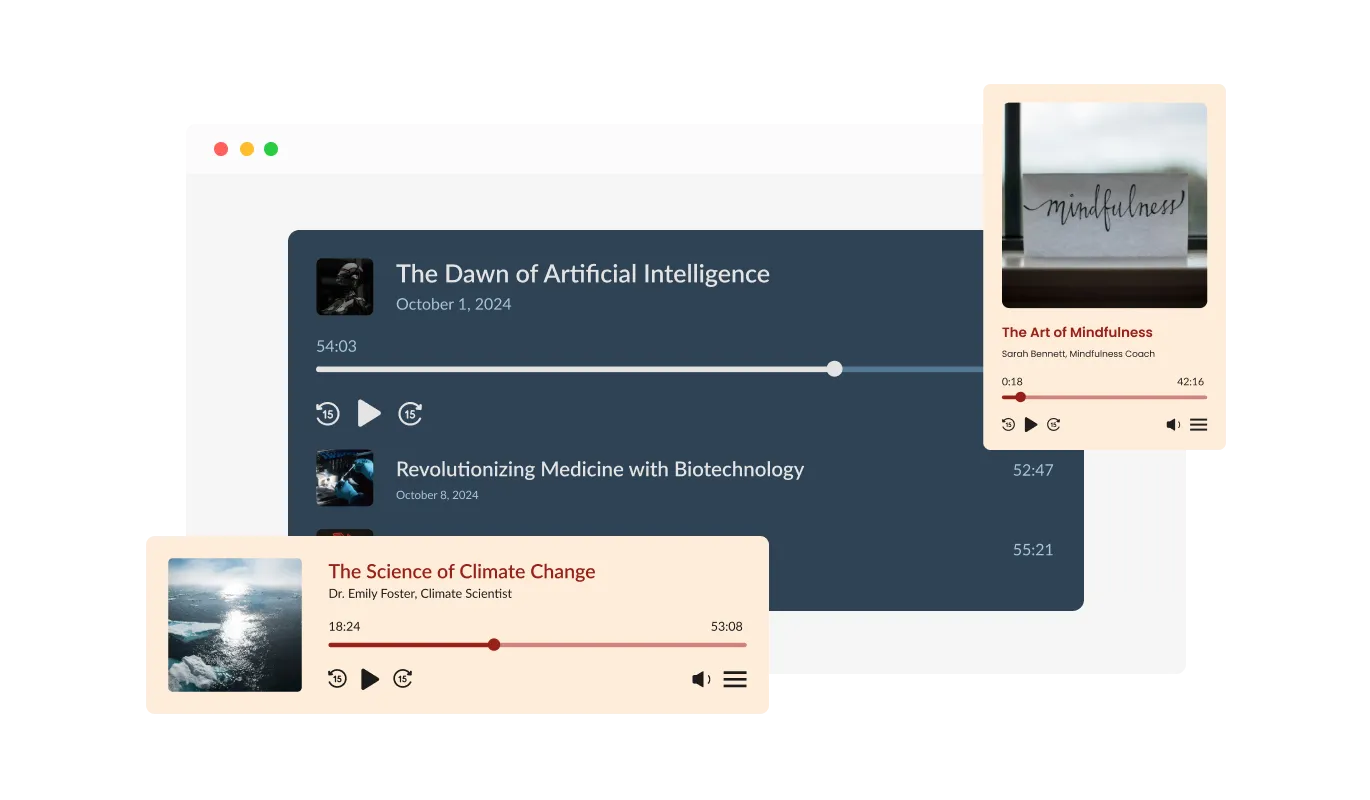
The Podcast Player widget comes with multiple layout options, allowing you to select a design that best fits your website's style. This variety ensures that you can choose a layout that aligns with both the aesthetic and functional needs of your site.
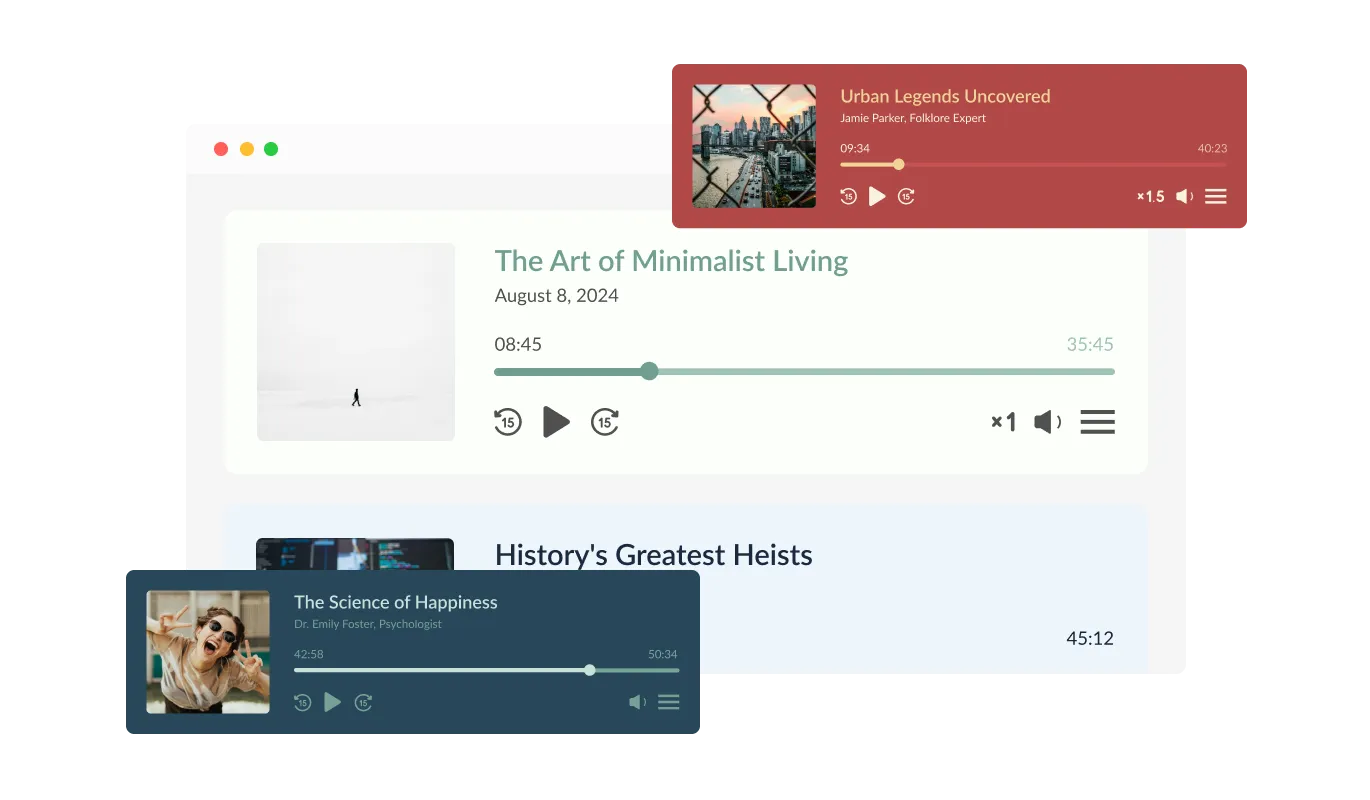
The Podcast Player widget offers a range of beautiful design skins, enabling you to seamlessly integrate it with your brand and website aesthetics. This feature not only enhances the visual appeal of your site but also reduces the time and effort involved in customization, ensuring a cohesive and attractive user interface.
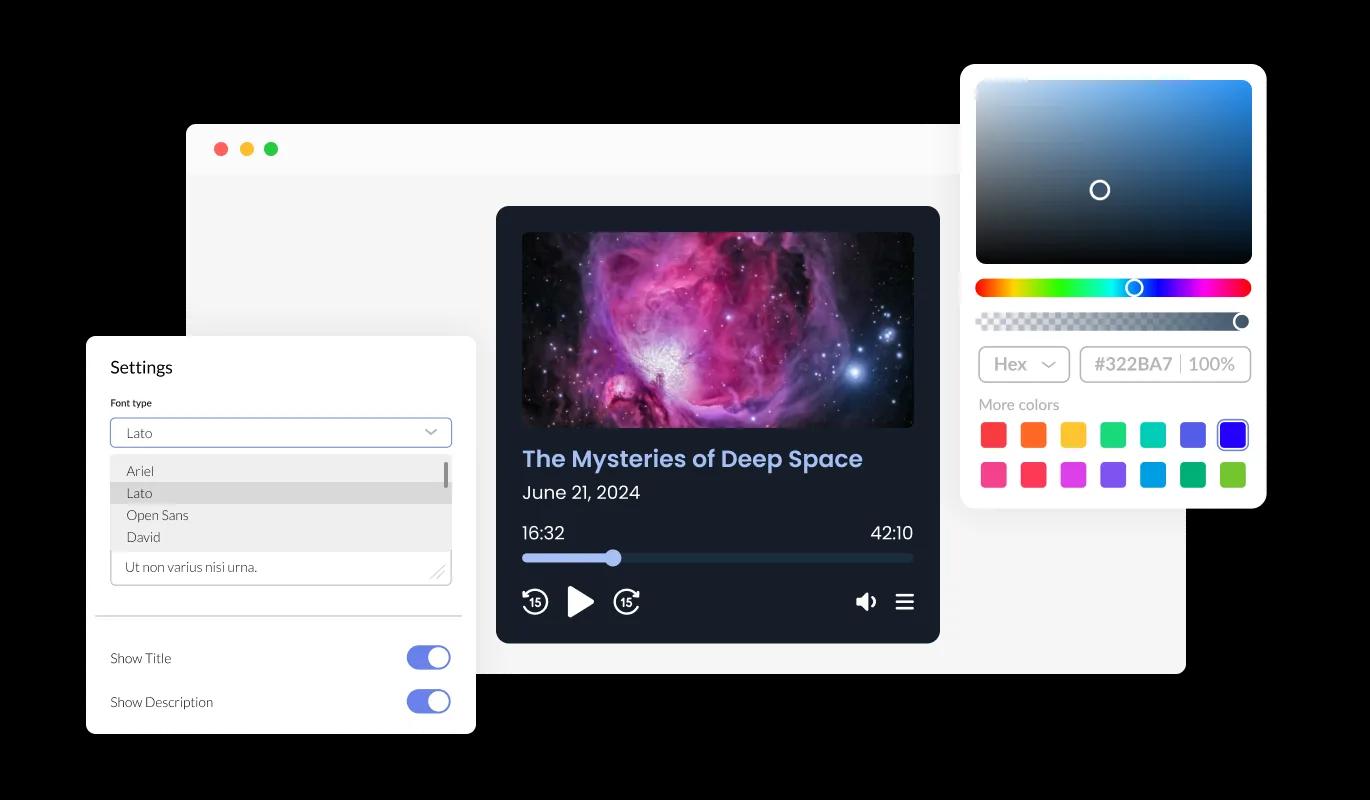
The Podcast Player widget comes with extensive customization capabilities, allowing you to modify its design to meet your specific requirements. You can change colors, fonts, spacing, and various other elements, giving you the flexibility to create a Podcast Player that is both functional and uniquely tailored to your website's aesthetic.
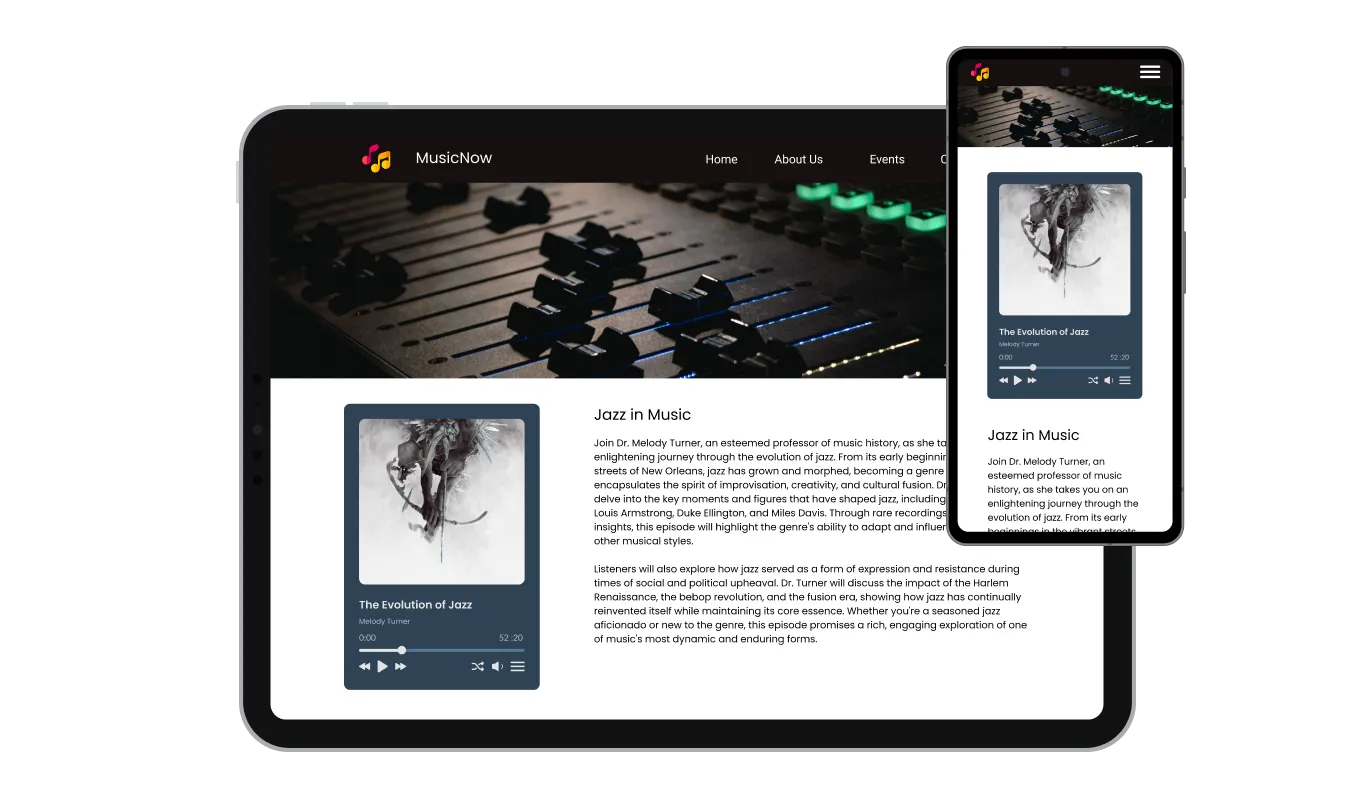
The Podcast Player widget is designed to be fully responsive, ensuring it displays elegantly on any device. In an era where mobile optimization is crucial, this feature is key to delivering a consistent user experience across different devices.
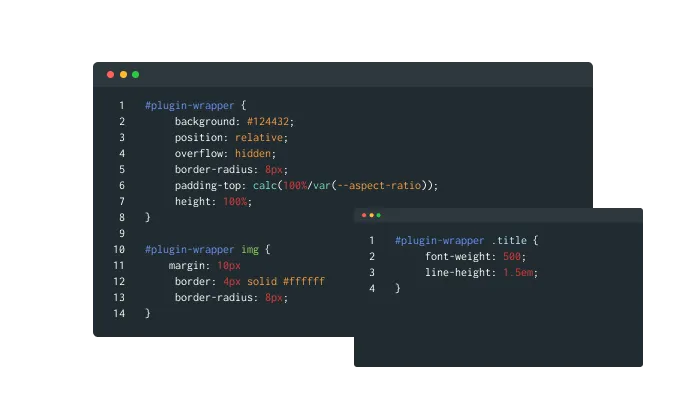
The Podcast Player widget offers the option to add custom CSS, aligning with Common Ninja’s commitment to flexibility. This feature is ideal for developers and designers seeking to apply their unique touch, allowing for deeper customization of the Podcast Player's look and functionality. It provides an avenue for creative expression, ensuring the widget can be finely tuned to match the specific style and interaction needs of your website.
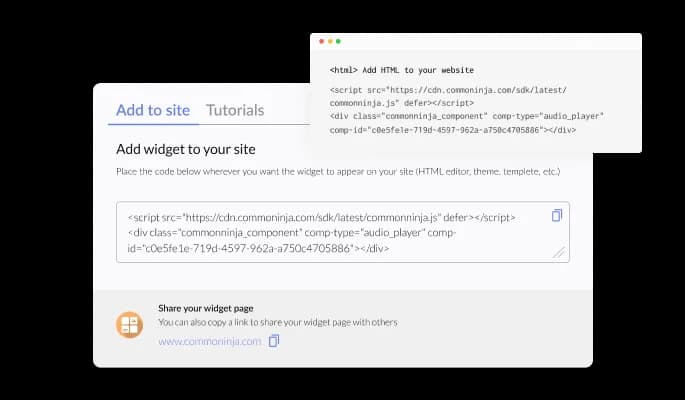
Embedding the Podcast Player on your website is a straightforward process, requiring just a single line of code. This ease of integration simplifies the setup, making it accessible for users of all technical levels. Additionally, the widget updates automatically with every change you make, ensuring that the maintenance and updating process is hassle-free. This feature guarantees that your website always displays the most current version of the widget without any extra effort.
The Podcast Player widget enhances the listening experience with features like 10-second skip for replaying sections and adjustable playback speed for saving time or catching details, offering flexibility and personalization.
The Podcast Player widget offers advanced playback controls to enhance user experience. Features like auto track switching, repeat mode, and adjustable initial volume ensure that listeners have a seamless and customizable listening experience. These controls allow users to tailor their podcast playback to their preferences, whether they want continuous play or specific volume settings.
The Podcast Player widget offers flexible positioning options, allowing you to place the player in various locations on your webpage. Whether you prefer it at the top, bottom, or side of the page, you can easily adjust the position to best fit your website's layout and design. This adaptability ensures the Podcast Player integrates seamlessly with your site's aesthetics and user experience.
The Podcast Player widget is designed with user-friendliness in mind, requiring no coding expertise for customization. Its intuitive dashboard simplifies the customization process, allowing you to tailor the Podcast Player to your preferences with just a few clicks. This ease of use makes it accessible for anyone to integrate and modify, regardless of their technical background.
Common Ninja has amazing no-code widgets that would beautify a website built on any builder. It is very easy to use and customise. It has as many widgets for almost everyone willing to make their website impressive.
Outstanding service. I use their widgets to help me with my web design business and whenever I need help they are very quick to help.
Excellent company with excellent service!!! We used it to build a survey, it was very user friendly. The service was perfect. Amit helped us with every problem and question we had, thank you very much!!!
Common Ninja saved the day when building our website and the customer service Daniel, the co-founder and CEO, provided was amazing.
A podcast widget is an embeddable player that shows your episodes on your own website so visitors can listen there instead of opening an app. This one adds an episode library with tags and filtering, list or grid layouts, and listener controls like playback speed and skip.
Build the player in the editor, then copy its embed snippet from the Add to Website tab and paste it into an HTML or embed block on your page. You never edit the player's own HTML or JavaScript; changes you make in the editor update the embedded player automatically.
Upload the episode audio files, or link to files where your show is already hosted, in the widget editor. MP3 is the safe format and the one every browser plays.
Yes. Create custom tags, assign them to each episode, and listeners can filter the archive by those tags. Tag by subject or guest type rather than by date; the list order already handles date.
Yes. The episode order can be reversed in the settings, so the latest release sits at the top of the list or grid.
Playback speed, 10 second skip forward and backward, and saved listening progress so they can resume where they stopped. Autoplay is a setting you turn on or off, though most browsers will still wait for a click before playing sound.
The Audio Player is built for tracks and playlists. The Podcast Player is built for a show: an episode library with tags and filtering, list or grid layouts, reverse order, and controls for long listening like speed, skip, and saved progress.
Yes, it is fully responsive on desktop, tablet, and phone. A list layout usually reads better than a grid on a narrow screen when episode titles are long, so check both at phone width.
Pick your platform. Each takes under 4 minutes.

An audio player compatible with various files and sources
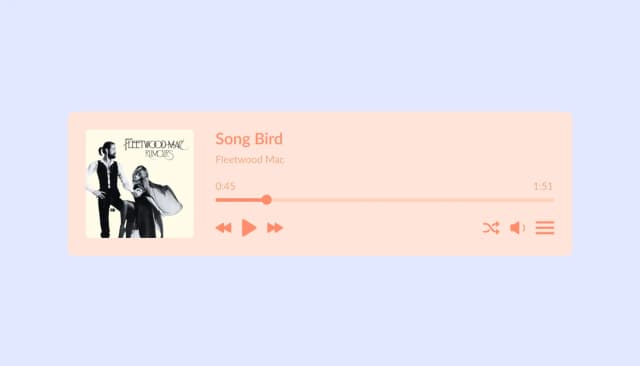
A music player compatible with various file formats and streaming sources.

Display the latest posts from your YouTube channel

Display the latest posts from any RSS feed

Showcases videos from various sources in a variety of visually appealing layouts and grids
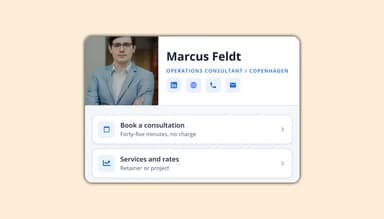
The Link In Bio page lets you organize links, social profiles, media, text, and contact options in one place.
Embedding the Podcast Player is simple. Just copy the provided embed code from the widget editor and paste it into your website's HTML where you want the player to appear.
Yes, the Podcast Player is fully customizable. You can change colors, fonts, spacing, and various other elements to match your website's design.
Absolutely. The Podcast Player is designed to be fully responsive, ensuring it displays beautifully on any device, including mobile phones and tablets.
You can add new episodes through the widget editor. Simply upload the audio files or provide the links to your podcast episodes, and they will be added to the player.
Yes, you can create custom tags and assign them to each episode. This allows users to filter and find episodes based on specific topics or themes.
Yes, the Podcast Player has an autoplay feature that you can enable or disable in the settings. This allows episodes to play automatically when the player is loaded
Yes, the Podcast Player can save the playback progress, allowing users to resume listening from where they left off.
Users can adjust the playback speed directly on the player interface, providing flexibility to listen to episodes at their preferred speed.
Yes, the Podcast Player includes controls that allow users to jump forward or backward by 10 seconds for convenient navigation through the episodes.
Yes, you can reverse the order of the episodes in the settings, allowing the latest episode to appear first or last based on your preference.
The Podcast Player updates automatically with every change you make in the widget editor. There's no need to re-embed the code after updates.
Yes, the Podcast Player offers both list and grid layout options, allowing you to choose the format that best suits your website's design.
Yes, you can add custom CSS to the Podcast Player for enhanced customization, allowing you to tailor the widget's look and functionality even further.
No, the Podcast Player is designed to be user-friendly and requires no coding knowledge. You can customize and embed it easily using the intuitive dashboard.
The Podcast Player supports a variety of audio formats, including MP3, making it compatible with most podcast hosting platforms and audio files
An episode library with tags and filtering, list or grid layouts, newest-first ordering, playback speed, 10 second skip, saved progress, ready-made skins, full responsiveness, and custom CSS. Embed on 200+ platforms including Hostinger, Elementor, Webflow, Squarespace, and Wix.
Create your podcast playerNo credit card · No coding