


Verified review
Common Ninja has amazing no-code widgets that would beautify a website built on any builder. It is very easy to use and customise. It has as many widgets for almost everyone willing to make their website impressive.
Try the editor, no signup
Pick a template, customize it, and watch it update live, no signup.
No credit card · Free forever plan
No credit card · Free forever plan
The Common Ninja Scores Board is a free, no-code ranking table for any website. Add participants and their scores, choose a layout, and paste one line of embed code.
Entries carry names and avatars, and the top three can be lifted into a podium view so the leaders read at a glance rather than as three rows of a table.
Numeric, time-based, and other scoring formats are supported, custom fields add whatever else each entry needs, and goal indicators show progress toward a target.
Standings are the page a member checks every week. Publishing them on your own site rather than a spreadsheet link makes the club look run rather than improvised, and it takes one embed.
A visible board changes behaviour in a way a private dashboard does not. Goal indicators next to each name turn a number into a distance, which is the version people act on.
Reading challenges, step counts, hackathons, and community contests all run on people being able to see where they stand. Without a board, a challenge is just a form nobody revisits.
A ranking that moves is one of the few things that brings people to the same page repeatedly. Every update is a reason to look, and none of them need a notification to work.
Each entry takes a name, an optional avatar, and a score. Faces do a lot of work here, because a board of names is a table and a board with photographs is people, which is what makes anyone care about the order.
Choose numeric, time-based, or another format, add custom fields for anything else the entry needs, such as a team or a region, and set goal indicators if participants are working toward a target.
Copy the snippet from the Add to Website tab and paste it where the board belongs. Updating a score in the editor changes every page carrying the embed, with nothing to redeploy.
Show who is behind each score with a name and a profile image. It is the single change that makes a board feel like a competition between people rather than a list of values.
First, second, and third get lifted into a dedicated podium layout, so the result of the competition is legible before anyone reads a single row of the table below it.
Track numeric values, times, or another structure that suits the contest, and add custom fields to each entry for a team, a region, a category, or anything else the board needs to carry.
Show how close each participant is to a defined target, which turns a raw score into something a person can act on and makes a board useful for fundraising and sales as well as games.
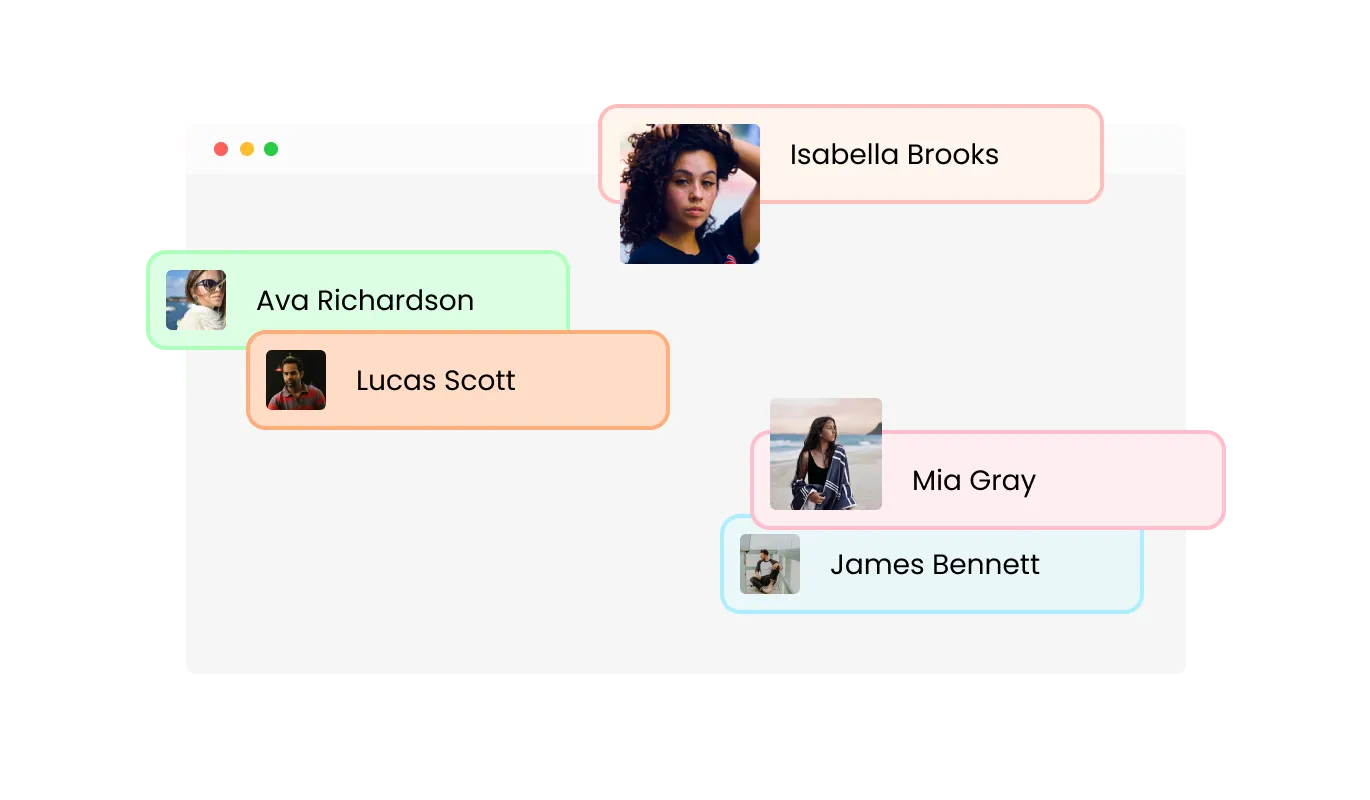
Make your Scores Board feel more engaging by displaying participant names and profile images. Showing who is behind each score helps visitors quickly recognize leaders and adds a human layer to the competition. By pairing results with real identities, the Scores Board turns raw numbers into relatable progress stories that encourage connection and participation.
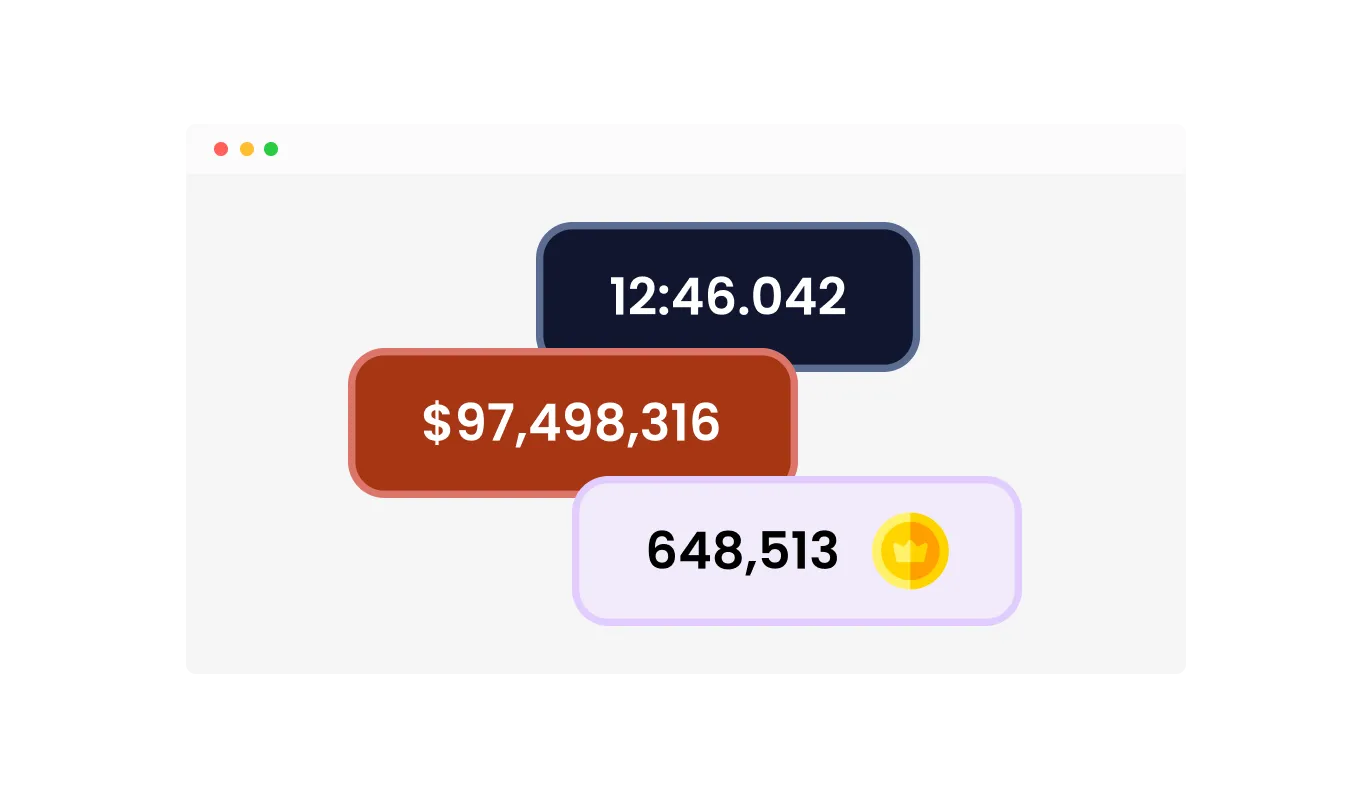
Improve score readability by customizing the visual elements shown next to each result. Scores Board allows you to add icons such as medals, stars, or symbols to represent achievements, along with prefixes or suffixes like currency signs or point labels. You can also define custom text indicators to match your scoring logic, ensuring results are easy to understand and visually aligned with your website.
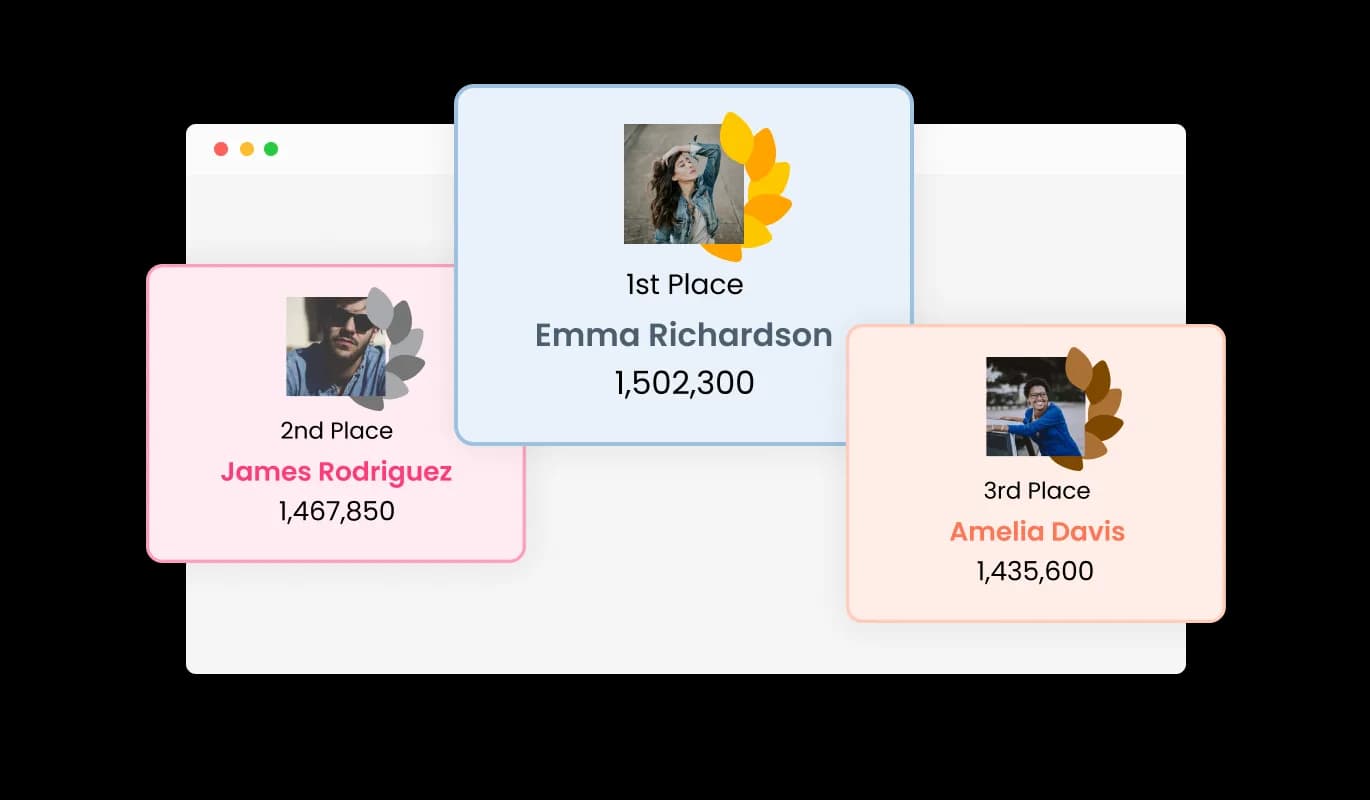
Highlight top performers by presenting the first, second, and third positions in a dedicated podium style layout. Scores Board automatically emphasizes these rankings, giving extra visibility to standout achievements. This clear recognition rewards success, inspires others to aim higher, and reinforces positive competition across your audience.
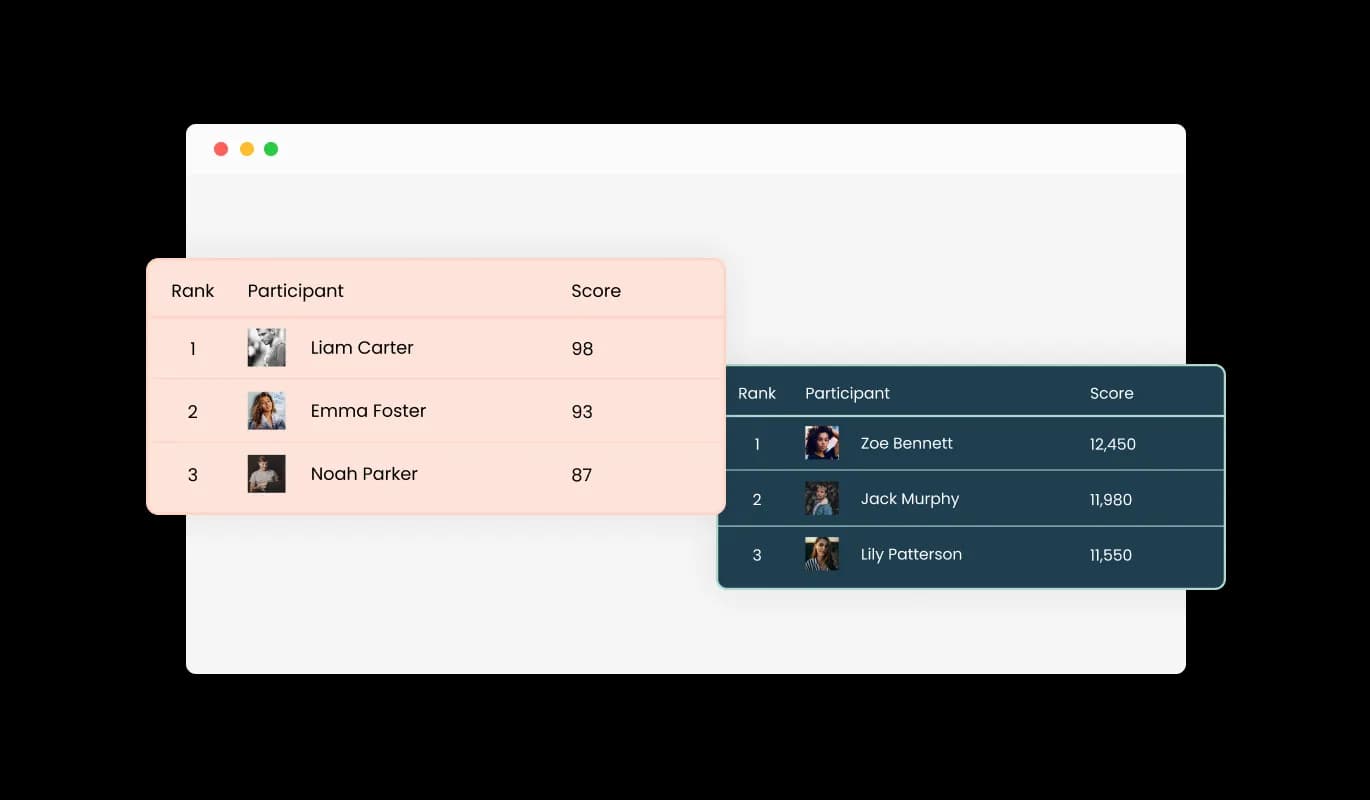
Choose from a variety of pre designed skins to align the Scores Board with your website’s visual identity. Each skin is built to look clean, modern, and professional across different design styles. Whether your site is simple or visually bold, these skins help your Scores Board blend in naturally without requiring additional design effort.
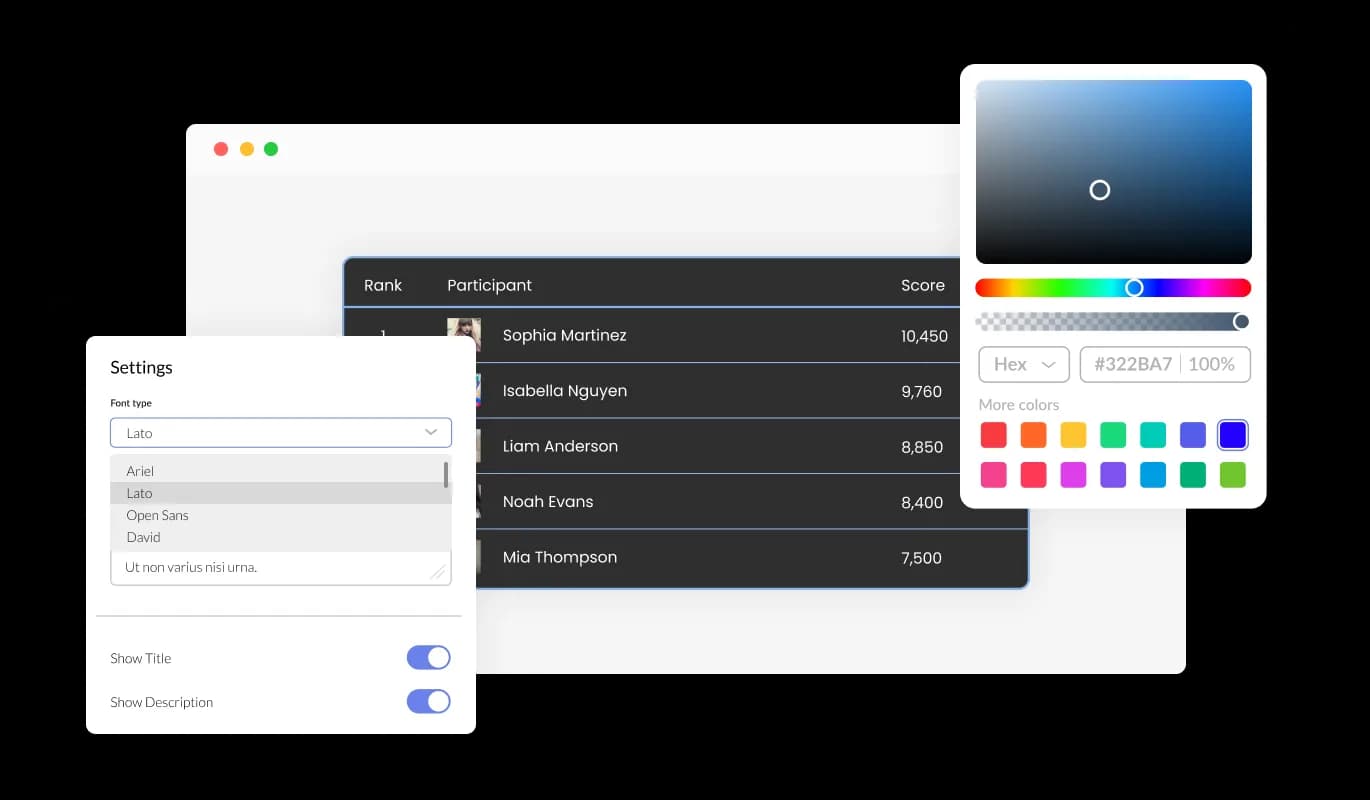
Create a scores board that feels like a natural part of your website instead of a separate component. You can control visual elements such as colors, typography, spacing, and layout to align the board with your brand identity. This flexibility allows you to present rankings in a polished, consistent way, whether your design approach is clean and minimal or bold and expressive.
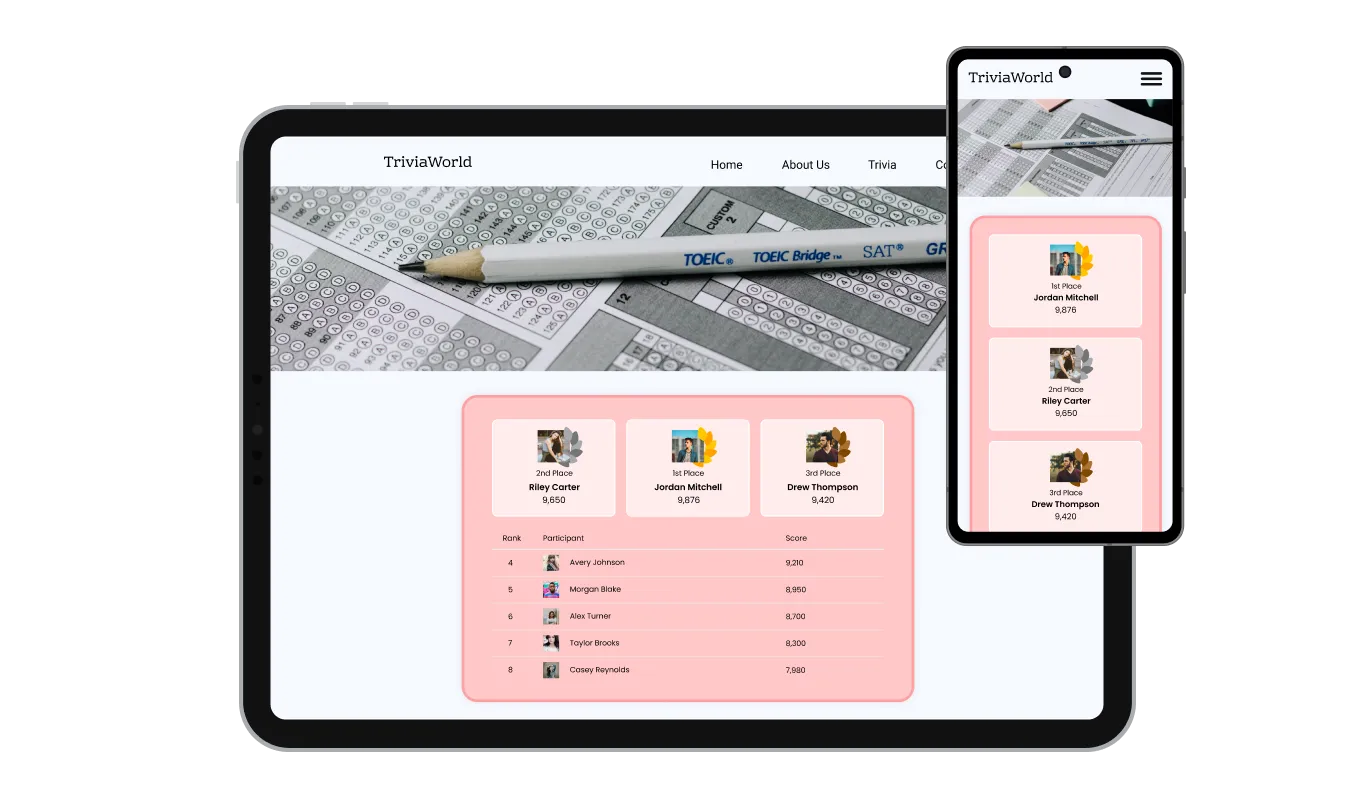
Your scores board automatically adjusts to different screen sizes, providing a smooth experience on desktop, tablet, and mobile devices. Rankings remain easy to read and interact with regardless of how visitors access your site. This consistency across devices helps build trust and keeps users engaged wherever they are.

For teams that need deeper control, custom CSS can be applied to refine the appearance and behavior of the scores board. You can adjust typography, spacing, transitions, and animations to fit an existing design system. This option gives designers and developers the freedom to perfect every detail.

Embedding the scores board is simple and fast. Copy a single code snippet and paste it into your website’s HTML or embed area. Any changes you make later are reflected automatically, ensuring your rankings always stay up to date without manual updates.
Tailor your Scores Board to your exact use case by adding custom fields to participant entries. Include additional data such as rankings, milestones, performance indicators, or category specific metrics that matter to your audience. Whether you are tracking competitions, classroom progress, or team performance, custom fields give you the flexibility to display meaningful information without overcomplicating the layout.
Allow participants to clearly see how close they are to reaching defined targets using built in progress indicators. Scores Board lets you assign goals such as points, sales numbers, or completed milestones and visually display progress for each participant. This immediate feedback makes performance easy to understand at a glance and encourages continued improvement. Progress indicators add a sense of motion and direction, making the Scores Board more dynamic and motivating.
Scores Board lets you choose the scoring structure that best matches your use case. You can track numeric values, time based results, or custom score types depending on how performance should be measured. Rankings update automatically based on the selected format, ensuring results stay accurate and easy to interpret whether you are comparing speed, totals, or cumulative achievements.
Launching a scores board does not require development skills or complex configuration. Using a visual editor, you can manage participants, scores, and layouts quickly and intuitively. The setup process is designed to be fast and reliable, allowing you to publish interactive rankings in minutes.
Common Ninja has amazing no-code widgets that would beautify a website built on any builder. It is very easy to use and customise. It has as many widgets for almost everyone willing to make their website impressive.
Outstanding service. I use their widgets to help me with my web design business and whenever I need help they are very quick to help.
Excellent company with excellent service!!! We used it to build a survey, it was very user friendly. The service was perfect. Amit helped us with every problem and question we had, thank you very much!!!
Common Ninja saved the day when building our website and the customer service Daniel, the co-founder and CEO, provided was amazing.
No. You maintain the entries in the editor, and changes appear wherever the embed sits. That suits a weekly league table or a monthly target far better than it suits a live game clock, so match the update rhythm to how often you can realistically edit it.
Enough that people can find themselves, which usually means the top ten to twenty rather than everyone. A board with two hundred rows stops being a ranking and becomes a directory, and nobody scrolls to position 147 twice.
Not always. Ranking colleagues or students by name in public motivates the people near the top and demoralises everyone else. Boards work best where participation is voluntary and the contest is the point, and goal indicators are the gentler option when it is not.
Numeric values, time-based results, and other formats are supported, so it handles points, revenue, distances, and finishing times. For a time-based contest, make sure the sort direction matches, since lower is better there.
Yes, through custom fields. A team, a region, a category, or a note can sit alongside the score, which is what makes a single board work for a competition with divisions.
They show how close a participant is to a target rather than only how they compare to others. That is the more useful framing for fundraising and sales, where hitting the number matters more than beating a colleague.
Yes, the board adapts across desktop, tablet, and mobile. Test a wide board with several custom fields on a phone, because that is where extra columns start to compete for space.
Yes. Ready-made skins, plus control over colours, typography, and spacing, with custom CSS for anything more specific.
Pick your platform. Each takes under 4 minutes.
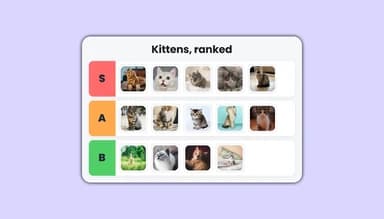
An interactive Tier List widget for ranking and organizing items into customizable tiers.
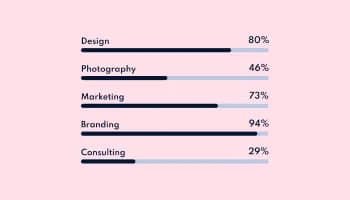
Showcase progress and completion using animated fill-up bars
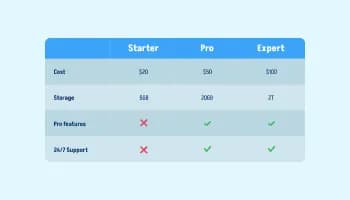
Displays data or features side-by-side, allowing users to compare and contrast the information easily

Visualize data and information using various chart types, including bar, pie, and line graphs, and more
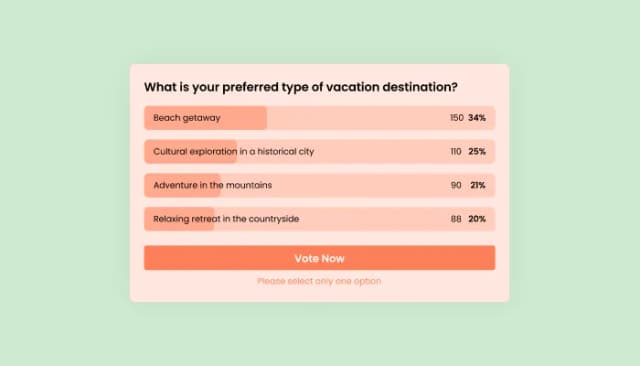
Interactive Polls Widget for Real-Time User Feedback and Engagement.
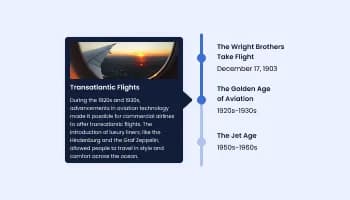
Show events or important moments in the order they occurred, using pictures and text
A Scores Board is a visual component that presents participant rankings based on performance data such as points, time, or progress. It organizes results into a clear order so visitors can easily see standings, compare performance, and understand who is leading at any moment.
Scores Boards are used to motivate participation and make performance visible. They are popular in games, sales competitions, fitness challenges, educational programs, and community events where tracking results and progress helps drive engagement and repeat participation.
Yes. Depending on context, similar tools may be referred to as scoreboards, ranking tables, or top performer lists. While the naming differs, the purpose remains the same: organizing and displaying performance data in a competitive or motivational format.
By making progress and rankings visible, a Scores Board encourages users to stay active and improve their results. Seeing real time standings often motivates participants to return, compete, and engage more deeply with the platform.
Yes. Public rankings and visual progress indicators give participants clear goals and recognition. This visibility can encourage consistent effort and reinforce positive competition.
The Scores Board widget is an embeddable tool that allows you to display rankings and performance data directly on your website in an interactive and customizable format.
You can embed the Scores Board by copying a single code snippet and pasting it into your website. The process is quick and works with any platform that supports custom embeds.
Yes. Any edits you make to scores, participants, or layout are reflected instantly on your live site, ensuring the Scores Board always shows current information.
Yes. You can customize colors, fonts, layouts, and spacing to ensure the Scores Board fits naturally with your website’s design and branding.
Yes. You can display profile images or avatars for each participant, making the Scores Board more personal and visually engaging.
Yes. Custom fields allow you to include additional information such as achievements, levels, categories, or performance metrics relevant to your use case.
Yes. Scores Board supports numeric values, decimal scores, and time based results, allowing you to track performance accurately across different scenarios.
Yes. You can add icons, prefixes, or suffixes to clarify what each score represents, such as points, currency, or other custom units.
Yes. The top three positions can be highlighted using a podium style display that visually emphasizes first, second, and third place rankings.
Yes. You can define target goals and display progress bars that show how close each participant is to reaching their objective.
Yes. The widget is fully responsive and adjusts automatically to desktop, tablet, and mobile screens.
Yes. Custom CSS is supported, allowing designers and developers to fine tune styles, animations, and layout behavior.
No. The Scores Board is managed through a visual editor, making it easy to set up and customize without coding knowledge.
Rankings with participant names and avatars, a podium view for the top three, numeric and time-based scoring, custom data fields, goal-based progress indicators, ready-made skins, full responsiveness, and custom CSS. Built for leagues, clubs, tournaments, sales targets, fundraising, and community challenges. Embed on 200+ platforms including WordPress, Shopify, Wix, Webflow, and Squarespace.
Create your scoreboardNo credit card · No coding