


Verified review
Common Ninja has amazing no-code widgets that would beautify a website built on any builder. It is very easy to use and customise. It has as many widgets for almost everyone willing to make their website impressive.
Try the editor, no signup
Pick a template, customize it, and watch it update live, no signup.
No credit card · Free forever plan
No credit card · Free forever plan
The Common Ninja Tier List is a free, no-code widget that turns any set of items into a ranked S/A/B/C board on your website. Build the tiers, add the items, and paste one line of embed code.
Visitors drag items between tiers and reorder them inside a row, so the ranking is something they do rather than something they read.
Unlimited custom tiers, an optional Unranked holding row, image and text items, animations, keyboard and screen-reader support, and custom CSS are all included.
A tier list invites disagreement in a way a numbered list does not. Visitors who move an item to where they think it belongs have spent real time on the page, and that is the whole point of publishing one.
The format came from games communities and still fits them best. Rank characters, weapons, maps, seasons, or albums, and give an audience that already thinks in tiers somewhere on your site to do it.
A tier list is a buying guide that states its verdict up front. Readers see where a product landed before they read why, which is the order they wanted it in anyway.
People screenshot tier lists. A ranking a visitor arranged themselves is far more likely to leave your page and travel than a paragraph explaining the same opinion.
Name the rows and pick a colour for each. The classic S/A/B/C works, but the labels are yours, so Must Play / Worth It / Skip reads better for a lot of subjects than a letter grade does.
Each item takes a label, an image, or both. Drop them straight into a tier if you are publishing your own ranking, or leave them in the Unranked row if you want visitors to place them.
Copy the snippet from the Add to Website tab and paste it where the list belongs. Editing the tiers later updates every page carrying the embed.
Visitors drag items between tiers and reorder them within a row. Touch is handled, so the ranking still works on the device most people will open it on.
Add as many tiers as the subject needs, with your own labels and colours. The optional Unranked row holds items until a visitor places them, which is what turns the list into an activity.
Items carry a label, an image, or both, in square, rounded, or circular shapes. Character portraits read best as circles, product shots as squares, and the choice is per list.
Items can be moved with the keyboard, and each move is announced to a screen reader. A drag-only ranking excludes people, and this one does not have to.
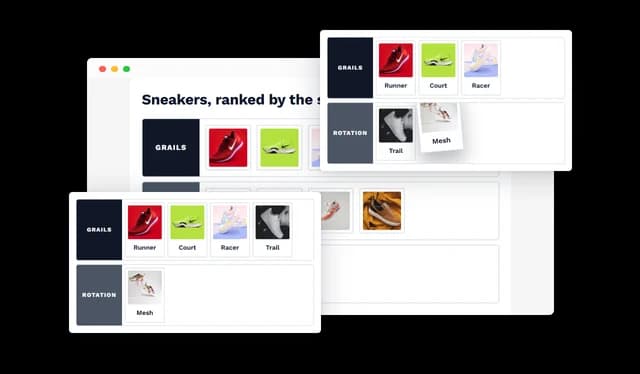
The Tier List widget lets visitors drag items between tiers and reorder them within each ranking row. This creates an interactive tier ranking experience that is easy to use directly on your website.
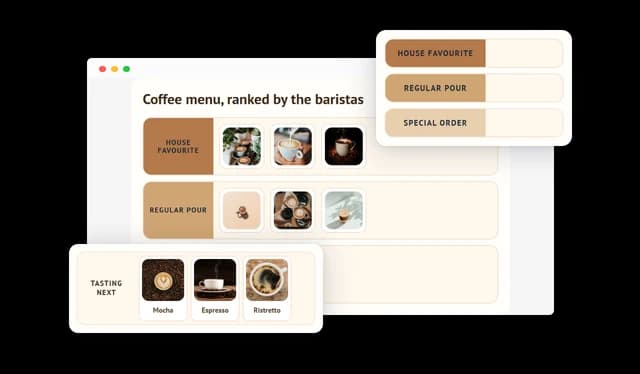
Create unlimited custom tiers with your own labels and colors, and add an optional Unranked section for items that have not yet been placed. This makes it easy to build tier lists for games, products, characters, sports, movies, brands, and many other ranking topics.
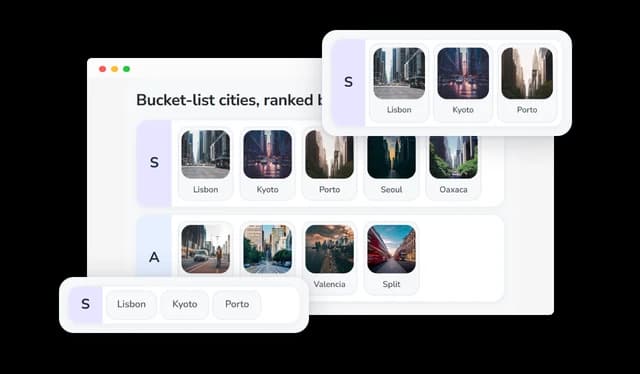
Add text labels and images to each item in your Tier List and place them in a specific tier or leave them unranked. Visual item content makes rankings easier to understand and more engaging for website visitors.
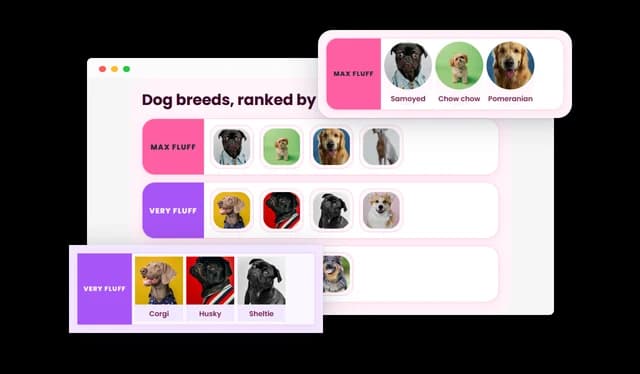
Choose square, rounded, or circular item shapes and control labels, backgrounds, borders, and alignment. These design options help you create a Tier List that fits the visual style and layout of your website.
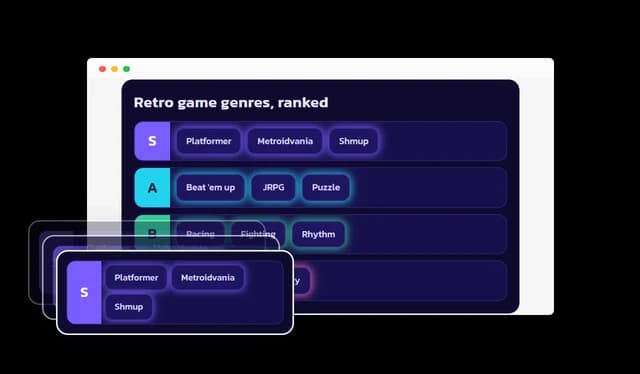
Add pulse, shake, glow, or float animations to Tier List items and choose whether they appear on hover or continuously. Interactive effects can make the ranking experience more noticeable and engaging without changing the underlying content.
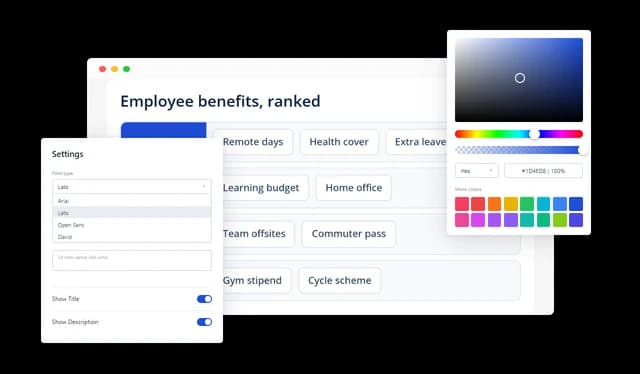
Customize the Tier List title, tier labels, ranking rows, items, colors, backgrounds, borders, spacing, and typography. This gives you control over the overall appearance so the widget can match your website branding.
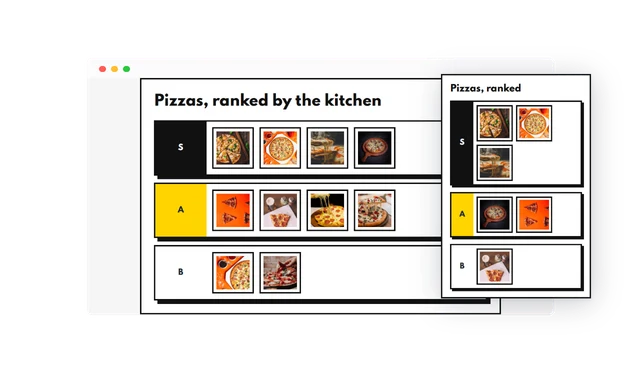
The Tier List widget can be customized for desktop, tablet, and mobile screen sizes. Responsive settings help keep tier rankings clear and usable across different devices.
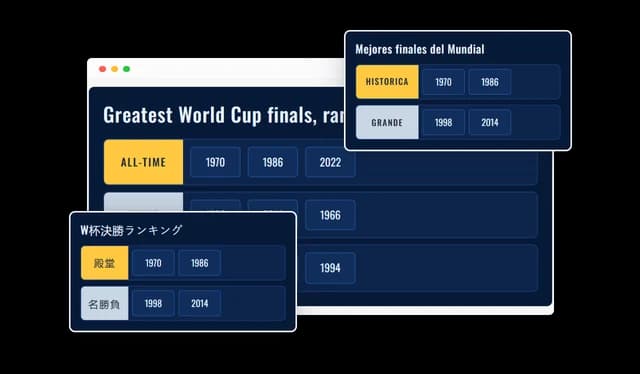
Create localized Tier List content with translated titles, tier labels, item names, unranked labels, and interface messages. Multi-language support helps you provide relevant ranking experiences for audiences in different languages and regions.
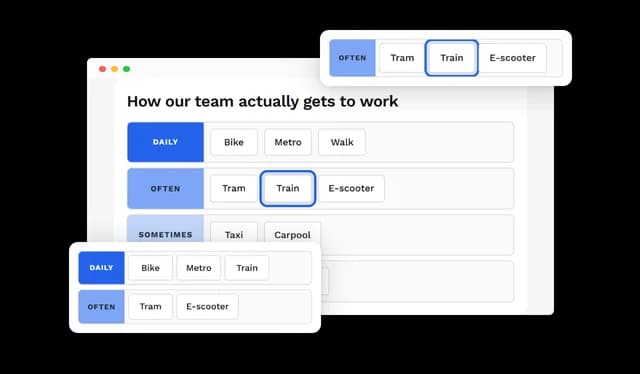
The Tier List supports keyboard navigation and screen-reader announcements when visitors move or reorder items. These accessibility features help more users interact with and understand the ranking experience.
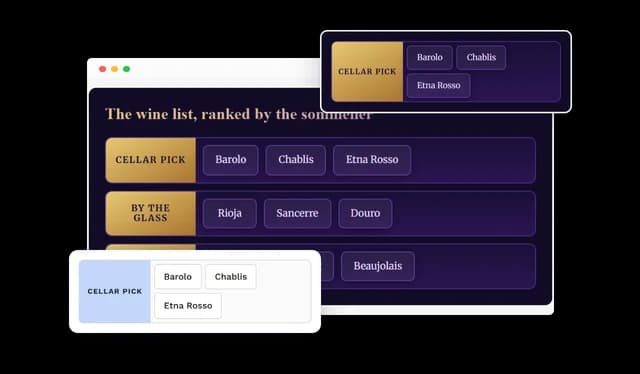
Use custom CSS to apply more advanced styling to your Tier List widget. This gives developers and designers additional control when the standard customization options are not enough.
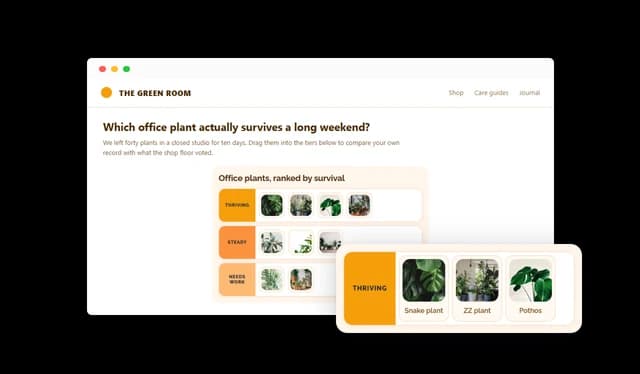
Add the Tier List widget to virtually any website without complex setup or coding. It works with popular website builders, CMS platforms, e-commerce systems, and custom websites, making it easy to publish an interactive tier ranking wherever your audience visits.
Common Ninja has amazing no-code widgets that would beautify a website built on any builder. It is very easy to use and customise. It has as many widgets for almost everyone willing to make their website impressive.
Outstanding service. I use their widgets to help me with my web design business and whenever I need help they are very quick to help.
Excellent company with excellent service!!! We used it to build a survey, it was very user friendly. The service was perfect. Amit helped us with every problem and question we had, thank you very much!!!
Common Ninja saved the day when building our website and the customer service Daniel, the co-founder and CEO, provided was amazing.
Both work, and they are different pages. Placing every item yourself publishes an opinion people react to. Leaving them in the Unranked row turns the page into something a visitor does, which holds attention far longer but says nothing on its own. Publishing your ranking and letting visitors rearrange it tends to beat either one alone.
Four to six. Fewer than four and everything piles into the middle. More than six and the distinctions stop meaning anything, because nobody can explain the difference between the fifth and sixth best option in a way a reader will follow.
No. The letters are a convention from games communities, and they carry real meaning to that audience. Outside it, plain labels usually read better, so a buying guide is clearer with Best Value and Avoid than with a letter someone has to decode.
No. A visitor's arrangement lives in their browser session, so it is a way to engage with the page rather than a poll you collect results from. If you need the aggregate opinion of your audience, a poll or a voting widget is the tool that stores answers.
Yes, and for most subjects you should. Character portraits, box art, product shots, and team badges are recognised faster than their names, which matters in a format people scan rather than read. Items take a label, an image, or both.
Yes, dragging becomes a touch gesture and the layout adapts to desktop, tablet, and phone separately. Test a long list on a real phone, because a row with twenty items scrolls sideways on a narrow screen and that is worth seeing before you publish.
Yes. Items can be moved with the keyboard, and each move is announced to a screen reader, so the ranking is not locked behind a drag gesture.
Yes. Titles, tier labels, item names, the Unranked label, and the interface messages can all be translated, so the same board can serve audiences in different languages.
Pick your platform. Each takes under 4 minutes.
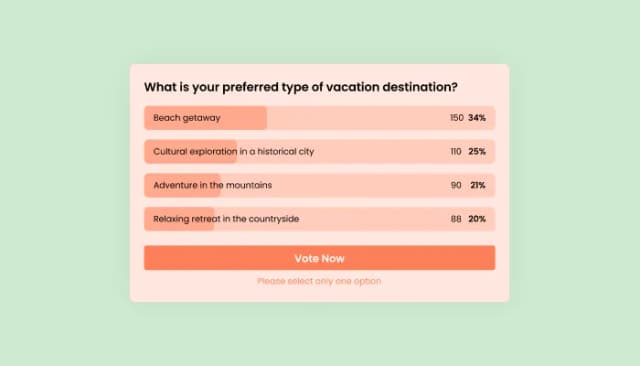
Interactive Polls Widget for Real-Time User Feedback and Engagement.
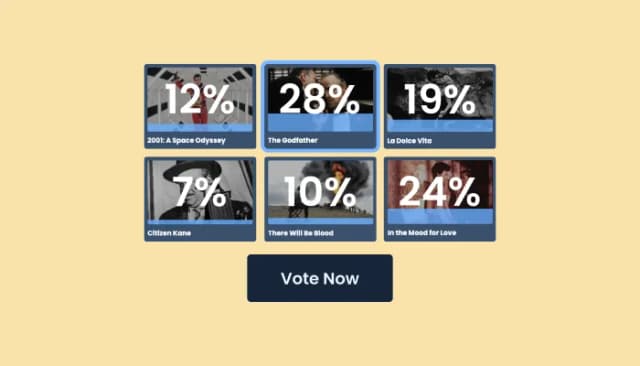
Craft interactive, image-based polls with customizable features
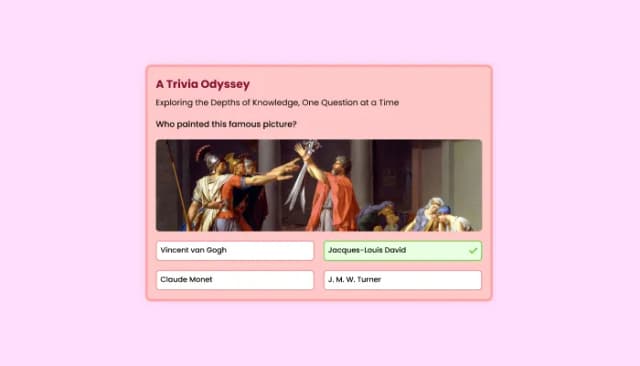
Quiz Maker for easy custom quiz creation and integration.
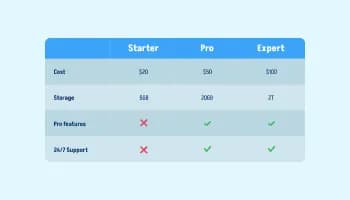
Displays data or features side-by-side, allowing users to compare and contrast the information easily

Visualize data and information using various chart types, including bar, pie, and line graphs, and more
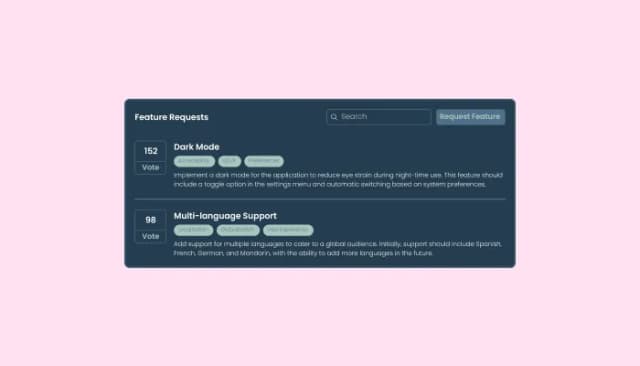
Enable users to submit and vote on feature suggestions for better development prioritization.
A Tier List widget is an interactive ranking tool that lets you organize items into visual tiers such as S, A, B, C, or any custom labels you choose. It can be used to rank products, games, characters, sports teams, movies, foods, brands, and many other types of content.
You create the tiers, add the items you want to rank, and customize the appearance of the Tier List. Visitors can then drag items between tiers and reorder them within each tier to create their own rankings.
Yes. Visitors can move items between tiers and arrange them in the order they prefer, creating an interactive ranking experience directly on your website.
Yes. You can create as many tiers as you need and customize each tier with its own label and color, so you are not limited to traditional S, A, B, C, and D rankings.
Yes. Each item can include an image and a text label, allowing you to create visual Tier Lists for products, characters, logos, people, foods, games, and other content.
The Unranked section is an optional area where items can appear before they are placed into a tier. Visitors can drag these items into the appropriate ranking tiers as they build their list.
Yes. You can customize colors, typography, backgrounds, borders, tier rows, item shapes, alignment, spacing, animations, and other visual elements to match your website design.
Yes. The Tier List widget supports responsive design and can be adjusted for desktop, tablet, and mobile devices to provide a clear and usable ranking experience across different screen sizes.
Yes. You can localize titles, tier labels, item names, unranked labels, and interface messages to create Tier Lists for audiences in different languages and regions.
The Tier List includes support for keyboard interaction and screen readers, including announcements when items are moved or reordered. This helps make the ranking experience accessible to a wider range of visitors.
Yes. You can use effects such as pulse, shake, glow, and float, and choose whether animations appear on hover or continuously.
Yes. The Tier List widget can be added to virtually any website, including websites built with popular website builders, CMS platforms, e-commerce systems, and custom code. No complex development work is required.
Rank anything into drag-and-drop tiers, with unlimited custom rows, an Unranked holding area, image or text items in three shapes, hover and idle animations, keyboard and screen-reader support, multi-language content, and custom CSS. Embed on 200+ platforms including WordPress, Shopify, Wix, Webflow, and Squarespace.
Create your tier listNo credit card · No coding