


Verified review
Common Ninja has amazing no-code widgets that would beautify a website built on any builder. It is very easy to use and customise. It has as many widgets for almost everyone willing to make their website impressive.
Try the editor, no signup
Pick a template, customize it, and watch it update live, no signup.
No credit card · Free forever plan
No credit card · Free forever plan
The Common Ninja Scroll to Top is a free, no-code button that returns visitors to the top of a long page in one click. Pick a style, set the position, and paste one line of embed code.
It suits any page people scroll a long way down: articles, documentation, product listings, FAQs, and archives, where getting back to the navigation otherwise means a lot of swiping.
Several layouts and ready-made button styles, a choice of arrow and chevron icons, position and spacing controls, full responsiveness, and custom CSS are included.
Once a page runs past a few screens, the navigation is a long way behind the reader. A visitor who finishes a long article and has to swipe fifteen times to reach the menu usually just leaves instead.
Reference pages are scanned rather than read, and people jump around inside them. A quick way back to the top is effectively the return path to the table of contents.
A category page that keeps loading more items strands the visitor further from the filters with every scroll. The button is the only realistic route back to changing what they are looking at.
A phone screen shows a fraction of what a desktop does, so the same article is several times longer to scroll. The button earns its place on mobile far more than it does on a wide display.
Start from one of the ready-made button styles and choose the arrow or chevron that fits. The convention is worth keeping here, because an unfamiliar icon in a corner is a button nobody presses.
Bottom right is the default expectation on most sites. Adjust the horizontal and vertical spacing so it clears anything else anchored down there, particularly a chat launcher or a sticky add-to-cart bar.
Copy the snippet from the Add to Website tab and paste it site-wide, usually before the closing body tag, so the button is available on every long page rather than only one.
Place the button bottom right, bottom left, or wherever suits the layout, and adjust the horizontal and vertical offset so it sits clear of anything else fixed to the viewport.
Arrows, chevrons, and other recognised go-up indicators. Recognition is the whole job of this control, so the set stays conventional rather than decorative.
From a subtle floating circle to something more prominent, with pre-designed styles so the button looks finished without you designing one from scratch.
Colours, typography, size, shape, borders, and shadows are all adjustable, with custom CSS for precise work such as changing how and when the button appears.
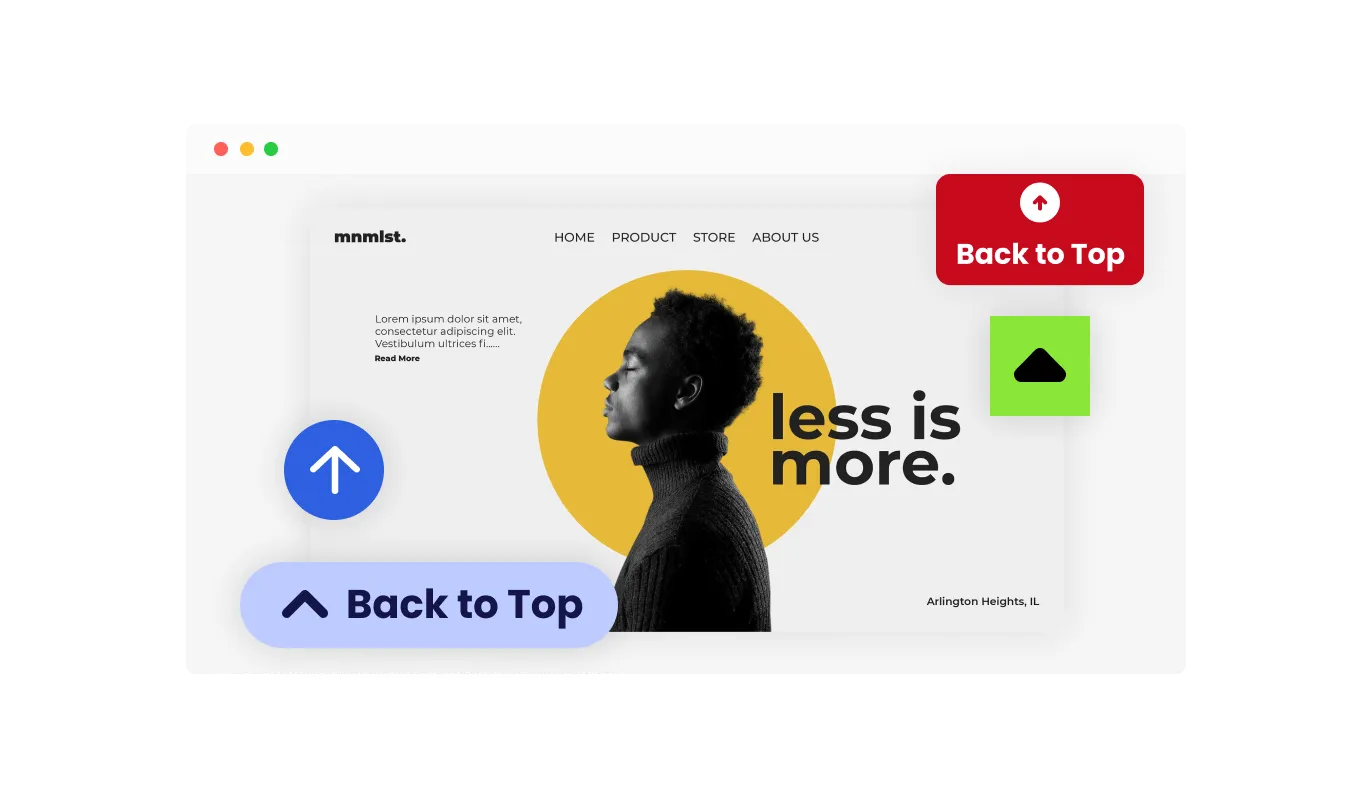
The Scroll to Top widget comes with multiple pre-designed button styles, so you can add it to your site without needing to design anything from zero. These styles cover common UI patterns, from minimal floating buttons to more visible callouts. You can start with a style that already fits your layout, then adjust details to match your brand.
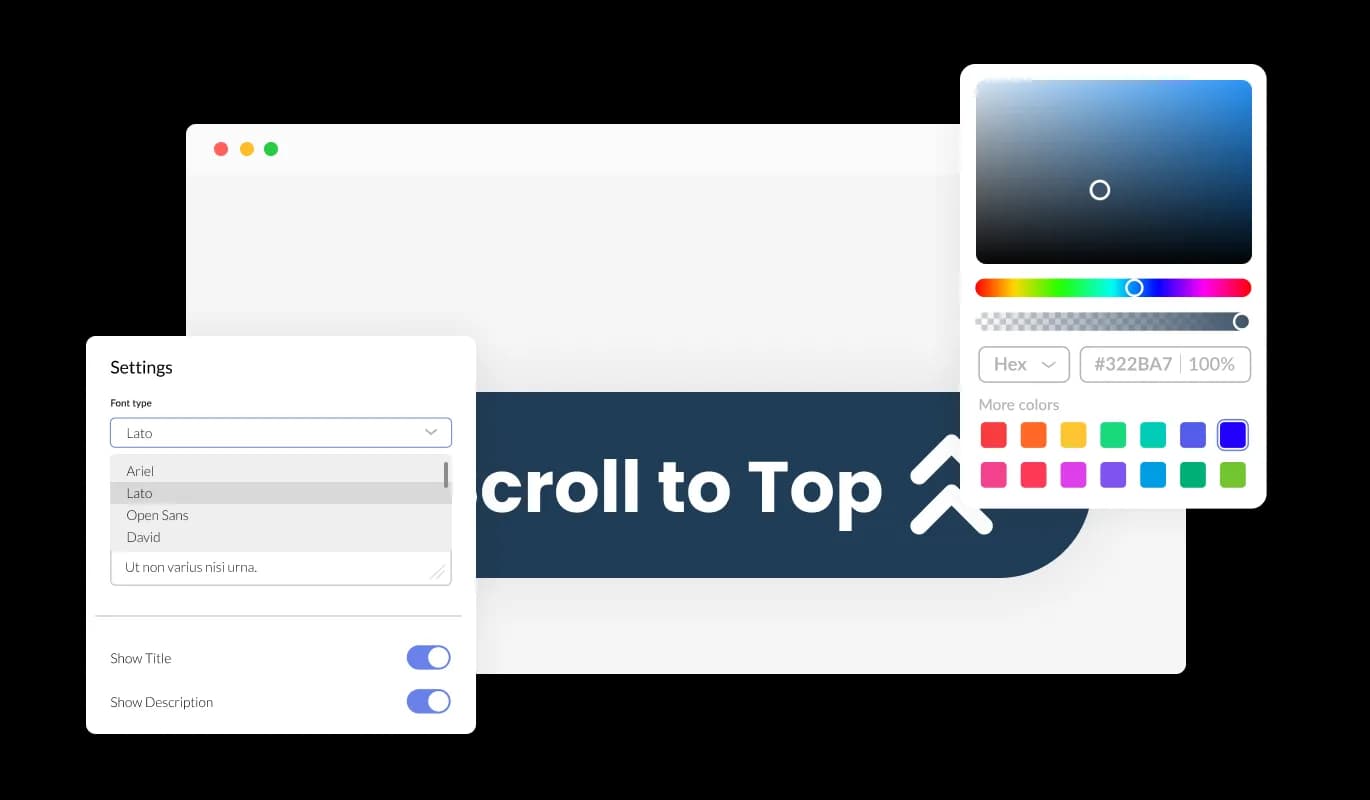
You can fully customize the Scroll to Top button to look and feel like part of your website. Change colors, typography, size, shape, borders, shadows, spacing, and hover states. This makes it easy to align the widget with your existing UI system and keep a consistent visual experience across pages.
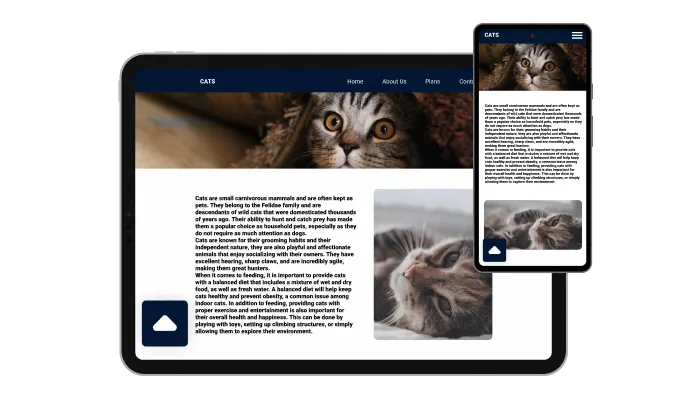
The Scroll to Top widget is fully responsive, meaning it works smoothly on desktops, tablets, and smartphones. The button scales correctly, stays in an accessible position, and remains easy to click or tap on smaller screens. This helps visitors navigate long pages comfortably no matter which device they use.

For developers and advanced designers, the widget supports custom CSS. This allows you to fine-tune styling beyond the built in controls, including precise spacing, transitions, animations, and responsive tweaks. Custom CSS makes it possible to match complex design systems or create a fully unique Scroll to Top experience.

Adding the Scroll to Top to your website takes only one line of embed code. Just copy the snippet from the editor and paste it into your site’s HTML where you want the button to load, such as the footer, header, or inside a global layout block. After it’s embedded, any update you make in the Scroll to Top widget editor appears on your live site automatically, so you never need to re copy the code or install it again.
Choose exactly where the Scroll to Top button appears on your page, such as the bottom right, bottom left, or another placement that fits your layout. This lets you keep the button visible when users need it, while avoiding overlap with other elements like chat bubbles, banners, or sticky menus.
The widget includes a selection of clear expand icons, like arrows, chevrons, and other familiar “go up” indicators. You can pick the icon that best matches your website’s style and makes the action obvious to visitors. A well chosen icon improves discoverability and reduces hesitation when users want to return to the top.
Scroll to Top supports several layout formats, giving you flexibility based on your site’s structure. You can use a simple floating button for subtle navigation support, or choose a more emphasized layout for content heavy pages. This helps you control how noticeable the widget is, depending on your UX goals.
The Scroll to Top widget is easy to set up through a user-friendly editor. You can add the button, choose its style, adjust behavior, and customize its appearance in minutes. No coding is required, so anyone on your team can manage it without developer support.
Set up your scroll to top button in the editor
Open the editorNo credit card · Setup in under 3 minutes
Common Ninja has amazing no-code widgets that would beautify a website built on any builder. It is very easy to use and customise. It has as many widgets for almost everyone willing to make their website impressive.
Outstanding service. I use their widgets to help me with my web design business and whenever I need help they are very quick to help.
Excellent company with excellent service!!! We used it to build a survey, it was very user friendly. The service was perfect. Amit helped us with every problem and question we had, thank you very much!!!
Common Ninja saved the day when building our website and the customer service Daniel, the co-founder and CEO, provided was amazing.
No. On a page that fits in two or three screens the button is clutter, and it takes up the corner where something more useful could live. It earns its place on long articles, documentation, listings, and anything with infinite scroll, and not much else.
Bottom right, because that is where people look for it. The one thing to check is what else is anchored there. Chat launchers, cookie bars, and sticky cart bars all claim the same corner, and two overlapping floating buttons is a worse outcome than having neither.
Ideally not at the very top of the page, where it has nothing to do. Custom CSS is the route to controlling exactly how and when it appears if the built-in behaviour is not what you want.
A plain upward arrow or chevron. This is a control whose whole value is being recognised instantly, so an unusual icon costs more in hesitation than it gains in personality.
It can, which is why the position and spacing are adjustable. On a phone the corner is crowded and the thumb zone is valuable, so check it against your own mobile layout before publishing.
It is a standard interactive control, so it can be reached and activated without a mouse. Keep the button large enough to tap comfortably and with enough contrast against the page behind it, since a low-contrast floating circle is easy to miss.
Site-wide, in a footer or template area, so it is there on every long page. Adding it page by page means the one page you forget is the long one someone gets stuck on.
Yes. Ready-made styles plus control over colours, typography, size, shape, borders, and shadows, with custom CSS on top.
Pick your platform. Each takes under 4 minutes.
A flexible widget that visually tracks user scroll progress on any webpage

A button that, when clicked, scrolls to a selected element on the webpage

A rectangle button positioned in any corner of a webpage typically used for promotion and marketing purposes
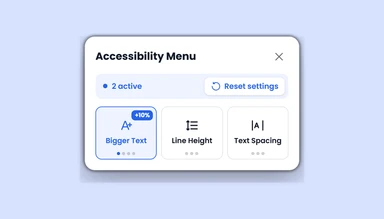
An accessibility menu that lets visitors adjust text, colors, motion, images, and navigation settings.

Organize links, display logos, and integrate social media on your website footer.
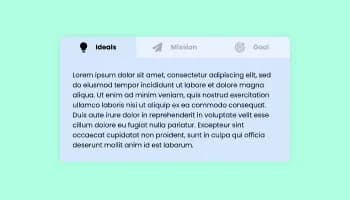
Use tabs to organize content into different parts
A Scroll to Top button is a floating on page control that lets visitors return to the top of a long page in one click or tap. It usually appears after a user scrolls down, and helps reduce manual scrolling.
On content heavy pages, a Scroll to Top button makes navigation faster. Visitors can jump back to the header, menu, or first section without scrolling all the way up, which is useful for blogs, landing pages, documentation, and e-commerce category pages.
The widget lowers navigation friction on long pages. Users can move between the top navigation and lower sections more easily, especially on mobile devices where scrolling takes more effort.
Yes. You can choose different Scroll to Top layouts and design presets, then adjust colors, size, icon style, positioning, and other visual settings so the button matches your site.
Yes. The Scroll to Top widget includes multiple design skins you can apply quickly. These give you a solid starting point and reduce the need for manual styling.
Create the Scroll to Top widget in the editor, copy the embed code, and paste a single line into your website’s HTML. You can place it in global areas like the footer or header so it appears across pages.
Yes. After embedding, any change you make in the widget editor updates on your live site automatically. You do not need to replace the code.
The widget is available in the free plan with basic usage limits. Higher plans extend limits and unlock additional options.
The Scroll to Top button works on any website builder or CMS that allows embedding custom code. This includes common platforms such as WordPress, Wix, Shopify, Squarespace, Webflow, and custom HTML sites.
Yes. The Scroll to Top widget is built to follow GDPR requirements.
No. The widget is managed through a no code editor. You only need to copy and paste the embed snippet to add the Scroll to Top button to your site.
Yes. Advanced users can add custom CSS to control styling details like spacing, animations, hover effects, or alignment with an existing design system.
You can send feature suggestions through your usual support or product feedback channel, and include details about the behavior or design you want to add.
One click back to the top of any long page, with a choice of arrow and chevron icons, multiple layouts and ready-made button styles, position and spacing controls so it clears your chat launcher and cart bar, full responsiveness, and custom CSS. Embed on 200+ platforms including WordPress, Shopify, Wix, Webflow, and Squarespace.
Create your buttonNo credit card · No coding