


Verified review
Common Ninja has amazing no-code widgets that would beautify a website built on any builder. It is very easy to use and customise. It has as many widgets for almost everyone willing to make their website impressive.
Try the editor, no signup
Pick a template, customize it, and watch it update live, no signup.
No credit card · Free forever plan
No credit card · Free forever plan
The Common Ninja TikTok Feed is a free, no-code widget that adds a live feed of TikTok videos to any website. Point it at an account, style the cards, and paste one line of embed code.
The feed refreshes on its own, so a new post appears on the page without you editing anything. Layouts, skins, and an optional scrolling ticker are all built in.
Useful anywhere short-form video is the proof: a shop showing products in use, a creator page, an events site, or a landing page that needs current activity rather than a static screenshot. Works on 200+ platforms including WordPress, Wix, Shopify, Squarespace, and Webflow.
A photo shows what a product looks like. A short video shows what it does. Putting your TikTok posts on a product or landing page gives shoppers the demonstration they were about to go looking for, without sending them to an app full of other people's videos.
An empty or stale social section reads worse than none at all. Because the feed refreshes itself, the page always shows recent activity, which is the quickest signal a visitor has that there are real people behind the site.
People who land on your site from search have not seen your videos. A feed on the page is the introduction, and every card is a route to the account. It works better than a follow button because visitors can see what they would be following.
Post once on TikTok and the website section follows. For anyone maintaining a site alongside the actual work, that removes a recurring chore: no monthly reminder to swap the featured video, and no page quietly aging out of date.
Choose the feed type and paste the TikTok account you want to display. The widget pulls the recent videos with their thumbnails, so there is nothing to upload or copy across by hand.
Pick a layout and one of the ready-made skins, then set how each card reads: the date and time format, how many characters of the caption to show so cards stay level, and whether the feed scrolls as a ticker. Custom CSS covers anything the settings do not.
Copy the snippet from the Add to Website tab and paste it where the feed belongs. Auto-refresh keeps it current, so the page reflects what you posted this morning without a visit to the editor.
Choose what the widget follows rather than being locked to one view, and change it later from the same editor without touching the page you embedded it on.
Grid, list, and slider style layouts with ready-made skins, plus an optional ticker that scrolls the feed sideways so it takes one strip of the page rather than a whole section.
Set the date and time format and cap caption length to a character count, so long and short captions produce cards of the same height. It is a small setting that decides whether a grid looks deliberate or accidental.
Full right-to-left rendering for Arabic, Hebrew, Persian, and Urdu layouts, and a custom CSS field for exact design matching. One embed snippet, 200+ platforms, no plugin to install or keep updated.
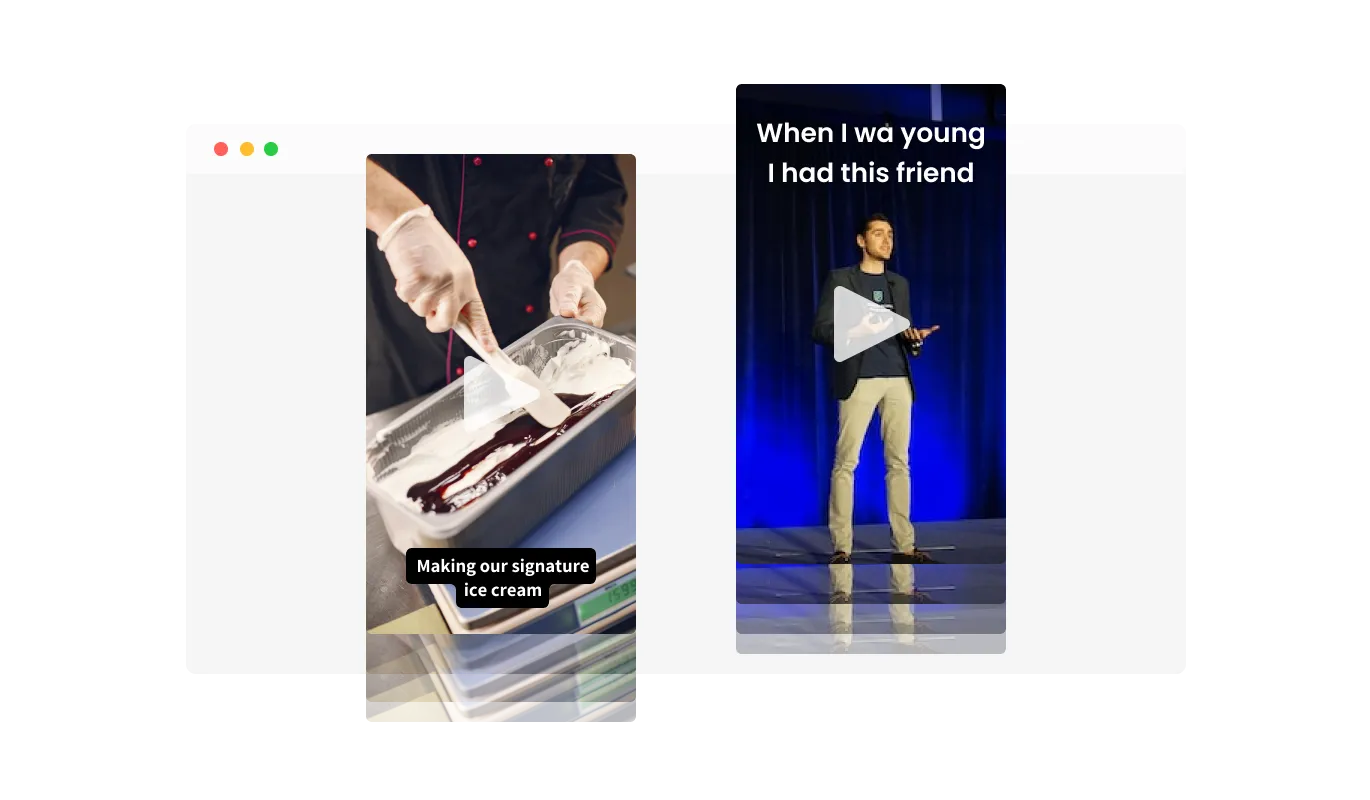
The TikTok Feed widget comes with a “ticker” animation that imitates an old news ticker and adds a sense of action to your page. Use it to grab the user’s attention immediately.
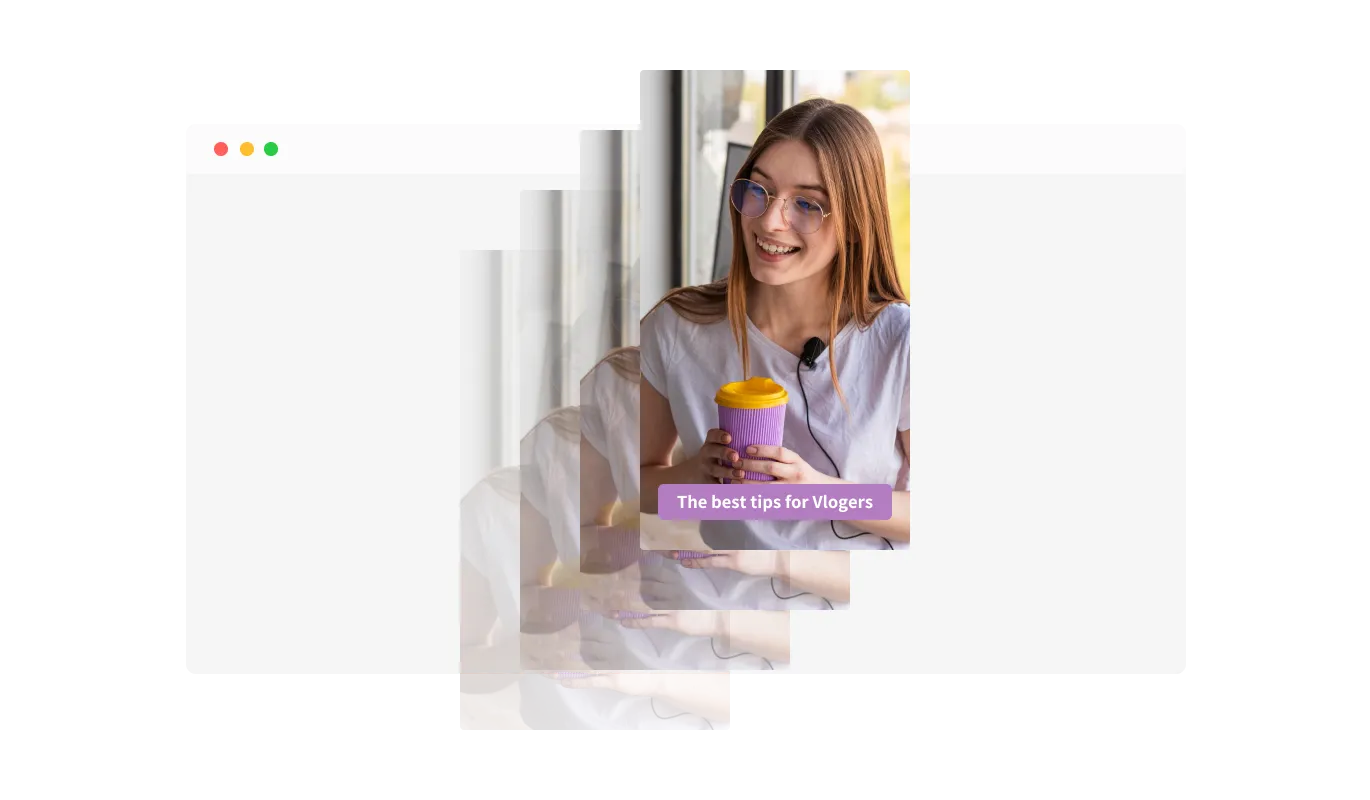
The TikTok Feed widget has the “auto-refresh” option which, when toggled, keeps refreshing and updating the feed with new posts.
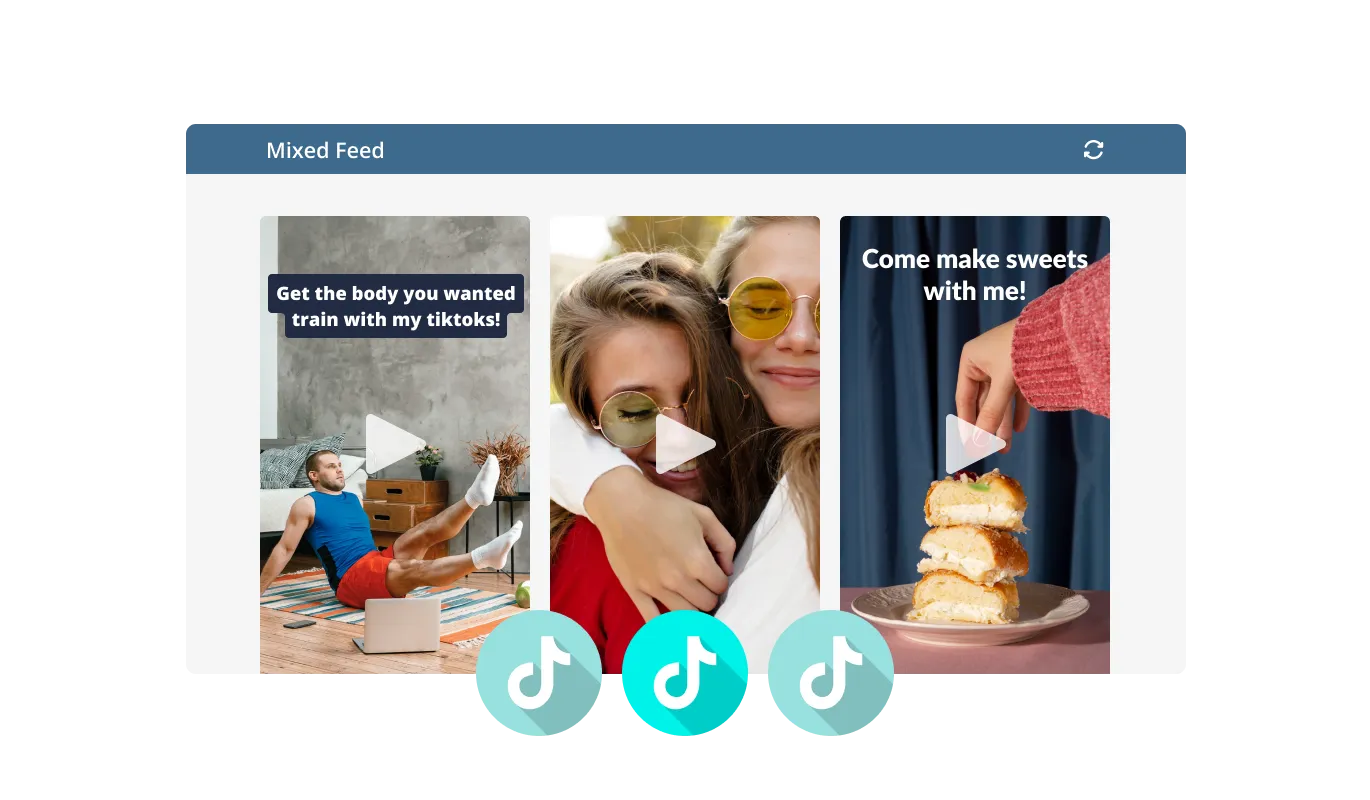
There are two different feed types available in the TikTok Feed widget: Tabs and Mixed. The Tabs type keeps all your tabs organized by order of feed, while the Mixed type, mixes the various TikTok Feeds to create a diverse feed.
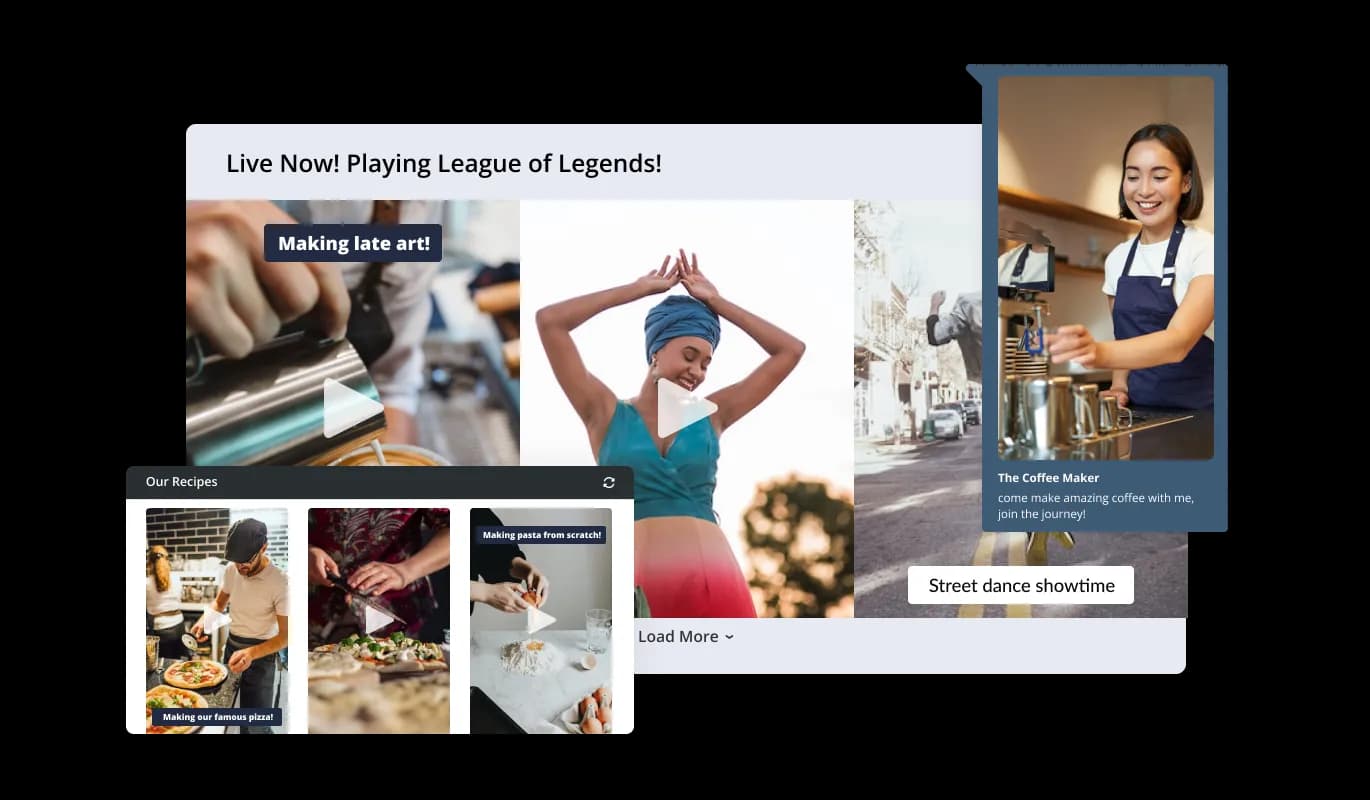
The TikTok Feed widget comes available with multiple layouts that you can choose from to make sure it fits your overall website design and style.
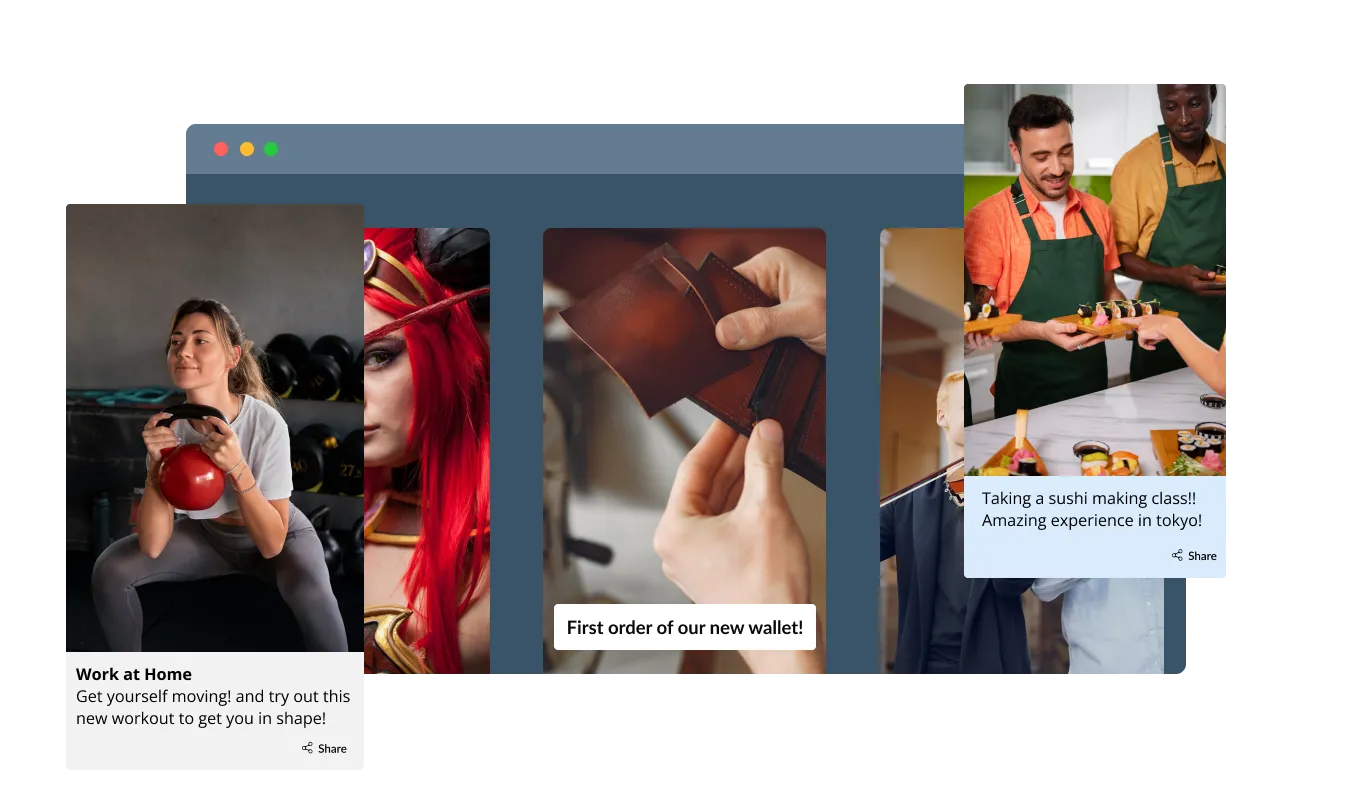
The TikTok Feed widget comes with a variety of beautiful skins that you can choose from so you don’t have to spend much time on extensive customization.
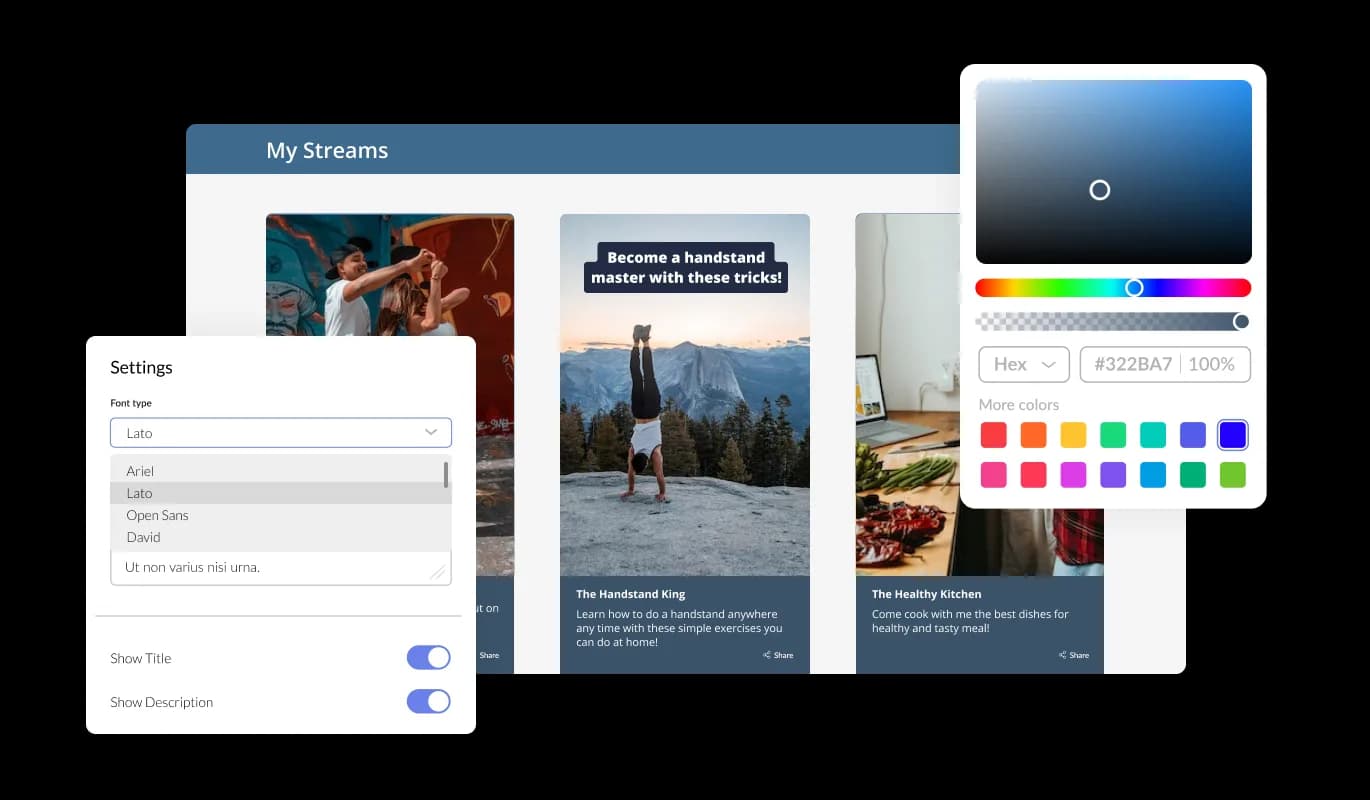
The TikTok Feed widget features full customization options so you can edit the design to fit your needs. Change the colors, the fonts, the spacing, and anything else!
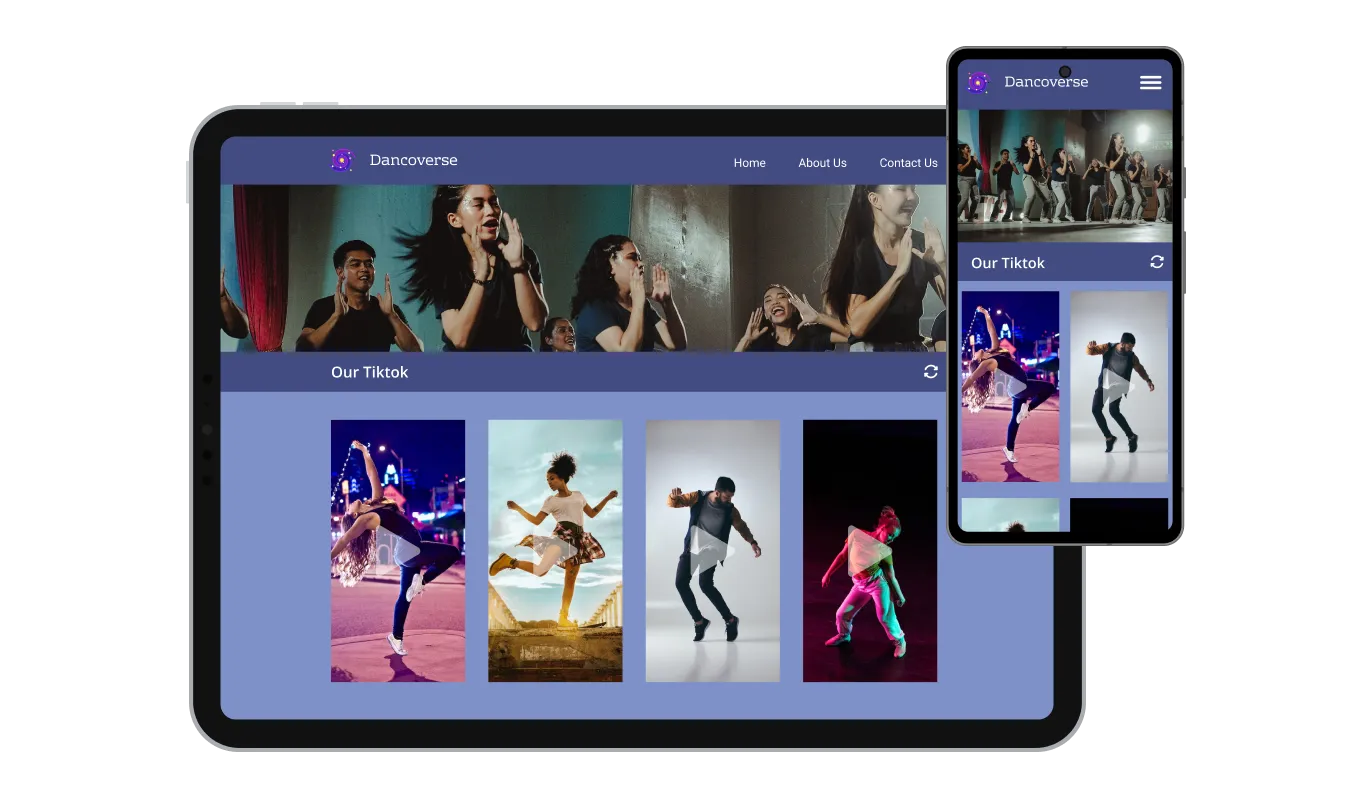
The TikTok Feed widget is fully responsive and will look great on any device. In a mobile-first world, this feature will put you ahead of your competitors.

As with all of Common Ninja’s widgets, you can add custom CSS to customize the TikTok Feed widget and be even more creative.

You can embed the widget on your website easily by copying a single line of code. The TikTok Feed widget will also be updated automatically with every change you make.
There are various options for displaying the date and time of the feeds, an option that will enable you to further customize the TikTok Feed widget according to your needs, and the preferences of your visitors.
You can easily customize the length of the characters that are displayed to save space and make the TikTok Feed widget more compact.
The TikTok Feed widget provides full RTL support for those who write from right to left. Make your news accessible to more users from all over the world.
The TikTok Feed widget is easy to use and requires no coding knowledge. Our intuitive dashboard with the drag-and-drop feature will enable you to customize the widget any way you’d like to with just a few simple clicks.
Build your TikTok feed in the editor
Open the editorFree to use · No credit card · No signup to try it
Common Ninja has amazing no-code widgets that would beautify a website built on any builder. It is very easy to use and customise. It has as many widgets for almost everyone willing to make their website impressive.
Outstanding service. I use their widgets to help me with my web design business and whenever I need help they are very quick to help.
Excellent company with excellent service!!! We used it to build a survey, it was very user friendly. The service was perfect. Amit helped us with every problem and question we had, thank you very much!!!
Common Ninja saved the day when building our website and the customer service Daniel, the co-founder and CEO, provided was amazing.
Open the editor, paste the TikTok account you want to show, choose a layout and skin, then copy the embed snippet from the Add to Website tab and paste it into your page. It works anywhere you can add an HTML block, and there is nothing to install.
No. You paste the account into the editor and Common Ninja handles fetching the posts. There is no developer application to file, no API key to generate, and no request quota for you to keep an eye on.
Yes, for public accounts. That covers featuring a brand ambassador, a partner, or creators posting about your product. Private accounts and posts that have been removed will not appear, since the widget only reads what TikTok makes public.
TikTok's embed shows a single fixed post, and keeping it current means editing the page each time you publish. This widget shows a feed that refreshes on its own, and it lets you control the layout, the card styling, and how much of each caption appears. If you only want one specific video, TikTok's embed is fine. If you want the section to stay current, use the feed.
The feed loads thumbnails first and only loads a player when someone chooses to play something, so the page does not arrive carrying several video players. It is an embed snippet rather than a plugin, so it adds nothing to your site's own code.
Yes, the layouts are responsive and cards reflow to the screen width. Since TikTok video is vertical, it is worth previewing at phone width before you publish: a layout that looks balanced on a desktop grid can leave a lot of empty space on a narrow screen.
The feed keeps showing the most recent posts it can find, so it will not empty out, but it will quietly age. If the account is going dormant, either point the widget at an account that is still active or take the section off the page, because a visibly stale feed undercuts the trust it was there to build.
Yes. Each feed is its own widget with its own settings, so you can show one account on the homepage and a different one on a campaign page. On the free plan each widget counts separately against your plan's widget allowance.
Pick your platform. Each takes under 4 minutes.

Display the latest posts from your Instagram page

Display a feed of the latest posts from a Facebook user or page

Display the latest tweets from your X

Display the latest posts from your LinkedIn page

Display the latest posts from any RSS feed

Display the latest posts from any platform and website's RSS feed
Yes, you can limit the number of posts shown per page.
Yes, you can choose where to position the tabs from the settings menu.
Yes, you can add a background image, and to further customize its behavior.
Yes, an auto-refresh option can be easily toggled on or off.
Yes, you can customize the feed’s height.
Yes, currently there’s a “ticker” animation that you can trigger.
Yes, you can easily do so from the “Templates” tab.
Yes, there are lots of beautiful skins that you can choose from to save time and start using the widget as quickly as possible.
Yes, you can either upload an image, or select an icon from a large selection of available icons to add to your Notification Bar, or, alternatively, you can leave it all blank.
It’s simple. All you need to do is to sign up and start using the free version.
Common Ninja’s TikTok Feed widget is free to use. It is limited to a certain amount of views, however.
Common Ninja’s TikTok Feed widget is compatible with ALL current and future website builders.
Yes, the TikTok Feed widget is GDPR-compliant.
No. Using our TikTok Feed widget is very simple. The widget comes with an intuitive drag-and-drop interface and fully customizable options. Once you’ve finished editing the widget to your liking, all you need to do is copy the provided code and add it to your website.
Yes. We are eager to hear your request. Please visit our Feature Request page.
A live TikTok feed that refreshes itself, with multiple layouts, ready-made skins, ticker animation, caption length control, RTL support, and custom CSS. Embed on 200+ platforms including WordPress, Wix, Shopify, Squarespace, and Webflow.
Create your TikTok feedFree to use · No credit card · No coding