


Verified review
Common Ninja has amazing no-code widgets that would beautify a website built on any builder. It is very easy to use and customise. It has as many widgets for almost everyone willing to make their website impressive.
Try the editor, no signup
Pick a template, customize it, and watch it update live, no signup.
No credit card · Free forever plan
No credit card · Free forever plan
The Common Ninja Consent Form widget is a free, no-code embed that lets organizations collect signed consent, waivers, and authorizations from people through a custom form on their website.
Add the fields your consent flow needs (participant details, treatment or activity descriptions, acknowledgment checkboxes, handwritten signature capture, date, guardian details for minors), split long agreements into multi-step forms, enable spam protection, customize the design with skins or Custom CSS, set notification emails for new submissions, collect payments if your intake requires a fee, and paste a one-line embed snippet on WordPress, Squarespace, Wix, Webflow, Shopify, and 200+ other platforms.
Use it for clinic and healthcare intake, gym and fitness-studio waivers, school field-trip permission slips, photographer and event model releases, research-study consent, and salon or spa treatment authorizations, with an optional HIPAA-compliant setup for sensitive data, without piping responses through email threads, Google Forms, or a paid intake platform.
Email and paper forms scatter signed consent across inboxes and filing cabinets. A dedicated consent form on your intake page collects every signed submission into one structured list, no chasing signatures, no lost paper, no manual filing. Records live in your Common Ninja dashboard with a clean export to CSV.
A checkbox is not always enough for a waiver or authorization. The signature field lets people sign with a mouse, trackpad, or finger on touch devices, so each record carries the participant's own signature alongside the acknowledgment text and date. Ideal for waivers, releases, and treatment authorizations.
Clinics, therapists, and research studies collect health information that needs extra care. An optional HIPAA-compliant setup is available for consent flows that handle sensitive data, so you can gather intake and authorization details on your own site instead of routing them through a generic form tool.
A Contact Form (enriched at /widgets/contact-form) is for general inquiries, name, email, message. A Form Builder (enriched at /widgets/form-builder) is for any custom multi-field form. This Consent Form is pre-tuned for consent and waivers with the right pieces (agreement text, acknowledgment checkboxes, handwritten signature, guardian fields), so you don't build a signing flow from scratch every time.
Add the fields your flow needs, participant name and email (required), the consent or waiver text people are agreeing to, acknowledgment checkboxes, a handwritten signature field, the date, and guardian details for minors. Split a long agreement into a multi-step form so people read and acknowledge each section before signing. Mark fields required or optional and group related fields with section headers.
Enable the handwritten signature field so people sign with a mouse, trackpad, or finger on touch devices. Set notification email addresses so your team gets pinged when a new consent form is submitted. Enable spam protection (honeypot, optional CAPTCHA) to keep junk out, and configure the optional HIPAA-compliant setup when you collect sensitive health data.
Copy the one-line embed snippet and paste it on WordPress, Squarespace, Wix, Webflow, Shopify, or any of the 200+ supported platforms. Submissions save to your Common Ninja dashboard; export the full record set to CSV whenever you need it for filing, audits, or follow-up. Edits in the editor push to every embed without re-paste.
A dedicated signature field lets people sign with a mouse, trackpad, or finger on touch devices. Each submission stores the signature alongside the acknowledgment text and date, so waivers, releases, and authorizations carry a real signed record instead of a lone checkbox.
Split a long agreement into steps so people read and acknowledge each section before they reach the signature. Group participant details, treatment or activity descriptions, acknowledgments, and guardian fields into logical steps that keep a dense consent form readable on any screen.
Honeypot fields and optional CAPTCHA keep junk out, and validation rules block malformed submissions at the source. Set notification email addresses so your team gets an email the moment a new consent form arrives, with the submission detail included.
Pick from a library of pre-designed skins (clinic-clean, brand-neutral, dark-mode, and more) for a fast visual fit. Layer Custom CSS for pixel-level control over field spacing, checkbox styling, signature-pad borders, header typography, and per-section dividers.
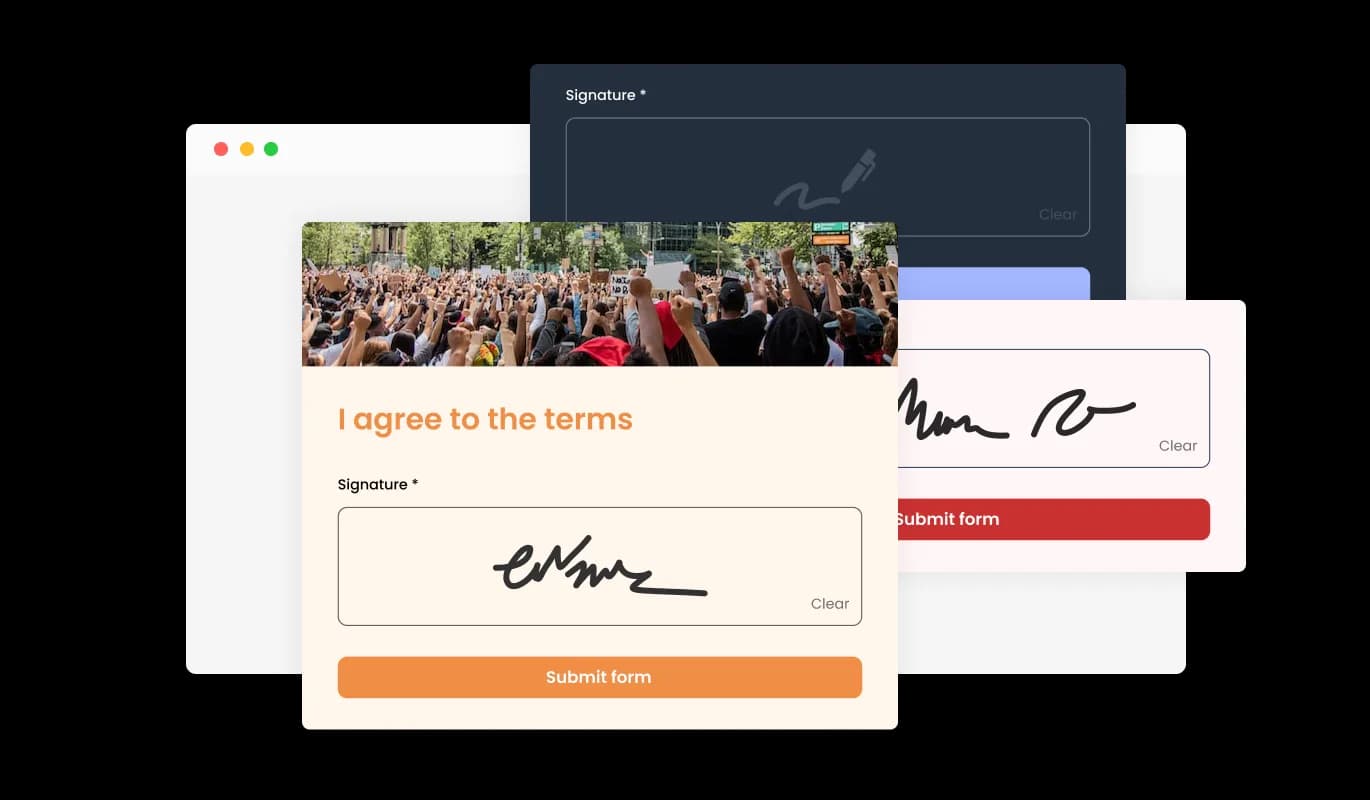
The Consent Form builder introduces a special feature that allows you to collect user handwritten signatures. This unique field enhances the authenticity of the consent, providing an additional layer of verification. It's as simple as adding a new field to the form, and users can easily sign in using their mouse or touch screen. This feature not only reinforces the validity of the user's consent but also brings a personal touch to the digital agreement process.
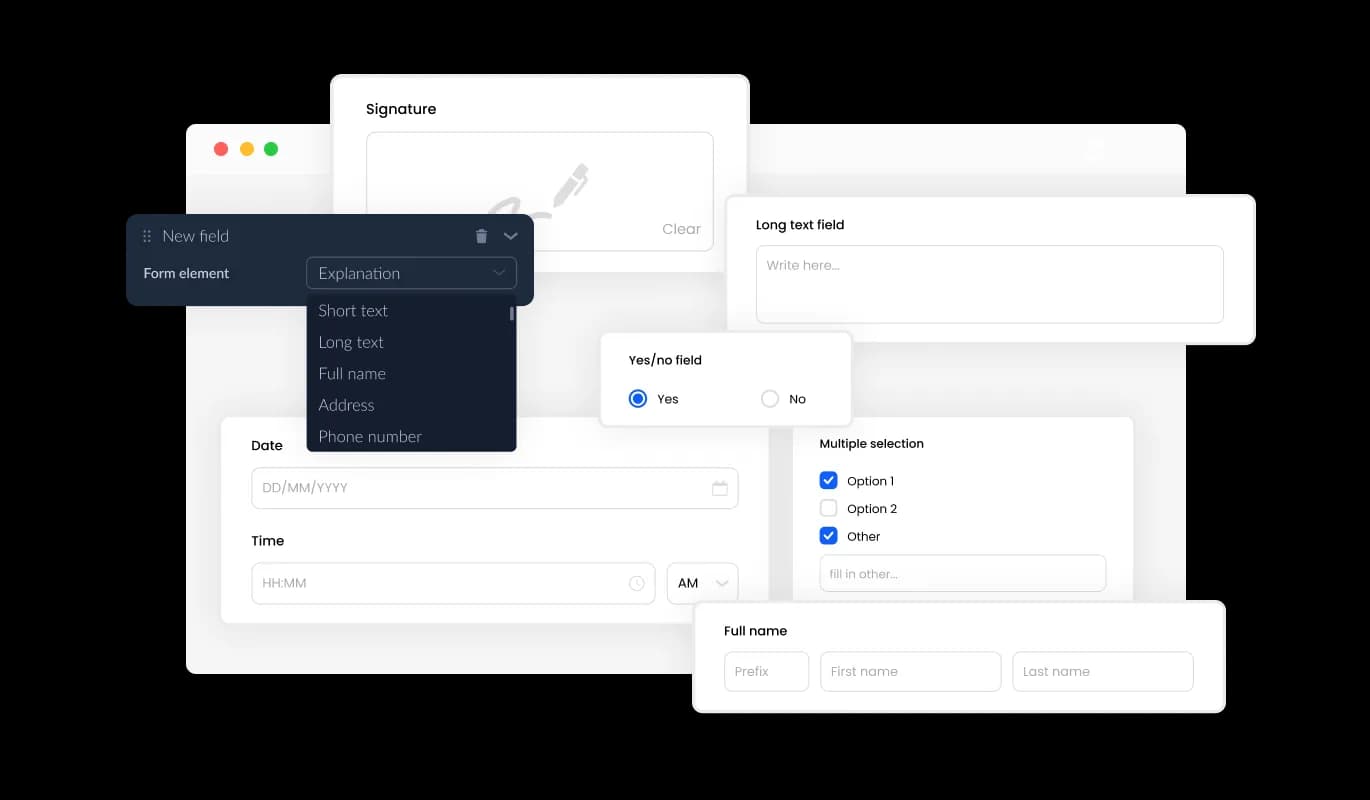
The Consent Form builder offers a wide array of fields, from basic to specialized formats, allowing you to design consent forms that perfectly suit your needs and objectives. Simply click on the "Add Field" option and choose from a vast selection of field types. Plus, you can easily modify the field sequence using the user-friendly drag-and-drop feature.
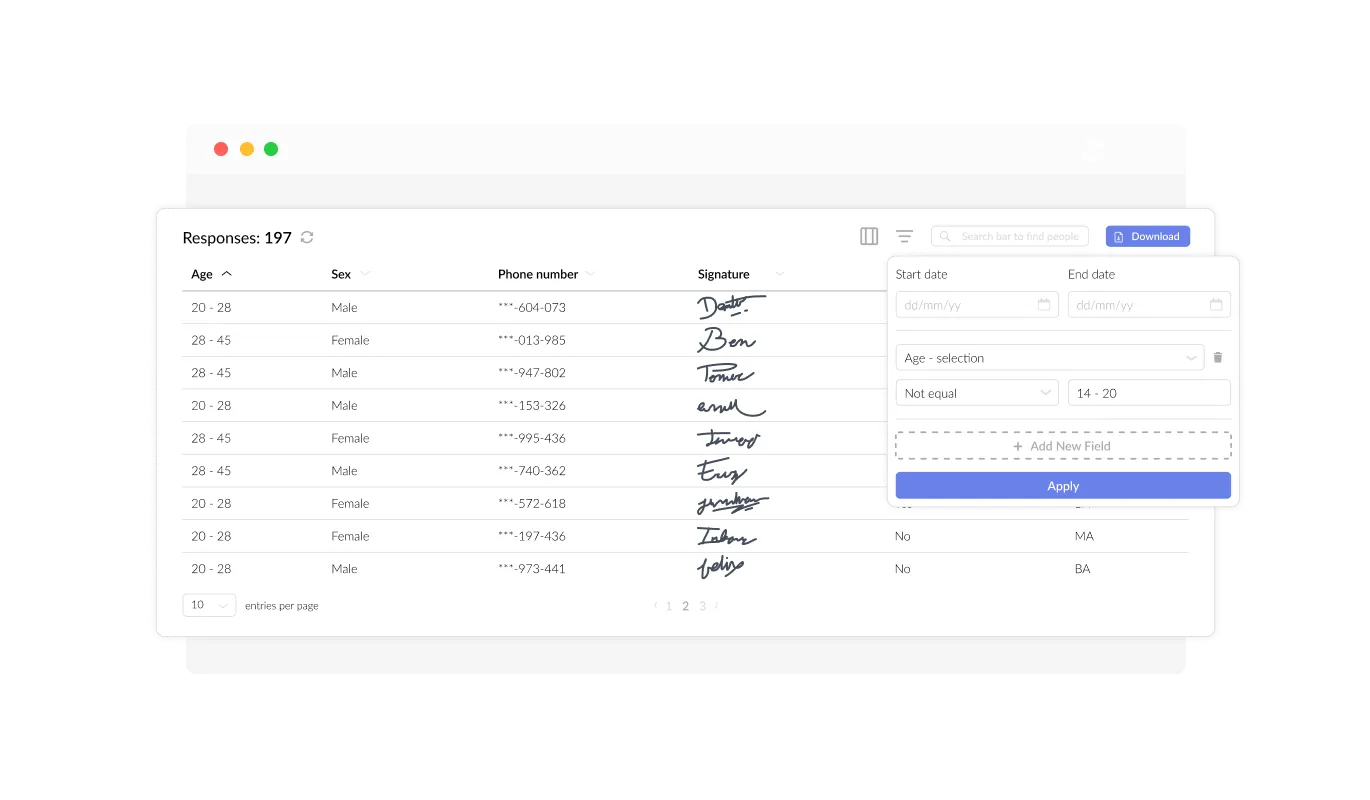
The Consent Form builder aids in organizing and displaying all user consent data in an understandable and accessible format. This feature simplifies the monitoring of user consent submissions, ensuring you can review and manage responses more effectively and efficiently.
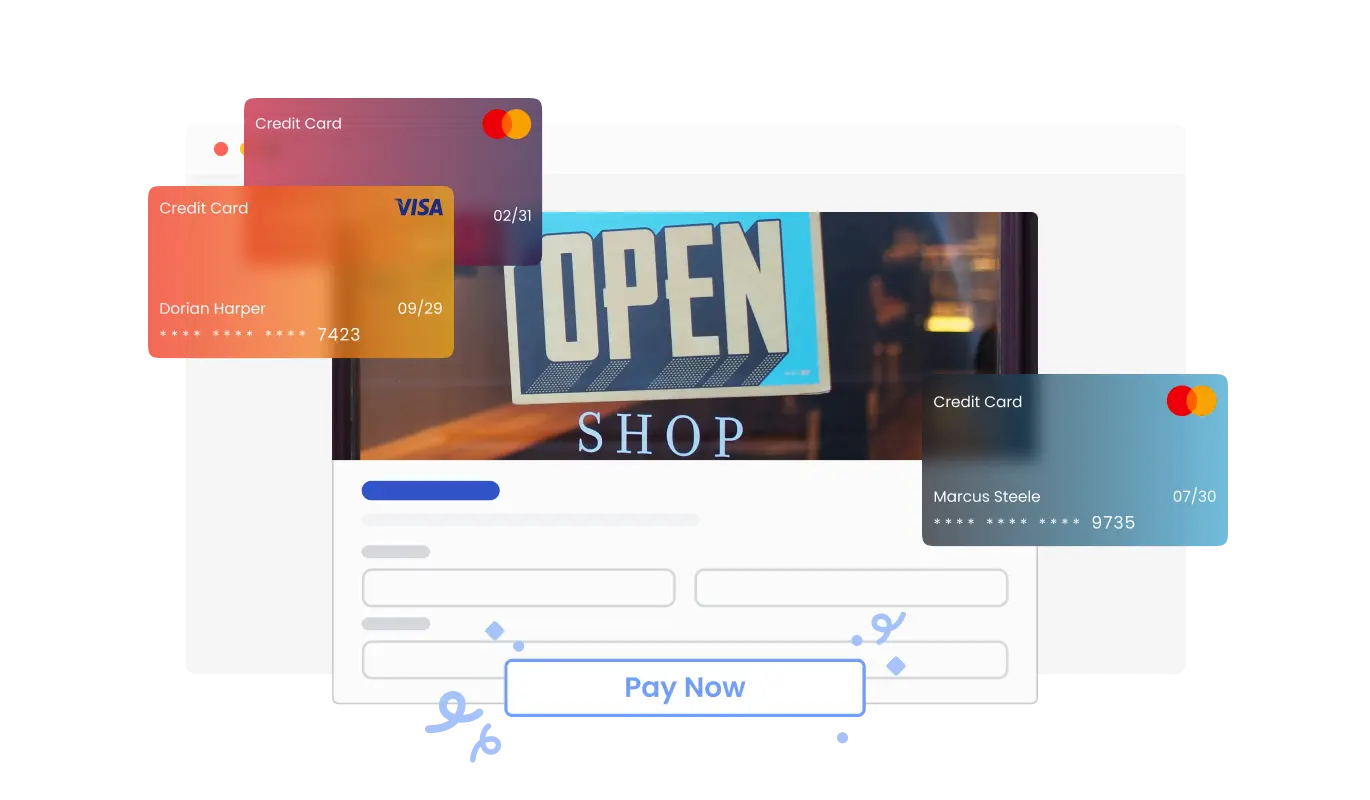
The Consent Form now enables you to collect payments directly from your users. Whether you’re managing event registrations, selling products, or accepting donations, this feature integrates payment options into your forms effortlessly. With secure payment processing and a streamlined setup, you can enhance your form’s functionality while providing a seamless user experience.
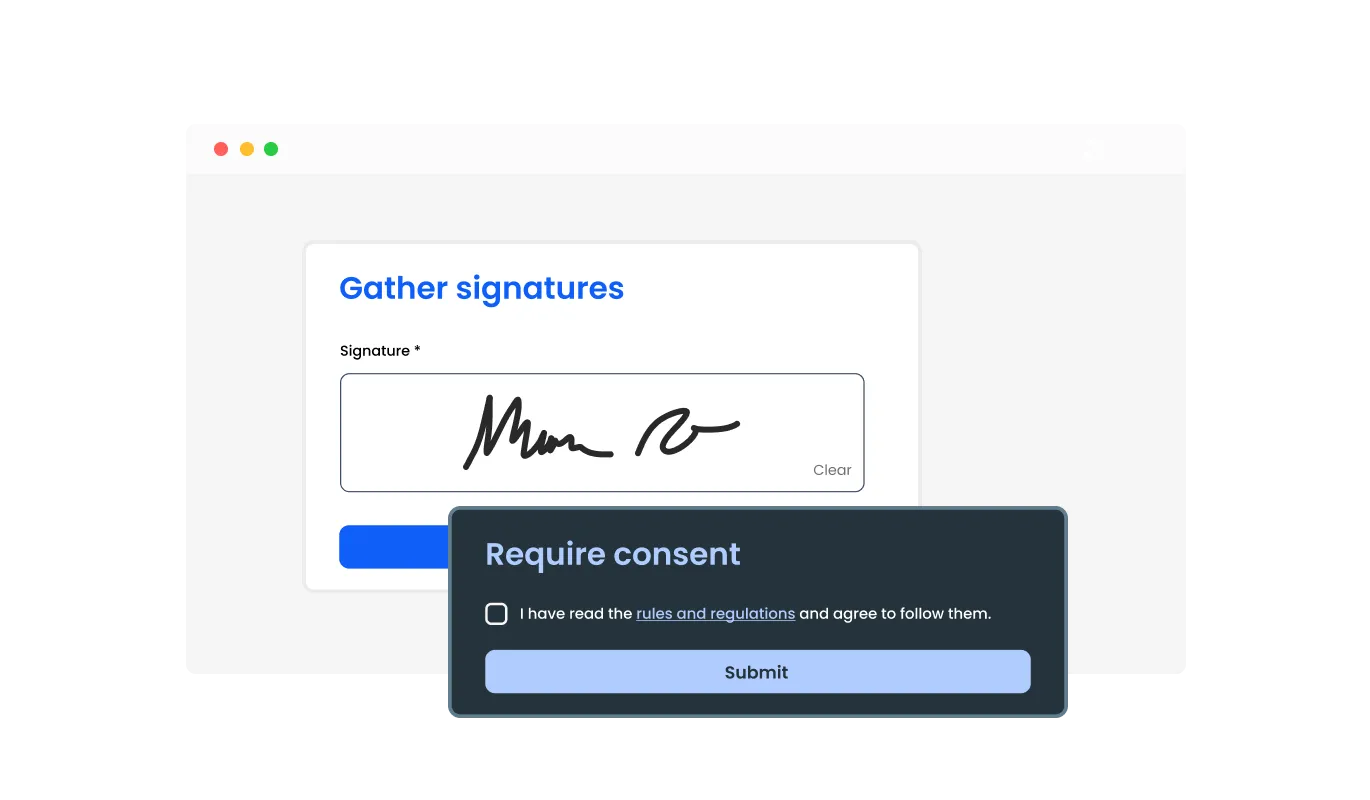
Including specific Consent Form fields like acknowledgment checkboxes, agreement statements, and more, you can gather all necessary consent details. Fields addressing specific consent aspects can provide deeper insights into users' agreement, offering a more thorough understanding of their consent and ensuring a well-documented agreement process.
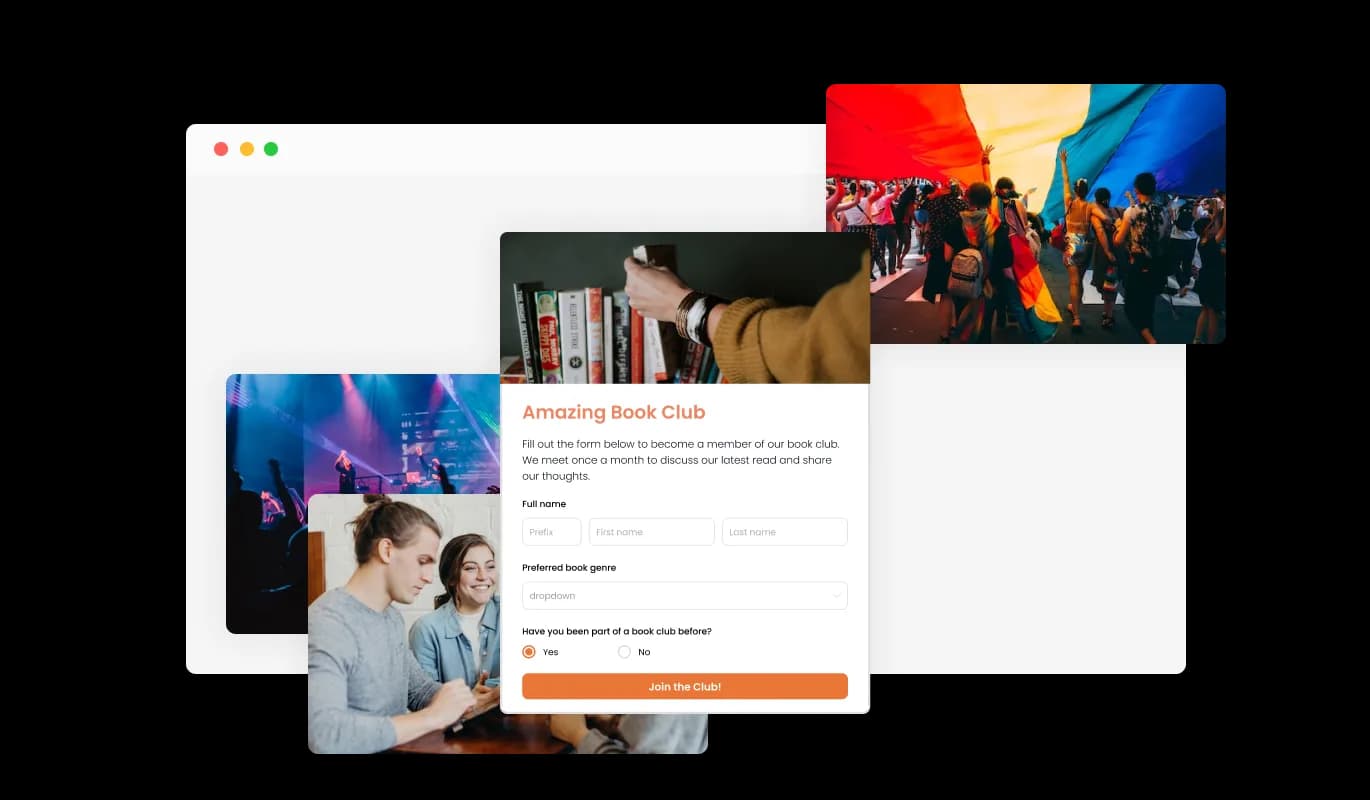
Incorporating headings, descriptive text, and visuals into your Consent Form enhances the user experience, making it more engaging and user-friendly. Informative form elements guide users through the consent process, promoting a seamless experience and increasing the likelihood of successful consent submissions.
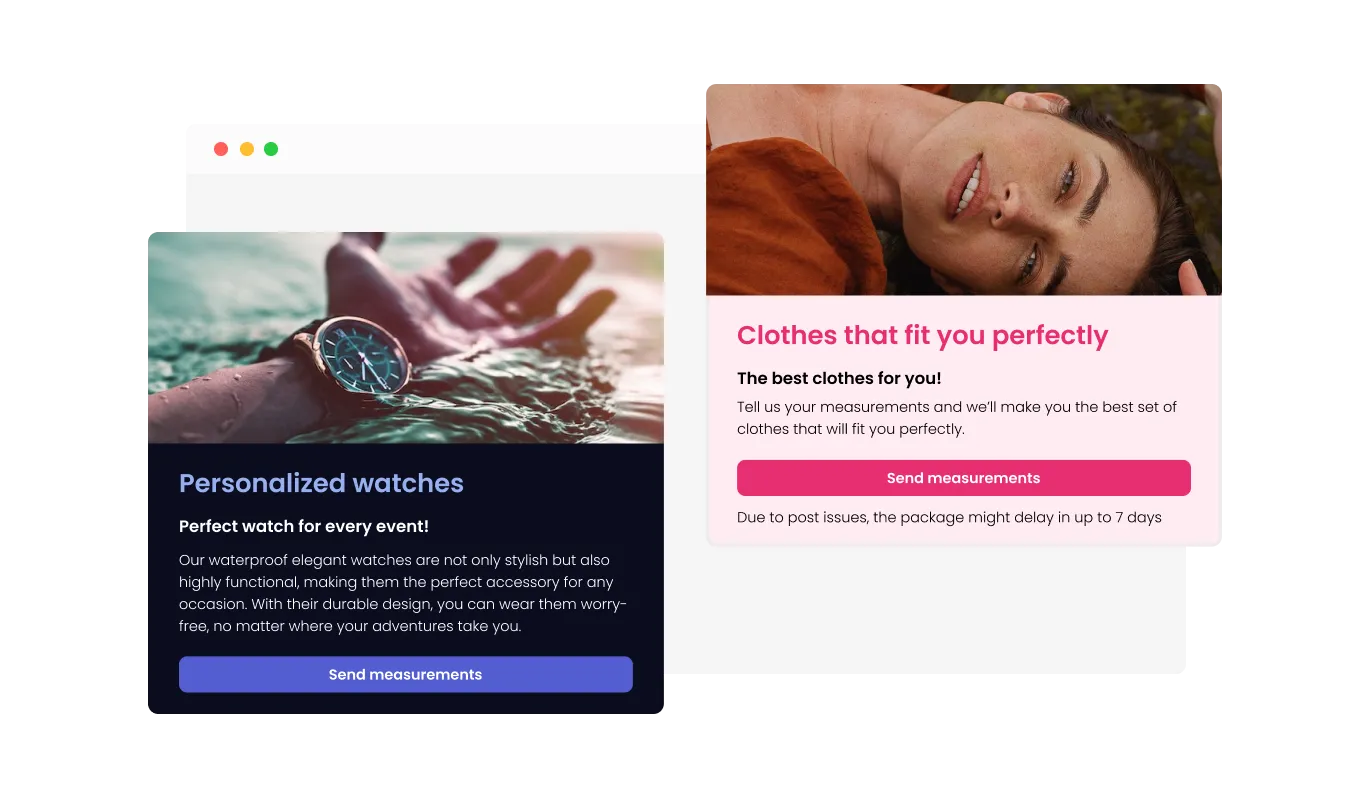
The Consent Form builder includes header and footer customization options, including the ability to insert images. This feature provides a fantastic opportunity to reinforce your brand and create an aesthetically pleasing form that harmonizes with your website's overall appearance and style.
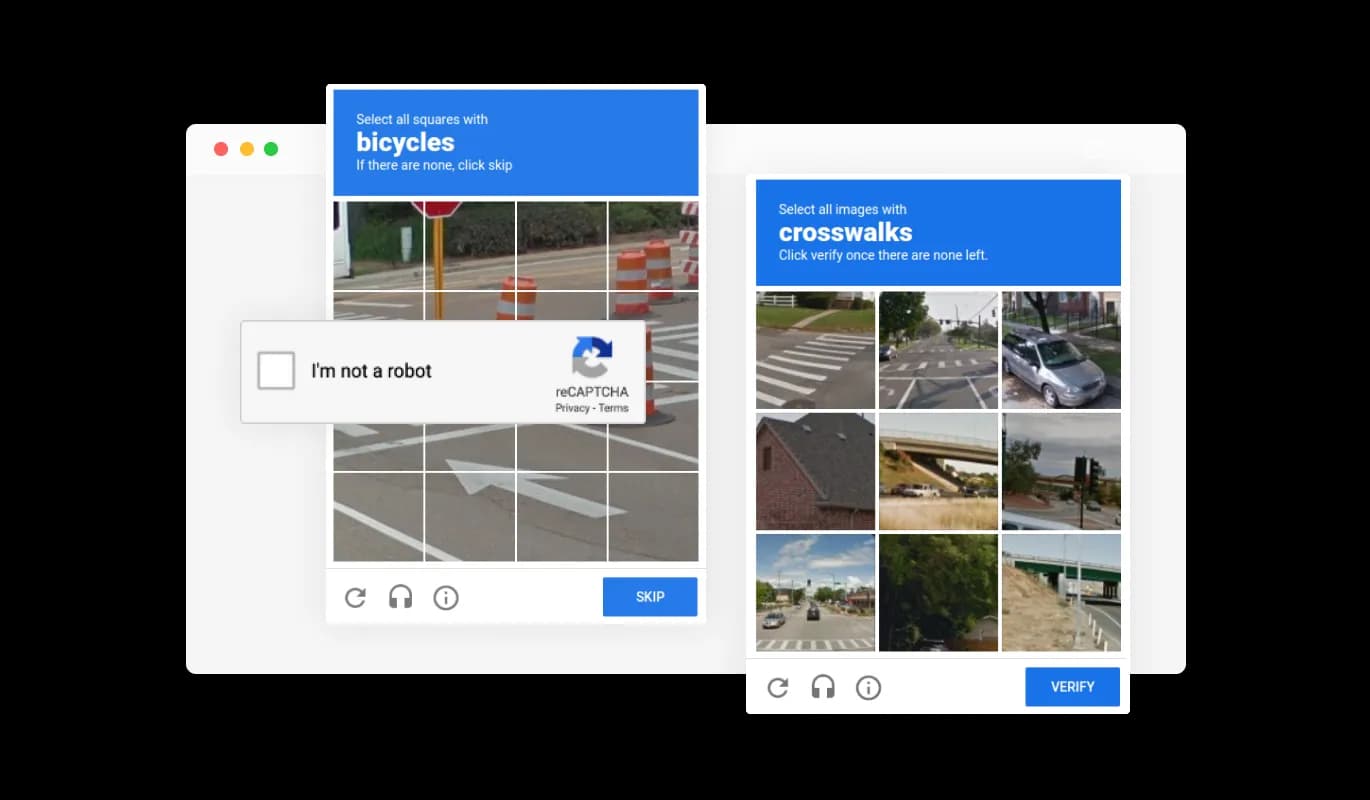
The Consent Form builder allows you to enable the CAPTCHA anti-spam feature, which users must complete before submitting their consent. This functionality prevents bots and automated scripts from submitting spam entries through your form, ensuring you receive valid submissions from real users.
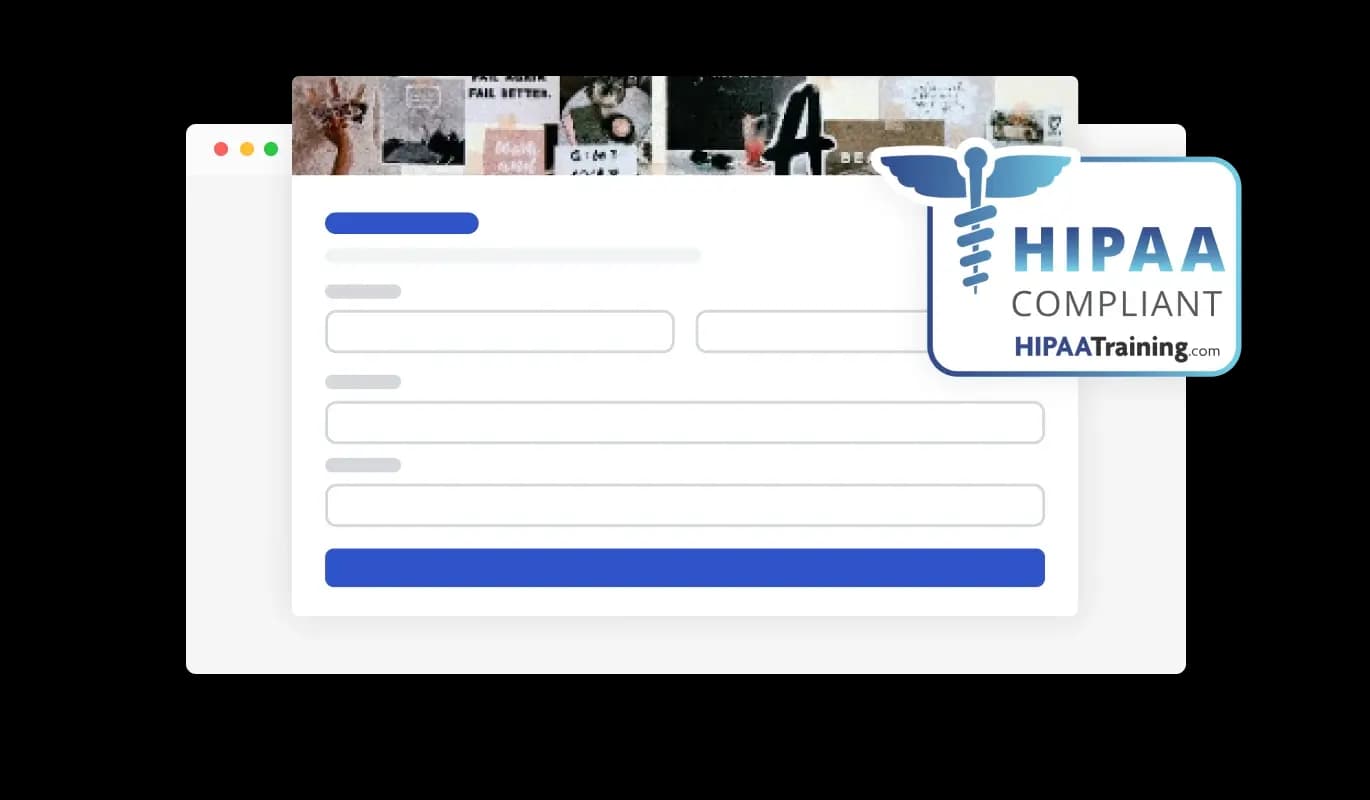
The Consent Forms ensures HIPAA compliance, offering end-to-end data encryption and role-based access management to protect sensitive information. Seamless integrations, including a HIPAA-compliant API and support for tools like Google Sheets and EMR systems, enhance functionality. Additionally, activity tracking and audit logs provide full transparency over data access.
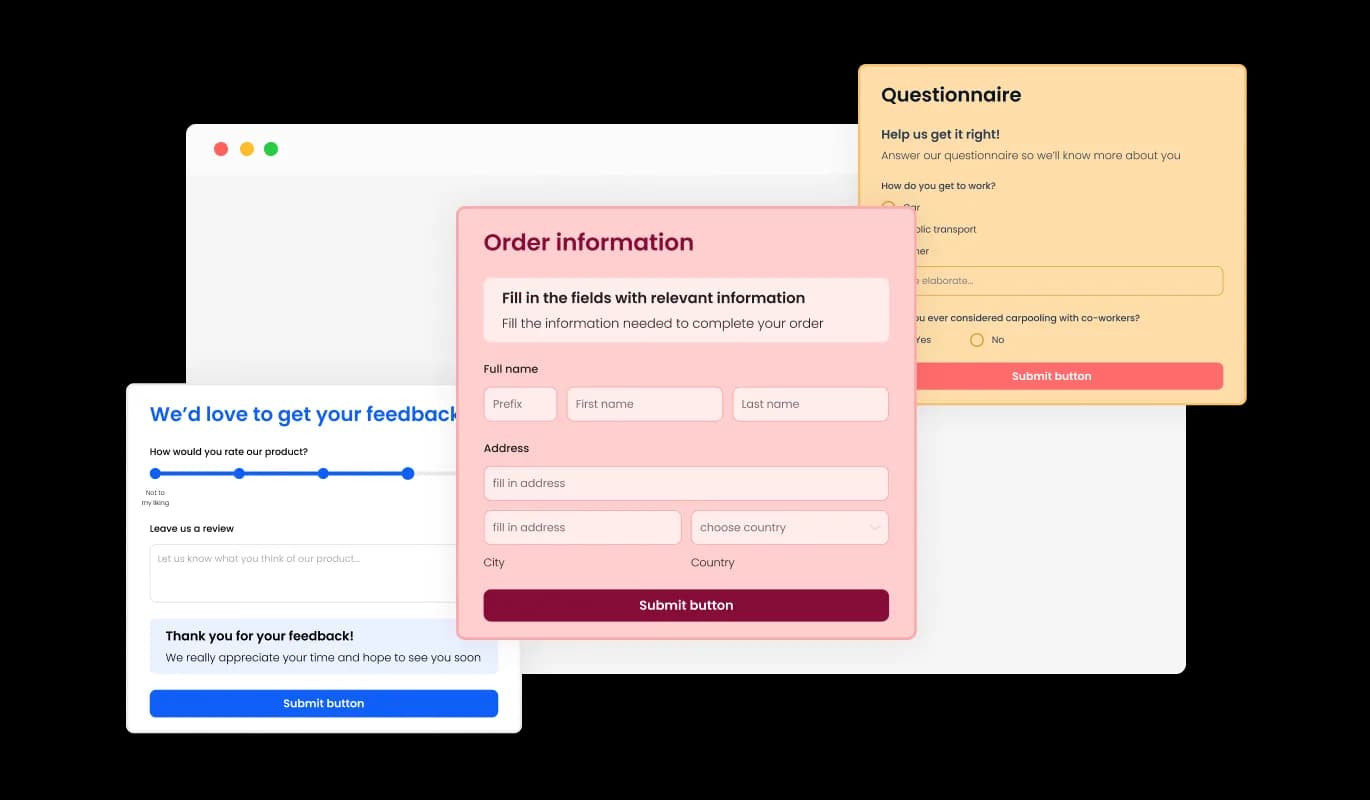
The Consent Form builder features a range of visually appealing skins that you can choose from, simplifying the design process and reducing the need for extensive customization. These pre-designed skins cater to various aesthetics, enabling you to effortlessly align your form with your website's appearance and style.
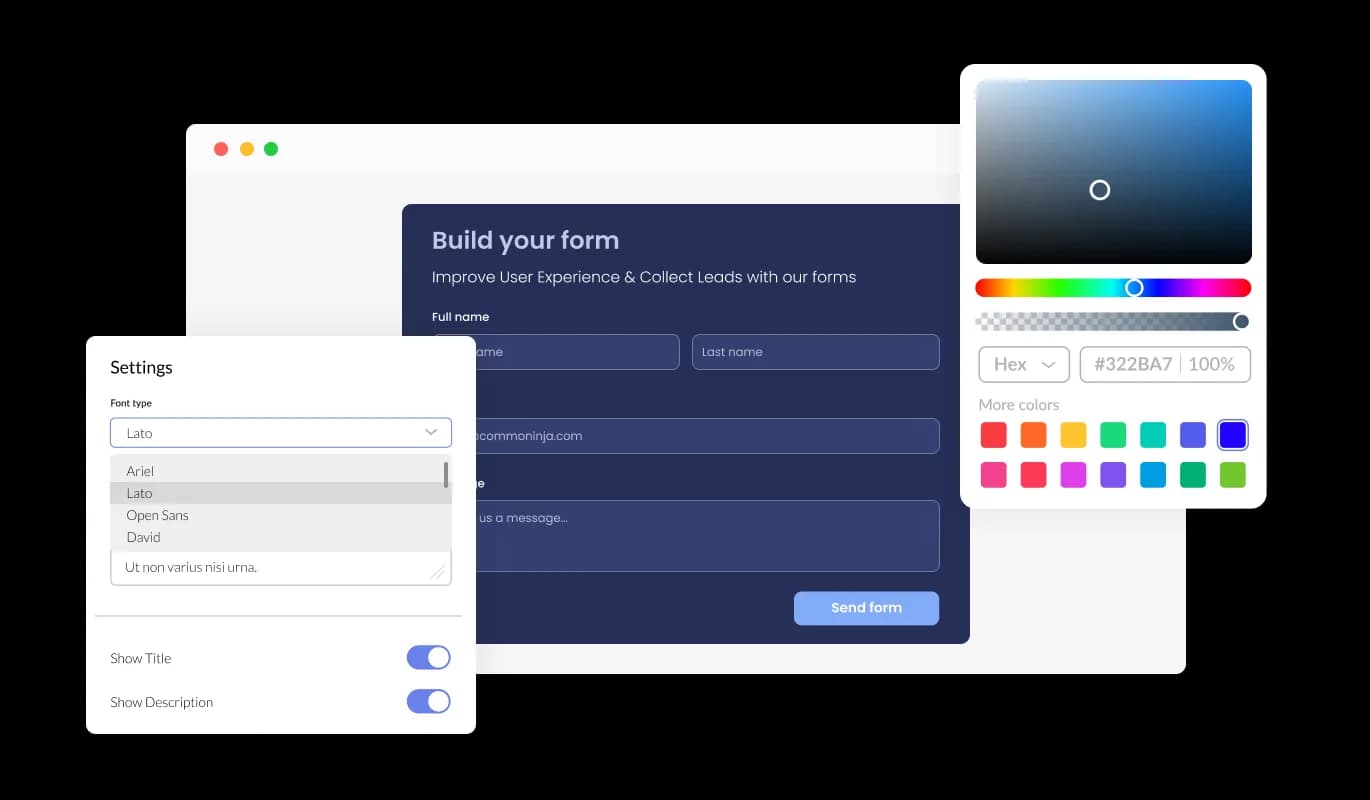
The Consent Form builder offers vast customization options, allowing you to personalize the design to fit your specific needs. From modifying colors and fonts to adjusting field layouts, you have complete control over the form's appearance and functionality.
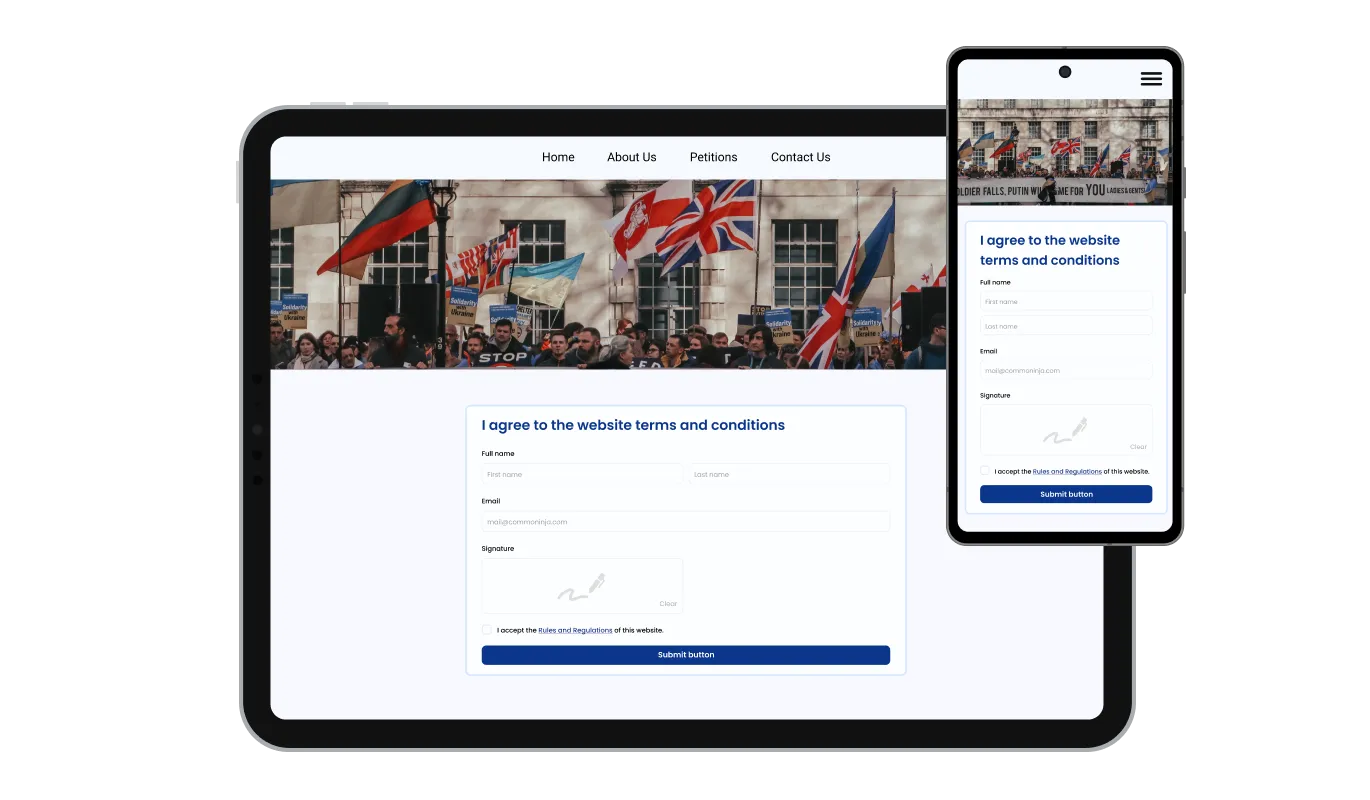
The Consent Form builder is optimally responsive and will display perfectly on any device. Having a form that is optimized for mobile viewing is critical in today's world, where a growing number of people are accessing the internet through their phones and tablets.

Our advanced editor is a powerful tool that gives you complete control over the Consent Form's appearance. With this feature, you can easily customize every aspect of the form's design, from colors and fonts to layout and positioning. For those seeking to push their creative boundaries further, direct CSS editing offers even more extensive customization options.
To embed the Consent Form builder into your website, simply copy and paste the provided code snippet into your page's HTML code. The form is designed to auto-update, meaning any changes you make in the Consent Form builder will automatically appear on your website. This feature streamlines the embedding process and ensures that your consent form is always current and compliant.
You can make easy-to-follow forms that have several steps or pages. This makes filling out long or detailed forms simpler and less overwhelming for the people using them.
The Consent Form's submission data can be exported to a CSV file, enabling you to transfer it to other applications or tools for comprehensive analysis or integration. This feature is particularly beneficial for administrators seeking to maintain a complete record of user consent information for data evaluation, reporting, and consent management purposes.
The Consent Form builder gives you the option to enable notifications for both the form administrator and the user. You can activate automated email notifications for each consent submission, send them to multiple recipients, and also send a confirmation email to the user upon successful submission.
The Consent Form Tool is designed for ease of use and doesn't demand any programming skills. In just a few steps, you can personalize the form to match your needs using our straightforward interface, ensuring a smooth and hassle-free experience.
Collect signed consent without the paperwork chaos
Open the editorNo credit card · Setup in under 5 minutes
Common Ninja has amazing no-code widgets that would beautify a website built on any builder. It is very easy to use and customise. It has as many widgets for almost everyone willing to make their website impressive.
Outstanding service. I use their widgets to help me with my web design business and whenever I need help they are very quick to help.
Excellent company with excellent service!!! We used it to build a survey, it was very user friendly. The service was perfect. Amit helped us with every problem and question we had, thank you very much!!!
Common Ninja saved the day when building our website and the customer service Daniel, the co-founder and CEO, provided was amazing.
Yes. The free plan covers one Consent Form with no time limit and no credit card. Upgrade only when you need additional forms, more submissions per month, payment collection, premium skins, advanced field types, or features like webhook integrations and conditional logic.
A Contact Form is for general inquiries (name, email, message). A Form Builder is for any custom multi-field form. This Consent Form is pre-tuned for consent and waivers, agreement text, acknowledgment checkboxes, handwritten signature, date, guardian fields for minors, so you start from a complete signing flow instead of building every field from scratch. Same data backend; different starting point.
Yes. The signature field lets people sign with a mouse, trackpad, or finger on touch devices, and the signed image saves with the submission alongside the acknowledgment text and date. This suits waivers, releases, and treatment authorizations where a checkbox alone is not enough.
An optional HIPAA-compliant setup is available for consent flows that handle sensitive health information, such as clinic intake, therapy consent, and research-study authorizations. Configure it in the editor for the forms that need it so you can collect sensitive details on your own site rather than through a generic form tool.
Submissions save to your Common Ninja dashboard with one row per record. Export the full set to CSV whenever you need it, for filing, audits, or follow-up. The CSV includes every field (name, acknowledgments, signature reference, date, custom answers) in one file, so your records stay organized without manual data entry.
Yes. Split a long agreement into steps so people read and acknowledge each section before they reach the signature. Multi-step forms keep dense consent text readable, reduce drop-off on small screens, and let you group participant details, activity descriptions, acknowledgments, and guardian fields into logical stages.
Build the form in the Common Ninja editor (add your agreement text, acknowledgments, signature field, notification emails), copy the embed snippet, and paste it into your site: WordPress via a Custom HTML block; Squarespace via a Code block; Wix via an Embed HTML element. Edits in the editor push to every embed without re-paste.
Yes. Field layouts adapt across mobile, tablet, and desktop breakpoints, inputs reflow to single-column on narrow screens, checkboxes and radios stay tappable, the signature pad works with finger input, and the form uses the correct mobile keyboard for each field type. People can read, acknowledge, and sign from a phone.
Pick your platform. Each takes under 4 minutes.
Create your form for any purpose with a friendly form builder

Allow users to send messages or inquiries, save submissions, enable notifications, and more

Allow users to register for events, save submissions, enable notifications, and more

A secure, HIPAA-compliant forms with customizable features and easy website integration.

Allow users to fill in orders, save submissions, enable notifications, and more

Easily craft engaging, personalized popups to boost conversions.
A Consent Form Builder is a tool that allows you to create customizable consent forms for your website or platform. It offers various features such as different field types, easy integration, a user-friendly interface, and flexibility to suit your specific needs.
With the Consent Form Builder, you can customize your form by adding different types of fields, changing colors and fonts, adjusting field layouts, and more. It also offers advanced features like adding headers and footers, enabling anti-spam measures, and even collecting user handwritten signatures.
Once you've created your consent form using the Consent Form Builder, you can easily embed it into your website. The builder will provide a code snippet that you simply copy and paste into your page's HTML code. The form is designed to auto-update, so any changes you make in the builder will automatically reflect on your website.
Yes, the Consent Form Builder is designed to be optimally responsive. This means the forms you create will display perfectly on any device, be it a desktop, mobile, or tablet. This is critical in today's digital age, where a significant number of users access the internet through their mobile devices.
Absolutely. The Consent Form Builder allows you to enable notifications for each consent submission. You can choose to receive these notifications via email and even send a confirmation email to the user upon successful submission.
Yes, one of the unique features of the Consent Form Builder is the ability to collect user-handwritten signatures. This adds an extra level of authenticity and personal touch to the digital agreement process.
Yes, the Consent Form Builder offers an anti-spam feature that you can enable on your consent form. This involves users completing a CAPTCHA challenge before they can submit their consent, which helps prevent automated spam entries.
Yes, the Consent Form Builder is designed to be fully GDPR compliant. It provides a clear and explicit way to gain users' consent, as required by the GDPR, and also enables easy documentation of these consents, thereby aiding you in meeting GDPR requirements.
Yes, the Consent Form Builder is free to use. It provides a range of powerful features at no cost, making it an accessible tool for businesses of all sizes. Some of the features are available only for premium users.
Absolutely. The Consent Form Builder includes a Custom CSS feature, allowing you to have full control over the design of your consent form. This means you can modify colors, fonts, layouts, and positioning to align with your brand's aesthetics.
Not at all. The Consent Form Builder is designed to be user-friendly and doesn't require any coding knowledge. You can create and customize your consent form with just a few clicks using our intuitive interface.
Yes, the Consent Form Builder is designed to effectively handle high traffic volumes. It ensures that all user consent submissions are recorded and processed efficiently, regardless of the number of users.
Yes, the Consent Form Builder places a high priority on data security. All user data collected through the consent forms is securely stored and processed to ensure privacy and confidentiality.
The Consent Form Builder allows you to export the collected consent data to a CSV file. This functionality enables you to transfer the data to other applications or tools for further analysis or integration.
Yes, the Consent Form Builder supports multiple languages. This means you can create and customize your consent form to cater to non-English speaking users, making your platform more accessible to a global audience.
Collect signed consent, waivers, and authorizations with handwritten signature capture, multi-step forms, acknowledgment checkboxes, guardian fields for minors, an optional HIPAA-compliant setup, spam protection, team notifications, CSV export, stylish skins, and Custom CSS. Embed on 200+ platforms including WordPress, Squarespace, Wix, Webflow, and Shopify.
Create your Consent FormNo credit card · Setup in under 5 minutes