Verified review
Common Ninja has amazing no-code widgets that would beautify a website built on any builder. It is very easy to use and customise. It has as many widgets for almost everyone willing to make their website impressive.


Try the editor, no signup
Pick a template, customize it, and watch it update live, no signup.
No credit card · Free forever plan
No credit card · Free forever plan
The Common Ninja Flip Card Builder is a no-code flip card maker for websites. Build two-sided cards field by field, choose how they flip, and paste one line of embed code.
Each side is assembled from fields: images, titles, descriptions, prices, ratings, dates, addresses, phone numbers, email links, coupon codes, and buttons. Fields can sit side by side, so a price and a rating share one line instead of stacking.
Flip and push animations run up, down, left, or right. Layouts, skins, colors, fonts, and custom CSS are all adjustable, and it works on 200+ platforms including Shopify, WordPress, Wix, Elementor, and Blogger.
The front carries the hook, the back carries the detail. A grid of six cards holds twelve panels of content without making the page any longer, which keeps busy sections readable.
A flip asks for a small action, and that action is what makes people read the back. Content a visitor chose to reveal gets more attention than content that was simply there.
Put a coupon code, a phone number, an email link, or a button on the back of the card. The reveal is the moment of interest, so that is where the next step should sit.
Product cards with price and rating, team cards with a bio and email, service cards with an address and hours. The same builder handles all of them, so every card set on the site looks related.
Add the fields each side needs. A product card might show an image and a title on the front, with the price, rating, and a button on the back. Both sides are edited independently.
Choose a layout such as a grid or a stacked list, a skin, and a flip or push animation in the direction you want. Put fields side by side where two short values belong on one line.
Copy the snippet from the Add to Website tab and paste it where the cards belong. Changes made in the editor show up on the site without re-embedding.
Build each side from images, titles, descriptions, prices, ratings, dates, addresses, and more. Because every card uses the same fields, a set of cards looks consistent without a designer.
Choose how cards turn over: flip up, down, left, or right, or use a push effect. Match the motion to the layout, such as vertical flips for a stacked list.
Add clickable buttons, email links, phone numbers, and coupon codes to either side, so a card can lead straight to a purchase, a call, or a message.
Pick a grid or stacked layout and a pre-styled skin, then adjust colors, fonts, spacing, and borders. Custom CSS covers the rest. Cards are responsive on desktop, tablet, and phone.
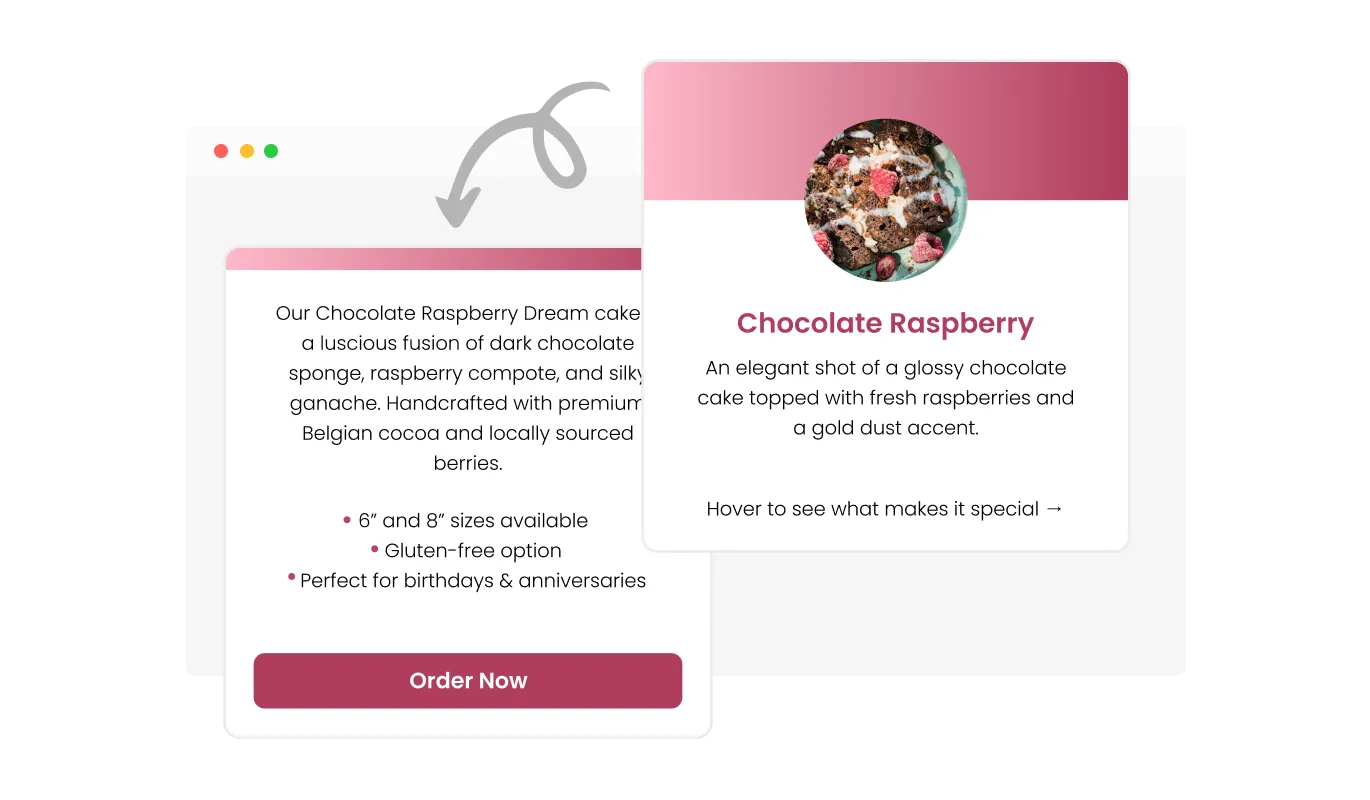
The Flip Card widget allows you to present content on both the front and back of each card, doubling your available space without overwhelming the layout. You can use the front side to highlight key information and the back side for extended details, links, or calls-to-action. This layered format keeps your design clean while delivering more value per card.
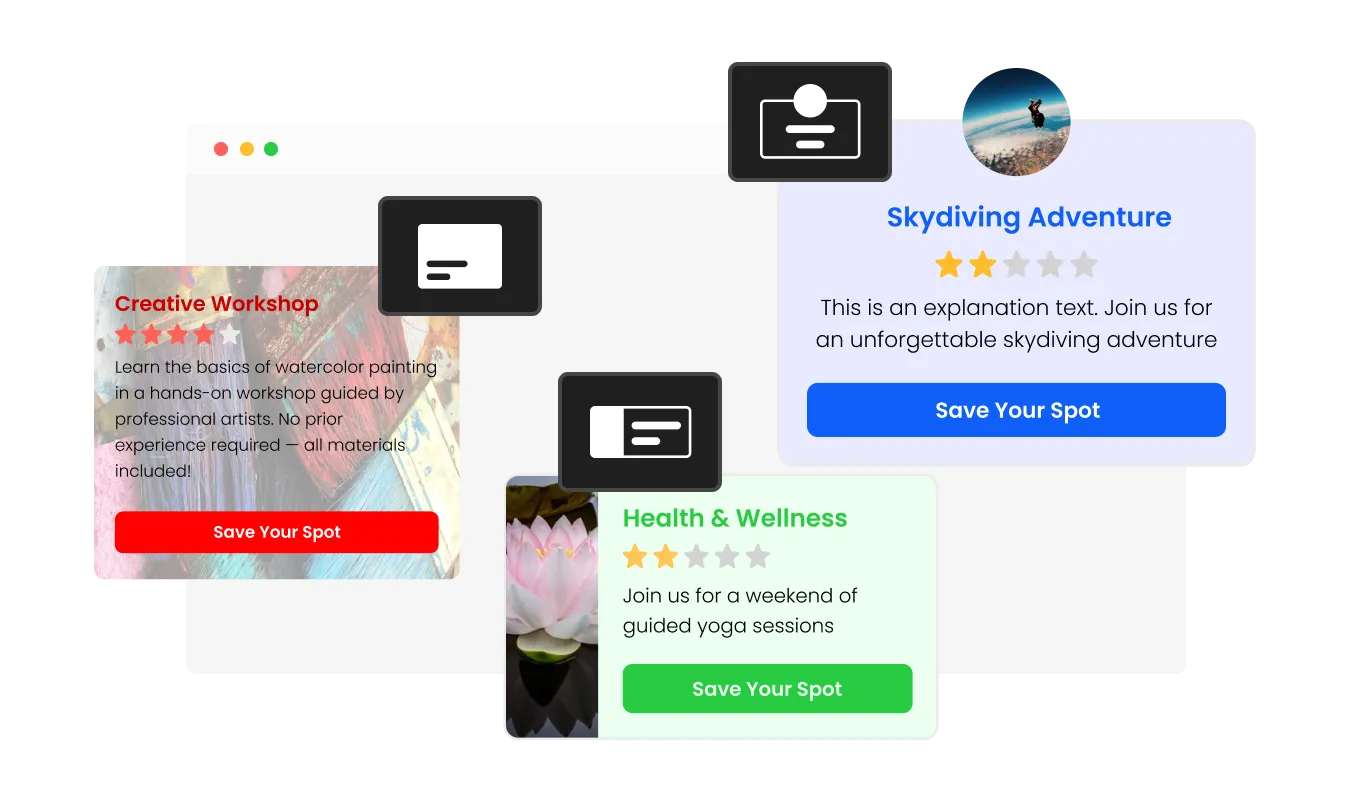
The Flip Card widget comes with multiple layout configurations to suit different website designs. Whether you're building a grid of product showcases or a vertical list of team profiles, you can choose a layout that complements your site’s flow. This flexibility ensures that your flip cards look organized and professional on any page.
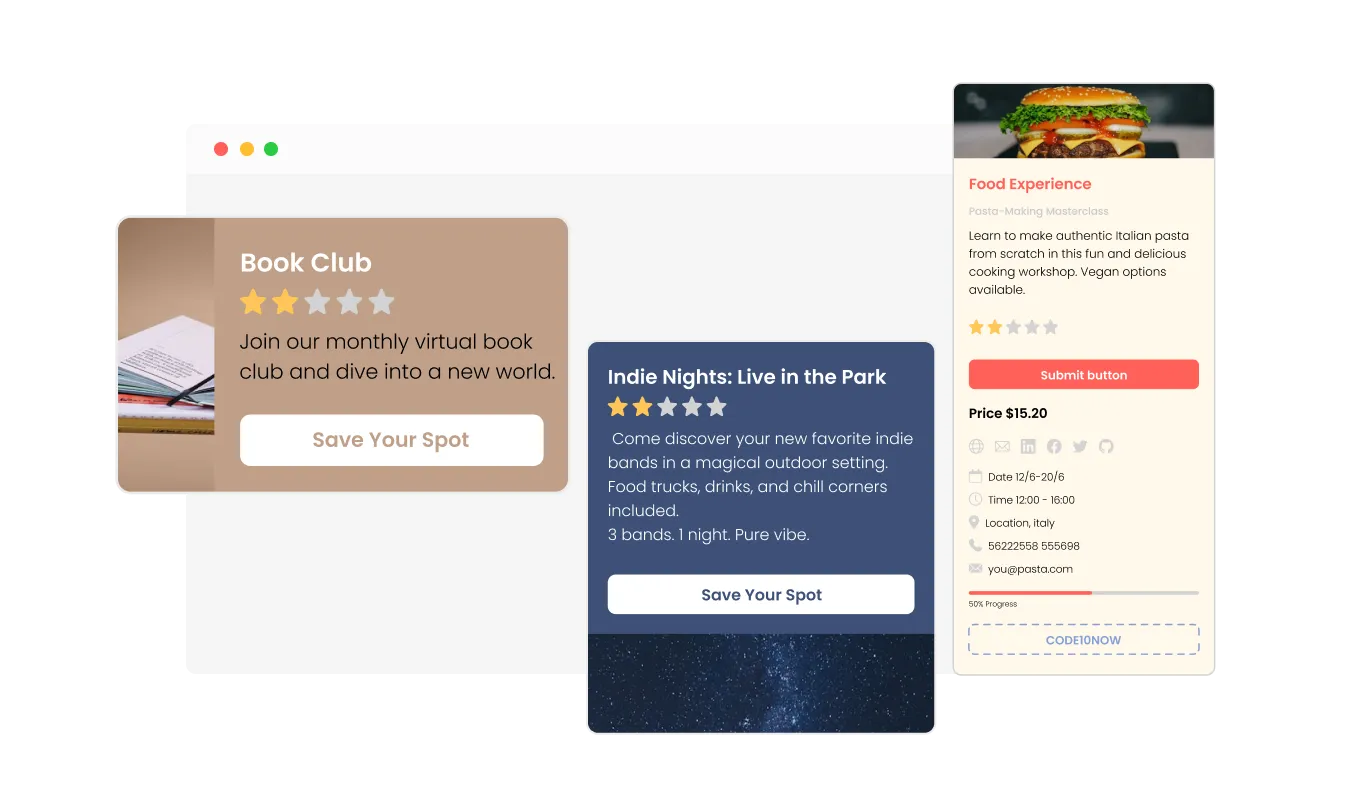
Save time and effort with a collection of beautifully crafted skins designed to fit a wide range of styles. Whether your website is sleek and modern or more playful and bold, there’s a skin that works right out of the box. Each skin offers a polished look without requiring manual design work.
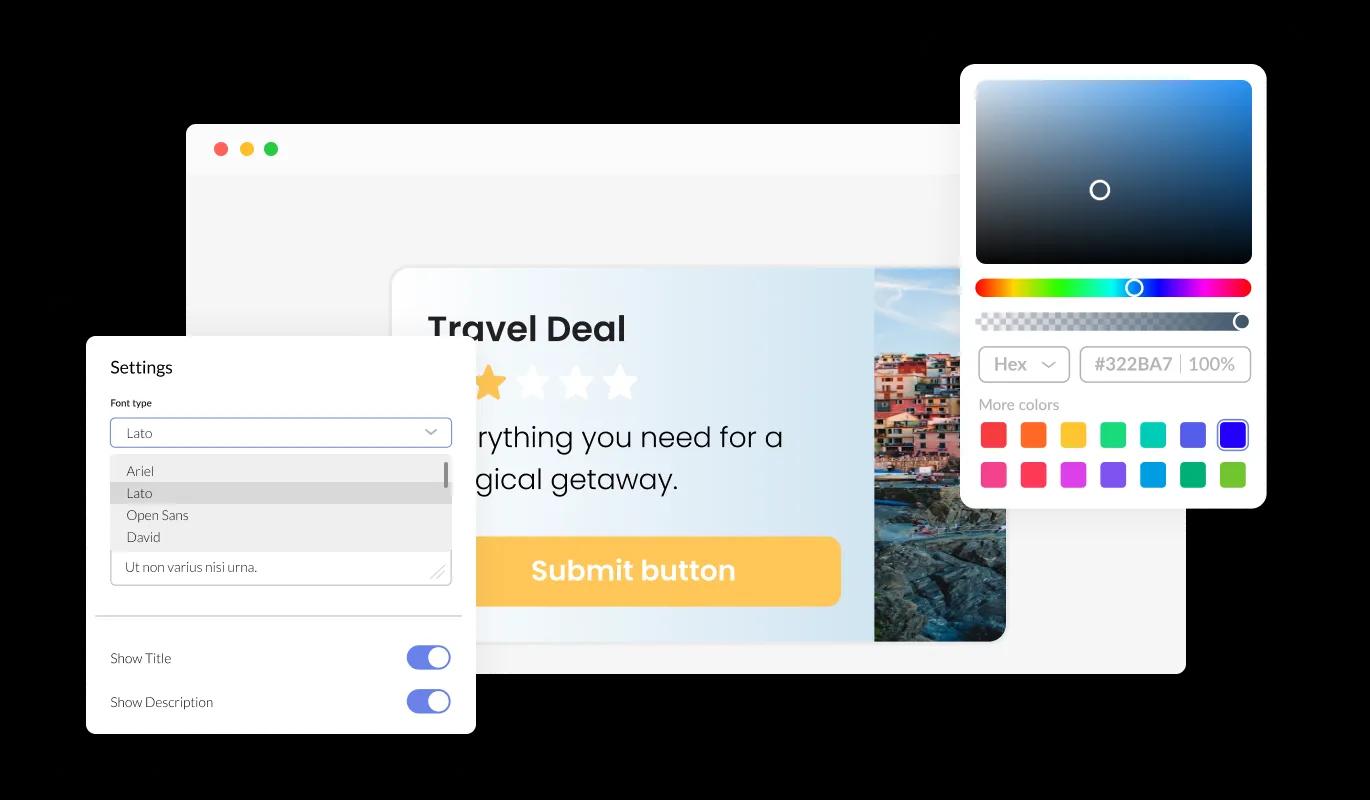
Customize every visual element of the Flip Card widget: colors, fonts, spacing, borders, and more, to create a cohesive design that fits your site perfectly. These styling options give you the freedom to personalize each card while maintaining full consistency with your brand identity.
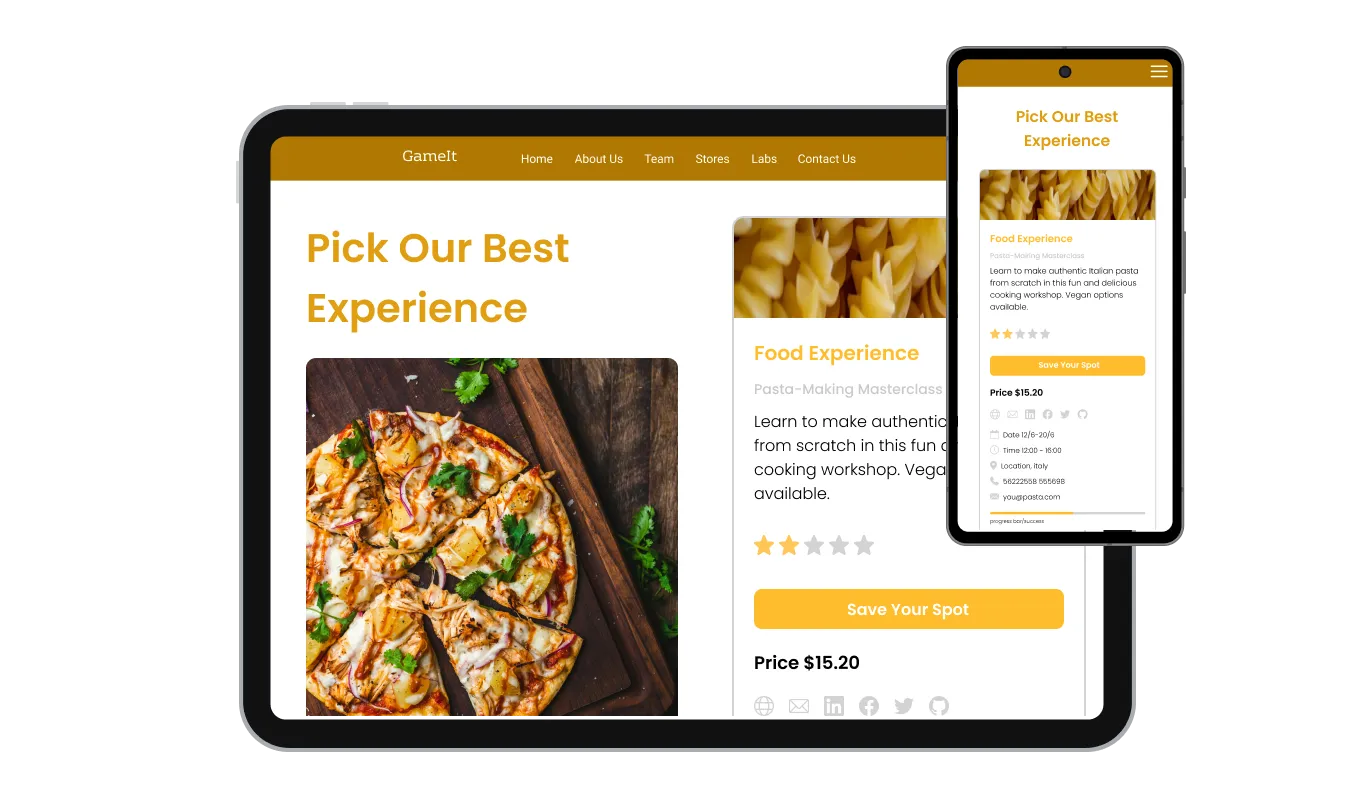
Flip Cards are designed to be fully responsive, so they display perfectly across all screen sizes and devices. Whether your visitors are browsing from desktops, tablets, or smartphones, they’ll enjoy a seamless and interactive experience. This mobile-friendly design ensures maximum engagement everywhere.
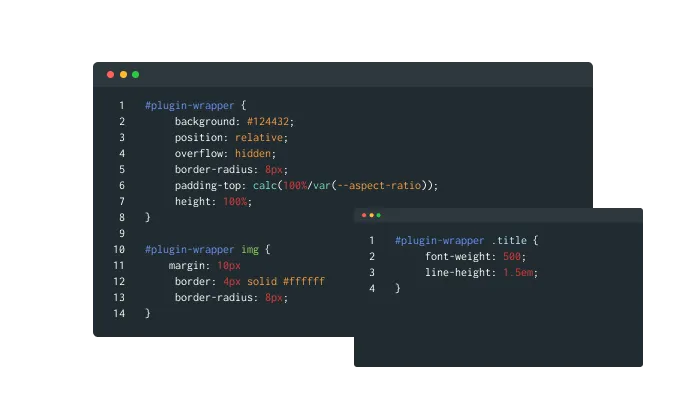
For developers and designers who want extra control, the widget supports custom CSS. You can tweak specific visual elements or create entirely unique styles to match advanced branding needs. This flexibility is perfect for adding a personal or professional touch beyond the standard options.
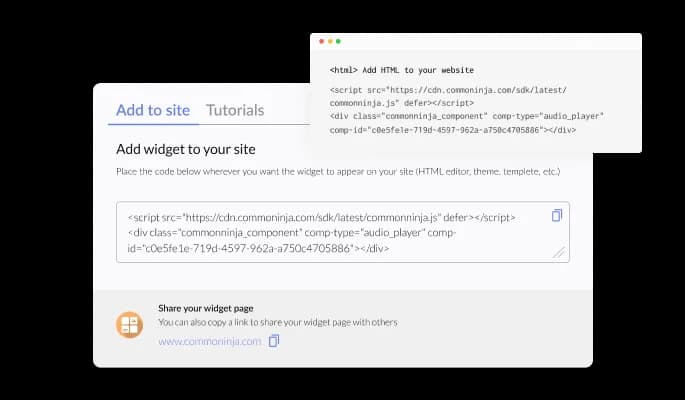
The Flip Card widget can be embedded into any website with a simple line of code. Once added, all changes you make in the editor are automatically reflected live on your site. This hands-off maintenance ensures your content always stays up to date without extra effort.
Choose from a variety of sleek animation styles to control how your cards flip: up, down, left, right, or with push effects. These transitions add a sense of interactivity and motion that enhances user engagement. With just a few clicks, you can match the animation to your site’s tone, whether playful, dynamic, or professional.
The widget lets you populate cards with a wide variety of fields, such as images, titles, descriptions, pricing, contact details, and ratings. This comprehensive setup makes it ideal for showcasing products, services, or team members in detail. You can mix and match fields to fit any use case or structure.
Enhance your cards with interactive elements like clickable buttons, email links, phone numbers, and coupon codes. These features make it easy for users to engage directly with your content. Whether it’s tapping a link or revealing a deal, the Flip Card promotes hands-on interaction.
Arrange multiple fields on the same horizontal line for a cleaner, more compact card layout. This option is great for pairing elements like ratings and prices, or phone and location info. It helps you display essential data in a space-efficient, visually balanced way.
You don’t need any coding skills to use or customize the Flip Card widget. With a clean and intuitive editor, anyone can adjust content, styling, and animations with just a few clicks. This makes it easy to set up and manage your cards without technical help.
The editor is built for people who do not write code. Pick a layout, adjust the styling, and paste one line of embed code. Nothing to install and nothing to maintain.
Common Ninja has amazing no-code widgets that would beautify a website built on any builder. It is very easy to use and customise. It has as many widgets for almost everyone willing to make their website impressive.
Outstanding service. I use their widgets to help me with my web design business and whenever I need help they are very quick to help.
Excellent company with excellent service!!! We used it to build a survey, it was very user friendly. The service was perfect. Amit helped us with every problem and question we had, thank you very much!!!
Common Ninja saved the day when building our website and the customer service Daniel, the co-founder and CEO, provided was amazing.
A flip card generator lets you create two-sided cards without writing code: you fill in the front and the back, pick an animation, and get an embed snippet. This one builds each side from fields such as an image, title, price, rating, or button, then flips the card when a visitor interacts with it.
Flip Cards is the classic grid of icon-and-text cards that turn over. The Flip Card Builder is built for structured content: each side is assembled from fields like price, rating, date, address, phone number, and coupon code, and fields can sit side by side. Use the builder for product, team, or contact cards; use Flip Cards for simple feature or service tiles.
No. This widget builds display cards that reveal a back side, not a matching or memory game with scoring. If you want visitors to test themselves, the Flash Cards widget is the closer fit, since it handles question-and-answer cards with progress tracking.
Yes. Add a clickable button, an email link, or a phone number to either side of the card. Putting the link on the back works well, because the visitor has just shown interest by flipping it.
Flip and push animations in four directions: up, down, left, and right. Vertical flips tend to suit stacked lists, and horizontal flips suit grids, but the choice is yours.
The front should answer "what is this" in a glance: an image and a title, maybe one short line. The back holds what someone needs to decide: price, rating, details, and the button. If the front needs a paragraph, the card is doing too much.
Yes. The widget is responsive and adapts to desktop, tablet, and phone screen sizes. Check that the back of each card still fits comfortably at phone width, because a back side packed with fields can feel cramped on a small screen.
Pick your platform. Each takes under 4 minutes.
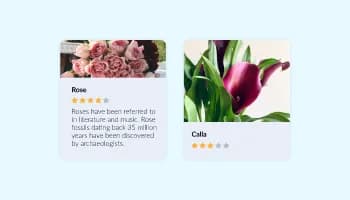
Show image and text cards that, when clicked, flip to reveal additional content on the other side
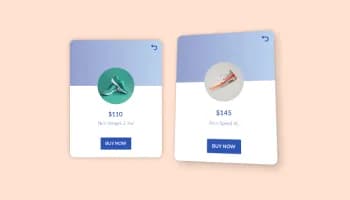
Show off content in an inventive way using animated 3D card displays
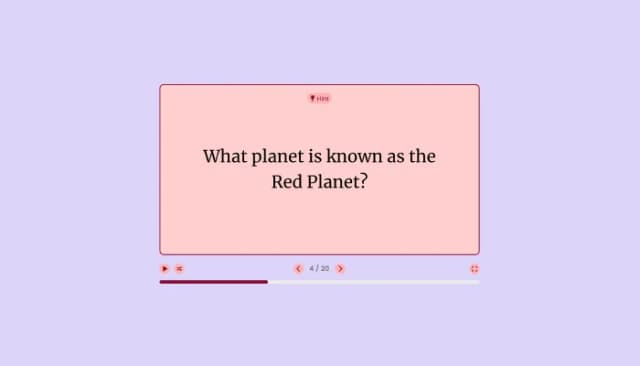
Create interactive, customizable flashcards for quizzes, training, and learning on any website.

Present a carousel display featuring images and text cards
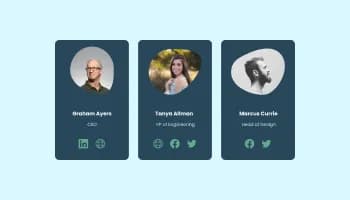
Present your team members in a dynamic, shape-based animation

Present images and text with a variety of animated effects and transitions for an engaging visual display
The Flip Card widget lets you display content on both sides of a card with animated flips. It’s ideal for compact, interactive content blocks on your website.
Yes, you can edit the content, layout, and style for both sides independently using the editor.
Yes, the Flip Card widget includes multiple flip and push animation types like flip up, down, left, and right.
Absolutely. The widget is fully responsive and adapts to all screen sizes, including mobile and tablets.
Yes, you can include clickable buttons, email links, phone numbers, coupon codes, and more for user interaction.
No coding is required. The widget is beginner-friendly and can be customized entirely through the editor interface.
Yes, the widget offers a range of pre-styled skins to help you get started quickly without design work.
You can include text, images, ratings, icons, prices, dates, addresses, and other common field types.
Yes, you can place fields side by side for a cleaner and more compact card layout.
Yes, you can embed it using a simple code snippet. It works on any website that supports HTML.
Yes, any updates made in the editor are reflected instantly on your website without manual re-embedding.
Yes, the widget supports custom CSS for advanced styling and fine-tuning of the design.
Yes, you can choose from various layout styles such as grid or stacked to best fit your content.
The number of cards depends on your plan. Each plan has its own card limit, and the editor tells you when you reach it.
Two-sided cards built from fields like images, prices, ratings, dates, phone numbers, coupon codes, and buttons, with flip and push animations in four directions, layouts, skins, and custom CSS. Embed on 200+ platforms including Shopify, WordPress, Wix, Elementor, and Blogger.
Create your flip cardsNo credit card · No coding