


Verified review
Common Ninja has amazing no-code widgets that would beautify a website built on any builder. It is very easy to use and customise. It has as many widgets for almost everyone willing to make their website impressive.
Try the editor, no signup
Pick a template, customize it, and watch it update live, no signup.
No credit card · Free forever plan
No credit card · Free forever plan
The Common Ninja Leaderboard is a free, no-code widget for adding ranked score tables, podium displays, and live scoreboards to any website.
Build a leaderboard for a tournament, sales contest, classroom challenge, fundraising drive, or community gamification campaign.
Add participant names, photos, and custom score fields; pick a podium layout or a flat ranked list; and paste one line of embed code on 200+ platforms including Canva, WordPress, Shopify, Google Sites, and Notion.
Run an esports bracket, fitness challenge, trivia night, or community contest with a live ranked list. Show the leader at the top, the podium for top three, and a progress bar against the prize threshold for each participant. Update scores between rounds; every embed reflects the new standings.
Motivate reps, agents, or distributors with a public leaderboard for monthly sales, calls booked, demos run, or quota attainment. Add team logos, currency-formatted scores, and a goal-progress bar per rep. Sales managers swap the rankings each Monday in under a minute.
Reward forum activity, contributor points, or referral wins with a public top-players board. Names, avatars, and custom fields make each row feel personal. Visitors compete to climb the rankings; you get a permanent social-proof artifact that lives on the page.
Show student scores, quiz totals, or course-completion progress on the class portal or LMS embed. Works inside Moodle, Google Sites, and any course platform that accepts an HTML embed. Custom fields let you tag grade bands, sections, or learning paths next to each ranked row.
Enter participant names, upload photos, and fill in any custom fields you need per row (team, department, location, prize). Add as many participants as the leaderboard requires; reorder them by drag or by score.
Pick a score type (points, percentages, currency, time, or a custom unit), choose ascending or descending sort, and optionally show a progress bar against a goal for each participant. Toggle the podium display to highlight the top three.
Copy the embed snippet and paste it on any page. The leaderboard renders instantly, and any score change you make in the editor pushes to every embed without re-pasting the code.
Score by points, percentages, currency, time, or any custom unit you type in. Add a prefix (like a currency symbol or trophy icon) and a suffix (pts, %, hrs) so each row reads naturally. The widget sorts ascending or descending without re-entering rows.
Every row supports a name, an avatar or logo, and any extra fields you need (team, department, country, prize tier). Custom fields render inline next to the score so the leaderboard tells a richer story than name plus number.
Toggle the podium view to highlight the top three with their own visual treatment. Add a goal-progress bar per participant so visitors see how close each one is to a prize threshold or quota. Both look polished out of the box; both are optional.
Pick from a library of pre-built skins, then fine-tune typography, spacing, and colors with custom CSS for pixel-level brand match. The leaderboard inherits its container width and stays readable from a 320px mobile screen up to a full-width desktop section.
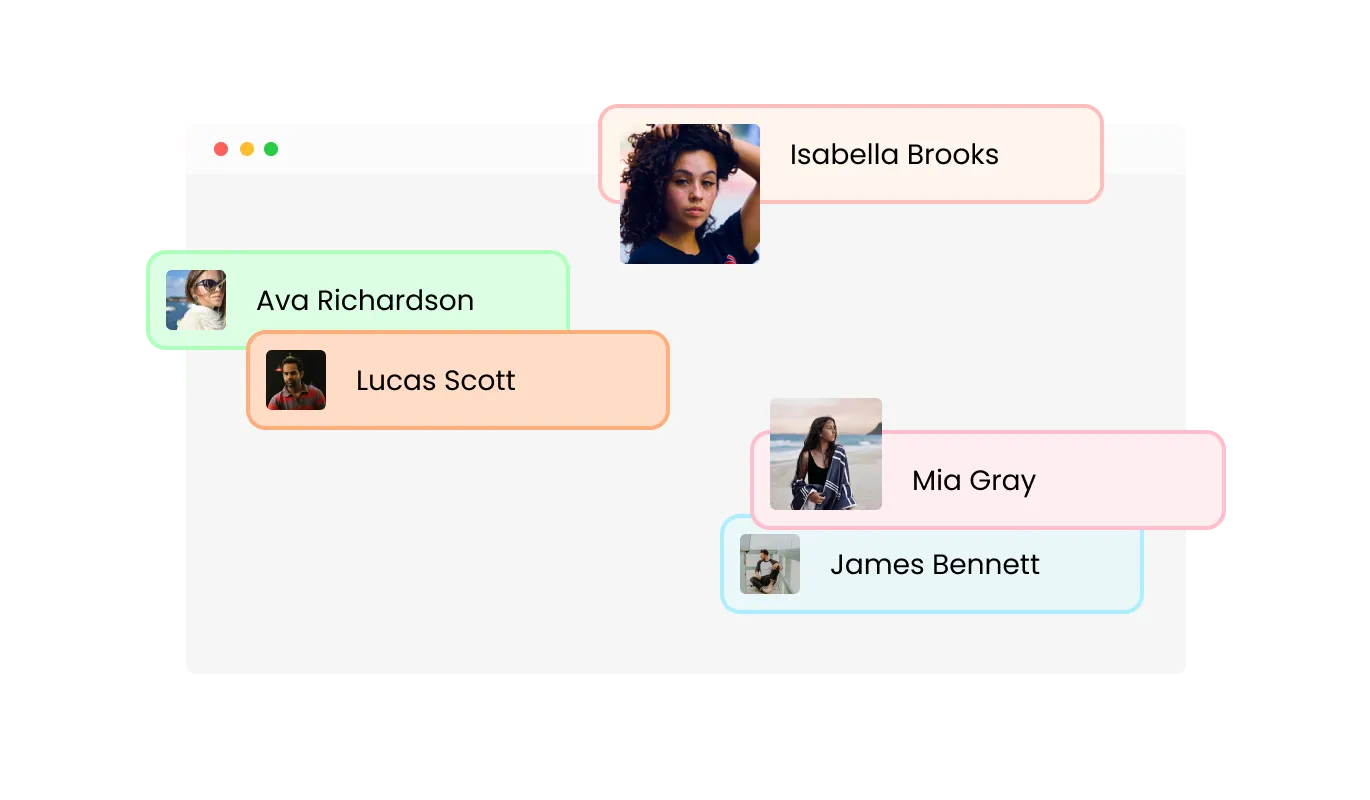
Make every leaderboard feel personal and relatable by adding custom participant names and profile images. This feature lets visitors immediately recognize who is leading, creating a more human and engaging experience. Adding faces and names to your leaderboard turns simple data into meaningful stories, helping users connect with top performers and inspiring others to join the competition.
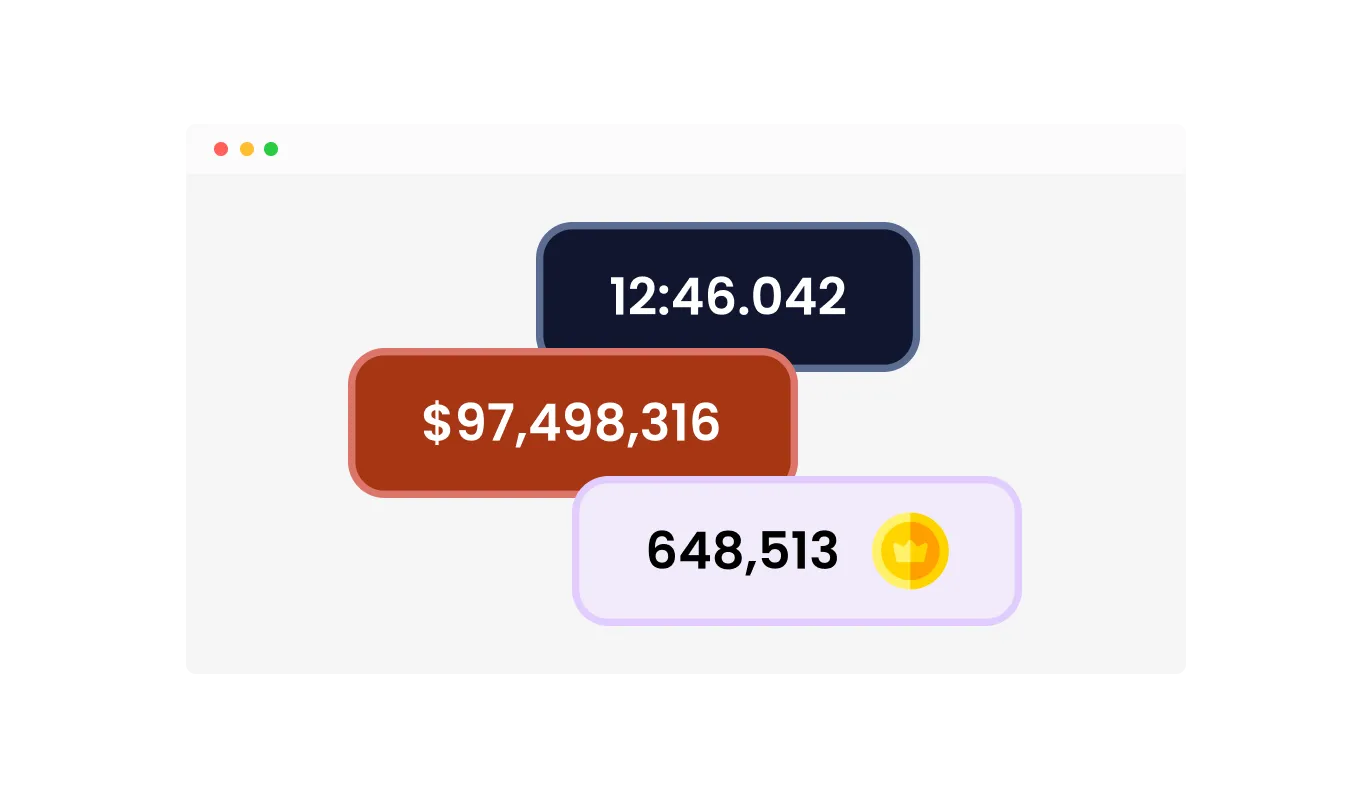
Present scores in a clear and intuitive way by customizing the symbols and labels that appear next to each result. You can add icons such as trophies, stars, or coins to visually represent achievements, and include prefixes or suffixes like a dollar sign or the abbreviation “pts” to define the scoring type. The widget also supports custom text labels, giving you the flexibility to create any score format you need. These options make the leaderboard easier to read and visually consistent with your site’s theme.
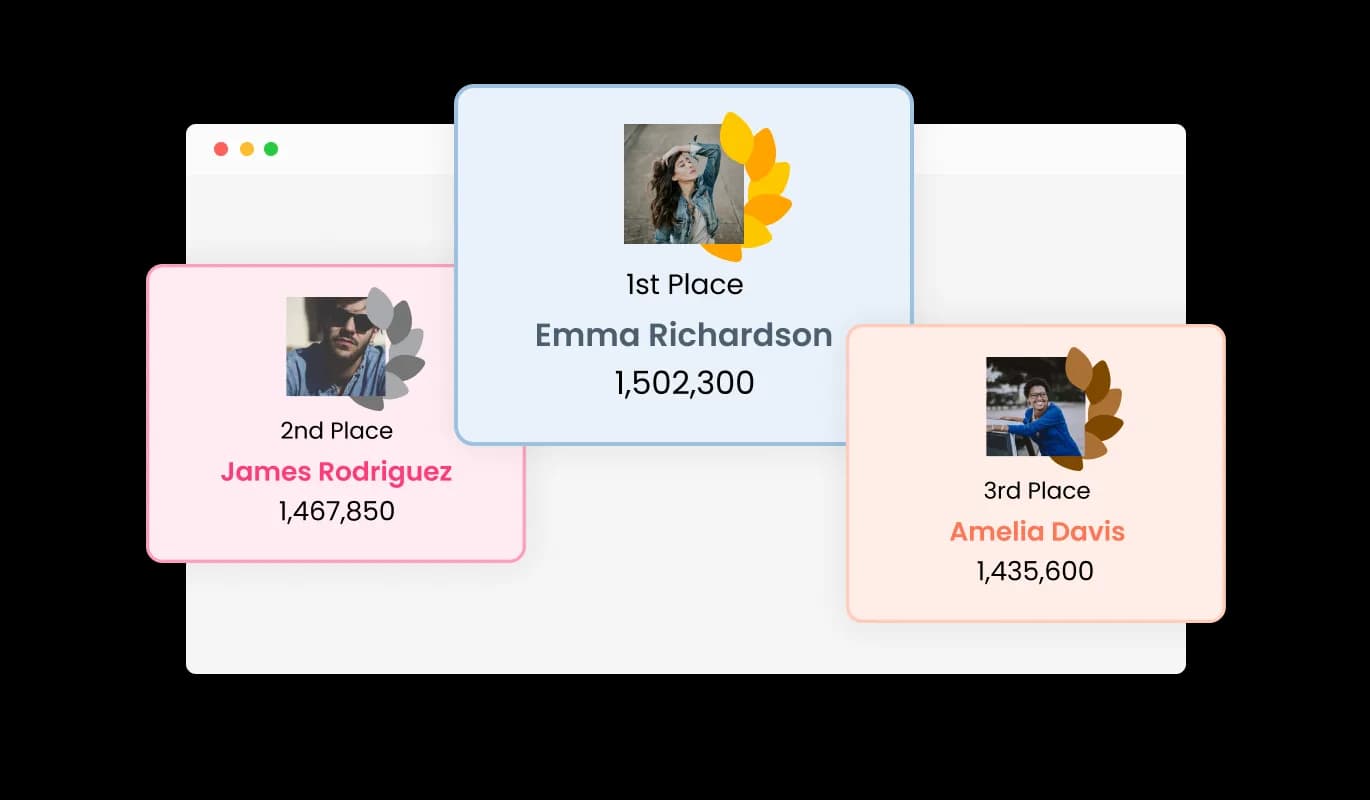
Recognize outstanding performance by featuring the top three positions in a distinct podium layout. The leaderboard automatically gives first, second, and third place participants a special display that draws attention to their achievements. This visual emphasis helps celebrate success, motivates others to climb the ranks, and strengthens the sense of healthy competition within your community.
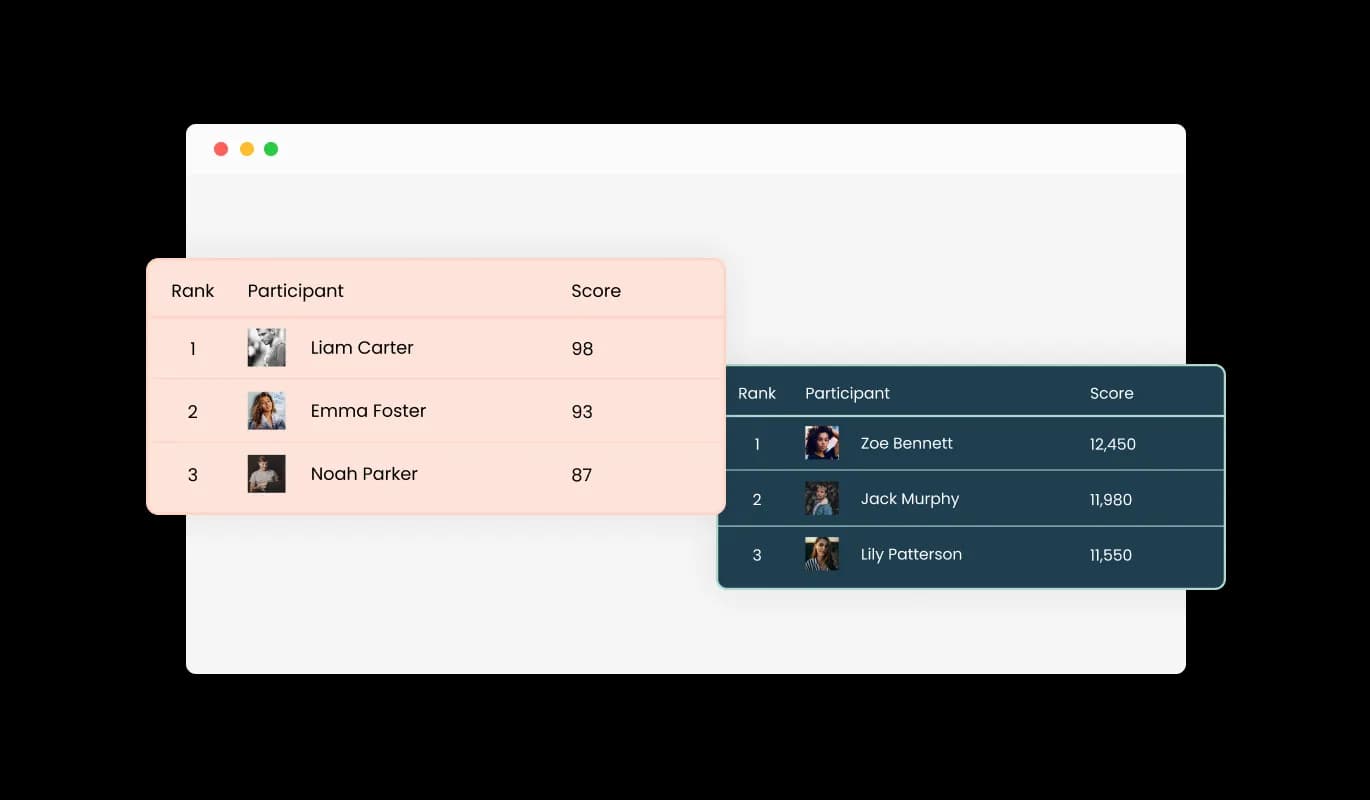
Select from a range of design skins to match the style and tone of your website. Each layout is crafted to look modern, professional, and consistent with different branding styles. Whether your site’s design is minimal or vibrant, the available skins make it simple to create a leaderboard that fits seamlessly without extra design work. This saves time while ensuring your leaderboard always looks polished and visually appealing.
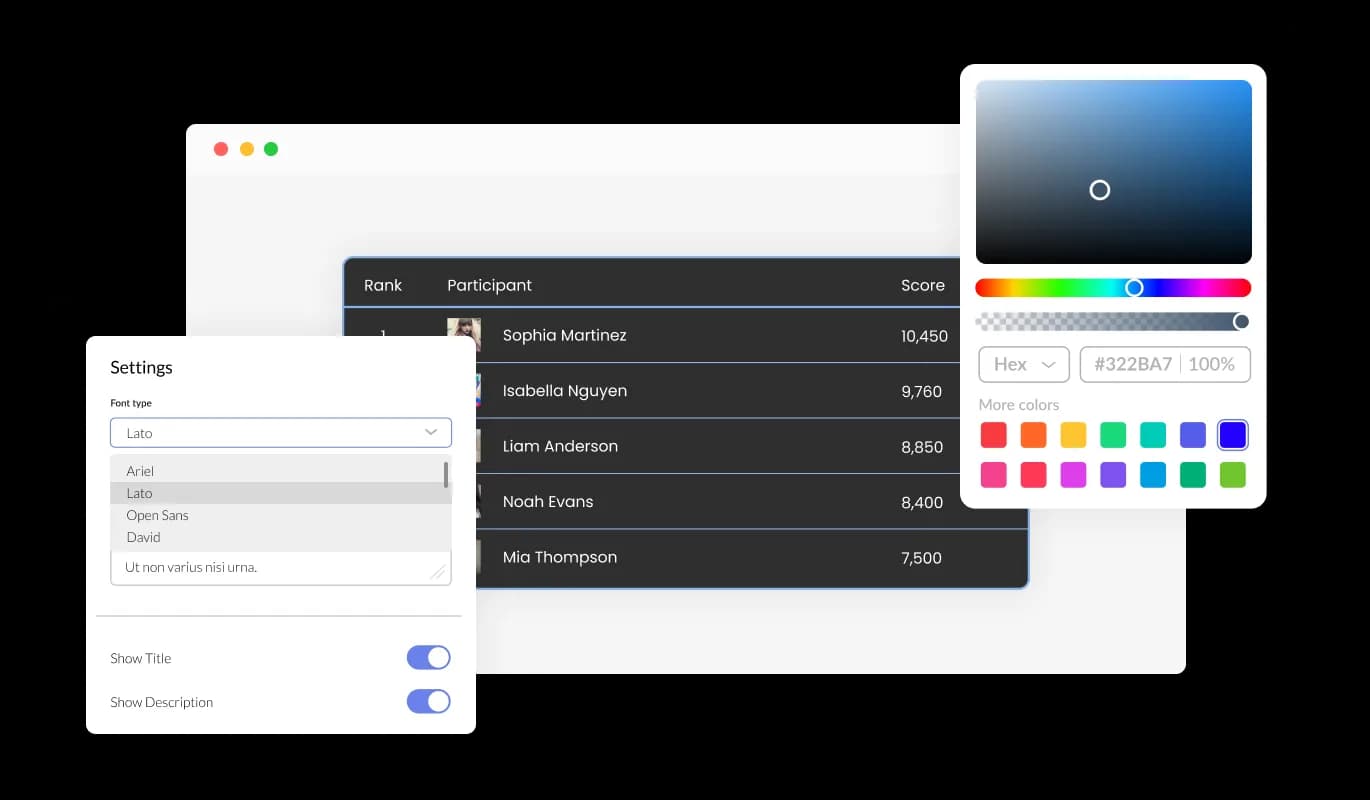
The Scoreboard Widget provides complete flexibility in design, allowing you to adjust colors, fonts, spacing, and layout so that the leaderboard fits naturally within your website’s style. Every visual element can be personalized to match your brand identity, helping you create a seamless and polished experience for your visitors. Whether your design is minimal or expressive, the customization tools make it easy to create a leaderboard that looks professional and performs reliably.
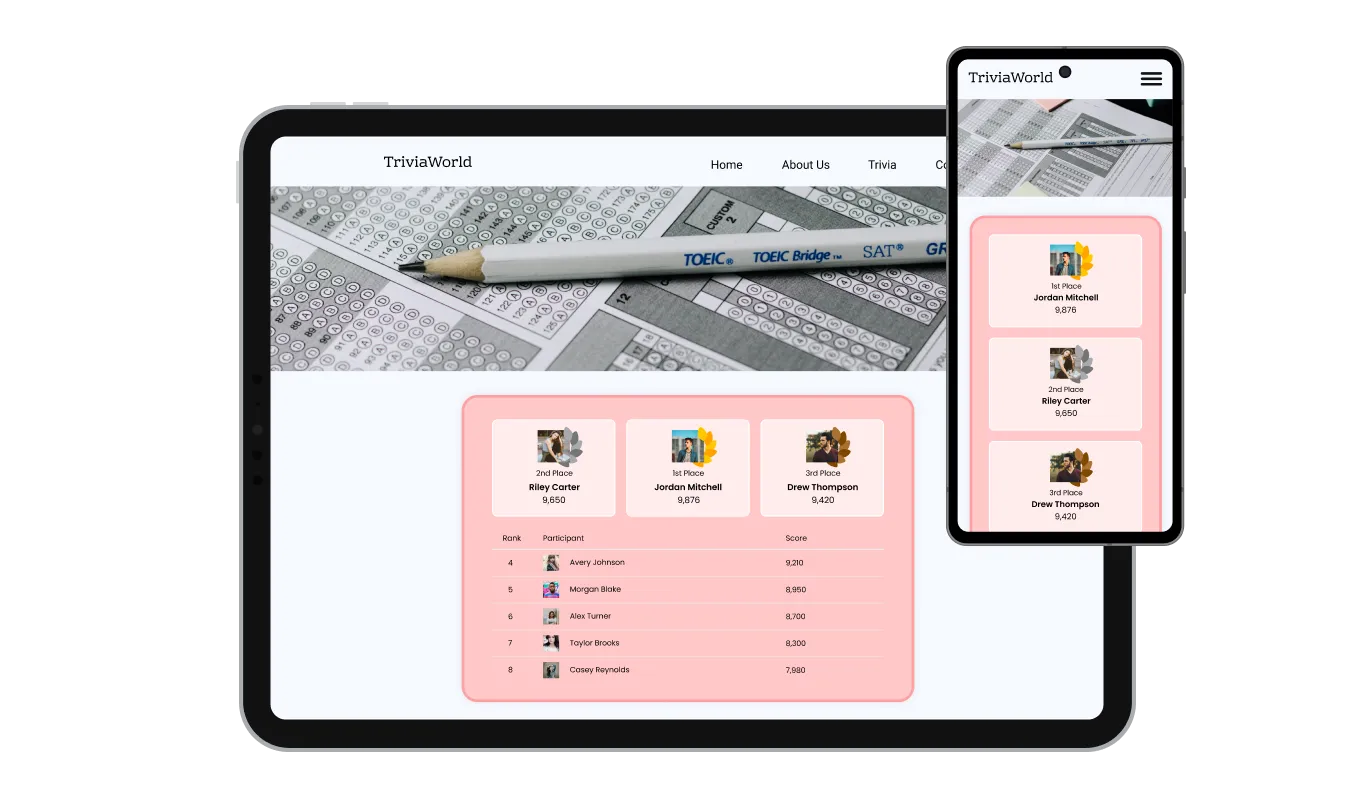
The Leaderboard Widget is built to perform beautifully on every screen. It automatically adapts to desktops, tablets, and mobile phones, ensuring that rankings remain clear and interactive on any device. This responsive design guarantees that all visitors enjoy the same smooth experience, no matter how they access your site. Consistency across devices builds trust and keeps users engaged with your leaderboard wherever they are.

For developers or designers who want complete creative control, the widget supports custom CSS. You can modify every visual element, from typography and colors to animations and layout behavior. This feature gives you the freedom to integrate the leaderboard seamlessly with your site’s design system and branding. Whether you are fine-tuning spacing or adding animation effects, the custom CSS option lets you perfect every detail.

Adding the leaderboard to your website takes only a few seconds. Simply copy the provided code snippet from your Common Ninja dashboard and paste it into your site’s HTML. The widget integrates instantly and updates automatically whenever you make changes, so your leaderboard always displays the latest results without manual edits. This easy embedding process makes the widget accessible to users of all skill levels, from marketers to developers.
Create a leaderboard that fits your exact goals by adding custom fields to each participant’s record. This feature lets you include additional details such as achievements, ranks, or performance metrics that matter most to your audience. You can easily adapt the layout to show all relevant data in one clear view, whether it is for sales competitions, gaming events, or classroom performance tracking. The flexibility of custom fields allows you to design a leaderboard that reflects your unique requirements without compromising simplicity.
Give participants a visual way to track their progress toward defined objectives. The built-in progress bar lets you set specific goals, such as points earned, sales targets, or milestones completed, and display how close each participant is to reaching them. This visual cue makes it easy for users to see progress at a glance and keeps them motivated to keep improving. A well-designed progress bar adds movement and purpose to your leaderboard, making it both informative and engaging.
Use the scoring format that best fits your competition or event. The Leaderboard Widget supports numerical values, time-based results, and other custom scoring types. This flexibility ensures your rankings are always accurate and meaningful, whether you are tracking fastest times, highest scores, or accumulated points. The system automatically adjusts rankings according to your chosen format, so you can focus on performance rather than data management.
The Leaderboard Widget is built for speed and simplicity. You can create and customize your leaderboard without writing a single line of code. Its visual editor makes setup straightforward, allowing you to manage names, scores, and layouts quickly while maintaining a professional design. The process is intuitive, reliable, and fast, helping you launch interactive leaderboards in minutes instead of hours.
Common Ninja has amazing no-code widgets that would beautify a website built on any builder. It is very easy to use and customise. It has as many widgets for almost everyone willing to make their website impressive.
Outstanding service. I use their widgets to help me with my web design business and whenever I need help they are very quick to help.
Excellent company with excellent service!!! We used it to build a survey, it was very user friendly. The service was perfect. Amit helped us with every problem and question we had, thank you very much!!!
Common Ninja saved the day when building our website and the customer service Daniel, the co-founder and CEO, provided was amazing.
Yes. The free plan covers one Leaderboard widget with no time limit, no credit card, and no cap on participants. Upgrade only when you need additional widgets, premium skins, or higher monthly view limits.
Yes. The embed snippet stays the same; any score, participant, or layout change you make in the Common Ninja dashboard pushes to every page that hosts the embed. Refresh the page and the new standings are there. The widget does not pull from a live data feed or API, so updates happen when you save them in the editor rather than from an outside source.
Yes. Format scores as currency (deals closed, revenue booked) or as a custom unit (calls, demos, points), add team logos or rep photos as the participant avatar, and toggle the podium view to highlight the top three. Sales managers and ops leads swap the standings each week in under a minute and embed the page on an internal portal or a public partner site.
Both vocabularies map to the same widget. The Common Ninja Leaderboard renders as a ranked score table (the leaderboard format) and can also be styled as a flat scoreboard display for a single event or game. Skins, headings, and column labels are all customizable, so the same widget works whether your audience searches for a leaderboard maker or a scoreboard creator.
Open your Canva website design and click Apps in the left sidebar, then search for Embed. Paste the Common Ninja embed link into the Embed app and click the resulting block. Position the leaderboard in your design and publish the site. The widget runs interactively on the published Canva URL, including the podium view and any custom fields you added.
It runs as an embed snippet rather than a native WordPress plugin. Paste the Common Ninja code into a Custom HTML block (or any page builder that accepts HTML), and the leaderboard renders inline on the post or page. You get the same editing dashboard, custom fields, and skin library you would get on any other platform, without installing or maintaining a plugin.
Yes. Each participant row accepts a name, a photo or avatar, and any extra fields you define (team, department, country, prize tier, grade band). Toggle on the per-participant progress bar to show how close each row is to a goal score; this is useful for fundraising drives, sales quotas, and course-completion targets.
Copy the Common Ninja embed link from the dashboard. In Notion, paste the link on the page where you want the leaderboard, then pick Create Embed from the menu that appears. Resize the embed block. The widget runs inline on private team pages and on publicly shared Notion pages, with score updates pushing through without re-pasting the link.
There is no hard cap on the participant count. Add as many rows as the leaderboard needs; the widget paginates or scrolls long lists by default so the page stays readable. Performance stays smooth on mobile because rows render lazily as visitors scroll.
200+ platforms including Canva, WordPress, Shopify, Google Sites, Notion, Wix, Squarespace, Webflow, Framer, Elementor, Joomla, Bubble, Moodle, Blogger, and any custom HTML page that accepts an embed snippet.
Pick your platform. Each takes under 4 minutes.
Interactive Scratch Card for users to unveil prizes, aiding lead generation.
Interactive wheel offering rewards to boost user engagement, gather leads and increase conversions.
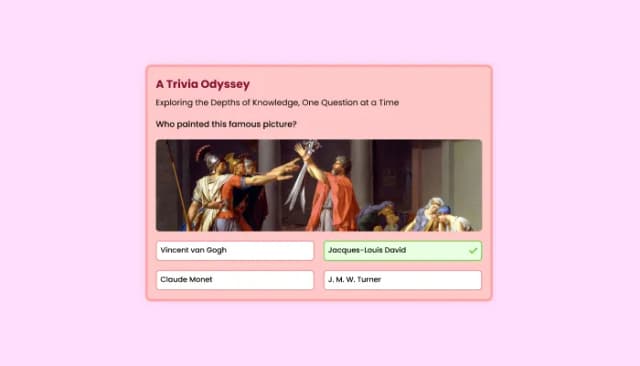
Quiz Maker for easy custom quiz creation and integration.
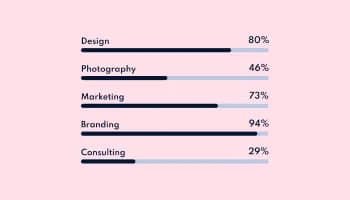
Showcase progress and completion using animated fill-up bars
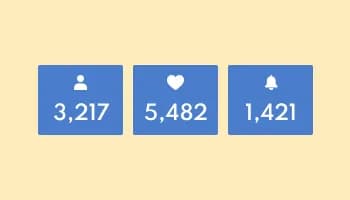
Showcase statistics, metrics, or countdowns in an animated visually appealing display
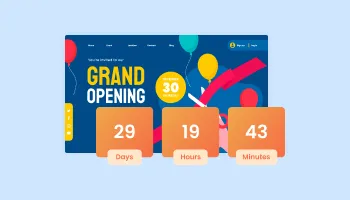
Displays a timer counting down to a specific date or event
A Leaderboard is a visual tool used to display the ranking or standings of participants based on their performance in a specific competition, event, or activity. It organizes participants in a list format, typically sorted by their scores, achievements, or progress, showing who is leading and by how much. Leaderboards are often used in various settings, including online games, sales competitions, fitness challenges, and educational platforms. They provide a clear and dynamic way to track progress and showcase top performers.
Leaderboards serve multiple purposes, making them valuable for both engagement and motivation:
The term Leaderboard is widely used, but similar tools might go by other names depending on the context or industry:
The Leaderboard Widget is a tool that allows you to display rankings of participants based on scores, creating engaging leaderboards for your website.
You can add the Leader Board Widget to your website by embedding a simple line of code, making it quick and easy to integrate.
Yes, the Leaderboard Widget is fully customizable. You can adjust colors, fonts, layout, and other design elements to match your website's style.
The widget supports various score types, including whole numbers, decimal points, and time-based scores such as seconds or milliseconds.
Yes, you can dynamically add custom fields to the leaderboard to display extra information like achievements or custom metrics.
Absolutely! The Leaderboard Widget is fully responsive, ensuring that it displays beautifully on both desktop and mobile devices.
Yes, you can include custom images for each participant, adding a personal touch to the leaderboard and making it visually appealing.
The widget offers a podium-style display for the top three ranks, highlighting 1st, 2nd, and 3rd place with a distinct design to emphasize top performers.
Yes, you can add custom icons, as well as prefixes and suffixes, to represent different types of scores, such as points or currency.
No, the Leaderboard Widget is designed to be user-friendly, allowing you to set up and customize your leaderboard without any coding knowledge.
The widget allows you to define goals for participants, and you can use progress bars to visually track each participant’s progress towards their target.
Yes, for advanced customization, you can add custom CSS to further refine the design of your leaderboard.
Yes, any changes you make to the leaderboard will be updated automatically on your website, ensuring that your leaderboard always displays the latest data.
Add ranked score tables, podium displays, and live scoreboards with custom score types, participant photos, and goal progress bars. Embed on 200+ platforms including Canva, WordPress, Shopify, Google Sites, and Notion.
Create your leaderboardNo credit card · Setup in under 5 minutes