Verified review
Common Ninja has amazing no-code widgets that would beautify a website built on any builder. It is very easy to use and customise. It has as many widgets for almost everyone willing to make their website impressive.


Try the editor, no signup
Pick a template, customize it, and watch it update live, no signup.
No credit card · Free forever plan
No credit card · Free forever plan
The Common Ninja Personality Quiz is a free, no-code widget for building your own personality test and embedding it on any website. Write the questions, define the result types, and paste one line of embed code.
There are no right or wrong answers. Each visitor answers a short set of questions and is matched to one of the personality results you wrote, with its own description, which makes the result feel personal and worth sharing.
Text or image answers, multiple-choice and open-ended questions, a custom intro, lead capture, skins, and custom CSS are all included. Works on 200+ platforms including Canva, Neocities, Genially, W3Schools Spaces, and Squarespace.
A personality quiz gives people a reason to finish: the result is about them. That pulls visitors through every question instead of skimming the page and leaving.
Being told what type you are is the kind of thing people pass on to friends. A well written result description gives them something worth quoting.
Lifestyle brands, coaches, and shops can tie each result to a product, a program, or a content path. The visitor gets a suggestion that matches their answers rather than a generic list.
Ask for an email as part of the quiz and every lead arrives with the answers and result type that came with it, which tells you far more than a bare newsletter signup.
Decide on the results before the questions: three to five types, each with a name and a description the visitor will want to read. Every question then exists to tell those types apart.
Add multiple-choice questions with text or image answers, or open-ended text questions for reflection. Set the intro title, description, and header image so the quiz opens with the right tone.
Copy the snippet from the Add to Website tab and paste it into your page. Edits to questions or results update the live quiz automatically, with nothing to re-paste.
Define your own result profiles, each reflecting a different set of traits, so every participant gets feedback that matches how they answered.
Mix multiple-choice questions with open-ended text responses, and use text or images for the answer choices to make the quiz more visual.
Set the title, description, and header image the visitor sees first, so the quiz opens in your brand's voice and makes clear what they will find out.
Start from a design skin, then adjust colors, fonts, and layout to match the site. The quiz is responsive on any screen, and custom CSS is there for finer control.
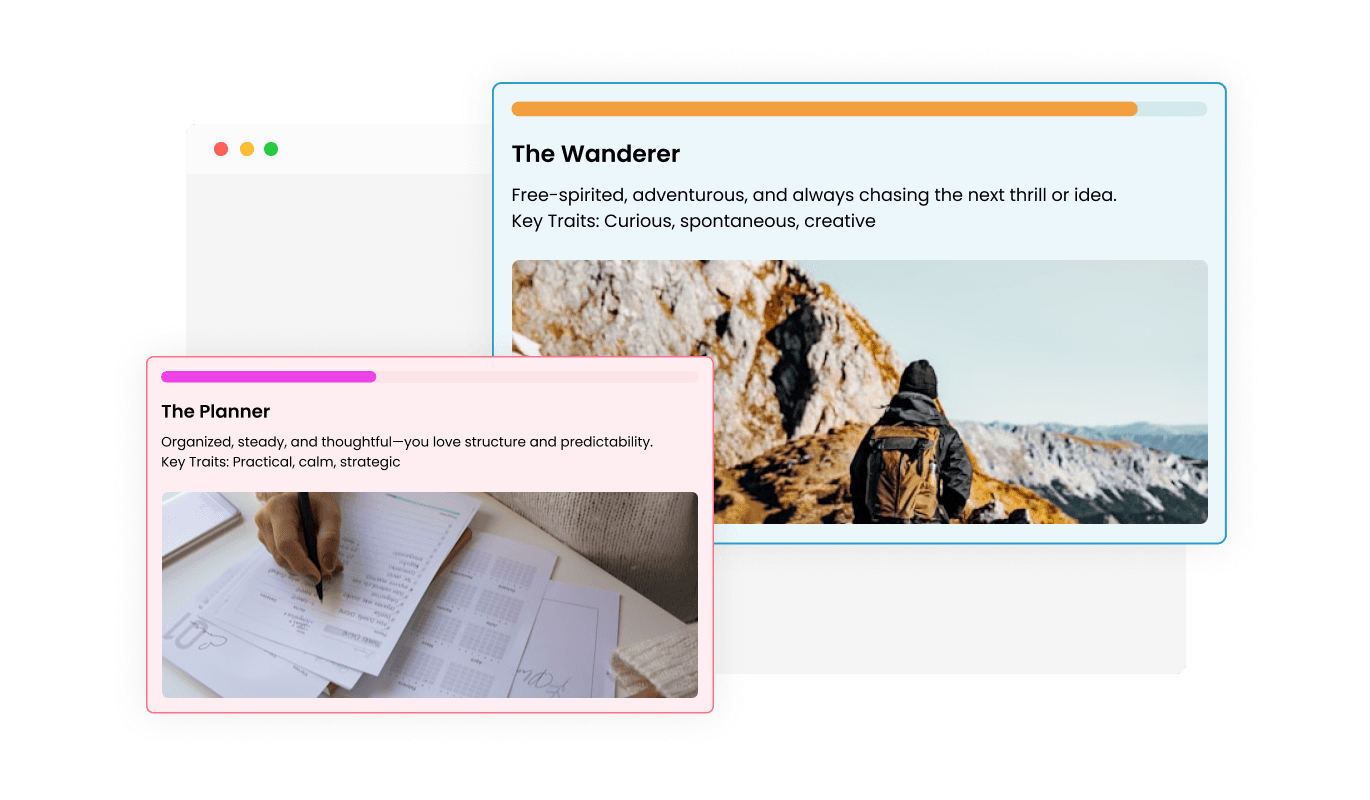
The Personality Quiz widget generates tailored results based on users’ answers, categorizing them into specific personality types. This feature allows you to define unique result profiles that reflect different traits, ensuring each participant receives feedback that aligns with their responses. By offering personalized insights, the quiz creates a more engaging and meaningful experience for users.
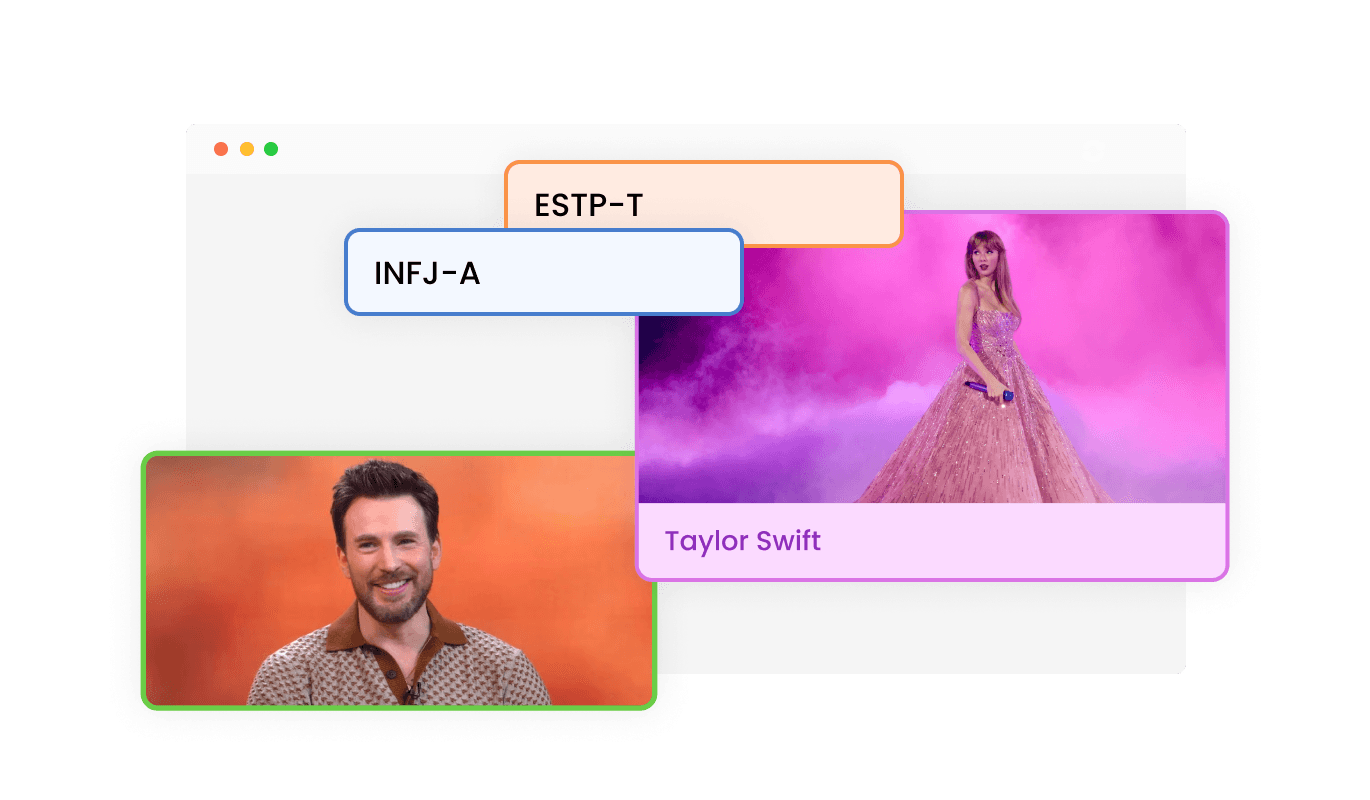
The Personality Quiz widget supports both text and image-based answer choices, giving you the flexibility to design engaging and visually appealing quizzes. This versatility allows you to create a more immersive experience, making the quiz both informative and interactive. Whether you want to use images to illustrate personality traits or stick to text-based responses, this feature adapts to your needs.
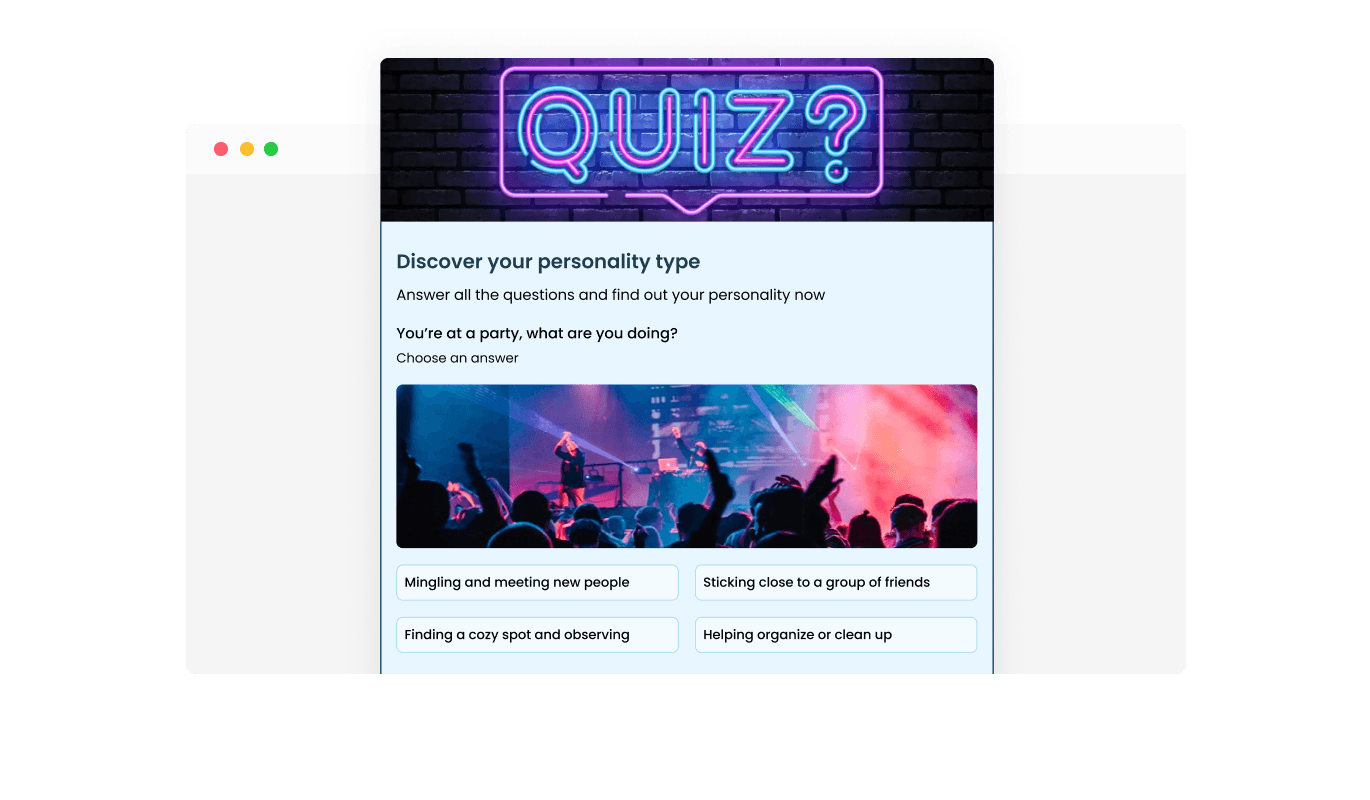
The Personality Quiz widget allows you to personalize the quiz header, including the title, description, and header image. This customization helps set the right tone and context, making the quiz more engaging and visually appealing. Aligning these elements with your brand or theme ensures a cohesive and professional presentation.
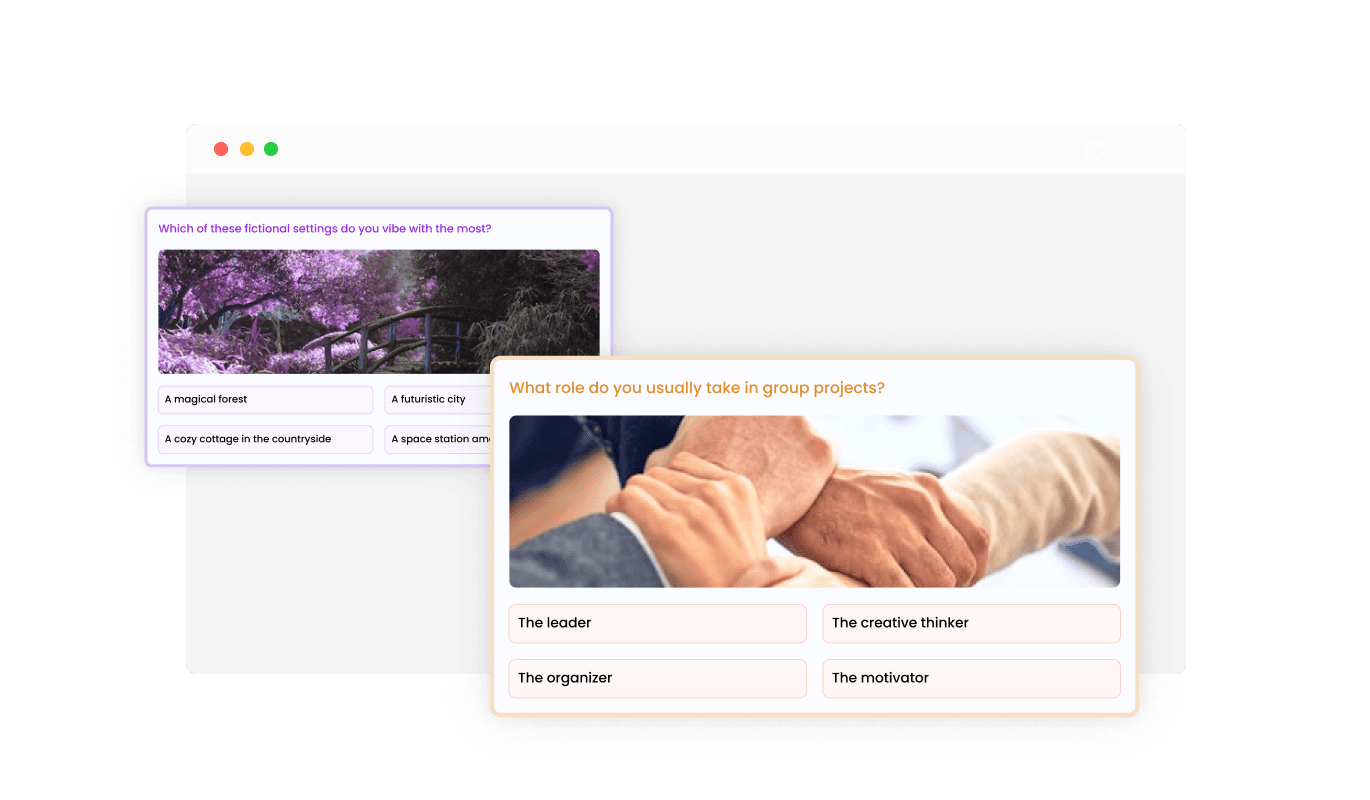
The Personality Quiz widget offers two question types: multiple-choice selection and open-ended text responses. This flexibility allows you to create quizzes that range from structured personality categorizations to more in-depth, reflective answers. By incorporating different question formats, you can craft a more engaging and personalized experience for users.
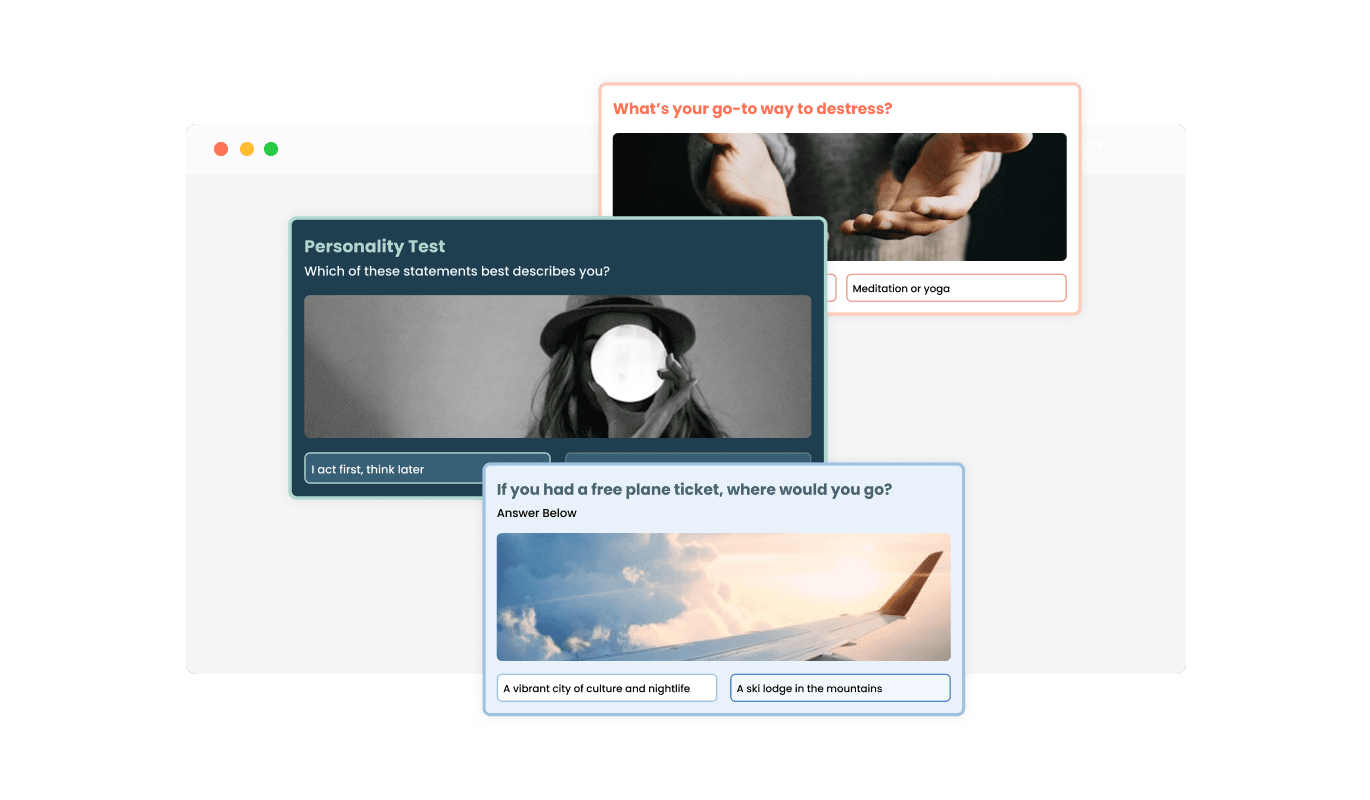
Choose from a variety of visually appealing design skins to match your brand and website style. The Personality Quiz widget offers effortless customization, allowing you to create a polished and professional look without extensive design work. This ensures your quiz blends seamlessly with your site's aesthetics while maintaining an engaging experience.
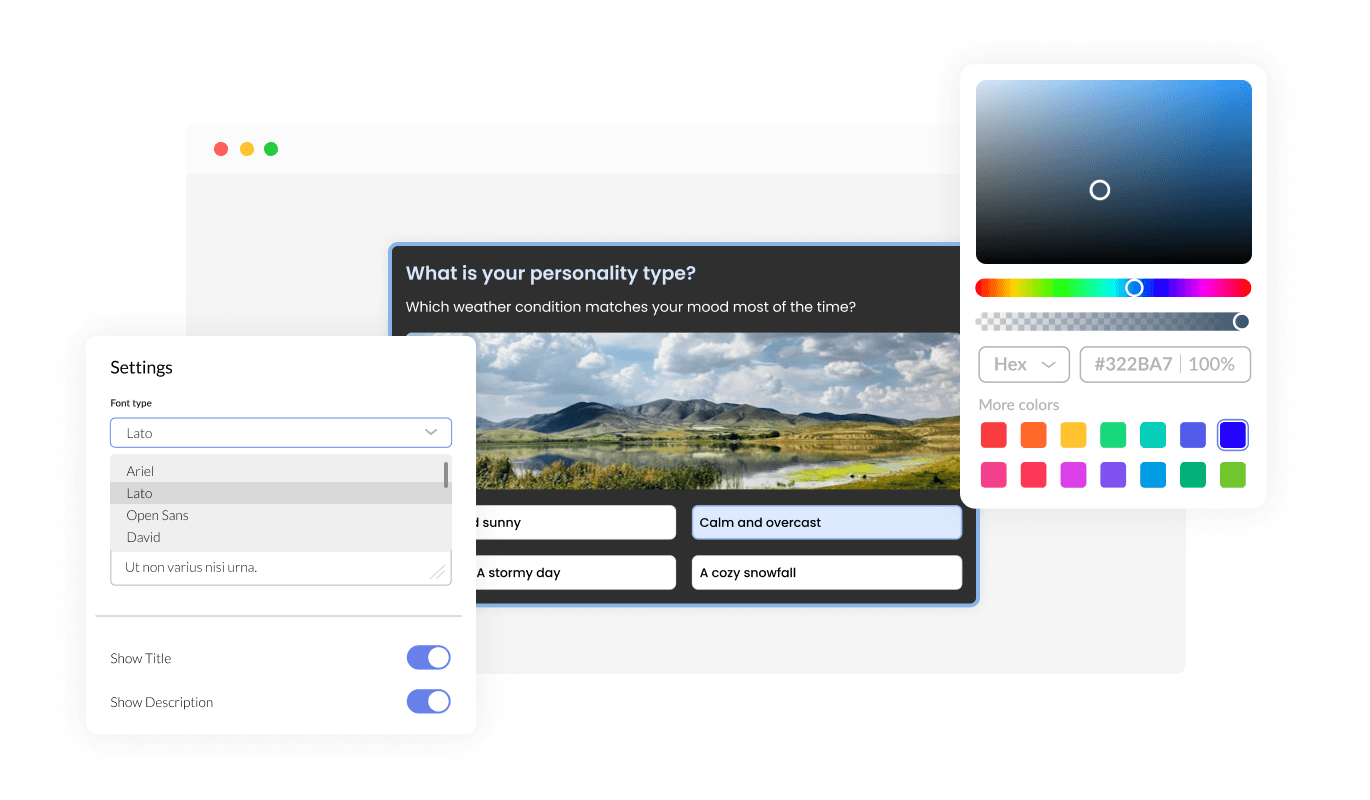
The Personality Quiz widget offers extensive customization options, allowing you to tailor its appearance to match your website perfectly. Modify colors, fonts, and layout to create a cohesive and branded experience. This flexibility ensures that your quiz not only engages users but also aligns seamlessly with your site's design.
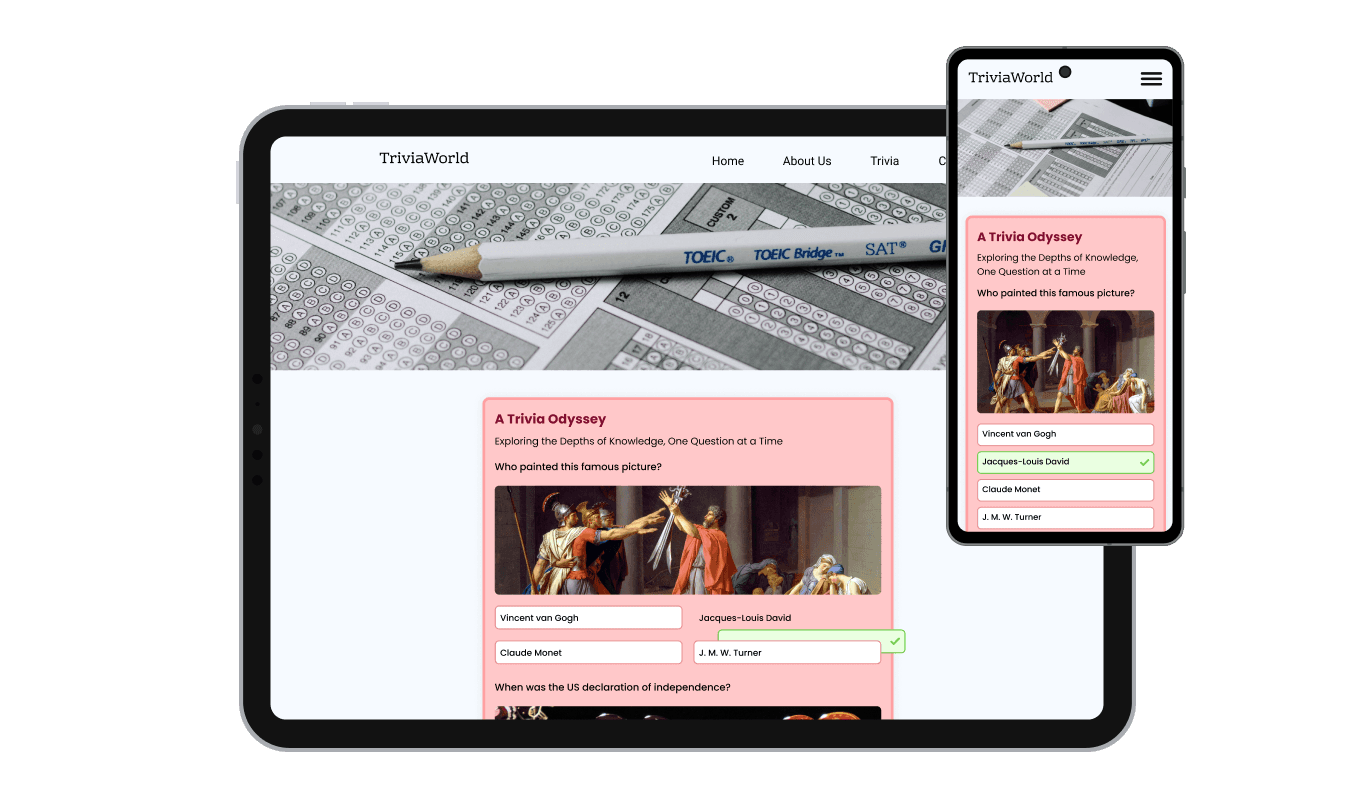
Designed to be fully responsive, the Personality Quiz widget adapts flawlessly to any screen size. Whether users access your quiz from a desktop, tablet, or smartphone, they will enjoy a consistent and engaging experience. This ensures accessibility and usability, keeping participants engaged no matter how they interact with your site.
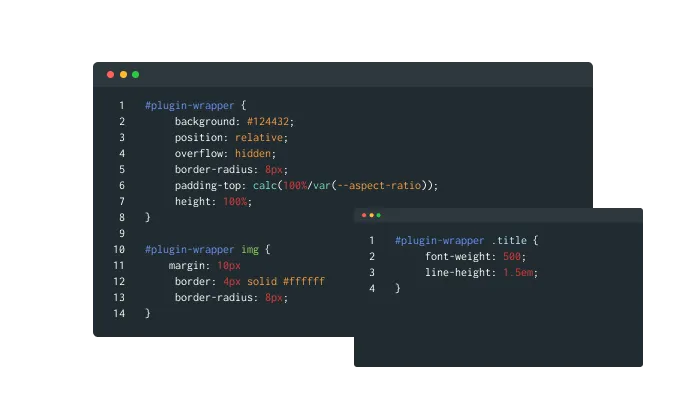
For those who want complete creative control, the Personality Quiz widget supports custom CSS. This feature is perfect for developers and designers looking to fine-tune the quiz’s appearance and functionality. By applying custom styling, you can ensure the quiz integrates seamlessly with your website's unique design.
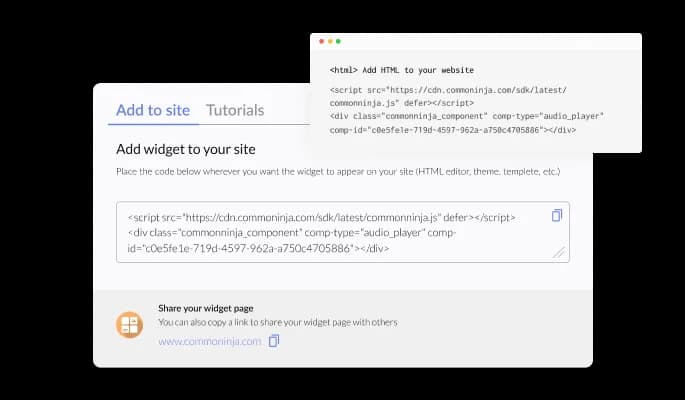
Embedding the Personality Quiz widget on your website is simple and requires just a single line of code. Once added, the widget automatically updates with any changes you make, ensuring your quiz stays current without extra effort. This hassle-free setup allows you to focus on engagement while the quiz seamlessly integrates with your site.
The Personality Quiz widget includes an integrated lead capture form, enabling you to collect user information as they engage with the quiz. This feature helps build a valuable database of potential leads, turning engagement into a strategic marketing tool. By gathering emails and other details, you can nurture participants into future customers and grow your business.
Incorporate images into your Personality Quiz to create a visually engaging and intuitive experience. Adding images alongside questions or answer choices makes the quiz more dynamic, appealing to different learning and engagement styles. This feature improves question clarity and increases user interaction, making the quiz more enjoyable.
The Personality Quiz widget is designed for easy use, requiring no coding skills for setup and customization. Its intuitive dashboard allows you to create and personalize quizzes with just a few clicks. Whether you're a beginner or an experienced user, this hassle-free configuration makes it simple to add interactive quizzes to your site.
Build the whole quiz in a visual editor, preview it as you go, and publish it with a single embed snippet. No coding is needed at any step.
Common Ninja has amazing no-code widgets that would beautify a website built on any builder. It is very easy to use and customise. It has as many widgets for almost everyone willing to make their website impressive.
Outstanding service. I use their widgets to help me with my web design business and whenever I need help they are very quick to help.
Excellent company with excellent service!!! We used it to build a survey, it was very user friendly. The service was perfect. Amit helped us with every problem and question we had, thank you very much!!!
Common Ninja saved the day when building our website and the customer service Daniel, the co-founder and CEO, provided was amazing.
No. This page is for building your own personality quiz and embedding it on your website. You write the questions and the result types, and your visitors take the test. If you were looking to take a test yourself, this is the tool for making one.
A regular quiz has right and wrong answers and ends with a score. A personality quiz has no right answers: each visitor is matched to a result type based on how they answered. For a scored knowledge quiz, use the Common Ninja Quiz widget instead.
No. Everything is built in a visual editor and published with one embed snippet. If you want source code to host and modify yourself, a coding tutorial is the right path; this widget is for getting a working quiz on your site without one.
Usually three to five. Fewer feels obvious, more makes each result harder to reach and harder to write well. Write the result descriptions first, then write questions that separate them.
Enough for the result to feel earned and few enough that people finish, which in practice is often somewhere around five to ten. Every question should help decide between the result types; drop any that do not.
Yes. Answer choices can be text or images, and the quiz intro can have its own header image. Image answers often work better than text for style, taste, and lifestyle quizzes.
Yes. The quiz can capture leads as part of taking it, so each contact comes with the context of their answers. Tell people why you are asking and what they will receive.
Yes. The quiz is responsive and adapts to any screen size. Keep answer text short and image answers clear, since most people taking a shared quiz arrive on a phone.
Pick your platform. Each takes under 4 minutes.
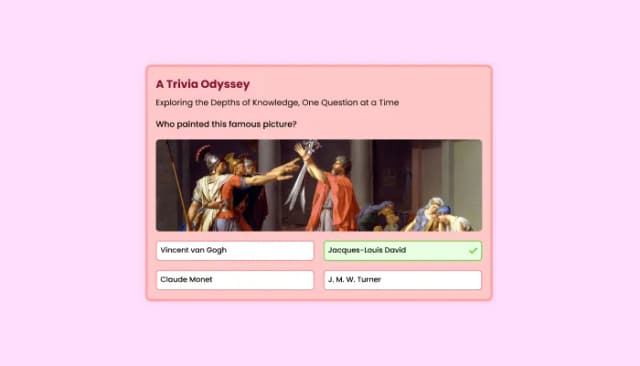
Quiz Maker for easy custom quiz creation and integration.
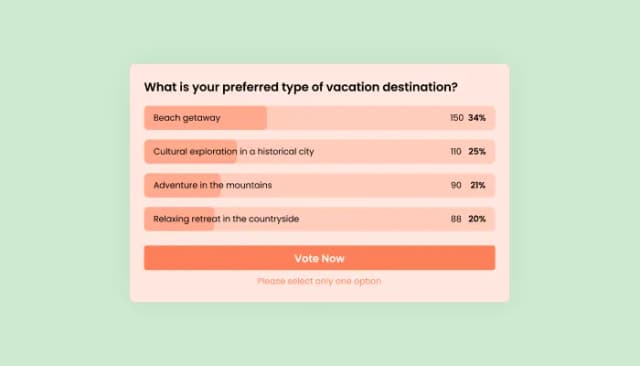
Interactive Polls Widget for Real-Time User Feedback and Engagement.
Create your form for any purpose with a friendly form builder
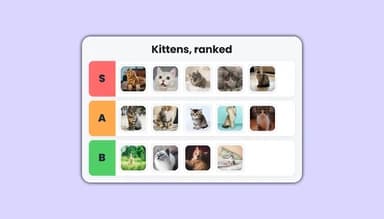
An interactive Tier List widget for ranking and organizing items into customizable tiers.
Interactive wheel offering rewards to boost user engagement, gather leads and increase conversions.
Interactive Scratch Card for users to unveil prizes, aiding lead generation.
The Personality Quiz widget allows you to create interactive quizzes that categorize users based on their responses, providing personalized results that match different personality traits.
Yes! The widget is compatible with all website builders and platforms. You can embed it easily using a single line of code.
No coding skills are required! The widget is user-friendly and can be customized using an intuitive dashboard.
Yes! You can modify colors, fonts, layouts, and even add custom CSS to ensure the quiz matches your brand’s design.
Absolutely! The widget supports both text and image-based answers, making your quiz more visually engaging.
Yes, the widget is fully responsive and adapts seamlessly to any screen size, ensuring a great user experience on desktops, tablets, and mobile devices.
Results are based on user responses, which are mapped to different personality types that you define in the quiz settings.
Yes! You can create multiple result categories, each tailored to different personality traits based on quiz answers.
Yes, you can integrate lead capture forms to collect user information, making it a great tool for marketing and audience growth.
You can access quiz responses and user data through the widget’s dashboard, where you can analyze results and engagement.
Embedding is simple, just copy and paste a single line of code into your website’s HTML, and the widget will display automatically.
Yes! Any modifications you make in the dashboard will be applied instantly without needing to re-embed the code.
The widget offers both free and premium plans. The free version includes basic features, while the premium version unlocks advanced customization and lead generation tools.
You can reach out to the support team through the Common Ninja website for assistance with setup, customization, and troubleshooting.
Custom personality results, multiple-choice and open-ended questions, text or image answers, a custom intro, lead capture, skins, full responsiveness, and custom CSS. Embed on 200+ platforms including Canva, Neocities, Genially, W3Schools Spaces, and Squarespace.
Create your personality quizNo credit card · No coding