Tabs for ClickFunnels

Use tabs to organize content into clear sections, improve navigation, and help visitors switch between topics quickly for a smoother user experience.

Create Tab Widget

loved by 500K+ businesses

ClickFunnels
plugineditor

Why Should You Use the Tabs Widget+?

Efficient Navigation through Content with Tabs widget

By showcasing information in a tidy and well-organized way, the ClickFunnels Tabs widget uplifts the user experience. It allows users to effortlessly and swiftly traverse across various content sections, minimizing perplexity and guaranteeing they locate their desired information.

Streamline Your Page Layout with Tabs widget

The application of Tabs widget on your ClickFunnels page can facilitate in minimizing page disarray and improving its aesthetic charm. By consolidating multiple content pieces into separate tabs, users can access relevant information without being overwhelmed by an excessive amount of text or images on a single page.

Better Content Management with Tabs widget

Content management is simplified with Tabs widget for ClickFunnels, offering improved organization and display. By dividing content into unique sections, webmasters can alter or update singular parts without impacting the whole structure, keeping the ClickFunnels page current and pertinent.

Tailored Tabs Skins for Your ClickFunnels widget

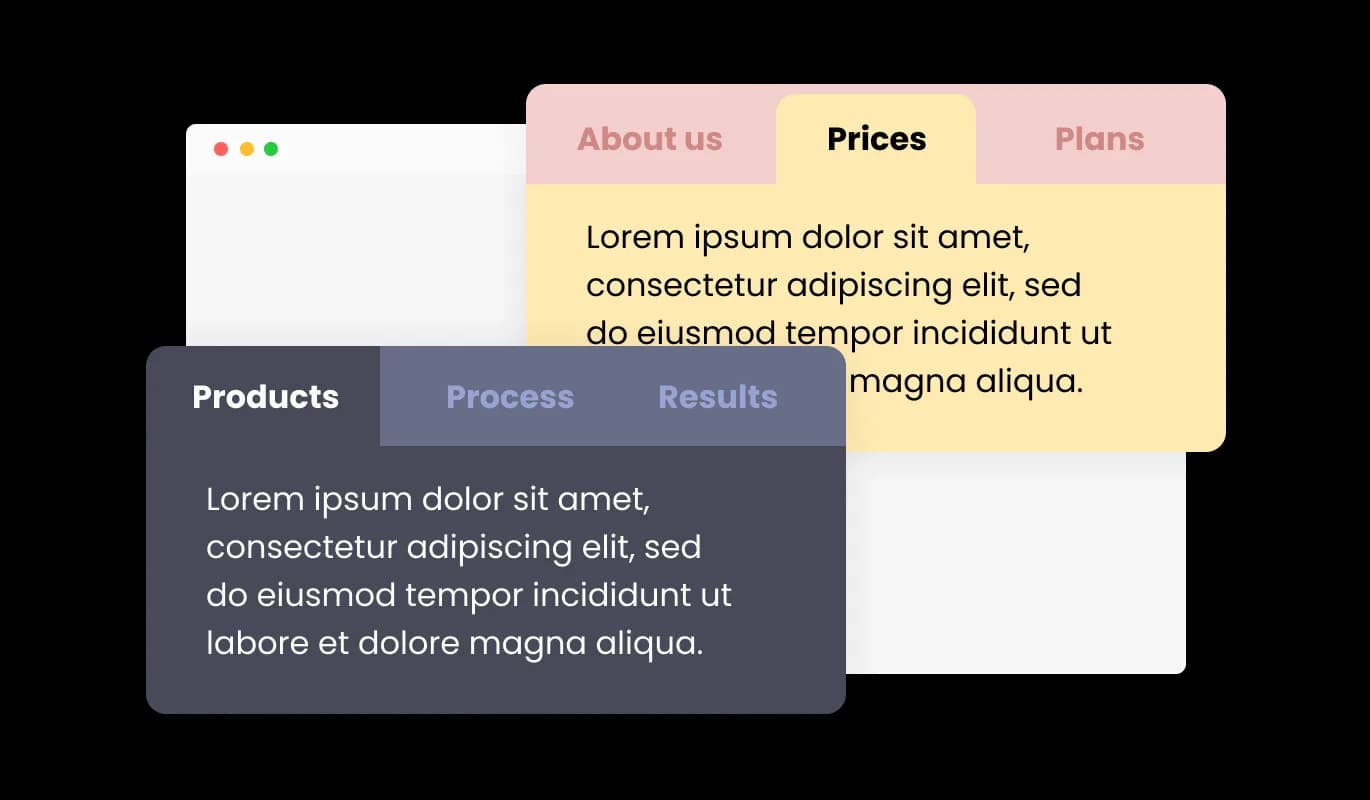
The Tabs widget for ClickFunnels offers a selection of pre-designed skins that can be tailored to align with your widget's branding and color palette. This attribute promotes consistency in design, establishing a cohesive visual image that engages visitors.
Tabs - Tailored Tabs Skins for Your ClickFunnels widget

Optimize Your Content with Horizontal and Vertical Tabs

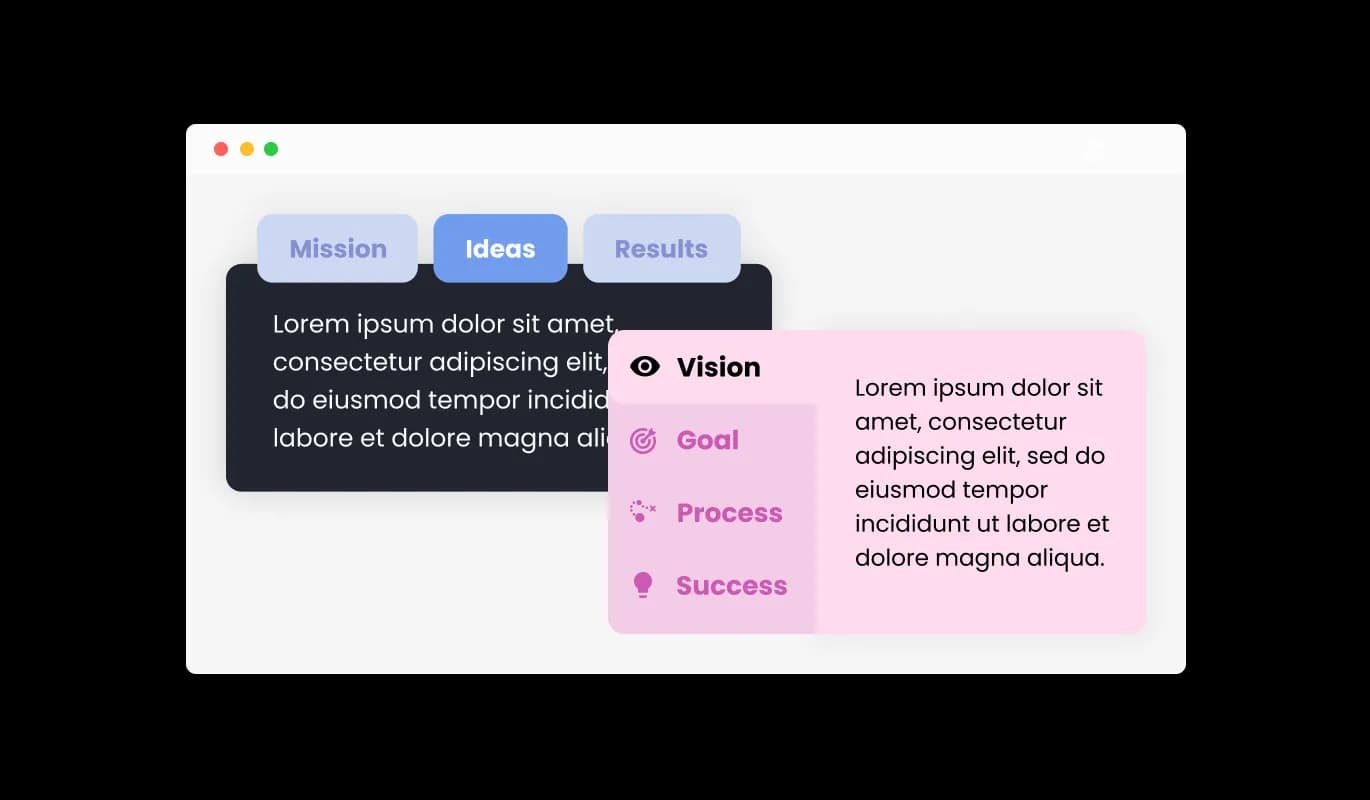
The ClickFunnels Tabs widget provides support for both horizontal and vertical layouts, granting you the flexibility to select the most suitable arrangement for your content. This flexibility allows for the best possible content display, ensuring users can effortlessly browse and interact with the website.

Tabs - Optimize Your Content with Horizontal and Vertical Tabs

Complete Control with Fully Customizable Tabs

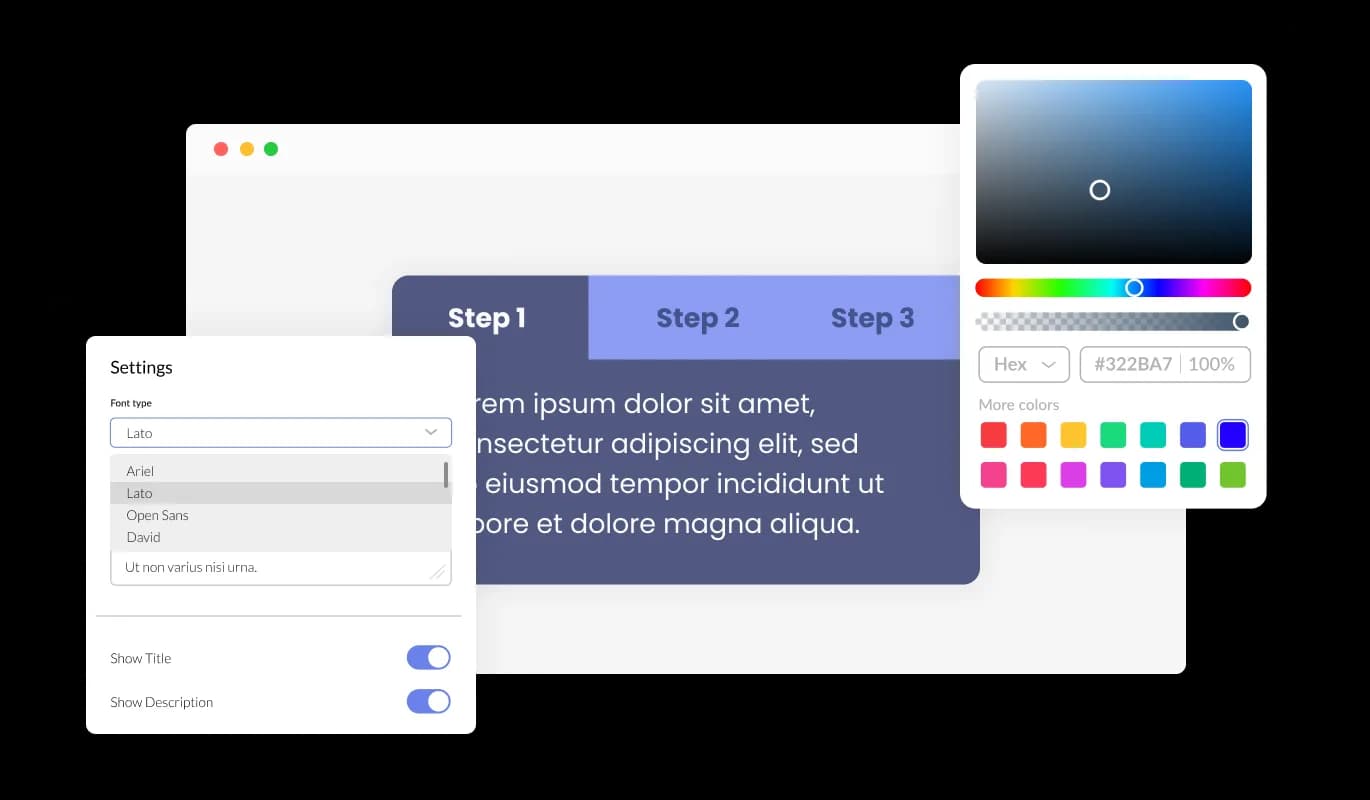
With a wide range of customization options, the Tabs widget for ClickFunnels empowers you to fine-tune the design according to your specific preferences. From modifying colors and fonts to reshaping the layouts, you possess complete command over the aesthetics and performance of the tabs. By allowing color and font adjustments as well as layout modifications, you gain complete mastery over the tabs' visual appeal and functionality.

Tabs - Complete Control with Fully Customizable Tabs
Tabs - Adding Finesse with Subtle Tab Transitions

Adding Finesse with Subtle Tab Transitions

Embedding soft transition effects between tabs imparts a touch of polish and professionalism to your ClickFunnels page. These smooth animations amplify the user experience by enabling effortless navigation and enriching the overall visual appeal of the content.

Tabs - Optimize User Experience with Multiple Tabs Layouts

Optimize User Experience with Multiple Tabs Layouts

With multiple layout alternatives, the ClickFunnels Tabs widget allows you to pick the most appropriate design for your content. Such adaptability ensures that the widget effortlessly merges with different page aesthetics, boosting overall user engagement.

Tabs - Simplify Your Experience with Easy-To-Use Tabs widget for ClickFunnels

Simplify Your Experience with Easy-To-Use Tabs widget for ClickFunnels

The Tabs widget for ClickFunnels is simple to use and doesn't require any coding expertise. Within a few clicks, you can customize the tabs to your liking using our intuitive interface, making it an effortless experience.

Perfectly Responsive Tabs widget

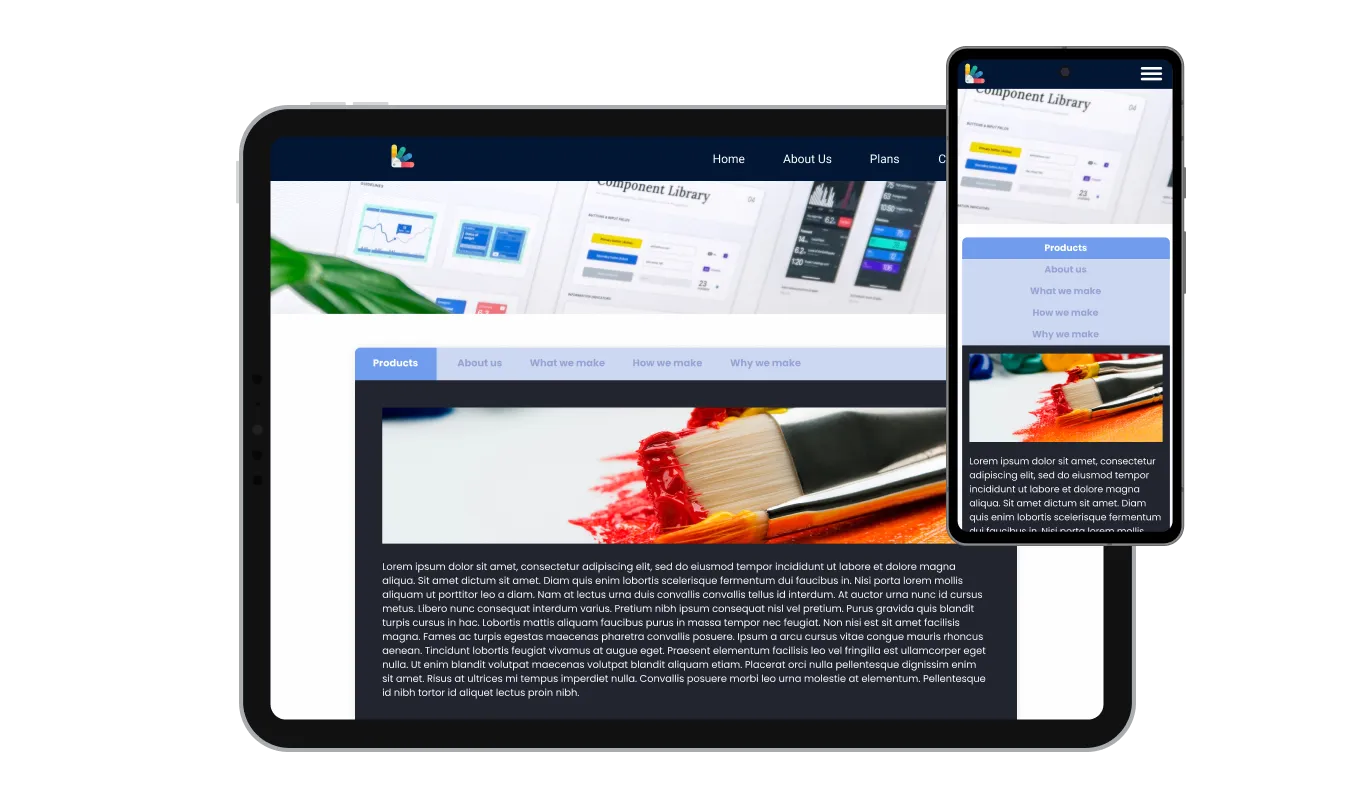
The ClickFunnels Tabs widget is fully responsive and will look great on any device. As more people turn to their mobile devices for internet access, having mobile-optimized tabs becomes increasingly important. With the tabs widget for ClickFunnels, you can create tabs that are perfectly responsive and provide a seamless navigation experience on any device.

Tabs - Perfectly Responsive Tabs widget

Full Control with Custom Tabs widget CSS

Our state-of-the-art editor is a sturdy tool that provides you total control over the appearance of the Tabs. With this feature, you can effortlessly personalize every aspect of the ClickFunnels tabs' design, colors, and fonts to layout and positioning. For those seeking to stretch their creative muscles, direct CSS editing opens up a wider range of customization possibilities.

Tabs - Full Control with Custom Tabs widget CSS

Effortless Integration with Easy-to-Embed Tabs widget

Embedding the Tabs widget into your ClickFunnels page is straightforward – just copy and paste the designated code snippet into your page's HTML code. The auto-update feature of the Tabs widget for ClickFunnels means that any adjustments you make in the Product Order Form editor are automatically implemented on your page.

Tabs - Effortless Integration with Easy-to-Embed Tabs widget

Compatible With All Site Builders, E-Commerce Platforms and Websites

View all supported platforms

FAQ

To select the most suitable layout for your content, review the different tabs layouts available and consider how each one would integrate with your website's aesthetics. You can experiment with various layouts and choose the one that best enhances user experience and aligns with your design preferences.

Yes, the Tabs widget offers a variety of pre-designed skins that can be customized to match your website's branding and color scheme. This feature ensures consistency in design and creates a cohesive visual appearance for your website.

The Tabs widget allows you to incorporate subtle transition effects between tabs, enhancing the overall look and feel of your content. You can choose from a range of available animations or customize your own to create seamless navigation for users.

Yes, the Tabs widget supports both horizontal and vertical orientations, allowing you to select the most suitable layout for your content structure. This adaptability ensures optimal content presentation and ease of navigation for users.

Yes, the Tabs widget is designed to be perfectly responsive, ensuring a seamless navigation experience on any device. It automatically adjusts to the user's screen size, providing a consistent experience across desktops, tablets, and mobile phones.

No, the Tabs widget is easy to use and does not require any coding expertise. You can customize the tabs using the intuitive interface provided, making the process effortless and user-friendly.

sign through direct CSS editing. This feature allows for even more extensive customization options, granting you full control over the appearance and functionality of your tabs.

To integrate the Tabs widget into your website, simply copy and paste the provided code snippet into your page's HTML code. The widget is designed to auto-update, so any changes you make in the editor will be automatically reflected on your website.

Yes, the Tabs widget is GDPR compliant, ensuring that it adheres to the data protection and privacy regulations established by the European Union. This ensures that your website maintains the highest standards of user data protection and privacy.