


Verified review
Common Ninja has amazing no-code widgets that would beautify a website built on any builder. It is very easy to use and customise. It has as many widgets for almost everyone willing to make their website impressive.
Try the editor, no signup
Pick a template, customize it, and watch it update live, no signup.
No credit card · Free forever plan
No credit card · Free forever plan
The Common Ninja Twitch Feed is a free, no-code widget that displays a feed of Twitch content on any website. Point it at a channel, pick a layout, and add one line of embed code.
This is a widget for your website, not a stream overlay for OBS. It gives a channel a home page presence: recent content, styled to match the site, updating on its own.
Layouts, ready-made skins, ticker animation, character length control, RTL support, and custom CSS are all included. Works on 200+ platforms including Wix, Shopify, Carrd, Notion, and WooCommerce.
A Twitch page belongs to Twitch, and it disappears from view the moment you go offline. Your own site is the address you control, and a feed makes it worth visiting even when you are not live.
Sponsors, tournament organisers, and journalists want one link that shows what you do. A site page with a live feed of recent content does that better than a Twitch profile, and you can put your rates, kit list, and contact next to it.
For streamers selling merch, a feed on the shop page connects the person to the product. Visitors who arrived for a hoodie see who they are buying from, which is most of why they are buying at all.
Stream, and the page follows. No weekly chore to swap an embedded VOD, and no risk of the site showing a highlight from a game you stopped playing months ago.
Give the widget the Twitch channel you want to show. It pulls the recent content with thumbnails and titles, so there is nothing to screenshot or upload.
Pick a layout and one of the ready-made skins, then set the date and time format and cap how many characters of each title appear so cards stay level. Custom CSS handles anything the settings do not reach.
Copy the snippet from the Add to Website tab and paste it where the feed belongs. It keeps pulling new content, so the page stays current between streams without you editing it.
Choose what the widget follows and how it lays out, then change either later from the editor without touching the page the embed already sits on.
Ready-made skins so the feed looks finished before you style anything, plus an optional ticker that scrolls content sideways in one strip rather than taking a whole section.
Stream titles get long and full of tags. Capping the visible characters keeps cards readable and the same height, and the date format is yours to set.
Full right-to-left rendering for Arabic, Hebrew, Persian, and Urdu layouts, and a custom CSS field so the feed can match a dark gaming site rather than fighting it.
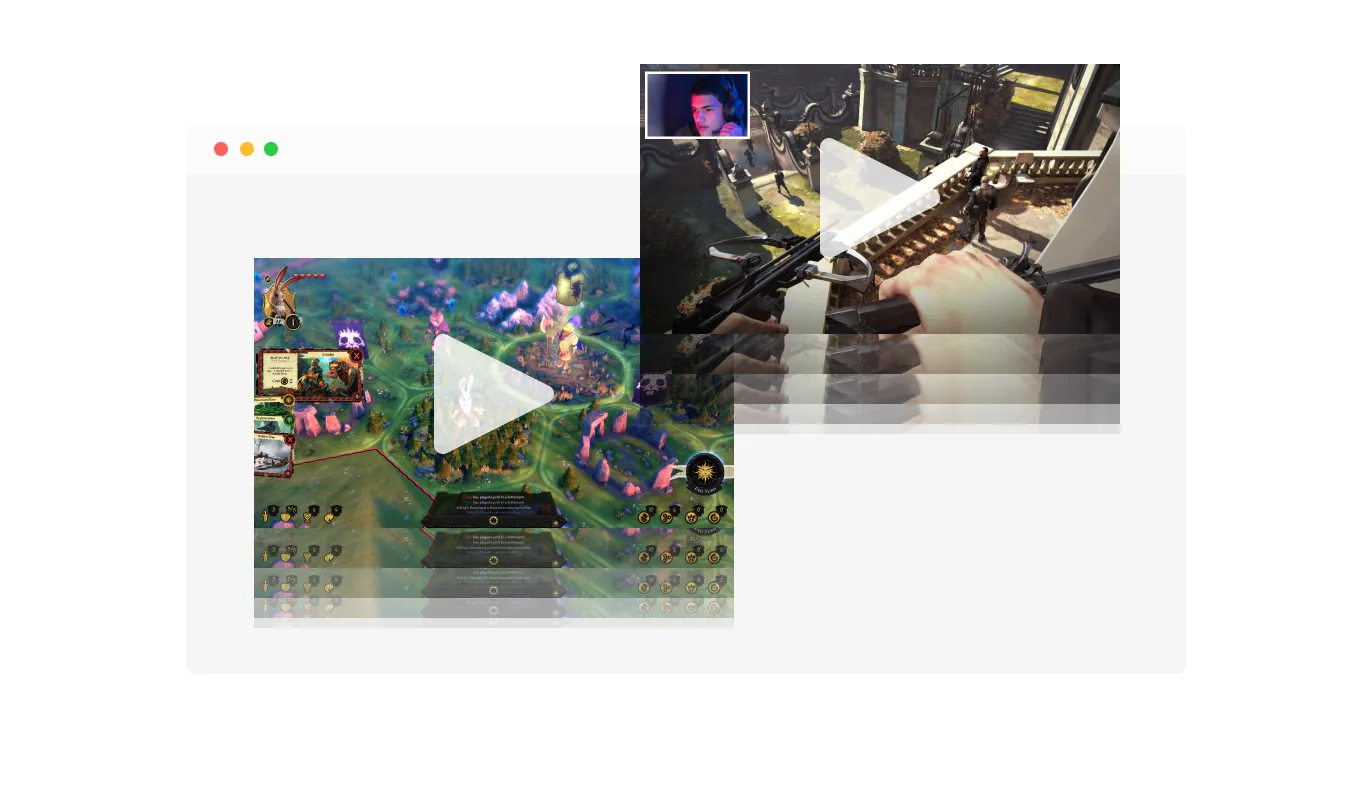
The Twitch Feed widget comes with a “ticker” animation that imitates an old news ticker and adds a sense of action to your page. Use it to immediately grab the user’s attention.
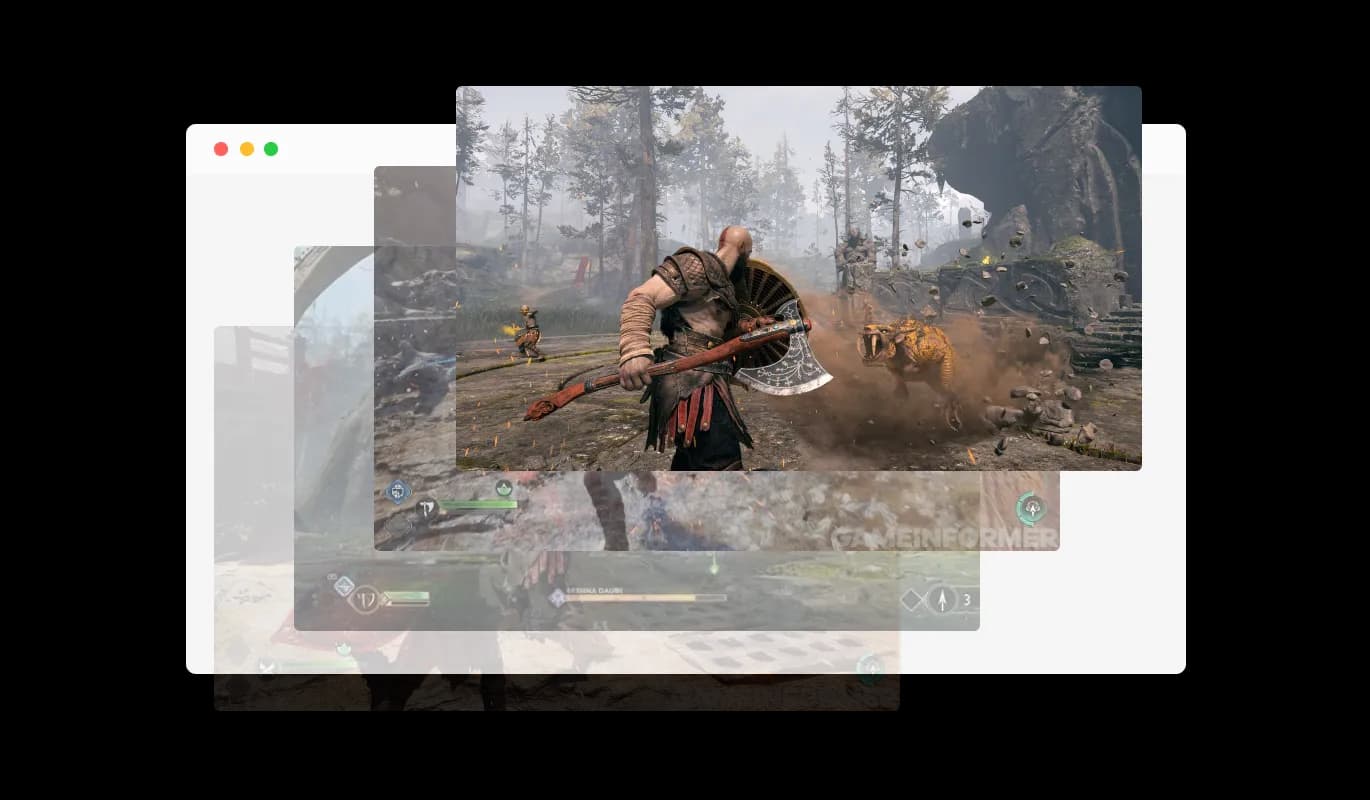
The Twitch Feed widget has the “auto-refresh” option which, when toggled, keeps refreshing and updating the feed with new posts.
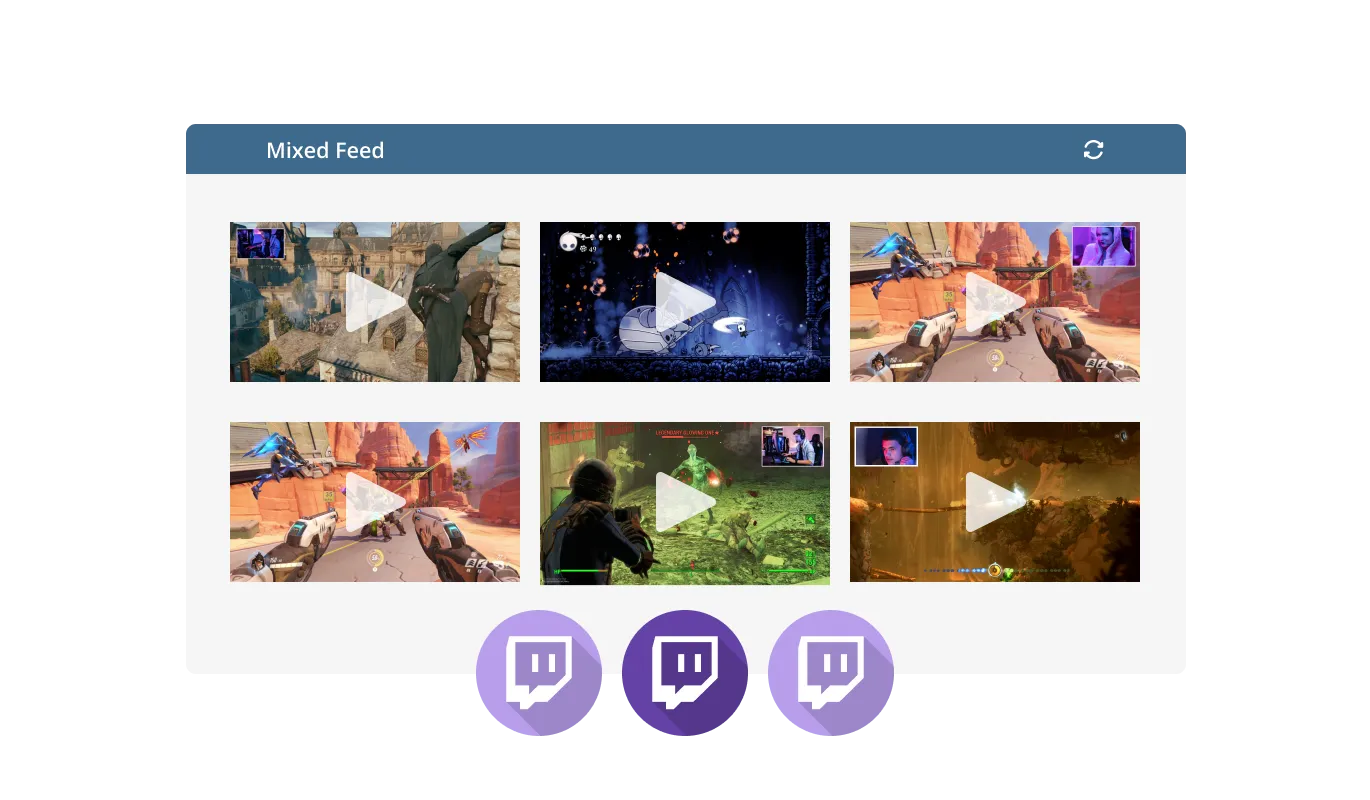
Two different feed types are available in the Twitch Feed widget: Tabs and Mixed. The Tabs type keeps all your tabs organized by order of feed, while the Mixed type, mixes the various Twitch feeds to create a diverse feed.
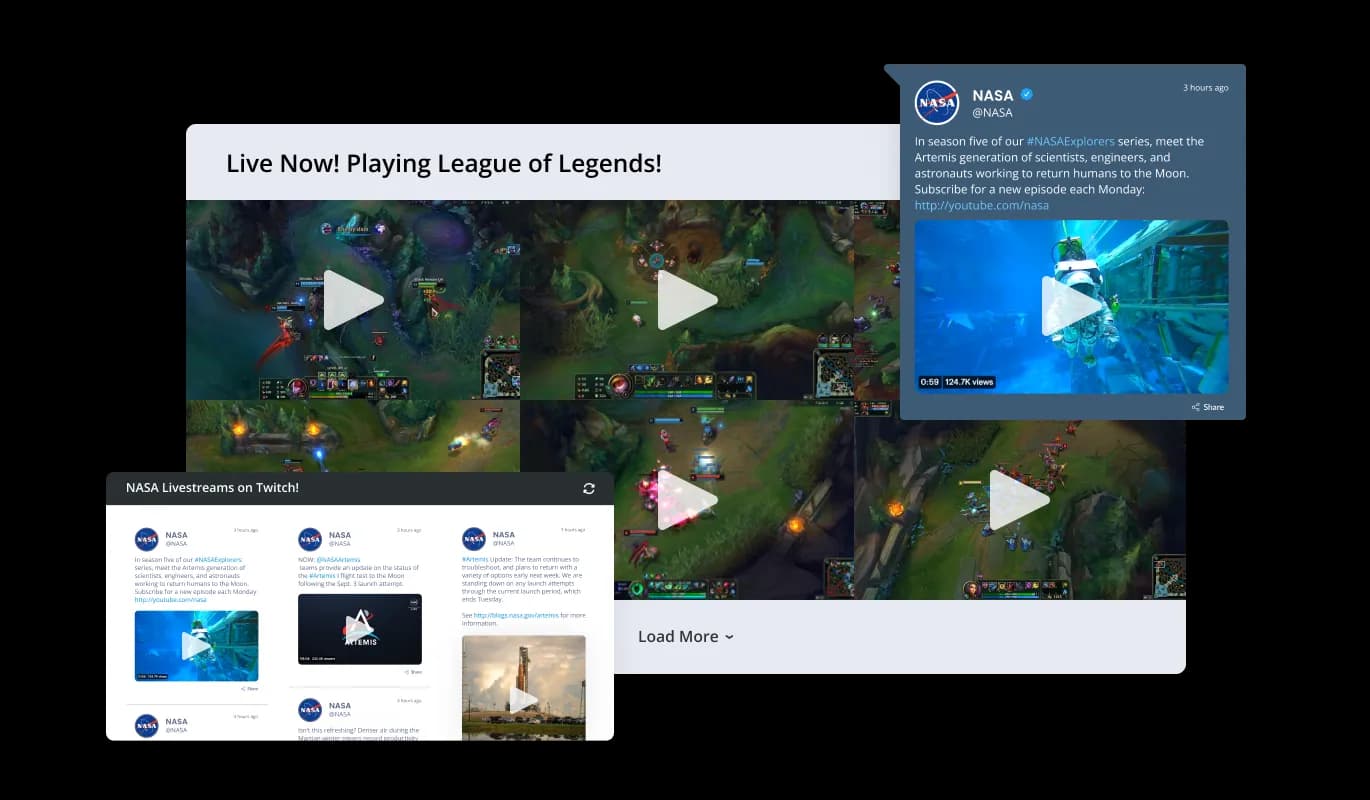
The Twitch Feed widget comes available with multiple layouts that you can choose from to make sure it fits your overall website design and style.
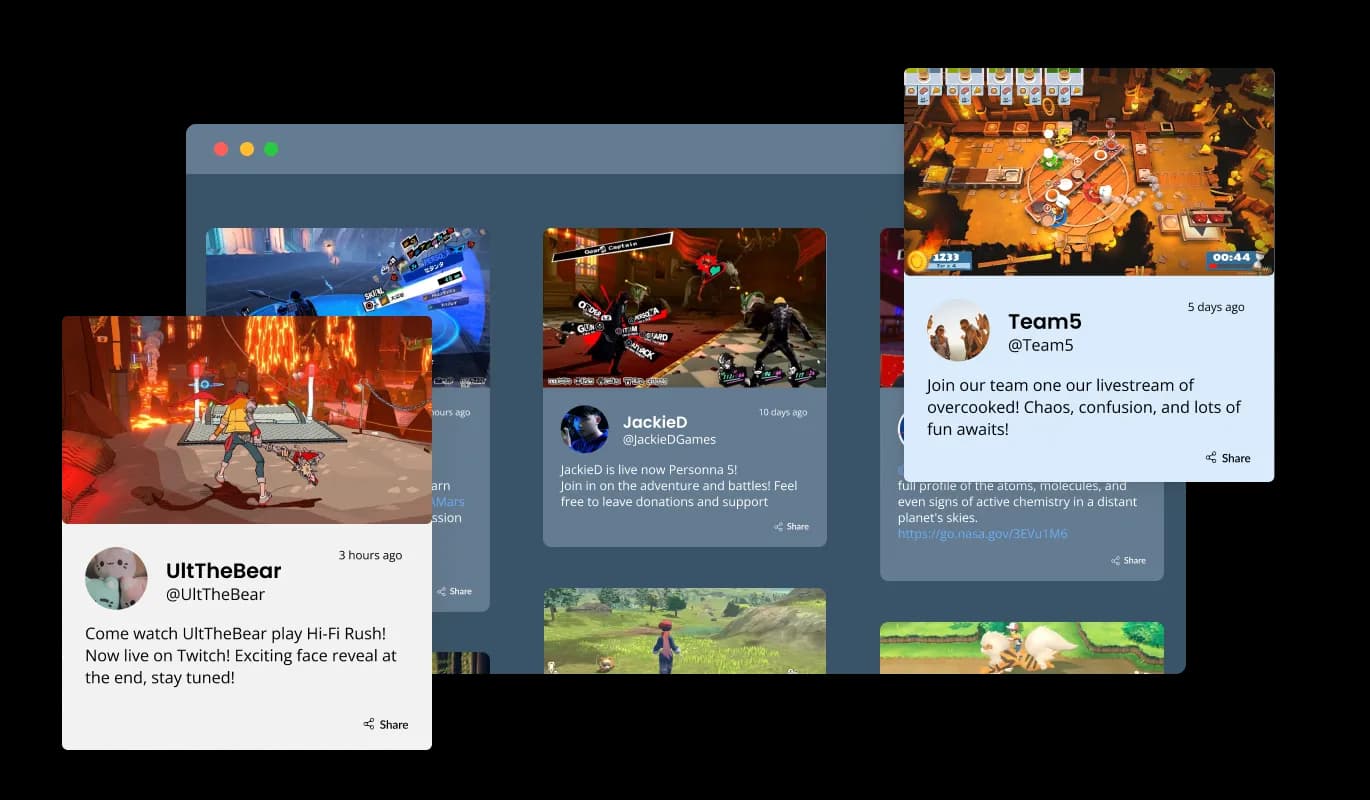
The Twitch Feed widget comes with a variety of beautiful skins that you can choose from so you don’t have to spend much time on extensive customization.
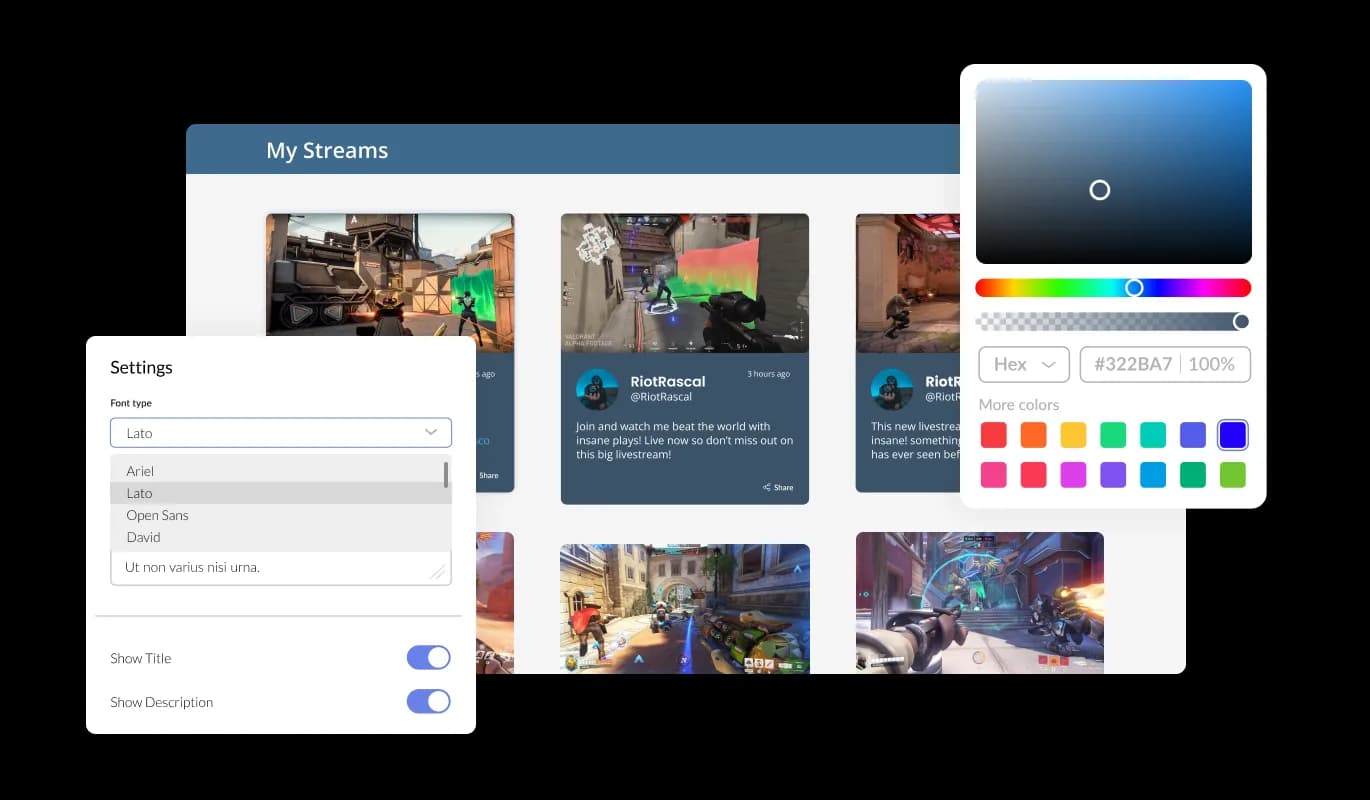
The Twitch Feed widget features full customization options so you can edit the design to fit your needs. Change the colors, the fonts, the spacing and anything else!
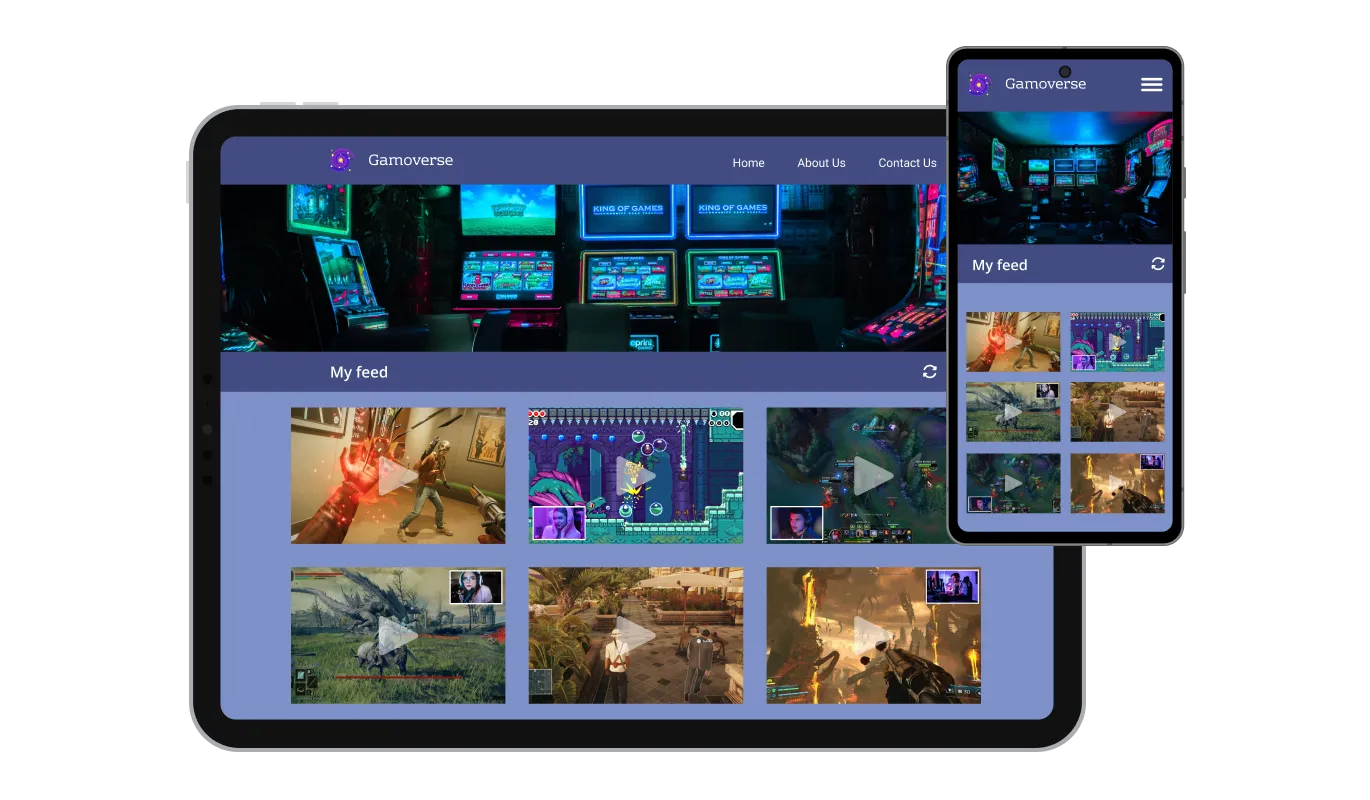
The Twitch Feed widget is fully responsive and will look great on any device. In a mobile-first world, this feature will put you ahead of your competitors.

As with all of Common Ninja’s widgets, you can add custom CSS to customize the Twitch Feed widget and be even more creative.

You can embed the widget on your website quickly by copying a single line of code. The Twitch Feed widget will also be updated automatically with every change you make.
There are various options for displaying the date and time of the feeds, an option that will enable you to further customize the Twitch Feed widget according to your needs, and the preferences of your visitors.
You can easily customize the characters' length to save space and make the Twitch Feed widget more compact.
The Twitch Feed widget provides full RTL support for those who write from right to left. Make your news accessible to more users from all over the world.
The Twitch Feed widget is easy to use and requires no coding knowledge. Our intuitive dashboard with the drag-and-drop feature will enable you to customize the widget any way you’d like to with just a few simple clicks.
Build your Twitch feed in the editor
Open the editorFree to use · No credit card · No signup to try it
Common Ninja has amazing no-code widgets that would beautify a website built on any builder. It is very easy to use and customise. It has as many widgets for almost everyone willing to make their website impressive.
Outstanding service. I use their widgets to help me with my web design business and whenever I need help they are very quick to help.
Excellent company with excellent service!!! We used it to build a survey, it was very user friendly. The service was perfect. Amit helped us with every problem and question we had, thank you very much!!!
Common Ninja saved the day when building our website and the customer service Daniel, the co-founder and CEO, provided was amazing.
No, and it is worth being clear because the word widget means something different on Twitch. This is a widget for a website: it displays your Twitch content on a web page. It is not an overlay, an alert box, a chat box, or a goal bar for streaming software, and it does not get added as a browser source in OBS.
Open the editor, give it the channel you want to show, choose a layout and skin, then copy the snippet from the Add to Website tab into your page. It works anywhere you can add an HTML block, and nothing is installed on your site.
No. You set the channel in the editor and Common Ninja handles fetching the content. There is no Twitch application to register, no client ID to paste, and no rate limit for you to manage.
Yes, for public channels, which covers a team site listing its players, an esports org showing its roster, or a community hub featuring the streamers it supports. Content Twitch does not serve publicly will not appear.
Treat the feed as a content section rather than a live-status badge. It shows the channel's recent content and refreshes on its own, but if going live needs to visibly change the page the moment it happens, that is a different job from what a feed does.
Yes. Start from one of the darker skins, then use the custom CSS field for exact colours. Most streamer sites are dark, so this is worth a minute: a feed in default light styling on a dark page is the quickest way to make an embed look bolted on.
Yes, the layouts are responsive and cards reflow to the screen width. Thumbnails are wide, so preview at phone width and consider the ticker layout if a stacked grid runs too long on mobile.
Yes. Each feed is its own widget with its own channel and settings, so a team page can show several channels in separate sections. On the free plan each widget counts separately against your plan's widget allowance.
Pick your platform. Each takes under 4 minutes.

Display the latest posts from your Instagram page

Display a feed of the latest posts from a Facebook user or page

Display the latest tweets from your X

Display the latest posts from your Linkedin page

Display the latest posts from any RSS feed

Display the latest posts from any platform and website's RSS feed
It is possible to limit the number of posts displayed per page.
You can decide where the tabs should be positioned in the settings menu.
Yes, you can switch on or off auto-refreshing.
Yes, you can add a background image, and to further customize its behavior.
Yes, you can customize the feed’s height.
Yes, you can easily do so from the “Templates” tab.
Yes, currently there’s a “ticker” animation that you can trigger.
Yes, there are lots of beautiful skins that you can choose from to save time and start using the widget as quickly as possible.
Yes, you can either upload an image or select an icon from a large selection of available icons to add to your Notification Bar, or, alternatively, you can leave it all blank.
Using the Twitch Feed widget is very easy. Simply sign up and start using the free version. There's no need to worry about complicated setup or installation processes, as the Twitch Feed widget is designed to be user-friendly and straightforward. Once you've signed up, you'll have access to all of the basic features and functions of the widget, which you can use to enhance your website and improve your online presence. From there, you can choose to upgrade to the paid version if you want to access more advanced features and capabilities. Regardless of which version you choose, you'll find that the widget is a powerful and easy-to-use tool that can help you take your online presence to the next level.
The Common Ninja Twitch Feed widget is a free tool reach with features and options. While this widget is free to use, it does have a limit on the number of views it can handle. This means that after a certain number of views, the chat button may no longer be visible or functional on your website. It is important to note that this view limit may vary depending on your plan. Despite this limitation, Common Ninja's Twitch Feed is still a valuable tool for businesses looking to increase customer engagement and improve the overall user experience of their website.
The Common Ninja's Twitch Feed widget is a versatile tool for any website builder. This means that you can easily add this widget to your website or store no matter what platform you use to build your website. The Twitch Feed widget will work seamlessly with your platform whether you are using a popular website builder or something more specialized. This means you can enjoy all the benefits of this powerful tool without having to worry about compatibility issues.
No need for coding skills. Our Twitch Feed widget is designed to be easy to use, even for those with limited technical experience. The widget features a user-friendly interface that allows you to easily customize the widget without coding knowledge. You can fully customize the Twitch Feed to match your branding. When you're done, simply copy the provided code and paste it into your website. It's that simple!
The Twitch Feed widget is designed to comply with the General Data Protection Regulation (GDPR), a set of EU regulations protecting personal data and privacy. When using the Twitch Feed widget, you can be confident that it will not collect or store personal data that could violate GDPR regulations. This ensures that your business is in compliance with these regulations and can protect your customers' data privacy. Overall, the Twitch Feed widget is a secure and reliable tool that can be used to enhance your website without any concerns about GDPR compliance.
Embedding the Twitch Feed widget on your website is a straightforward process. Simply copy the provided code and paste it into the desired location on your website. The widget will seamlessly integrate into your site, allowing you to take advantage of its features and functions. No technical expertise or programming knowledge is required - just copy and paste the code to get started. This simple process allows you to easily add the widget to your website and enhance its functionality without any hassle.
Yes. We are eager to hear your request. Please visit our Feature Request page.
A Twitch feed for your website, not an OBS overlay. Multiple layouts, ready-made skins, ticker animation, title length control, RTL support, and custom CSS so it matches a dark site. Embed on 200+ platforms including Wix, Shopify, Carrd, Notion, and WooCommerce.
Create your Twitch feedFree to use · No credit card · No coding